

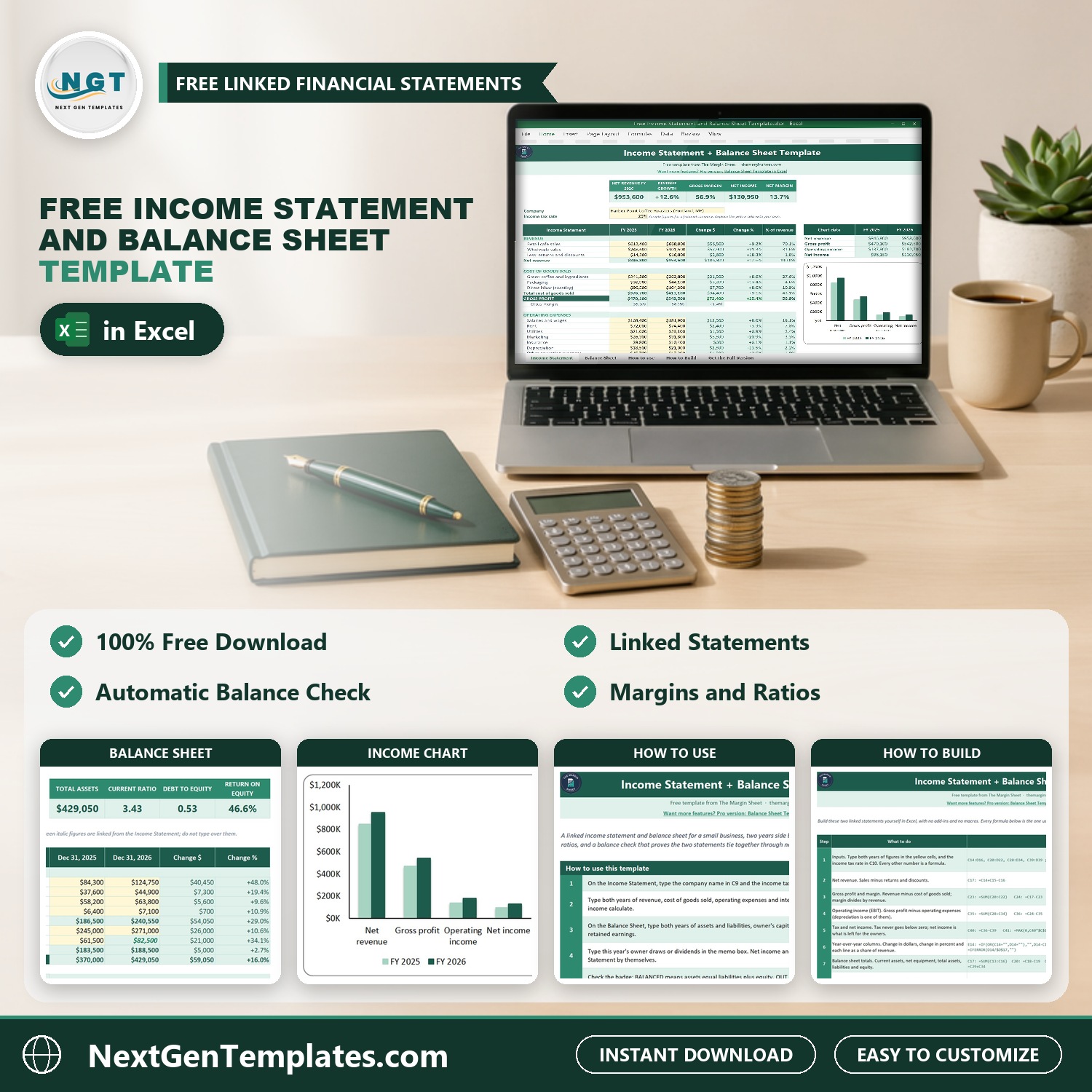

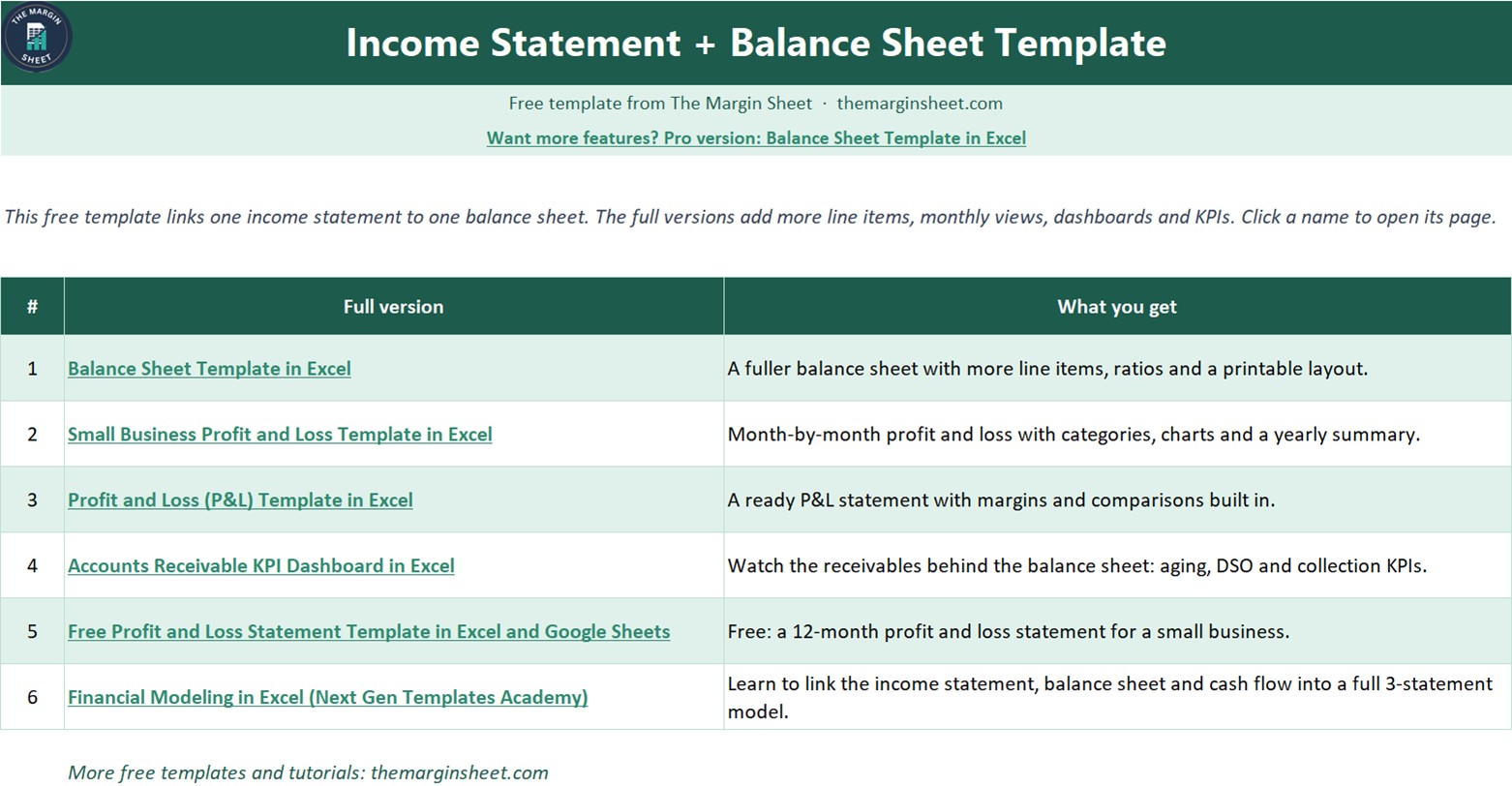
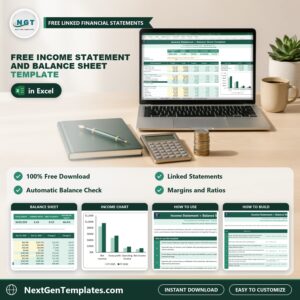
The Free Income Statement and Balance Sheet Template in Excel puts both statements in one workbook and connects them. Type two years of revenue, costs and operating expenses on the Income Statement, add your assets, liabilities and owner’s equity on the Balance Sheet, and the totals, margins, year-over-year changes and ratios work themselves out. A badge tells you whether the sheet balances.
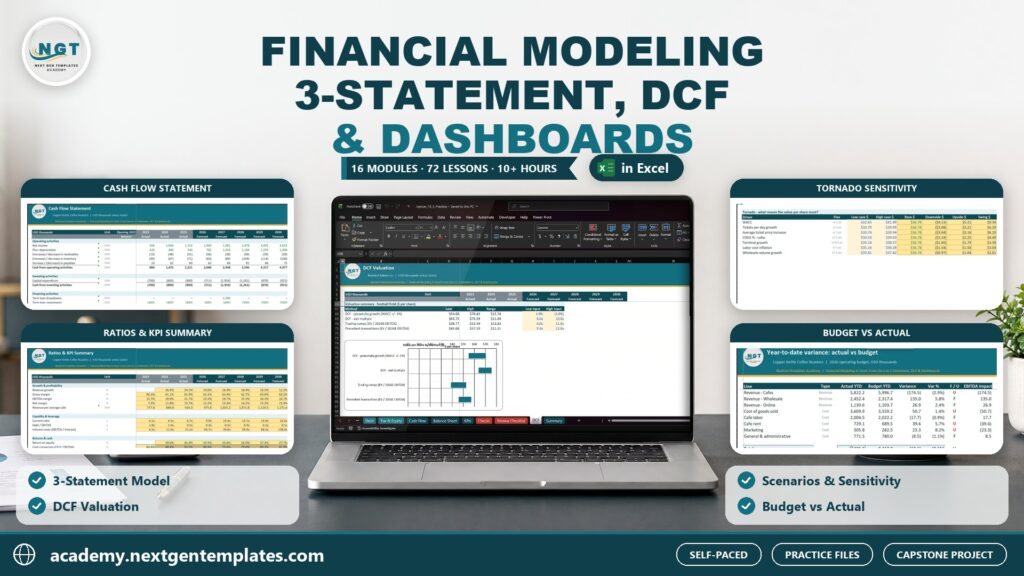
Want to build forecasts on top of these statements? See the Financial Modeling in Excel course at Next Gen Templates Academy.
Free download | Works in any recent Excel | No add-ins or macros | Two years side by side
What this free income statement template calculates
- Income statement. Net revenue after returns and discounts, cost of goods sold, gross profit, operating expenses, operating income (EBIT), interest, income tax and net income.
- Margins and changes. Gross, operating and net margin, change in dollars and percent between the two years, and each line as a share of revenue.
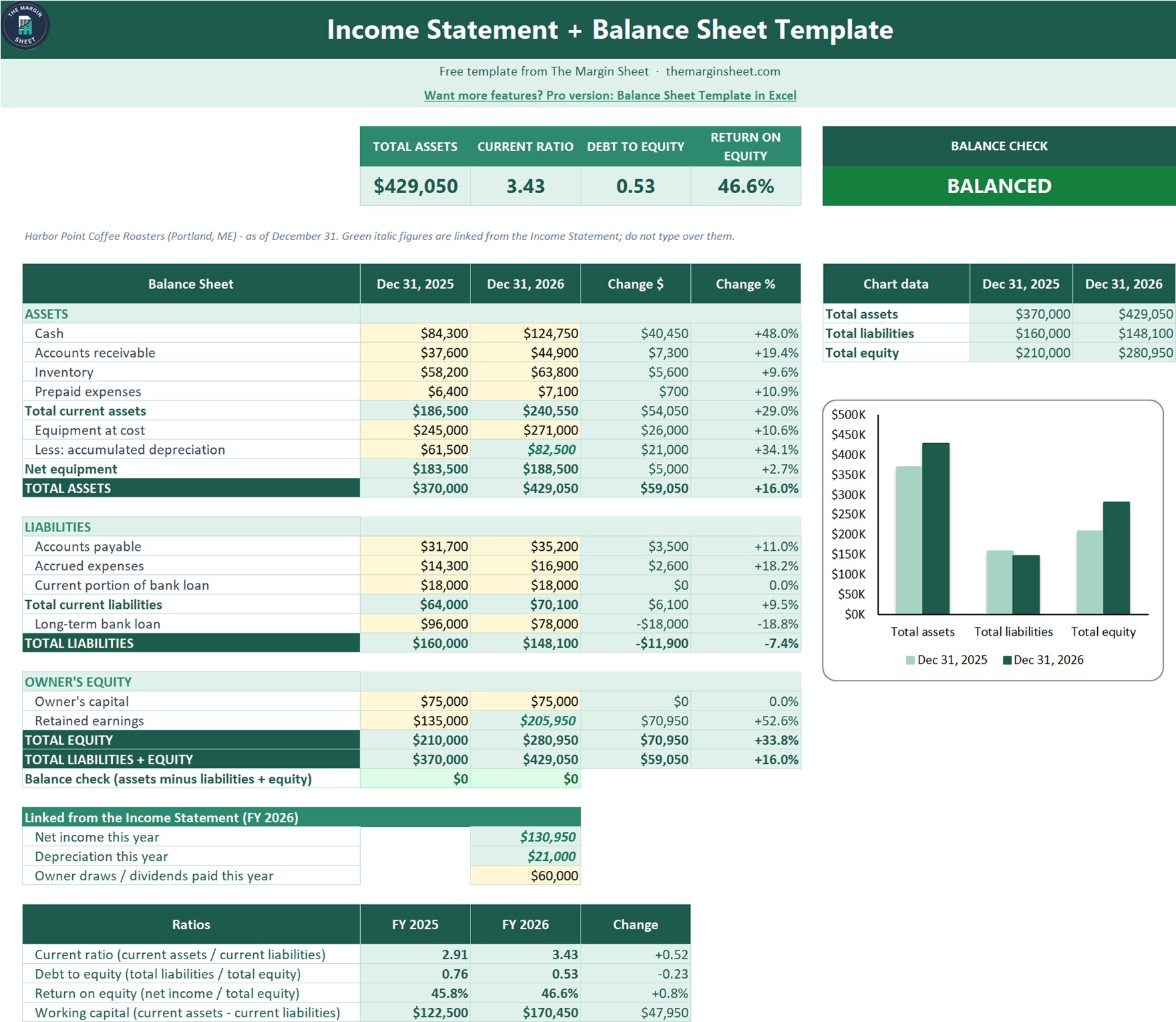
- Balance sheet. Current assets, equipment net of accumulated depreciation, current and long-term liabilities and owner’s equity at two year-end dates.
- Linked statements. This year’s net income and depreciation come over from the Income Statement, so retained earnings and accumulated depreciation update on their own.
- Balance check. The badge shows BALANCED when assets equal liabilities plus equity, or OUT BY with the missing amount.
- Ratios and charts. Current ratio, debt to equity, return on equity and working capital, plus a column chart on each statement.
What is inside the file
| Sheet | What it does |
|---|---|
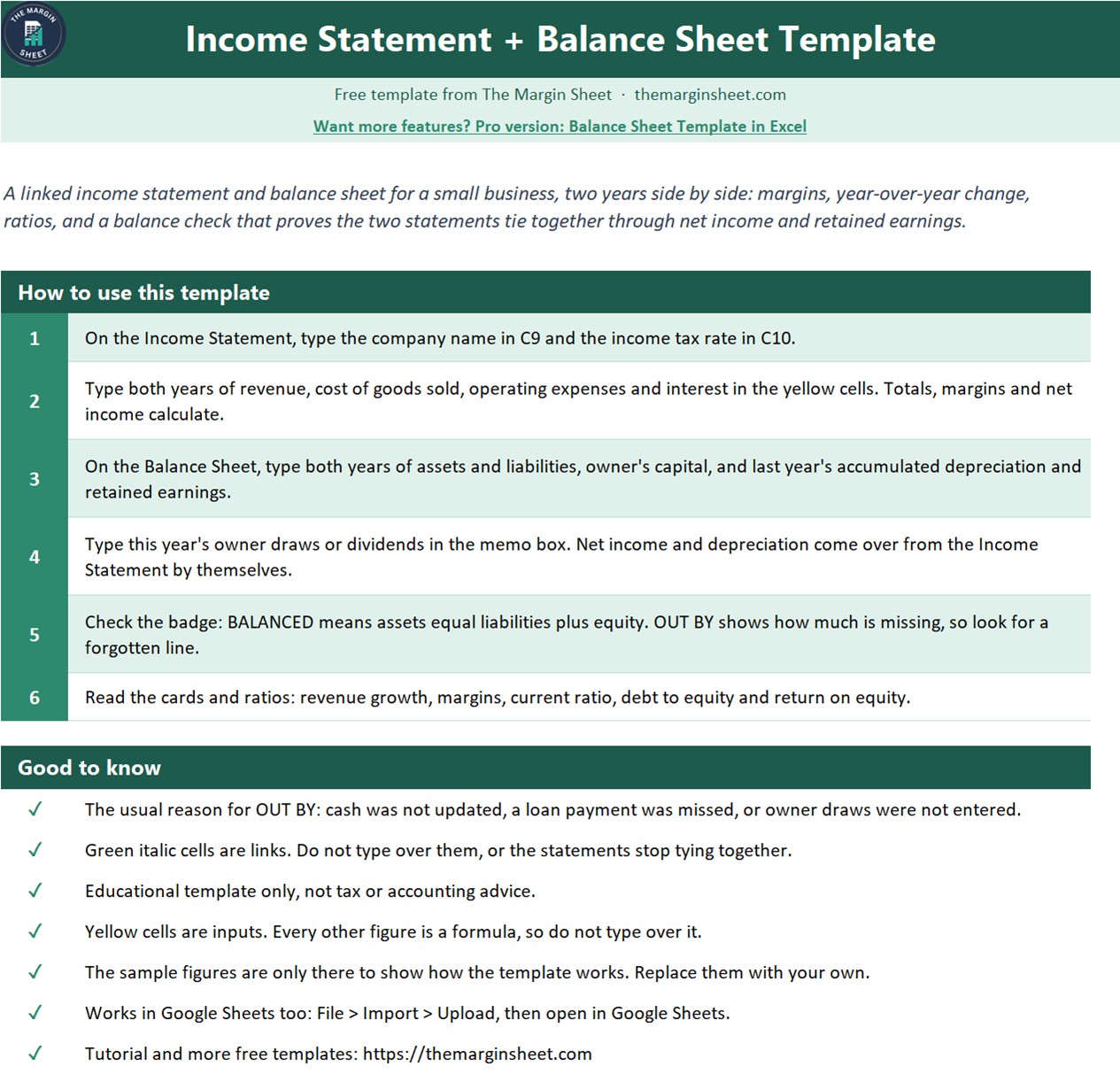
| How to use | Six short steps to fill in both statements, plus good-to-know notes |
| Income Statement | Two years of results with margins, changes, KPI cards and a chart |
| Balance Sheet | Assets, liabilities, equity, the balance check, ratios and a chart |
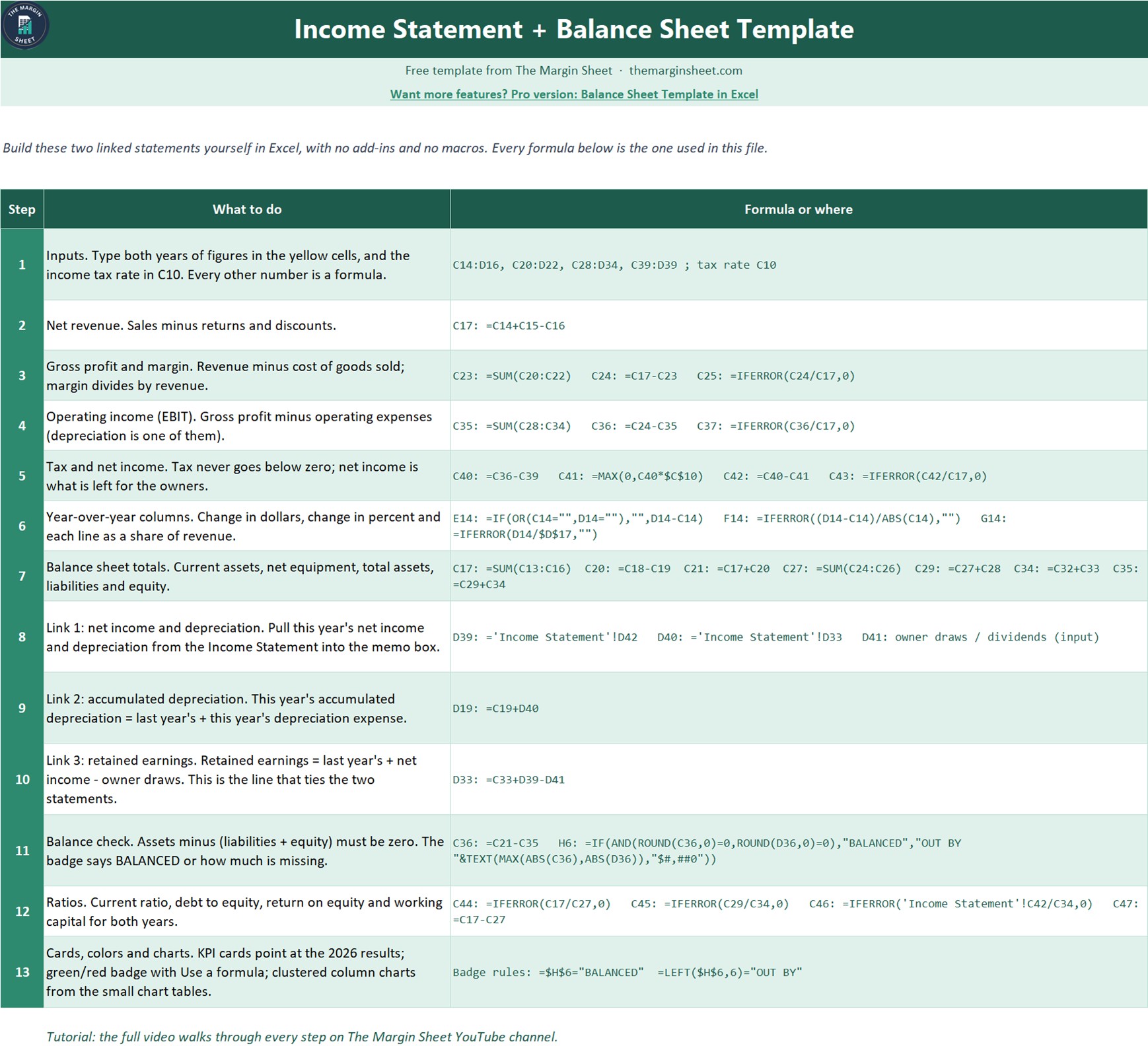
| How to Build | 13 steps with the formulas, so you can rebuild both statements yourself |
| Get the Full Version | Links to paid finance templates for when you need more |
The sample data is a fictional company, Harbor Point Coffee Roasters. For FY 2026 it shows $953,600 net revenue, a 56.9% gross margin and $130,950 net income, with $429,050 total assets on December 31, 2026 and a balanced sheet. Replace the yellow cells with your own figures.
How to use the income statement and balance sheet template
- Fill in the Income Statement. Type your company name and tax rate, then both years of revenue, cost of goods sold, operating expenses and interest.
- Fill in the Balance Sheet. Add assets, liabilities, owner’s capital, last year’s accumulated depreciation and retained earnings, and this year’s owner draws or dividends.
- Check and read. Make sure the badge says BALANCED, then review the margins and ratios.
Who this balance sheet template in Excel is for
Small business owners, bookkeepers, founders and finance students who want to see how profit flows into the balance sheet. You can use it to prepare year-end figures before a meeting with your accountant, or to learn how the two statements connect.
When you need more than the free version
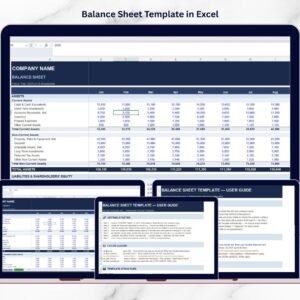
- Balance Sheet Template in Excel
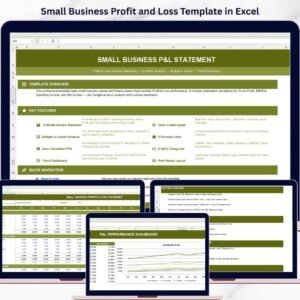
- Small Business Profit and Loss Template in Excel
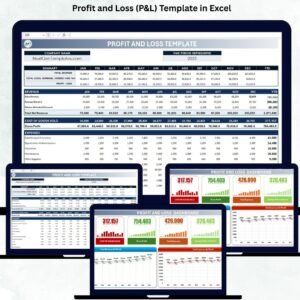
- Profit and Loss (P&L) Template in Excel
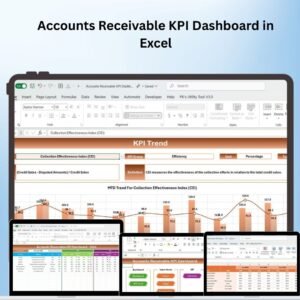
- Accounts Receivable KPI Dashboard in Excel
- Free Profit and Loss Statement Template in Excel and Google Sheets (also free)
Frequently asked questions
Is this free income statement template really free?
Yes. The price is $0 and you can make a fresh copy for each business or year.
Do I need macros or add-ins?
No. It is a standard .xlsx workbook that uses ordinary formulas such as SUM, IF and IFERROR.
How are the two statements linked?
Net income and depreciation flow from the Income Statement to the Balance Sheet. Retained earnings equals last year’s balance plus net income minus owner draws or dividends.
What if my balance sheet does not balance?
The badge shows how much it is out by. Look for a missing asset or liability line, or check cash and owner draws.
Is this accounting or tax advice?
No. It is an educational template. Confirm tax rates and reporting rules with your accountant.
Can I build it myself?
Yes. The How to Build sheet lists every step, and The Margin Sheet YouTube channel covers the build on video.
Join 10,000+ customers in 180+ countries who use NextGenTemplates spreadsheets to run their business.


Reviews
There are no reviews yet.