




Managing vendors shouldn’t feel like herding cats. Say goodbye to scattered spreadsheets, email chains, and approval delays with the New Vendor Setup Tracker in Excel—a powerful, ready-to-use tool powered by Excel and VBA that transforms your vendor onboarding into a streamlined, secure, and insightful process.
From capturing vendor information to generating dashboards, this tool centralizes everything you need for compliant and efficient vendor management—all within the familiar environment of Microsoft Excel.
💡 Key Features of the New Vendor Setup Tracker
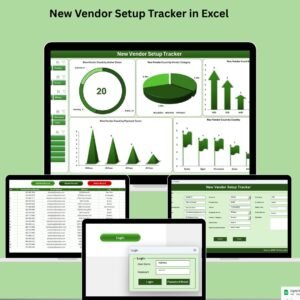
🔐 Login Form – Secure Access Only
Start with a user authentication form
Example login:
Admin1 / abcdEnsures only authorized users access vendor data
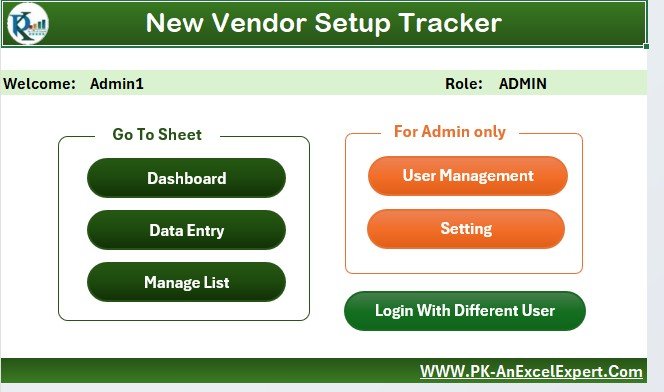
🏠 Main Form – Control Center for All Actions
Navigate to any section:
📋 Data Entry
📊 Dashboard
👤 User Management
⚙️ Settings
One-click interface for smooth navigation
📊 Dashboard Sheet – Real-Time Vendor Analytics
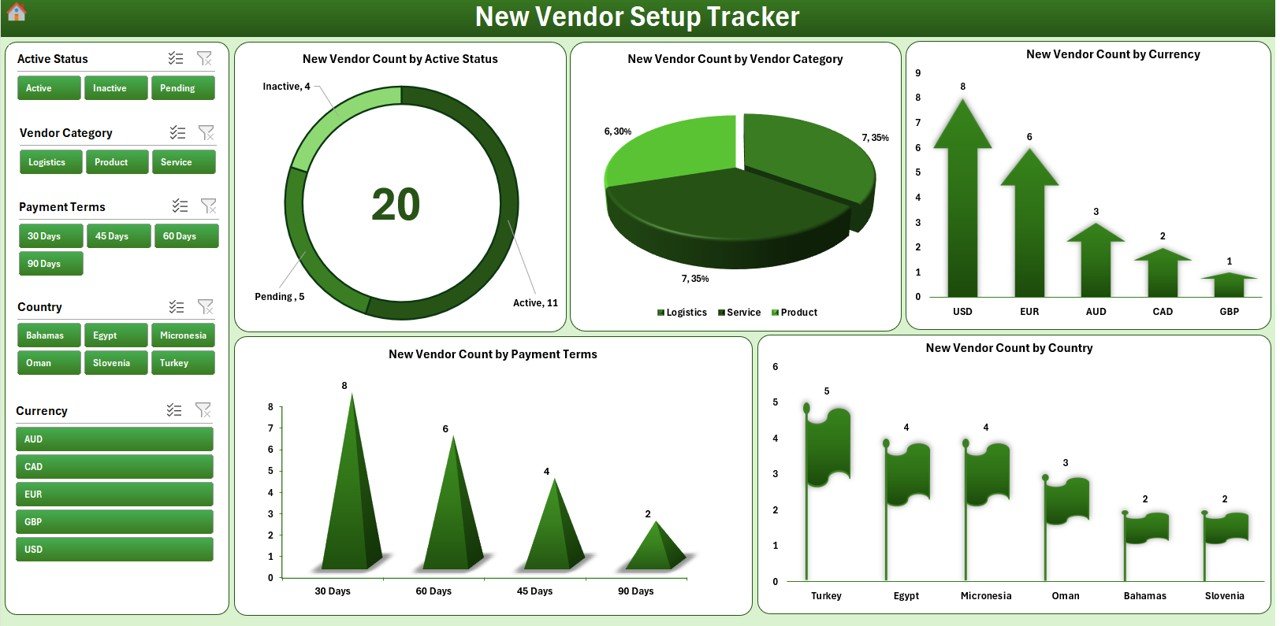
5 interactive slicers for filtering by:
Country, Category, Currency, Payment Terms, and Status
5 dynamic charts:
Doughnut: Vendors by Active Status
Pie: Vendors by Category
Arrow: Vendors by Currency
Column: Vendors by Payment Terms
Flag: Vendors by Country
Visualize trends instantly with auto-refreshing pivot charts
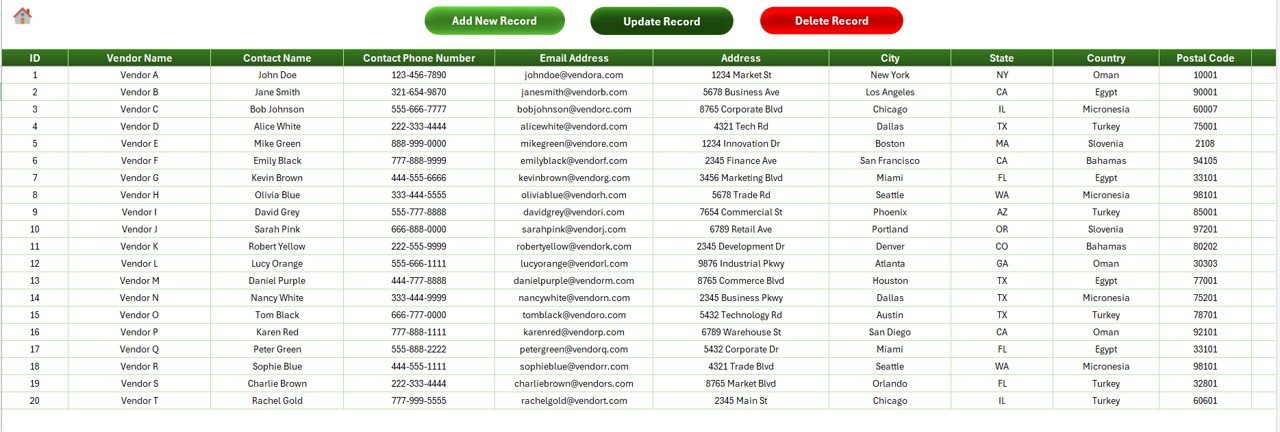
📝 Data Entry Sheet – Your Vendor Database
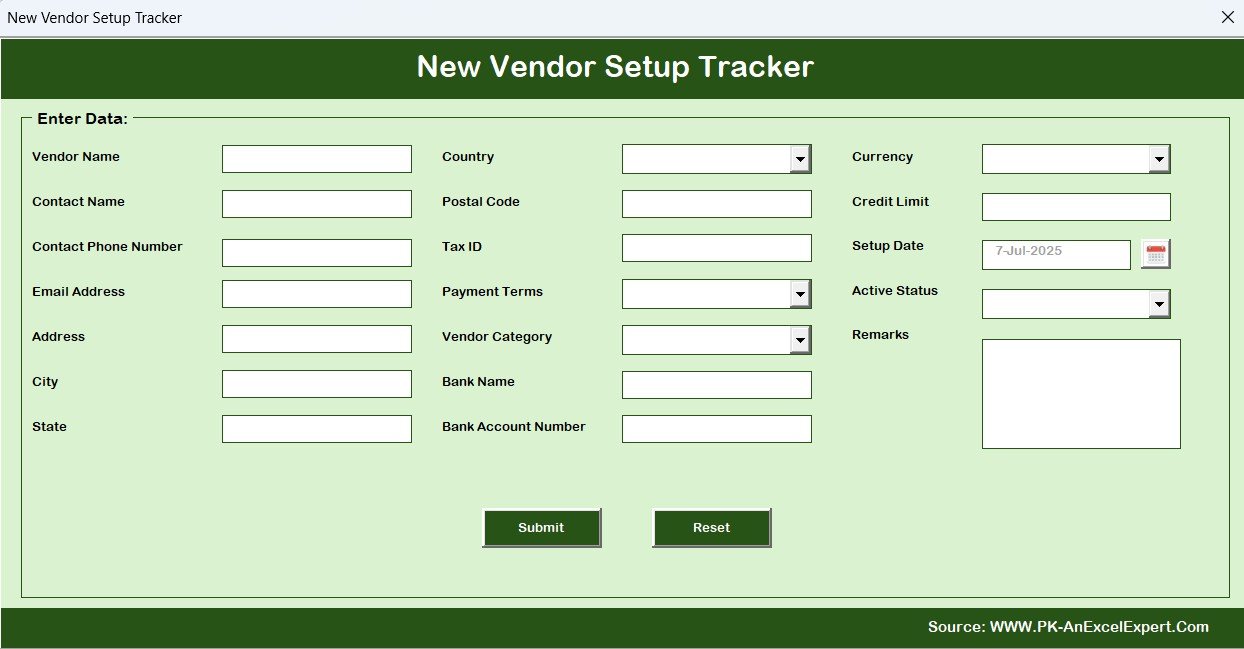
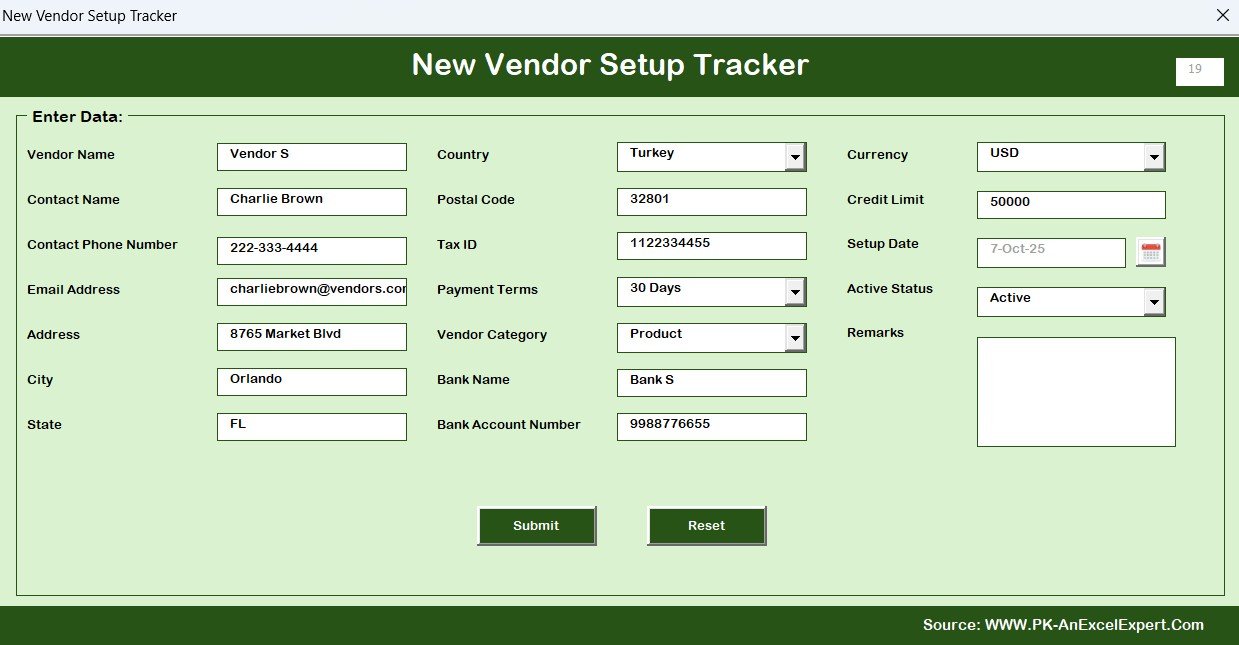
Capture detailed vendor info including:
Contact info, Tax ID, Bank Details, Setup Date
Vendor Category, Currency, and Payment Terms
Use buttons to:
➕ Add New Vendor
✏️ Update Existing Record
🗑️ Delete with Confirmation
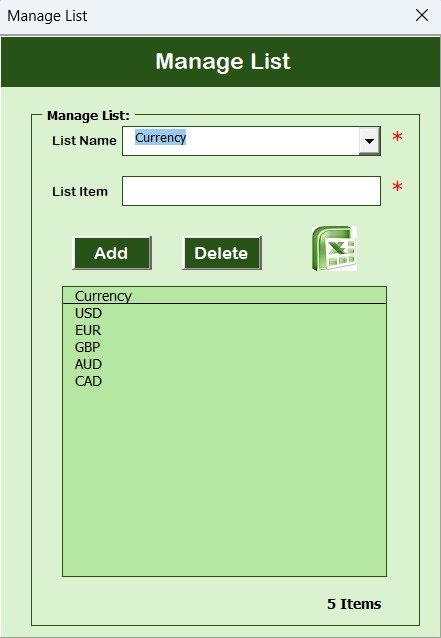
📋 Manage List Sheet – Customize Your Dropdowns
Maintain dropdown values for:
Countries, Categories, Currencies, Statuses
Easily update lists via simple Add/Delete buttons
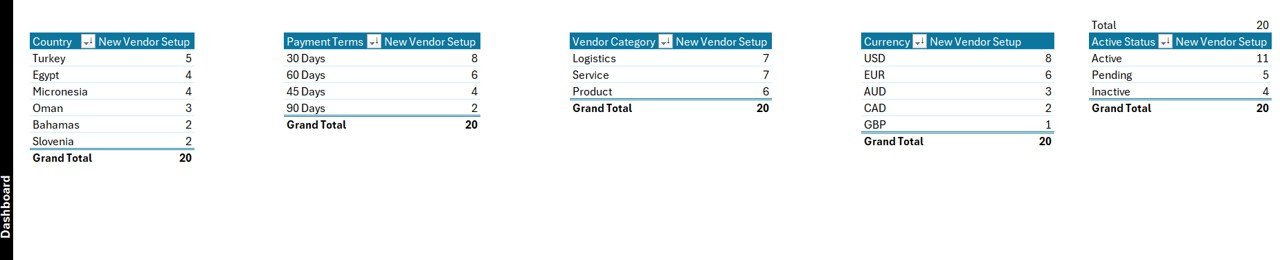
🧠 Support Sheet – Backend Power
Hosts background pivots driving the dashboard
Auto-refresh logic—no manual updates needed
Hide it from general users for clarity
👤 User Management – Control Access and Roles
Add/edit/delete users
Change passwords securely
Assign user roles and manage permissions
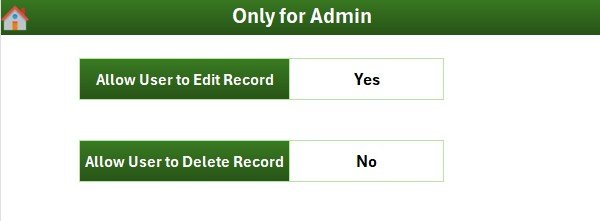
⚙️ Settings Sheet – Customize the Tool
Admin controls for default values and behavior
Tailor the tool to fit your organization’s workflow
📦 What’s Inside the New Vendor Setup Tracker
This feature-rich Excel workbook includes:
✅ Login Form
✅ Main Menu Navigation
✅ Data Entry Form
✅ Real-Time Dashboard
✅ Pivot Table Back-End
✅ User Role & Security Control
✅ Dropdown Management
✅ Settings Configuration
It’s a complete vendor onboarding system in a single file!
🛠️ How to Use the Product
📥 Download and open the Excel file
🔐 Log in using your assigned credentials
➕ Click Add New Record to submit a vendor
📊 Open the Dashboard tab to view charts and summaries
⚙️ Manage dropdown values and users as needed
💾 Save the file to maintain updated vendor records
Perfect for teams in procurement, finance, and operations!
👥 Who Can Benefit from This Product
🏢 Procurement Teams – Capture vendor data across departments
💰 Finance Officers – Track banking and tax info securely
📊 Compliance Teams – Maintain records for audits
🏗️ Construction Firms – Manage site-level vendors
🌐 Global Businesses – Handle multiple currencies & terms
🧑💻 Operations Managers – Ensure onboarding timelines are met
If you deal with vendors, this tool is for you!
🔗 Click here to read the Detailed blog post
🎥 Visit our YouTube channel to learn step-by-step video tutorials
👉 YouTube.com/@PKAnExcelExpert
Watch the step-by-step video tutorial:
Compatibility and Requirements
- Needs Microsoft Excel desktop on Windows with macros enabled, because the file runs on VBA.
- It does not work in Excel for the web, Google Sheets or the Excel mobile apps. Microsoft explains macro settings in Enable or disable macros in Microsoft 365 files.
- The download is an Excel workbook with the login form, main form and data entry buttons built in.
Frequently Asked Questions
What vendor details can I record?
You can record contact info, tax ID, bank details, setup date, vendor category, currency and payment terms for each vendor.
What does the dashboard show?
It has 5 charts: vendors by active status, category, currency, payment terms and country. Five slicers filter it by country, category, currency, payment terms and status.
Can I change the dropdown values?
Yes. The Manage List sheet holds the countries, categories, currencies and statuses, and you can add or delete values with the buttons there.
Can I control who uses the tracker?
Yes. User Management lets you add, edit and delete users, change passwords and assign roles and permissions.
Related Vendor Management Templates
- New Vendor Setup Tracker in Google Sheets: the same tracker for Google Sheets
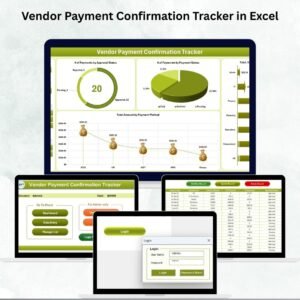
- Vendor Payment Confirmation Tracker in Excel: tracks payments once vendors are set up
- Vendor Invoice Submission Tracker in Excel: logs vendor invoices as they come in
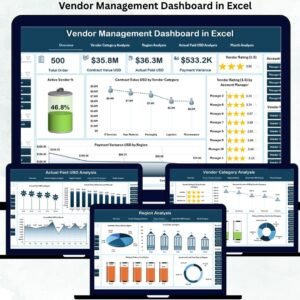
- Vendor Management Dashboard in Excel: charts for your whole vendor base
- Procurement and Vendor Management Kit: 7 procurement and vendor templates in one bundle
Browse all Excel trackers or the VBA tools.



























Reviews
There are no reviews yet.