

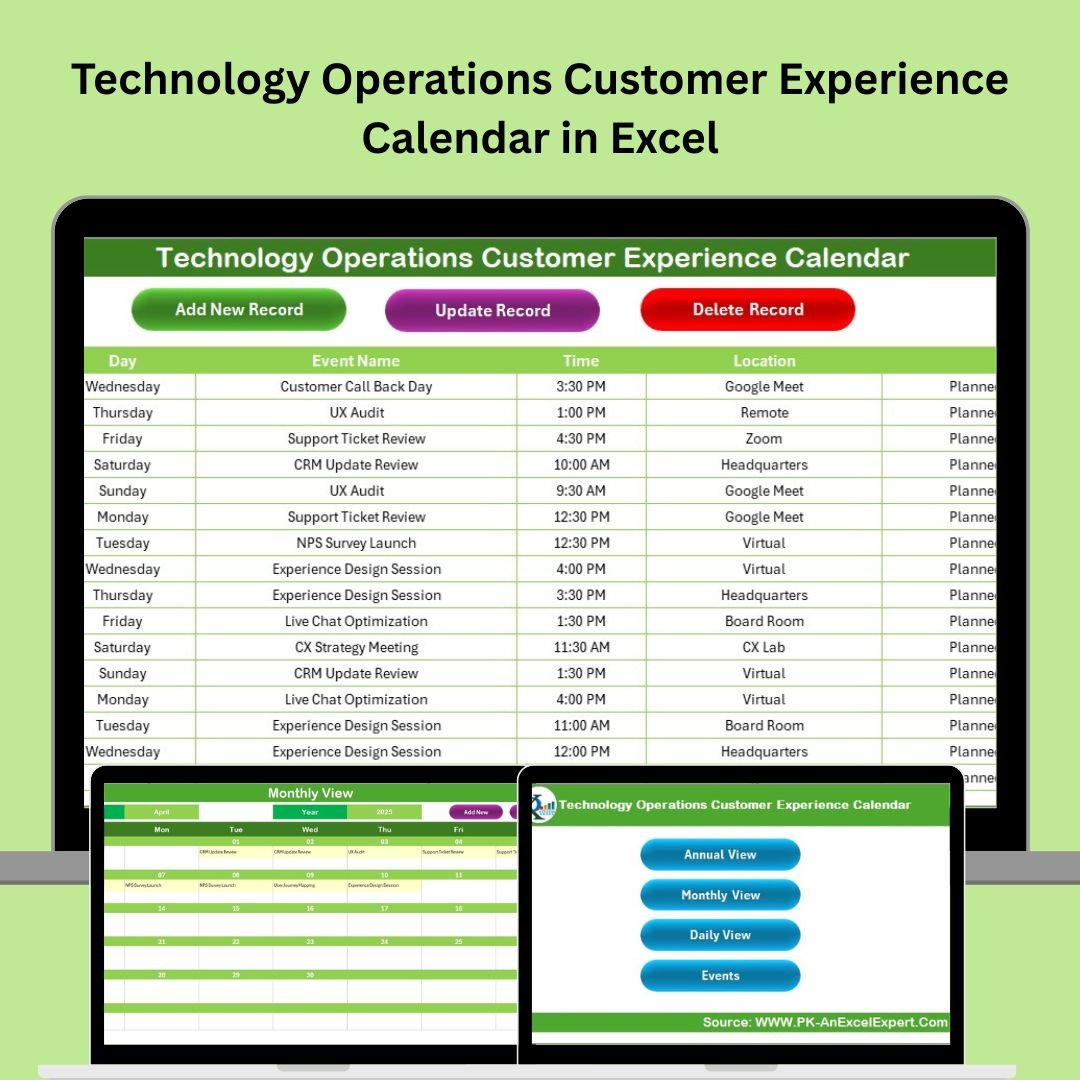
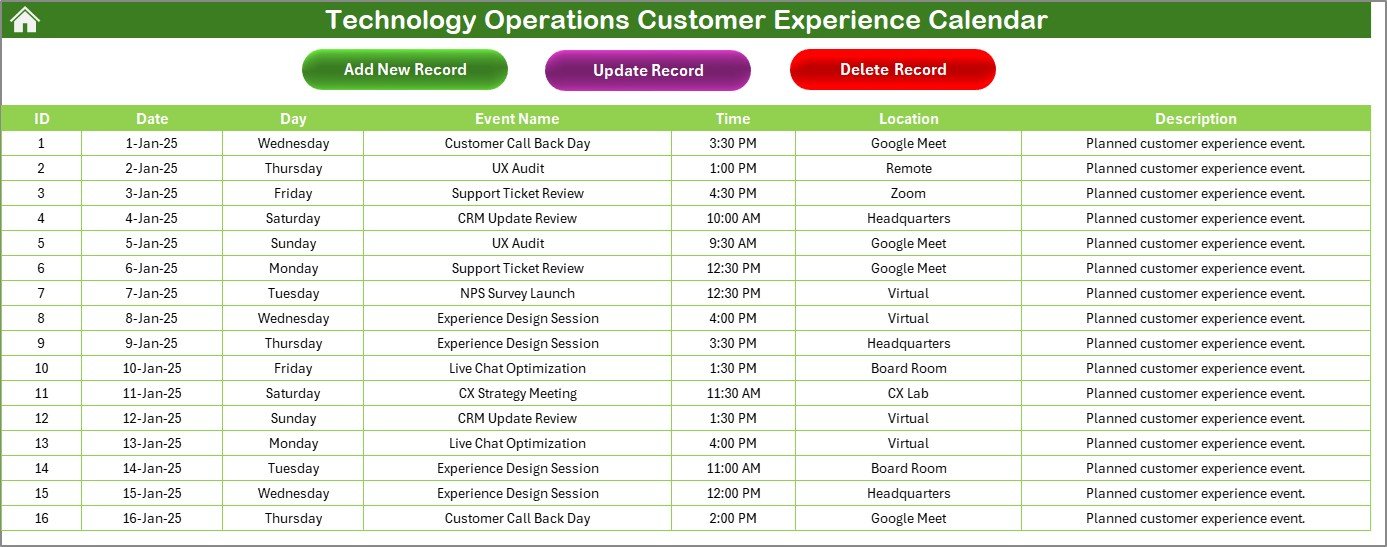
The Technology Operations Customer Experience Calendar in Excel is a powerful, no-code planning tool built specifically for tech teams to track all customer-facing activities, events, and check-ins without missing a beat.
From product rollouts and scheduled maintenance to feedback loops and onboarding calls, this Excel-based template gives you a complete scheduling command center — right inside the tool you already use every day.
📁 What’s Inside the Calendar?
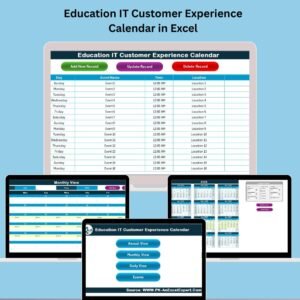
This feature-rich Excel tool is structured into 5 intuitive worksheets designed for full control over event scheduling and coordination:
🏠 Home Sheet – Navigation Made Simple
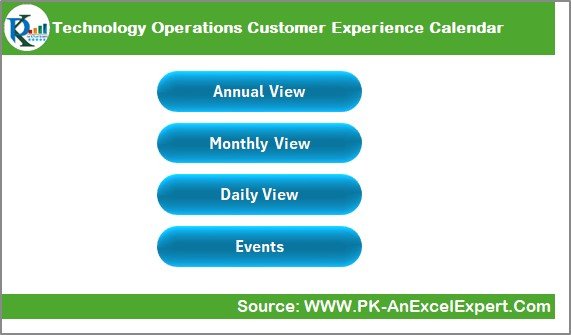
This is your entry point to all calendar views. It includes 4 quick-access buttons:
📅 Annual View
🗓️ Monthly View
📖 Daily View
📂 Events Database
Whether you’re planning for a day or a year, you can go there with one click.
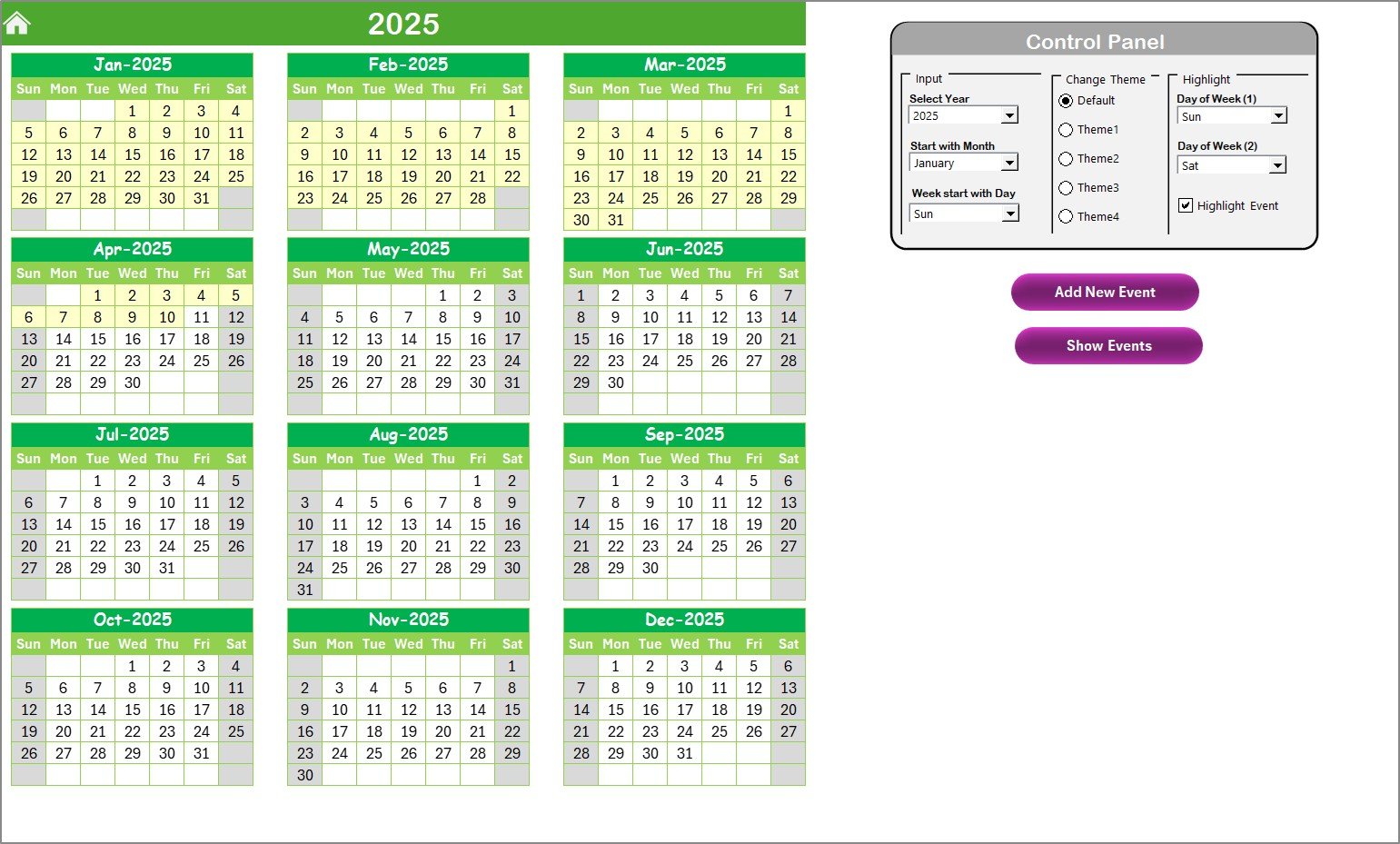
📆 Annual View Sheet – Strategic Yearly Planning
View the entire year at once — ideal for campaign roadmaps, product updates, or high-impact maintenance windows.
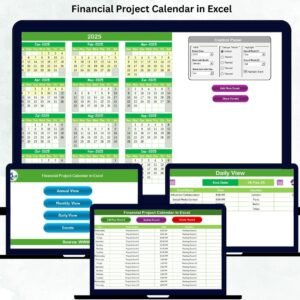
🎛 Control Panel Highlights:
Set Year, Start Month, and Start Weekday
Pick from 5 color themes for brand consistency
Highlight weekends or key days for quick visual reference
🔘 Add New Event – Fill out a form that updates all linked sheets
🔘 Show Events – Instantly see what’s planned for any selected date
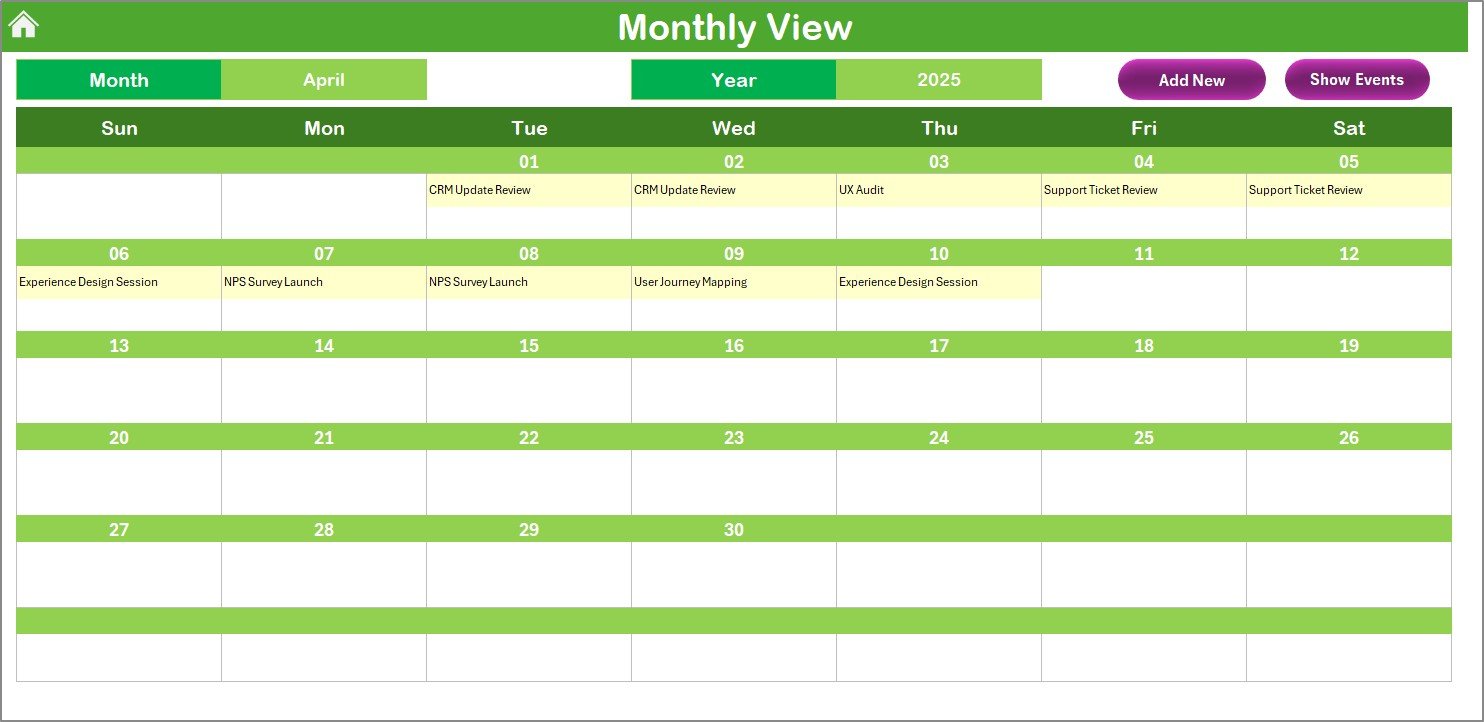
🗓️ Monthly View Sheet – Tactical Planning
Drill down into one month at a time with dropdown selectors.
Displays the first event per day directly
Shows “more than 1…” for days with multiple events
Interactive buttons for easy adding or reviewing of events
Perfect for detailed planning of weekly customer operations or QA schedules.
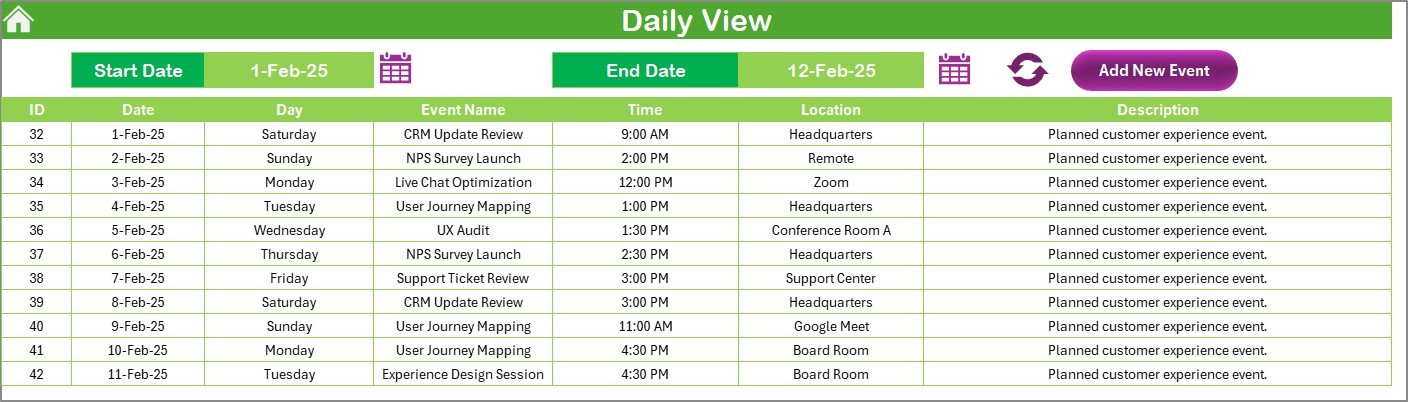
📖 Daily View Sheet – Granular Insight
Need a focused view for this week? Use this sheet to filter by custom date ranges.
Choose Start Date and End Date
Click Refresh to display all scheduled events
Add new events quickly with the built-in form
Great for stand-ups, deployment checks, or customer onboarding sequences.
📂 Events Sheet – Your Master Database
This is where every entry is recorded and stored with full event history.
📌 Fields Include:
Auto-generated ID
Date, Day
Event Name, Time, Location
Description
🔘 Add / Update / Delete buttons keep the sheet secure and streamlined.
💡 Why Use This Calendar for Customer Experience?
📊 Boost Operational Clarity – Plan and execute all customer events in one place
📆 Multiple Views – See your plans at a glance or zoom into the details
✅ Form-Based Entries – No more scrolling or formula errors
🎨 Customizable Themes – Match your team’s branding effortlessly
🚀 Better Visibility = Better CX – Ensure smoother interactions with fewer surprises
🧠 Best Practices to Maximize Calendar Use
✅ Standardize Event Titles – So filtering and searching stay simple
✅ Color Code Strategically – Highlight maintenance, feedback, and rollout days
✅ Update Weekly – Regular reviews prevent conflicts and miscommunication
✅ Use Forms, Not Manual Edits – Helps prevent overwrites or formula issues
✅ Filter in the Events Sheet – Easily track activity by team, date, or type
👥 Who Is This For?
This Excel calendar template is perfect for:
🧑💼 Tech Ops Managers
👨💻 DevOps & IT Infrastructure Leads
🧑🏫 Customer Support Leads
📦 Deployment & Release Managers
🧑🔧 Agile Ops and Sprint Teams
🔧 Real-World Use Cases
Plan weekly customer review calls
Coordinate regional rollout timelines
Track issue follow-ups or NPS surveys
Schedule technical account management sessions
Map out quarterly service improvement plans
❓ Frequently Asked Questions (FAQs)
Q1: Can I change the theme or color of the calendar?
Yes, use the “Change Theme” group in the Annual View tab for 5 preset color options.
Q2: Is this tool beginner-friendly?
Absolutely! You just click buttons, use forms, and select dates. No formulas or coding knowledge needed.
Q3: Can I use this for recurring events?
Yes, simply add the event each time it recurs. You can even copy and paste the data with adjusted dates.
Q4: Can I share this calendar across my team?
Yes! Save the file to OneDrive, SharePoint, or Google Drive for real-time collaboration.
🔗 Click here to read the Detailed blog post
Visit our YouTube channel to learn step-by-step video tutorials



























Reviews
There are no reviews yet.