

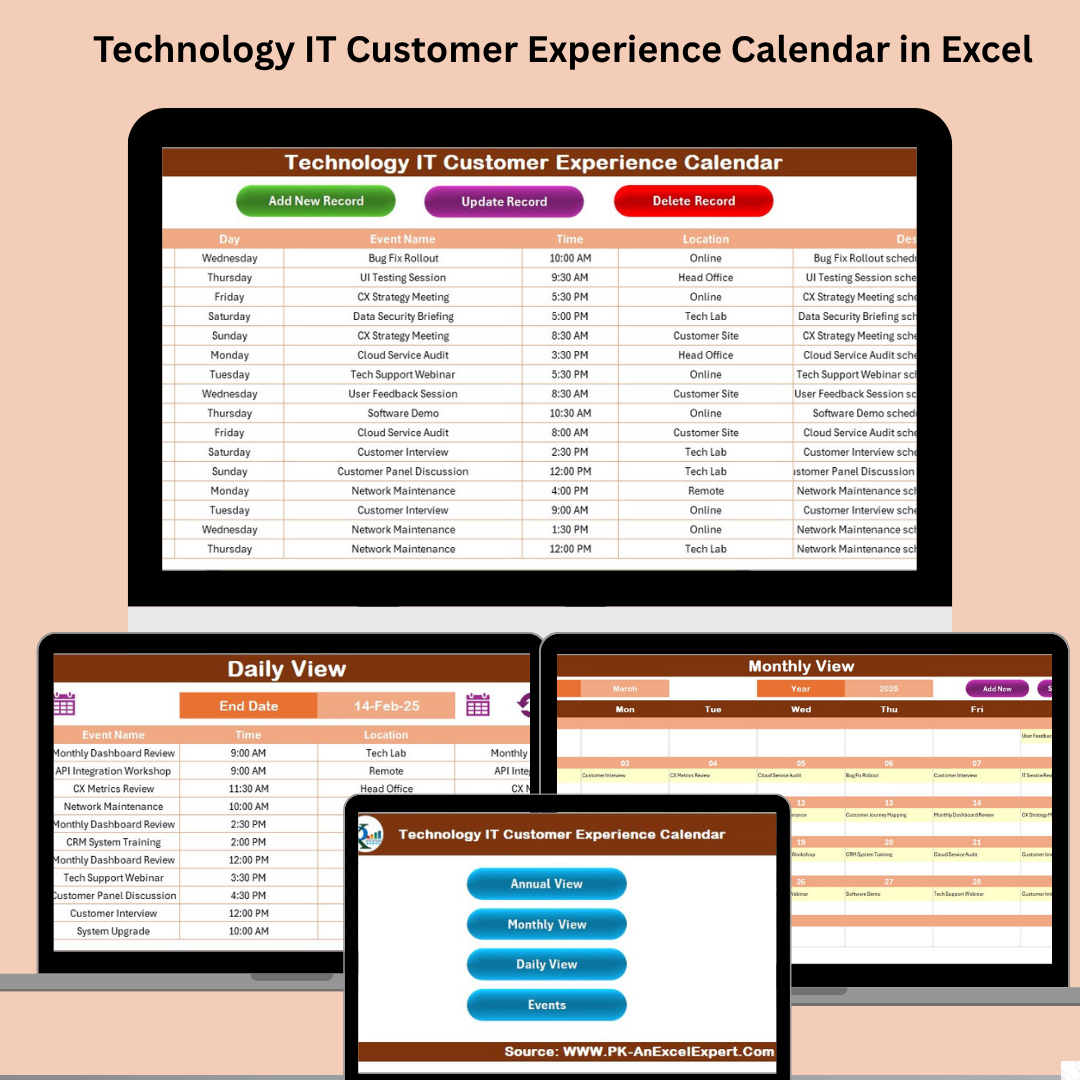
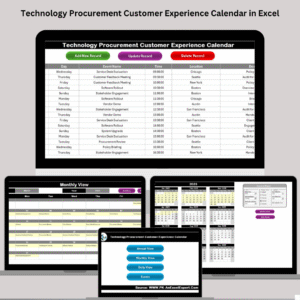
Managing the IT customer journey shouldn’t be stressful—it should be strategic. From system maintenance and user training to service launches and feedback surveys, keeping everything on track is essential. That’s where the Technology IT Customer Experience Calendar in Excel comes in. 💡🧑💻
This fully automated Excel planner helps IT departments organize, visualize, and track customer-facing events—all from a single file. Whether you’re working on product rollouts, stakeholder meetings, or internal help desk scheduling, this powerful tool brings clarity, structure, and efficiency to your daily operations.
No need for third-party tools or online platforms. This Excel-based solution is fast, offline-ready, and designed with real-world IT planning in mind.
✨ Key Features of Technology IT Customer Experience Calendar
🏠 Home Sheet for Navigation
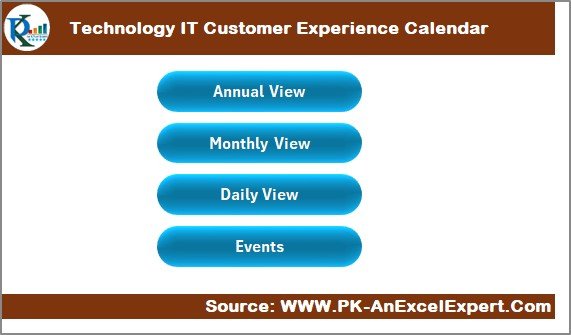
Quickly jump to any section with clickable buttons:
Annual View
Monthly View
Daily View
Events List
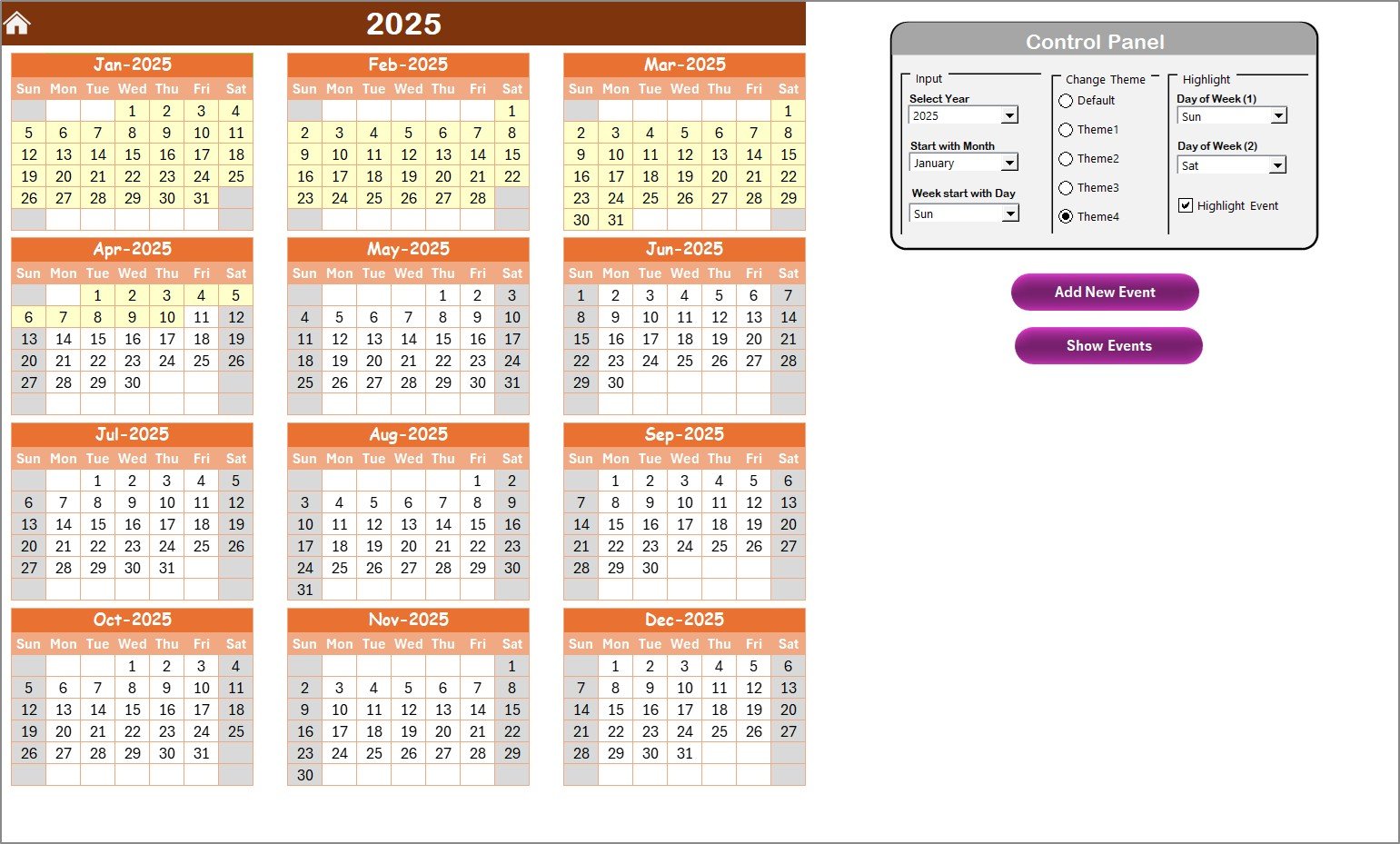
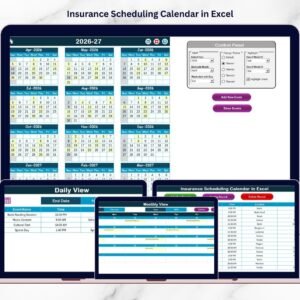
📅 Annual View Sheet
See the full year in one page
Customize year, month start, and first day of the week
Choose from 5 color themes
Highlight weekends or event days
Add or view events using built-in buttons
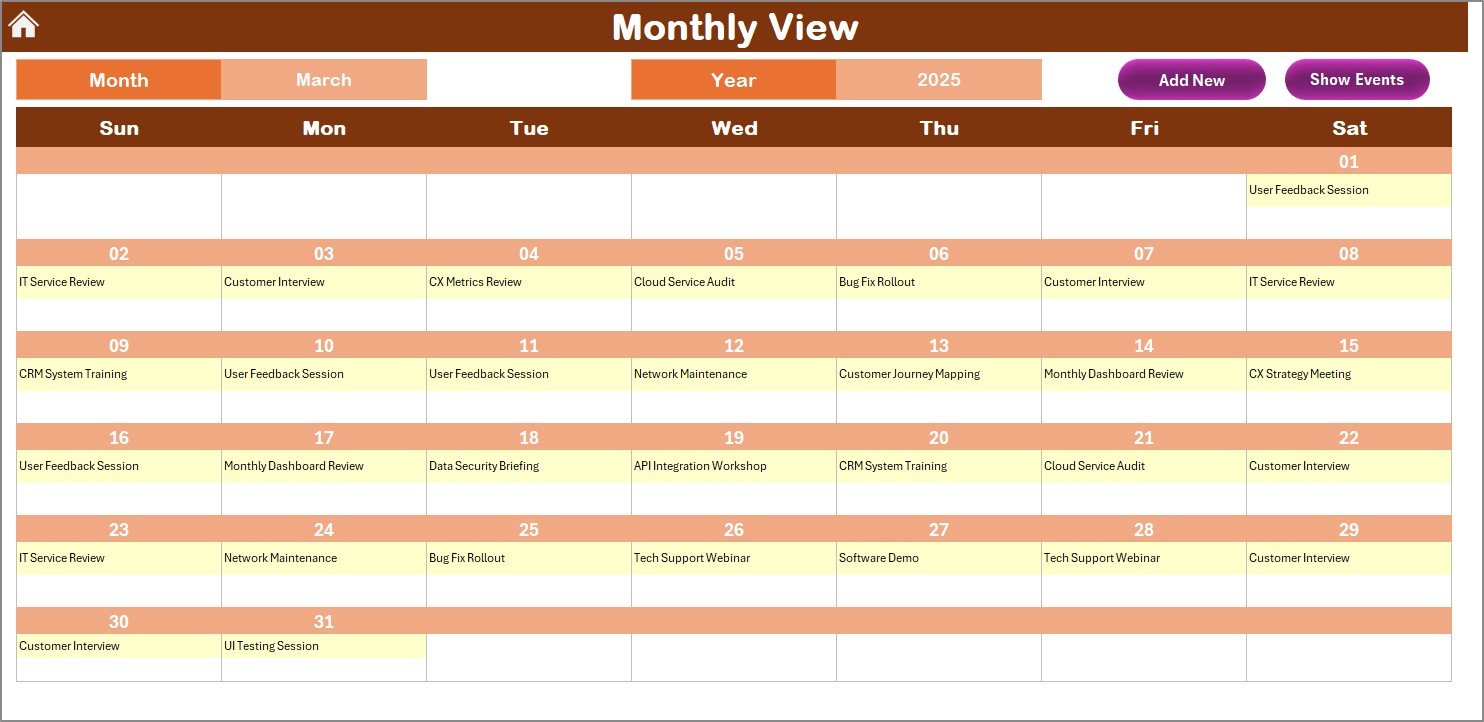
🗓️ Monthly View Sheet
Focused view for a selected month
Dropdowns for month/year selection
“More than 1…” cue for multiple events on the same day
Interactive Add & Show Event buttons
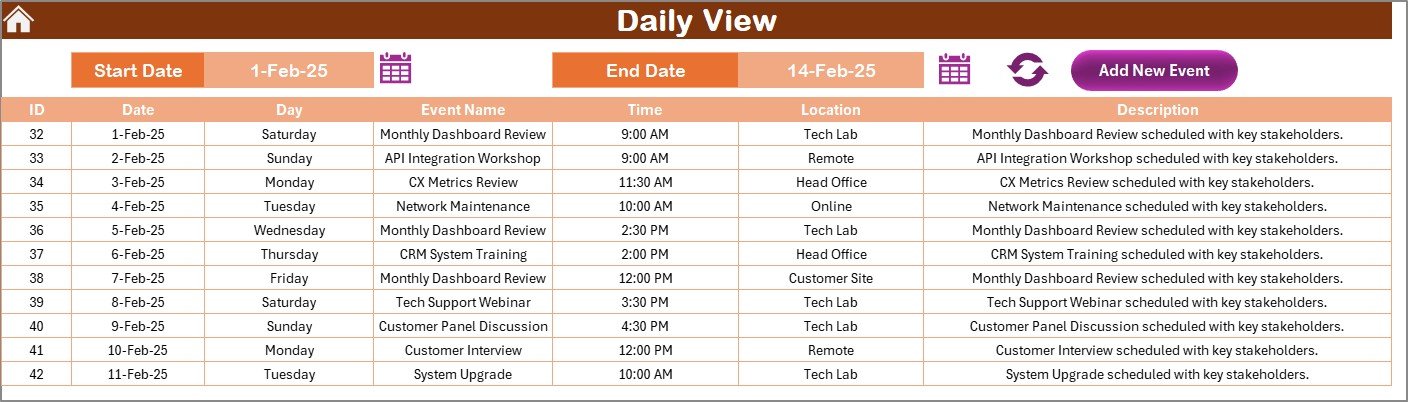
📆 Daily View Sheet
Filter events for a custom date range
View detailed entries in table format
Add new events directly from this view
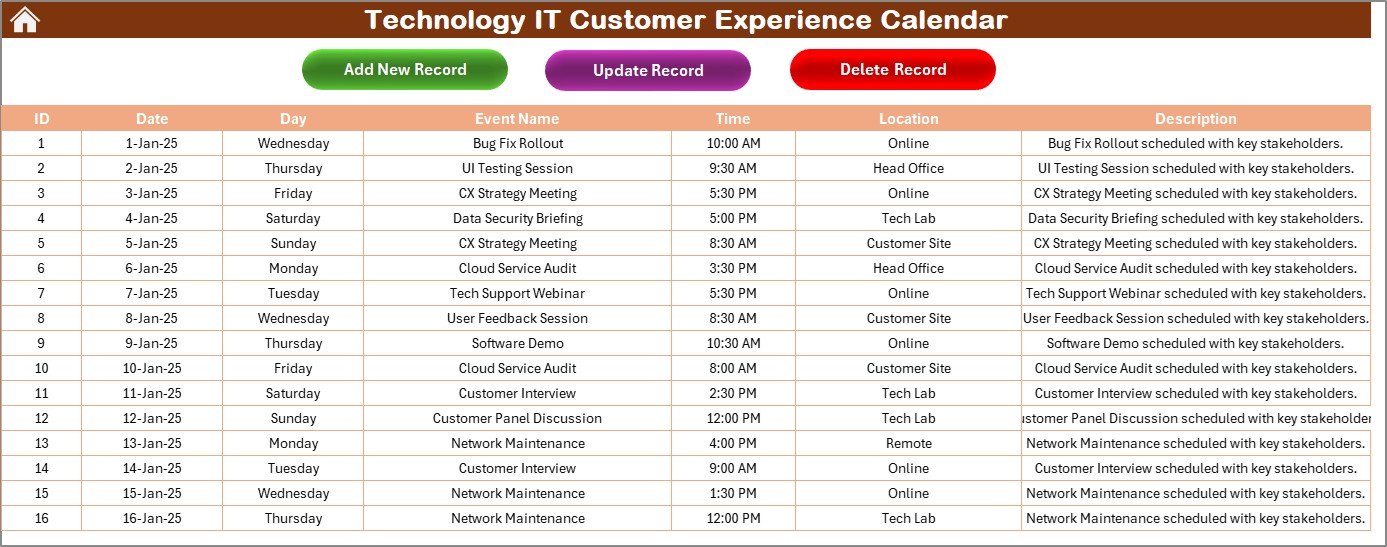
📋 Events Sheet – Master Database
Stores all event records
Fields include: ID, Date, Time, Day, Location, Description, etc.
Buttons to Add, Update, or Delete events instantly
🎨 Built-In Themes & Highlight Controls
Customize your calendar with ready-to-use color palettes. Highlight weekends or critical dates with just a click.
📂 What’s Inside the CX Calendar Tool?
This smart Excel file includes 5 connected worksheets:
1️⃣ Home Sheet – Your command center
2️⃣ Annual View – For big-picture planning
3️⃣ Monthly View – For short-term scheduling
4️⃣ Daily View – For detailed event tracking
5️⃣ Events Sheet – The central event database
All forms, buttons, and visuals are VBA-powered for a smooth user experience.
👨💼 Who Can Benefit from This Product?
This calendar is perfect for:
✅ IT Managers – Schedule maintenance, product rollouts, and audits
✅ CX Teams – Organize surveys, onboarding, and user feedback events
✅ Tech Support Leads – Track help desk activity or recurring service events
✅ Developers – Manage sprint demos, bug fix windows, and updates
✅ Training Teams – Plan internal or client-focused training sessions
This tool is your daily planner and team communication board—all rolled into one.
🔗 Click here to read the Detailed blog post
🎥 Visit our YouTube channel to learn step-by-step video tutorials




















Reviews
There are no reviews yet.