

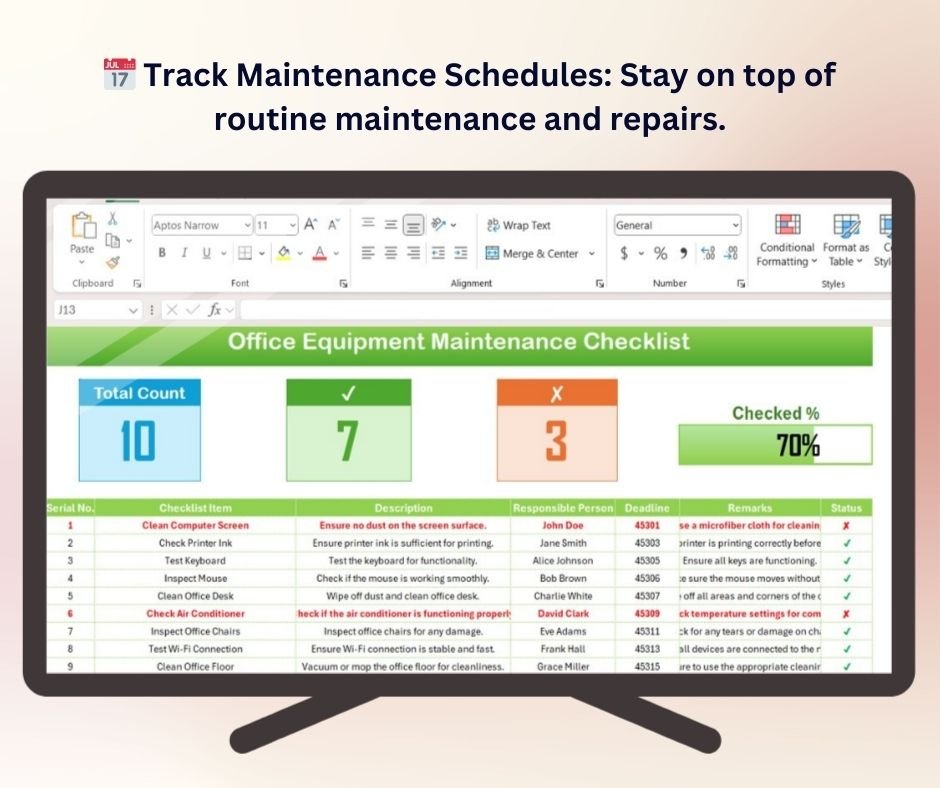
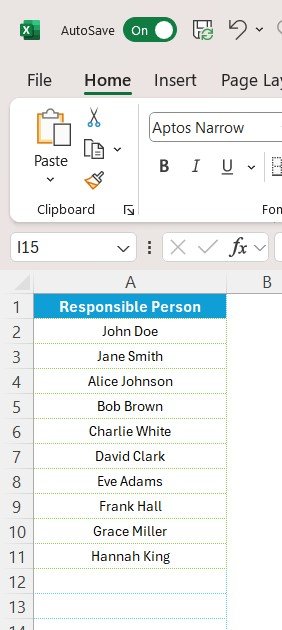

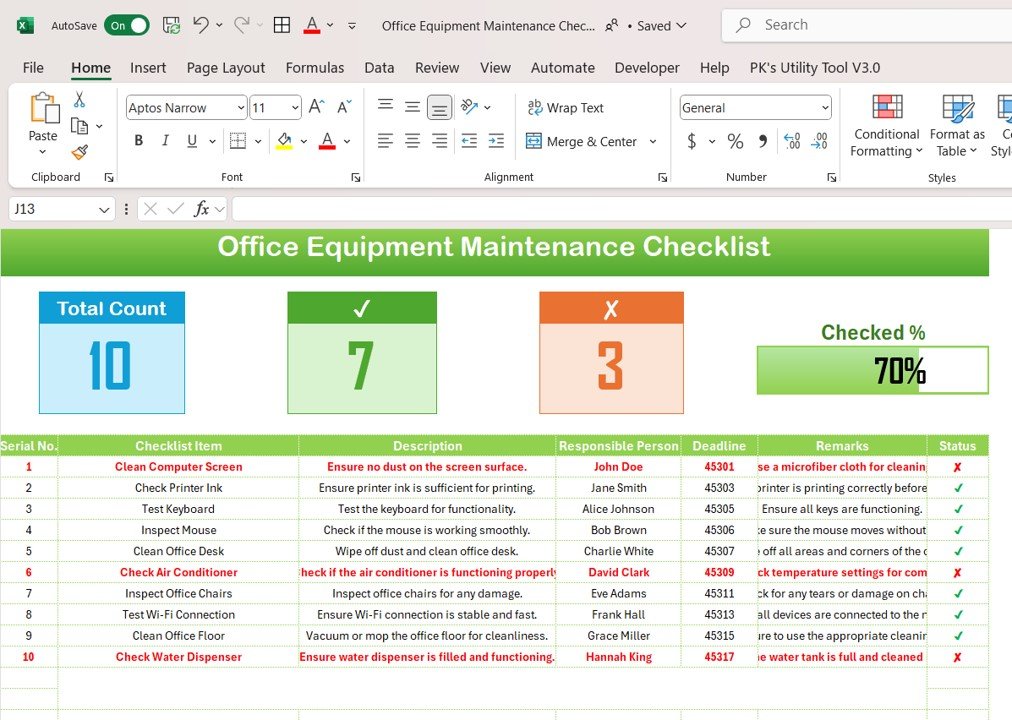
The Office Equipment Maintenance Checklist in Excel is an essential tool for businesses and facilities managers to ensure the smooth and efficient operation of office equipment. Whether you’re managing a small office or a large enterprise, this Excel-based checklist helps you track the maintenance schedules of various office equipment, including printers, computers, copiers, and other essential machinery.
With this customizable checklist, you can ensure that all office equipment is properly maintained, minimizing downtime, reducing repair costs, and extending the lifespan of your assets. It’s a powerful tool for preventing malfunctions, tracking maintenance tasks, and ensuring your office remains operational at all times.
Key Features of the Office Equipment Maintenance Checklist in Excel
📅 Track Maintenance Schedules
Set up maintenance schedules for all your office equipment, including routine checks, repairs, and part replacements. Ensure that equipment is maintained at regular intervals to prevent unexpected breakdowns.
🔧 Track Equipment Condition
Monitor the condition of each piece of office equipment, including performance metrics and any signs of wear and tear. This helps identify equipment that needs immediate attention or replacement.
📊 Monitor Maintenance History
Keep a detailed record of all maintenance activities performed on each piece of equipment. Track repair costs, service providers, and maintenance dates to create a comprehensive history for each asset.
🛠️ Customizable Maintenance Tasks
Add or remove maintenance tasks as needed for specific equipment. Customize the checklist to suit the unique needs of your office equipment and ensure that all tasks are tracked.
💡 Maintenance Cost Tracking
Track maintenance costs for each piece of equipment, including service charges, replacement parts, and repair expenses. This helps you manage your office maintenance budget and keep costs under control.
🖥️ Interactive & Easy-to-Use Layout
The checklist is designed with an interactive layout that allows easy data entry, updates, and customization. Use dropdowns, checkboxes, and color-coded indicators to monitor and update the status of each maintenance task.
Why You’ll Love the Office Equipment Maintenance Checklist in Excel
✅ Prevent Equipment Failures
By staying on top of maintenance schedules, you can prevent unexpected equipment breakdowns and ensure your office equipment is always in optimal working condition.
✅ Track Repair Costs & Budget Effectively
Monitor the costs of maintaining each piece of office equipment and adjust your budget accordingly to avoid overspending on repairs and replacements.
✅ Extend Equipment Lifespan
Proper maintenance extends the life of your office equipment, reducing the frequency of expensive replacements and improving the return on investment (ROI) of your assets.
✅ Improve Office Productivity
Minimize downtime by ensuring that your office equipment is regularly maintained and functioning properly. This leads to better productivity and a more efficient work environment.
✅ Fully Customizable & Scalable
Adapt the checklist to meet the needs of any office, whether it’s a single office or a multi-location organization. Customize it for various types of office equipment and maintenance tasks.
What’s Inside the Office Equipment Maintenance Checklist Template in Excel?
- Maintenance Schedule Tracking: Set up and monitor maintenance schedules for each piece of office equipment.
- Equipment Condition Monitoring: Track the condition of equipment and monitor performance.
- Maintenance History Tracking: Record repair details, service providers, and maintenance dates.
- Cost Tracking: Monitor and manage the costs associated with maintenance, repairs, and replacements.
- Interactive & Customizable Layout: Use dropdown menus, checkboxes, and color codes for easy tracking and updates.
How to Use the Office Equipment Maintenance Checklist in Excel
1️⃣ Download the Template: Access the Office Equipment Maintenance Checklist Template in Excel instantly.
2️⃣ Input Equipment Data: Enter information about each piece of equipment, including maintenance schedules and details.
3️⃣ Track Maintenance Tasks: Use the checklist to track scheduled maintenance, repairs, and part replacements.
4️⃣ Monitor Costs & Condition: Track maintenance costs and monitor the condition of each piece of office equipment.
5️⃣ Optimize Maintenance Scheduling: Use the data to optimize your maintenance schedules, reduce downtime, and extend the life of your office equipment.
Who Can Benefit from the Office Equipment Maintenance Checklist in Excel?
🔹 Office Managers & Facilities Managers
🔹 IT & Maintenance Teams
🔹 Business Owners & Entrepreneurs
🔹 E-commerce & Retail Businesses
🔹 Corporate Offices & Multi-Location Organizations
🔹 Organizations Looking to Optimize Office Equipment Management
Keep your office running smoothly and efficiently with the Office Equipment Maintenance Checklist in Excel. Track maintenance schedules, monitor performance, and extend the life of your office equipment with this essential tool.
Click here to read the Detailed blog post
Visit our YouTube channel to learn step-by-step video tutorials
Youtube.com/@PKAnExcelExpert






























Reviews
There are no reviews yet.