

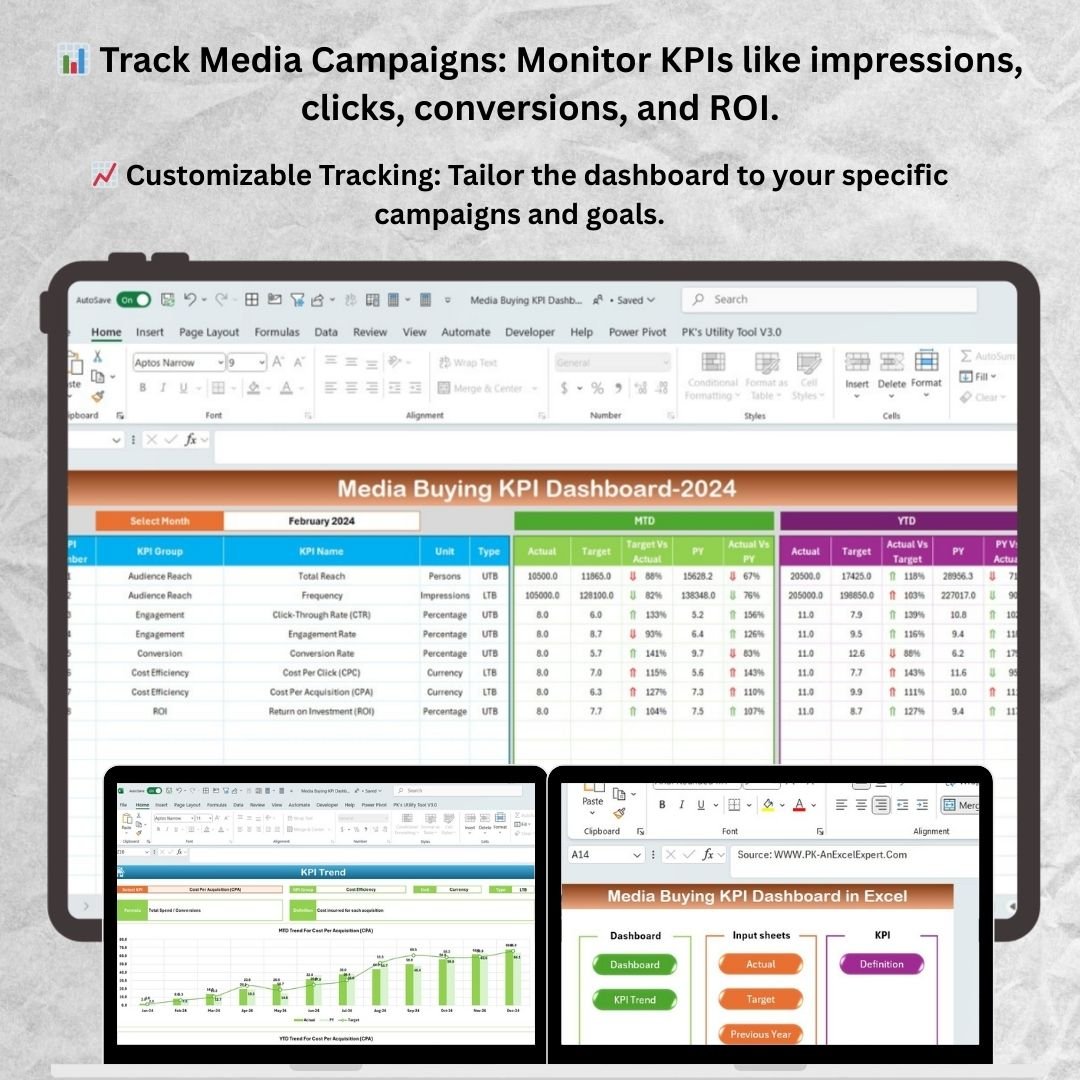
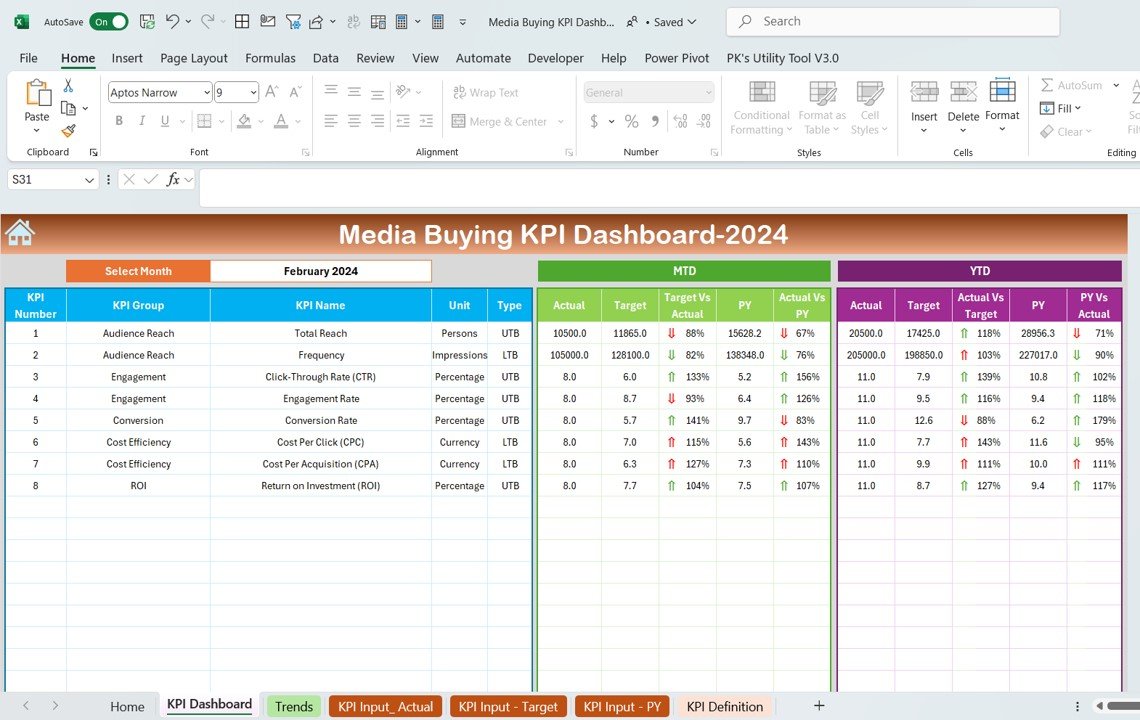




The Media Buying KPI Dashboard in Excel is a powerful tool designed for marketing professionals, media buyers, and business owners to track and optimize their media buying campaigns. This customizable dashboard helps you monitor key performance indicators (KPIs) such as impressions, click-through rates, conversion rates, cost per acquisition (CPA), return on investment (ROI), and more. With real-time tracking and interactive visualizations, you can measure the effectiveness of your advertising efforts and make data-driven decisions to improve campaign performance.
Whether you’re managing digital ads, TV commercials, print ads, or any other form of media, the Media Buying KPI Dashboard in Excel provides a comprehensive view of your media buying strategy and allows you to assess the impact of each campaign. This tool helps you streamline campaign performance tracking, optimize ad spending, and achieve your marketing goals.
Key Features of the Media Buying KPI Dashboard in Excel
📊 Comprehensive Media Buying Metrics
Track essential KPIs like impressions, clicks, conversions, CPA, and ROI across multiple media channels. Monitor each campaign’s performance and adjust strategies based on real-time data.
⚡ Real-Time Performance Updates
Get real-time updates on campaign performance, including cost, impressions, clicks, and conversions. Use these insights to optimize campaigns and maximize the effectiveness of your media spending.
📈 Customizable Campaign Tracking
Easily adapt the dashboard to track multiple media campaigns, ad types, and marketing goals. Customize your KPIs to suit your specific business objectives and measure success accurately.
💸 Cost & ROI Analysis
Track your media spending and evaluate the ROI of each campaign. Measure the effectiveness of your ads and identify which channels provide the highest return on investment.
🖥️ User-Friendly & Interactive Dashboard
The Excel dashboard is easy to use, with interactive charts, slicers, and filters that allow you to explore campaign data in depth. Gain insights with just a few clicks and optimize your media buying strategies.
Why You’ll Love the Media Buying KPI Dashboard in Excel

✅ Track Campaign Performance in Real-Time
Monitor the performance of your media buying campaigns as they happen. Stay up to date on impressions, clicks, conversions, and spending to ensure campaigns are on track.
✅ Optimize Ad Spend & Maximize ROI
Evaluate your advertising ROI and identify which media channels deliver the most value. Make informed decisions to reallocate budget and improve performance.
✅ Understand Conversion Metrics
Track conversion rates and understand how your media spending is translating into actual sales or leads. Use this data to refine your ad strategies and improve conversion rates.
✅ Customizable to Any Media Campaign
Adapt the dashboard to suit different media buying campaigns, whether they’re digital, print, or broadcast ads. Track the metrics that matter most to your business goals.
✅ Make Data-Driven Marketing Decisions
Leverage the power of data to drive marketing decisions. Use insights from the dashboard to optimize campaigns, reduce costs, and improve overall media buying effectiveness.
What’s Inside the Media Buying KPI Dashboard Template?
- Comprehensive KPI Tracking: Track impressions, clicks, conversions, CPA, and ROI across multiple campaigns.
- Real-Time Updates: Monitor campaign performance in real time and adjust strategies as needed.
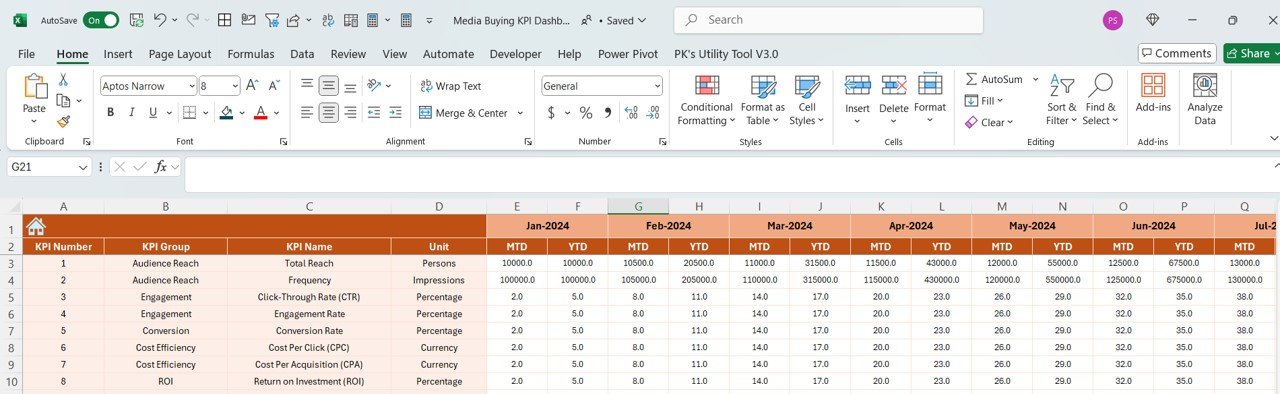
- Customizable Campaign Inputs: Modify the dashboard to suit the specific needs of your campaigns, ad types, and goals.
- Cost & ROI Analysis: Measure media spending and evaluate the return on investment for each campaign.
- Interactive Visualizations: Use slicers, filters, and dynamic charts to explore campaign data in detail.
How to Use the Media Buying KPI Dashboard in Excel
1️⃣ Download the Template: Get instant access to your Media Buying KPI Dashboard in Excel.
2️⃣ Input Campaign Data: Enter your campaign data, including impressions, clicks, conversions, and spending.
3️⃣ Track & Monitor KPIs: Use the dashboard to monitor performance in real-time and identify key metrics.
4️⃣ Analyze & Optimize: Use the insights from the dashboard to optimize ad spend, improve ROI, and refine media strategies.
Who Can Benefit from the Media Buying KPI Dashboard in Excel?
🔹 Marketing & Media Buying Professionals
🔹 Digital Marketing Managers & Analysts
🔹 Advertising Agencies
🔹 Business Owners & Entrepreneurs
🔹 Anyone Involved in Media Buying & Campaign Management
Track, analyze, and optimize your media buying efforts with the Media Buying KPI Dashboard in Excel. Measure performance, manage ad spending, and maximize ROI with this essential tool for media buying success.
Click here to read the Detailed blog post
Visit our YouTube channel to learn step-by-step video tutorials
Youtube.com/@PKAnExcelExpert
Compatibility and Requirements
- Works in Microsoft Excel desktop (Excel 2016 or later, or Microsoft 365).
- Charts, slicers and filters are built into the workbook.
- New to slicers? Microsoft explains them in Use slicers to filter data.
Frequently Asked Questions
Which media buying KPIs does it track?
Impressions, clicks, click-through rate, conversions, conversion rate, cost per acquisition (CPA), spend and ROI.
Can I track several campaigns and channels?
Yes. You can track multiple campaigns, ad types and media channels, including digital, print and broadcast.
Can I see which channel gives the best return?
Yes. The cost and ROI analysis shows the return for each campaign and channel.
Is there a Google Sheets or Power BI version?
Yes. See the Media Buying KPI Dashboard in Google Sheets and the Power BI edition.
Related Media and Marketing Templates
- Media Buying KPI Dashboard in Google Sheets: the same KPIs online
- Media Buying KPI Dashboard in Power BI: for Power BI reporting
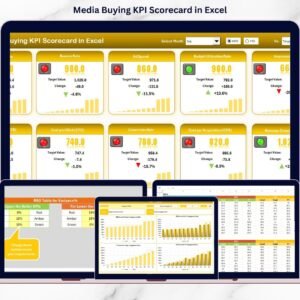
- Media Buying KPI Scorecard in Excel: a scorecard view
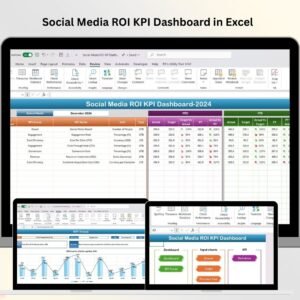
- Social Media ROI KPI Dashboard in Excel: ROI for social campaigns
- Marketing Manager Toolkit: 9 marketing templates in one bundle
Browse all Excel KPI dashboards or the Excel sales and marketing templates.






























Reviews
There are no reviews yet.