

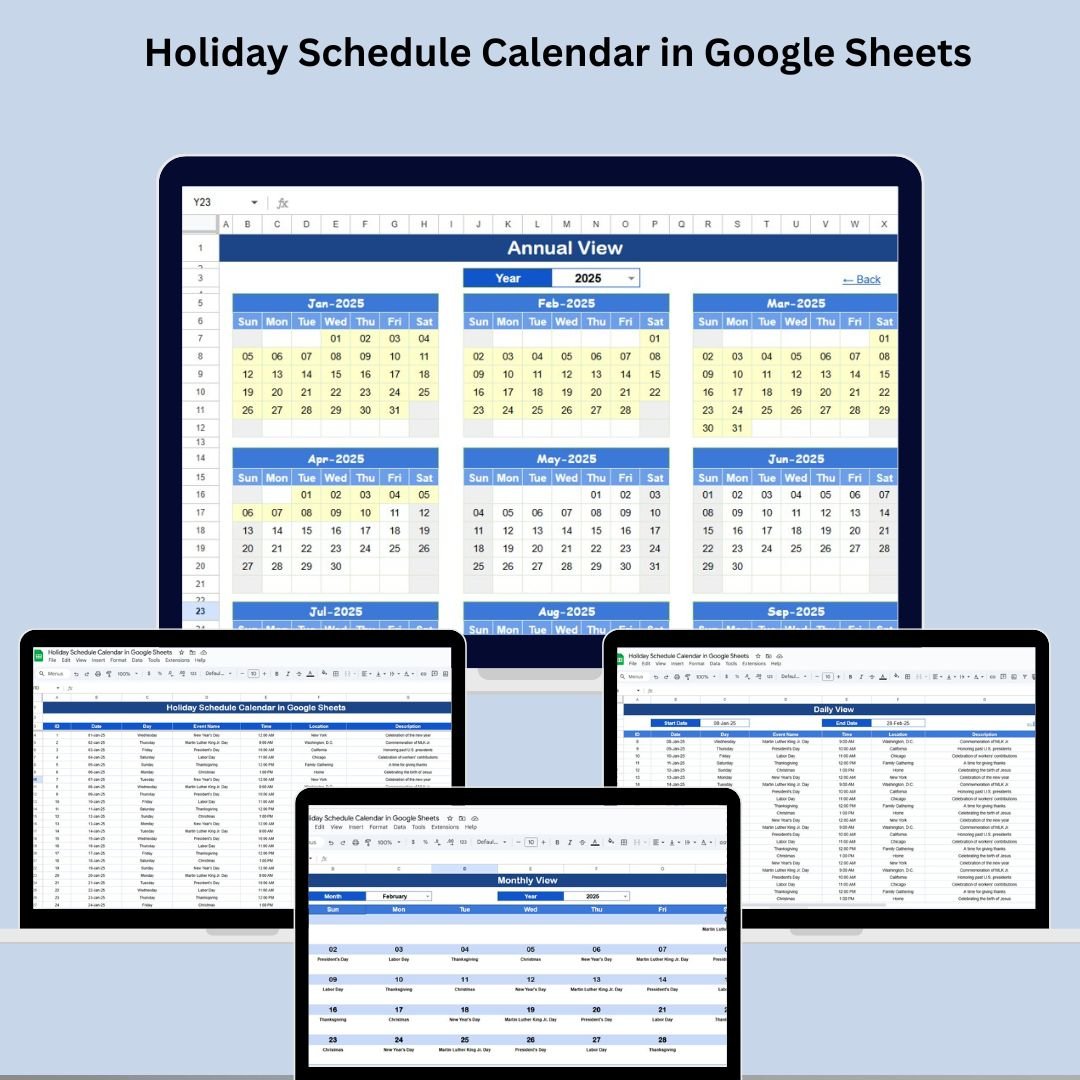

Say goodbye to missed holidays, forgotten events, and last-minute scheduling chaos! With the Holiday Schedule Calendar in Google Sheets, you can track, plan, and manage your company’s holidays and time-off schedules with absolute clarity. This easy-to-use calendar template brings together annual, monthly, and daily views, all connected to a smart events database—so your entire organization stays aligned and organized year-round.
Whether you’re managing national holidays, internal events, or employee leaves, this dynamic tool gives you full control—all within the familiar Google Sheets environment.

✅ Key Features of the Holiday Schedule Calendar
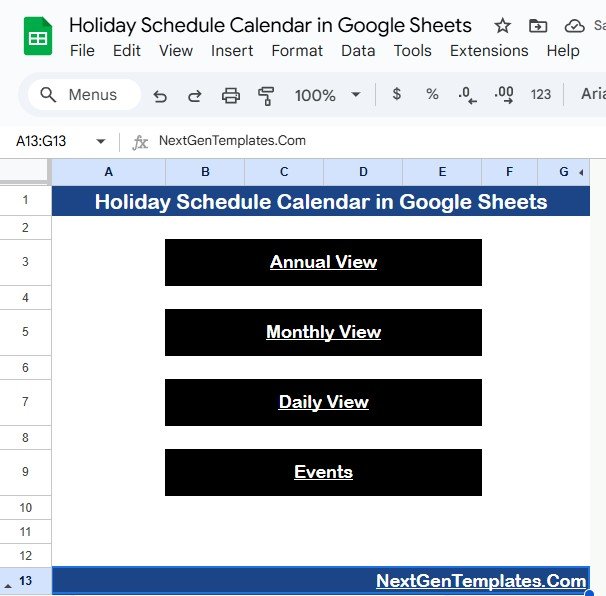
🏠 Home Sheet Tab – Your Navigation Hub
Jump between sheets instantly with clickable buttons:
Annual View – See the full year at a glance
Monthly View – Get detailed visibility month by month
Daily View – Drill down into events for selected dates
Events – Manage and update your complete holiday list
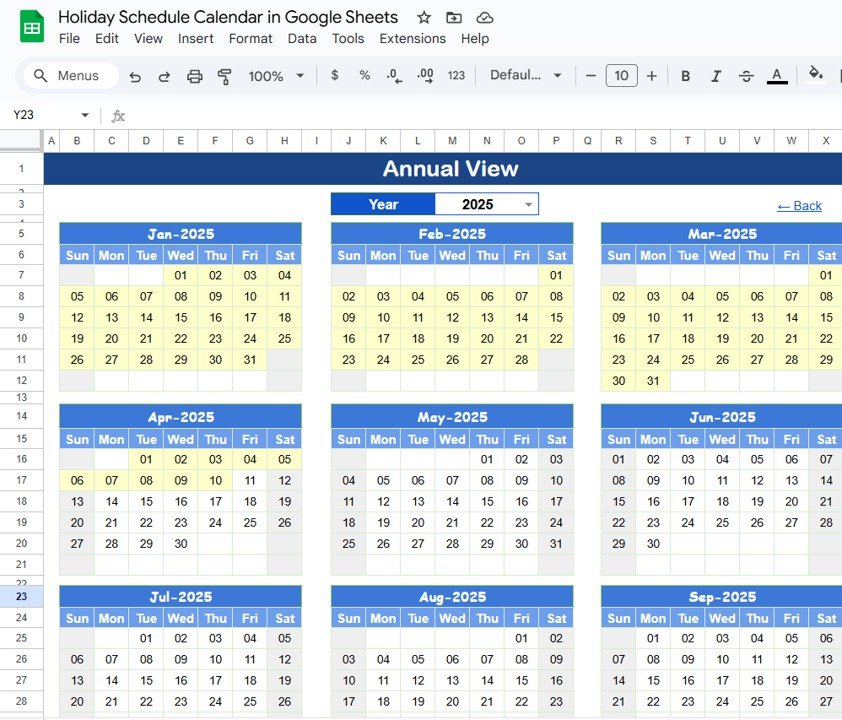
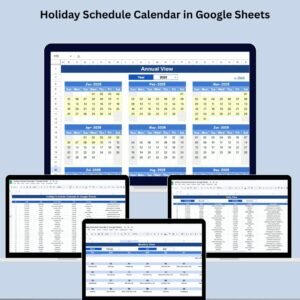
📆 Annual View Sheet – Full-Year Snapshot
View 12 months on one screen and adjust calendar behavior:
Select any Year from a dropdown
Choose your Starting Month and Start Day (Sunday/Monday)
Highlighted holidays for easy visual planning
Perfect for long-term scheduling and forecasting.
📅 Monthly View Sheet – Event-Rich Monthly Calendar
Zoom into a selected month and see everything happening:
Change the Month & Year with dropdowns
View holidays and events with automatic cell updates
“More than 1…” text prompts when multiple events occur on a single date
Ideal for vacation planning and team scheduling.
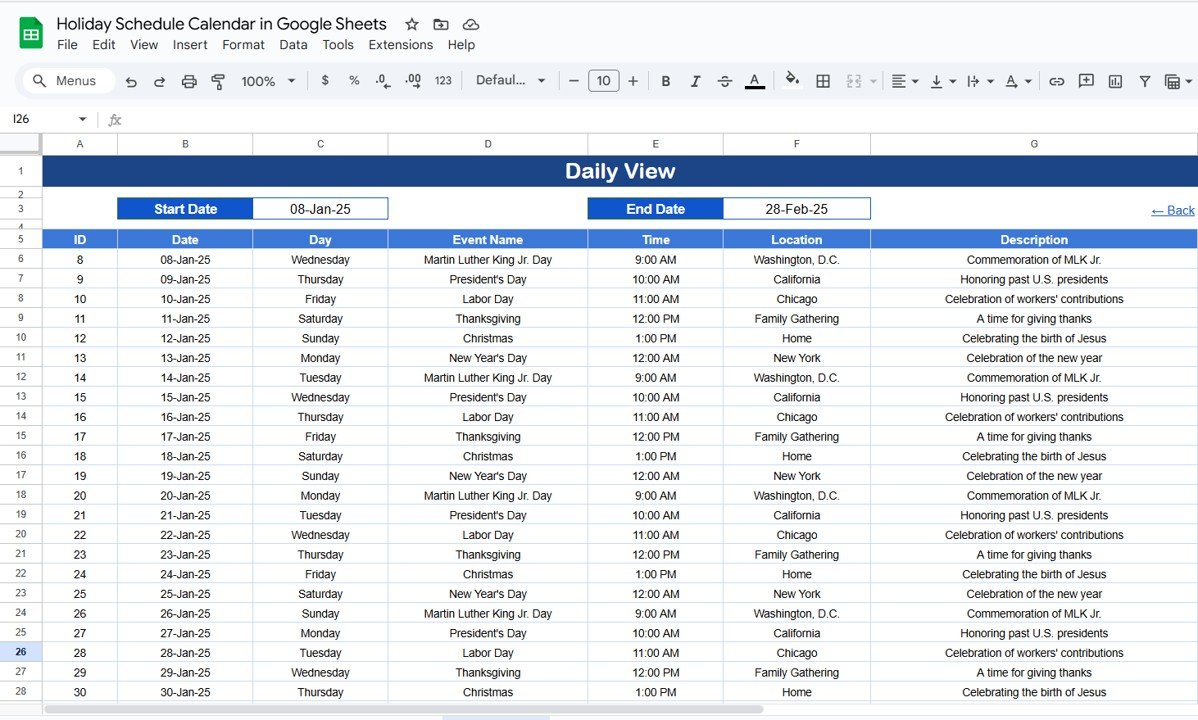
🗓️ Daily View Sheet – Date Range Drill-Down
See events between any two dates you define:
Choose your Start Date and End Date
View details like Event Name, Time, Location, and Description
Great for week-ahead planning or tracking near-term activities.
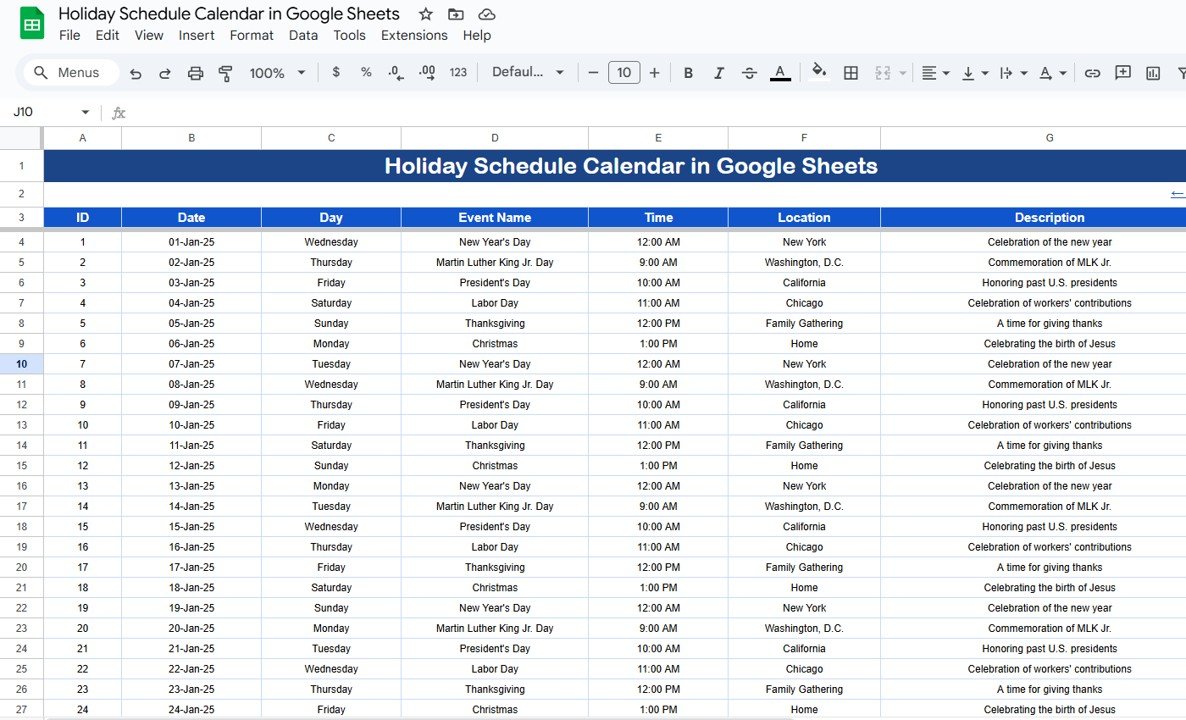
📋 Events Sheet – Centralized Event Database
Everything begins here! Maintain a complete list of holidays and events:
Auto-generated ID for each event
Fields for Date, Day, Time, Location, Description
Fully editable and searchable
Your single source of truth for all team-wide events and holidays.
📦 What’s Inside the Holiday Schedule Calendar
✅ Home Sheet with clickable navigation buttons
📆 Annual View Calendar with full 12-month layout
🗓️ Monthly View Sheet for targeted scheduling
📅 Daily View Sheet with a filterable event log
📋 Events Sheet to record and manage all events
🧩 Custom dropdowns for Year, Month, and Day control
🎨 Fully customizable format and highlight rules
🌐 Built on Google Sheets for real-time collaboration
🚀 How to Use the Holiday Schedule Calendar
Open the Google Sheets file in your Google account
Add holidays, events, or employee time-off into the Events Sheet
Use the Home Sheet buttons to jump between Annual, Monthly, or Daily views
Customize the calendar by changing the year, start month, or week start day
Share the calendar with your team to keep everyone informed
No coding. No learning curve. Just instant productivity! 💡
👥 Who Can Benefit from This Calendar?
🏢 HR Teams – for leave planning and holiday tracking
📅 Operations Managers – for staffing and shift planning
👩💼 Project Managers – to avoid scheduling conflicts
🧑🏫 Educational Institutions – to schedule term breaks and events
🧑⚕️ Clinics & Healthcare – for rotational shifts and holidays
🧑💻 Remote Teams – to sync global holidays across time zones
🧰 Startups and SMBs – looking for a smart, budget-friendly solution






























Reviews
There are no reviews yet.