

In today’s fast-paced digital world, Data Privacy Planner Checklist—it’s essential. Every business, regardless of size or industry, handles sensitive information about employees, customers, and partners. Protecting this data is critical for maintaining trust, meeting legal obligations, and avoiding costly compliance failures.
But here’s the challenge: keeping track of policies, audits, access logs, and compliance deadlines often feels overwhelming. Scattered notes, manual trackers, and incomplete documentation can quickly lead to risks.
That’s why we created the Data Privacy Planner Checklist in Excel. This ready-to-use tool helps organizations streamline their data privacy tasks, assign responsibilities, and track progress—all in one structured file.
✨ Key Features of the Data Privacy Planner Checklist in Excel
-
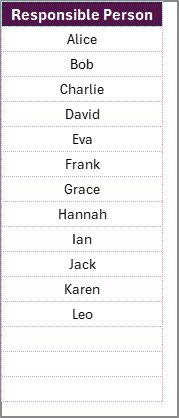
📑 Two Organized Worksheets – A main checklist sheet and a list sheet for responsible persons.
-
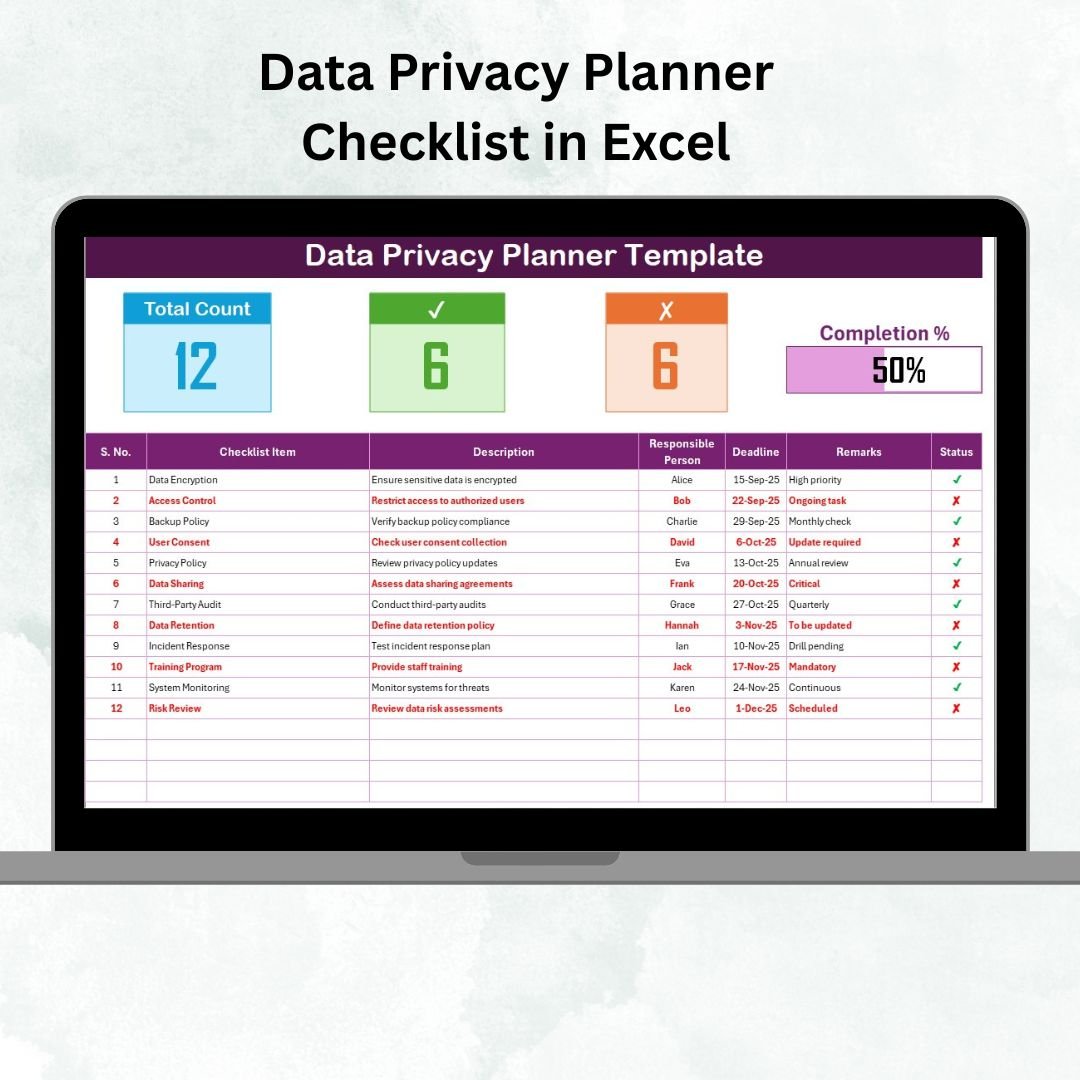
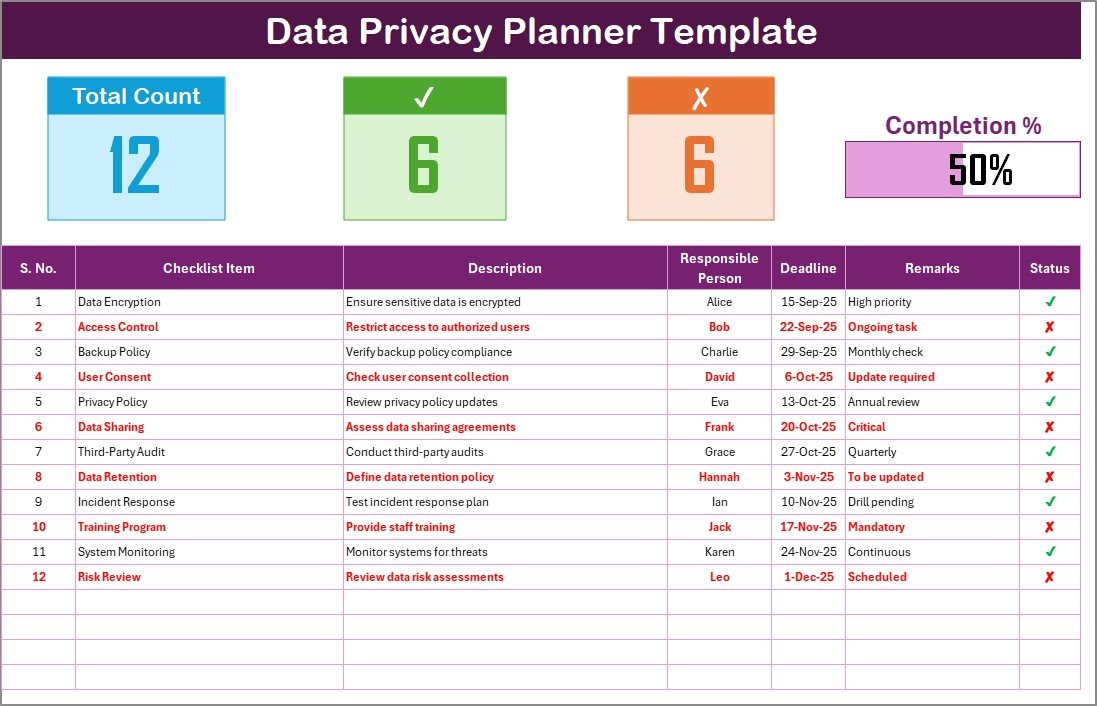
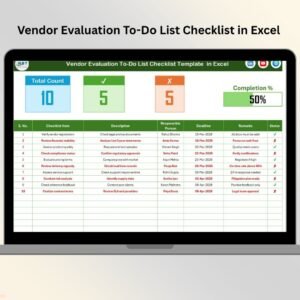
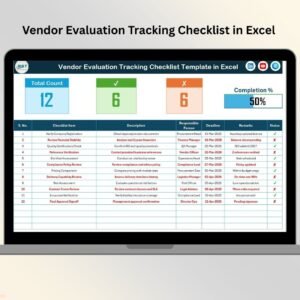
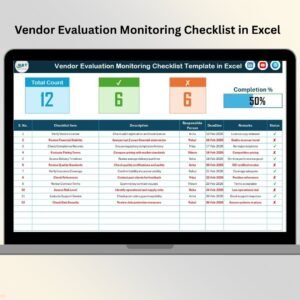
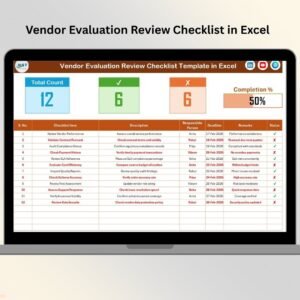
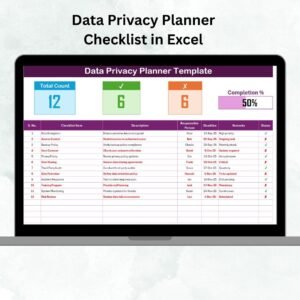
📊 Progress Tracking Dashboard – Displays total tasks, completed vs. pending counts, and a visual progress bar.
-
🖱️ Interactive Checklist Table – Add, assign, and update tasks easily with columns for Serial No., Item, Description, Responsible Person, Deadline, Remarks, and Status (✔ or ✘).
-
👥 Drop-Down Assignments – The List Sheet ensures consistent task assignment with pre-filled responsible persons.
-
🎨 Clean & Professional Layout – Designed to be simple yet powerful, making compliance management stress-free.
-
🔒 Customizable – Add, edit, or remove checklist items to fit your organization’s needs.
📦 What’s Inside the Template
When you download the Data Privacy Planner Checklist in Excel, you’ll get:
-
Checklist Sheet Tab – The central place where all privacy-related tasks are tracked with accountability and deadlines.
-
List Sheet Tab – A pre-built reference sheet for managing responsible persons, ensuring drop-downs stay accurate and standardized.
Together, these two sheets provide a centralized hub for data privacy management that anyone can use.
🛠️ How to Use the Data Privacy Planner Checklist
-
Define Your Privacy Tasks – Add checklist items such as “Review Data Retention Policy” or “Audit Access Logs.”
-
Assign Responsibilities – Use the drop-down menu to allocate each task to the right team member.
-
Set Deadlines – Enter target completion dates for every task.
-
Update Status – Mark each task as ✔ (completed) or ✘ (pending).
-
Track Progress – Use the automatic counts and progress bar at the top to monitor completion rates.
-
Review Frequently – Conduct weekly or monthly reviews to keep the checklist updated.
👥 Who Can Benefit from This Checklist?
-
IT Managers – Track system access reviews, software updates, and encryption checks.
-
Compliance Officers – Ensure adherence to GDPR, HIPAA, PCI DSS, and other regulations.
-
HR Teams – Manage employee data policies and consent forms.
-
Business Owners – Gain peace of mind knowing sensitive information is secure.
-
Auditors – Use the checklist as supporting documentation during compliance reviews.
🎯 Advantages of the Data Privacy Planner Checklist
-
✅ Ease of Use – Works seamlessly in Excel, no training required.
-
✅ Centralized Tracking – Keep all privacy tasks, deadlines, and responsibilities in one place.
-
✅ Visual Insights – Monitor completion rates instantly with the progress bar.
-
✅ Accountability – Every task has an assigned owner.
-
✅ Flexibility – Customize tasks for your industry (healthcare, retail, finance, etc.).
-
✅ Cost-Effective – No need for expensive compliance tools—Excel is already widely available.
🚀 Opportunities for Improvement
While the checklist is already powerful, you can enhance it further by:
-
🔔 Automating Reminders – Add VBA macros to send alerts before deadlines.
-
📎 Linking Policies – Insert hyperlinks to your organization’s internal privacy guidelines.
-
📊 Adding Dashboards – Create pivot charts for deeper visual insights.
-
🔐 Securing the File – Apply password protection for sensitive compliance records.
-
📝 Version Tracking – Save iterations of the checklist for historical audit evidence.
🏆 Best Practices
-
Keep tasks specific and actionable.
-
Use drop-downs instead of manual text entries to avoid mistakes.
-
Assign deadlines to ensure accountability.
-
Review progress weekly or monthly.
-
Share the file securely with authorized team members.
🏢 Real-World Applications
-
🔍 Audit Readiness – Document and prove compliance to regulators.
-
📑 Policy Reviews – Keep policies updated and version-controlled.
-
🛡️ Access Control – Track employee access rights and updates.
-
📦 Vendor Management – Ensure third-party data handling aligns with company standards.
-
📉 Risk Reduction – Spot pending tasks before they turn into compliance failures.
📖 Click here to read the Detailed blog post
🎥 Visit our YouTube channel to learn step-by-step video tutorials























Reviews
There are no reviews yet.