

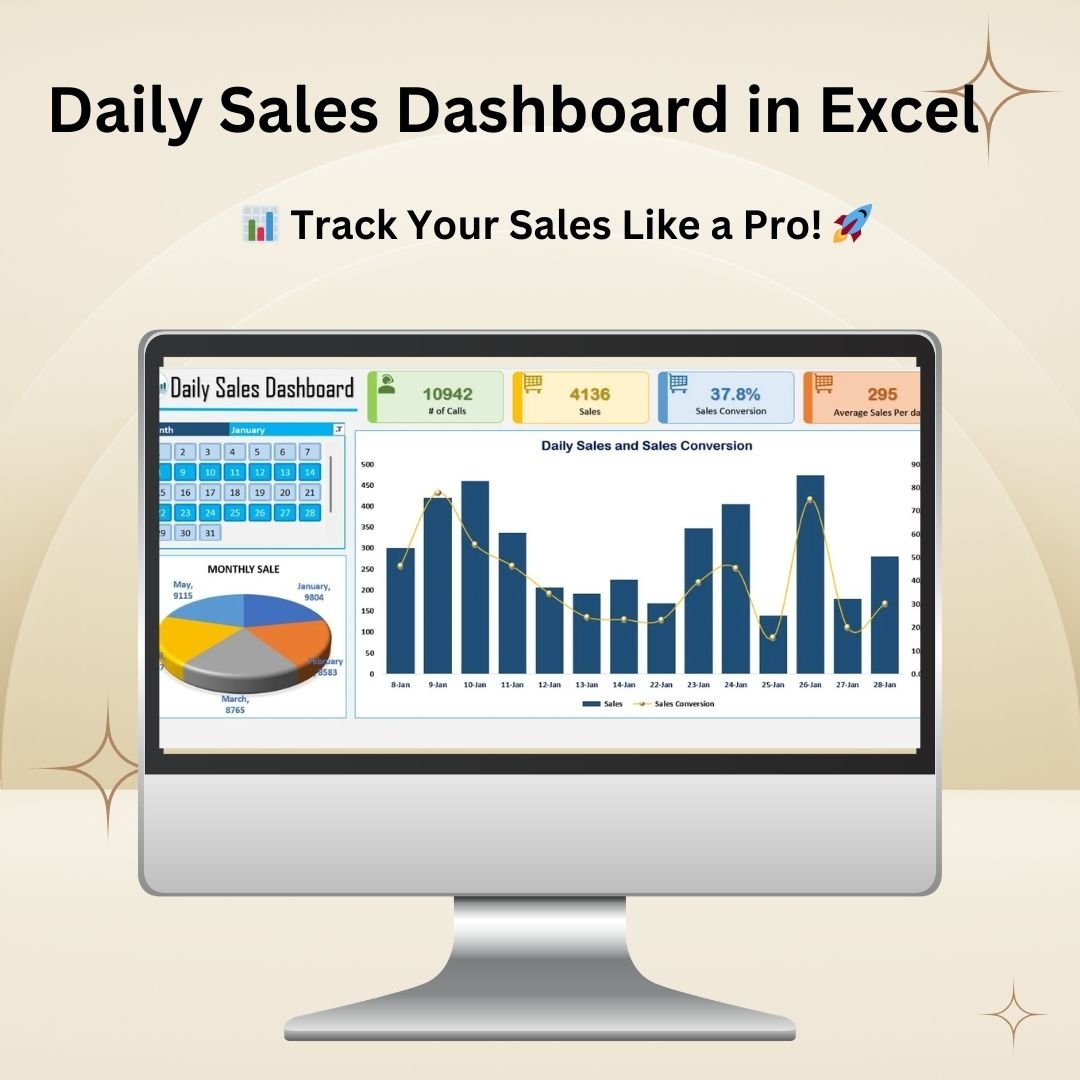


The Daily Sales Dashboard in Excel is a ready-made template for tracking and analyzing daily sales performance. It is built for sales managers, business owners, telecalling teams and marketing professionals who want a structured view of calls, sales and conversions. You get clear daily and monthly insights that support faster decisions, higher conversions and better revenue.
You enter daily call and sales figures, and the dashboard turns them into interactive charts, conversion percentages and average sales per day. It works as a daily sales tracker and a sales performance dashboard in one file, with a data-driven view of your sales trends.
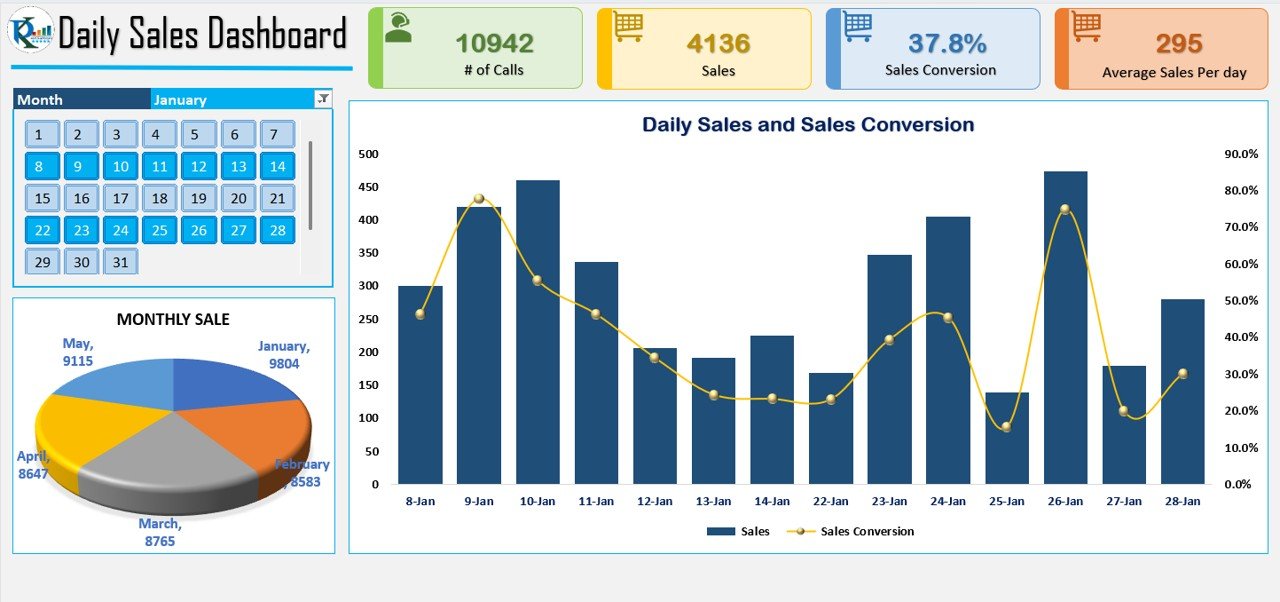
Key Features of the Daily Sales Dashboard in Excel
- Comprehensive sales tracking: Monitor the number of daily calls, successful sales and conversion rates in a structured format.
- Visual representation of sales trends: Analyze sales performance over time with dynamic bar charts, pie charts and trend lines.
- Sales conversion analysis: See how the number of calls made relates to the sales actually generated, so you can improve your sales strategies.
- Daily and monthly insights: Break down daily and monthly sales trends to spot peak performance days and adjust your approach.
- Performance monitoring: Track average sales per day, find sales bottlenecks and focus your efforts where they work best.
- Interactive calendar view: Select specific dates to analyze performance trends for a particular period.
- Automated calculations: Pre-built formulas instantly calculate sales conversion percentages and average sales per day, which cuts down manual work.
- User-friendly interface: Non-technical users can get to key sales data quickly.
What’s Inside the Dashboard
The template combines data entry with visual reporting so you can go from raw numbers to insight in a few steps. Its main components are listed below.
| Component | What it does |
|---|---|
| Daily data input | Record the number of calls made and the corresponding sales figures for each day. |
| Automated metrics | Pre-built formulas calculate sales conversion percentages and average sales per day. |
| Charts and graphs | Bar charts, pie charts and trend lines show sales performance over time. |
| Daily and monthly views | Show daily and monthly sales trends so peak days and slow periods stand out. |
| Interactive calendar | Lets you pick specific dates to review performance for chosen periods. |
Who Is This Excel Sales Dashboard For?
- Sales managers and business owners who need a quick picture of daily sales results and team output.
- Telecalling and customer support teams who want to measure telecalling performance by comparing calls made with sales closed.
- Marketing professionals and analysts who need structured sales analytics to guide strategy.
- Entrepreneurs and small businesses looking for a simple Excel sales template to track key sales metrics without complex software.
How to Use It
- Input daily sales data: Enter the number of calls made and the corresponding sales figures.
- Let the dashboard process it: It automatically calculates sales conversions and averages.
- Review the visuals: Study the interactive charts and graphs to understand your sales trends, and use the calendar view to focus on specific dates.
- Optimize your sales strategy: Identify patterns, adjust your efforts and improve telecalling efficiency based on what the data shows.
This Excel sales dashboard simplifies sales tracking, gives you real-time insights and supports better decisions for your sales performance management.
Read the detailed blog post
Click here to read the detailed blog post about this dashboard.
Watch the step-by-step video tutorial
Frequently Asked Questions
What does the Daily Sales Dashboard in Excel track?
It tracks the number of daily calls, successful sales and conversion rates. It also calculates average sales per day and shows daily and monthly sales trends.
Do I need to write formulas myself?
No. The dashboard uses pre-built formulas that automatically calculate sales conversion percentages and average sales per day once you enter your data.
Can I analyze a specific date range?
Yes. The interactive calendar view lets you select specific dates to analyze performance trends for particular periods.
Is it suitable for telecalling teams?
Yes. The sales conversion analysis compares calls made with actual sales generated, which makes it useful for monitoring and improving telecalling performance.
What kind of charts are included?
The dashboard includes dynamic bar charts, pie charts and trend lines for visualizing sales performance over time.
Is it easy to use for non-technical users?
Yes. It has a user-friendly interface that gives non-technical users quick access to key sales data as a daily sales tracker.
Also check our Restaurant Management System V1.0 in Excel.
Last updated: October 2026
Compatibility and Requirements
- Works in Microsoft Excel desktop (Excel 2016 or later, or Microsoft 365).
- For help with the Excel features it uses, see Microsoft’s guide Create a chart from start to finish.
Related Sales Dashboard Templates
- Sales Dashboard in Excel: a full sales dashboard in Excel.
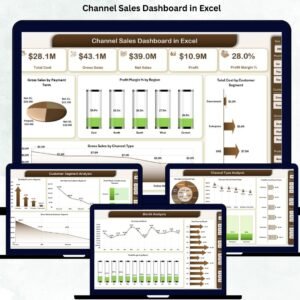
- Channel Sales Dashboard in Excel: compare sales by channel.
- Sales KPI Dashboard in Excel: track sales KPIs against targets.
- One Page Sales Dashboard in Google Sheets (Free Template): a free one-page sales dashboard in Google Sheets.
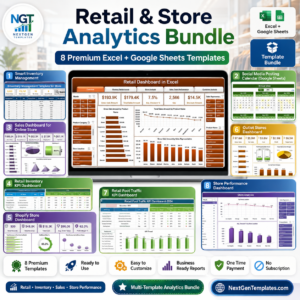
- Retail & Store Analytics Bundle: 8 retail and store analytics templates.
Browse all Excel sales and marketing templates or the Excel dashboards.










Reviews
There are no reviews yet.