


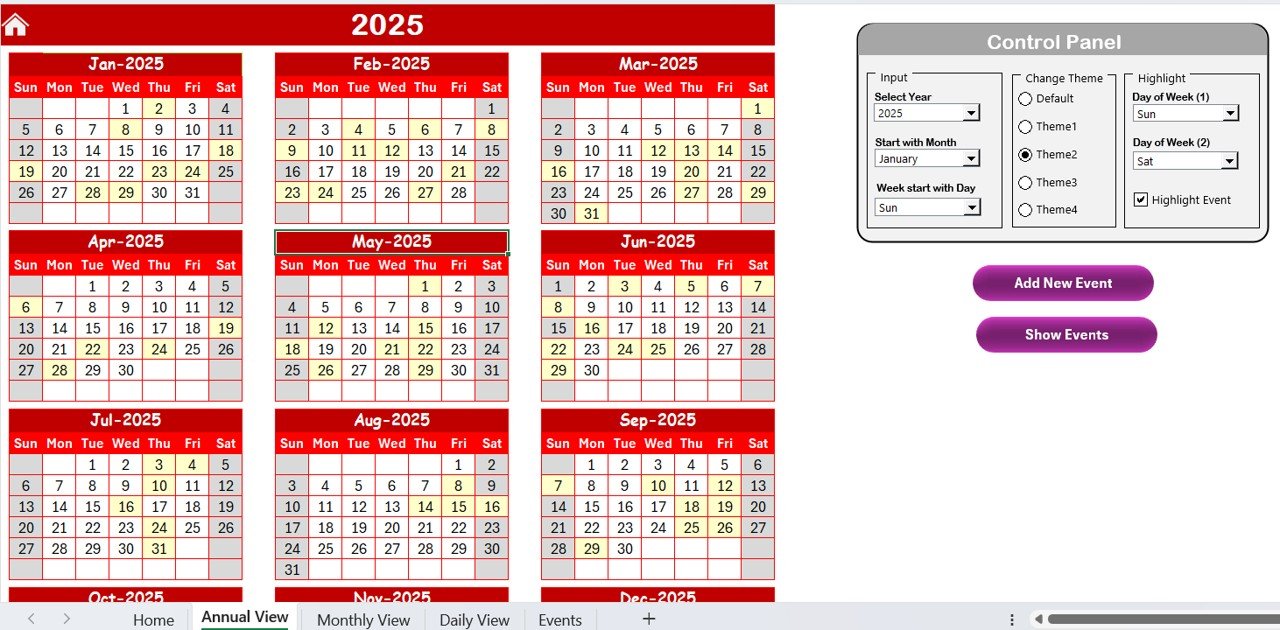

The Customer Service Remote Work Calendar in Excel is a must-have tool for businesses with remote customer service teams. This Excel-based calendar helps you efficiently manage schedules, track shifts, and ensure your team is always ready to respond to customer inquiries—no matter where they are working from.
With clear and organized scheduling, this tool makes it easier to plan daily, weekly, or monthly shifts, track time off, and ensure that all customer service needs are met. It’s designed to help team leads, managers, and business owners stay on top of their remote teams’ availability, ensuring full coverage during operating hours and minimizing scheduling conflicts.
Key Features of the Customer Service Remote Work Calendar in Excel
📅 Remote Work Shift Tracking
Track and manage remote work shifts for your customer service team with ease. This calendar allows you to input shift timings and quickly identify team availability to prevent over or under-staffing.
📝 Time Off & Absence Management
Easily track vacation days, sick leave, and other time-off requests. Ensure you always know when your team is available or unavailable and avoid any scheduling conflicts in advance.
📈 Monthly, Weekly, and Daily Views
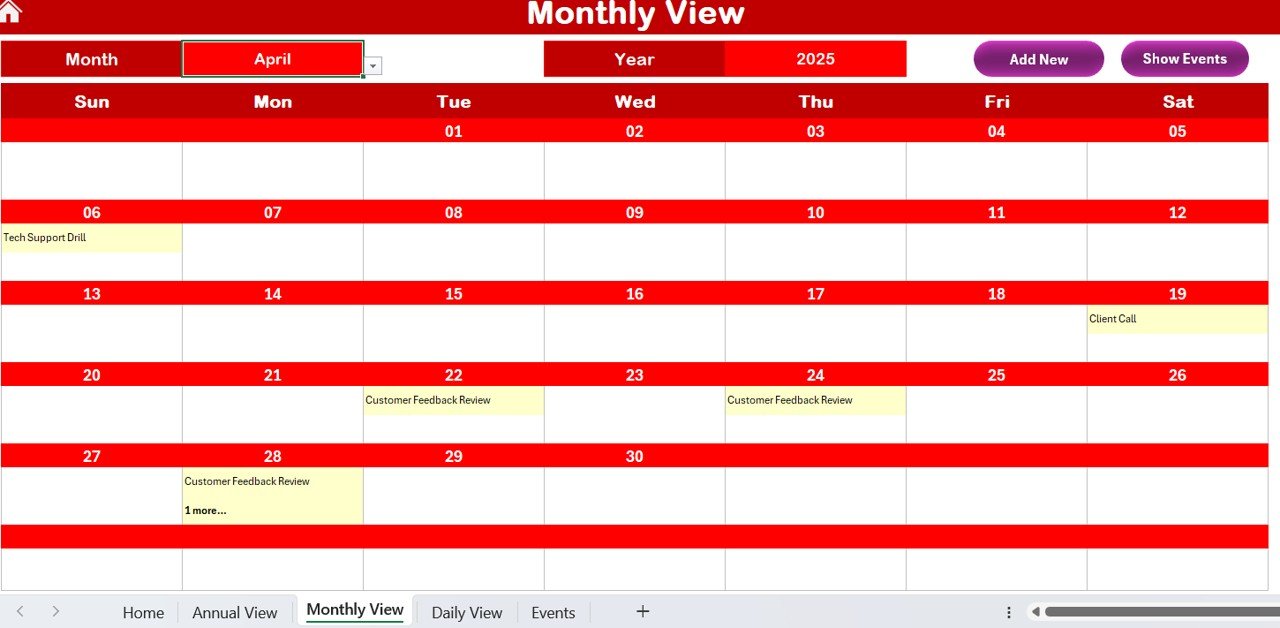
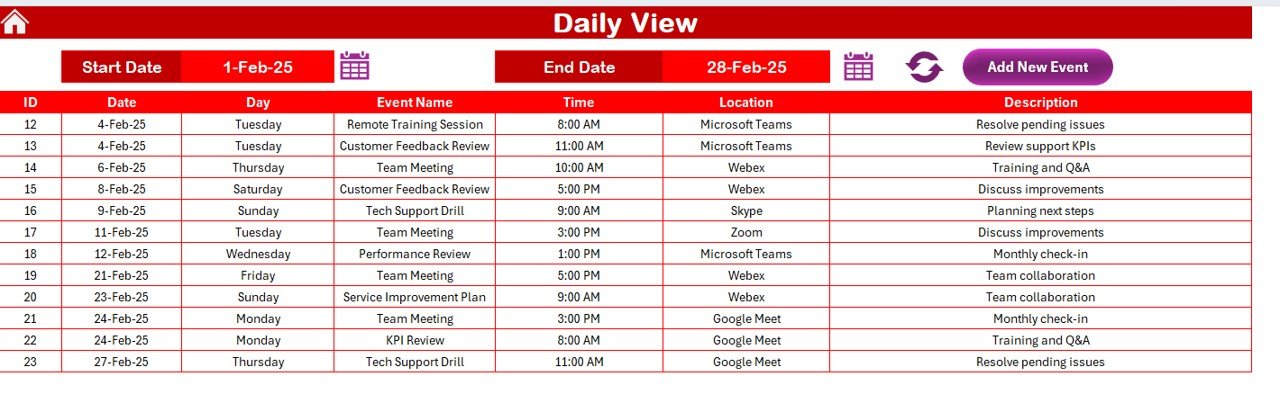
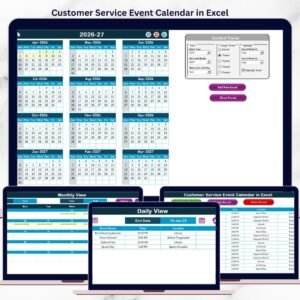
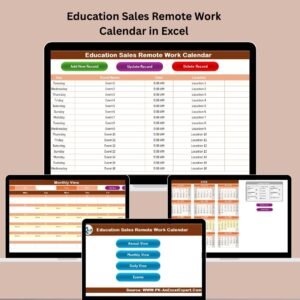
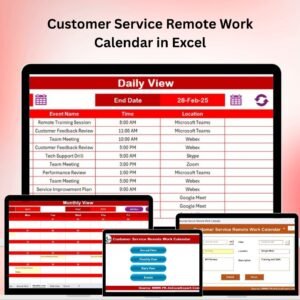
View your remote work schedule in daily, weekly, or monthly formats, giving you the flexibility to plan for both short-term and long-term shifts. View all the important data at a glance.
⚙️ Customizable & Scalable
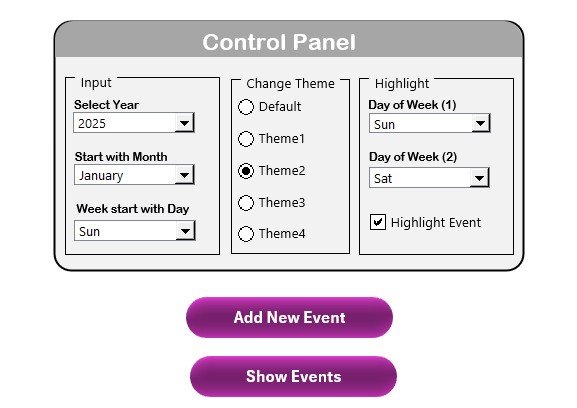
Customize the calendar to suit your team’s unique needs. Add shift types, specify working hours, and input holidays to fit your business’s operational hours.
🔑 Team Member Tracking
Keep track of each team member’s hours worked, time-off balances, and availability, making it easy to manage and review staffing across multiple teams.
🛠 Color-Coded & Easy to Use
With color-coding options and an intuitive design, the calendar makes it easy to visualize the shift schedule, time off, and holidays. Quickly identify gaps or overlaps in the schedule.
Why You’ll Love the Customer Service Remote Work Calendar in Excel

✅ Efficient Scheduling & Planning
Stay organized and ensure that customer service operations are fully staffed. Plan shifts with ease and ensure that your team has the proper coverage during business hours.
✅ Time-Off Management Made Simple
Track time-off requests and absences in one central location to avoid scheduling conflicts. Stay on top of when your team members will be available.
✅ Scalable & Adaptable
This calendar is easily scalable to suit both small teams and large-scale customer service departments. Modify the calendar to fit your business’s requirements and operational scale.
✅ Streamlined Communication
Ensure seamless communication between team members and managers by having the work schedule easily accessible and transparent to everyone.
✅ User-Friendly Interface
The intuitive design and color-coded shifts make it easy for anyone to use the calendar without complicated instructions. It’s ready to use from the moment you download it.
What’s Inside the Customer Service Remote Work Calendar in Excel?
Shift Tracking: Monitor and manage your customer service team’s remote shifts.
Time-Off Management: Track absences, vacations, and sick leaves.
Multiple Views: Easily switch between daily, weekly, and monthly calendar views.
Team Member Availability Tracking: Track hours worked and manage availability.
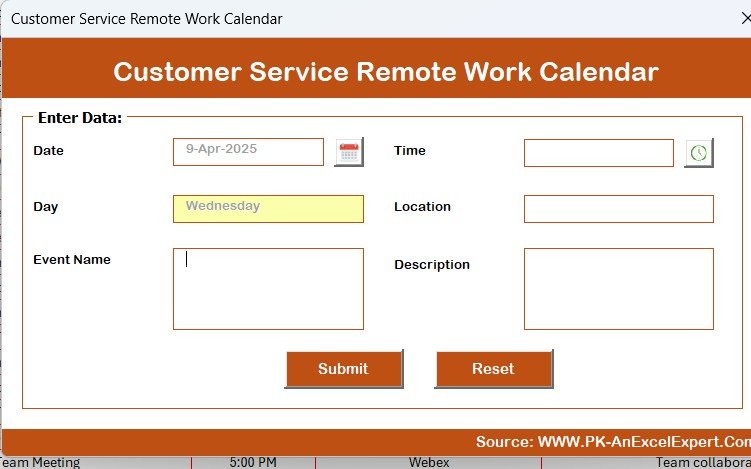
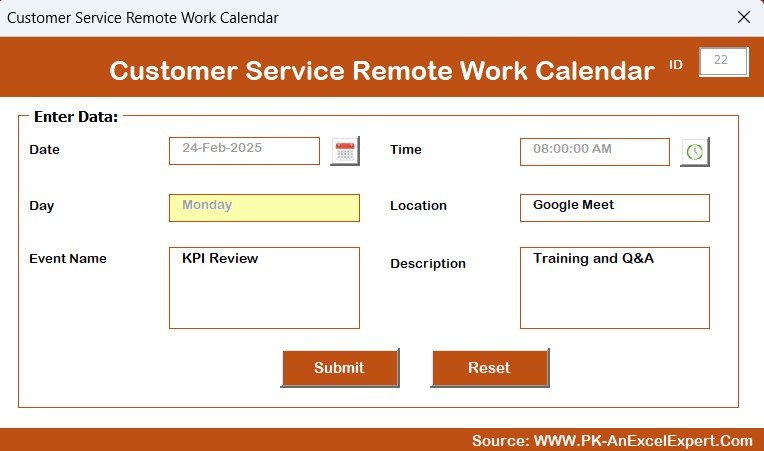
Customizable Fields: Customize the calendar to fit your specific team and shift requirements.
Color-Coded Scheduling: Quickly view available shifts and staffing gaps with color-coded options.
How to Use the Customer Service Remote Work Calendar in Excel
1️⃣ Download the Template: Get the Customer Service Remote Work Calendar in Excel instantly.
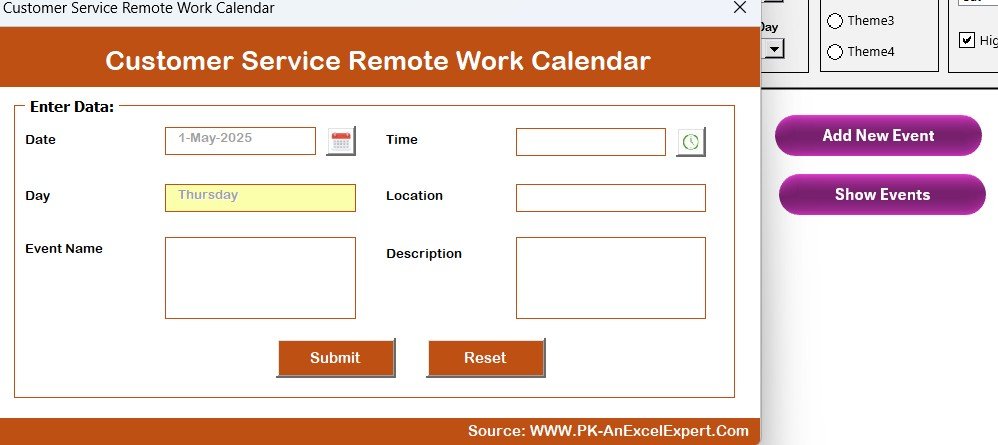
2️⃣ Input Team Member Information: Add your team members, shifts, and work hours into the calendar.
3️⃣ Track Time Off & Availability: Monitor time-off requests and ensure proper coverage.
4️⃣ Review Shift Schedules: Review daily, weekly, or monthly views to ensure all shifts are staffed.
5️⃣ Manage & Adjust: Adjust shifts and availability as needed to accommodate team members and business needs.
Who Can Benefit from the Customer Service Remote Work Calendar in Excel?
🔹 Customer Service Managers & Team Leads
🔹 HR Departments Managing Remote Teams
🔹 Business Owners with Remote Customer Service Teams
🔹 Call Centers & Support Departments
🔹 Small & Medium Enterprises (SMBs)
🔹 Large Corporations with Distributed Teams
Manage your remote customer service team effectively with the Customer Service Remote Work Calendar in Excel. Stay organized, ensure full coverage, and improve team efficiency—no matter where your employees are working from.
Click here to read the Detailed blog post
Visit our YouTube channel to learn step-by-step video tutorials
Youtube.com/@PKAnExcelExpert
Watch the step-by-step video Demo:
Compatibility and Requirements
- Works in Microsoft Excel desktop (Excel 2016 or later, or Microsoft 365).
- The shifts and time off are color-coded. Microsoft explains the feature in Use conditional formatting to highlight information in Excel.
Frequently Asked Questions
What does this calendar track?
It tracks remote work shifts, time off such as vacation days and sick leave, and each team member’s availability and hours worked.
Can I view the schedule by day, week or month?
Yes. You can switch between daily, weekly and monthly views.
Can I change the shift types and working hours?
Yes. You can add shift types, set working hours and enter holidays to match your operating hours.
How do I spot gaps in coverage?
Shifts, time off and holidays are color-coded, so staffing gaps and overlaps show up when you look at the schedule.
Is there a version for another department?
Yes. For example, see the HR Remote Work Calendar in Excel and the Operations Remote Work Calendar in Excel.
Related Customer Service Templates
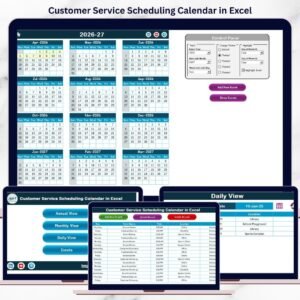
- Customer Service Schedule Calendar in Excel: a shift calendar for the same team
- Technology Customer Service Remote Work Calendar in Excel: the same calendar for technology teams
- Customer Service Request Tracker in Excel: log and follow customer requests
- Customer Service Dashboard in Excel: a dashboard for service performance
Browse all Excel calendar templates.












Reviews
There are no reviews yet.