

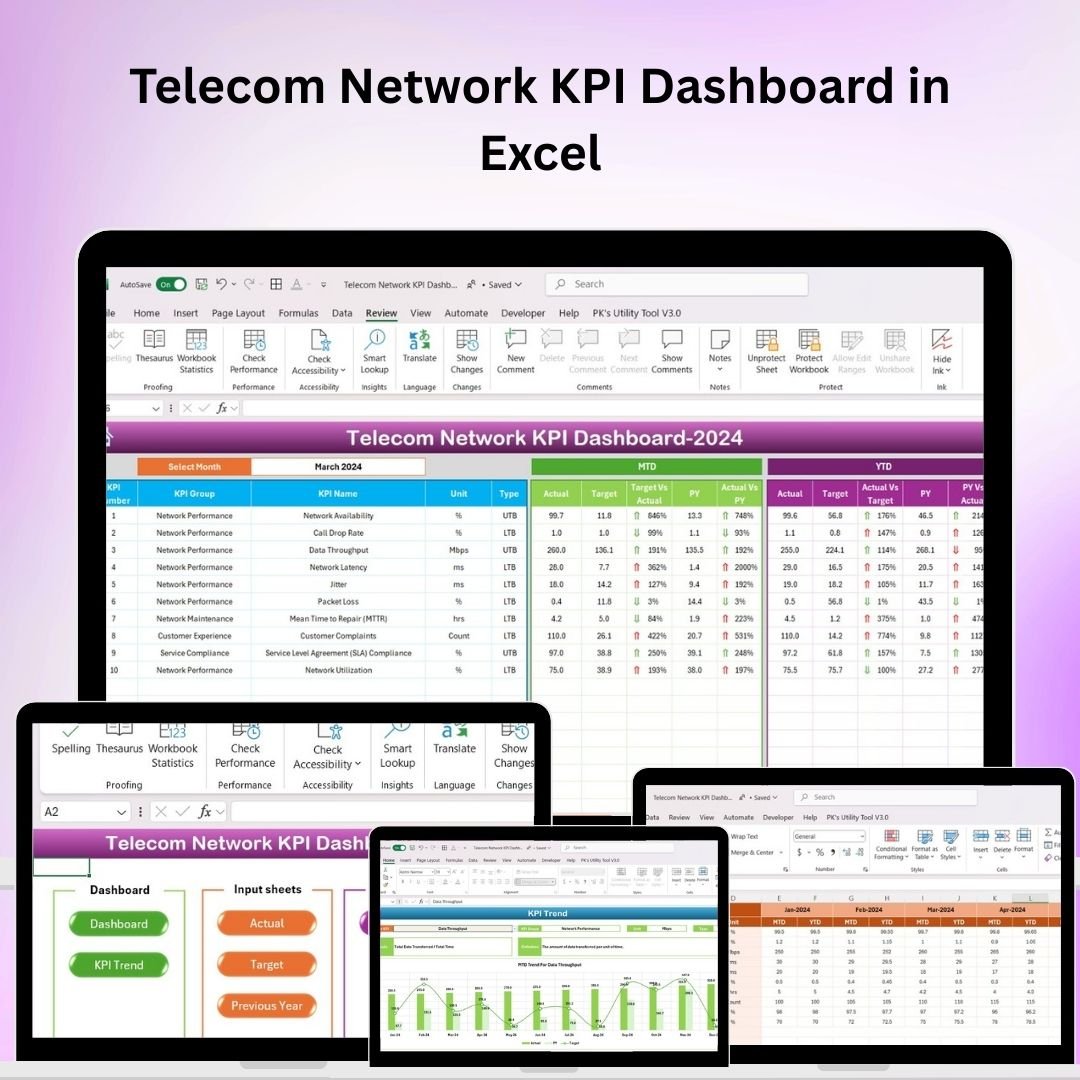



The Creating an Artificial Intelligence Ethics KPI Dashboard in Excel is a comprehensive tool designed to help organizations monitor, assess, and improve the ethical aspects of their artificial intelligence (AI) systems. As AI continues to grow in influence and application, it is essential for businesses to ensure that their AI models are ethical, transparent, and aligned with responsible practices. This Excel-based dashboard provides a structured way to track key performance indicators (KPIs) related to AI ethics, ensuring that AI systems are developed and deployed responsibly.
From fairness to transparency and accountability, this dashboard tracks various ethical aspects of AI systems, allowing data scientists, AI developers, and business leaders to measure, report, and enhance their AI ethics initiatives. It serves as a vital tool for improving AI transparency, reducing bias, and maintaining ethical AI standards.
Key Features of the Artificial Intelligence Ethics KPI Dashboard in Excel
🔎 Ethical AI Tracking
Monitor key ethical aspects of your AI models, such as fairness, accountability, transparency, and privacy. Track how well your AI systems align with established ethical principles.
📊 Fairness & Bias Analysis
Track and measure fairness in AI decisions by evaluating model outcomes across different demographic groups. Identify potential biases and work to eliminate them from the AI system.
⚖️ Transparency & Explainability
Evaluate the transparency and explainability of your AI models. Track how easy it is for end-users and stakeholders to understand AI decisions, ensuring that models are explainable and transparent.
🔐 Privacy & Data Protection
Ensure that AI systems comply with data privacy regulations and safeguard sensitive information. Track the implementation of privacy measures and ensure ethical data handling practices.
📅 Time-Based Performance Tracking
Monitor ethical KPIs over time to identify trends and measure improvements. Analyze the ethical performance of your AI systems over different periods, from model training to deployment.
⚙️ Customizable & Scalable
Tailor the dashboard to track the specific ethical KPIs that matter most to your organization. Whether you are focusing on bias reduction or privacy compliance, this dashboard can scale and adapt to suit your needs.
Why You’ll Love the AI Ethics KPI Dashboard in Excel

✅ Track Ethical Performance of AI
Monitor the ethical impact of your AI systems in real time, ensuring that your models are aligned with responsible practices and ethical standards.
✅ Reduce Bias and Improve Fairness
Measure fairness in your AI models and reduce bias by identifying disparities in model outputs across different demographics. Ensure equitable outcomes for all users.
✅ Enhance Transparency & Accountability
Track transparency and explainability KPIs to ensure that your AI models are transparent, understandable, and accountable to stakeholders.
✅ Ensure Privacy & Compliance
Track compliance with data protection regulations and ensure that your AI models handle sensitive data ethically and securely.
✅ Data-Driven Ethical Decisions
Leverage the insights from the dashboard to make informed decisions about AI model development, ensuring that ethical considerations are integrated into your AI strategy.
What’s Inside the Artificial Intelligence Ethics KPI Dashboard in Excel?
Ethical AI Tracking: Track key ethical dimensions such as fairness, transparency, and accountability.
Fairness & Bias Analysis: Measure model fairness across different demographics and identify biases.
Transparency & Explainability: Assess how transparent and understandable your AI models are.
Privacy & Data Protection: Monitor compliance with data protection standards and privacy regulations.
Time-Based Performance Tracking: Track the ethical performance of AI models over different periods.
Customizable Features: Tailor the dashboard to focus on the ethical aspects most relevant to your AI initiatives.
How to Use the AI Ethics KPI Dashboard in Excel
1️⃣ Download the Template: Get access to the AI Ethics KPI Dashboard in Excel instantly.
2️⃣ Input Data & Metrics: Enter your AI model data and metrics related to fairness, transparency, privacy, and bias.
3️⃣ Monitor KPIs: Track key ethical KPIs such as fairness, privacy, and explainability throughout your AI model’s lifecycle.
4️⃣ Analyze Trends & Improvements: Use time-based analysis to measure the ethical performance of your models over time.
5️⃣ Improve AI Ethics: Use the insights gained from the dashboard to make adjustments to your AI models, reducing bias, improving transparency, and ensuring compliance with ethical standards.
Who Can Benefit from the AI Ethics KPI Dashboard in Excel?
🔹 AI Developers & Data Scientists
🔹 AI Ethics Specialists & Consultants
🔹 Business Leaders & Executives
🔹 Compliance & Risk Management Teams
🔹 Regulatory Bodies & Policy Makers
🔹 Organizations Using AI for Customer-Facing Solutions
🔹 Technology & AI Startups
Ensure that your AI systems are developed and deployed ethically with the AI Ethics KPI Dashboard in Excel. Monitor fairness, transparency, privacy, and more to guarantee that your AI models meet the highest ethical standards.
Click here to read the Detailed blog post
Visit our YouTube channel to learn step-by-step video tutorials
Youtube.com/@PKAnExcelExpert
Compatibility and Requirements
- Works in Microsoft Excel desktop (Excel 2016 or later, or Microsoft 365).
- New to Excel dashboards? Microsoft’s guide Create a chart from start to finish covers the basics.
Frequently Asked Questions
Which ethics areas does the dashboard measure?
Fairness and bias, transparency and explainability, accountability, and privacy and data protection.
How does it check for bias?
It tracks fairness by comparing model outcomes across different demographic groups, so you can spot possible bias.
Can I follow a model from training to deployment?
Yes. Time-based tracking shows ethical KPIs over different periods, from model training to deployment.
Can I choose my own KPIs?
Yes. You can tailor the dashboard to the ethical KPIs that matter most to your organization, such as bias reduction or privacy compliance.
Is there a Google Sheets or Power BI version?
Yes. See the Artificial Intelligence Ethics KPI Dashboard in Google Sheets and the Artificial Intelligence Ethics KPI Dashboard in Power BI.
Related AI Templates
- Artificial Intelligence Ethics KPI Dashboard in Google Sheets: the same KPIs in Google Sheets
- Artificial Intelligence Ethics KPI Dashboard in Power BI: the Power BI edition
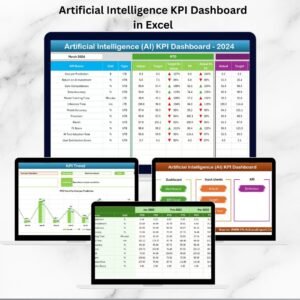
- Artificial Intelligence KPI Dashboard in Excel: track wider AI program KPIs
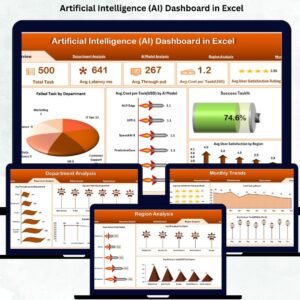
- Artificial Intelligence (AI) Dashboard in Excel: an AI dashboard in Excel
- Operations AI Implementation Calendar in Excel: plan an AI rollout month by month
Browse all Excel KPI dashboards.


















Reviews
There are no reviews yet.