

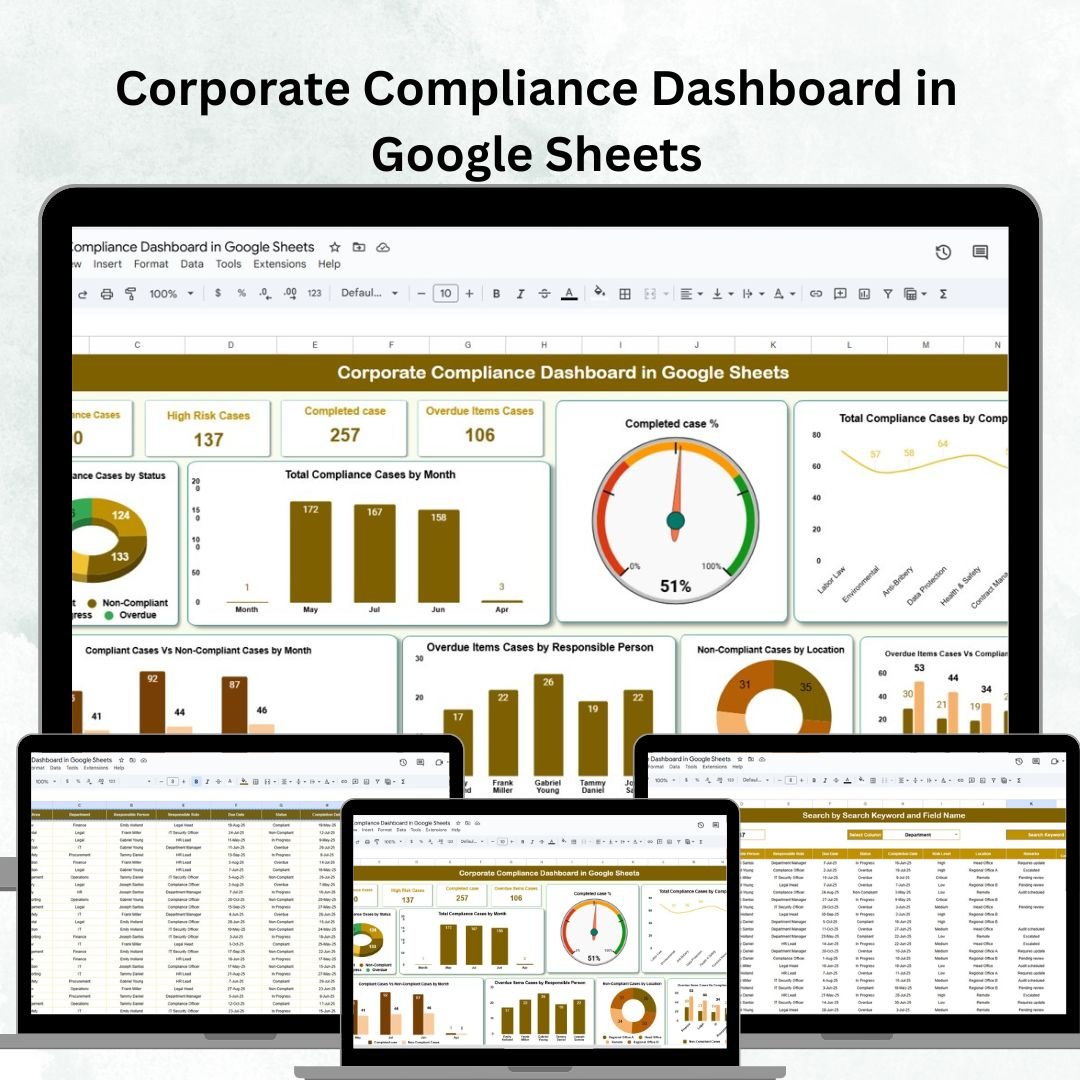

In today’s fast-paced business world, maintaining corporate compliance is not just a legal requirement—it’s a strategic necessity. The Corporate Compliance Dashboard in Google Sheets offers a ready-to-use, interactive, and collaborative solution to help compliance teams monitor cases, manage risks, and track overall compliance performance across departments and locations.
Whether you’re managing multiple sites or overseeing a large compliance department, this dashboard provides real-time visibility into key compliance metrics, ensuring your organization stays ahead of potential issues and maintains regulatory integrity.
🔑 Key Features of the Corporate Compliance Dashboard
📋 Dashboard Sheet Tab
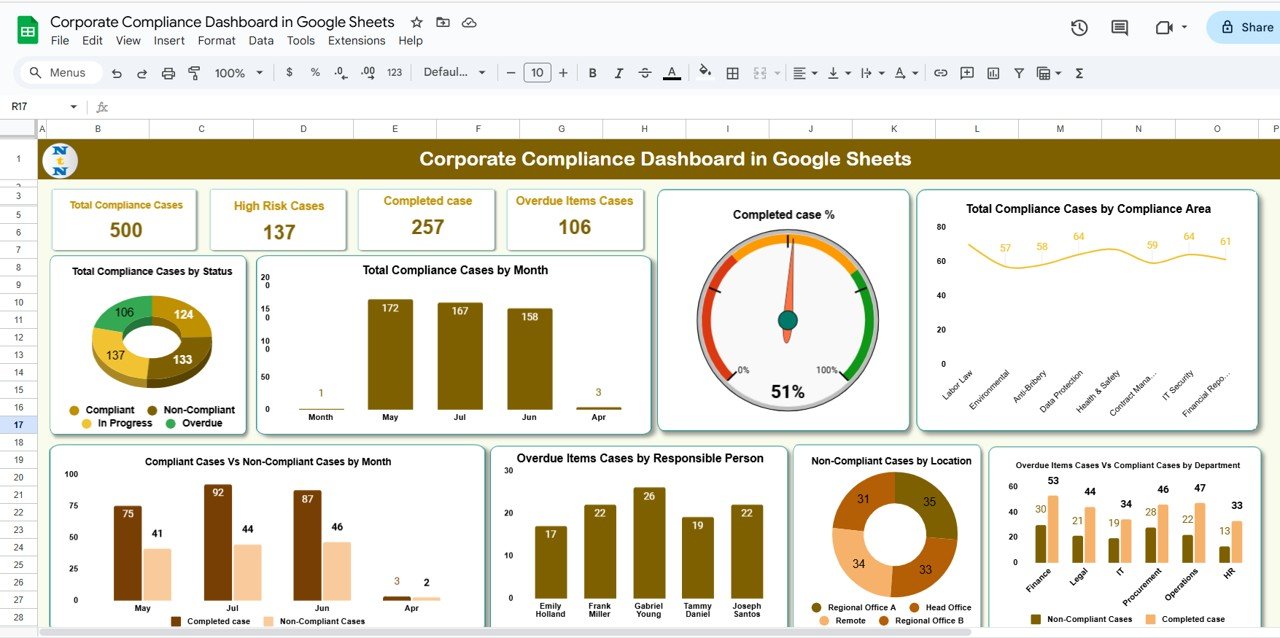
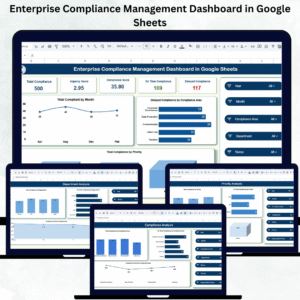
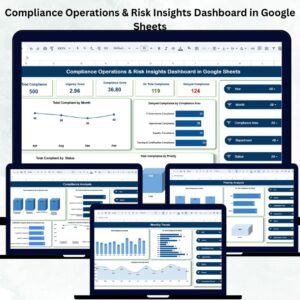
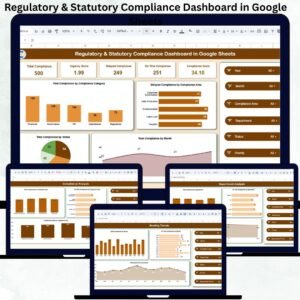
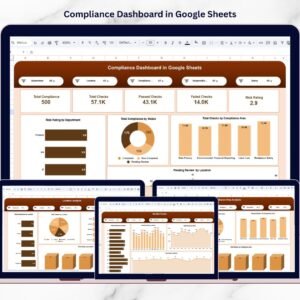
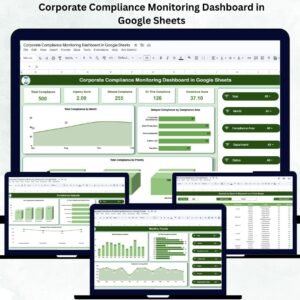
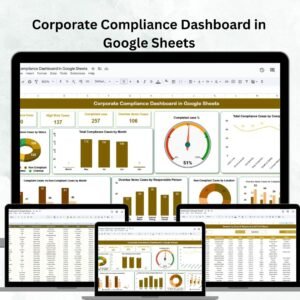
Gain instant insights with visual KPIs and charts, including:
Total Compliance Cases – View all ongoing and completed cases in one glance
High-Risk Cases – Identify critical compliance issues needing urgent attention
Completed Cases – Track resolutions to assess compliance success
Overdue Items Cases – Highlight cases pending beyond their due dates
📊 Dynamic Charts for Data Visualization
Compliance Cases by Status, Month, and Department
Completed Case % vs Total Cases
Overdue vs Compliant Cases by Department
Non-Compliant Cases by Location
High-Risk & Overdue Cases by Responsible Person
These visuals make it easy to pinpoint high-risk areas, monitor overdue items, and ensure accountability.
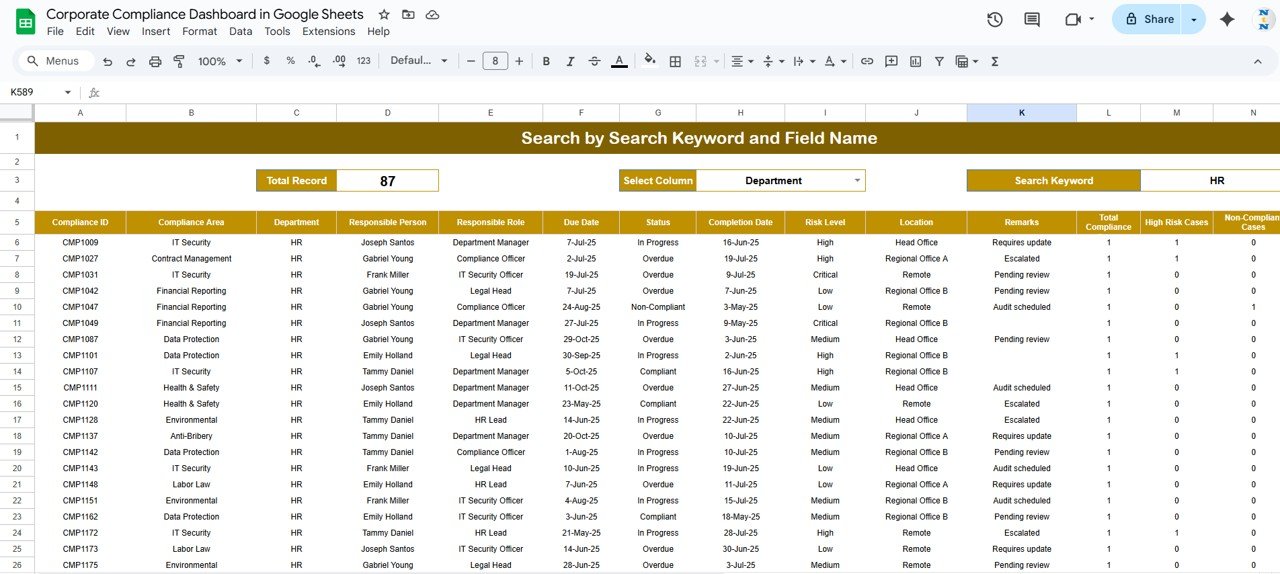
🔍 Search Sheet Tab
Quickly locate cases using keywords or filters such as case name, department, or compliance area
Reduce time spent searching and improve data accessibility
Perfect for internal audits or quick reviews before compliance meetings
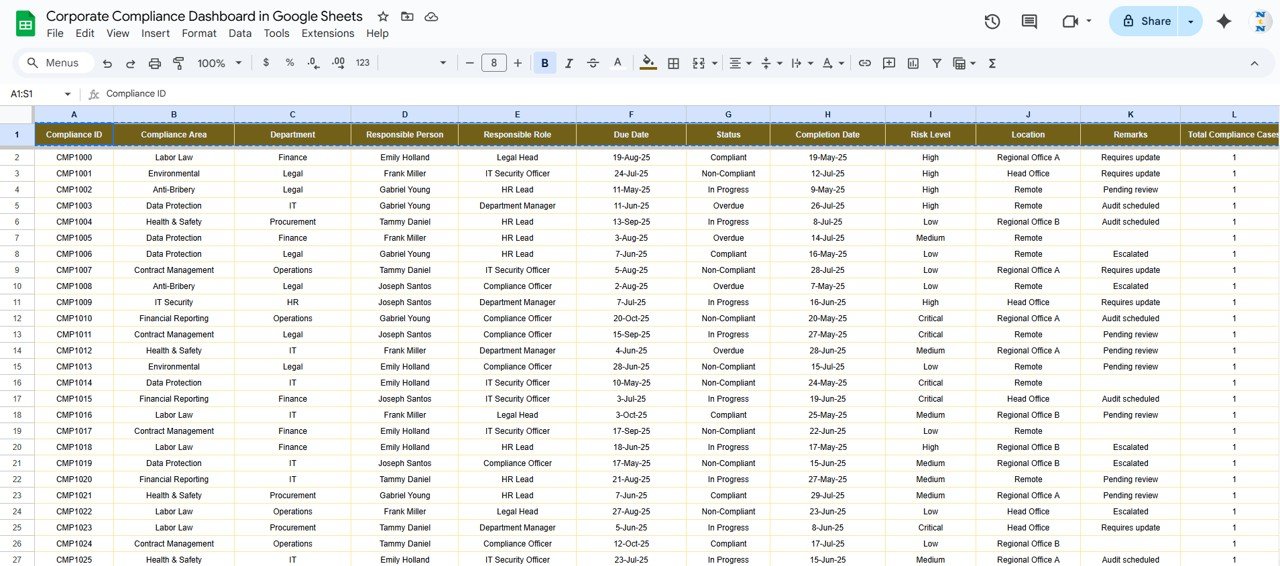
📑 Data Sheet Tab
Input all compliance-related information in a structured format:
Case Name, Department, Responsible Person
Compliance Area, Status, Risk Level, Due Date, Resolution Date
Data automatically refreshes dashboard charts and metrics
Ensures accuracy, consistency, and transparency in compliance reporting
📦 What’s Inside the Dashboard?
When you download this template, you’ll get:
✅ Interactive Dashboard Sheet – Visual KPIs and charts
✅ Search Sheet Tab – Quick keyword and field-based filters
✅ Data Entry Sheet – Organized structure for compliance cases
✅ Pre-Filled Sample Data – Helps you understand layout and functionality
✅ Real-Time Updates – Dashboard auto-refreshes as data changes
✅ Customizable Fields – Tailor compliance areas, departments, or metrics
🧑💼 Who Can Benefit from This Dashboard?
🎯 Compliance Officers & Legal Teams – Track ongoing and overdue cases efficiently
🎯 Department Heads & Managers – Identify risks within teams and take corrective action
🎯 Executives & Auditors – Gain high-level visibility for decision-making and compliance audits
🎯 Multi-Branch Organizations – Monitor compliance performance across regions or divisions
🎯 SMEs & Enterprises – Scalable solution adaptable to your organization’s structure
🧪 How to Use the Corporate Compliance Dashboard
Enter Compliance Data – Add new cases to the Data Sheet
Monitor Progress – Watch dashboard cards and charts update automatically
Search Efficiently – Use the Search Sheet for quick record access
Track Performance Trends – Identify recurring issues via monthly and departmental views
Take Corrective Actions – Assign responsibility and ensure timely resolution
No coding or technical expertise is required — just open the sheet, update the data, and get instant insights. 🚀
🌟 Why Choose This Dashboard?
Centralized Compliance Monitoring – All data in one place
Real-Time Visualization – Instantly reflects updated cases
Data-Driven Decision-Making – Identify bottlenecks and risk patterns
Audit-Ready Reporting – Structured and transparent data for compliance checks
Collaborative Access – Multiple team members can update simultaneously
Fully Customizable – Adaptable for any organization or industry
Stay compliant, proactive, and confident with the Corporate Compliance Dashboard in Google Sheets — your complete solution for compliance tracking and reporting. ⚖️✨
🔗 Click here to read the Detailed blog post
Watch the step-by-step video Demo:





















Reviews
There are no reviews yet.