

The best Google Sheets business templates for teams are shareable, formula-driven trackers you buy once and open in any browser. This guide ranks 12 tools under $15 each: three native Google Sheets trackers ($9.99) built for real-time collaboration, plus nine Excel/VBA trackers ($6.99) for teams that prefer the desktop.
Last updated: September 2026
Every tool below is a paid, one-time-purchase template from the NextGenTemplates catalog. There are no per-user fees, no monthly subscriptions, and no logins to manage. We priced each one, opened each one, and wrote down exactly which team it fits and which team should skip it. This is the page the rest of our buyer-guide cluster links back to, so we kept it blunt.
One honest note before the list. Of these 12 tools, three are native Google Sheets files that your whole team edits live in the browser. The other nine are Excel (VBA) trackers — they run in desktop Excel, not in Google Sheets, because their Add/Update/Delete buttons use macros that do not port to Sheets. We include them because they cover team workflows the three Google Sheets files do not, and because at $6.99 they are the cheapest way to put a structured tracker in front of a team. The Format column in the comparison table makes the split explicit so nobody buys the wrong file.
Key takeaways
- Three native Google Sheets business templates cost $9.99 each and support unlimited real-time collaborators at no extra cost — a SaaS equivalent for a 5-person team runs $75+/month.
- Nine Excel/VBA trackers cost $6.99 each and suit teams that live in desktop Excel and want built-in Add/Update/Delete forms.
- Buying all 12 tools individually costs $92.88; most teams need only two or three, so the realistic spend is $14–$30.
- The best overall pick is the Catering Business Management Tracker in Google Sheets ($9.99) because it is the most complete shareable management system in the set.
- The best-value pick is any single $6.99 Excel tracker when only one team member owns the data — you are paying roughly the price of one coffee for a structured, form-driven database.
 Launch offer
SUMIFS, XLOOKUP, FILTER, LAMBDA and checking AI-written formulas, with real business projects. 11h 47m of video by PK, with practice files, quizzes and a capstone.
Google Sheets business templates compared
| Template | Format | Best for | Price |
|---|---|---|---|
| Catering Business Management Tracker (Best overall) | Google Sheets | Catering & events teams sharing one live sheet | $9.99 |
| Car Detailing Studio Tracker | Google Sheets | Detailing studios booking jobs across staff | $9.99 |
| Car Wash Management System Tracker | Google Sheets | Car-wash sites tracking wash volume & revenue | $9.99 |
| Equipment Return Tracker (Best value) | Excel (VBA) | IT/ops teams chasing loaned equipment | $6.99 |
| New Vendor Setup Tracker | Excel (VBA) | Procurement onboarding new suppliers | $6.99 |
| Training Resource Request Tracker | Excel (VBA) | L&D teams triaging training requests | $6.99 |
| Vendor Invoice Submission Tracker | Excel (VBA) | AP teams logging incoming invoices | $6.99 |
| Quality Control Tracker | Excel (VBA) | QC teams logging inspections & defects | $6.99 |
| Corporate Responsibility Project Tracker | Excel (VBA) | CSR/ESG teams tracking initiatives | $6.99 |
| Office Renovation Request Tracker | Excel (VBA) | Facilities teams handling fit-out requests | $6.99 |
| Office Space Allocation Tracker | Excel (VBA) | Workplace teams assigning desks & rooms | $6.99 |
| Vendor Payment Confirmation Tracker | Excel (VBA) | Finance teams confirming supplier payments | $6.99 |
How we picked these
We searched the full NextGenTemplates catalog for team-ready trackers priced under $15 and filtered to the ones that hold a shared, structured database — a title banner, KPI cards, dropdown-driven data entry, and a records table your team can filter. We led with the three genuine Google Sheets files because “shareable” for most teams means “editable in the browser at the same time.” We then added the nine strongest Excel/VBA trackers because they cover procurement, facilities, QC and finance workflows the Google Sheets set does not. We excluded free templates, single-use printables, and anything without a real data table, since a team tool has to survive daily editing.
The 12 best Google Sheets business templates for teams in 2026
1. Catering Business Management Tracker in Google Sheets — best overall
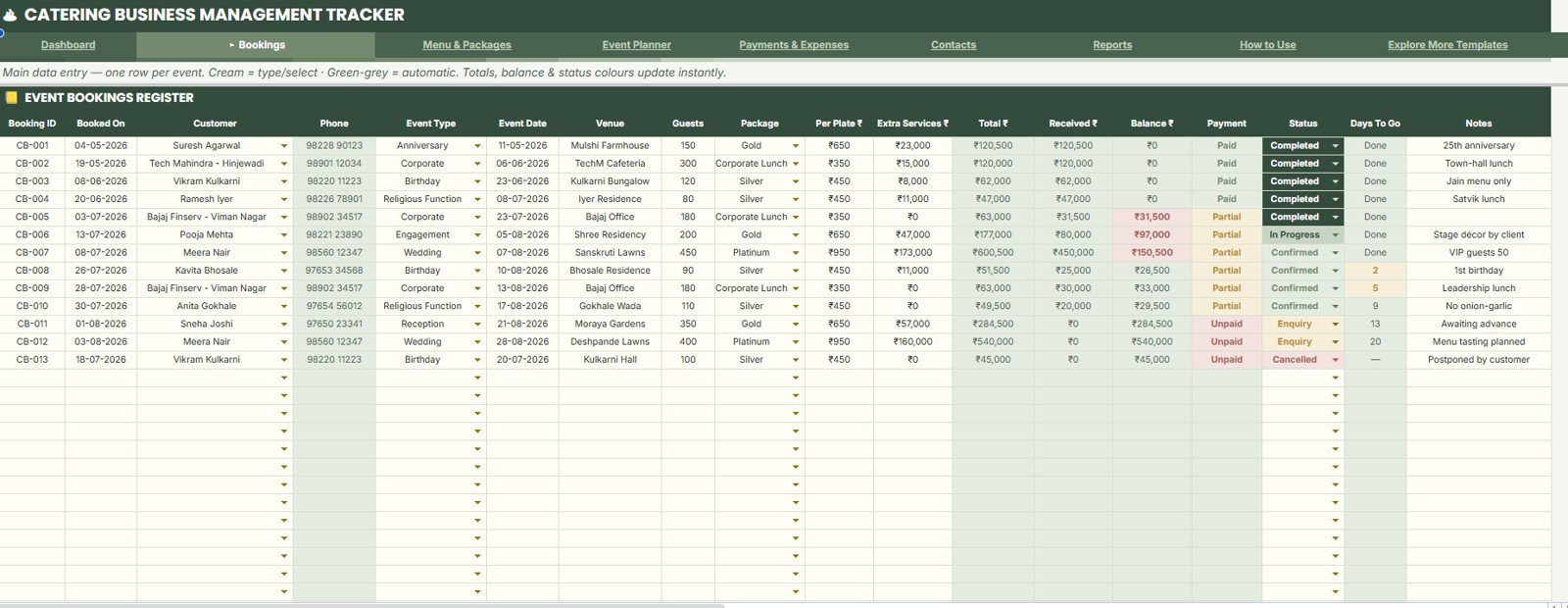
A complete event-and-catering operations sheet that a whole team edits live. It is the most comprehensive of the three native Google Sheets tools, which is why it takes the top spot.
- Who it is for: catering companies, event caterers, and in-house kitchens coordinating bookings across staff.
- What is inside: a bookings/orders log, client records, menu and pricing dropdowns, a KPI summary, and charts fed straight from the data columns.
Use it to see this week’s confirmed events at a glance, to stop two coordinators double-booking the same date, and to total revenue by month without a single manual sum. Because it is a Google Sheets file, unlimited team members can open it at once and every edit is saved automatically. Price: $9.99. Get the Catering Business Management Tracker in Google Sheets.
Best for: any events team that wants one shared source of truth for bookings and revenue.
2. Car Detailing Studio Tracker in Google Sheets — best for booking-heavy shops
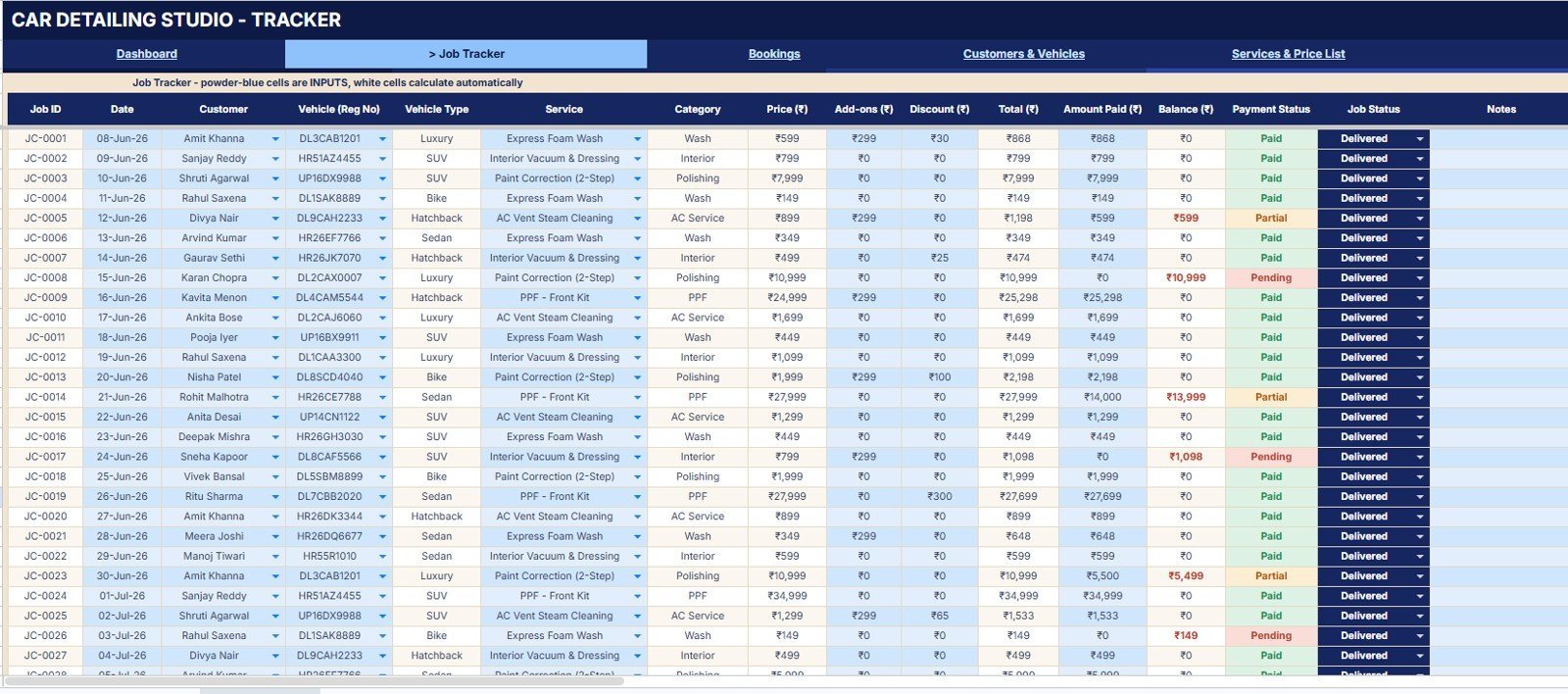
A shared job board for detailing studios that book multiple vehicles a day across a small crew.
- Who it is for: auto-detailing studios, mobile detailers, and ceramic-coating shops.
- What is inside: a job log with vehicle, service type and price dropdowns, a status column, staff assignment, and revenue KPIs on top.
A front-desk person books a job, the detailer sees it the moment they refresh, and the owner watches daily revenue climb on the KPI card. Because bookings and payments live in one Google Sheet, there is no app to install and no seat to pay for. Price: $9.99. See the Car Detailing Studio Tracker.
Best for: detailing shops that take bookings from more than one person.
3. Car Wash Management System Tracker in Google Sheets — best for volume sites
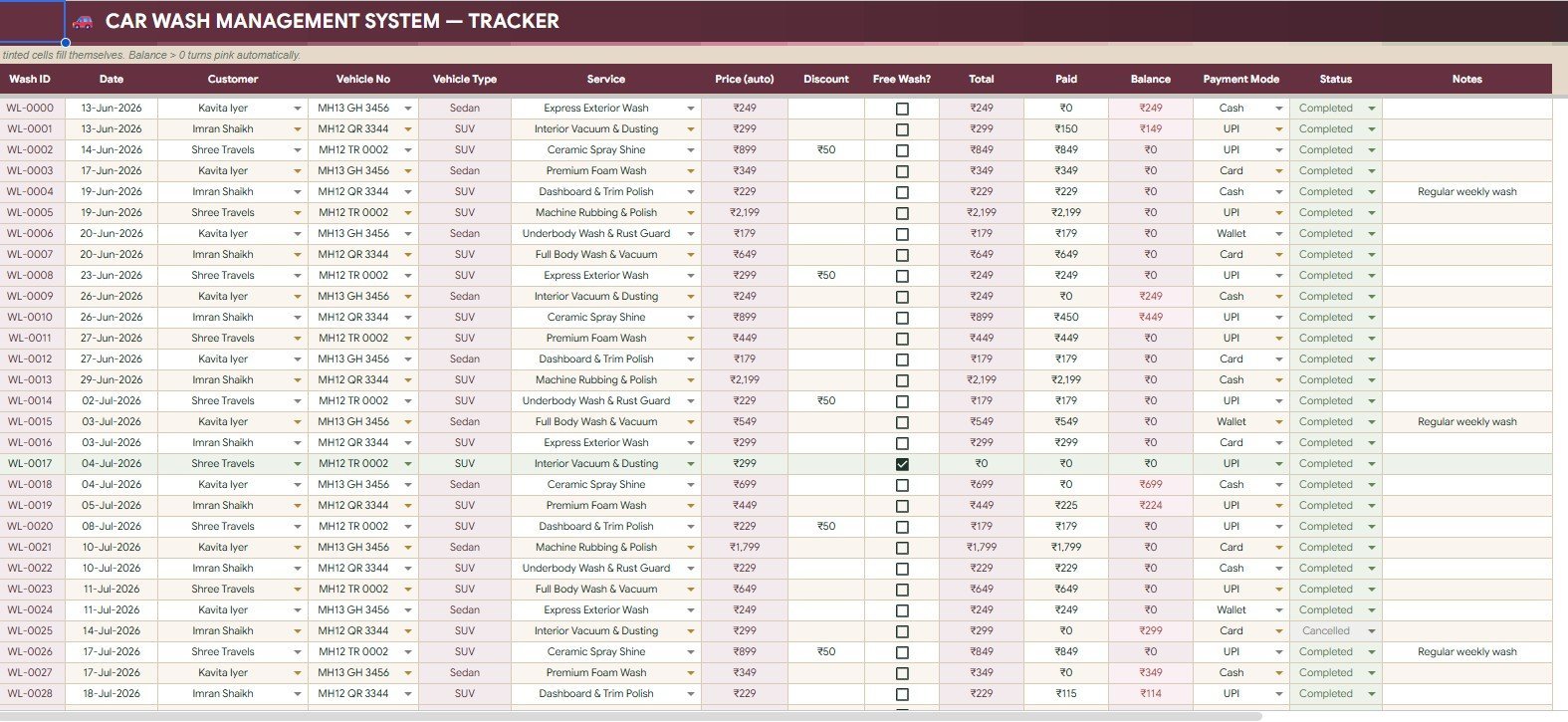
A high-volume wash log built for sites that push dozens of cars through a day and need clean daily and monthly totals.
- Who it is for: car-wash sites, valeting bays, and franchise operators.
- What is inside: a wash log with package and payment-method dropdowns, membership tracking, and revenue-per-day charts.
Managers reconcile the till against logged washes, spot the busiest hours, and compare package mix month over month. It is the right pick when your bottleneck is counting throughput, not scheduling. Price: $9.99. View the Car Wash Management System Tracker.
Best for: car-wash operators who care about daily throughput and revenue.
4. Equipment Return Tracker in Excel — best value
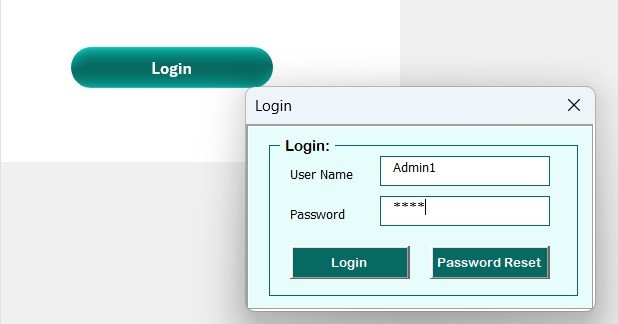
A form-driven Excel/VBA tracker for anything your team loans out and needs back — laptops, tools, uniforms, AV kit.
- Who it is for: IT asset managers, ops teams, and facilities.
- What is inside: an Add/Update/Delete entry form, item and status dropdowns, due-date tracking, and an overdue view.
Log who took what, when it is due, and flag overdue items before they walk off. At $6.99 for a structured, button-driven database, it is the cheapest way in this list to replace a messy spreadsheet. Remember it runs in desktop Excel, not in the browser. Price: $6.99. Get the Equipment Return Tracker.
Best for: one owner tracking loaned assets for a whole team.
5. New Vendor Setup Tracker in Excel — best for procurement onboarding

A checklist-and-status tracker that keeps every new supplier’s onboarding steps in one place.
- Who it is for: procurement, AP, and finance operations.
- What is inside: vendor records, document-received dropdowns, approval-stage tracking, and a form to add each new vendor.
Stop chasing W-9s and bank details over email — see at a glance which vendors are approved, which are missing paperwork, and who owns the next step. Price: $6.99. See the New Vendor Setup Tracker.
Best for: procurement teams onboarding suppliers in batches.
6. Training Resource Request Tracker in Excel — best for L&D teams
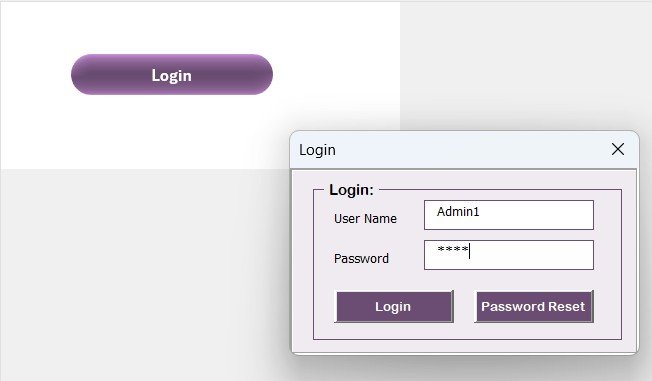
A request queue for learning-and-development teams fielding course, tool and budget requests.
- Who it is for: L&D, HR, and people teams.
- What is inside: a request form, requester and category dropdowns, approval status, and cost tracking.
Triage who asked for what training, approve or park each request, and total the training spend by department. Pair it with our performance review templates to connect development requests to review outcomes. Price: $6.99. View the Training Resource Request Tracker.
Best for: L&D teams that need an auditable request trail.
7. Vendor Invoice Submission Tracker in Excel — best for accounts payable
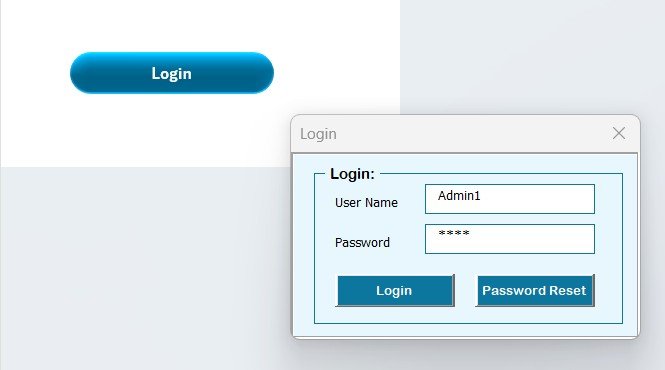
A log for every invoice that lands, so nothing is paid twice and nothing slips past its due date.
- Who it is for: accounts payable and finance operations.
- What is inside: an invoice-entry form, vendor and status dropdowns, amount and due-date columns, and outstanding-total KPIs.
Record each invoice as it arrives, mark it submitted, approved or paid, and see your outstanding liability at a glance. It pairs naturally with the Vendor Payment Confirmation Tracker below for a full AP loop. Price: $6.99. Get the Vendor Invoice Submission Tracker.
Best for: AP teams logging a steady flow of invoices.
8. Quality Control Tracker in Excel — best for QC and inspections
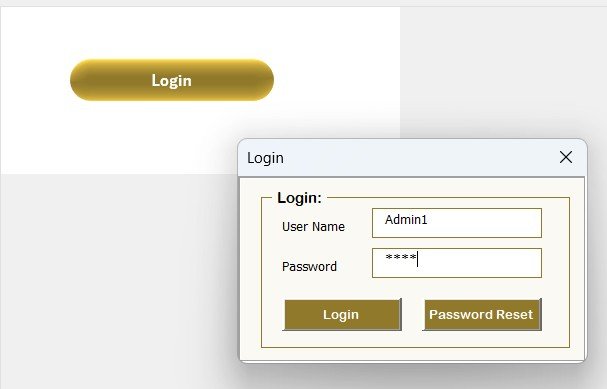
An inspection log that turns pass/fail checks and defect counts into a trend your team can act on.
- Who it is for: manufacturing, warehousing, and QC teams.
- What is inside: an inspection form, product and defect-type dropdowns, pass/fail status, and defect-rate charts.
Log each inspection, watch the defect rate by product line, and catch a bad batch before it ships. If you run ISO-style processes, read our fuller roundup of Excel and Google Sheets maintenance templates for adjacent tools. Price: $6.99. See the Quality Control Tracker.
Best for: QC teams logging inspections daily.
9. Corporate Responsibility Project Tracker in Excel — best for CSR/ESG teams
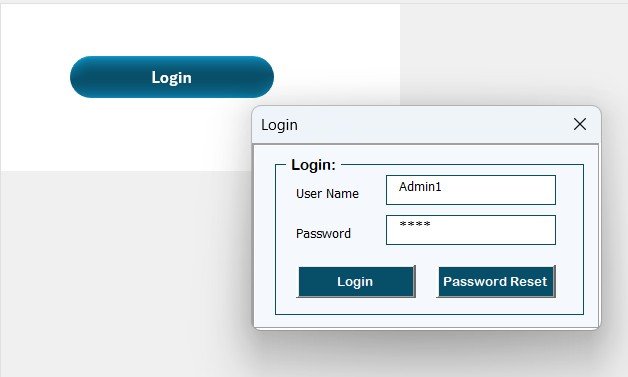
A project register for corporate social responsibility and ESG initiatives that too often live in scattered decks.
- Who it is for: CSR, ESG, and sustainability teams.
- What is inside: a project form, initiative and status dropdowns, owner and budget columns, and progress KPIs.
Track every initiative — volunteering, donations, sustainability projects — with owners, budgets and completion status in one register you can show leadership. Price: $6.99. View the Corporate Responsibility Project Tracker.
Best for: CSR leads reporting initiative progress upward.
10. Office Renovation Request Tracker in Excel — best for facilities fit-outs
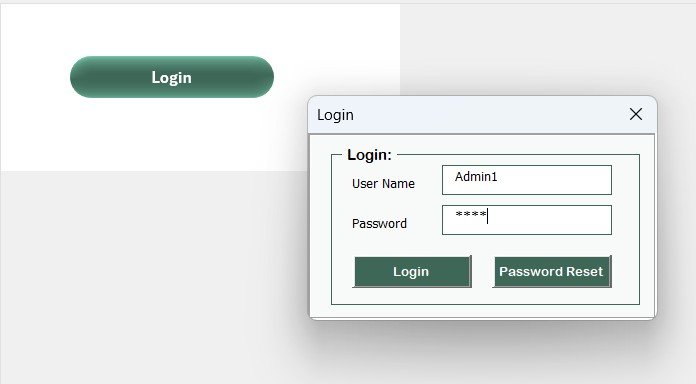
A request-and-approval tracker for facilities teams juggling renovation, repair and fit-out asks.
- Who it is for: facilities, workplace, and office managers.
- What is inside: a request form, area and priority dropdowns, cost estimates, and approval-status tracking.
Capture every renovation request, prioritize by cost and urgency, and keep an approval trail for finance. Teams that also manage tickets should see our IT helpdesk and incident management templates. Price: $6.99. Get the Office Renovation Request Tracker.
Best for: facilities teams with a queue of fit-out requests.
11. Office Space Allocation Tracker in Excel — best for desk and room planning
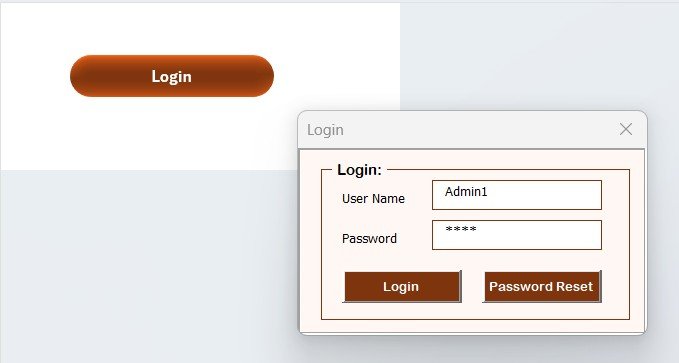
A desk-and-room register for hybrid workplaces that need to know who sits where.
- Who it is for: workplace, HR, and facilities teams.
- What is inside: a space-assignment form, floor and department dropdowns, occupancy status, and utilization KPIs.
Assign desks and meeting rooms, track occupancy, and spot under-used space before you sign a bigger lease. It works well beside our attendance tracker templates for teams sizing hybrid days. Price: $6.99. See the Office Space Allocation Tracker.
Best for: hybrid workplaces balancing desks against headcount.
12. Vendor Payment Confirmation Tracker in Excel — best for closing the AP loop

The other half of the AP loop: a log that confirms which supplier payments actually went out.
- Who it is for: finance and accounts payable teams.
- What is inside: a payment-entry form, vendor and method dropdowns, confirmation status, and paid-total KPIs.
Match payments to invoices, confirm each one is settled, and give finance a clean record for reconciliation. Run it alongside the Vendor Invoice Submission Tracker (#7) for end-to-end AP visibility. Price: $6.99. View the Vendor Payment Confirmation Tracker.
Best for: finance teams that need a payment-confirmation record.
Not sure which to start with? The three native Google Sheets trackers ($9.99 each) are the fastest way to get a whole team collaborating in the browser today. Start with the Catering Business Management Tracker in Google Sheets — $9.99, or grab a single $6.99 Excel tracker if your data has one owner.
Bundle vs single: the maths
Buying all 12 tools one by one costs 3 × $9.99 + 9 × $6.99 = $29.97 + $62.91 = $92.88. Almost no team needs all 12. The point of a money page is to spend less, not more, so here is the honest calculation for a realistic 5-person operations team.
| Scenario | What you buy | One-time cost | SaaS equivalent (5 users) |
|---|---|---|---|
| Minimal | 1 Google Sheets tracker | $9.99 | ~$75/month = $900/year |
| Typical | 1 Google Sheets + 2 Excel trackers | $23.97 | ~$150/month = $1,800/year |
| Everything | All 12 tools | $92.88 | $3,000+/year |
The takeaway: even the “everything” column is a one-time $92.88 versus a recurring bill that never stops. A single $9.99 Google Sheets template shared with a 5-person team replaces roughly $900 of annual SaaS seat fees, because Google Sheets sharing is free to unlimited collaborators on any Google Workspace plan (and on free personal accounts). Pick the two or three tools your workflow actually touches and ignore the rest.
How to choose between them
Use this quick decision tree:
- Does your whole team need to edit at the same time, in a browser? Buy one of the three Google Sheets trackers ($9.99). Real-time collaboration is the whole reason they exist.
- Does one person own the data and prefer desktop Excel? Buy the matching $6.99 Excel/VBA tracker. The Add/Update/Delete form is faster for a single power user.
- Is your workflow procurement, facilities, QC or finance? Those live only in the Excel set (#4–#12) — there is no Google Sheets version, so choose by workflow, not format.
- Need dashboards more than data entry? Look at our project management dashboard templates or sales dashboard templates instead. Starting at zero budget? Try these free Google Sheets dashboard templates first.
When a Google Sheets template is NOT the right answer
Templates are not software, and pretending otherwise causes refunds. Skip these tools and buy a dedicated app when:
- You need role-based permissions per record. Google Sheets shares the whole file; it cannot hide row 12 from one teammate. If different people must see different records, you need a real database app.
- You process hundreds of transactions a day. A tracker with thousands of formula rows will feel slow. High volume belongs in a database or a purpose-built system.
- You need automation across tools. These templates do not send emails, sync to your accounting software, or trigger workflows. If you need that, budget for SaaS.
- Your team refuses to open Excel. Nine of these are Excel/VBA files. If nobody on the team uses desktop Excel, stick to the three Google Sheets tools and skip the rest.
- You want a mobile app experience. Both formats work on phones through their apps, but neither is a polished mobile product. Manage expectations before you buy.
Frequently asked questions
Are these really Google Sheets business templates?
Three of the twelve are native Google Sheets files — the Catering, Car Detailing and Car Wash trackers — built for browser-based, real-time team editing. The other nine are Excel/VBA trackers for teams that prefer desktop Excel. The comparison table’s Format column labels each one, so you always know what you are buying.
How much do these templates cost?
The three Google Sheets trackers are $9.99 each. The nine Excel/VBA trackers are $6.99 each. Every tool is a one-time purchase with no subscription. Buying all twelve individually totals $92.88, but most teams only need two or three, so realistic spend is $14–$30.
Can my whole team use one purchased template?
Yes. For the Google Sheets files, share the sheet with your team and everyone edits live at no extra cost. For the Excel files, store them on OneDrive, SharePoint or Google Drive and your team opens the same file. There are no per-user fees on any tool in this guide.
Do the Excel trackers work inside Google Sheets?
No. The nine Excel trackers rely on VBA macros for their Add, Update and Delete buttons, and VBA does not run in Google Sheets. Uploading them to Sheets would strip the buttons. If you need the tool to live in Google Sheets, choose one of the three native Google Sheets trackers instead.
Which Google Sheets business template is best for a small team?
The Catering Business Management Tracker ($9.99) is the most complete shareable system in the set and our best overall pick. If your work is booking-driven, the Car Detailing or Car Wash tracker fits better. All three support unlimited real-time collaborators for the same flat $9.99.
Are there any recurring or hidden fees?
No. Every template here is a single one-time payment. You are not buying a seat, a subscription, or a trial that converts. The only ongoing cost is your existing Google Workspace or Microsoft 365 plan, which most teams already pay for.
Can I customize these templates?
Yes. All are unlocked, so you can rename columns, change dropdown lists, adjust the color theme, and add your own formulas. The Excel trackers also let you edit the VBA if you know it. Customizing does not void anything — they are yours after purchase.
How do these compare to a SaaS subscription?
A single $9.99 Google Sheets template shared with five people replaces roughly $900 a year of SaaS seat fees. The trade-off is features: SaaS gives you permissions, automation and mobile apps that a spreadsheet cannot. For structured tracking without recurring cost, these templates win; for workflow automation, SaaS does.
What do I get after buying?
You get an instant download link. Google Sheets tools arrive as a link you copy to your own Drive; Excel tools arrive as a macro-enabled .xlsm file. Each includes its own instructions sheet. You can start entering your team’s data within minutes of purchase.
Where can I see these templates in action?
Every tracker has walkthrough videos on our NextGenTemplates YouTube channel, where we open the file, add a record, and show the KPIs update live. It is the fastest way to judge whether a tool fits your team before you buy.
Get more Google Sheets business templates
Start your team on a shareable system today: the Catering Business Management Tracker in Google Sheets and the Car Wash Management System Tracker are $9.99 each, and every Excel tracker in this guide is just $6.99. Need a broader kit? Compare our small business template bundle and browse task and to-do management templates for adjacent team tools.
Watch each one in action on the NextGenTemplates YouTube channel before you decide.