

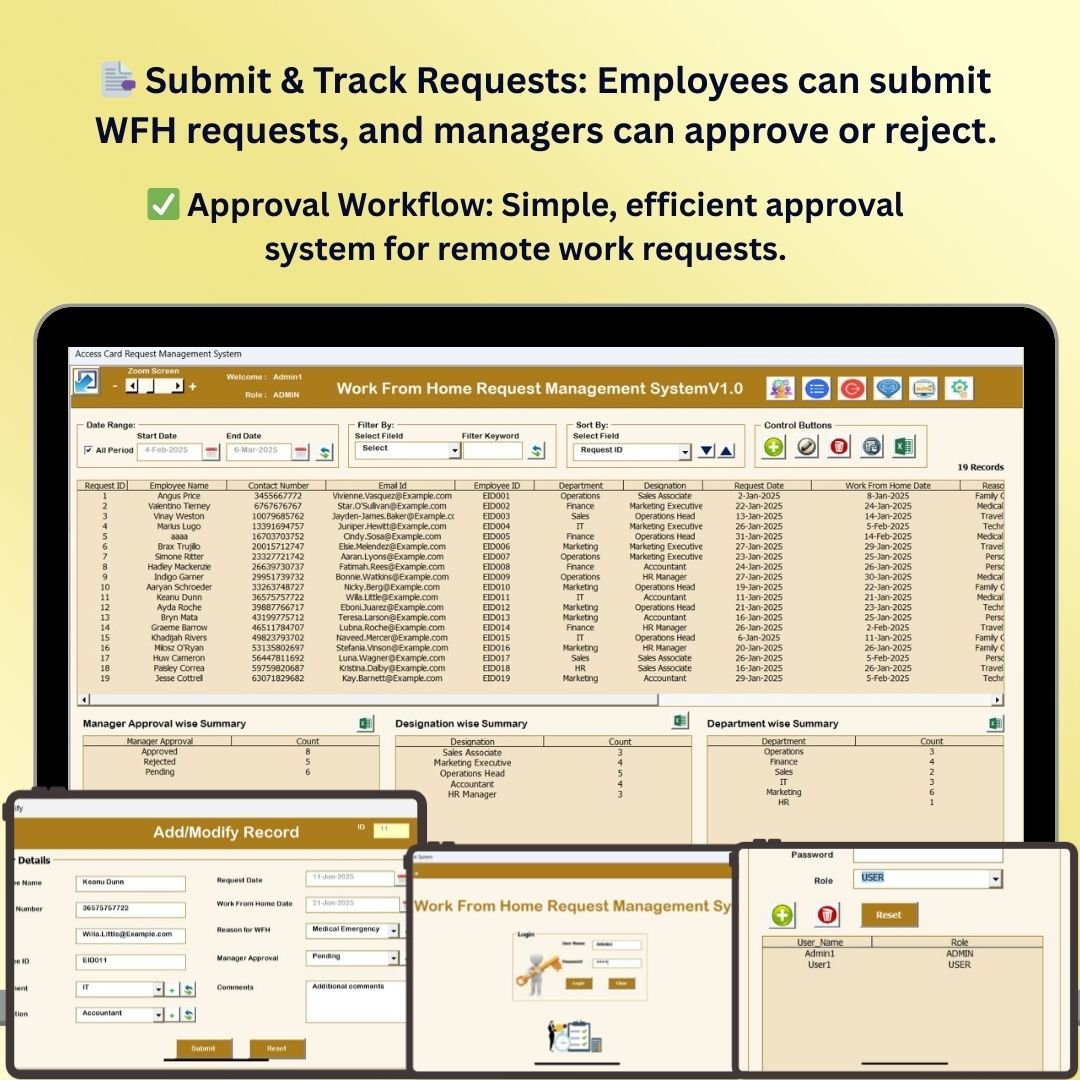
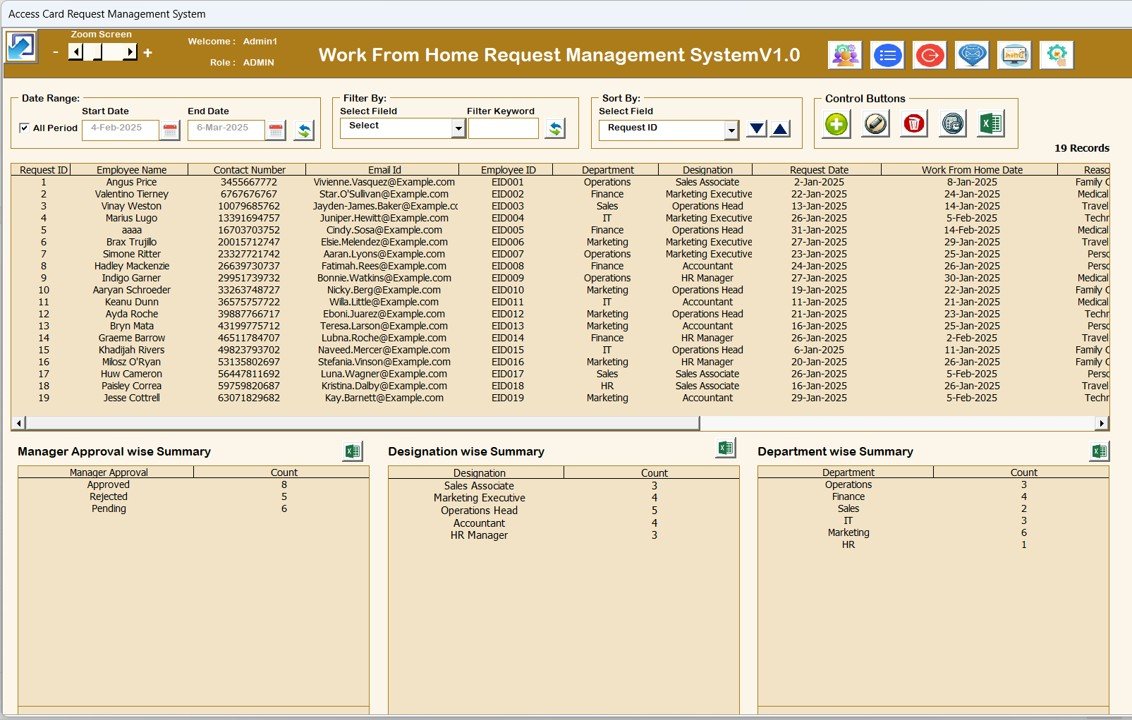
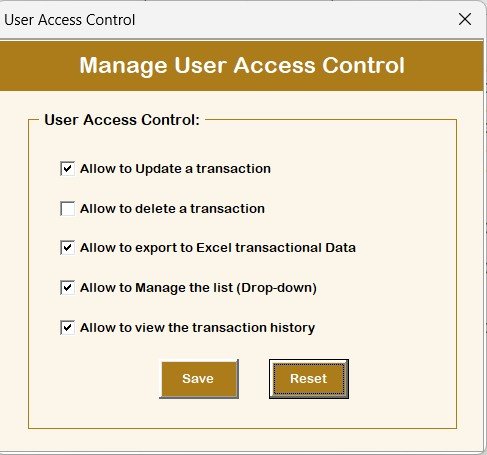
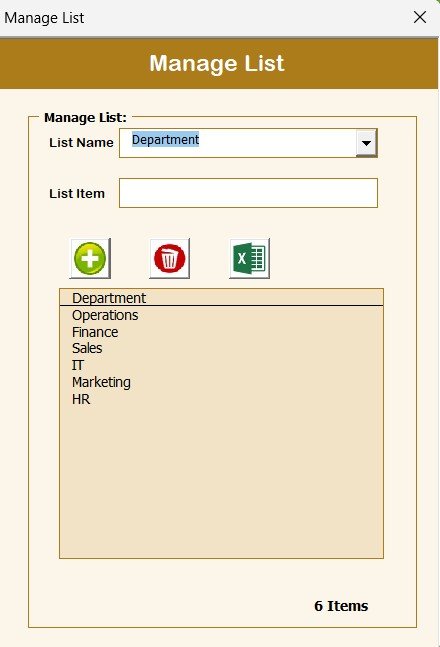
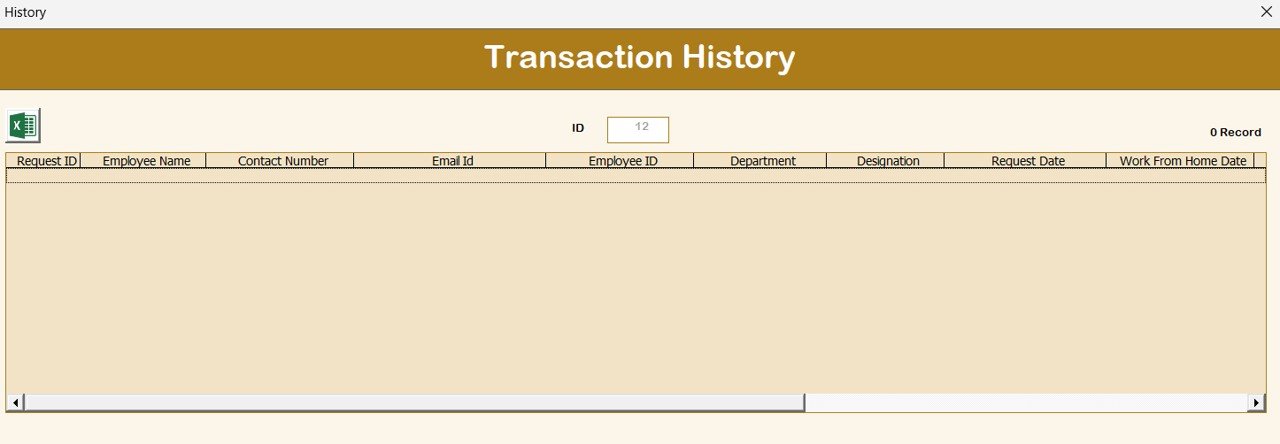

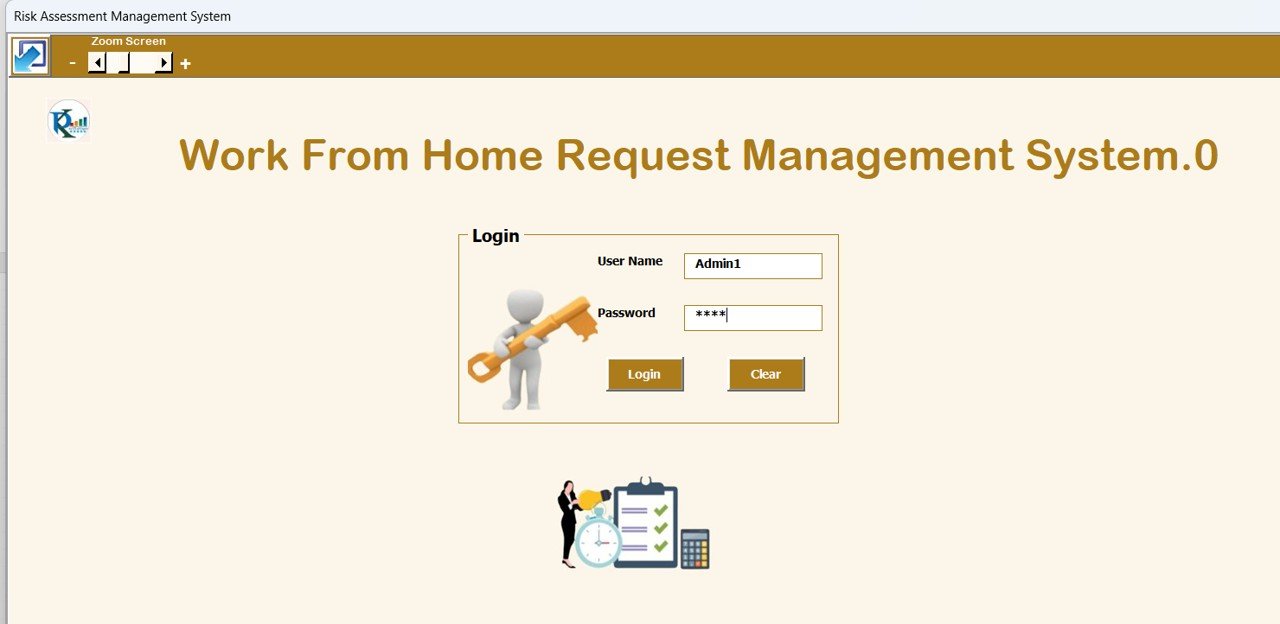
The Work from Home Request Management System V1.0 is a powerful and easy-to-use solution designed to help businesses and organizations manage work-from-home (WFH) requests and approvals efficiently. This Excel-based system allows managers and HR departments to handle employee requests, track approval statuses, and monitor WFH days—all in one place.
With a simple and interactive interface, this tool makes it easy to submit, approve, and track work-from-home requests while maintaining clear communication between employees and managers. Whether you manage a small team or a large workforce, this system helps streamline remote work management and ensures a smooth workflow for everyone involved.
Key Features of the Work from Home Request Management System V1.0
📑 Efficient Request Submission
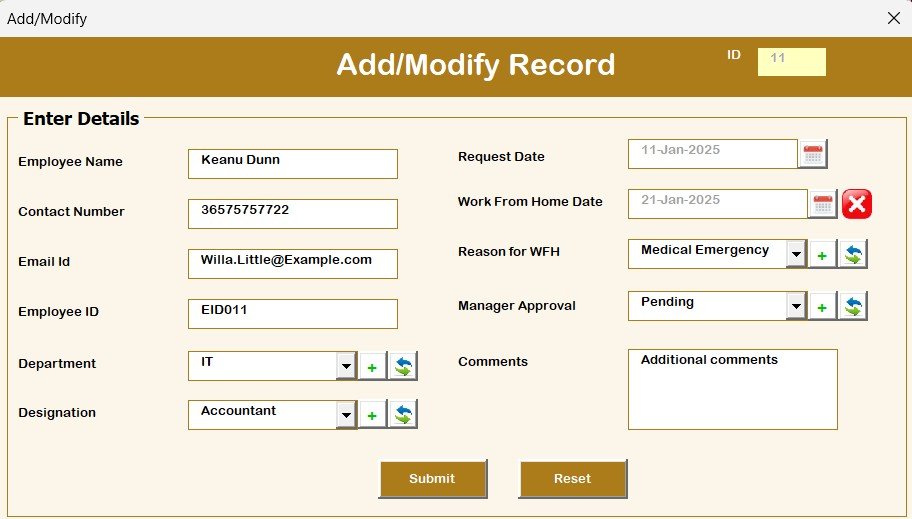
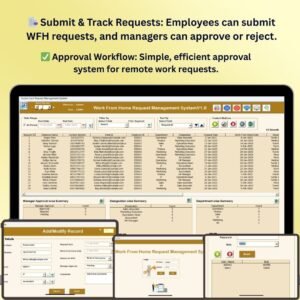
Employees can submit their work-from-home requests easily through the system, providing necessary details such as dates, reason for WFH, and any special considerations.
✅ Approval Workflow
Managers can review, approve, or reject WFH requests with a simple click. Track the approval status and ensure that the team stays informed about which requests are approved and when.
🗓️ Track WFH Days & Attendance
Monitor which employees are working from home on specific days and track overall attendance. The system helps ensure proper planning and scheduling, avoiding potential staffing issues.
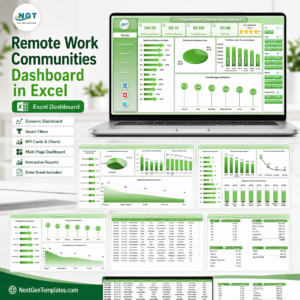
📊 Report Generation & Analytics
Generate reports on WFH trends, approval statuses, and employee attendance. Use built-in analytics to track patterns in remote work requests and optimize your remote work policies.
🔒 Confidential Data Management
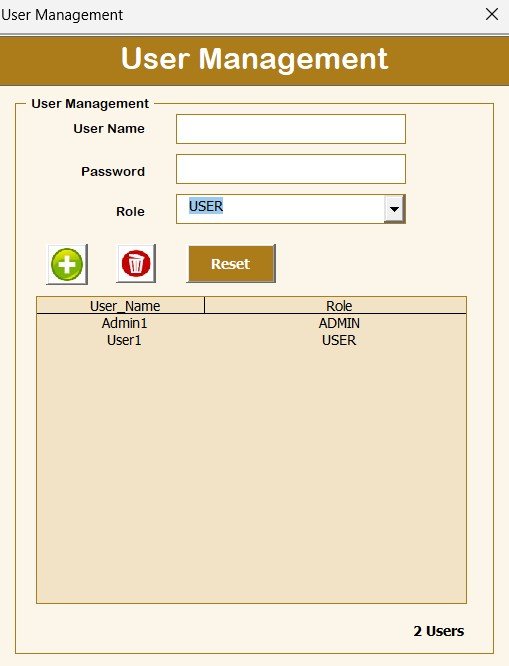
Manage sensitive employee data securely. The system ensures that all personal and work-related information is kept private and only accessible to authorized personnel.
🖥️ User-Friendly Interface
The system is designed with a simple and intuitive layout, making it easy for both employees and managers to use. No complex training is required to get started.
Why You’ll Love the Work from Home Request Management System V1.0
✅ Streamline WFH Requests
Automate the process of submitting, reviewing, and approving work-from-home requests to save time and reduce administrative work. Keep all the details in one place.
✅ Improve Communication & Transparency
Ensure that all team members are on the same page regarding work-from-home days. The system provides transparency by clearly displaying approval statuses and scheduling information.
✅ Stay Organized & In Control
Easily manage multiple requests at once and avoid confusion over who is working remotely. Track attendance, manage schedules, and stay on top of employee work-from-home days with ease.
✅ Generate Actionable Insights
Use the reporting and analytics features to analyze trends in remote work requests, employee availability, and approval rates. Make informed decisions about your remote work policies.
✅ Customizable & Scalable
Adapt the system to your organization’s needs. Modify the request forms, approval workflows, and reporting criteria as your remote work policies evolve.
What’s Inside the Work from Home Request Management System V1.0 Template in Excel?
- Employee WFH Requests: A simple form for employees to submit their WFH requests, including dates, reasons, and special notes.
- Approval Workflow: A section for managers to approve or reject requests and track approval statuses.
- WFH Days & Attendance Tracker: Keep track of which employees are working from home and monitor overall attendance.
- Reports & Analytics: Generate reports to analyze WFH trends, approval rates, and employee availability.
- User-Friendly Interface: An easy-to-navigate dashboard for quick access to all features.
How to Use the Work from Home Request Management System V1.0
1️⃣ Download the Template: Get instant access to the Work from Home Request Management System in Excel.
2️⃣ Input Employee Data: Enter employee details and their work-from-home requests into the system.
3️⃣ Review & Approve Requests: Managers can review and approve/reject requests in real-time, streamlining the process.
4️⃣ Track WFH Days: Monitor employee attendance and track work-from-home days using the system’s built-in tracker.
5️⃣ Generate Reports: Use the report generation feature to analyze trends and optimize your remote work strategy.
Who Can Benefit from the Work from Home Request Management System V1.0?
🔹 HR Departments & Managers
🔹 Team Leaders & Supervisors
🔹 Business Owners & Executives
🔹 Small and Medium Enterprises (SMEs)
🔹 Large Organizations with Remote Work Policies
🔹 Employees & Remote Workers
Streamline the management of work-from-home requests and optimize your remote work policies with the Work from Home Request Management System V1.0. Track requests, manage schedules, and generate reports with ease to ensure a smooth remote work operation.
Click here to read the Detailed blog post
Visit our YouTube channel to learn step-by-step video tutorials
Youtube.com/@PKAnExcelExpert
Compatibility and Requirements
- Needs Microsoft Excel desktop on Windows with macros enabled, because it is an Excel VBA tool.
- It does not run in Excel for the web, Google Sheets or Excel mobile apps.
- Microsoft explains how to turn macros on in Enable or disable macros in Microsoft 365 files.
Frequently Asked Questions
How do employees submit a work-from-home request?
They fill in a simple request form with the dates, the reason for working from home and any special notes.
How do managers approve requests?
Managers review each request and approve or reject it in the approval section, and the approval status is tracked for everyone to see.
Can I see who is working from home on a given day?
Yes. The WFH days and attendance tracker shows which employees are working from home on specific days.
Does it include reports?
Yes. You can generate reports on WFH trends, approval rates and employee availability.
Can I change the request form?
Yes. You can modify the request forms, approval workflow and reporting criteria as your remote work policy changes.
Related Remote Work and HR Templates
- Remote Work KPI Dashboard in Excel: measure remote team performance
- Remote Work KPI Dashboard in Google Sheets: the remote work KPIs in a browser
- Work from Home Schedule Calendar in Excel: plan WFH days on a calendar
- Leave Management System: track employee leave in Excel
- Remote Work Request Form Template: a free request form for Word and Google Docs
Browse all Excel VBA tools or the Excel HR and payroll templates.























Reviews
There are no reviews yet.