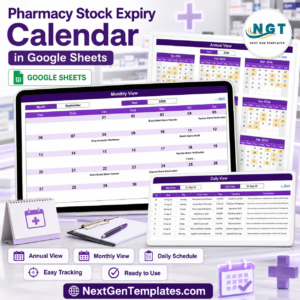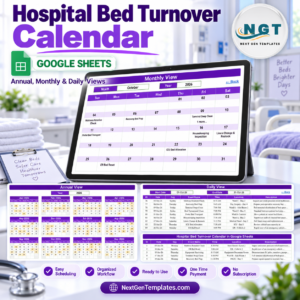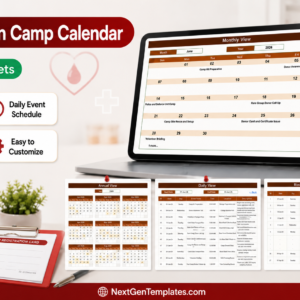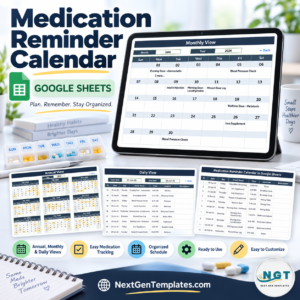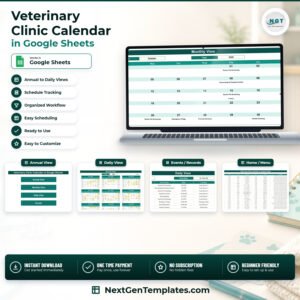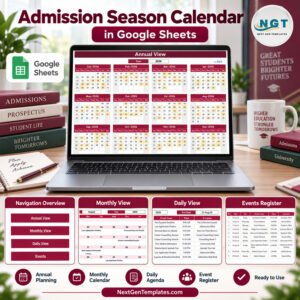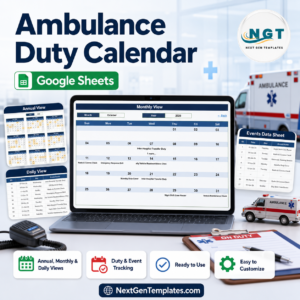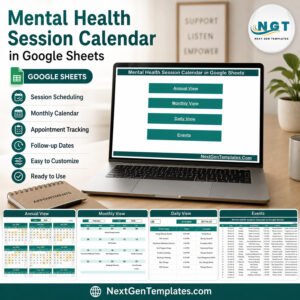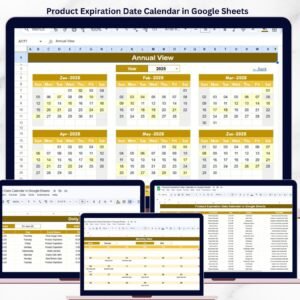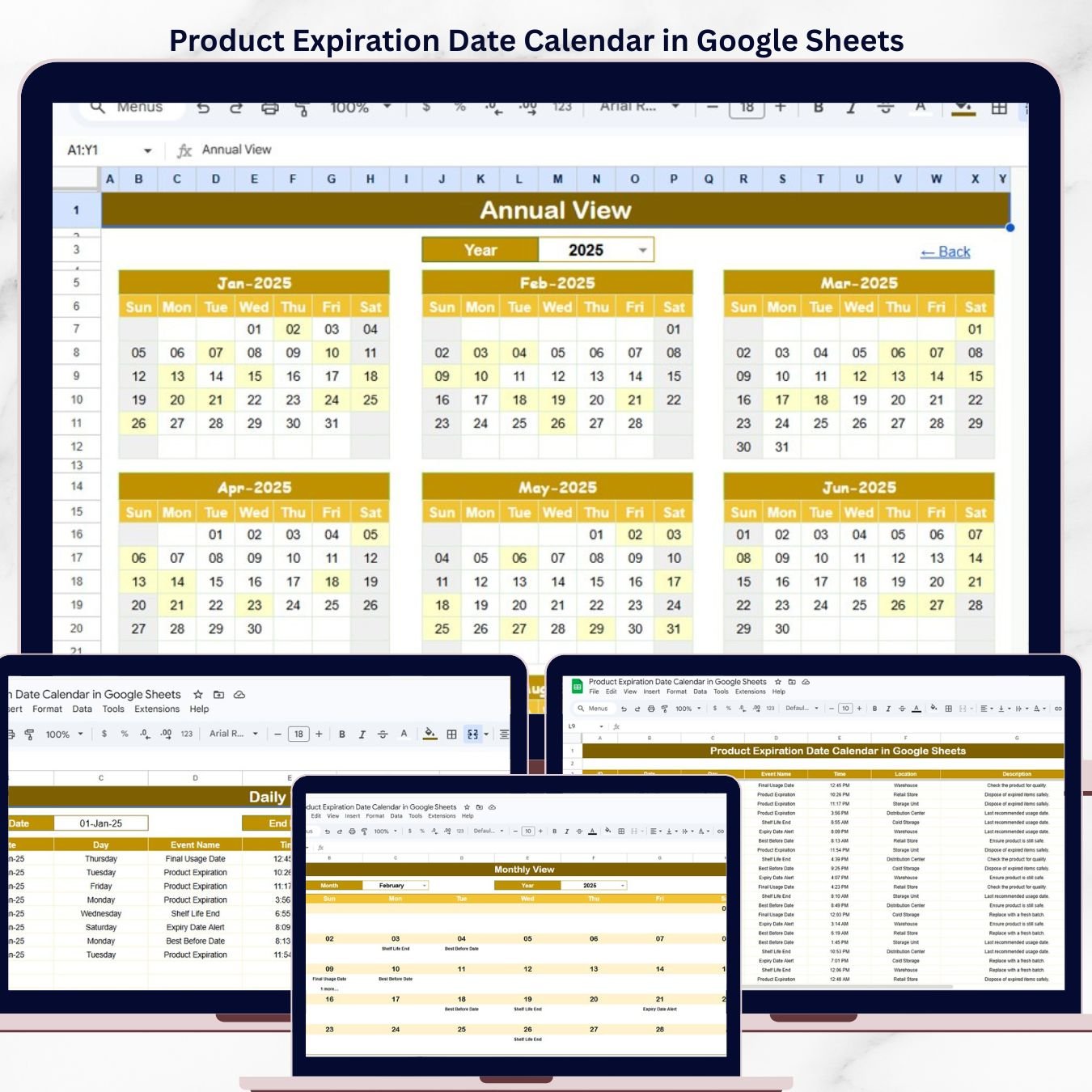
The Product Expiration Date Calendar in Google Sheets tracks expiry dates across 5 structured worksheets, with annual, monthly, and daily views plus a centralized events database. According to the FDA, U.S. retailers discard an estimated $18.2 billion worth of products annually due to missed expiration dates — a simple calendar-based tracking system can reduce this waste by 30-40%.
This ready-to-use Google Sheets calendar gives store managers, warehouse supervisors, pharmacy owners, and inventory teams a structured way to log, view, and track product expiration dates — without paying for monthly inventory management software. Enter your product data once and every calendar view updates automatically.
🌍 Join 8,400+ teams in 40+ countries using NextGenTemplates to replace paid SaaS tools with one-time-purchase Excel, Google Sheets, Power BI, and HTML templates.
✅ Instant download · One-time payment · No subscription · No per-user fees · Lifetime access
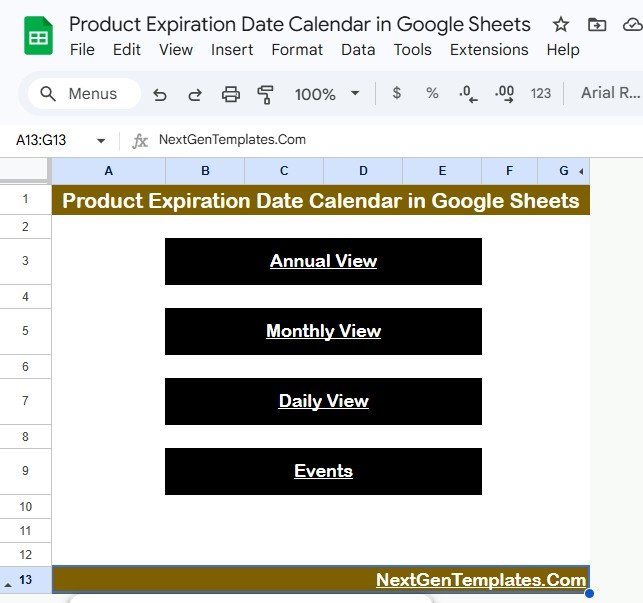
Product Expiration Date Calendar in Google Sheets
🔑 Key Features of Product Expiration Date Calendar in Google Sheets
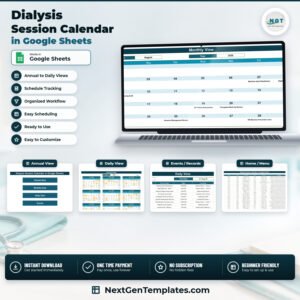
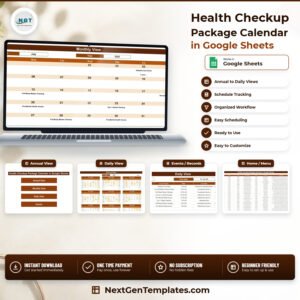
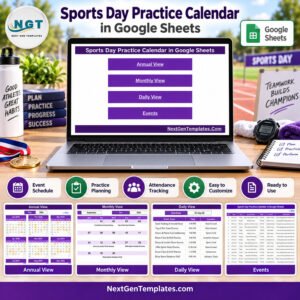
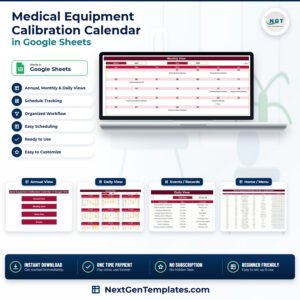
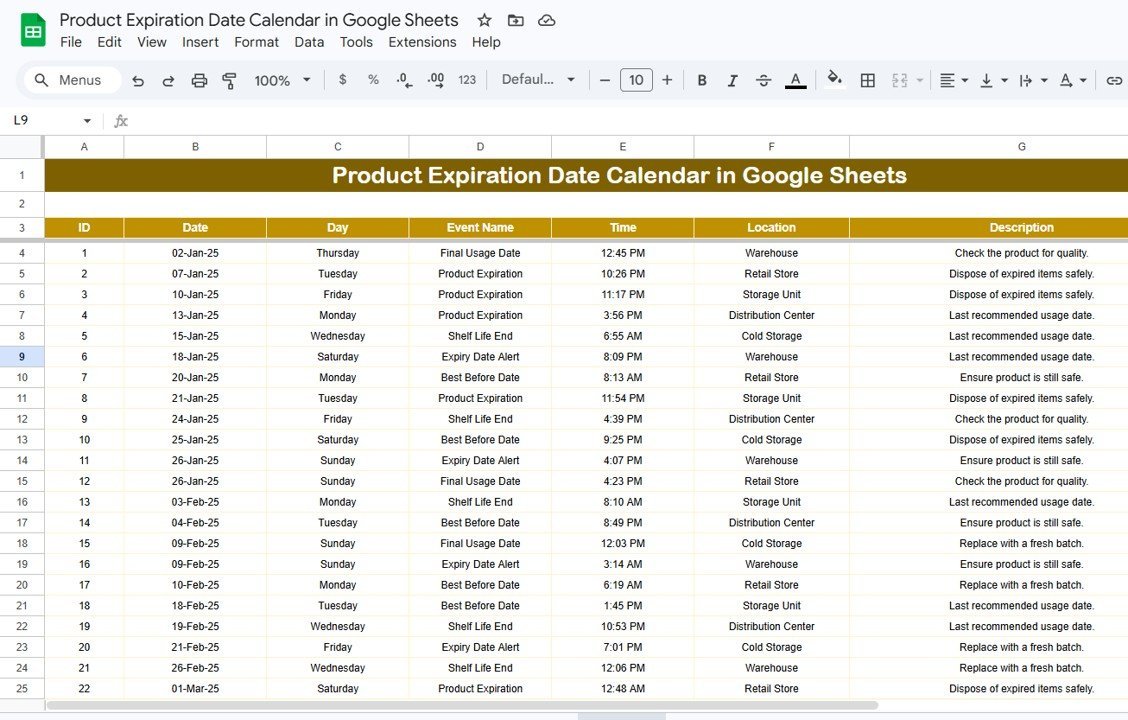
The Product Expiration Date Calendar in Google Sheets includes 5 dedicated worksheets: Home, Annual View, Monthly View, Daily View, and Events. It tracks unlimited expiry events with fields for date, day, event name, time, location, and description — each entry receives an auto-generated unique ID for quick reference.
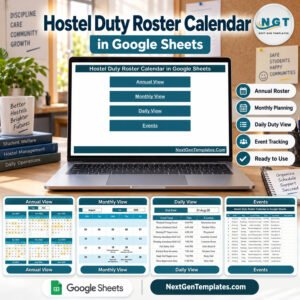
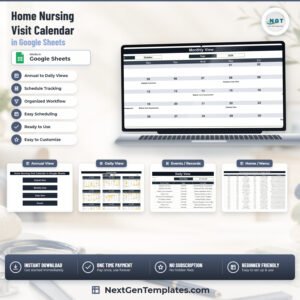
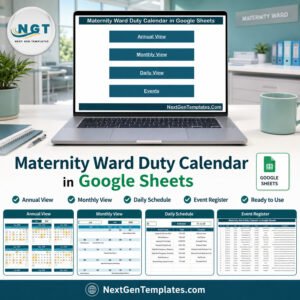
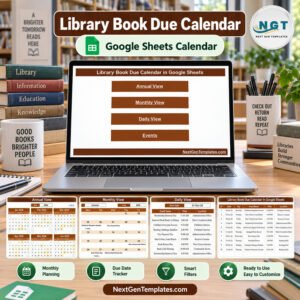
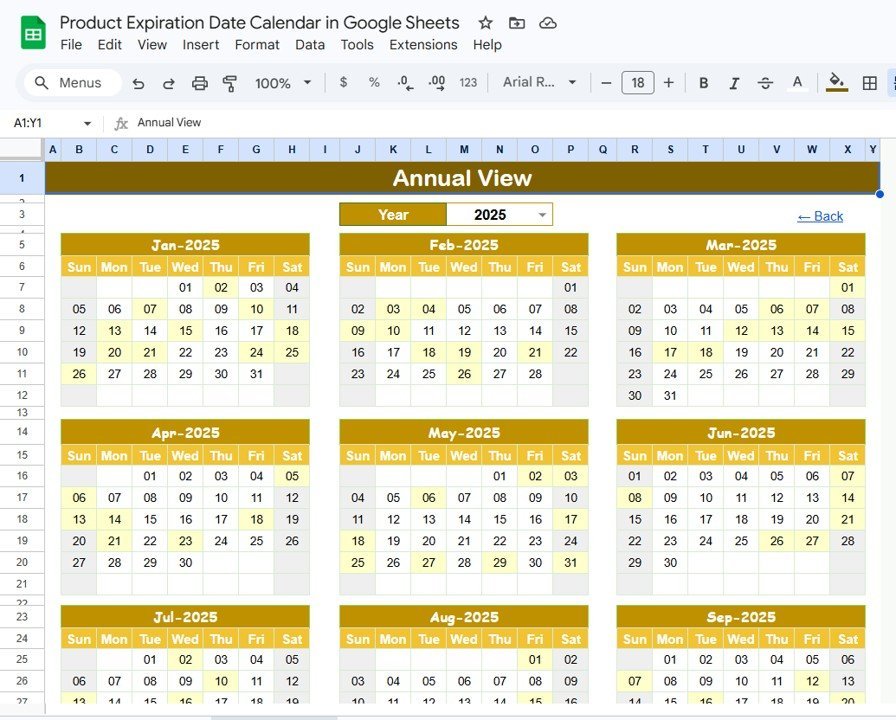
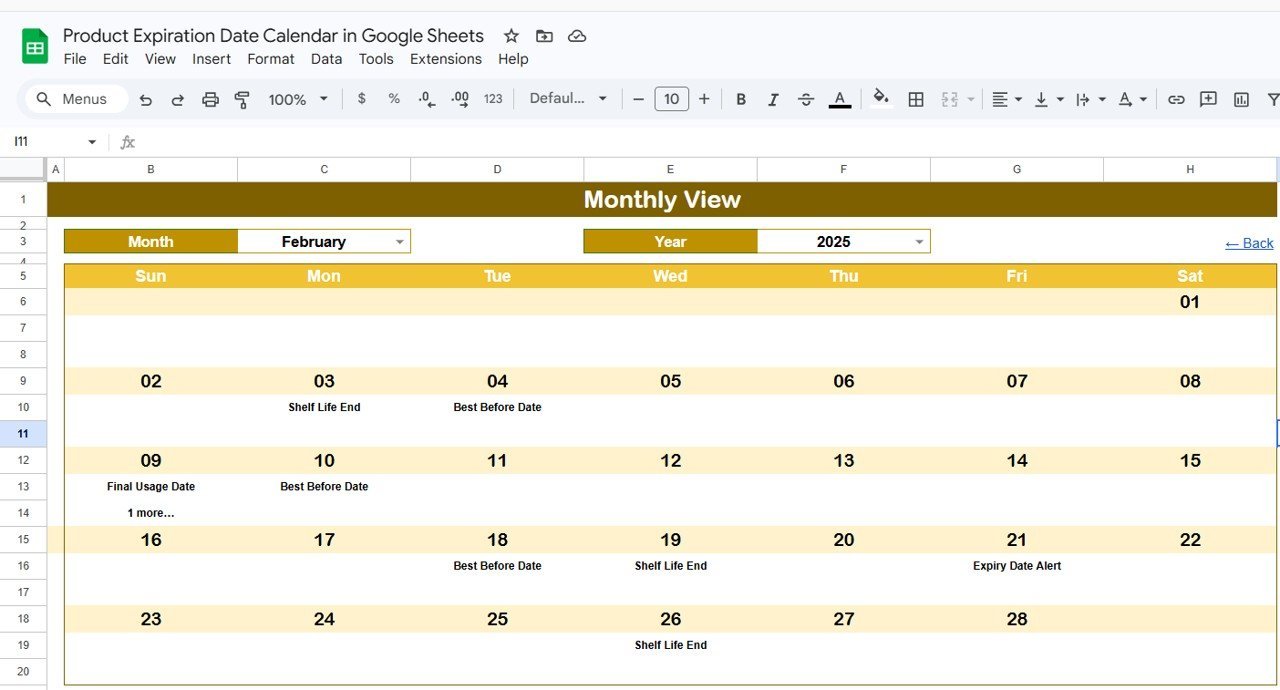
The Annual View displays all 12 months of the selected year in a single overview, letting managers spot expiry clusters at a glance. The Monthly View lets you select any specific month and year from dropdown menus, showing individual expiry events on each calendar date. When more than one event falls on a single date, the calendar displays a “more than 1…” indicator to flag busy days.
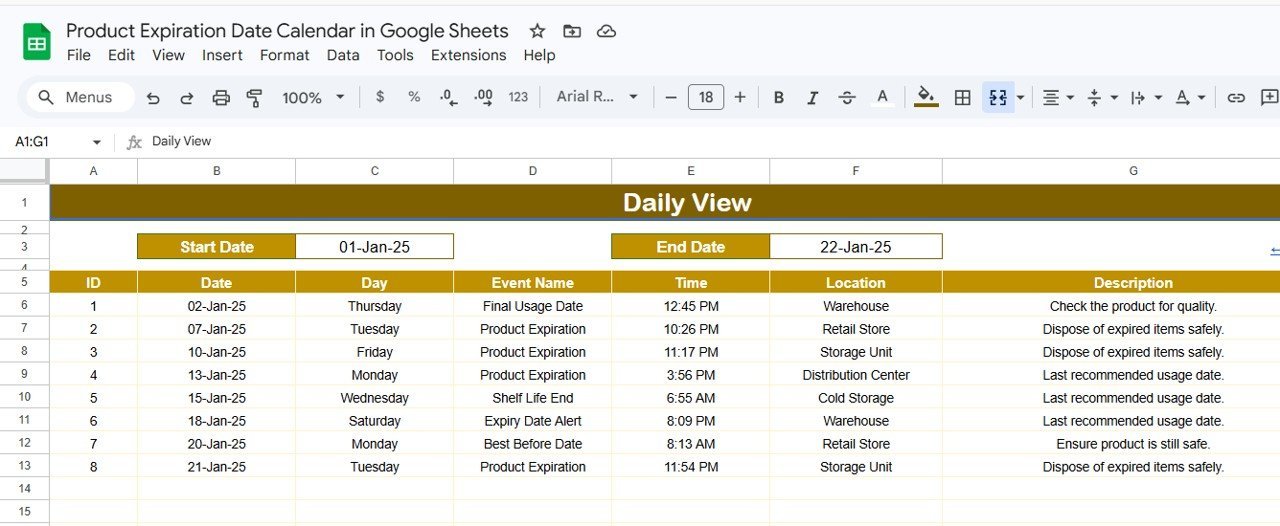
The Daily View sheet provides a filterable list of all events within a custom date range. Select your Start Date and End Date using the built-in date picker — double-click the cell to open the calendar selector — and the sheet instantly displays every expiry event in that window with full details. The Home sheet acts as a navigation hub with 4 clickable buttons: Annual View, Monthly View, Daily View, and Events, letting you jump between sections in one click.
📦 What’s Inside the Product Expiration Date Calendar
This template contains 5 worksheets designed around a specific tracking workflow:
📌 Home Sheet — An index page with 4 navigation buttons (Annual View, Monthly View, Daily View, Events) for quick access to any section of the calendar.
Product Expiration Date Calendar in Google Sheets
📌 Annual View Sheet — Displays all 12 months of the calendar year side by side. Expiry events are marked on their respective dates across the full year, giving you a bird’s-eye view of upcoming expirations.
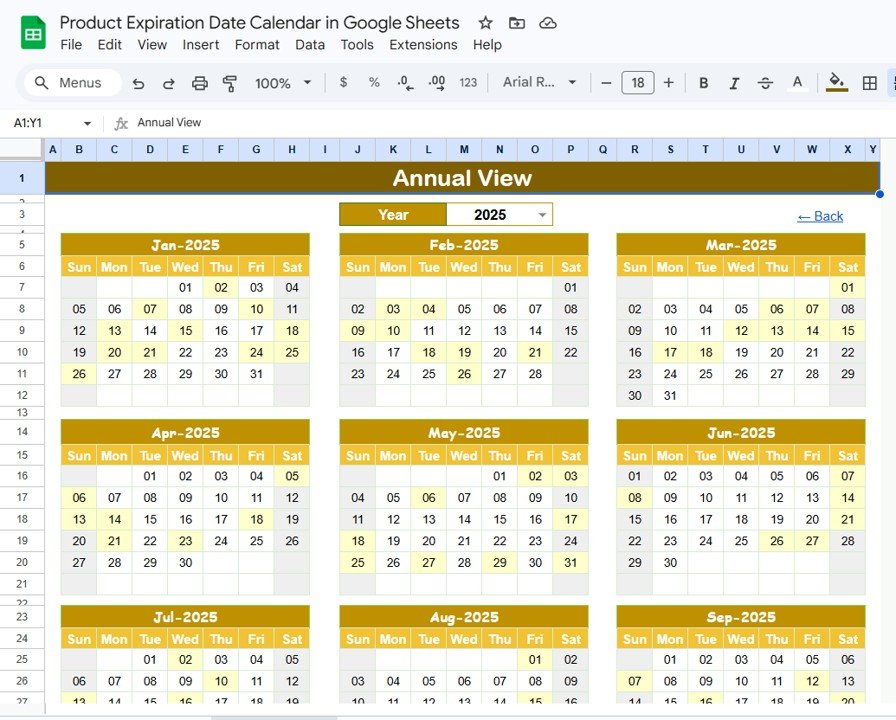
Annual View Sheet tab
📌 Monthly View Sheet — A single-month calendar view. Select the Month and Year from the dropdowns at the top, and the calendar updates to show expiry events for that period. If a date has one event, it displays the event name directly. If multiple events share a date, it shows “more than 1…” as a visual cue to check the Events sheet for details.
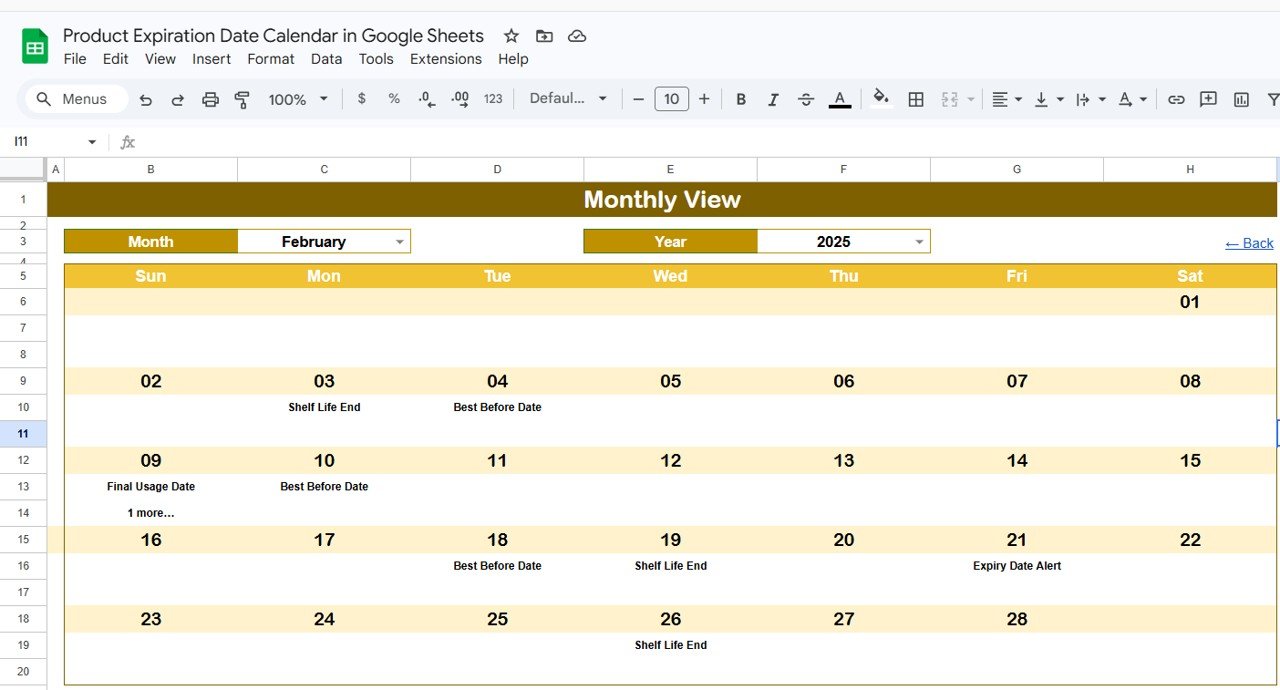
Monthly View Sheet tab
📌 Daily View Sheet — A list-based view showing all events within a selected date range. Set the Start Date and End Date at the top (double-click to open the date picker), and the sheet lists every matching event with its ID, date, day, event name, time, location, and description.
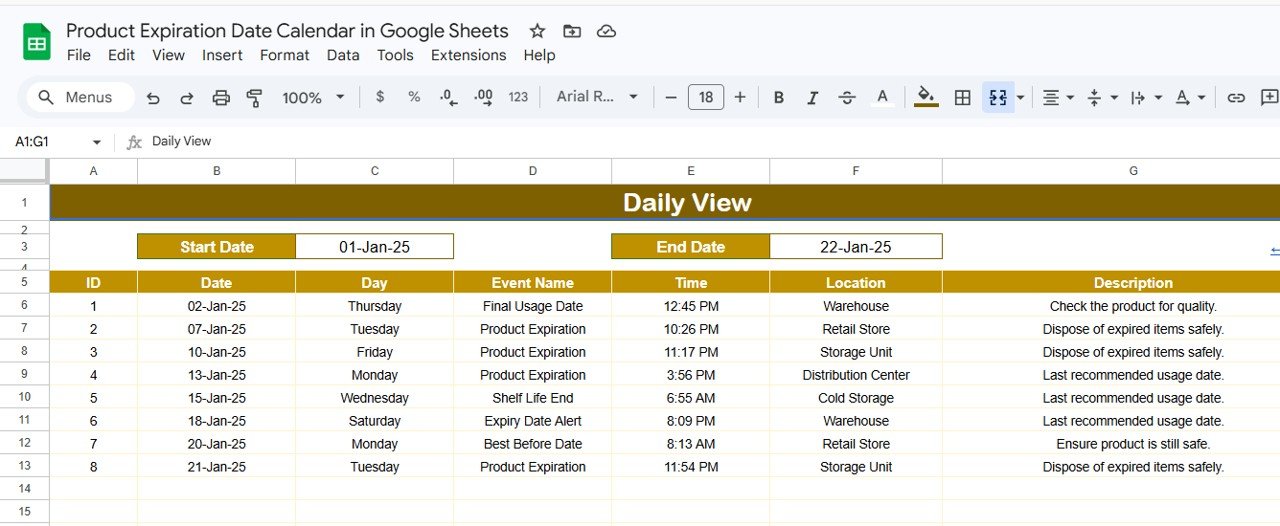
Daily View Sheet tab
📌 Events Sheet — The central database where all expiry events are stored. Each row captures: ID (auto-generated), Date, Day (auto-populated), Event Name, Time, Location, and Description. You can enter data manually to add a new event.
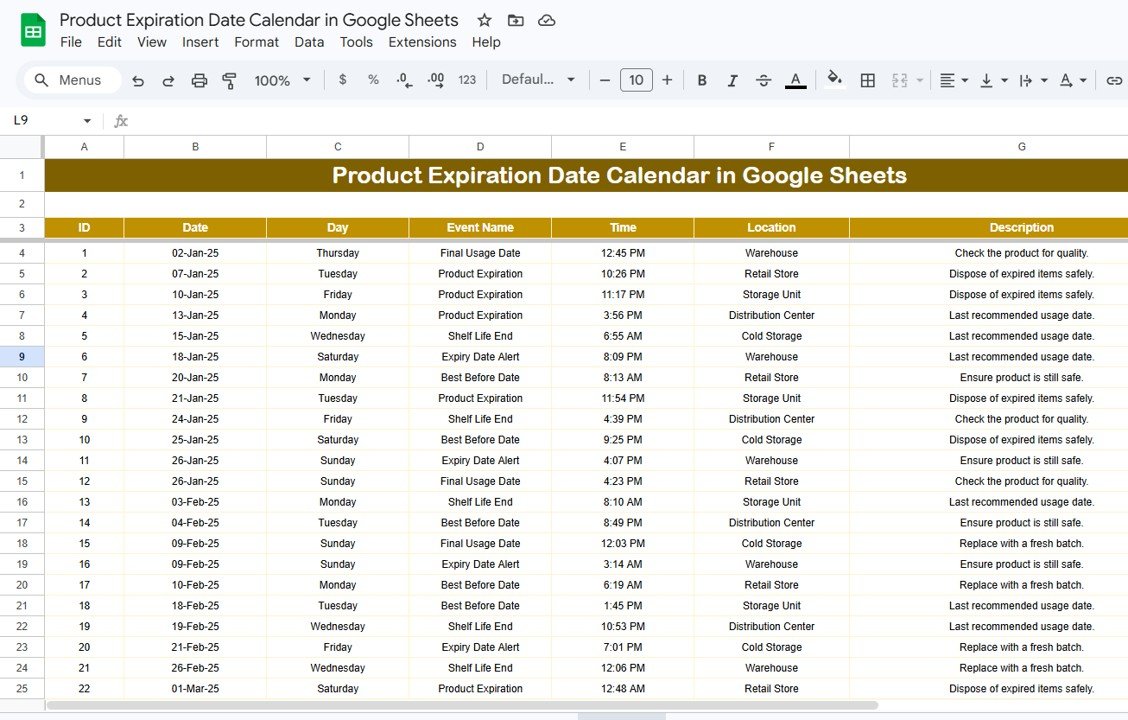
Events Sheet tab
📊 Product Expiration Date Calendar vs. Microsoft Excel Calendar vs. Zoho Inventory — Where This Fits
| Feature | Product Expiration Date Calendar in Google Sheets | Microsoft Excel Calendar | Zoho Inventory |
|---|---|---|---|
| Cost | $4.99 one-time | $6.99/month (Microsoft 365) | $29-249/month |
| Platform | Google Sheets (browser-based) | Desktop application | Cloud SaaS |
| Setup Time | Under 5 minutes | 15-30 minutes | 1-3 hours |
| Real-time Team Collaboration | ✅ Built-in (Google Sheets) | ❌ Limited without OneDrive | ✅ Yes |
| Mobile Access | ✅ Any browser | ❌ Requires app | ✅ Mobile app |
| Customizable Fields | ✅ Fully editable | ✅ Fully editable | ⚠️ Plan-dependent |
| Annual + Monthly + Daily Views | ✅ All 3 included | ⚠️ Usually 1 view | ❌ List-based only |
| Year-1 Cost at 5 Users | $4.99 total | $419.40 | $1,740-14,940 |
For teams that want a visual expiration tracking calendar without paying monthly SaaS fees, the Product Expiration Date Calendar in Google Sheets sits in the sweet spot.
👥 Who This Template Is For — and Who It’s Not For
✅ This template is built for:
- Store owners and retail managers tracking product shelf life across 50-500 SKUs
- Pharmacy and clinic staff monitoring medication expiry dates
- Warehouse and inventory teams at small-to-mid-size businesses needing a visual calendar view
- Food service managers tracking perishable goods expiration
❌ This template is NOT for:
- Enterprise supply chains needing barcode/RFID scanning integration
- Businesses requiring automated alerts via SMS or email — this template uses manual date entry
- Teams needing multi-warehouse location tracking with real-time sync across 10+ sites
⚙️ How to Use the Product Expiration Date Calendar
1. Open the Google Sheets link from the PDF guide in your download and click “Make a Copy” to save it to your Google Drive.
2. Go to the Events sheet and enter your product expiration data: Date, Event Name, Time, Location, and Description. The ID and Day columns auto-populate.
3. Navigate to the Annual View to see all 12 months with your expiry events plotted on the calendar grid.
4. Use the Monthly View — select a Month and Year from the dropdowns — to drill into a specific month and see events per date.
5. Open the Daily View, set a Start Date and End Date, and view a filtered list of all events in that date range.
6. Use the Home sheet buttons to jump between views quickly without scrolling through tabs.
💼 Real-World Use Cases
Priya manages inventory at a 200-product grocery store in Bangalore. She uses the Product Expiration Date Calendar in Google Sheets to log batch-wise expiry dates for dairy, packaged snacks, and beverages. Every Monday, she opens the Monthly View to check which products expire that week and pulls them for discount pricing — reducing her monthly spoilage loss from ₹45,000 to under ₹12,000.
James runs a small pharmacy in Austin, Texas. He enters medication expiry dates into the Events sheet whenever new stock arrives. The Daily View filtered to the next 30 days gives him a pull list of medications approaching expiration — he rotates stock accordingly and hasn’t had to write off expired drugs in 6 months. No subscription fee, no barcode scanner needed.
Maria oversees food safety at a catering company in Miami. She tracks expiration dates for 80+ ingredients across two kitchens. The Annual View gives her a year-long overview so she can plan bulk purchases around existing inventory lifecycles — saving her team roughly 4 hours per week compared to their previous spreadsheet-based system.
❓ Frequently Asked Questions
What does the Product Expiration Date Calendar in Google Sheets track?
The Product Expiration Date Calendar in Google Sheets tracks expiry events with 7 data fields: ID (auto-generated), Date, Day, Event Name, Time, Location, and Description. It displays events across Annual, Monthly, and Daily calendar views for quick visual scanning.
How many products can I track in this calendar?
There is no built-in limit. Google Sheets supports up to 10 million cells per spreadsheet, so you can track thousands of product expiry entries. Performance stays smooth up to approximately 5,000-10,000 rows in the Events sheet.
Can I share this calendar with my team?
Yes. Since it runs on Google Sheets, you can share the file with any number of team members via Google Drive. Multiple users can view and edit the calendar simultaneously in real time — no extra licenses required.
How does this compare to Zoho Inventory for expiration tracking?
Zoho Inventory starts at $29/month and includes barcode scanning and automated alerts. The Product Expiration Date Calendar costs $4.99 one-time with no monthly fees. If you need a visual calendar to track 50-500 products without automation, this template saves you $348+ per year compared to Zoho.
How long does setup take?
Setup takes under 5 minutes. Click the Google Sheets copy link from the PDF guide, open the Events sheet, and start entering your product expiry data. All calendar views update automatically — no formulas to configure, no macros to enable.
Does this template work on mobile devices?
Yes. Google Sheets works on any device with a browser — including phones, tablets, and Chromebooks. You can also use the Google Sheets mobile app on iOS and Android for on-the-go data entry.
Can I customize the fields in the Events sheet?
Yes. You can add, rename, or remove columns in the Events sheet. The calendar views reference specific columns, so if you modify the core columns (Date, Event Name), you may need to update the linked formulas accordingly.
👤 About the Author
Built by PK — Microsoft Certified Professional with 15+ years of Excel, Google Sheets, and Power BI experience. Founder of NextGenTemplates, reaching 300K+ subscribers across YouTube channels (@PK-AnExcelExpert, @NextGenTemplates, @NeoTechNavigators). Every template is hand-built and tested before release.
🔗 Explore Related Templates
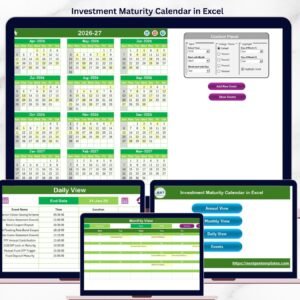
📌 Investment Maturity Calendar in Excel — Track investment maturity dates with annual and monthly calendar views in Excel.
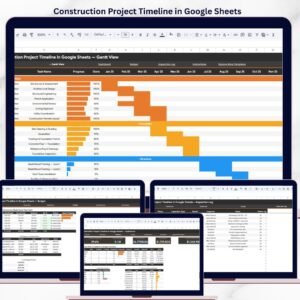
📌 Construction Project Timeline in Google Sheets — Plan and track project milestones with a Gantt-style timeline in Google Sheets.
📌 Weekly Expense Tracker in Google Sheets — Monitor weekly spending patterns with category breakdowns and charts.
📌 Browse all Google Sheets Calendar Templates
📖 Click here to read the Detailed Blog Post
🎥 Visit our YouTube channel for step-by-step video tutorials
👉 YouTube.com/@NextGenTemplates