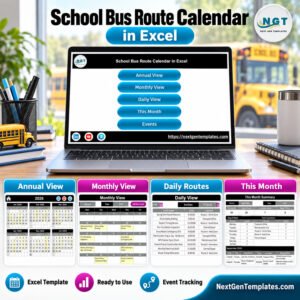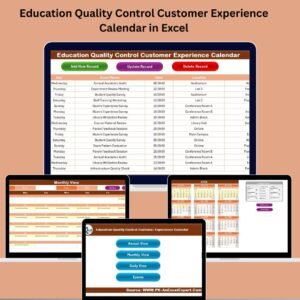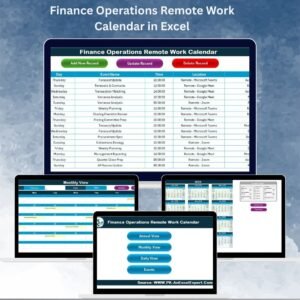
Managing team schedules, staff duties, and important events can quickly become complicated when information is scattered across emails, spreadsheets, or manual notes. Organizations need a clear and structured way to manage responsibilities, coordinate teams, and track daily activities without confusion.
That’s where the Team Performance Staff Duty Calendar in Excel becomes an incredibly powerful solution.
This ready-to-use Excel calendar template helps organizations efficiently manage staff schedules, events, and duties using a visually organized and fully interactive calendar dashboard. Designed inside Microsoft Excel, this template combines the flexibility of spreadsheets with the simplicity of a professional calendar interface.
Instead of manually tracking duties or maintaining multiple scheduling sheets, this Excel template allows teams to plan events, assign duties, and monitor schedules from a single centralized system.
Whether you are managing employee shifts, internal meetings, project deadlines, or organizational events, the Team Performance Staff Duty Calendar in Excel makes scheduling simple, organized, and highly efficient.
🚀 Key Feature of Team Performance Staff Duty Calendar in Excel
The Team Performance Staff Duty Calendar in Excel is packed with powerful features designed to simplify event scheduling and staff duty management.
📅 Multiple Calendar Views
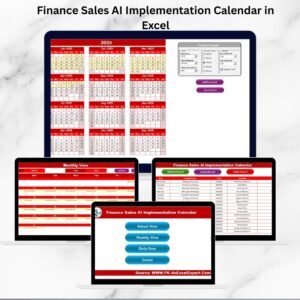
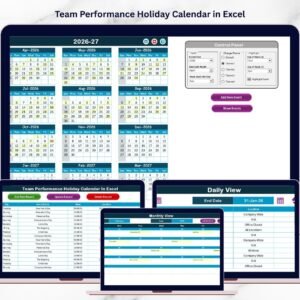
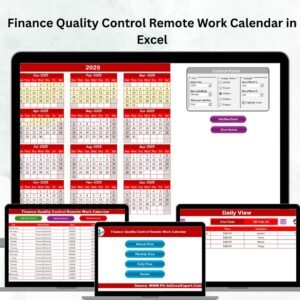
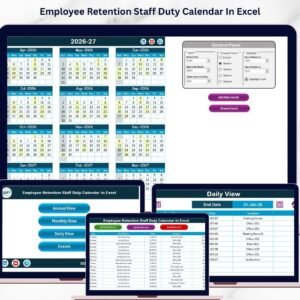
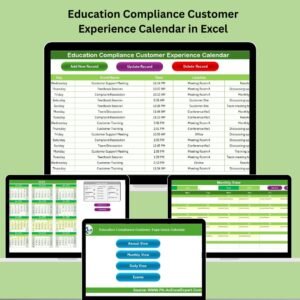
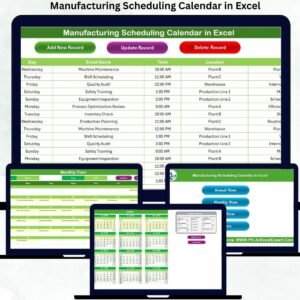
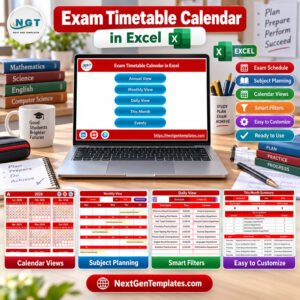
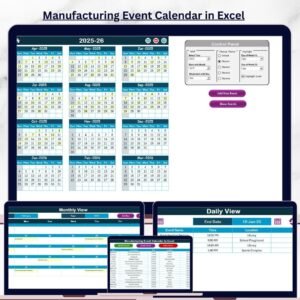
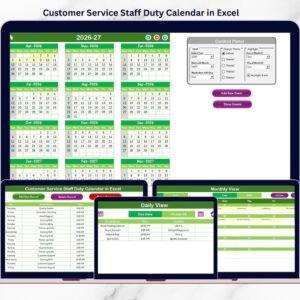
Access annual, monthly, and daily calendar views that help teams monitor schedules from both a big-picture and detailed perspective.
🎛 Interactive Control Panel
Easily customize the calendar by selecting the year, starting month, and first day of the week using a simple control panel.
🎨 Five Color Theme Options
Choose from five professional themes to instantly change the look and feel of the entire workbook.
📊 Event Highlighting System
Highlight weekends, weekdays, and important events to improve clarity and visibility.
⚡ Quick Event Management
Add, update, view, or delete events with dedicated action buttons that simplify event management.
🔢 Auto-Generated Event IDs
Each event automatically receives a unique ID for better tracking and management.
📍 Detailed Event Information
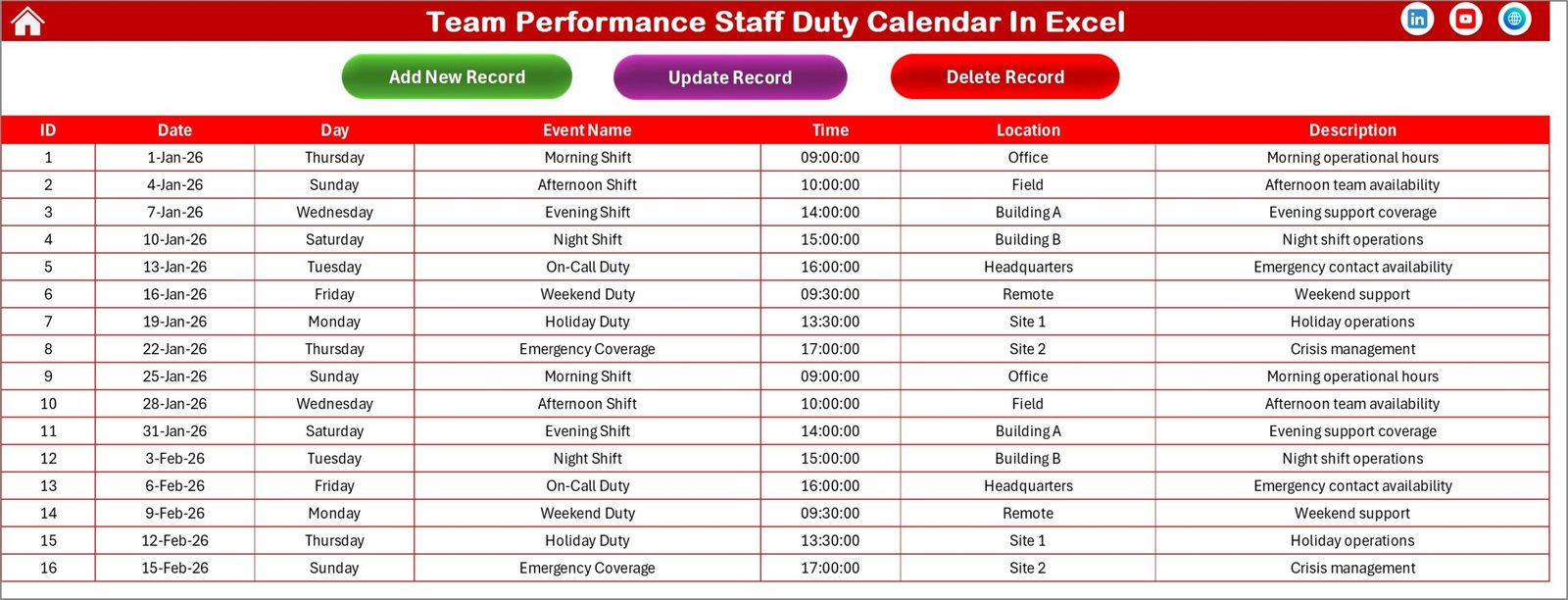
Capture event details including date, day, event name, time, location, and description.
🧭 Easy Navigation Dashboard
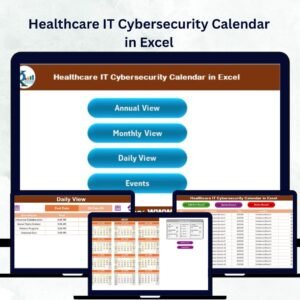
Quickly switch between different calendar views using simple navigation buttons on the Home page.
📂 What’s Inside the Team Performance Staff Duty Calendar in Excel
This Excel template includes five interactive worksheets, each designed to make staff duty management simple and efficient.
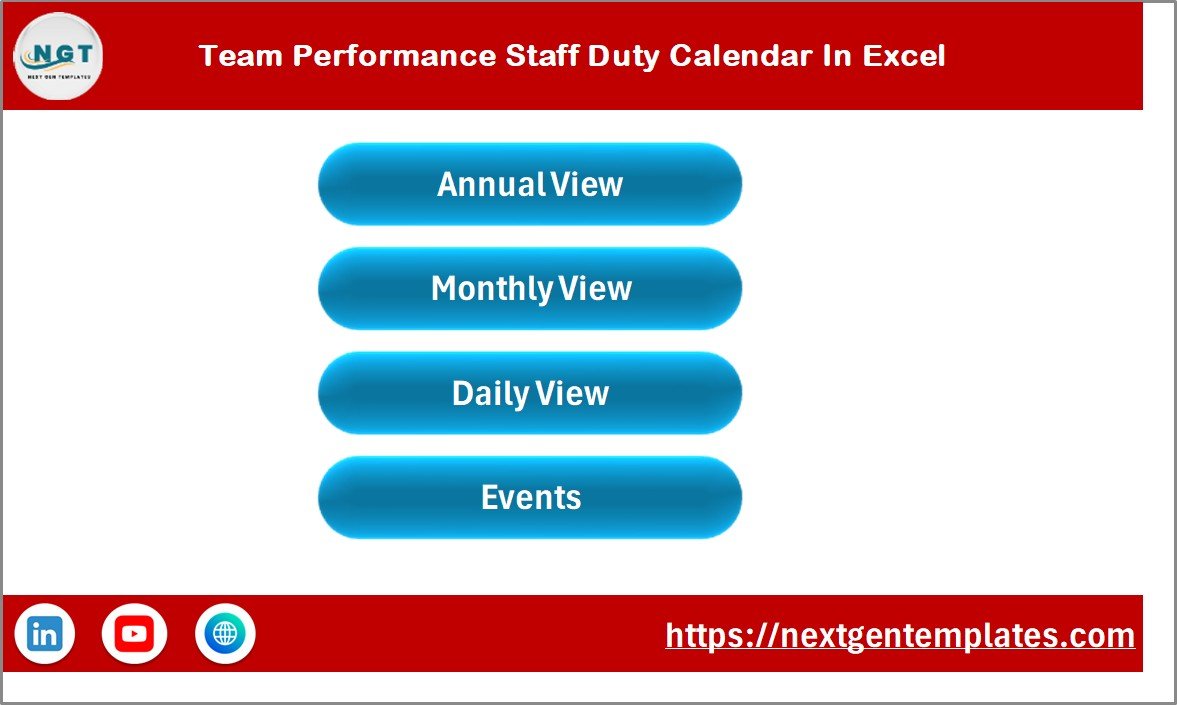
1️⃣ Home Sheet
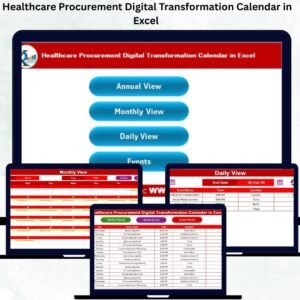
The Home sheet acts as the main navigation dashboard of the workbook. It contains buttons that allow users to quickly access different calendar views and the events database.
This sheet serves as the central hub where users can easily navigate the entire template.
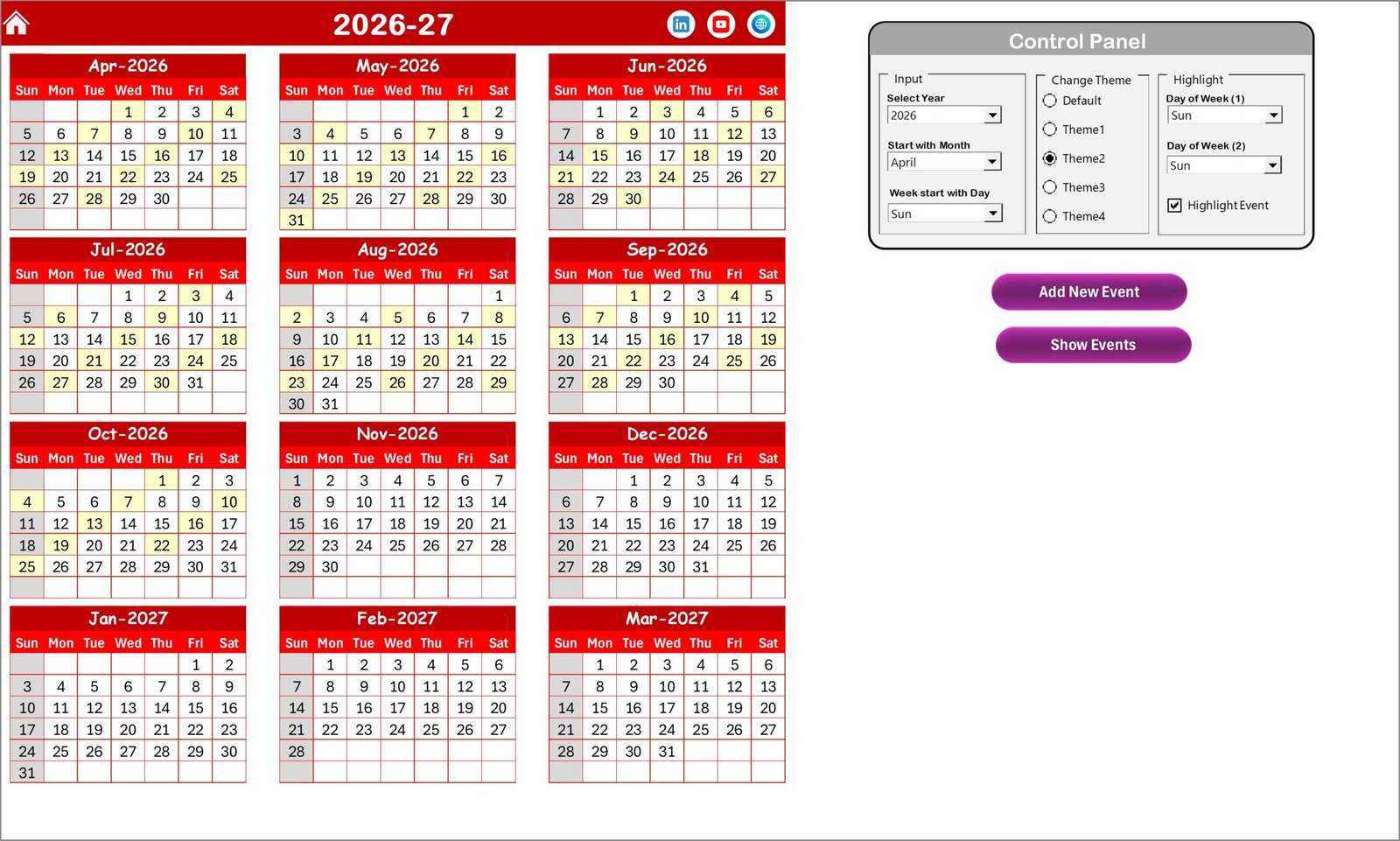
2️⃣ Annual View Sheet
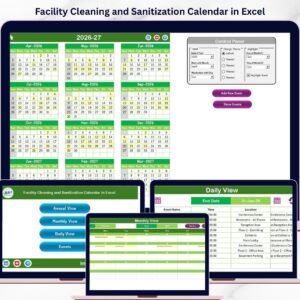
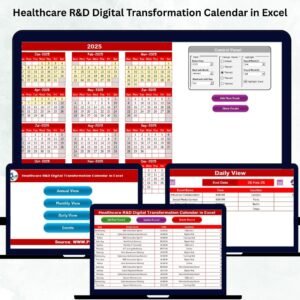
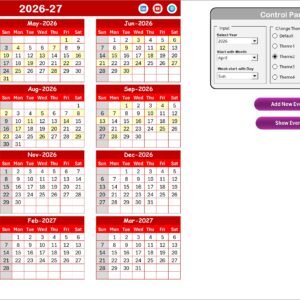
The Annual View displays the complete 12-month calendar for the selected year.
The control panel allows users to customize:
• Year selection
• Starting month
• Starting day of the week
Additional groups allow users to change the workbook theme and highlight specific days or events.
Buttons are also available for adding new events or viewing event details directly from the calendar.
3️⃣ Monthly View Sheet
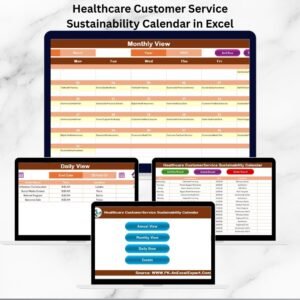
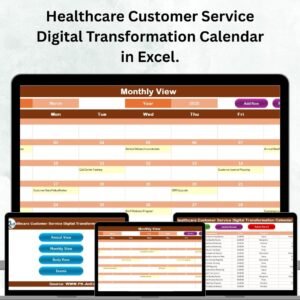
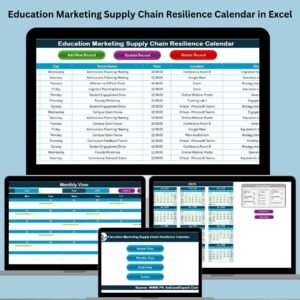
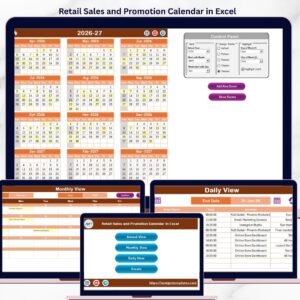
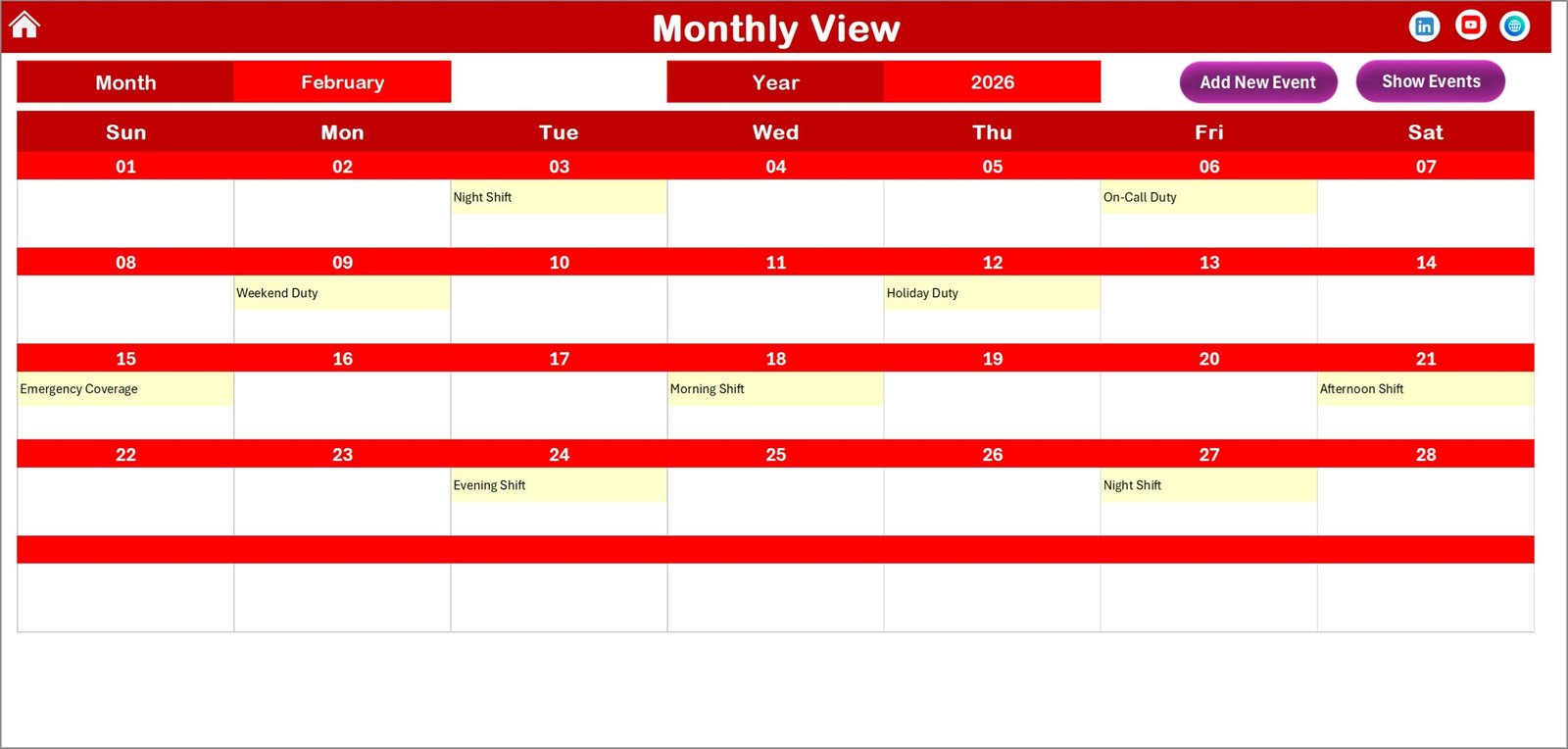
The Monthly View sheet provides a detailed calendar layout for the selected month.
Users can quickly add events to any date or view event details directly from the calendar interface.
This view is perfect for planning monthly schedules and reviewing upcoming activities.
4️⃣ Daily View Sheet
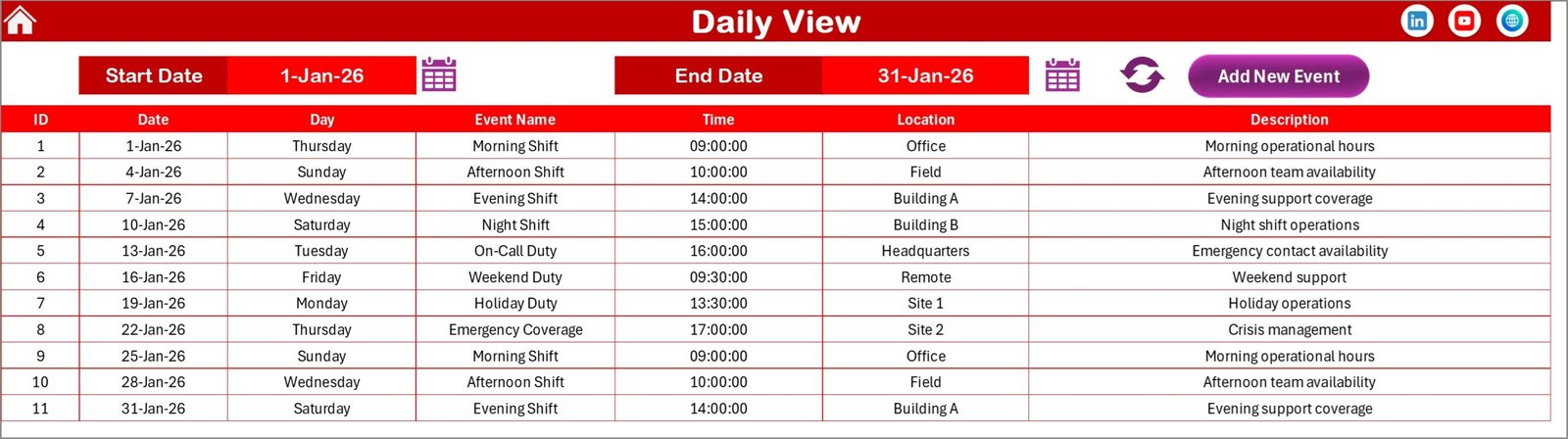
The Daily View sheet provides a detailed list of events within a selected date range.
Users simply choose a start date and end date, then click the Refresh button to display all events within that period.
This view is ideal for reviewing detailed event schedules and managing day-to-day activities.
5️⃣ Events Sheet
The Events sheet serves as the main event database for the entire workbook.
It records important event details including:
• Event ID
• Date
• Day
• Event Name
• Time
• Location
• Description
Users can add new records, update existing events, or delete entries directly from this sheet.
⚙️ How to Use the Team Performance Staff Duty Calendar in Excel
Using this template is simple and requires only basic Excel knowledge.
First, navigate to the Events Sheet to add event details including event name, date, location, and description.
Next, use the Annual, Monthly, or Daily views to visualize schedules and review events.
If you want to add new events, simply click the Add New Event button, fill in the event form, and save the record.
The calendar automatically updates to reflect the new event.
Users can also update or delete events at any time to ensure schedules remain accurate and up to date.
Within minutes, your team can start managing duties and events with clarity and efficiency.
👥 Who Can Benefit from This Team Performance Staff Duty Calendar
This Excel calendar template is perfect for organizations that need structured scheduling and event management.
👨💼 HR Departments – Manage employee schedules, meetings, and internal activities.
🏢 Corporate Teams – Coordinate project deadlines, tasks, and team responsibilities.
🏫 Educational Institutions – Organize staff schedules, classes, and events.
📊 Project Managers – Track project milestones and team activities.
🏥 Healthcare Teams – Manage duty rosters and staff scheduling.
🏛 Government Offices – Coordinate events, meetings, and administrative schedules.
With this powerful Excel template, teams can improve coordination, reduce scheduling confusion, and enhance productivity.
Click here to read the Detailed blog post
Visit our YouTube channel to learn step-by-step video tutorials
https://youtube.com/@PKAnExcelExpert