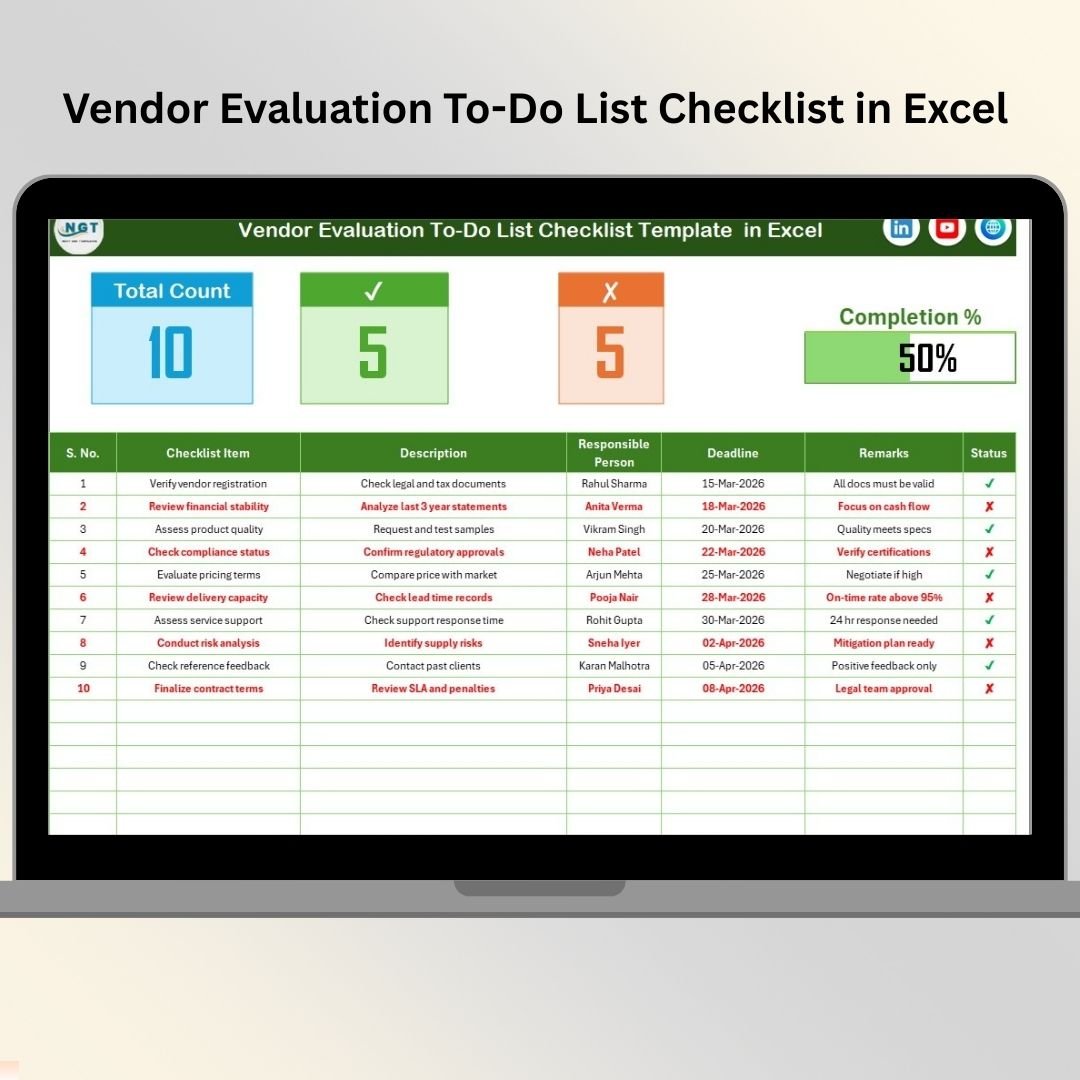

Your vendors directly impact your business performance. A late delivery can delay production. Poor material quality can increase customer complaints. Vendor Evaluation To-Do List Checklist in Excel Weak compliance can expose your company to serious risk.
Yet many businesses still manage vendor evaluation through emails, scattered notes, or unstructured spreadsheets. Deadlines get missed. Tasks remain incomplete. Accountability becomes unclear.
Vendor Evaluation To-Do List Checklist in Excel If you truly want control over supplier performance, you need a structured system.
Introducing the Vendor Evaluation To-Do List Checklist in Excel — a ready-to-use, professional checklist template designed to track vendor assessment tasks, assign responsibility, monitor deadlines, and measure completion progress in one organized file.
No more chaos. No more missed reviews. Just structured vendor management. 📋✅
🚀 Key Feature of Vendor Evaluation To-Do List Checklist in Excel
This Excel checklist is designed to simplify vendor monitoring and improve accountability.
📊 Centralized Task Dashboard
Track all vendor evaluation activities in one structured sheet.
📈 Automatic Progress Bar
View completion percentage instantly as tasks are marked complete.
✅ Status Tracking System
Mark tasks as ✔ Completed or ✘ Not Completed with automatic summary updates.
👤 Responsible Person Assignment
Assign accountability to specific team members.
📅 Deadline Monitoring
Track due dates and prevent missed evaluations.
📝 Remarks Column for Notes
Capture important observations, follow-ups, or compliance comments.
📂 Drop-Down List Automation
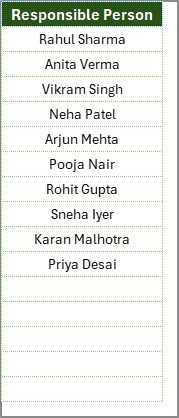
Use the List Sheet to manage responsible persons efficiently.
💼 Fully Customizable Structure
Add or modify checklist items based on vendor category or industry.
This is not just a checklist — it’s your vendor control system.
📦 What’s Inside the Vendor Evaluation To-Do List Checklist in Excel
This ready-to-use template includes 2 powerful worksheets:
📋 1. Vendor Evaluation To-Do List Checklist Sheet
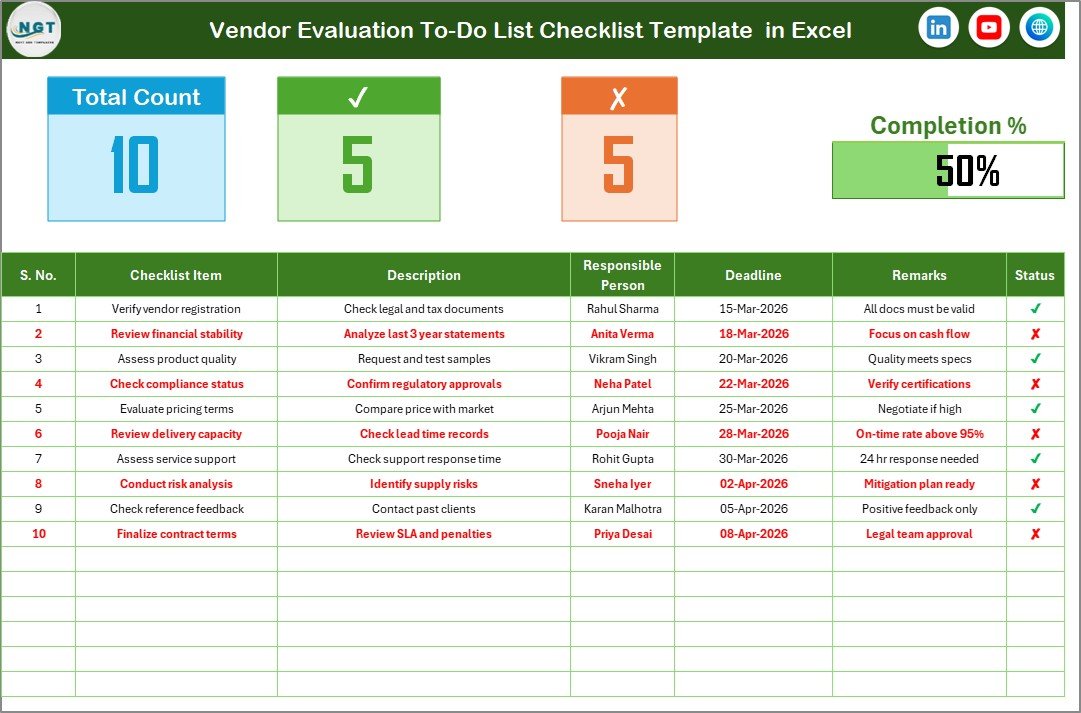
This is the main tracking interface.
Vendor Evaluation To-Do List Checklist in Excel
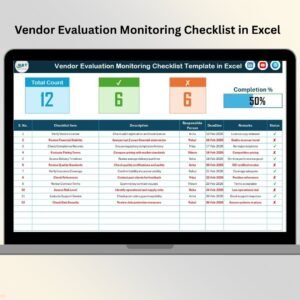
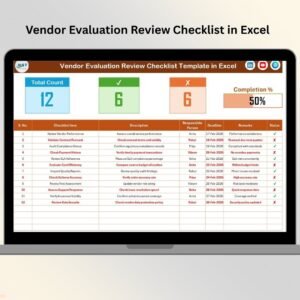
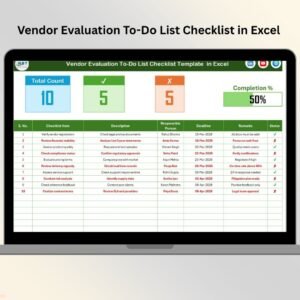
At the top section, you get a clear summary view:
Total Task Count
Checked Count (✔)
Crossed Count (✘)
Progress Bar with Completion Percentage
As soon as you update task status, the progress updates automatically.
The checklist table includes:
Serial No.
Checklist Item
Description
Responsible Person
Deadline
Remarks
Status
Everything is structured for clarity and control.
📂 2. List Sheet
The second worksheet manages the list of responsible persons.
This helps you:
Maintain standardized names
Create clean dropdown selections
Avoid duplicate entries
Improve data accuracy
Simply update this sheet when a new team member joins, and the dropdown updates automatically.
Simple. Organized. Efficient.
⚙️ How to Use the Vendor Evaluation To-Do List Checklist in Excel
Using this template is extremely simple:
1️⃣ Enter vendor evaluation tasks in the checklist table.
2️⃣ Assign a responsible person using the dropdown list.
3️⃣ Set a realistic deadline.
4️⃣ Add remarks if required.
5️⃣ Mark status as ✔ or ✘ once completed.
The progress bar updates automatically.
You can include checklist items such as:
Verify ISO Certification
Review On-Time Delivery Rate
Evaluate Pricing Terms
Check Regulatory Compliance
Assess Response Time
Review Contract Validity
Within minutes, you gain full visibility of vendor review progress.
No advanced Excel skills required. Basic knowledge is enough.
🏢 Who Can Benefit from This Vendor Evaluation To-Do List Checklist in Excel
This checklist is ideal for:
📦 Procurement Teams
🏭 Manufacturing Companies
🏢 Corporate Supply Chain Departments
🛒 Retail Businesses
🚚 Logistics Companies
📊 Operations Managers
📋 Quality Control Teams
💼 Small & Medium Enterprises
Whether you manage 5 vendors or 500 suppliers, this checklist scales with your needs.
Vendor evaluation should not be reactive. It must be systematic.
When you track vendor evaluation tasks consistently, you:
✔ Reduce supplier risks
✔ Improve quality control
✔ Strengthen compliance management
✔ Enhance negotiation power
✔ Increase operational efficiency
✔ Build long-term supplier relationships
Instead of relying on memory or emails, use one structured Excel system to manage everything.
If you want better vendor performance, stronger accountability, and improved procurement efficiency, this Vendor Evaluation To-Do List Checklist in Excel is your practical solution.
Click hare to read the Detailed blog post
Visit our YouTube channel to learn step-by-step video tutorials
👉 https://www.youtube.com/@PKAnExcelExpert
Watch the step-by-step video tutorial:
Compatibility and Requirements
- Works in Microsoft Excel desktop (Excel 2016 or later, or Microsoft 365).
- You pick the responsible person from a dropdown that reads from the List sheet. Microsoft explains dropdowns in Create a drop-down list.
Frequently Asked Questions
How many sheets does the template have?
Two sheets: the Vendor Evaluation To-Do List Checklist sheet and the List sheet.
What columns does the checklist table have?
Serial No., Checklist Item, Description, Responsible Person, Deadline, Remarks and Status.
How does the progress bar work?
Mark each task as completed (✔) or not completed (✘) in the Status column. The total task count, checked count, crossed count and the progress bar with completion percentage update automatically.
How do I add a new responsible person?
Add the name on the List sheet. The dropdown in the checklist table then offers that name.
Is there a Google Sheets version?
Yes. See the Vendor Evaluation Checklist in Google Sheets.
Related Vendor Evaluation Templates
- Vendor Evaluation Checklist Template in Excel: a checklist for assessing suppliers
- Vendor Evaluation Planner Checklist in Excel: a planning-focused version of the checklist
- Vendor Risk Assessment Evaluation Checklist in Excel: for reviewing supplier risk
- Vendor Evaluation Checklist in Google Sheets: the same topic in Google Sheets
- Procurement and Vendor Management Kit: 7 templates for procurement teams in one download
Browse all Excel checklists.