

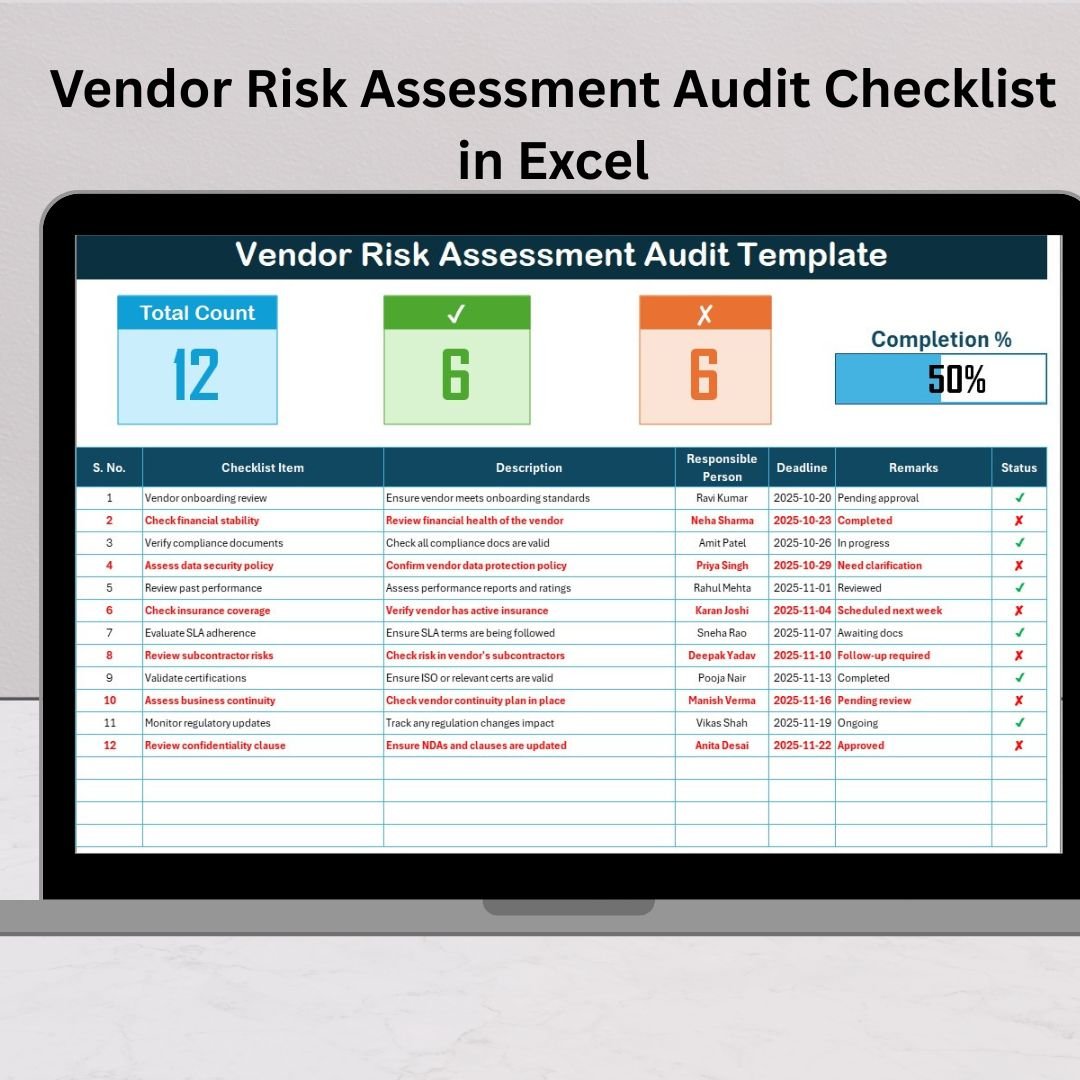

In today’s fast-paced business landscape, every organization depends on a network of vendors and suppliers. But along with convenience comes risk — from compliance failures to data leaks and operational breakdowns. The Vendor Risk Assessment Audit Checklist in Excel 🧩 is your all-in-one, ready-to-use solution for managing these risks efficiently.
This professionally designed Excel template helps you evaluate vendor performance, compliance, and risk status through a structured, automated checklist. Whether you’re a procurement manager, compliance officer, or risk analyst, this tool simplifies auditing, boosts accountability, and strengthens vendor governance — all inside familiar Microsoft Excel.
⚡ Key Features of Vendor Risk Assessment Audit Checklist in Excel
✅ Centralized Vendor Oversight – Monitor all vendor audit activities in one easy-to-navigate workbook.
✅ Automated Progress Tracking – Progress bar, total counts, and completion % update instantly.
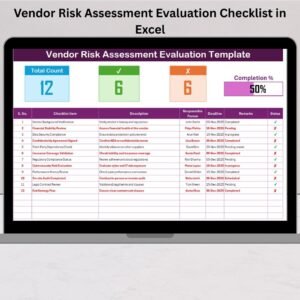
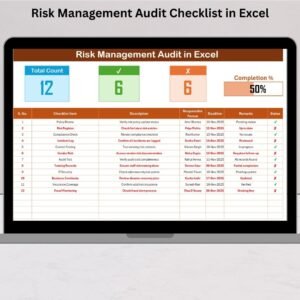
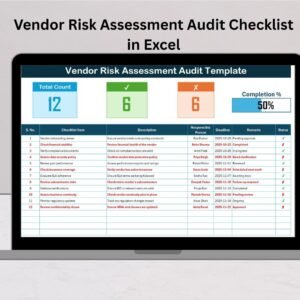
✅ Visual Audit Summary – View total items, completed ✔ vs pending ✘ status at the top.
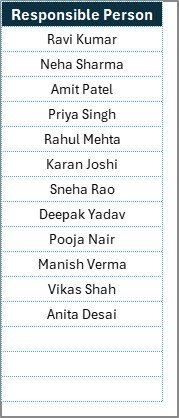
✅ Dropdown Assignments – Assign responsible persons quickly with pre-filled lists.
✅ Error-Free Data Entry – Built-in validations minimize mistakes.
✅ Customizable Structure – Modify checklist items for your industry — finance, IT, healthcare, manufacturing, etc.
✅ Audit Transparency – Keep a clear, traceable record of every audit action.
✅ User-Friendly Interface – No coding or macros — just formulas and logic.
✅ Instant Reporting – Generate quick audit summaries for management or compliance teams.
With this checklist, you’ll never lose track of vendor audits again — making compliance simple, visual, and data-driven.
🧩 What’s Inside the Vendor Risk Assessment Audit Checklist Template
The template includes two well-structured worksheets for easy operation and clarity 👇
1️⃣ Vendor Risk Assessment Audit Checklist Sheet (Main Sheet)
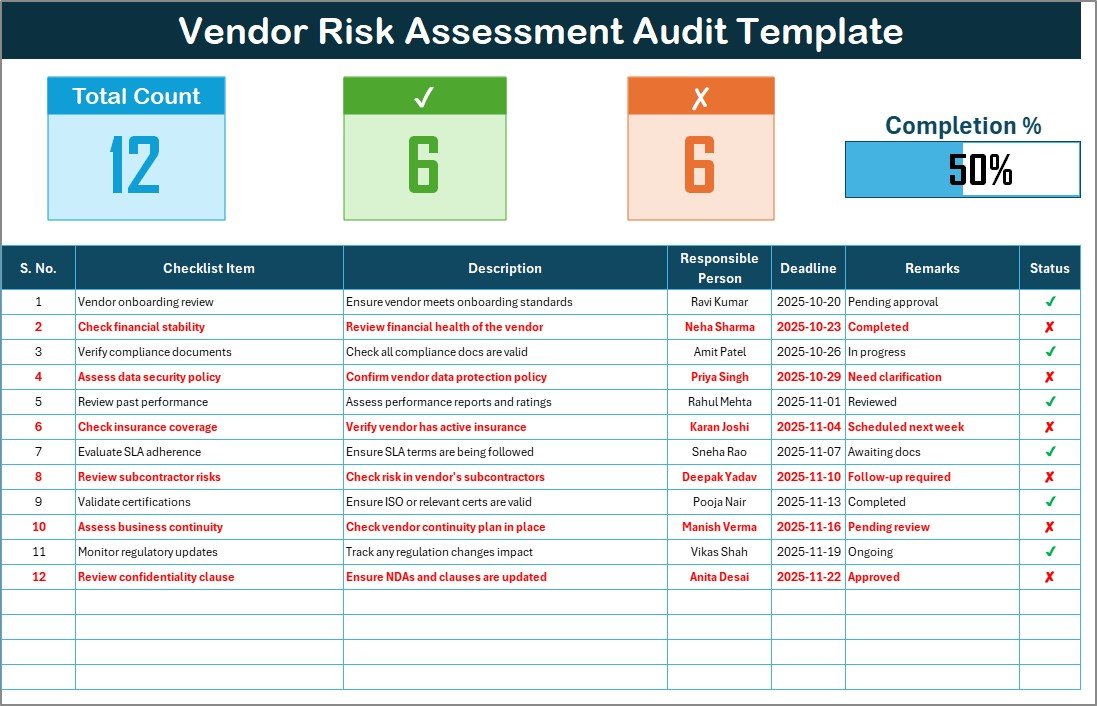
Record all audit items and observations.
Top section summarizes Total Items, Checked ✔, Not Completed ✘, and Progress %.
Progress bar automatically shows overall completion.
Columns include Serial No., Checklist Item, Description, Responsible Person, Deadline, Remarks, and Status.
This sheet acts as your live audit dashboard showing vendor compliance progress in real time.
2️⃣ List Sheet Tab
Contains a unique list of responsible persons used for dropdown menus.
Ensures consistency and reduces manual errors while assigning tasks.
🧭 How to Use the Vendor Risk Assessment Audit Checklist
🧩 Step 1: Open the Excel file and go to the Vendor Risk Assessment Audit Checklist sheet.
📝 Step 2: Enter each audit item and its description.
👥 Step 3: Select a Responsible Person from the dropdown list.
📅 Step 4: Add deadlines and remarks for clarity.
✔ Step 5: Mark each item as “✔” (Completed) or “✘” (Not Completed).
📊 Step 6: The top section instantly updates totals and progress %.
In minutes, you’ll have a visual summary of vendor audit compliance ready for reporting.
👥 Who Can Benefit from This Template
🏢 Procurement Managers – Monitor vendor performance and contract adherence.
🔒 Compliance Officers – Ensure vendors meet ISO, GDPR, or SOC2 standards.
💼 Finance Teams – Track audit outcomes and financial risk areas.
🧠 Risk & Audit Departments – Identify non-compliance trends early.
🏭 Operations Teams – Streamline vendor quality and delivery assessments.
This Excel tool fits organizations of all sizes — from start-ups to enterprises — making vendor risk management simpler and more accountable.
🔗 Click here to read the Detailed Blog Post
🎥 Visit our YouTube channel for step-by-step video tutorials
👉 YouTube.com/@PKAnExcelExpert
Watch the step-by-step video tutorial:
Compatibility and Requirements
- Works in Microsoft Excel desktop (Excel 2016 or later, or Microsoft 365).
- The Responsible Person column is a drop-down list fed by the List Sheet. Microsoft explains drop-downs in Create a drop-down list.
Frequently Asked Questions
Which sheets are in the checklist?
Two: the Vendor Risk Assessment Audit Checklist sheet and a List Sheet for responsible persons.
What does each audit row record?
Serial number, checklist item, description, responsible person, deadline, remarks and status.
How is progress shown?
The top of the main sheet shows total items, checked items, items not completed and a progress bar.
Does it use macros?
No. It runs on formulas only, with no coding or macros.
Related Vendor Risk Templates
- Vendor Risk Assessment Evaluation Checklist in Excel: scores each vendor
- Vendor Risk Assessment Outline Checklist in Excel: sets out the assessment steps
- Vendor Risk Assessment Checklist in Google Sheets: for Google Sheets users
- Supplier Risk Dashboard In Excel: reports supplier risk across your vendor base
- Procurement and Vendor Management Kit: 7 procurement templates in one bundle
Browse all Excel checklist templates or the template bundles.
























Reviews
There are no reviews yet.