


Customer feedback is valuable—but only when evaluated properly. Many businesses collect feedback yet struggle to analyze it systematically. As a result, insights get lost, actions are delayed, and customer experience suffers.
That is exactly why the Customer Feedback Evaluation Checklist in Excel is a must-have, ready-to-use solution for modern teams.
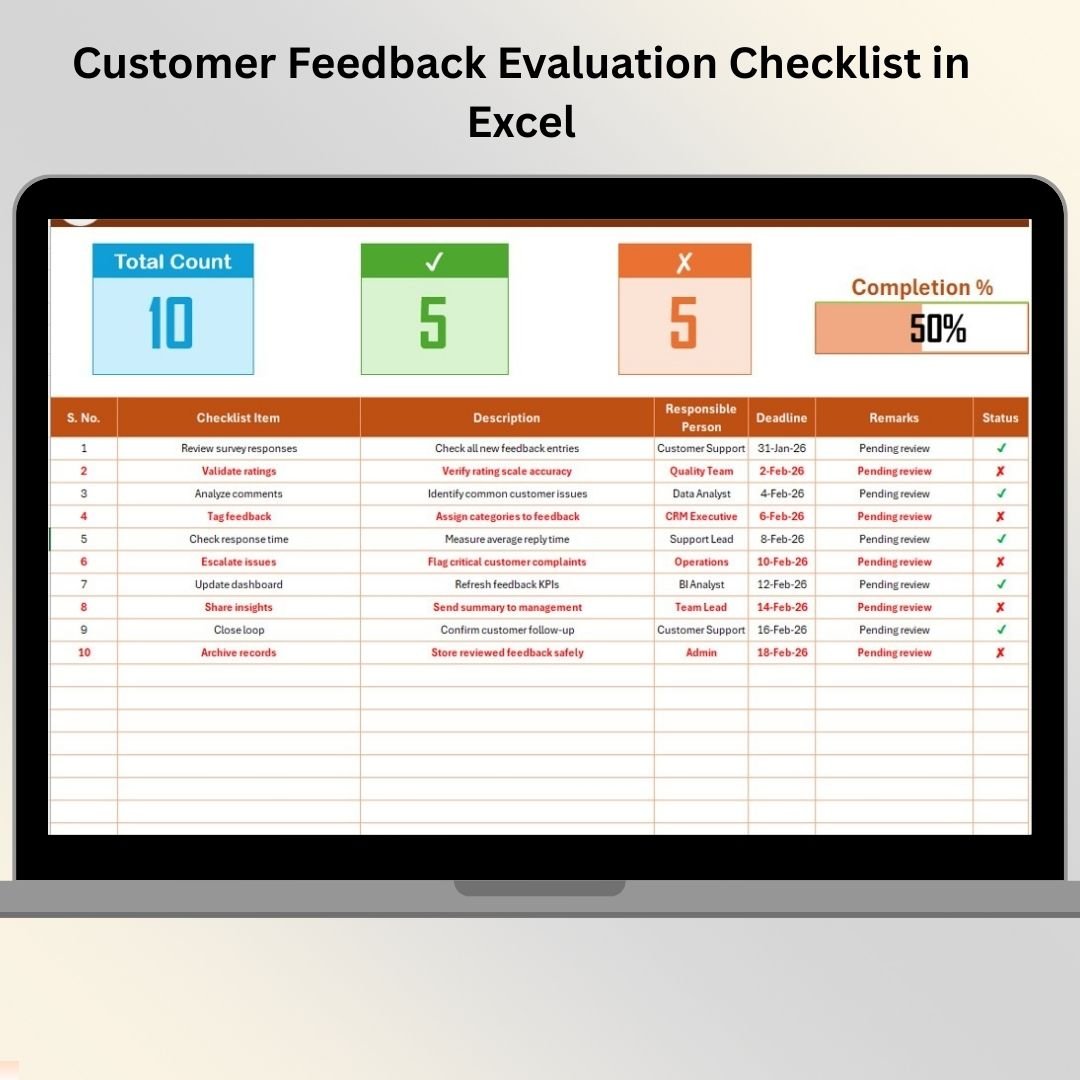
This professionally designed Excel checklist helps you evaluate, track, and manage customer feedback activities step by step. Instead of scattered notes and unstructured reviews, you get a clear evaluation framework with accountability, deadlines, and real-time progress tracking—all inside Excel.
Whether you manage customer support, product feedback, or service quality, this checklist helps you convert raw feedback into meaningful decisions with confidence and clarity.
✅ Key Features of Customer Feedback Evaluation Checklist in Excel
📊 Visual Progress Tracking
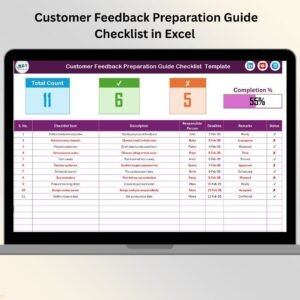
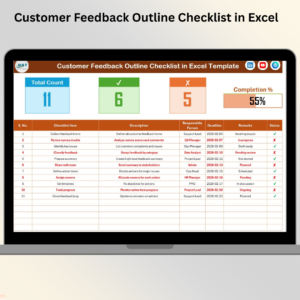
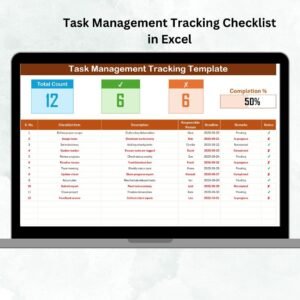
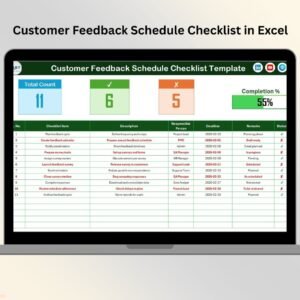
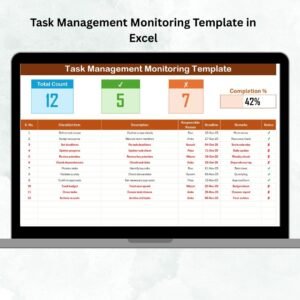
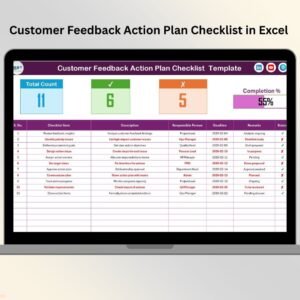
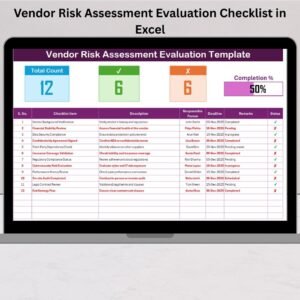
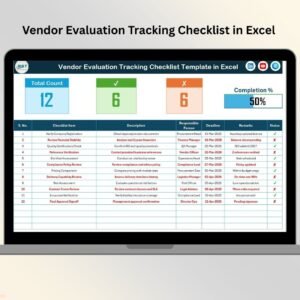
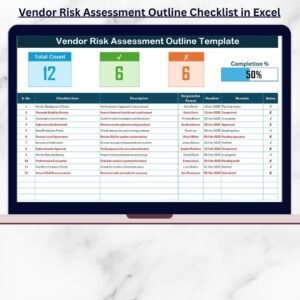
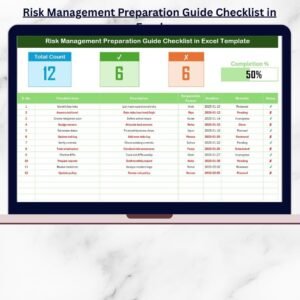
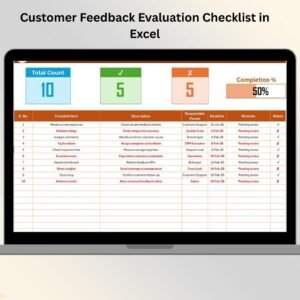
Automatically tracks total tasks, completed items, pending items, and displays progress using a dynamic progress bar.
👤 Clear Responsibility Assignment
Assign each feedback evaluation task to a responsible person to ensure accountability.
📅 Deadline Management
Define clear deadlines for every evaluation task to avoid delays and missed actions.
✔ Simple Status Indicators
Mark tasks as ✔ completed or ✘ pending and let Excel calculate progress instantly.
📋 Structured Checklist Table
Work with clearly defined columns for task name, description, owner, remarks, and status.
🧾 Dropdown-Based Data Validation
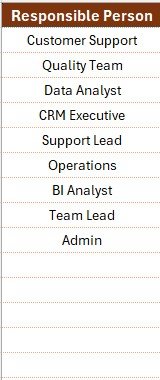
Use dropdown lists for responsible persons to maintain consistency and reduce errors.
🔄 Fully Customizable Template
Easily edit checklist items, formulas, layout, and structure based on your process.
💻 Offline & Cost-Effective Solution
Works completely offline and avoids the cost of complex feedback management tools.
📦 What’s Inside the Customer Feedback Evaluation Checklist
This ready-to-use Excel template includes two well-structured worksheets:
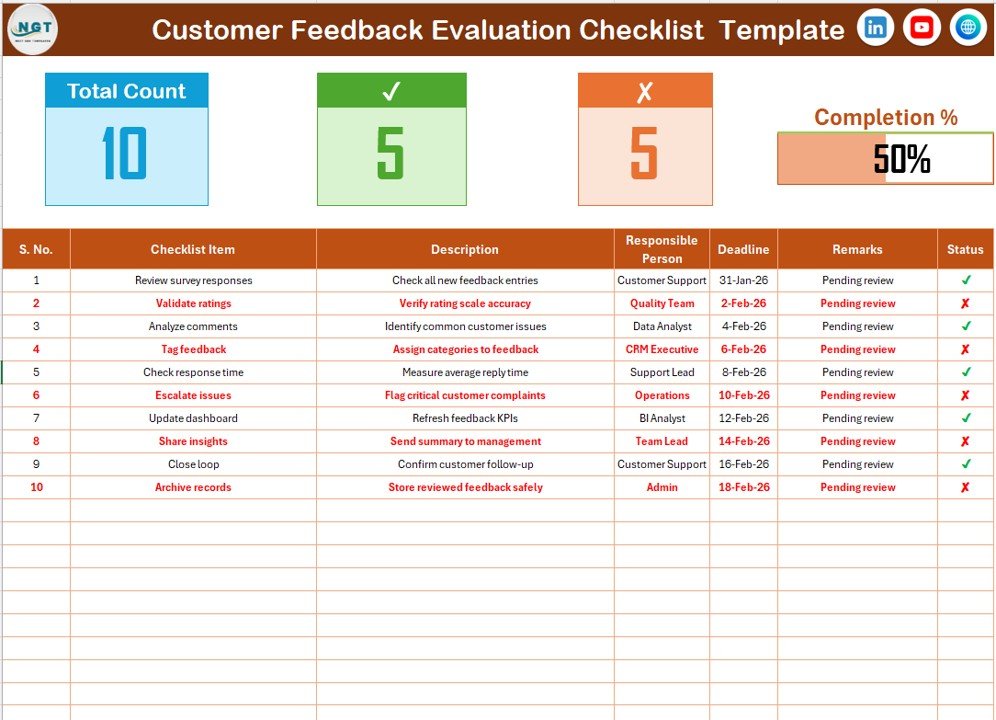
📌 Customer Feedback Evaluation Checklist Sheet
The main working sheet where teams:
Enter feedback evaluation tasks
Assign owners and deadlines
Update status
Track progress visually
📌 List Sheet (Supporting Sheet)
Stores the unique list of responsible persons
Feeds dropdowns in the main checklist
Improves data accuracy and standardization
Together, these sheets ensure smooth evaluation, clean data, and consistent reporting.
🛠 How to Use the Customer Feedback Evaluation Checklist in Excel
1️⃣ Define evaluation criteria such as relevance, urgency, or sentiment
2️⃣ Add checklist items related to feedback evaluation
3️⃣ Assign responsible persons using dropdowns
4️⃣ Set realistic deadlines for each task
5️⃣ Update the status using ✔ or ✘
6️⃣ Monitor progress using counts and the progress bar
7️⃣ Review results during weekly or monthly meetings
Because everything updates automatically, teams always stay aligned and informed.
👥 Who Can Benefit from This Customer Feedback Evaluation Checklist?
This Excel checklist is ideal for:
📞 Customer Support Teams
📦 Product Managers
📊 Quality Assurance Teams
📢 Marketing Teams
🏢 Small Business Owners
📈 Consultants & Analysts
If your team handles customer feedback and wants structured evaluation and better decisions, this checklist is built for you.
🔗 Click here to read the Detailed blog post
📺 Visit our YouTube channel to learn step-by-step video tutorials
👉 Youtube.com/@PKAnExcelExpert
Watch the step-by-step video tutorial:
Compatibility and Requirements
- Works in Microsoft Excel desktop (Excel 2016 or later, or Microsoft 365).
- You pick the responsible person for each task from a dropdown. Microsoft explains dropdowns in Create a drop-down list.
Frequently Asked Questions
Which sheets are included?
Two sheets: the Customer Feedback Evaluation Checklist sheet and a List sheet that holds the responsible persons.
How is progress calculated?
Mark each task with a ✔ for completed or a ✘ for pending. Excel then updates the counts of total, completed and pending tasks and the progress bar.
How do I assign a task to someone?
Choose the name from the dropdown in the responsible person column. The names come from the List sheet, so add your team members there first.
Can I change the checklist items?
Yes. You can edit the checklist items, formulas, layout and structure to match your own feedback evaluation process.
Is there a Google Sheets version?
Yes. See the Customer Feedback Checklist in Google Sheets.
Related Customer Feedback Templates
- Customer Feedback Review Checklist in Excel: a checklist for reviewing feedback entries
- Customer Feedback Tracking Checklist in Excel: follow each feedback item through to action
- Customer Feedback Tracker in Excel: a tracker for logging feedback
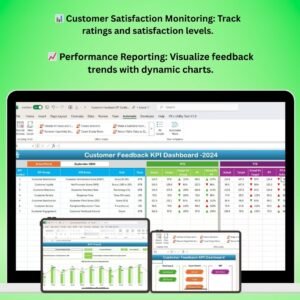
- Customer Feedback KPI Dashboard in Excel: a dashboard view of feedback metrics
- Customer Feedback Checklist in Google Sheets: the same topic in Google Sheets
Browse all Excel checklists.















Reviews
There are no reviews yet.