

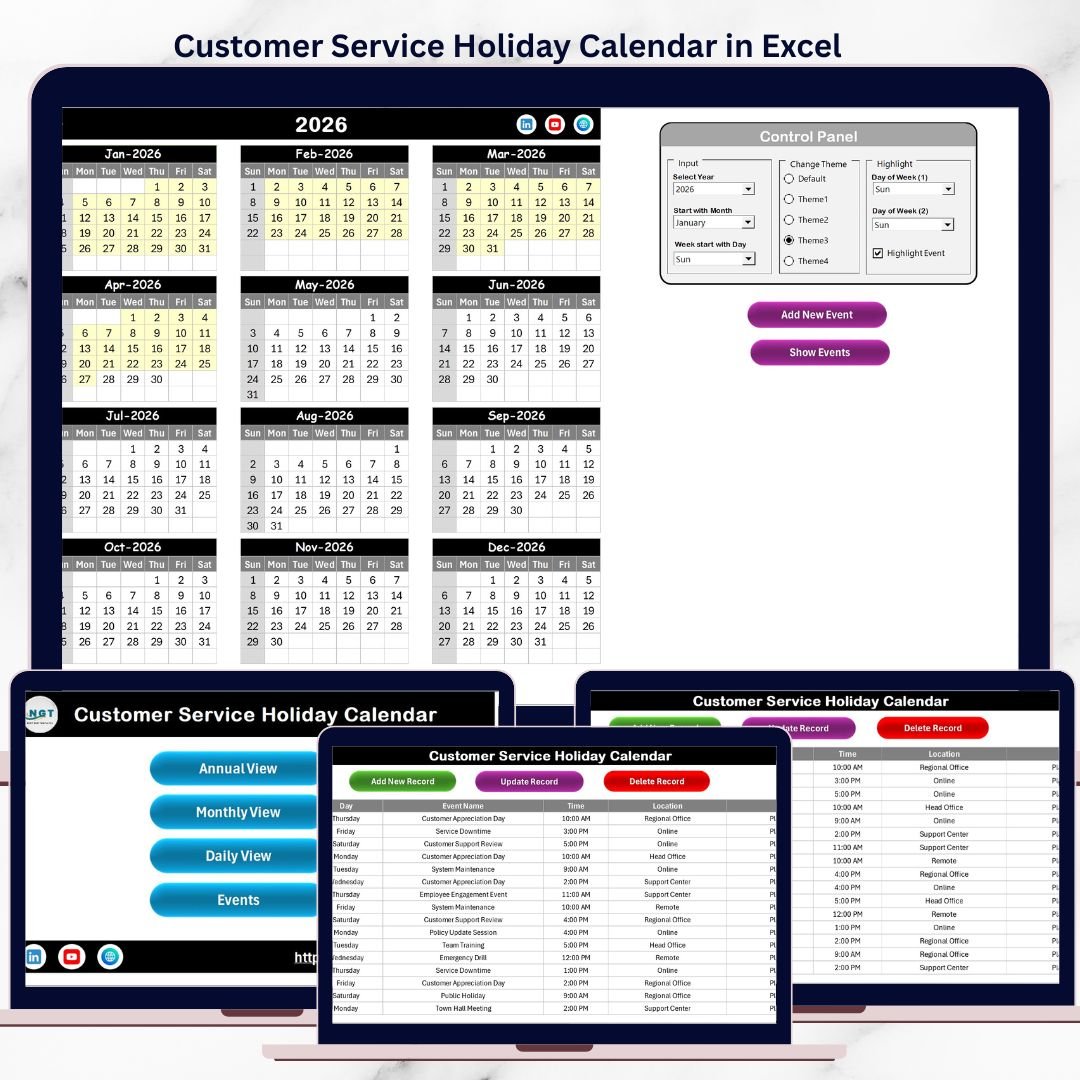

Customer service never stops—but poor planning can. Missed holidays, understaffed days, and last-minute confusion directly impact service quality and customer satisfaction. That is exactly why the Customer Service Holiday Calendar in Excel is a must-have operational tool for modern customer service teams.
This professionally designed, ready-to-use Excel calendar helps you plan holidays, manage events, coordinate schedules, and maintain service continuity—all from one centralized workbook. Instead of juggling emails, paper calendars, or disconnected files, you get a structured Excel solution that brings clarity, control, and confidence to your service operations.
Whether you manage a call center, helpdesk, IT support desk, or customer service team, this Excel-based calendar allows you to stay proactive, organized, and fully prepared throughout the year.
🚀 Key Features of Customer Service Holiday Calendar in Excel
✅ Centralized Holiday & Event Management
Manage all public holidays, internal events, and special days in one structured Excel file.
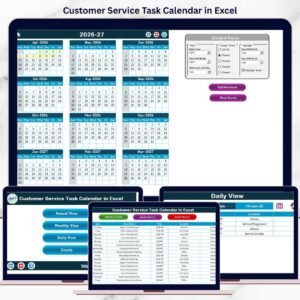
🎯 Annual, Monthly & Daily Views
Switch seamlessly between year-wide planning, monthly scheduling, and detailed daily event tracking.
🎨 Dynamic Control Panel & Themes
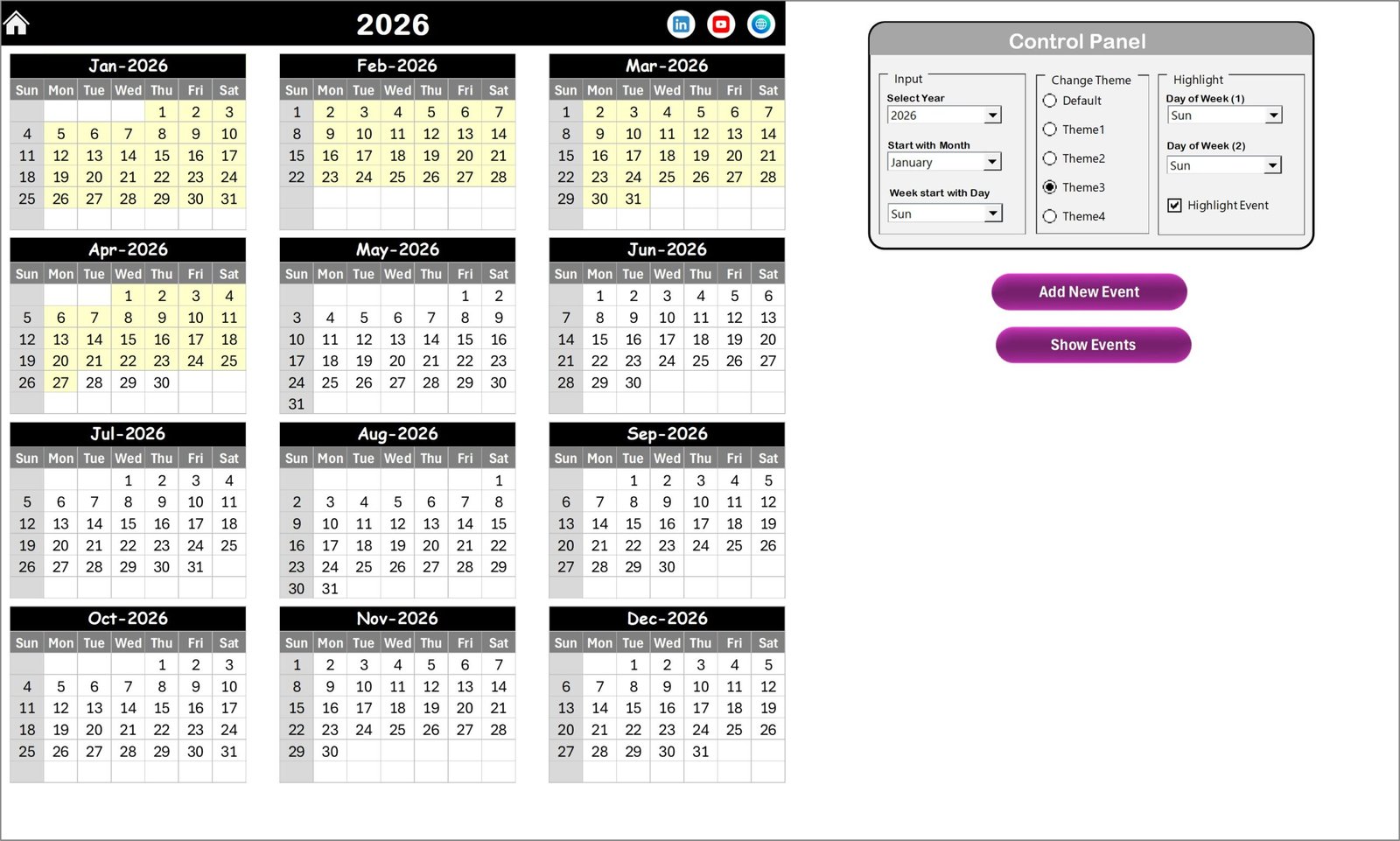
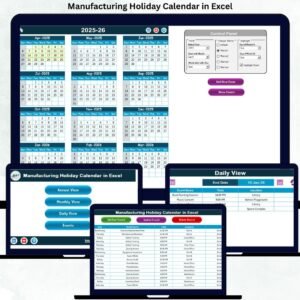
Change year, starting month, week format, and color themes instantly—no formulas required.
📝 Smart Event Management System
Add, update, view, and delete events using interactive buttons and forms.
📅 Automatic Calendar Updates
All views update dynamically based on your selections and event entries.
👥 User-Friendly & Excel-Based
No technical skills needed—works perfectly with standard Excel knowledge.
📦 What’s Inside the Customer Service Holiday Calendar in Excel
This Excel template includes 5 well-structured worksheets, each designed for a specific operational purpose:
📌 Home Sheet
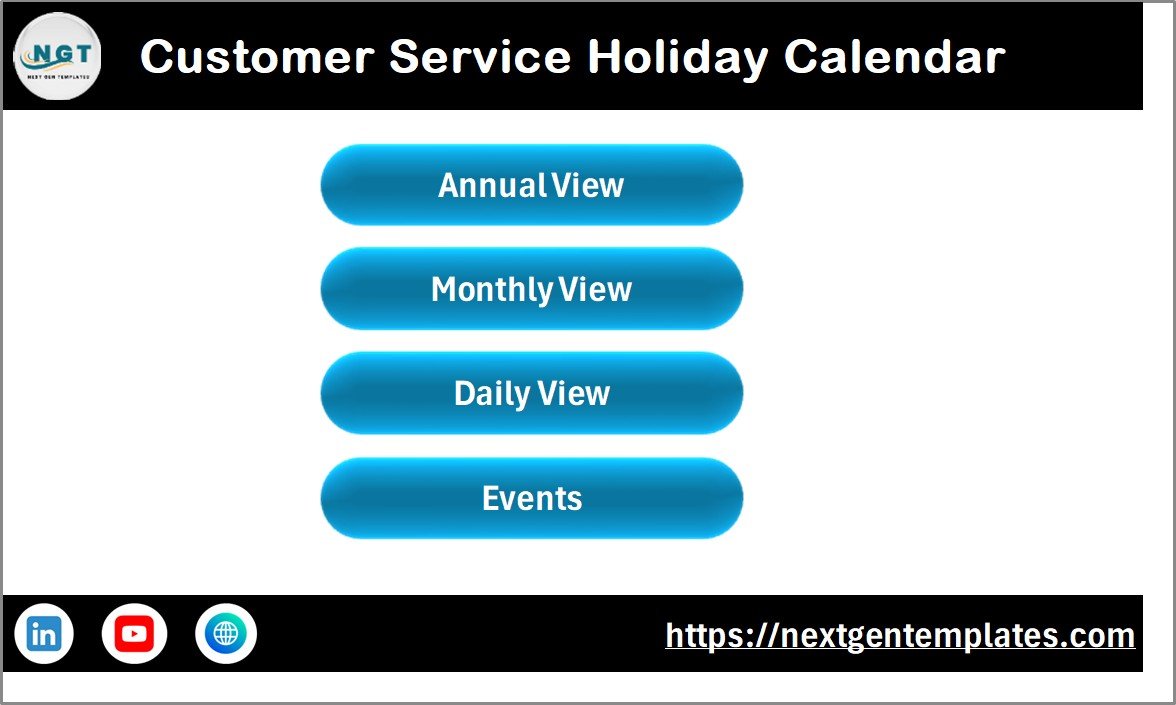
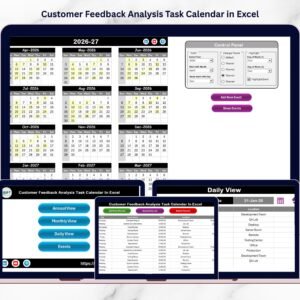
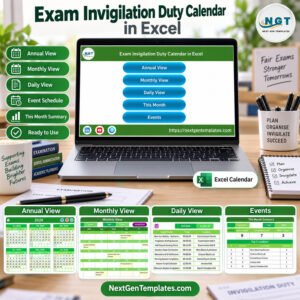
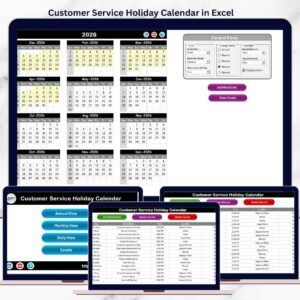
A clean navigation hub with buttons to access Annual View, Monthly View, Daily View, and Events sheet instantly.
📌 Annual View Sheet
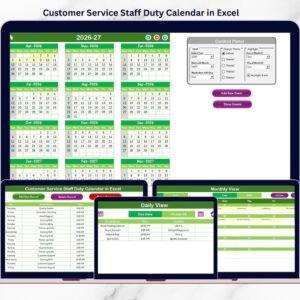
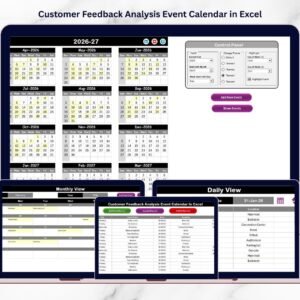
Displays all 12 months on a single screen with highlighted holidays and events—ideal for long-term planning.
📌 Monthly View Sheet
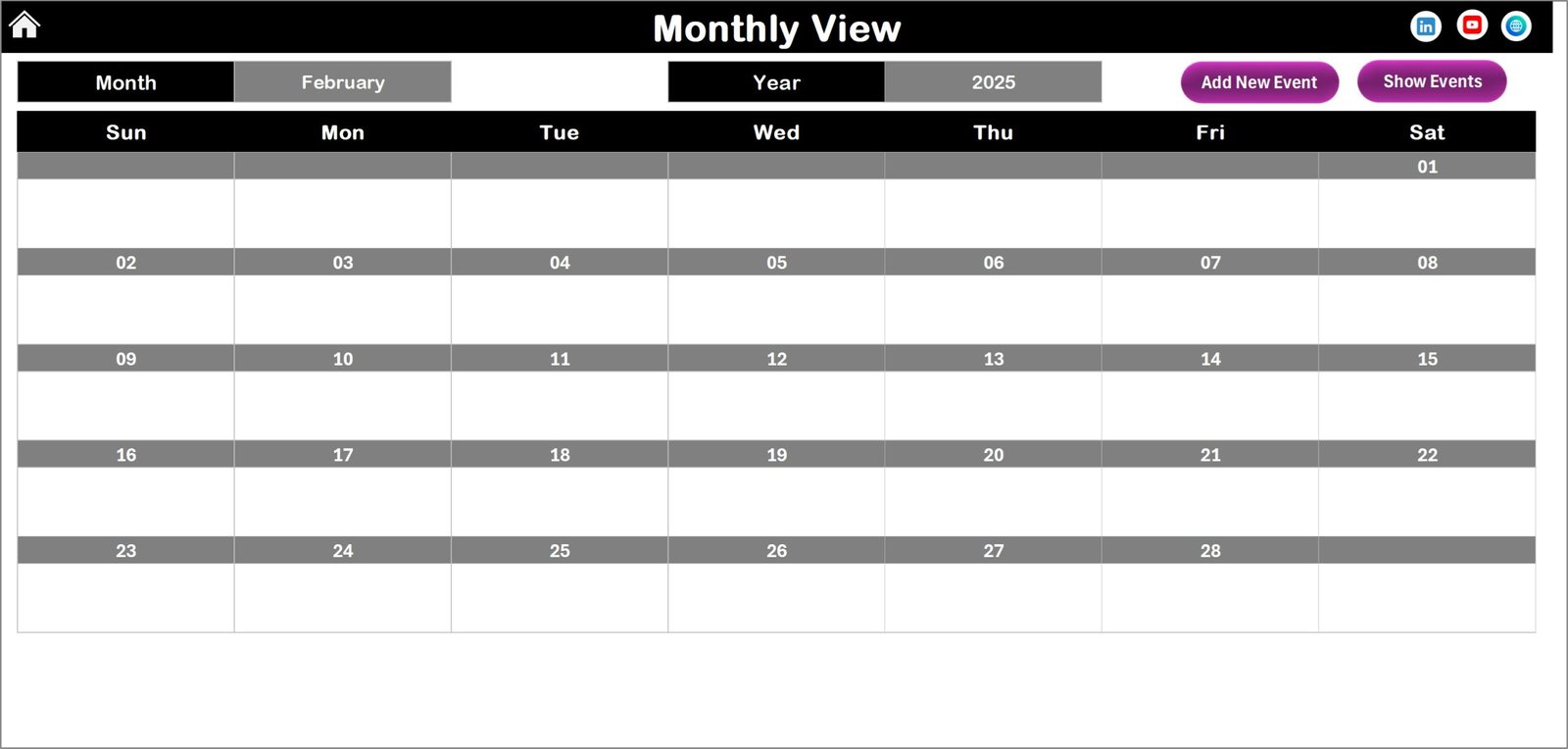
Focuses on one selected month, showing daily events clearly and indicating multiple events per day.
📌 Daily View Sheet
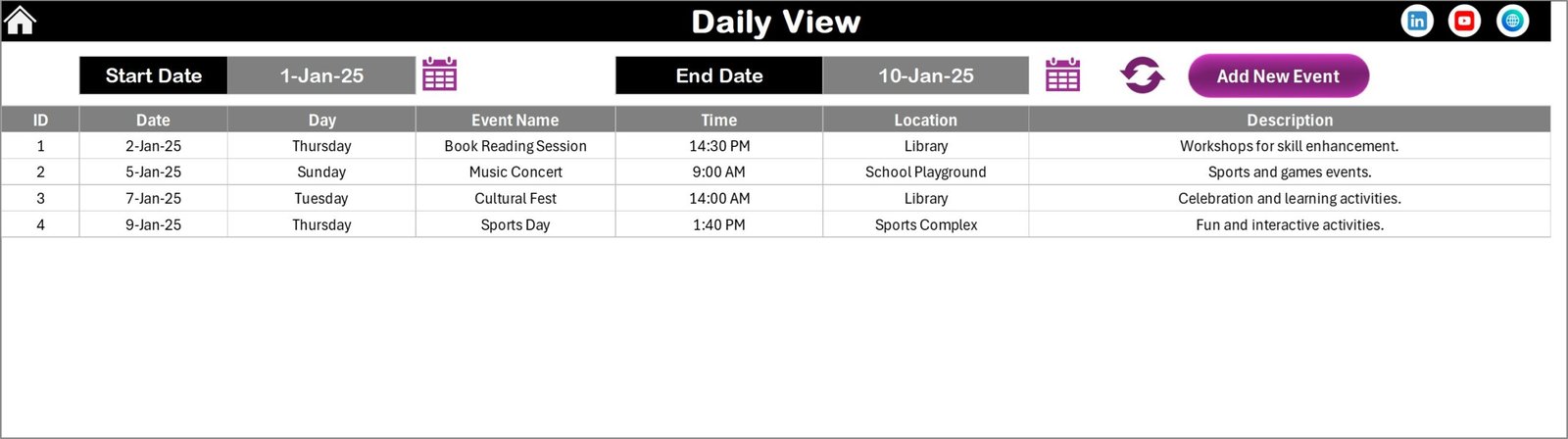
Lists all events within a selected date range, perfect for shift planning, leave tracking, and impact analysis.
📌 Events Sheet (Database)
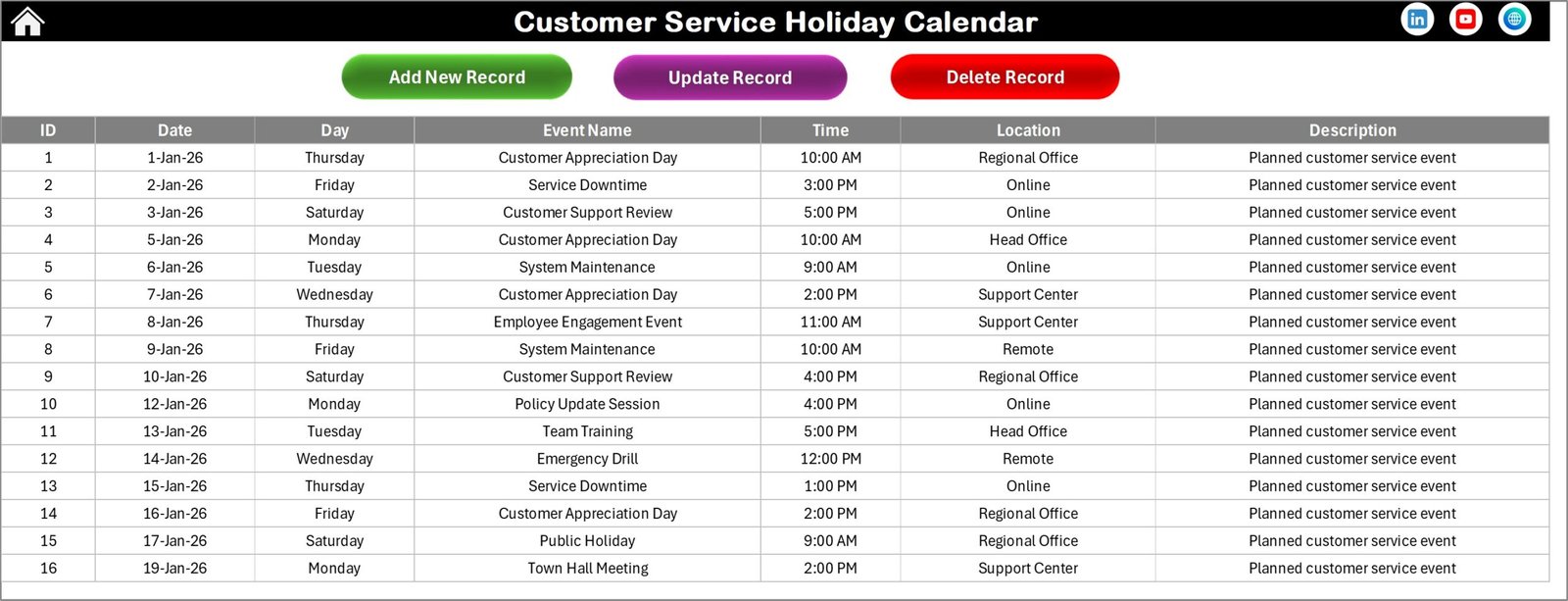
Stores all event details including date, day, event name, time, location, and description with full CRUD controls.
Together, these sheets form a complete holiday and event management system inside Excel.
🛠️ How to Use the Customer Service Holiday Calendar in Excel
Using this calendar is simple and intuitive:
1️⃣ Select the year and calendar settings from the control panel
2️⃣ Choose your preferred theme and highlight options
3️⃣ Click Add New Event, fill the form, and submit
4️⃣ Instantly view events in Annual, Monthly, or Daily views
5️⃣ Update or delete events directly from the Events sheet
Because all views are connected to a single database, your calendar always stays accurate and consistent.
🎯 Who Can Benefit from This Customer Service Holiday Calendar
This Excel calendar is ideal for:
📞 Call center managers
🛠️ Helpdesk & IT support teams
👥 Workforce & shift planners
📊 Operations managers
🧑💼 HR & service coordinators
⭐ Customer experience leaders
If your team depends on availability, planning, and service continuity—this calendar is built for you.
Click here to read the Detailed Blog Post
Watch the step-by-step video tutorial:
Visit our YouTube channel to learn step-by-step video tutorials
👉 YouTube.com/@PKAnExcelExpert
Compatibility and Requirements
- Works in Microsoft Excel desktop (Excel 2016 or later, or Microsoft 365).
- The Events sheet uses interactive buttons and forms to add, update and delete events, so a basic working knowledge of Excel is enough. Microsoft covers formatting in Print a worksheet or workbook if you want paper copies of a view.
Frequently Asked Questions
Which sheets are included?
Five sheets: Home, Annual View, Monthly View, Daily View and Events.
Where do I add holidays and events?
Click Add New Event, fill in the form and submit. Each event is stored on the Events sheet with its date, day, event name, time, location and description.
Can I see the whole year on one screen?
Yes. The Annual View sheet shows all 12 months together with holidays and events highlighted.
Can I change the year, starting month and colors?
Yes. The control panel lets you change the year, starting month, week format and color theme, and the calendar views update to match.
Is there a Google Sheets version of a holiday and event calendar?
Yes. See the Dynamic Holiday and Event Calendar in Google Sheets.
Related Customer Service Templates
- Customer Service Schedule Calendar in Excel: a calendar for team schedules
- Customer Support Coverage Calendar in Excel: plan who covers which days
- Printable Holiday and Event Calendar in Excel: a free holiday and event calendar
- Customer Service Request Tracker in Excel: log and follow customer requests
- Customer Service Dashboard in Excel: a dashboard view of service activity
Browse all Excel calendar templates.













Reviews
There are no reviews yet.