

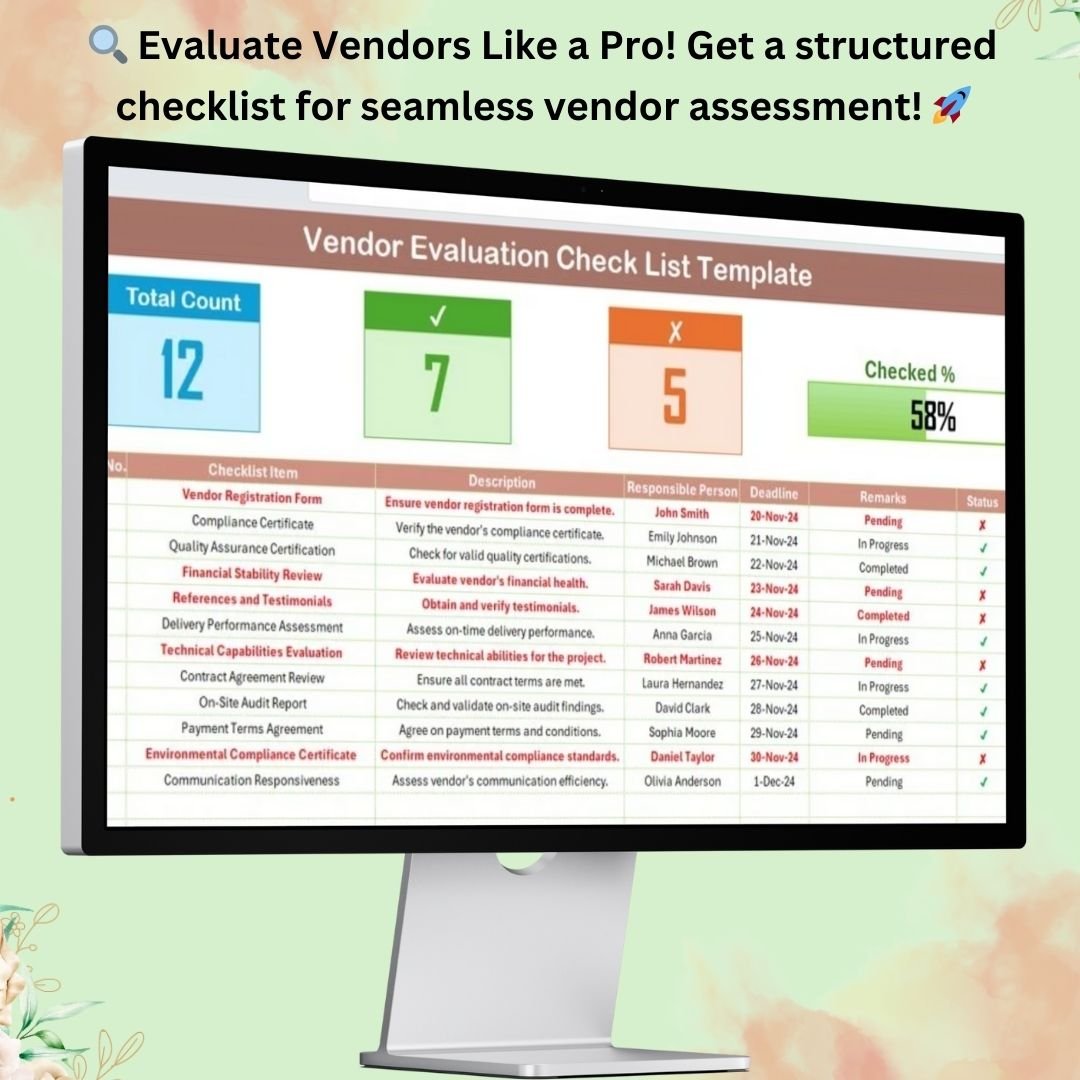


Vendor evaluation is a critical process for businesses to ensure they work with reliable and high-performing suppliers. The Customer Vendor Evaluation Checklist Template in Excel is a ready-to-use tool designed to help you systematically assess vendors based on key performance indicators. With an intuitive layout and automated tracking, this template streamlines the vendor evaluation process and ensures a structured approach to vendor selection and performance assessment.
Key Features of the Vendor Evaluation Checklist Template
📌 Two Worksheets for Organized Tracking

This Excel template is divided into two well-structured sheets to enhance efficiency and usability:
✅ Vendor Evaluation Checklist Sheet – The main worksheet where all vendor evaluation details are recorded and tracked.
✅ List Sheet Tab – Stores a unique list of responsible persons, enabling easy dropdown selection in the evaluation checklist.
This organization ensures seamless data entry and prevents errors while assigning responsibilities.
📊 Comprehensive Vendor Evaluation Checklist
The Vendor Evaluation Checklist Sheet is the core of the template, providing a structured table to document and assess vendor performance.
🚀 Top Section – Progress Overview
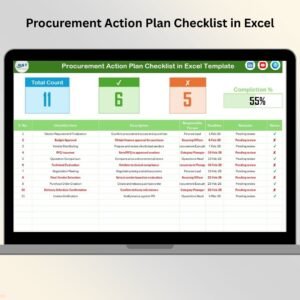
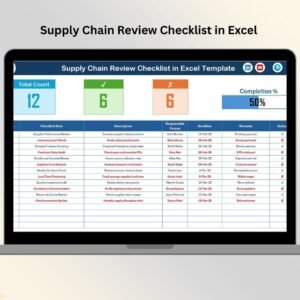
At the top of the checklist, you’ll find a summary section displaying:
🔹 Total Count – The total number of checklist items for vendor evaluation.
🔹 Checked Count – The number of successfully completed evaluations.
🔹 Crossed Count – The number of pending or incomplete evaluations.
🔹 Progress Bar – A visual indicator of how much of the vendor evaluation process has been completed.
This helps you track progress at a glance and stay on top of vendor assessments.
📋 Detailed Vendor Evaluation Table
The checklist table includes essential columns for a structured vendor assessment:
✔ Serial No. – Automatically generated numbers to keep the checklist organized.
✔ Evaluation Criteria – Lists key performance indicators to assess vendors.
✔ Description – Provides additional details about each evaluation factor.
✔ Responsible Person – Assigns specific individuals to each evaluation task using a dropdown menu from the List Sheet.
✔ Deadline – Sets a timeline for completing the assessment.
✔ Remarks – Allows notes for observations and recommendations.
✔ Status – Uses checkmarks (✔) for completed tasks and crosses (✘) for pending items.
This structured format ensures that every vendor is evaluated based on clear and objective criteria.
📌 Benefits of Using This Vendor Evaluation Checklist
By implementing this Vendor Evaluation Checklist Template in Excel, you gain several advantages:
🎯 Streamlined Vendor Evaluation Process – Organize and assess vendor performance efficiently.
🎯 Improved Decision-Making – Compare vendor evaluations side by side to make informed choices.
🎯 Increased Accountability – Assign responsibilities to team members for systematic evaluation.
🎯 Enhanced Tracking & Reporting – Monitor vendor performance over time and identify areas for improvement.
🎯 Fully Customizable – Modify the checklist items, evaluation criteria, and other fields to fit your business needs.
🛠️ How to Use the Vendor Evaluation Checklist
1️⃣ Populate the Checklist Table
- Open the Vendor Evaluation Checklist Sheet and add evaluation criteria under the Checklist Item column.
- Provide details about each criterion in the Description column.
2️⃣ Assign Responsibilities
- Use the dropdown menu in the Responsible Person column to select the evaluator from the List Sheet Tab.
3️⃣ Set Deadlines and Track Progress
- Enter the deadline for each evaluation to ensure timely completion.
- Monitor progress using the status checkmarks and progress bar.
4️⃣ Review & Take Action
- Once evaluations are completed, review remarks and finalize vendor decisions based on the assessment results.
🎯 Who Can Use This Template?
🔹 Procurement Teams – To assess and select the best vendors for business needs.
🔹 Quality Control Managers – To monitor vendor performance and compliance.
🔹 Small Business Owners – To evaluate suppliers before committing to long-term contracts.
🔹 Operations & Supply Chain Professionals – To ensure smooth vendor relationships and accountability.
This template is ideal for businesses of all sizes that rely on multiple suppliers and need a structured way to evaluate them.
FAQs
❓ Can I customize the evaluation criteria?
Yes! You can easily add, edit, or remove evaluation criteria to fit your organization’s needs.
❓ Does this template work with all Excel versions?
Yes, this template is compatible with Excel 2010, 2013, 2016, 2019, Office 365, and later versions.
❓ Can I use this for multiple vendors?
Absolutely! You can duplicate the checklist or expand the table to evaluate multiple vendors in a single file.
❓ Is technical support available?
Yes, we offer email support for any technical assistance needed with the template.
Visit our YouTube channel to learn step-by-step video tutorials
Click hare to read the Detailed blog post
Compatibility and Requirements
- Works in Microsoft Excel desktop, Excel 2010 or later, including Microsoft 365.
- The Responsible Person column uses a dropdown list fed by the List sheet.
- Want to change the names list? Microsoft explains drop-downs in Create a drop-down list.
Related Vendor Evaluation Templates
- Vendor Evaluation Checklist in Google Sheets: the same checklist online
- Vendor Evaluation in Excel: score and compare vendors
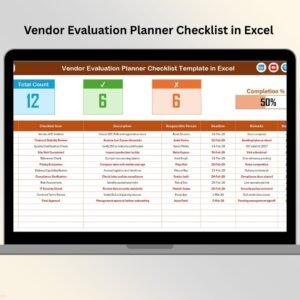
- Vendor Evaluation Planner Checklist in Excel: plan each evaluation step
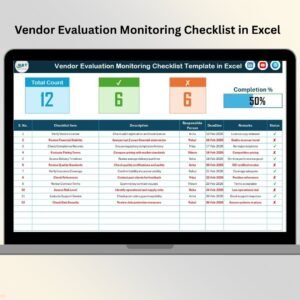
- Vendor Evaluation Monitoring Checklist in Excel: monitor vendors over time
- Procurement and Vendor Management Kit: 7 procurement templates in one download
Browse all Excel checklists or the Excel operations templates.



























Reviews
There are no reviews yet.