



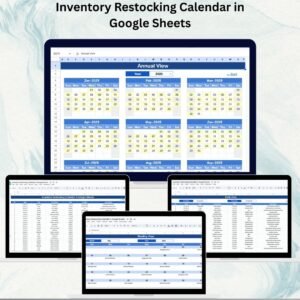
Staying on top of restocking schedules is critical for avoiding stockouts, reducing excess inventory, and keeping operations running smoothly. The Inventory Restocking Calendar in Google Sheets is a ready-to-use, fully interactive template that helps businesses plan, track, and manage restocking activities across the year.
Designed for warehouses, retail stores, and e-commerce operations, this calendar gives you complete visibility into upcoming restocking events at annual, monthly, and daily levels. All your restocking tasks are consolidated in a single dashboard so you can schedule proactively, avoid unexpected shortages, and improve inventory efficiency.
The intuitive interface and dynamic drop-downs make scheduling simple — even for users with minimal spreadsheet experience. From big-picture planning to day-to-day execution, this tool ensures you stay in control of your inventory.
🔑 Key Features of the Inventory Restocking Calendar
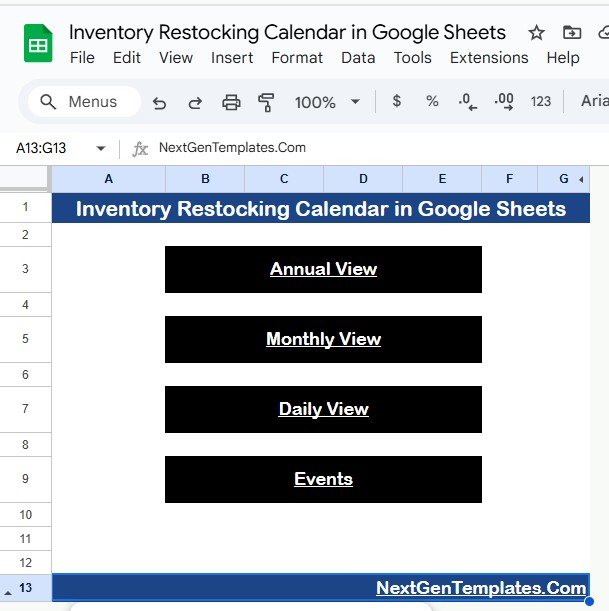
🏠 Home Sheet Tab – Quick Navigation
Easily switch between calendar views with one-click buttons:
Annual View
Monthly View
Daily View
Events (Database)
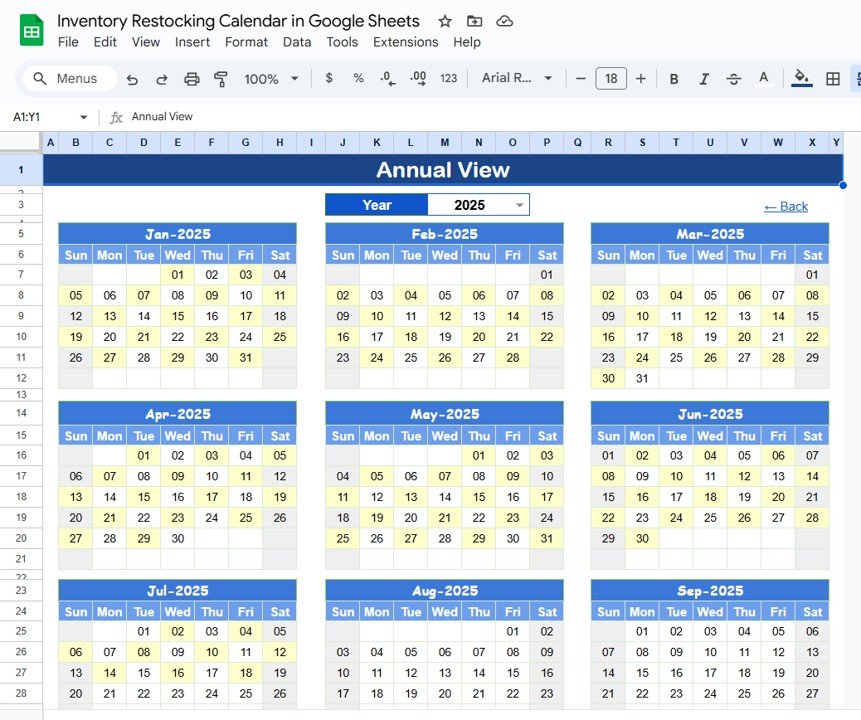
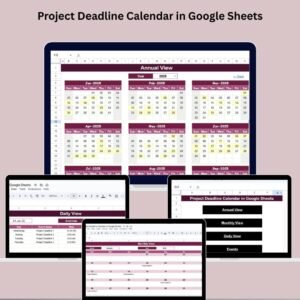
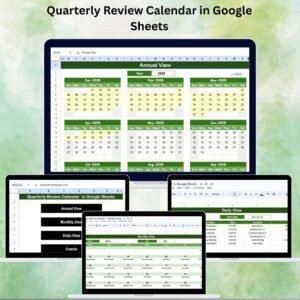
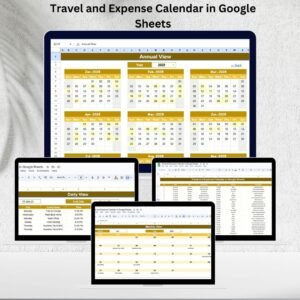
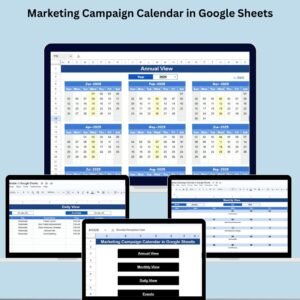
📅 Annual View Sheet Tab – Long-Term Planning
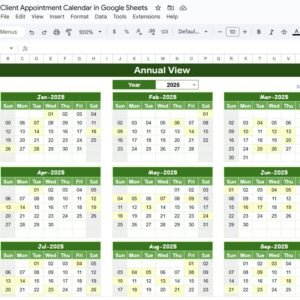
Displays all 12 months of restocking activities
Select year, start month, and week start day
Great for forecasting and long-term inventory planning
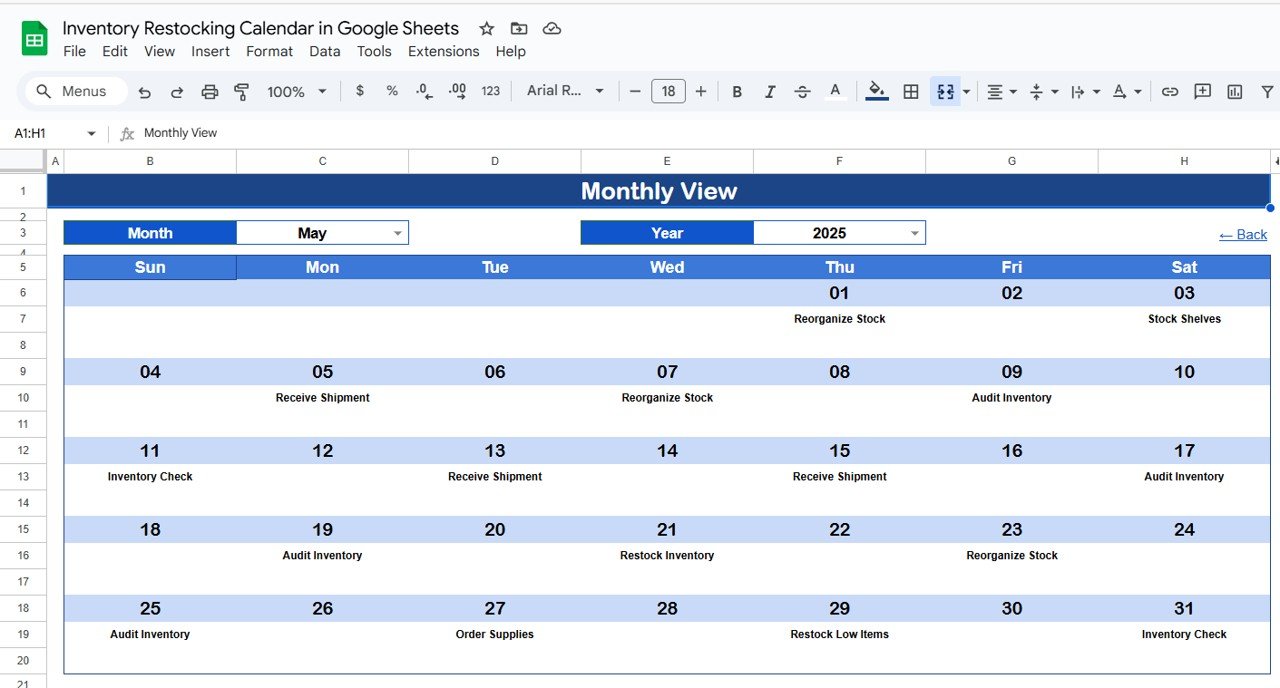
🗓 Monthly View Sheet Tab – Monthly Scheduling at a Glance
Filter by month and year
Displays all events in a monthly calendar view
Automatically shows “more than 1…” if multiple restocks occur on the same day
Ideal for short-term planning and team communication
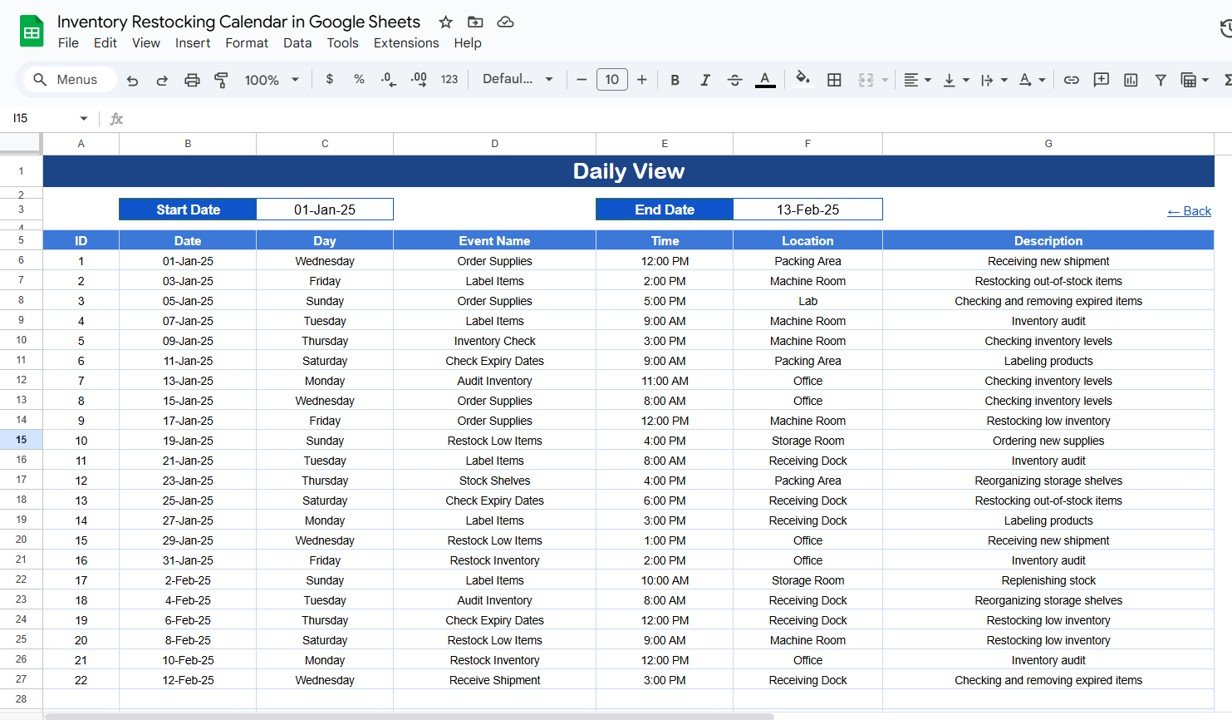
📆 Daily View Sheet Tab – Detailed Day-to-Day Tracking
Enter a Start Date and End Date
View each restocking activity with time, location, and description
Perfect for warehouse teams managing daily workflow
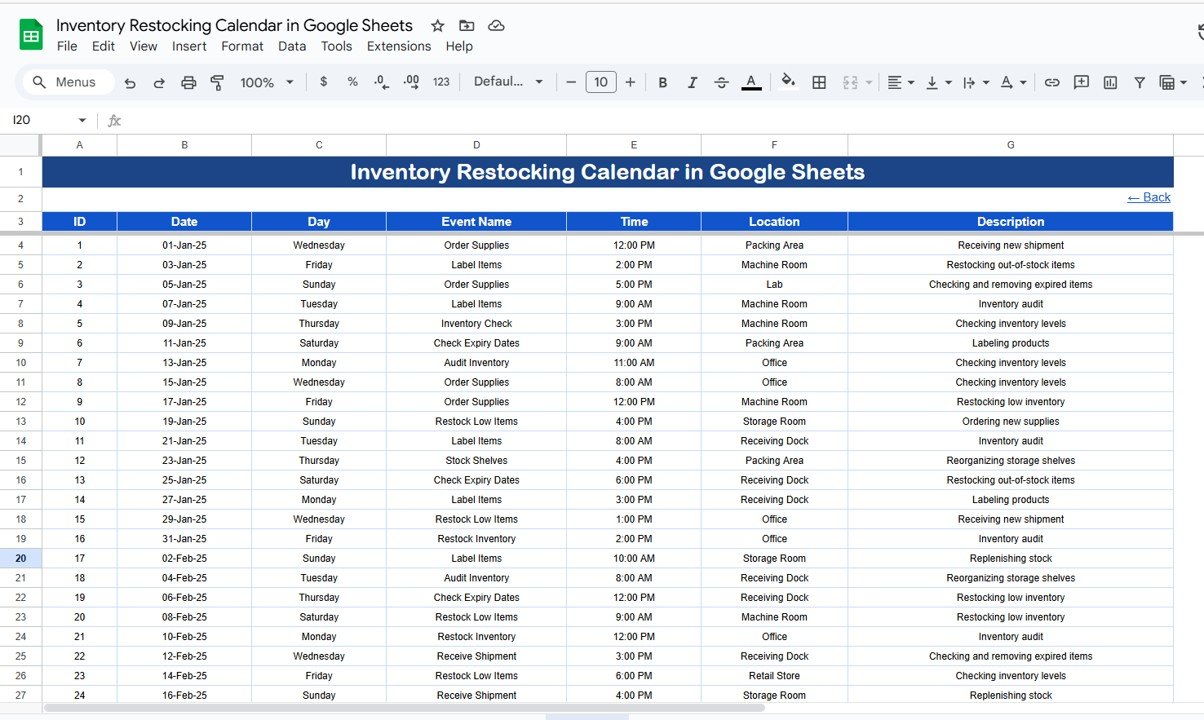
📋 Events Sheet Tab – Central Restocking Database
Store all inventory restocking activities with fields such as:
Event ID
Date & Day
Event Name
Time
Location
Description
Automatically updates all calendar views based on entered data
📦 What’s Inside the Inventory Restocking Calendar?
✅ Home Tab – Navigation hub
✅ Annual View – Yearly calendar planning
✅ Monthly View – Detailed monthly planning
✅ Daily View – Upcoming event breakdown
✅ Events Sheet – Centralized restocking data
✅ Pre-Filled Sample Data – Helps you get started immediately
✅ Fully Customizable Format – Add locations, categories, or colors as needed
🧠 How to Use the Calendar
Make a copy of the file in your Google Drive
Enter all restocking events in the Events Sheet
Use the Home Tab to navigate to different calendar views
Check the Monthly View to plan and review upcoming restocks
Use the Daily View for detailed day-to-day scheduling
Update the calendar regularly to ensure accuracy and coordination
👥 Who Can Benefit from This Calendar?
🏪 Retail Store Managers – Plan restocks and avoid stockouts
🏭 Warehouse Teams – Organize daily restocking logistics
📦 Inventory Managers – Track inventory across locations
🛒 E-commerce Stores – Align restocking with sales demand
🏢 Small Businesses – Maintain optimal stock levels year-round










Reviews
There are no reviews yet.