

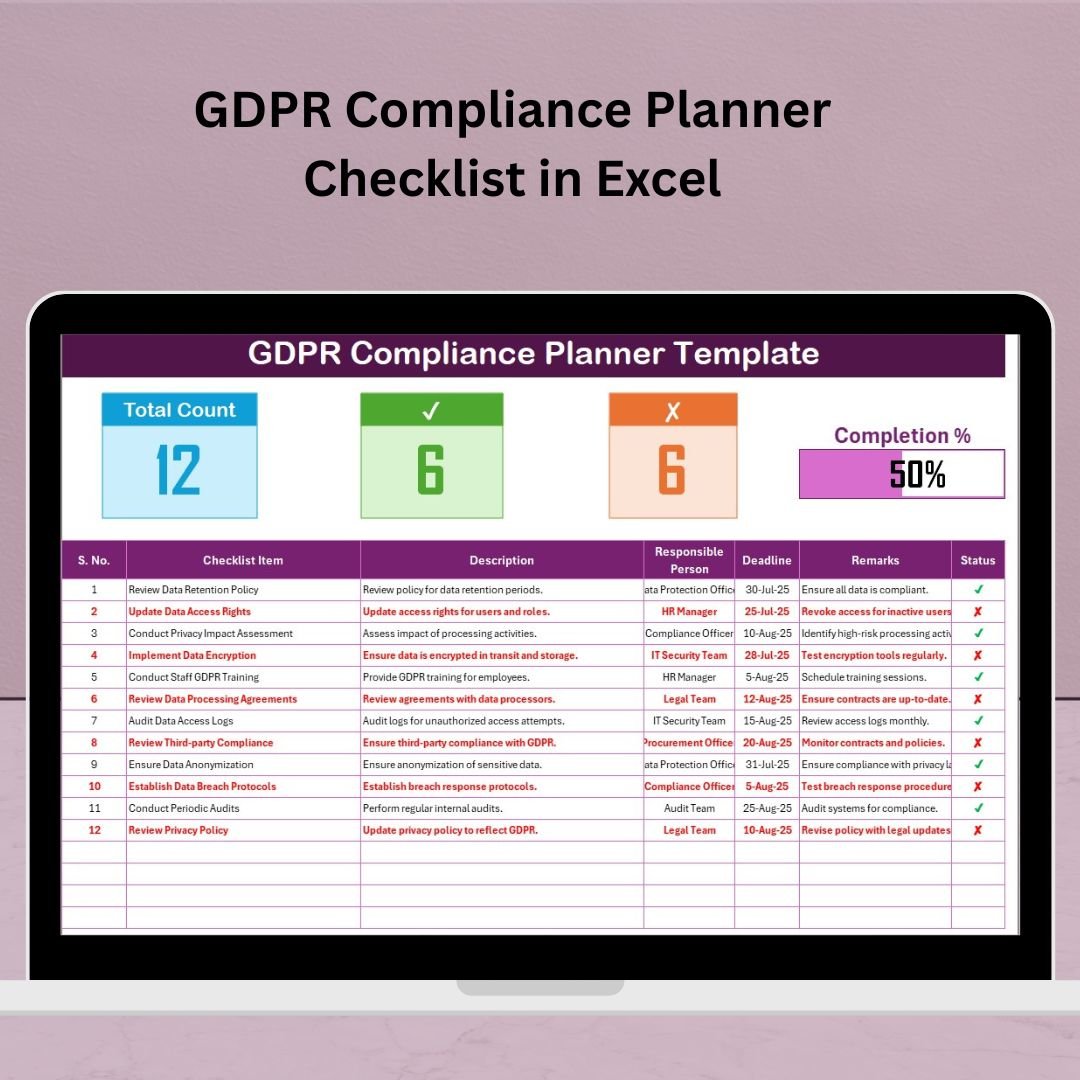

Managing GDPR compliance is not optional—it’s essential. Whether you’re a small business, legal advisor, or compliance officer, staying on top of data privacy obligations is critical. The GDPR Compliance Planner Checklist in Excel is your ready-to-use solution to simplify and streamline GDPR compliance efforts with precision, accountability, and ease.
This tool is designed to transform your data privacy tracking into a clear, organized, and action-oriented process—right from Excel!
🔍 Key Features of GDPR Compliance Planner Checklist in Excel
🧾 Easy-to-Use Compliance Checklist Sheet
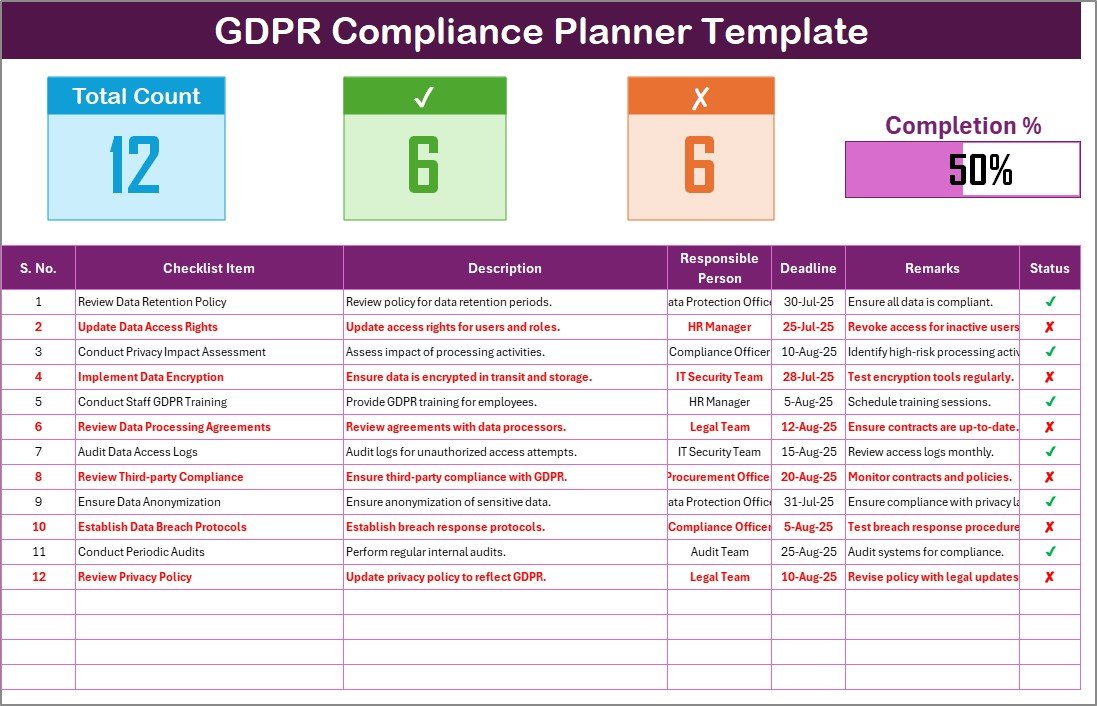
Track every GDPR task with a detailed, structured checklist that includes:
✔️ Serial Number, Checklist Item & Description
👨💼 Responsible Person dropdown
📅 Deadline tracking
📝 Remarks for custom notes
✅ Status column with ☑ (complete) and ✘ (non-compliant)
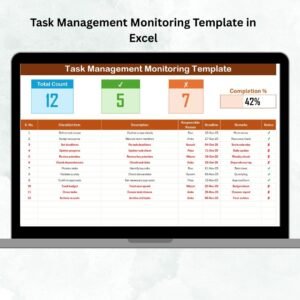
📊 Visual Progress Tracker
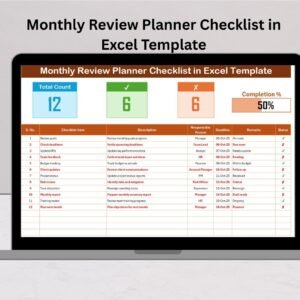
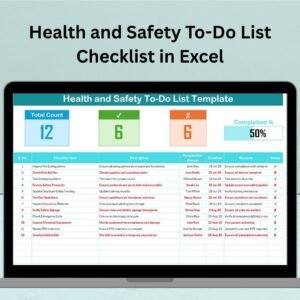
At the top of the sheet, monitor real-time compliance with:
📌 Total Items
☑ Completed Items
❌ Non-Compliant Items
📈 Progress Bar showing your percentage of completion
📋 Dynamic Drop-Down List for Task Assignment
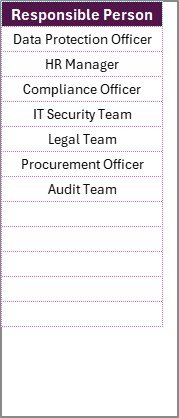
The List Sheet allows you to manage responsible persons. All names are auto-fed into a dropdown on the main checklist sheet for smooth task delegation.
📦 What’s Inside the GDPR Compliance Planner Checklist?
✅ Main Checklist Sheet: The core of the planner to track task-by-task GDPR progress
👥 List Sheet: Manage the list of responsible persons
📊 Auto Progress Bar: Instant visual updates on how much is done and what’s left
🔁 Status Updates: Toggle between completed and non-compliant with just one click
🖨️ Fully Printable and Exportable for compliance reports
🚀 How to Use the GDPR Compliance Planner Checklist
Step 1: Assign Responsible Persons
Add names in the List Sheet tab. These names will appear in the drop-down on the checklist sheet.Step 2: Define Your Checklist
Enter each GDPR task with a clear description and deadline. Assign it to the right person.Step 3: Monitor Status
Use the ☑ or ✘ marks in the status column. The progress bar updates automatically.Step 4: Take Notes
Add any remarks, blockers, or comments directly to the checklist.Step 5: Review Regularly
Update your checklist weekly or monthly to stay on track and compliant.
👥 Who Can Benefit from This GDPR Compliance Tool?
This Excel template is ideal for:
🏢 Small to Medium Businesses
🧑⚖️ Data Protection Officers
🧑💼 Legal Advisors and Compliance Consultants
🧑🏫 Educational Institutions handling student data
🏦 Financial and E-commerce Businesses
🌐 IT and SaaS Companies processing personal data
✅ Why Choose This Template?
⚡ Simple yet Powerful – No tech skills needed
🎯 Keeps You Accountable – Clear task assignment & progress bar
🔁 Fully Customizable – Add or edit checklist items as needed
💼 Professional & Printable – Perfect for audits and internal reporting
🧩 Compatible with all Excel versions
🔗 Click here to read the Detailed blog post
📺 Visit our YouTube channel to learn step-by-step video tutorials
👉 PK An Excel Expert YouTube Channel
Watch the step-by-step video tutorial:
Compatibility and Requirements
- Works in Microsoft Excel desktop (Excel 2016 or later, or Microsoft 365).
- The Responsible Person column uses a dropdown fed from the List sheet. Microsoft explains dropdowns in Create a drop-down list.
Frequently Asked Questions
What columns does the checklist have?
Serial Number, Checklist Item, Description, Responsible Person, Deadline, Status and Remarks.
How do I assign tasks to people?
Add names on the List sheet. They appear in the Responsible Person dropdown on the main checklist sheet.
What do the status marks mean?
A ☑ mark means the item is complete and a ✘ mark means it is non-compliant. The progress bar at the top updates from these marks.
Can I add my own checklist items?
Yes. You can add or edit checklist items, descriptions and deadlines to fit your own GDPR tasks.
Can I print the checklist for an audit?
Yes. The sheet is printable and can be exported for compliance reports.
Is there a Google Sheets version?
Yes. See the GDPR Compliance Checklist in Google Sheets.
Related GDPR and Compliance Templates
- GDPR Compliance Checklist Template in Excel: another GDPR checklist layout in Excel
- GDPR Compliance Tracking Checklist in Excel: a checklist for tracking GDPR tasks
- GDPR Compliance To-Do Checklist in Excel: a to-do style GDPR list
- Compliance Audit Tracker in Excel: track audits across compliance areas
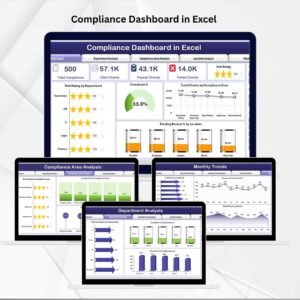
- Compliance Dashboard in Excel: a dashboard view of compliance
Browse all Excel checklist templates.




























Reviews
There are no reviews yet.