

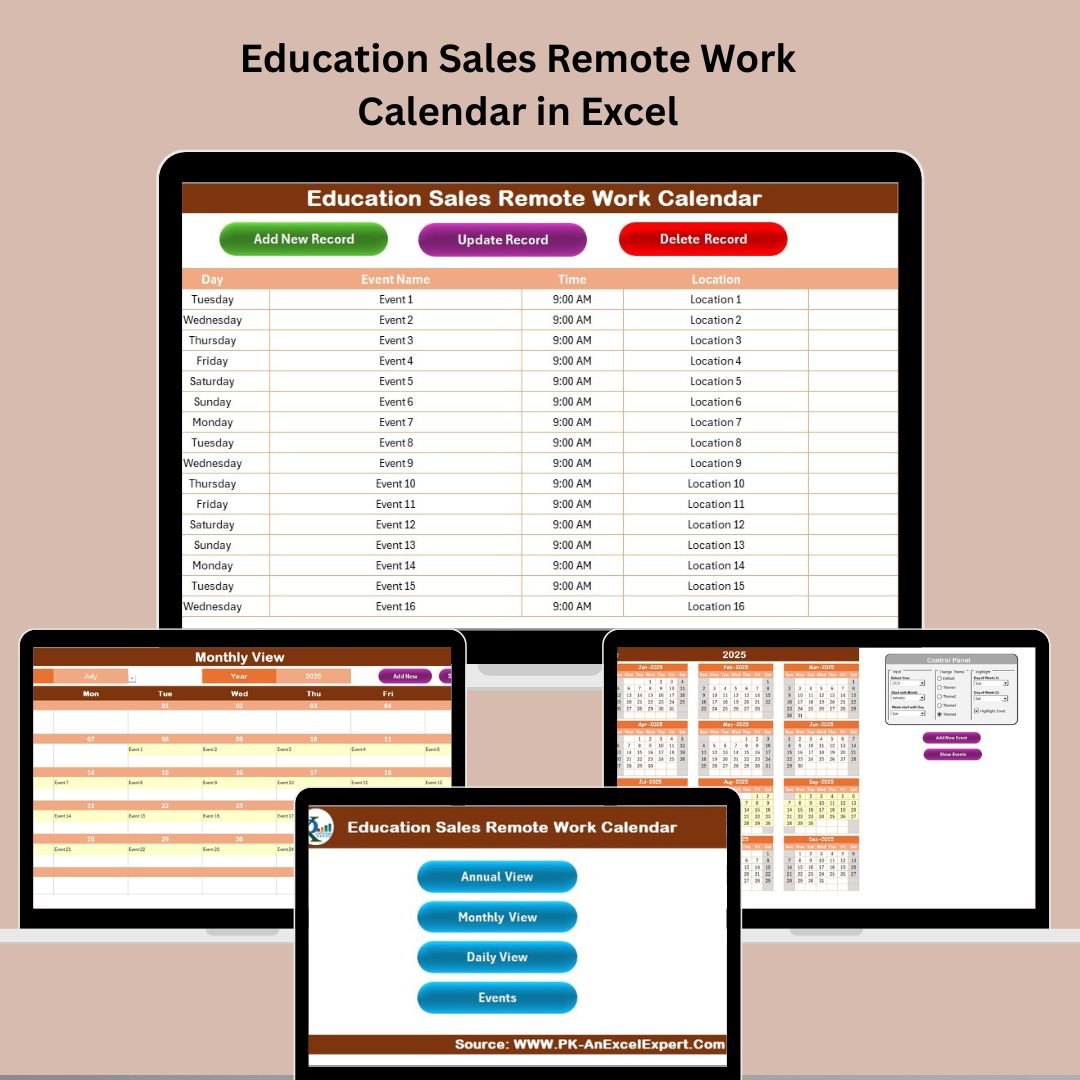
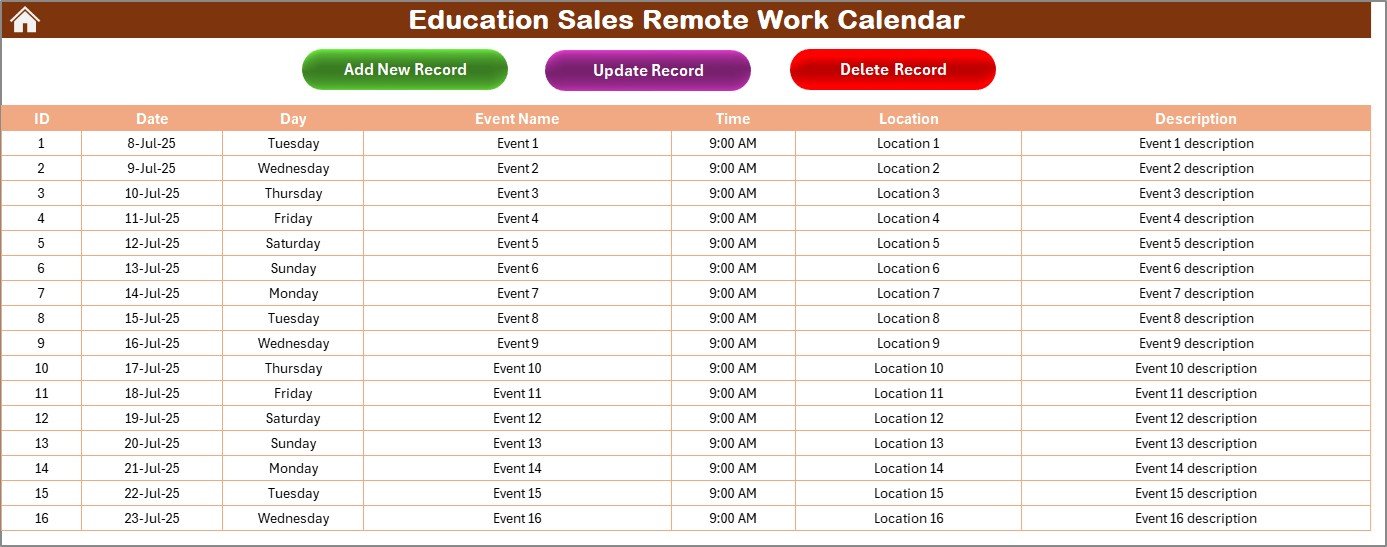

Managing education sales remotely means juggling meetings, demos, deadlines, and follow-ups—all from behind a screen. That’s where the Education Sales Remote Work Calendar in Excel steps in. Designed specifically for sales professionals in the education sector, this ready-to-use Excel template brings structure, visibility, and flexibility to your daily routine.
Whether you’re managing a small sales territory or coordinating with teams across regions, this calendar ensures no opportunity, meeting, or deadline falls through the cracks.
💡 Key Features of the Education Sales Remote Work Calendar
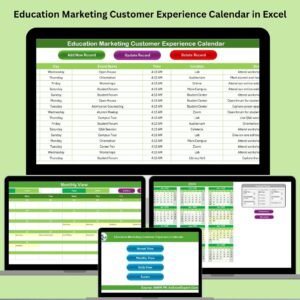
🏠 Home Sheet – Your Navigation Dashboard
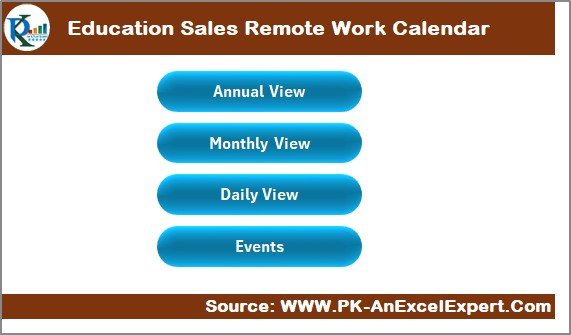
Quickly access all views with 4 smart navigation buttons
Clear layout helps you jump between Annual, Monthly, Daily, and Events views with ease
Perfect for getting a quick orientation before your day begins
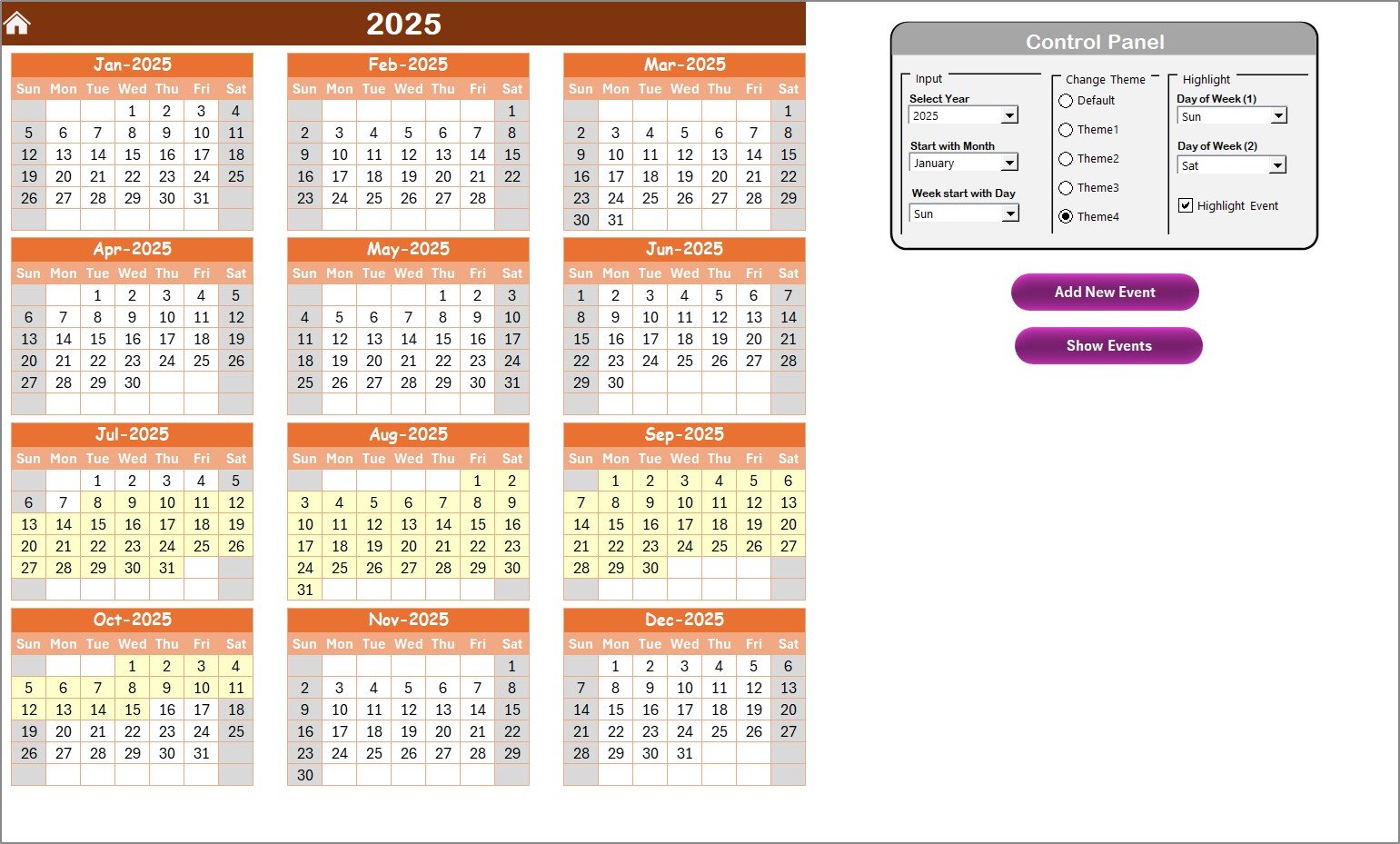
📆 Annual View – Year at a Glance
Select year, starting month, and start day of the week
Choose from 5 professional color themes to suit your style
Highlight weekends or specific weekdays for better planning
Add or view events directly by clicking:
Add New Event button
Show Event button to display all events for a selected day
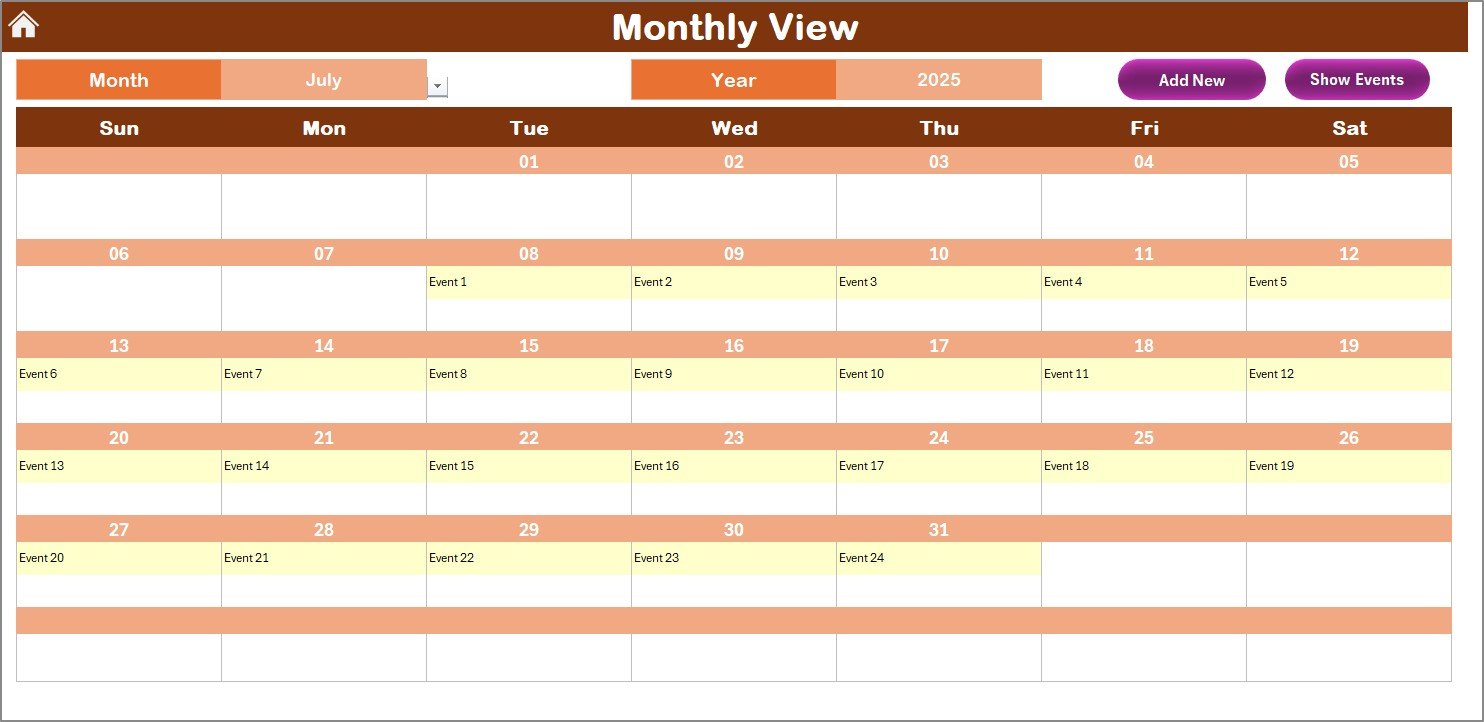
📅 Monthly View – Month-to-Month Management
Dynamic dropdowns to choose month and year
Indicates when multiple events fall on a single day
Use Add New Event and Show Event buttons for fast updates
Perfect for tracking demos, follow-ups, and campaigns each month
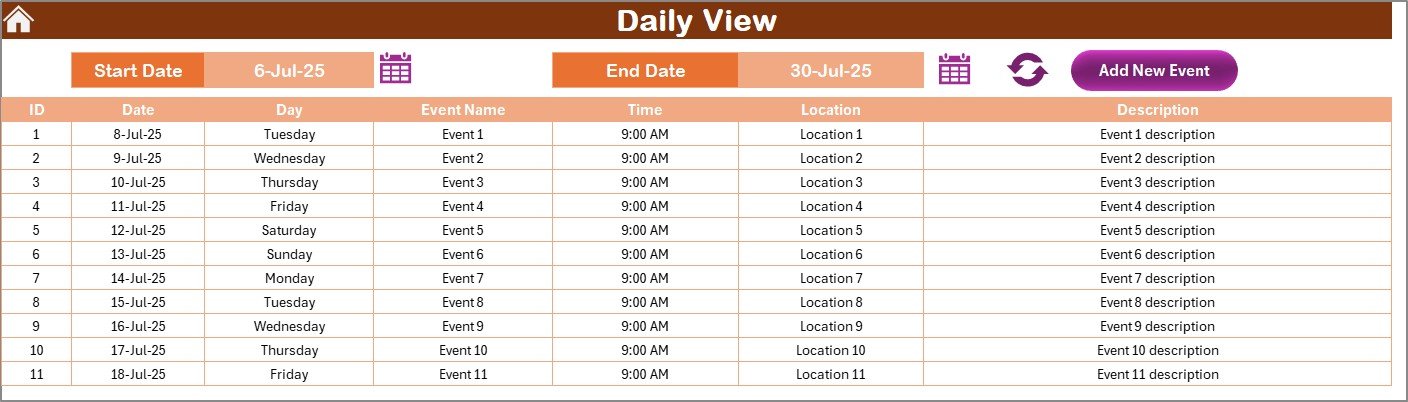
📋 Daily View – Focused Daily Planning
Filter and view events between any two dates
Input your desired date range and click Refresh
Add new events directly for each day
Ideal for detailed, micro-level tracking of your daily workload
📁 Events Sheet – Centralized Event Database
All events stored with the following fields:
ID, Date, Day, Event Name, Time, Location, Description
Add new records, update existing ones, or delete outdated entries
Maintains full historical log of all sales activity
📦 What’s Inside the Calendar Package?
When you download this Excel-based planner, you get:
✅ 5 Fully-functional Worksheet Tabs
✅ Pre-built data structure with automated logic
✅ Smart buttons for navigation and event management
✅ Easy-to-use date filters, dropdowns, and theme selectors
✅ Customizable appearance and behavior to fit your unique workflow
No formulas to fix. No coding needed. Just plug in your events and go!
🛠️ How to Use the Product
📥 Download and open the Excel workbook
🏠 Use the Home Sheet to access different views
📅 In Annual or Monthly View, click on a date to Add Event
📋 Use Daily View to track tasks over specific days
📁 Review or edit all records in the Events Sheet
🎨 Customize appearance with color themes and highlights
In just minutes, your remote sales calendar is fully operational!
👥 Who Can Benefit from This Product?
🎯 Education Sales Executives – Stay on top of your remote workload
💼 Sales Managers – Plan and monitor team activities efficiently
📞 Inside Sales Teams – Coordinate calls, demos, and follow-ups
📚 EdTech Reps – Manage partner interactions and deal cycles
🌍 Remote Teams – Maintain team-wide visibility from any location
If your sales job involves scheduling, meetings, and planning—this calendar is for you!
🔗 Click here to read the Detailed blog post
🎥 Visit our YouTube channel to learn step-by-step video tutorials
👉 YouTube.com/@PKAnExcelExpert
Watch the step-by-step video tutorial:
Compatibility and Requirements
- Works in Microsoft Excel desktop (Excel 2016 or later, or Microsoft 365).
- The Annual and Monthly views use dropdowns for the year, month and start day. Microsoft explains them in Create a drop-down list.
Frequently Asked Questions
Which sheets are included?
The workbook has 5 worksheet tabs: a Home sheet, an Annual View, a Monthly View, a Daily View and an Events sheet.
What details can I record for each event?
The Events sheet stores the ID, date, day, event name, time, location and description. You can add new records, update existing ones or delete old entries.
How do I see events for a specific date range?
Open the Daily View, enter the two dates you want and click Refresh. The sheet lists the events between those dates, and you can add new events from the same view.
Can I change the look of the calendar?
Yes. The Annual View lets you pick the year, the starting month and the start day of the week. You can also choose from 5 color themes and highlight weekends or specific weekdays.
Is there a version for another team or a similar calendar?
Yes. The Sales Remote Work Calendar in Excel covers sales teams outside education, and the Education Marketing Remote Work Calendar in Excel is the same calendar for marketing teams.
Related Remote Work Calendar Templates
- Sales Remote Work Calendar in Excel: the same calendar for general sales teams
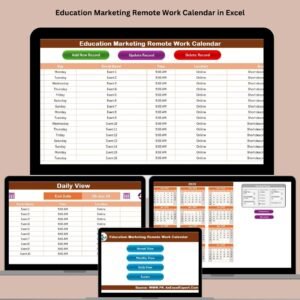
- Education Marketing Remote Work Calendar in Excel: a version for education marketing
- Education Customer Service Remote Work Calendar in Excel: a version for education support teams
- Monthly Sales Goals Calendar in Excel: a calendar for monthly sales targets
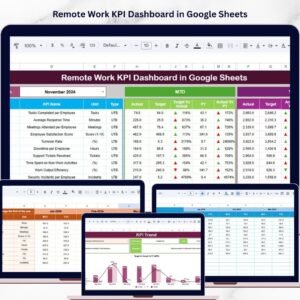
- Remote Work KPI Dashboard in Google Sheets: a KPI view for remote teams in Google Sheets
Browse all Excel calendar templates.































Reviews
There are no reviews yet.