

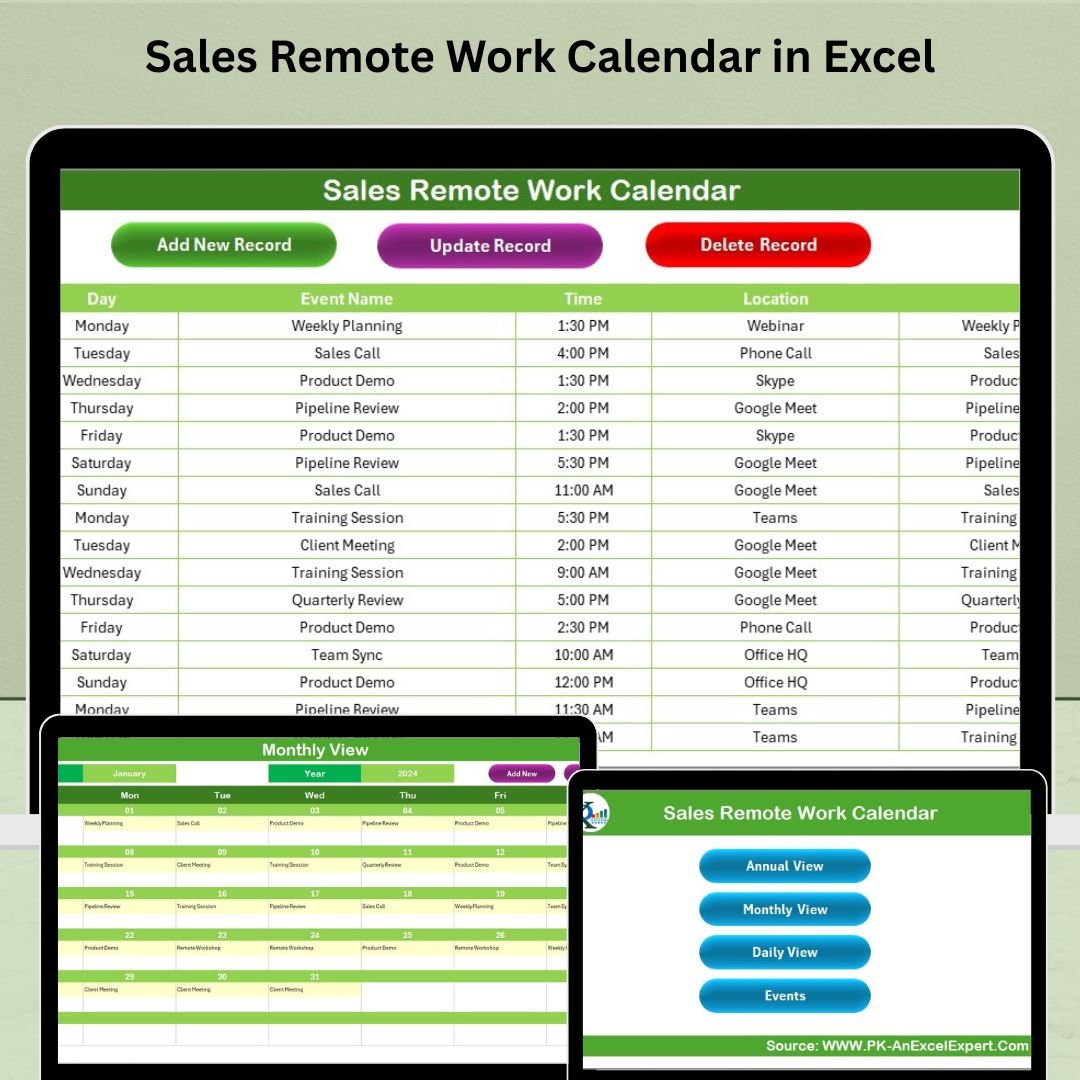


The Sales Remote Work Calendar in Excel is an essential tool designed to help sales teams and managers effectively organize and track remote work schedules. This Excel-based calendar is ideal for remote sales teams, providing a centralized platform to monitor daily tasks, meetings, and key deadlines. It simplifies remote work management, enhances communication, and helps boost productivity, ensuring that all team members stay on track, no matter where they are working.
Whether you’re managing sales teams working from home or on the go, this calendar helps optimize time management, keep track of important meetings, and ensures that all remote team members stay aligned with organizational goals. The user-friendly interface and customizable features make it a valuable resource for any sales team or manager.
Key Features of the Sales Remote Work Calendar in Excel
📅 Comprehensive Calendar View
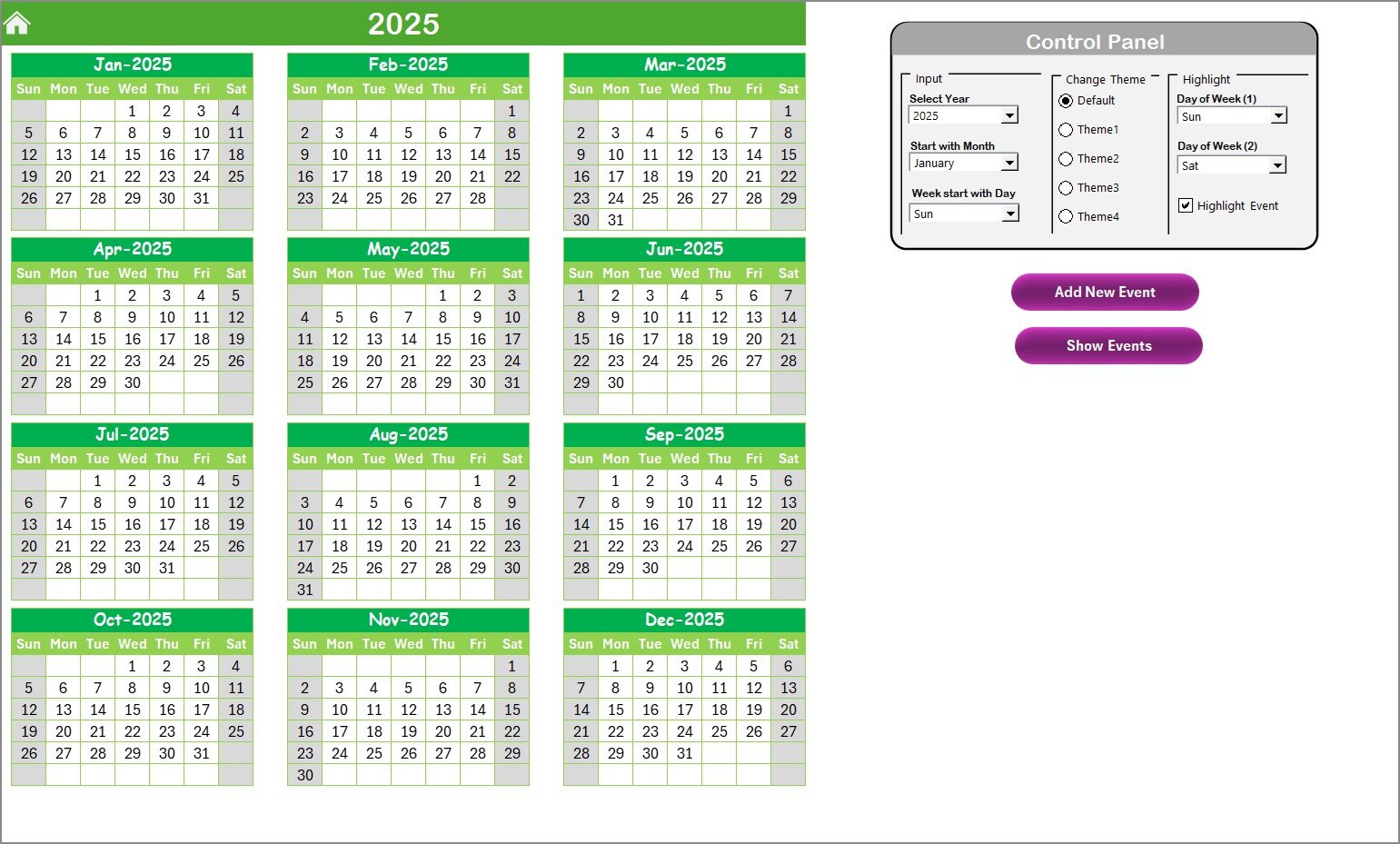
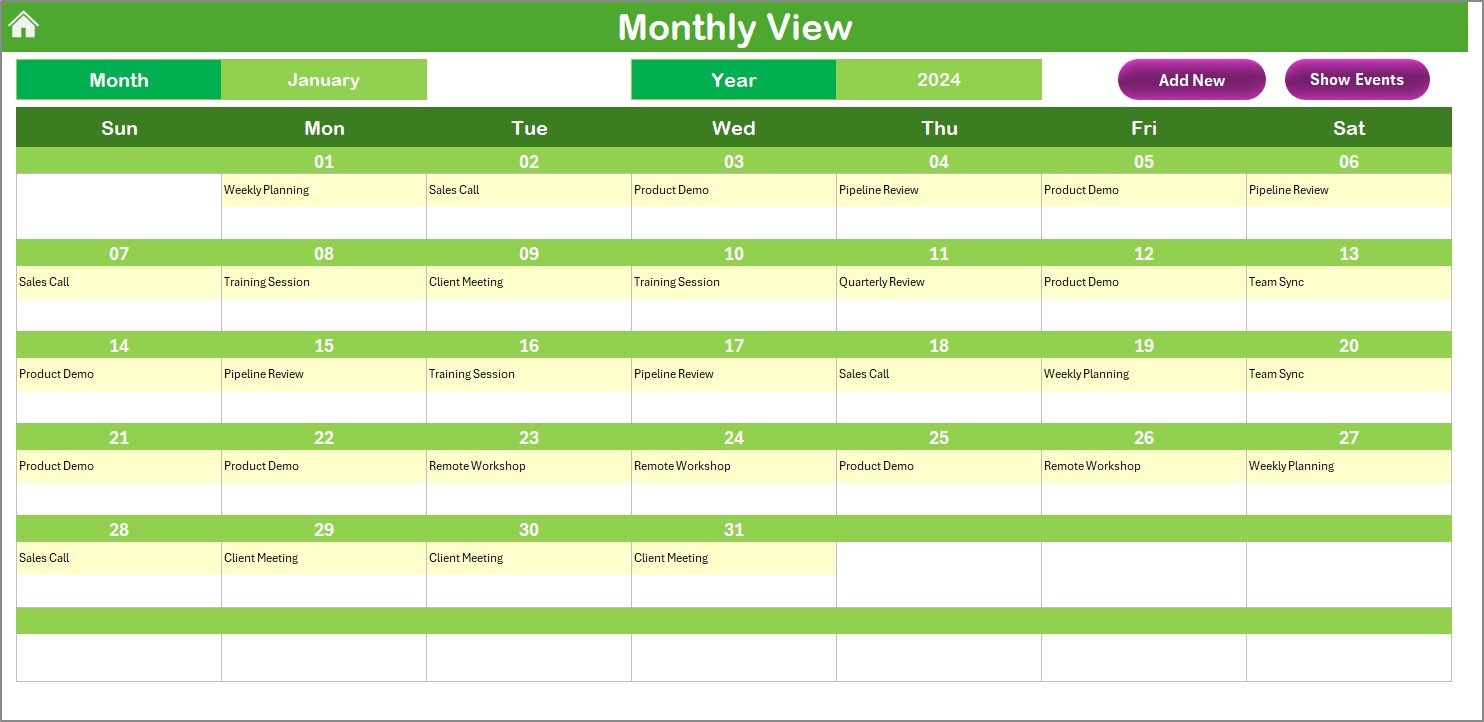
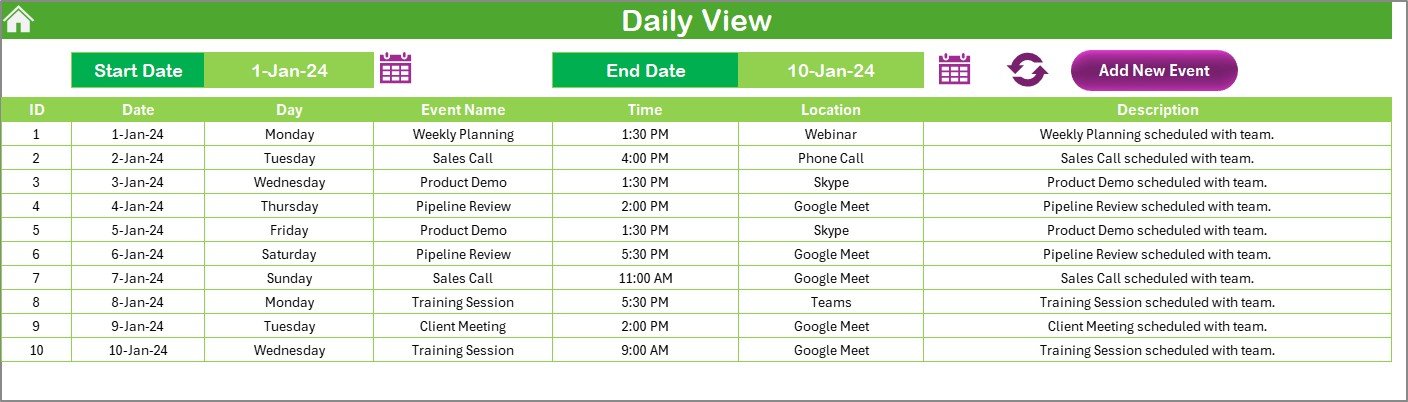
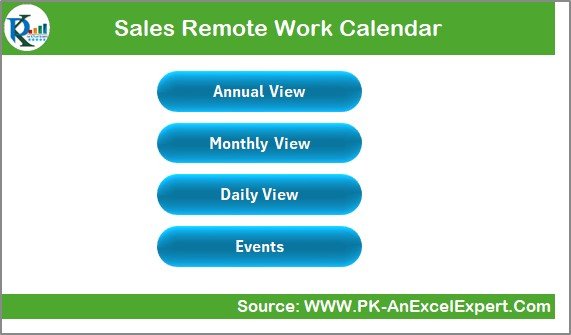
View your remote sales team’s work schedule at a glance with a monthly, weekly, or daily view. Track meetings, calls, tasks, and deadlines in an organized format, ensuring nothing is missed.
📈 Sales Activity Tracking
Track key sales activities and milestones, including follow-up calls, client meetings, and sales goals. This feature helps you monitor individual and team progress over time.
📞 Meeting & Call Schedule
Easily schedule and track virtual meetings, conference calls, and follow-ups. Keep everyone on the same page by assigning dates, times, and details for each meeting or call.
⚙️ Customizable Task Tracking
Add and customize tasks specific to your sales team’s goals. From lead generation to deal closures, track every step of the sales process remotely and ensure deadlines are met.
📝 Notes Section for Follow-ups
Add detailed notes and reminders for each scheduled task, call, or meeting. This ensures that important client details or internal updates are captured for easy reference.
📅 Time Zone Integration
For global teams working across different time zones, the calendar allows for easy time zone integration to ensure that meetings and deadlines align across locations.
Why You’ll Love the Sales Remote Work Calendar in Excel
✅ Simplified Remote Work Management
Manage your remote sales team’s schedules effortlessly. Stay on top of meetings, tasks, and follow-ups in one easy-to-use calendar.
✅ Enhanced Communication & Collaboration
Ensure that all team members are aligned with sales activities, even when working remotely. This calendar helps improve collaboration and communication between sales teams.
✅ Improve Time Management & Efficiency
Optimize time management by tracking activities, meetings, and deadlines. Use this calendar to ensure that every remote sales team member stays productive and meets their sales targets.
✅ Customizable for Your Team’s Needs
Tailor the calendar to reflect your sales team’s goals and specific tasks. Whether you’re tracking client meetings, sales goals, or team events, the calendar can be customized to suit your needs.
✅ Seamless Integration Across Time Zones
For remote teams located in different time zones, the calendar ensures that everyone is synchronized, eliminating confusion and ensuring smooth operations.
What’s Inside the Sales Remote Work Calendar in Excel?
Comprehensive Calendar View: Track sales activities with daily, weekly, and monthly views.
Sales Activity Tracking: Monitor individual and team sales activities and milestones.
Meeting & Call Schedule: Schedule and track virtual meetings and calls.
Task Management: Customize tasks and track progress toward sales goals.
Notes & Follow-ups: Record important client details and reminders.
Time Zone Integration: Coordinate meetings and deadlines across different time zones.
How to Use the Sales Remote Work Calendar in Excel
1️⃣ Download the Template: Get instant access to the Sales Remote Work Calendar in Excel.
2️⃣ Input Team Schedule & Tasks: Add meeting dates, deadlines, and sales activities to the calendar.
3️⃣ Track Sales Activities & Goals: Monitor progress on calls, meetings, and tasks related to sales objectives.
4️⃣ Schedule Meetings & Calls: Set up meetings and calls and assign tasks to your team.
5️⃣ Review & Adjust: Use the calendar to track deadlines and adjust the schedule as needed.
Who Can Benefit from the Sales Remote Work Calendar in Excel?
🔹 Sales Managers & Team Leaders
🔹 Remote Sales Teams & Sales Reps
🔹 E-commerce Sales Teams
🔹 Small & Medium Enterprises (SMBs) with Remote Sales Teams
🔹 Large Enterprises with Distributed Sales Teams
🔹 Freelance Sales Professionals
🔹 Business Owners Looking to Manage Sales Remotely
Stay organized and efficient while managing your remote sales team with the Sales Remote Work Calendar in Excel. Track meetings, tasks, and goals to ensure your team stays productive and meets their sales targets.
Click here to read the Detailed blog post
Visit our YouTube channel to learn step-by-step video tutorials
Youtube.com/@PKAnExcelExpert






























Reviews
There are no reviews yet.