

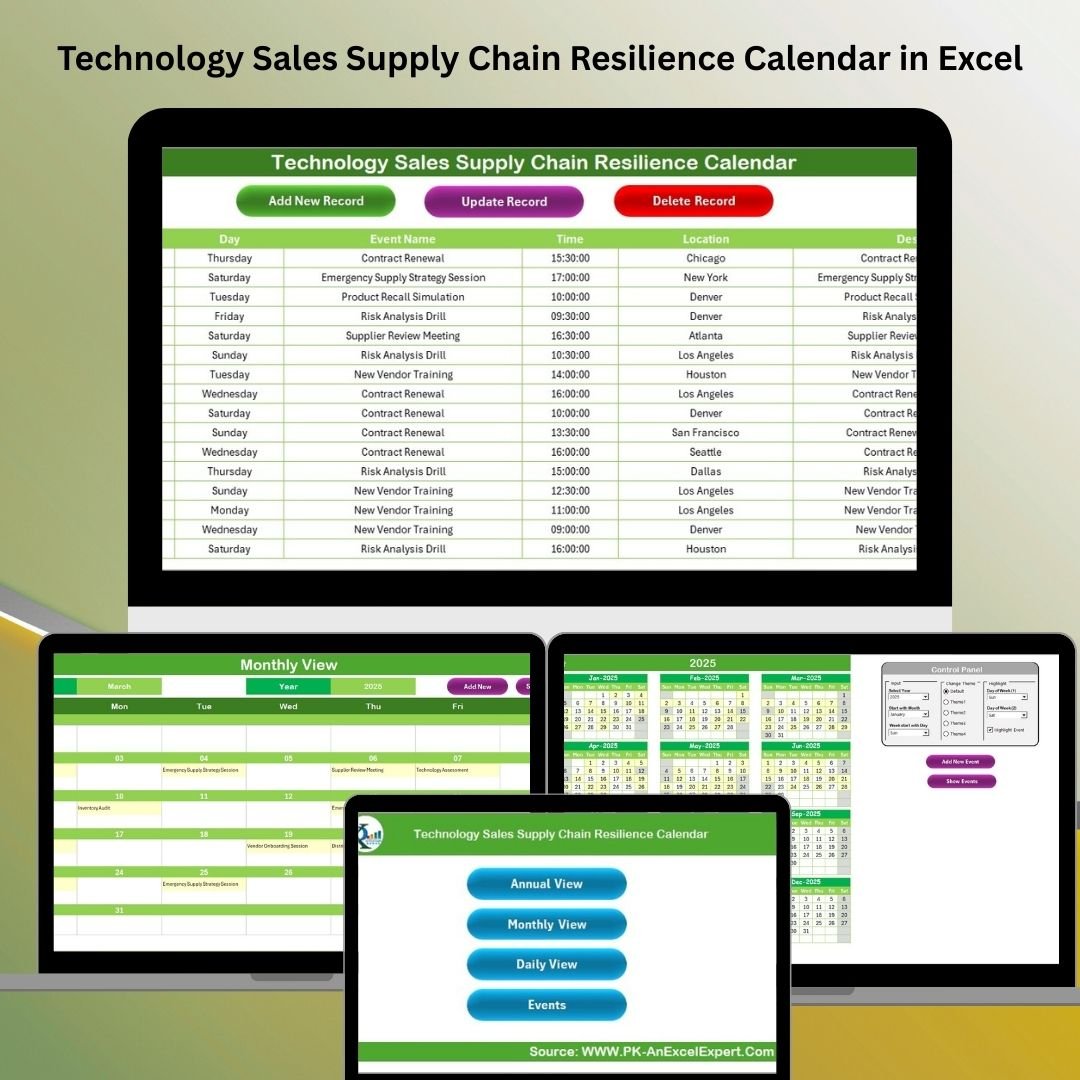

In the high-stakes world of technology sales, a resilient supply chain isn’t a luxury—it’s a necessity. Delays, missed milestones, and poor coordination can derail even the best campaigns. That’s where the Technology Sales Supply Chain Resilience Calendar in Excel steps in. 🧭✅
This fully interactive, ready-to-use Excel template empowers tech sales teams and supply chain managers to plan, track, and manage supply chain events efficiently—from logistics to product launches to partner meetings.
Built with automation and flexibility in mind, this calendar turns Excel into a smart command center for your entire sales supply chain.
✨ Key Features of the Supply Chain Resilience Calendar
🏠 Home Sheet – One-Click Navigation
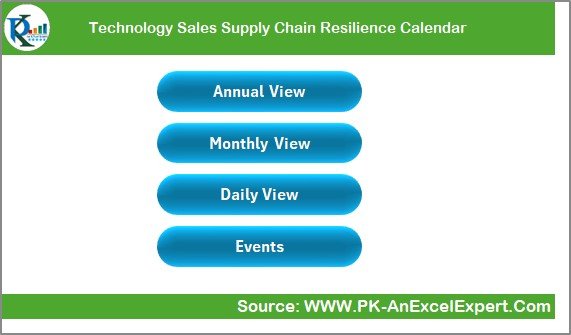
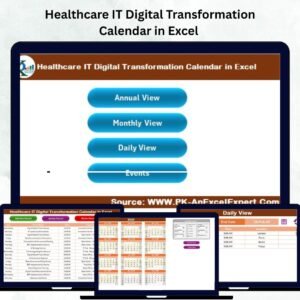
Use the Home Sheet as your mission control to instantly access:
📆 Annual View
📅 Monthly View
📋 Daily View
🗂 Events Log
No more scrolling through endless sheets—just click and go.
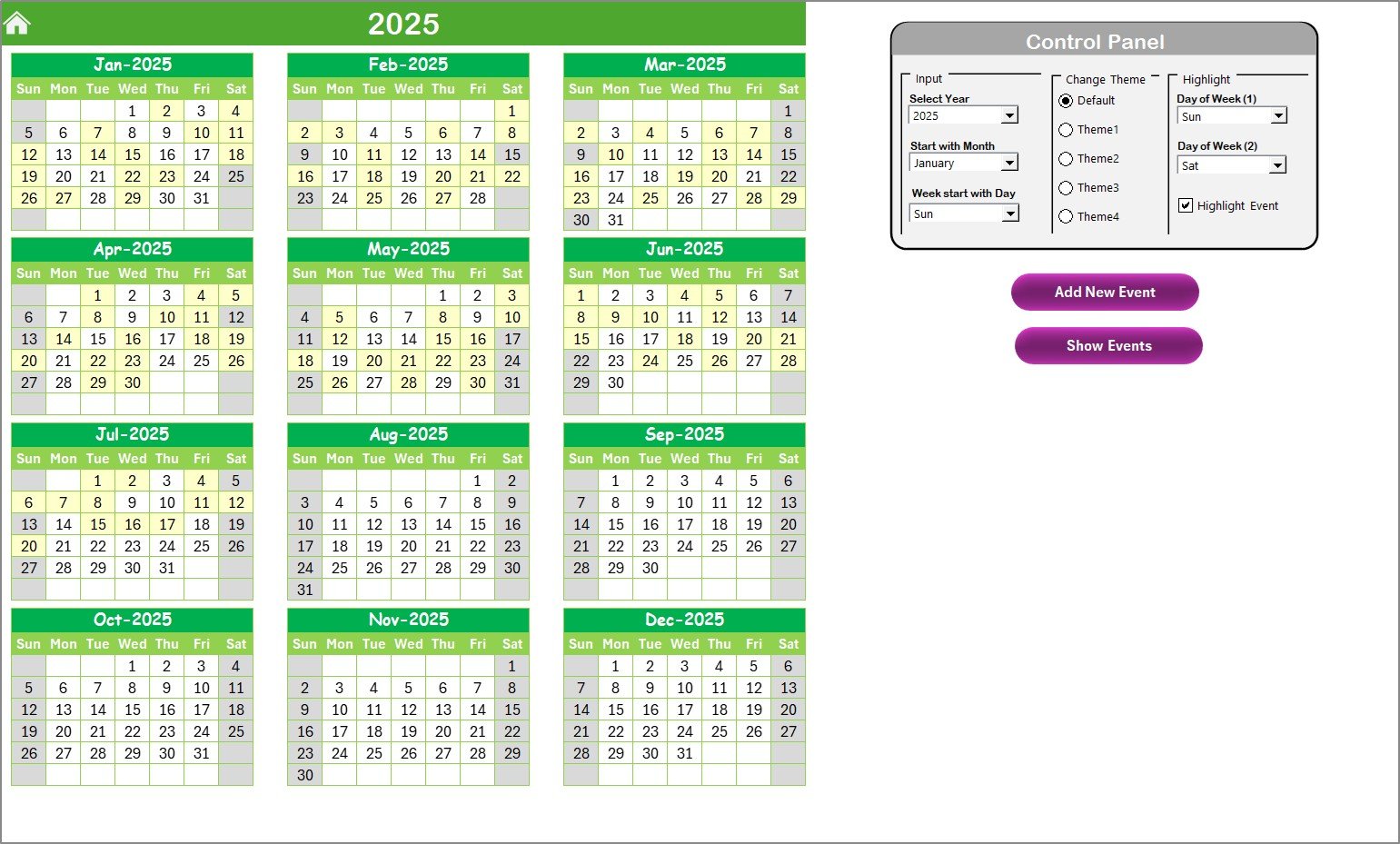
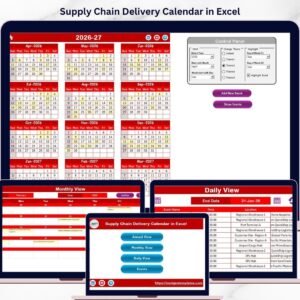
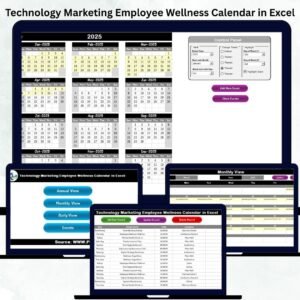
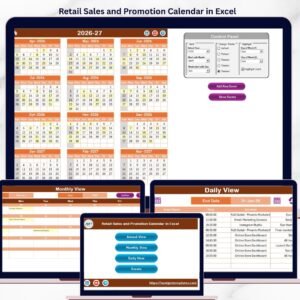
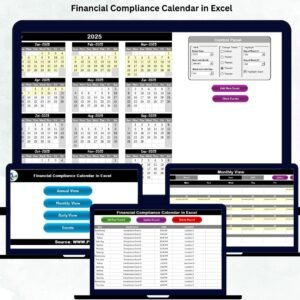
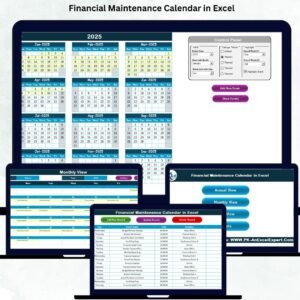
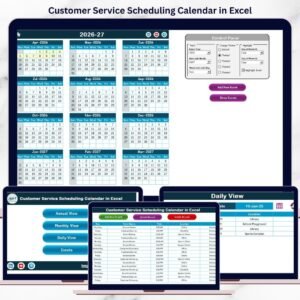
📆 Annual View – Full Year Planning
See the entire year at a glance and tailor it to your operations with:
🎯 Input Group – Select the year, first month, and weekday
🎨 Theme Group – Choose from 5 professional color palettes
✨ Highlight Group – Highlight weekends or critical dates
➕ Add New Event – Open a clean form to input events
🔍 Show Event – Instantly view all events on a selected date
Great for planning launch cycles, vendor reviews, and supply checkpoints.
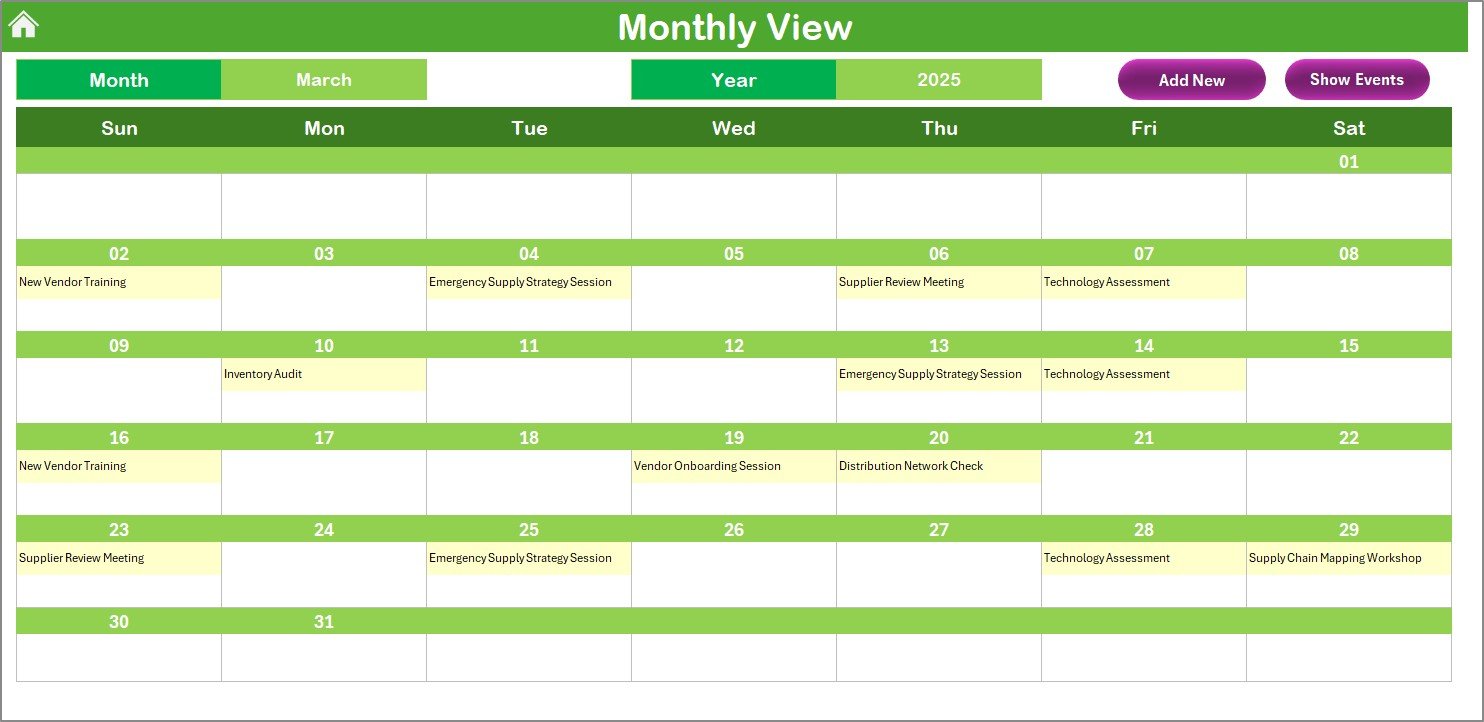
📅 Monthly View – Campaign-Specific Planning
Drill down into a selected month with:
🧾 Drop-down selectors for Month & Year
📌 Event preview for each date (noting “more than 1…” if multiple exist)
➕ Add & 🔍 Show buttons for detailed scheduling
Perfect for coordinating monthly tasks across sales, logistics, and marketing.
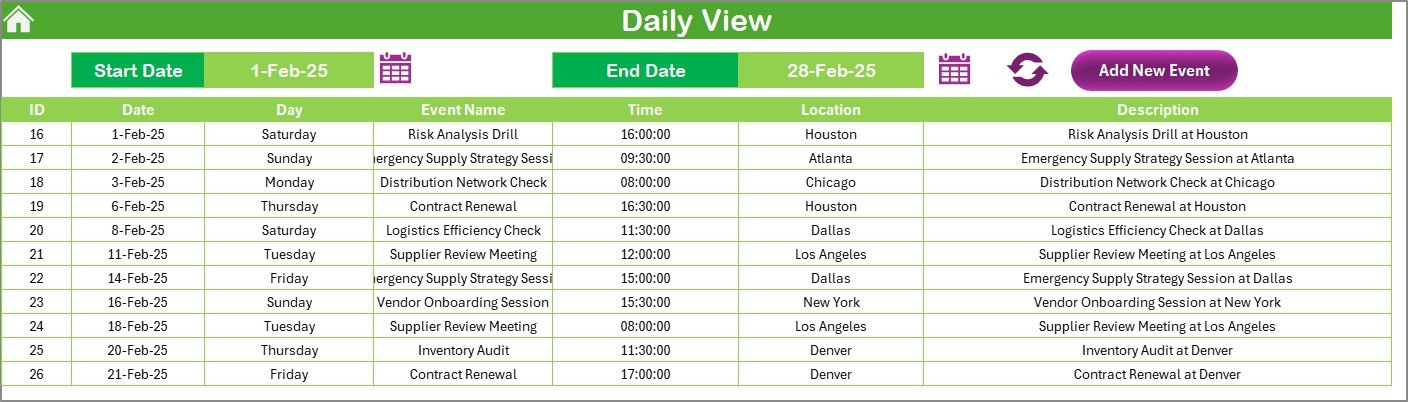
📋 Daily View – Micro-Tracking by Date Range
Zoom into your busiest days:
📅 Select custom Start Date and End Date
🔁 Hit Refresh to load only relevant events
➕ Add new entries using a simple form
Ideal for launch week planning or reacting to urgent supply changes.
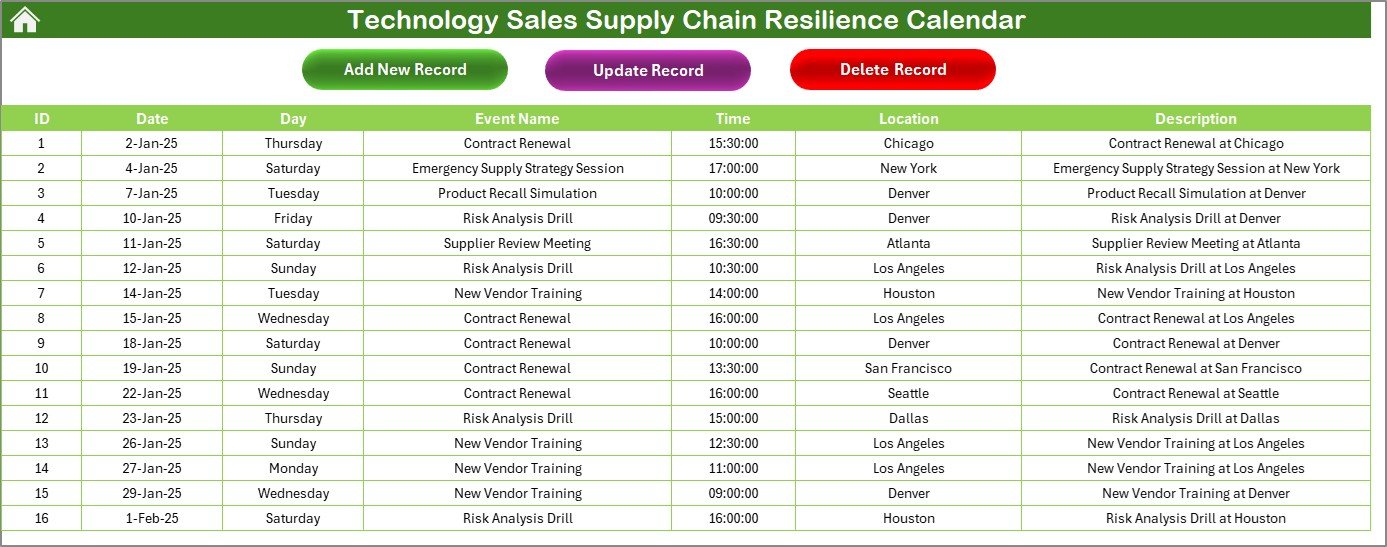
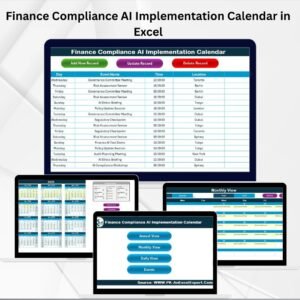
🗂 Events Sheet – Centralized Event Log
Everything lives here:
📌 Auto-generated Event ID
🗓 Date & Day
📝 Event Name, Time, Location, Description
Manage updates seamlessly:
➕ Add New Record
🔁 Update Existing Record
❌ Delete Record by ID
Never lose sight of your events—organize and filter with confidence.
💼 Advantages of the Resilience Calendar
✅ Organized Workflow
Track every touchpoint—from sales meetings to delivery checkpoints—in one place.
✅ Time-Saving Automation
Add, update, or delete events using user-friendly buttons—no formulas needed.
✅ Customizable Visuals
Apply custom color themes, highlight holidays, or tailor weekdays.
✅ Centralized Planning
Keep every team aligned with a single event log and clear visibility.
✅ Dynamic Views
Plan big-picture or focus on critical days with annual, monthly, or daily lenses.
🧠 How to Use the Calendar
📥 Download the Excel file
🏠 Navigate via the Home Sheet
🗓 Choose your desired view – annual, monthly, or daily
🧾 Enter events via the event form (Add New Event)
🔁 Track updates and monitor real-time changes in the Event Sheet
🎨 Apply your themes and highlights for clarity and branding
No macros to enable. No setup headaches. Just Excel-based power at your fingertips.
👥 Who Can Benefit from This Calendar?
🧑💼 Sales Managers – Schedule key sales cycle milestones
📦 Supply Chain Analysts – Coordinate logistics checkpoints and delivery planning
🧑💻 Tech Operations Teams – Align internal and external stakeholders
🏢 Executives & Project Leads – Maintain visibility across business-critical timelines
Whether you’re launching a new product, syncing with vendors, or managing backend operations—this calendar keeps your pipeline steady and smart.
🔗 Click here to read the Detailed blog post
📺 Visit our YouTube channel to learn step-by-step video tutorials
Watch the step-by-step video tutorial:
Compatibility and Requirements
- Works in Microsoft Excel desktop (Excel 2016 or later, or Microsoft 365).
- The Annual View and Monthly View use dropdown selectors for year and month. Microsoft explains them in Create a drop-down list.
What’s Included
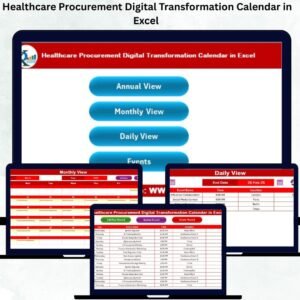
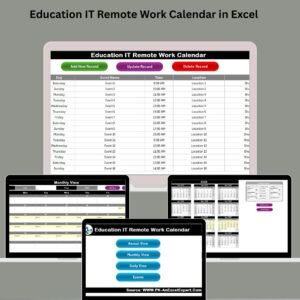
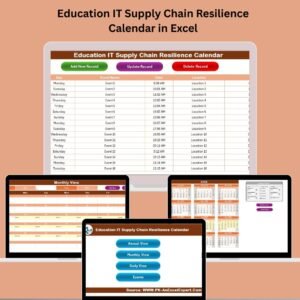
- Home Sheet with buttons to the Annual View, Monthly View, Daily View and Events Sheet
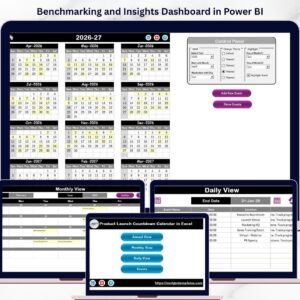
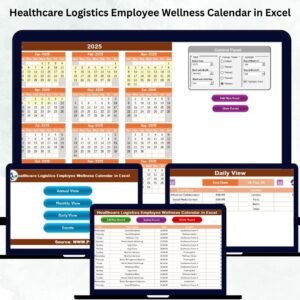
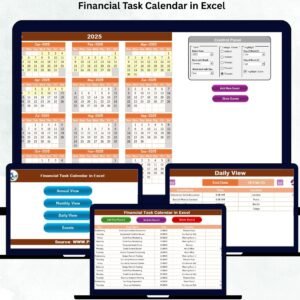
- Annual View with Input, Theme and Highlight groups, plus Add New Event and Show Event
- Monthly View with Month and Year dropdowns and an event preview for each date
- Daily View with Start Date and End Date selectors and a Refresh button
- Events Sheet with an auto-generated Event ID, Date, Day, Event Name, Time, Location and Description, plus Add, Update and Delete by ID
Frequently Asked Questions
Which views does the calendar have?
It has an Annual View, a Monthly View and a Daily View, all reached from the Home Sheet. The Events Sheet holds the full event log.
How do I add an event?
Click Add New Event in the Annual, Monthly or Daily View. A form opens where you enter the event details, and the entry is saved to the Events Sheet.
Can I change the colors of the calendar?
Yes. The Theme Group on the Annual View offers 5 color palettes, and the Highlight Group lets you mark weekends or critical dates.
How do I see all events on one date?
Use Show Event in the Annual or Monthly View to list every event on the selected date. In the Monthly View, a date with several events shows a note that there is more than one.
How do I edit or remove an event?
Open the Events Sheet. You can add a new record, update an existing one, or delete a record by its Event ID.
Is there a version for another team?
Yes. For example, see the Technology Operations Supply Chain Resilience Calendar in Excel and the Technology Logistics Supply Chain Resilience Calendar in Excel.
Related Supply Chain Resilience Calendars
- Sales Supply Chain Resilience Calendar in Excel: the same calendar for general sales teams
- Technology Marketing Supply Chain Resilience Calendar in Excel: a version for technology marketing teams
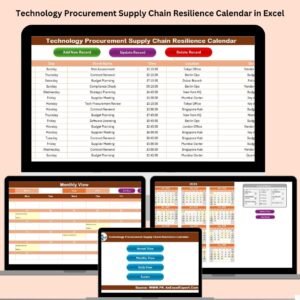
- Technology Procurement Supply Chain Resilience Calendar in Excel: a version for procurement teams
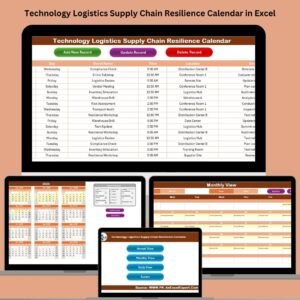
- Technology Logistics Supply Chain Resilience Calendar in Excel: a version for logistics teams
Browse all Excel calendar templates.







Reviews
There are no reviews yet.