

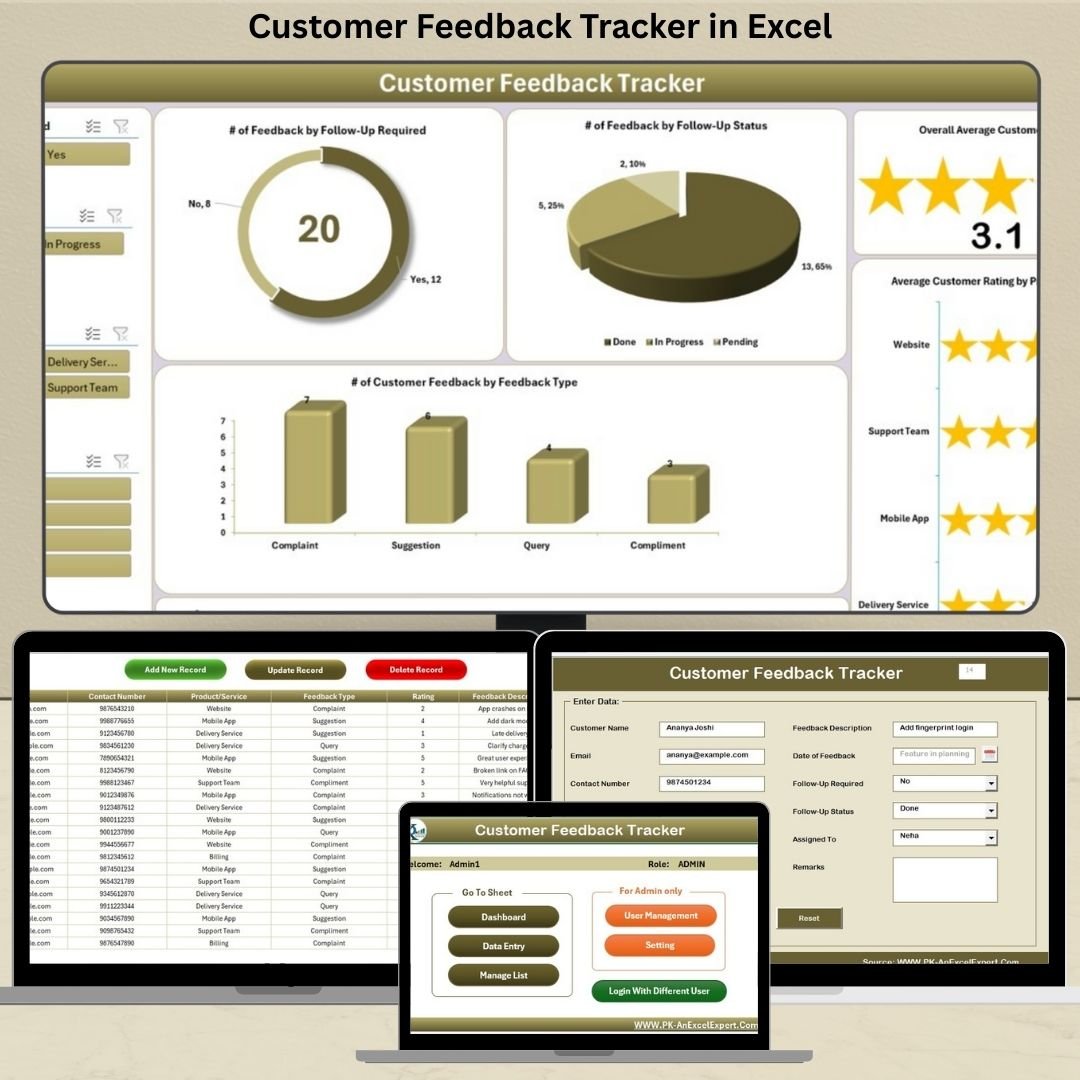

Collecting feedback is easy. Managing it? Not so much—until now. The Customer Feedback Tracker in Excel is your all-in-one solution to capture, organize, and analyze customer opinions without complicated CRM tools or costly software.
Built with powerful Excel + VBA automation, this tool simplifies the entire feedback loop—from secure login to interactive dashboards. Whether you’re a product-based company or a service-driven business, this tracker helps you make smarter, faster, customer-focused decisions.
✨ Key Features of Customer Feedback Tracker in Excel
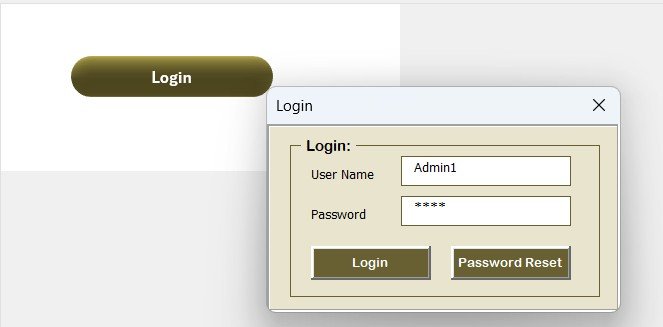
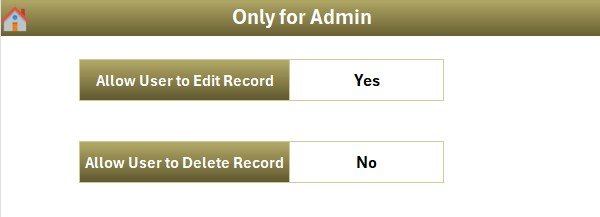
🔐 Login Form with Access Control
Control who sees and edits your data with a secure login form:
Admin ID: Admin1
Password: abcd
Create or remove users easily from the User Management Sheet
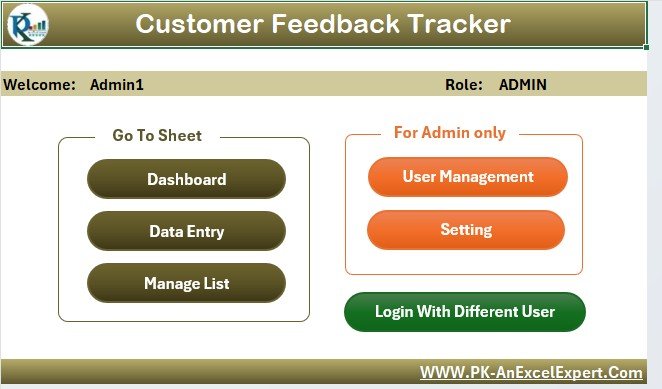
🎛️ Main Form – The Command Center
Operate everything from one clean dashboard:
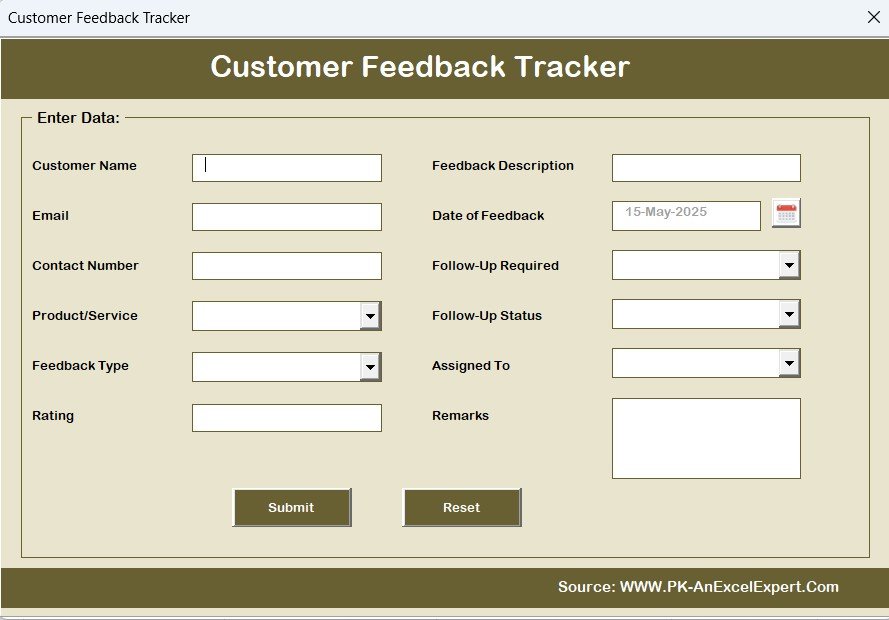
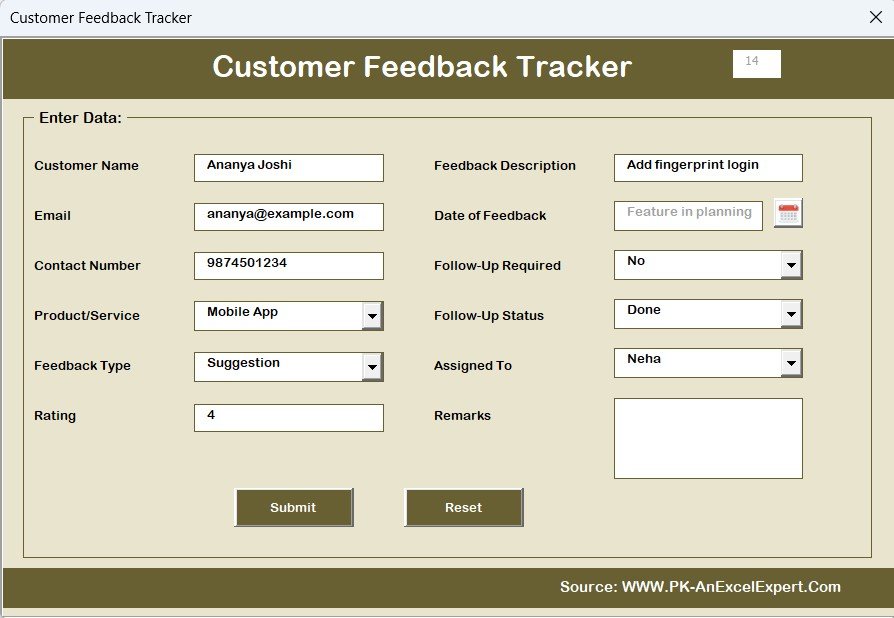
Add new feedback
Update or delete existing entries
Jump to the dashboard or configuration panels
No Excel experience? No worries — the interface is intuitive and beginner-friendly.
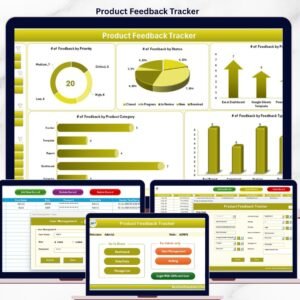
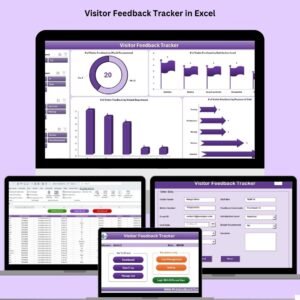
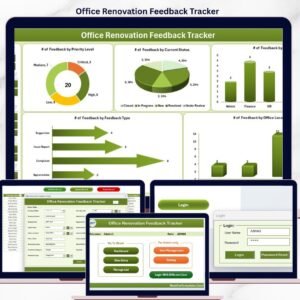
📊 Dashboard with Real-Time Visuals
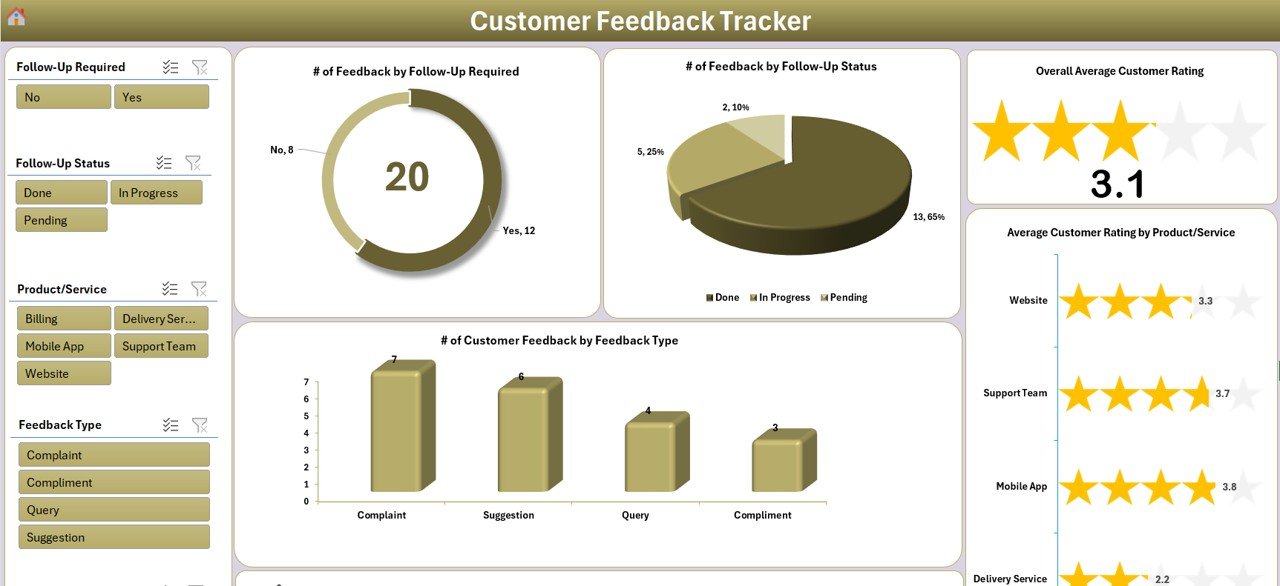
Instantly turn feedback data into visual insights:
⭐ Average Customer Rating
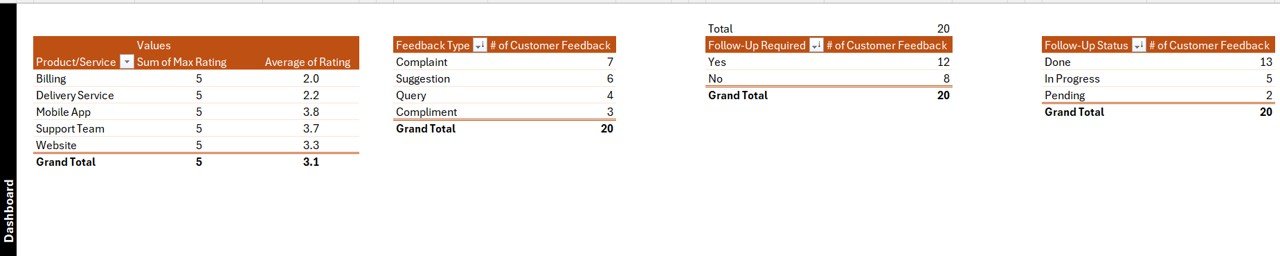
📈 Feedback by Follow-Up Required
🧑 Feedback Assigned to Team Members
📋 Feedback Types Distribution
🔍 Interactive Slicers for live filtering
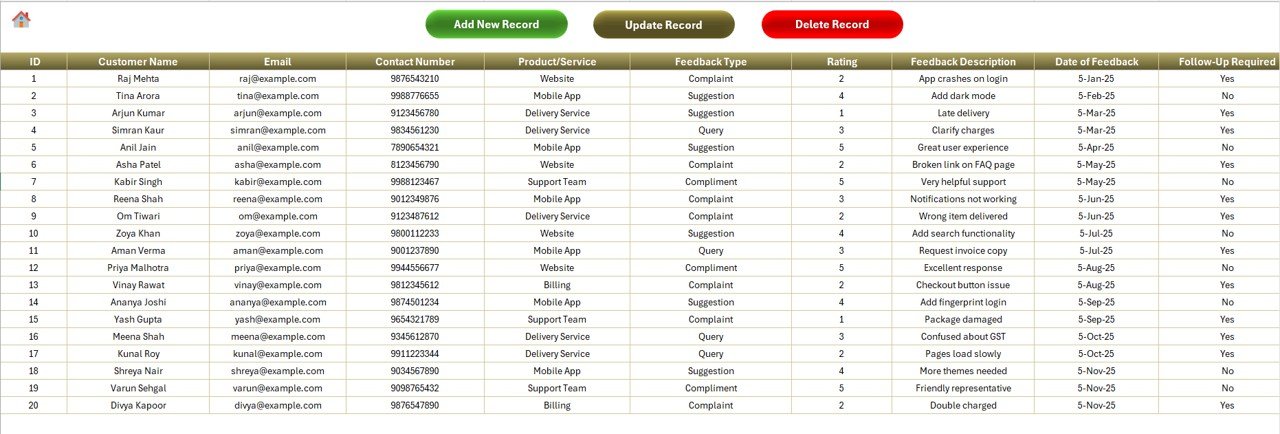
📝 Data Entry Sheet – The Core Database
Organize all customer responses with ease:
Add ➕, Update ✏️, Delete 🗑️ buttons with forms
Auto-refreshes the dashboard after every action
Built-in unique ID system for seamless record tracking
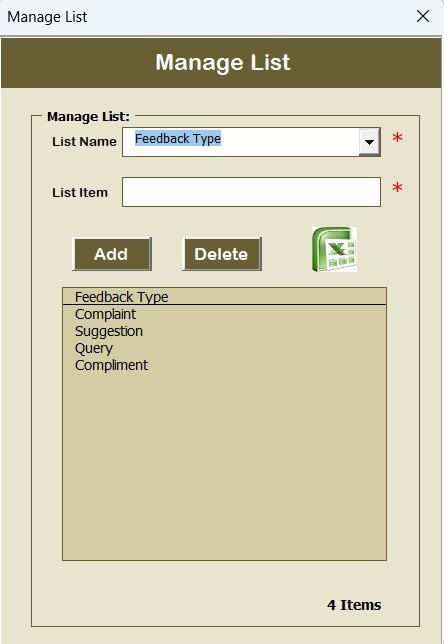
⚙️ Manage List Sheet – Custom Dropdowns
Add or update values for:
Products/Services
Feedback Types
Team Members
Follow-up statuses
— all in just a few clicks, no formulas or coding needed.
🧠 Support Sheet – Chart Engine
Drives your dashboards using pivot tables and smart calculations — hidden from users but critical to performance.
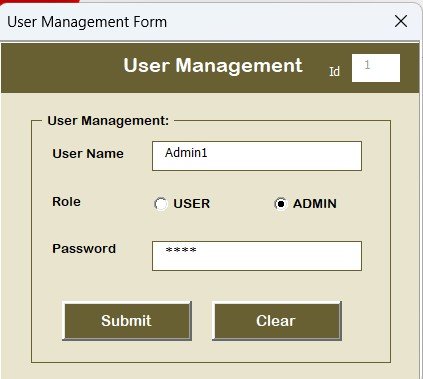
👥 User Management Sheet
Create and manage user logins:
Add/edit/delete users
Assign secure passwords
Limit access for better data control
🧩 Settings Sheet – Customize Behavior
Adjust default behavior, settings, or form preferences to suit your workflow and business style.
📦 What’s Inside the Customer Feedback Tracker?
Login-protected Excel file (.xlsm)
Built-in dashboard with slicers, charts, and KPIs
Data entry automation with ID assignment
Multi-user support with credential control
Dynamic dropdowns, status columns, and real-time updates
Complete help section via YouTube tutorials
🛠 How to Use the Customer Feedback Tracker
Login to the File
Start by logging in securely or setting up user credentials for your team.Record New Feedback
Use the Add New Record button to submit customer feedback via the input form.Update or Delete Feedback
Modify entries using the Update/Delete buttons tied to a unique feedback ID.Monitor Trends in Dashboard
Track average ratings, common issues, and who’s responsible — all in real-time.Customize Dropdowns or Layout
Easily adjust values in the Manage List Sheet to suit your product or service.
👥 Who Can Benefit from This Tool?
✅ Product-Based Businesses – Track feedback by product, version, or category
✅ Service Providers – Collect praise, suggestions, or complaints by service type
✅ Schools & Universities – Use for teacher/course evaluations or parent feedback
✅ Healthcare Providers – Capture patient experience and suggestions
✅ Agencies & Freelancers – Maintain transparency and quality control
✅ Corporate Teams – Centralize customer support or IT ticket feedback
📘 Click here to read the Detailed blog post
🎥 Visit our YouTube channel to learn step-by-step video tutorials
Watch the step-by-step video tutorial:
Compatibility and Requirements
- Needs Microsoft Excel desktop on Windows with macros enabled. The file is an .xlsm workbook with a login form and VBA forms.
- It does not run in Excel for the web, Google Sheets or Excel mobile apps.
- Microsoft explains how to turn macros on in Enable or disable macros in Microsoft 365 files.
Frequently Asked Questions
Does the tracker have a login?
Yes. A login form controls who can open and edit the data. You add or remove users in the User Management sheet.
Can more than one person use it?
Yes. It supports several users, each with their own login and password.
What does the dashboard show?
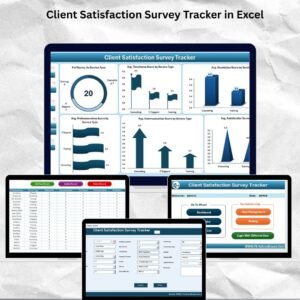
It shows the average customer rating, feedback by follow-up required, feedback assigned to team members and the feedback type split, with slicers for filtering.
How do I change the dropdown values?
Edit the Manage List sheet to update products or services, feedback types, team members and follow-up statuses.
How are feedback records kept apart?
Each record gets a unique ID, and you use it to update or delete an entry through the forms.
Related Customer Feedback Templates
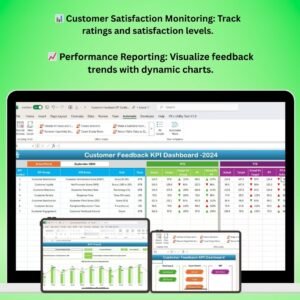
- Customer Feedback Analysis Dashboard in Excel: analyze feedback on a full dashboard
- Customer Satisfaction Survey Tracker in Excel: track survey responses
- Customer Feedback Analysis Dashboard in Google Sheets: feedback analysis in Google Sheets
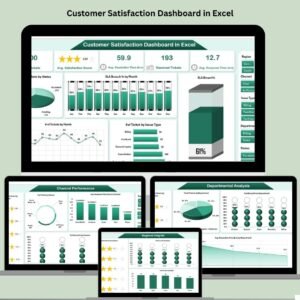
- Customer Satisfaction Dashboard in Excel: satisfaction scores and trends
- Customer Satisfaction Dashboard in Power BI: satisfaction reporting in Power BI
Browse all Excel trackers or the Excel VBA tools.
















Reviews
There are no reviews yet.