



In the world of technology marketing, customer experience isn’t just a buzzword — it’s your competitive edge. But managing touchpoints, events, and campaigns across teams and time zones can get chaotic without a clear system. That’s exactly why we created the Technology Marketing Customer Experience Calendar in Excel — a dynamic, ready-to-use calendar that helps you streamline marketing operations and deliver flawless customer interactions.
Whether you’re overseeing product launches or organizing webinars, this Excel-based calendar keeps everything organized in one place — without requiring complex software or recurring subscriptions.
✨ Key Features of Technology Marketing Customer Experience Calendar
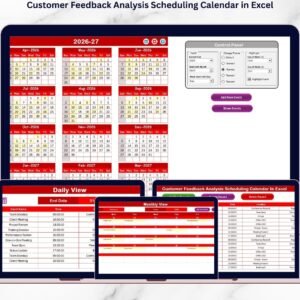
📌 Five Functional Worksheets
This Excel template is designed with structure and clarity in mind:
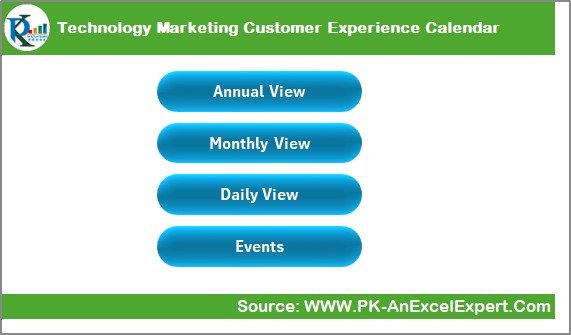
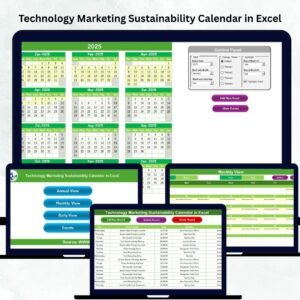
Home Sheet – Jump to any section using clickable buttons
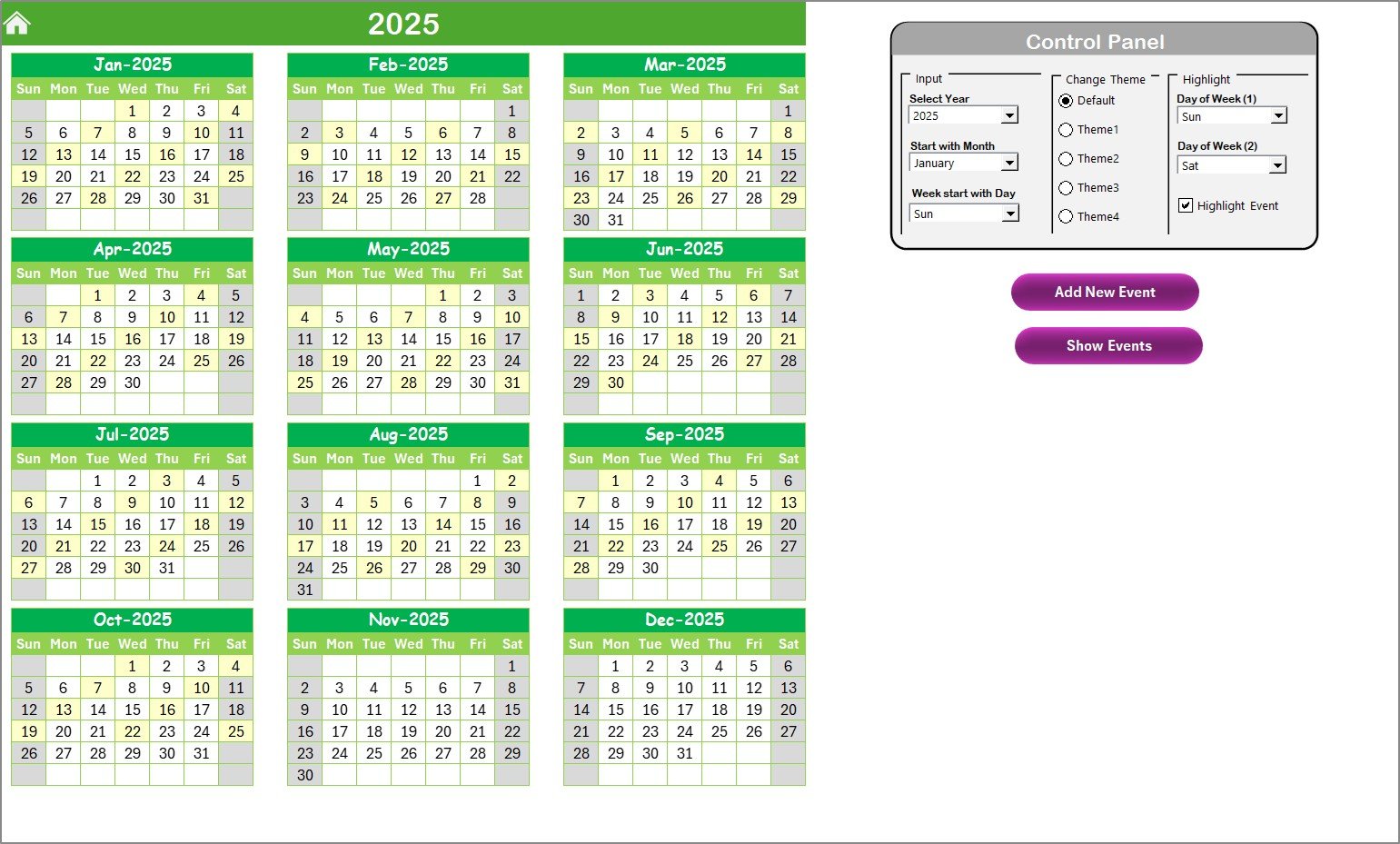
Annual View Sheet – See a bird’s-eye view of your year
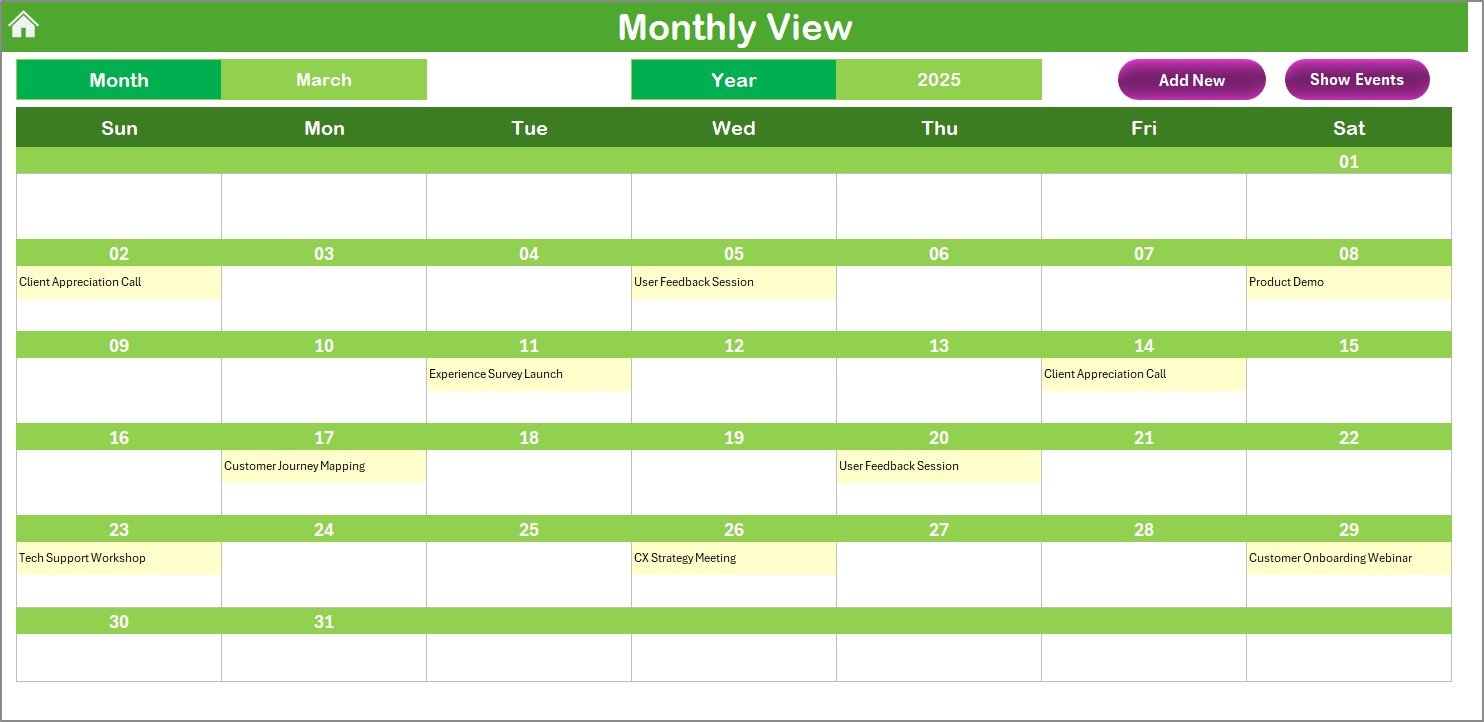
Monthly View Sheet – Zoom into one month’s customer touchpoints
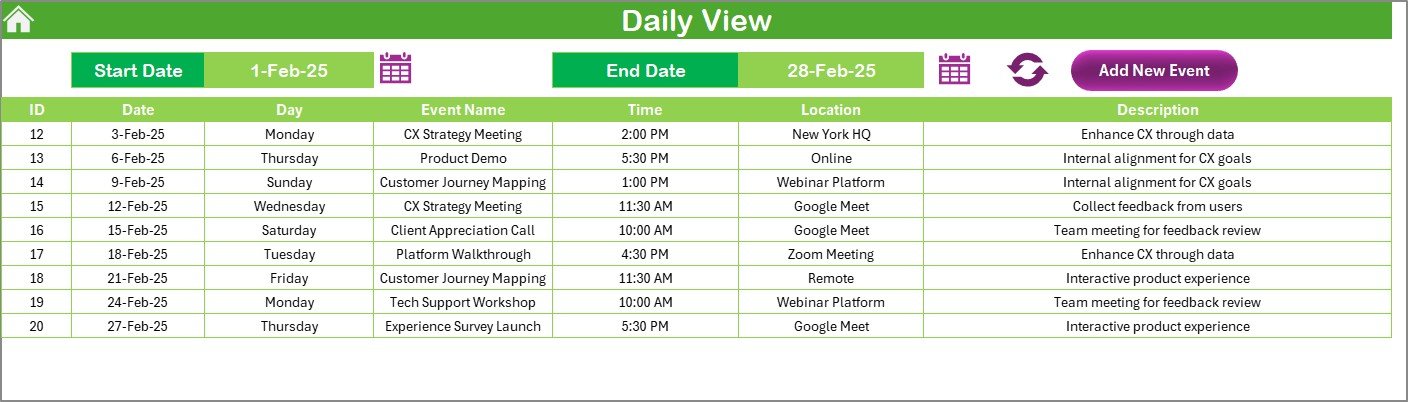
Daily View Sheet – Focus on day-to-day engagements
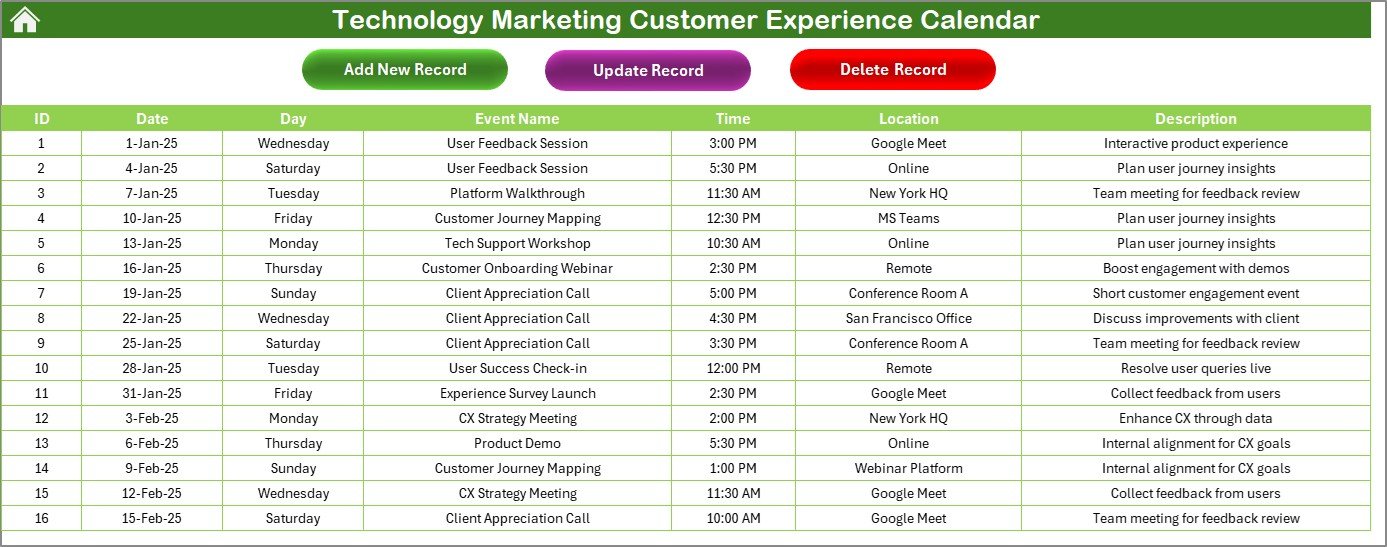
Events Sheet – Backend database for storing all event details
🖥️ Powerful Control Panel
Customize your experience from the Annual View with:
Year, Start Month, and Start Day settings
Five color theme options
Weekend and highlight toggles for better visibility
📝 Smart Event Entry Tools
Manage your records with:
Add New Event – Use the form to instantly add new tasks
Show Event – Display all engagements on a specific date
Update/Delete Record – Edit or clean up your event entries with one click
📅 Multi-Level Views
Annual Calendar – Plan campaigns over 12 months
Monthly View – Coordinate marketing goals within a month
Daily Planner – Execute daily events with laser focus
📦 What’s Inside the Customer Experience Calendar?
🔹 Auto-Updating Calendar Sheets – Change the year and your views adjust instantly
🔹 Structured Event Database – Easily manage event name, time, description, and location
🔹 Built-In Automation – Drop-downs, forms, and buttons eliminate manual tasks
🔹 Visual Highlights – Color-coded views to distinguish weekends, event types, or campaigns
🔹 Scalable Design – Add columns like “Event Owner” or “Follow-Up” without breaking functionality
🛠 How to Use the Excel Calendar
✅ Download & Open the Excel file
🎛️ Go to the Annual View and set your year, start month, and start day
🖊️ Use Add New Event on any view to log campaigns or interactions
📅 Browse between Annual, Monthly, and Daily views for flexible planning
📁 Manage all entries on the Events Sheet — fully editable and searchable
🔗 Share the calendar via OneDrive or Google Drive for remote collaboration
👥 Who Can Benefit from This Calendar?
This Excel template is a must-have for anyone in marketing or customer engagement:
🎯 Tech Marketing Managers – Plan full-funnel outreach and communication
🚀 Startup Teams – Coordinate product releases and community events
📝 Content Creators – Schedule newsletters, blog posts, and email blasts
📞 Customer Success Teams – Track onboarding calls, webinars, and satisfaction check-ins
💼 Marketing Agencies – Manage multiple client campaigns from one dashboard
🚀 Advantages of Using This Calendar
✅ 100% Customizable – Tailor colors, fields, and logic to suit your team
🖥️ No Software Required – Excel-based; works offline or online
📊 Visual Organization – Plan campaigns and events across timeframes
🧠 User-Friendly – Built for marketers, not coders
🔄 Centralized Event Hub – Manage all your customer touchpoints in one tool
🔁 Shareable & Collaborative – Ideal for distributed teams
📌 Best Practices to Maximize Value
🔖 Use consistent naming like “Newsletter – June” or “Demo – Product X”
🎨 Color-code themes (product, customer success, social media)
📅 Highlight important dates like launches and webinars
📤 Update your events weekly using the built-in buttons
🔐 Back up your Events Sheet regularly
🌍 Sync via cloud for multi-user access and version control
🔁 Click here to read the Detailed blog post
📺 Visit our YouTube channel to learn step-by-step video tutorials
Watch the step-by-step video tutorial:
Compatibility and Requirements
- Works in Microsoft Excel desktop (Excel 2016 or later, or Microsoft 365).
- Event entry uses forms and buttons inside the file. Microsoft explains how to get started in Excel for Windows training.
Frequently Asked Questions
Which worksheets are included?
Five worksheets: Home, Annual View, Monthly View, Daily View and Events. The Events sheet stores all event details.
How do I change the year or start day?
Go to the Annual View and use the control panel to set the year, start month and start day. The calendar views update to match.
How do I add or edit an event?
Use the Add New Event button to log a new entry. Use Show Event to see everything on a specific date, and Update/Delete Record to edit or remove an entry.
Can I change the colors?
Yes. The control panel has five color themes, plus toggles for weekend highlights and other highlights.
Can I share the calendar with my team?
Yes. You can share the file through OneDrive or Google Drive so remote team members can work from the same calendar.
Related Calendar Templates
- Marketing Customer Experience Calendar in Excel: the same calendar for general marketing teams
- Technology Sales Customer Experience Calendar in Excel: for technology sales touchpoints
- Technology Customer Service Customer Experience Calendar in Excel: for onboarding calls and check-ins
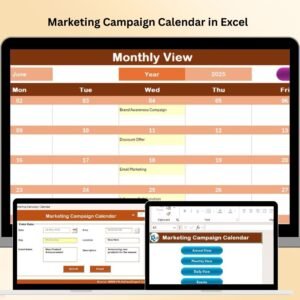
- Marketing Campaign Calendar in Excel: a calendar focused on campaigns
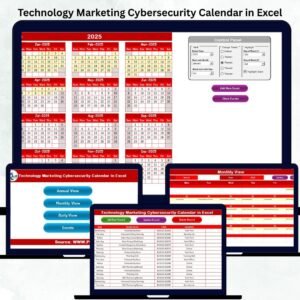
- Technology Marketing Remote Work Calendar in Excel: a calendar for remote work planning in technology marketing
Browse all Excel calendar templates.






















Reviews
There are no reviews yet.