

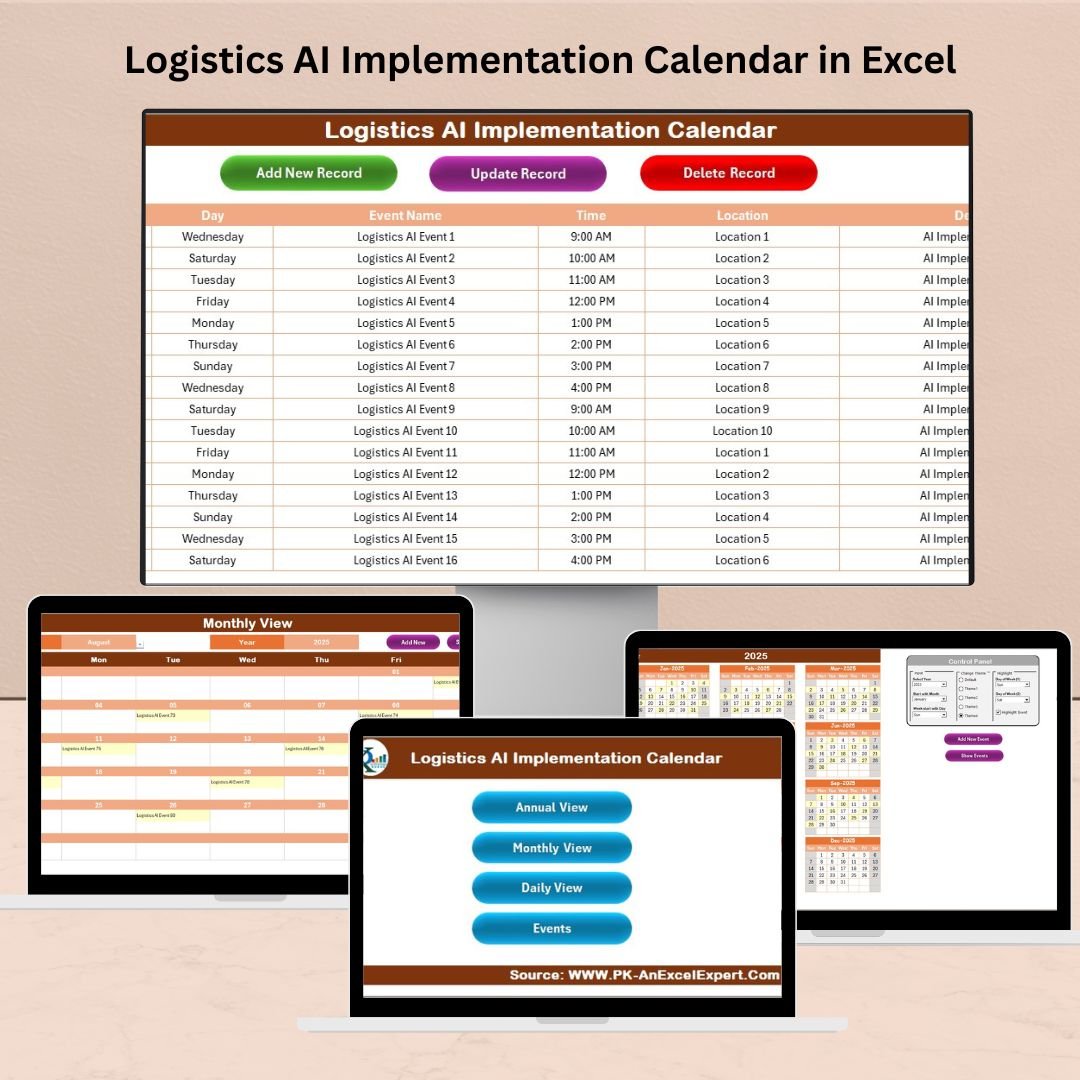
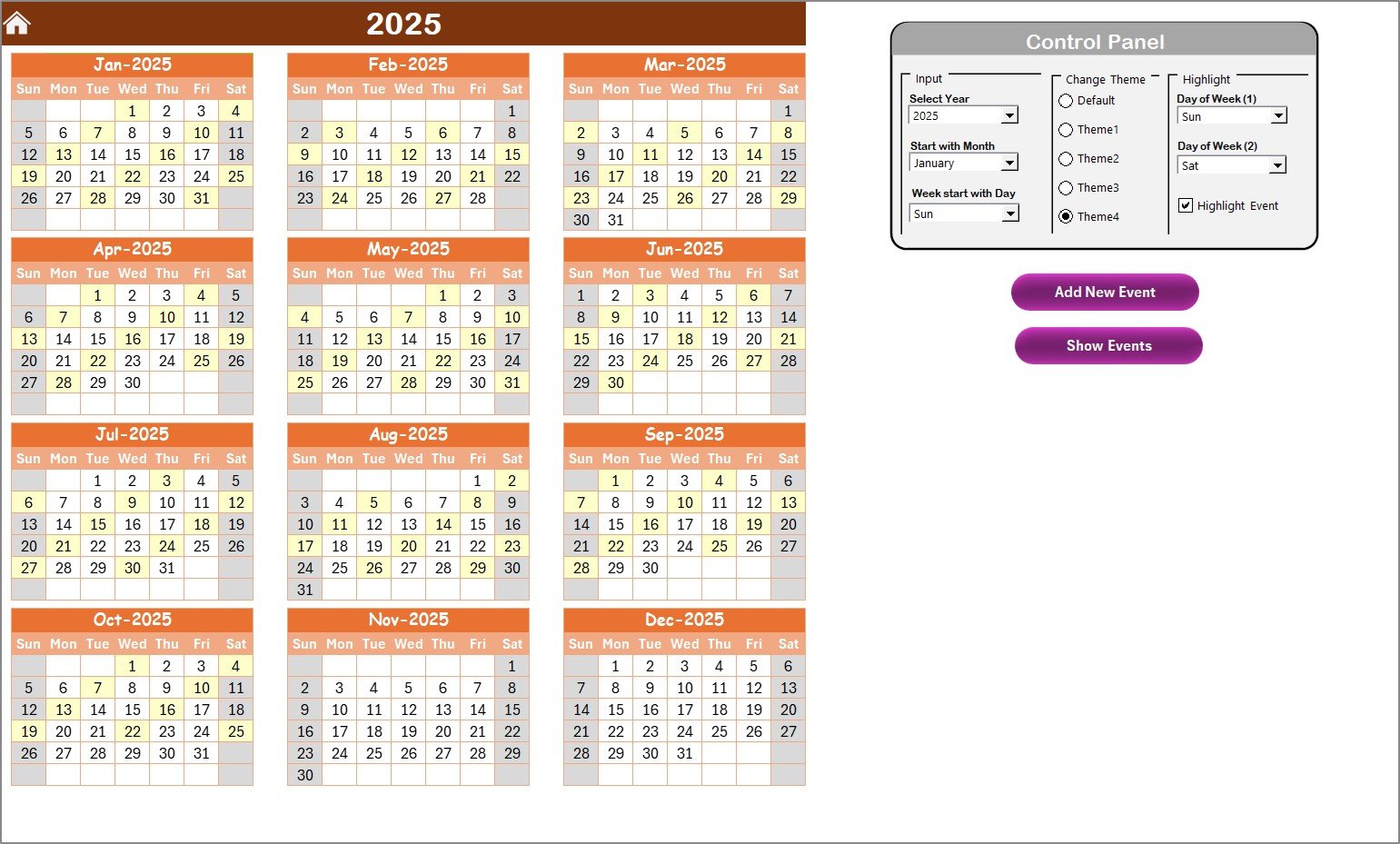
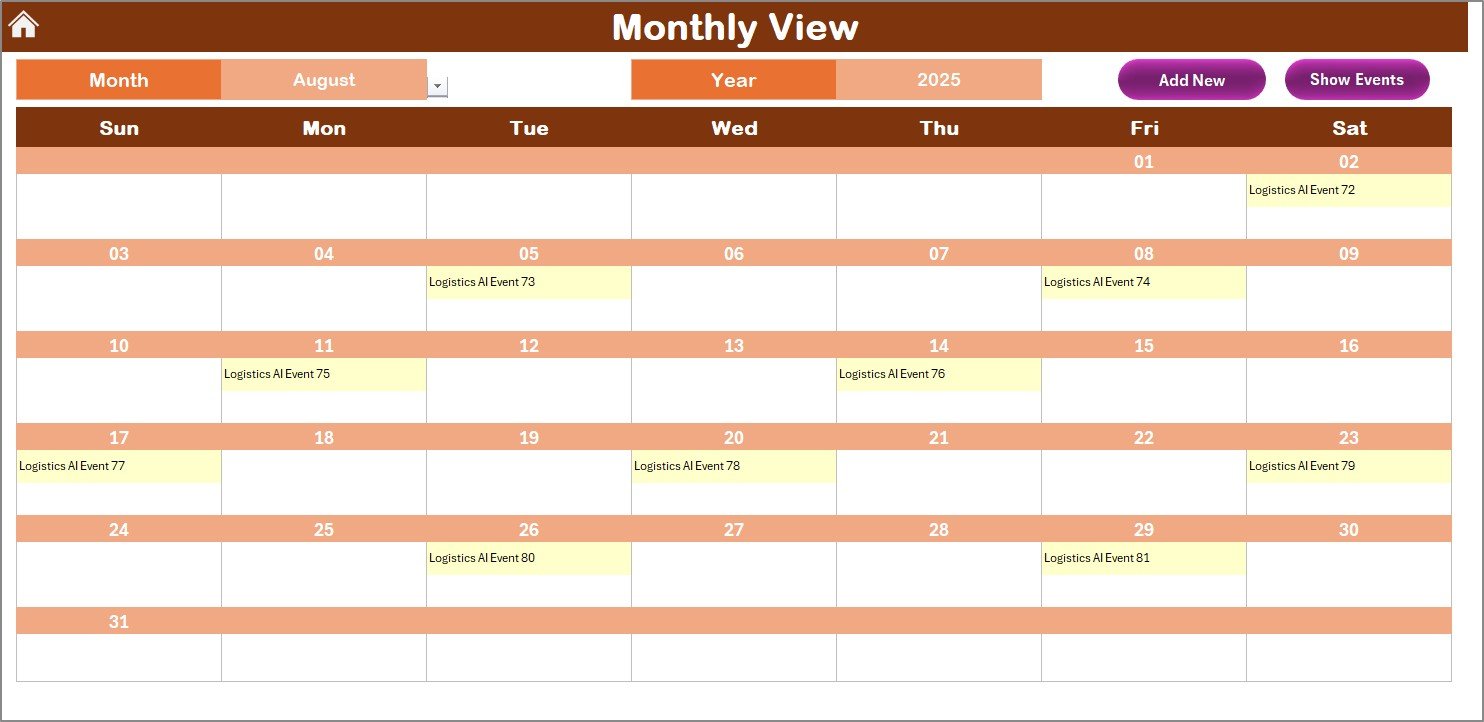



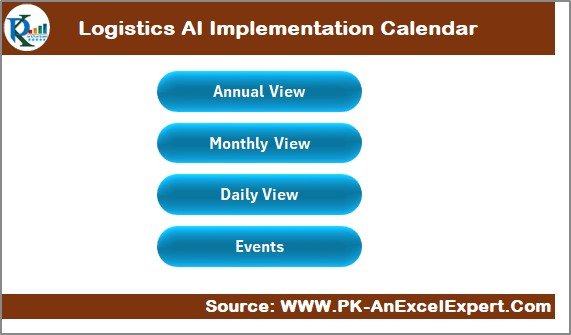
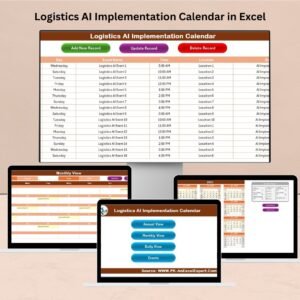
The Logistics AI Implementation Calendar in Excel is a powerful tool designed to help businesses in the logistics industry efficiently plan, track, and manage the integration of Artificial Intelligence (AI) into their operations. This Excel-based calendar provides a structured approach to implementing AI technologies in logistics, ensuring that every phase of the implementation process is on schedule and that critical tasks are completed on time.
Whether you’re implementing AI for route optimization, predictive maintenance, inventory management, or demand forecasting, this tool helps you stay organized, meet deadlines, and track key milestones. By using this calendar, logistics managers can efficiently plan AI integration, monitor progress, and make adjustments to the implementation strategy as needed.
Key Features of the Logistics AI Implementation Calendar in Excel
📅 AI Implementation Planning
Track each phase of the AI implementation process, from initial research and vendor selection to deployment and monitoring. Use the calendar to ensure that all activities are scheduled and completed on time.
📝 Milestone Tracking
Set key milestones for each stage of the implementation process, such as system design, data collection, AI model training, testing, and deployment. The milestone tracker helps ensure that your project stays on track.
🔑 Task Assignment & Deadline Management
Assign tasks to relevant team members and set deadlines for each task. This feature ensures that everyone involved in the implementation process knows their responsibilities and when to complete them.
⚙️ Real-Time Progress Monitoring
Monitor the progress of your AI implementation project in real time. Adjust timelines and resources as necessary to ensure that the AI integration is completed successfully and efficiently.
📊 Data-Driven Insights
Use the calendar to analyze the effectiveness of the AI implementation. Track important metrics such as system performance, efficiency gains, and cost savings, ensuring that the project delivers maximum value.
⚡ Customizable for Your Needs
Adapt the calendar to reflect your specific AI implementation strategy. Modify the tasks, milestones, and timelines to fit the unique needs of your logistics operations.
Why You’ll Love the Logistics AI Implementation Calendar in Excel
✅ Organize & Track AI Implementation
Stay organized throughout the entire AI implementation process. Plan, schedule, and track every task and milestone to ensure that your AI project is completed on time and within budget.
✅ Improve Team Collaboration
Assign tasks and set deadlines for your team, ensuring clear communication and accountability. Keep everyone aligned and working towards common goals.
✅ Optimize AI Integration
Monitor the performance and progress of your AI implementation. Use data-driven insights to optimize your AI system and ensure that the technology delivers tangible benefits to your logistics operations.
✅ Scalable & Customizable
Whether you’re a small logistics company or a large enterprise, this calendar is fully scalable and customizable. Adapt it to suit your specific AI needs, no matter the size of your project.
✅ Simplify Project Management
The calendar simplifies project management by consolidating all necessary tasks, deadlines, and milestones in one easy-to-use tool. Keep your AI project organized and minimize the risk of missing critical steps.
What’s Inside the Logistics AI Implementation Calendar in Excel?
AI Implementation Planning: Track each phase of the AI integration process.
Milestone Tracking: Set and monitor key milestones for the AI implementation.
Task Assignment & Deadlines: Assign tasks to team members and track progress.
Real-Time Progress Monitoring: Monitor the status of the AI implementation project.
Data-Driven Insights: Track system performance and other KPIs for optimization.
Customizable Features: Modify the calendar to suit your specific AI implementation strategy.
How to Use the Logistics AI Implementation Calendar in Excel
1️⃣ Download the Template: Get instant access to the Logistics AI Implementation Calendar.
2️⃣ Input Your Project Details: Add tasks, milestones, and team assignments to the calendar.
3️⃣ Track Progress: Monitor the completion of tasks and milestones throughout the implementation process.
4️⃣ Adjust Timelines & Resources: Use the calendar to make adjustments as necessary based on real-time progress.
5️⃣ Analyze Results: Track key performance indicators (KPIs) and analyze the success of the AI implementation.
Who Can Benefit from the Logistics AI Implementation Calendar in Excel?
🔹 Logistics & Supply Chain Managers
🔹 AI Project Managers & Data Scientists
🔹 Business Owners in Logistics & Transportation
🔹 Technology & Innovation Teams
🔹 AI Integration Consultants & Vendors
🔹 Operations Managers & Analysts
🔹 Small & Medium Enterprises (SMBs)
🔹 Large Enterprises Integrating AI
Streamline your AI implementation process with the Logistics AI Implementation Calendar in Excel. Stay on track, manage tasks and resources, and optimize your AI projects for maximum efficiency and success.
Click here to read the Detailed blog post
Visit our YouTube channel to learn step-by-step video tutorials
Youtube.com/@PKAnExcelExpert
Watch the step-by-step video Demo:
Compatibility and Requirements
- Works in Microsoft Excel desktop (Excel 2016 or later, or Microsoft 365).
- New to Excel? Microsoft’s Excel for Windows training covers the basics.
Frequently Asked Questions
Which AI projects is this calendar for?
It suits logistics AI projects such as route optimization, predictive maintenance, inventory management and demand forecasting.
Which phases can I plan?
You can schedule each phase from initial research and vendor selection to deployment and monitoring.
Which milestones does it cover?
You can set milestones for system design, data collection, AI model training, testing and deployment.
Can I assign tasks to my team?
Yes. You can assign each task to a team member and set a deadline for it.
Can I track the results of the project?
Yes. You can track metrics such as system performance, efficiency gains and cost savings.
Related AI Implementation Templates
- Operations AI Implementation Calendar in Excel: the same calendar for operations teams
- IT AI Implementation Calendar in Excel: the same calendar for IT teams
- Procurement AI Implementation Calendar in Excel: the same calendar for procurement
- Logistics Customer Experience Calendar in Excel: plan logistics customer touchpoints
- Logistics Manager Toolkit: 8 logistics templates in one download
Browse all Excel calendars or the Excel logistics templates.
































Reviews
There are no reviews yet.