

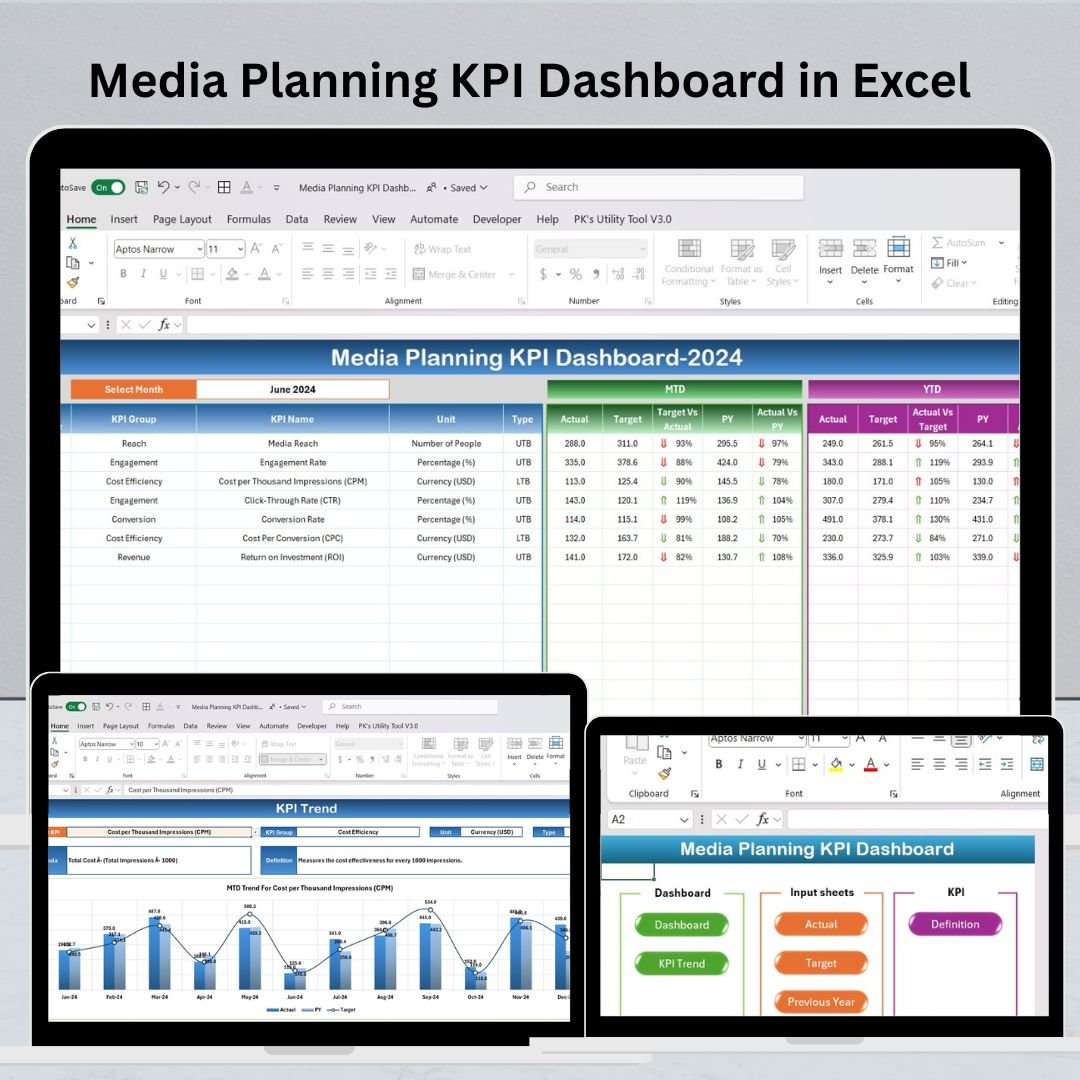
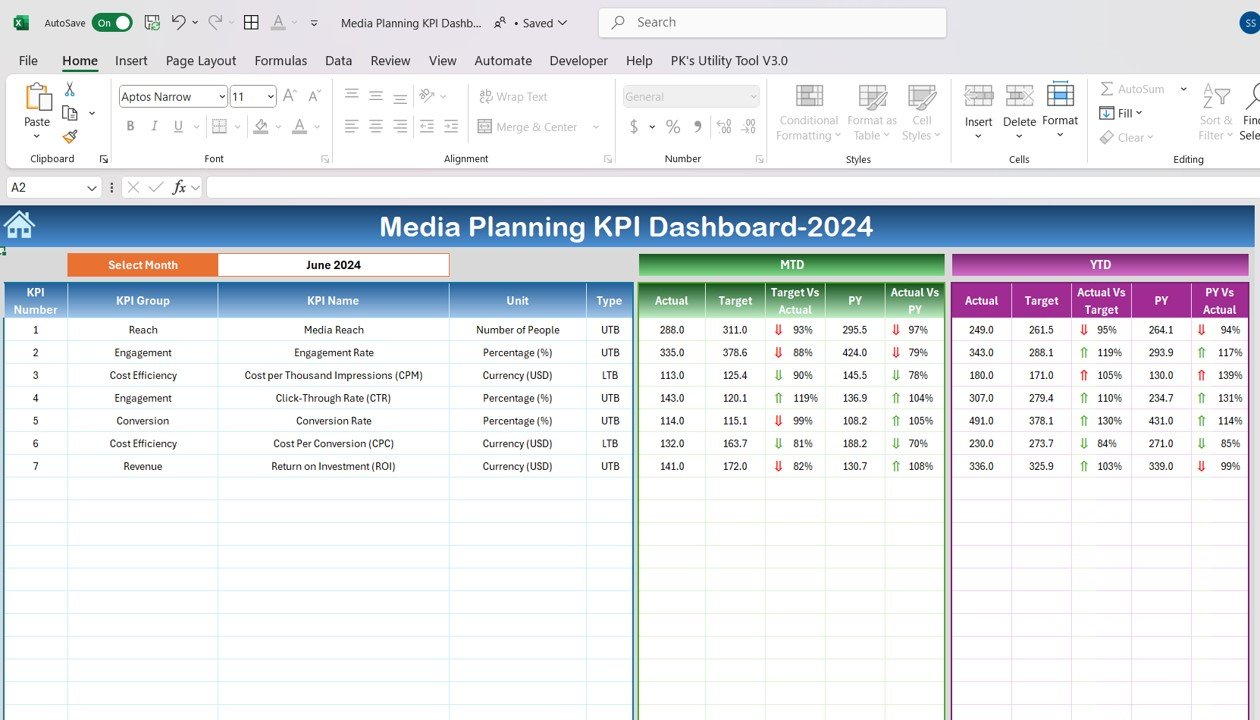
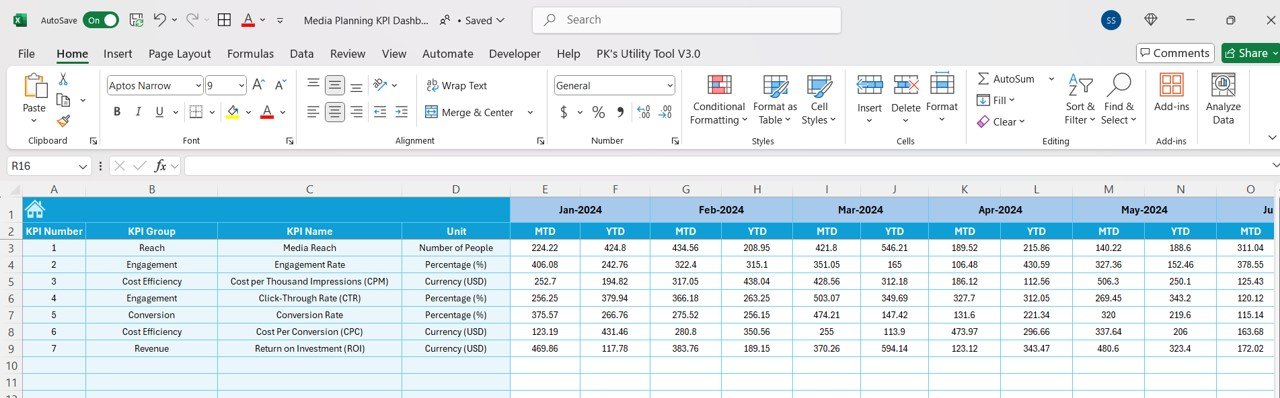
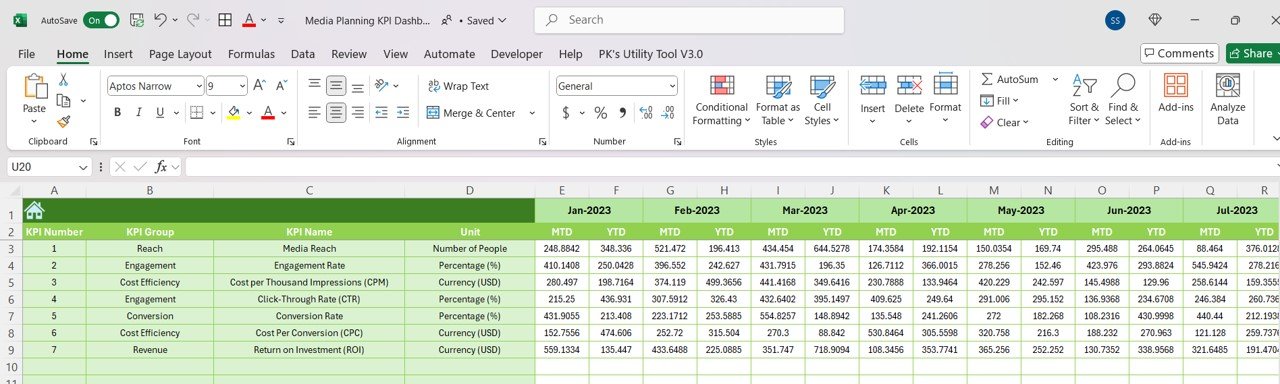
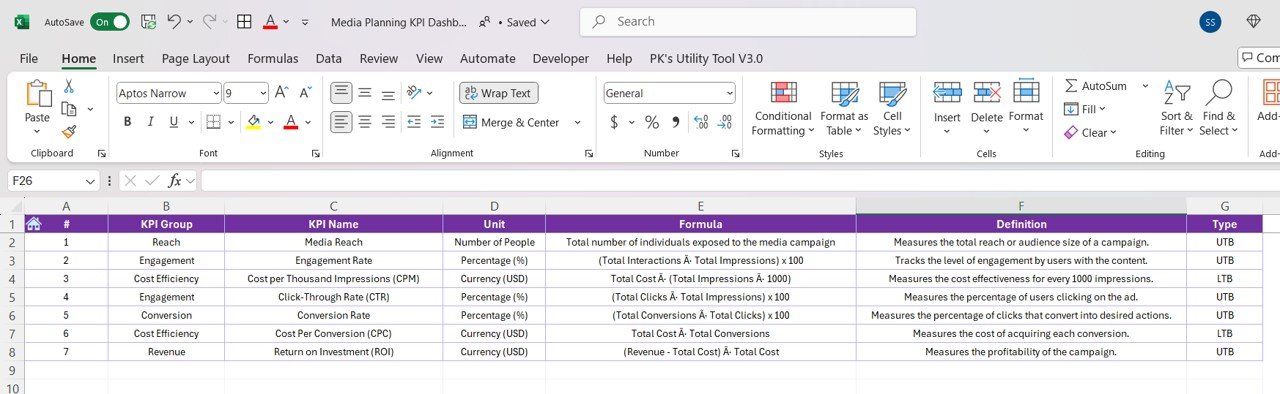

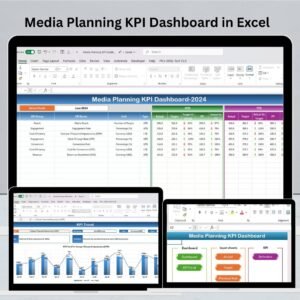
The Media Planning KPI Dashboard in Excel is an essential tool for marketing professionals, media planners, and advertising teams. This dashboard helps businesses and organizations track, analyze, and optimize their media campaigns, ensuring that all objectives are met efficiently. With the ability to monitor key performance indicators (KPIs) such as reach, impressions, click-through rates (CTR), and ROI, the dashboard allows users to measure the success of media campaigns in real-time.
This Excel-based solution streamlines media planning by centralizing data, offering a comprehensive view of each campaign’s performance across different platforms. Whether you’re tracking digital ads, TV commercials, or social media campaigns, this tool simplifies the entire process and provides valuable insights to drive more effective media strategies.
Key Features of the Media Planning KPI Dashboard in Excel
📊 Comprehensive Media Campaign Tracking
Track the performance of all your media campaigns in one place. Measure important metrics such as reach, impressions, and engagement to assess the effectiveness of each campaign.
📈 Detailed KPI Monitoring
Monitor key KPIs such as click-through rate (CTR), return on investment (ROI), and conversions. Easily track how your campaigns are performing against set goals and budgets.
🔄 Cross-Platform Analysis
Analyze the performance of your media campaigns across various platforms such as digital ads, social media, and traditional media (TV, radio). This helps in evaluating the effectiveness of your multi-channel strategy.
📅 Time-Based Performance Tracking
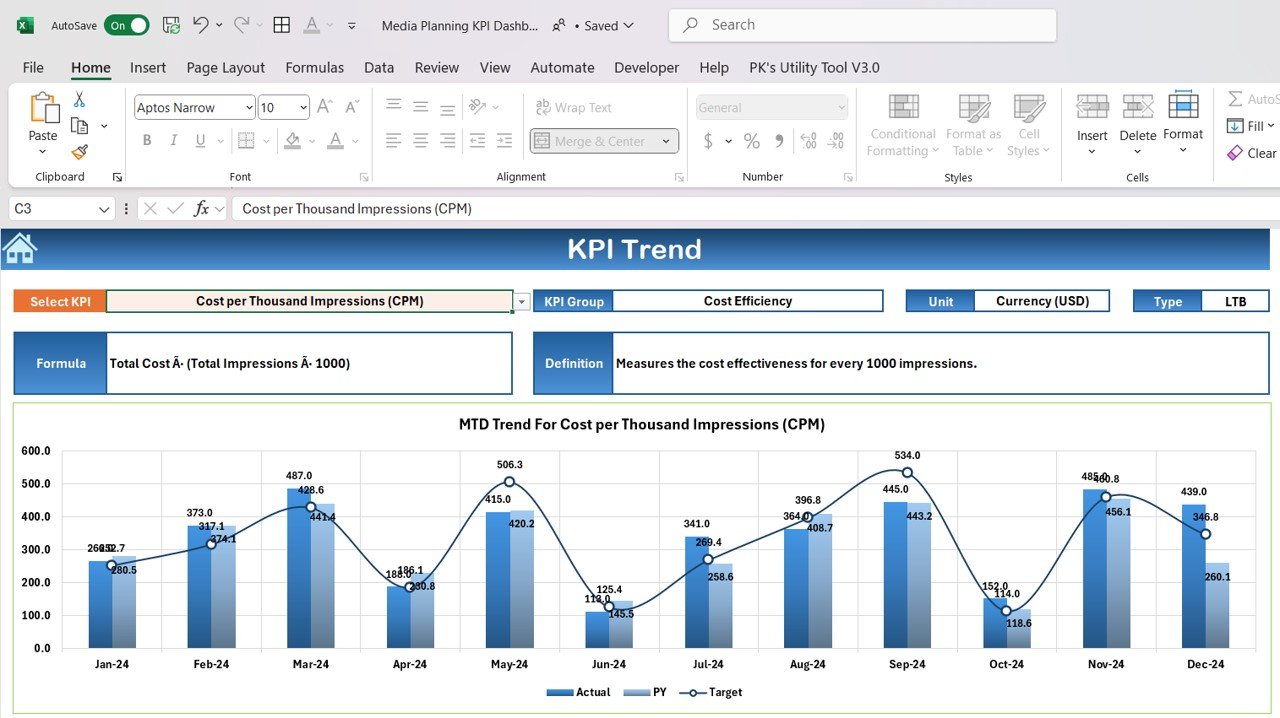
Assess campaign performance over different time periods (daily, weekly, monthly). This feature allows you to monitor trends, identify peak performance times, and adjust strategies accordingly.
⚙️ Budget Tracking & Cost Efficiency
Track campaign budgets and expenses against performance. Identify areas where spending is too high or where additional investment is required to meet campaign goals.
💡 Customizable KPIs & Metrics
Tailor the dashboard to include the KPIs that matter most to your media planning goals. Add specific metrics for your industry or campaign type and adjust the layout to fit your business needs.
Why You’ll Love the Media Planning KPI Dashboard in Excel

✅ Track & Optimize Media Campaigns
Monitor all aspects of your media campaigns, from budget allocation to performance analysis. Easily identify areas for improvement and optimize future media strategies.
✅ Informed Decision Making
Leverage real-time insights to make data-driven decisions that improve the performance of your media campaigns and maximize ROI.
✅ Comprehensive Performance Insights
Understand how your campaigns are performing across multiple platforms. This 360-degree view enables you to make adjustments in real-time and improve cross-platform results.
✅ Simplify Media Planning & Reporting
Easily track and report campaign performance to key stakeholders, ensuring that everyone is aligned and informed about the media campaign results.
✅ Customizable & Scalable
Adjust the dashboard to meet your specific needs. It’s perfect for small teams or large enterprises with complex media campaigns.
What’s Inside the Media Planning KPI Dashboard in Excel?
Campaign Performance Tracking: Track metrics such as reach, impressions, and engagement.
KPI Monitoring: Measure CTR, ROI, and conversions for each campaign.
Cross-Platform Campaign Analysis: Evaluate performance across digital, TV, radio, and social media platforms.
Time-Based Analysis: Monitor campaign performance over different periods.
Budget Tracking: Track media spending and compare it with performance outcomes.
Customizable Metrics: Add and modify KPIs to suit your specific media strategy.
How to Use the Media Planning KPI Dashboard in Excel
1️⃣ Download the Template: Access the Media Planning KPI Dashboard in Excel instantly.
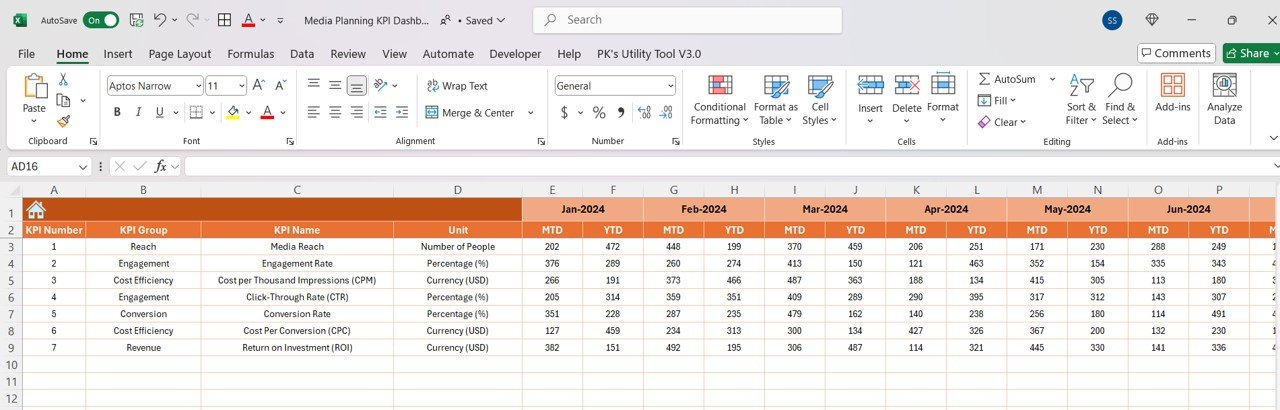
2️⃣ Input Campaign Data: Enter details such as campaign names, platforms, reach, impressions, and budget.
3️⃣ Monitor Key Metrics: Track important KPIs such as CTR, ROI, and conversions.
4️⃣ Analyze Campaign Performance: Use the time-based tracking feature to monitor trends and performance over various periods.
5️⃣ Optimize Media Campaigns: Adjust future strategies based on the insights provided by the dashboard.
Who Can Benefit from the Media Planning KPI Dashboard in Excel?
🔹 Marketing Teams & Media Planners
🔹 Advertising Agencies
🔹 Digital Marketing Teams
🔹 Social Media Managers
🔹 Campaign Managers
🔹 Business Owners & Executives
🔹 Media Buyers & Analysts
Simplify your media planning and maximize campaign performance with the Media Planning KPI Dashboard in Excel. Track your KPIs, analyze results across platforms, and optimize your strategies to drive success.
Click here to read the Detailed blog post
Visit our YouTube channel to learn step-by-step video tutorials
Youtube.com/@PKAnExcelExpert






























Reviews
There are no reviews yet.