

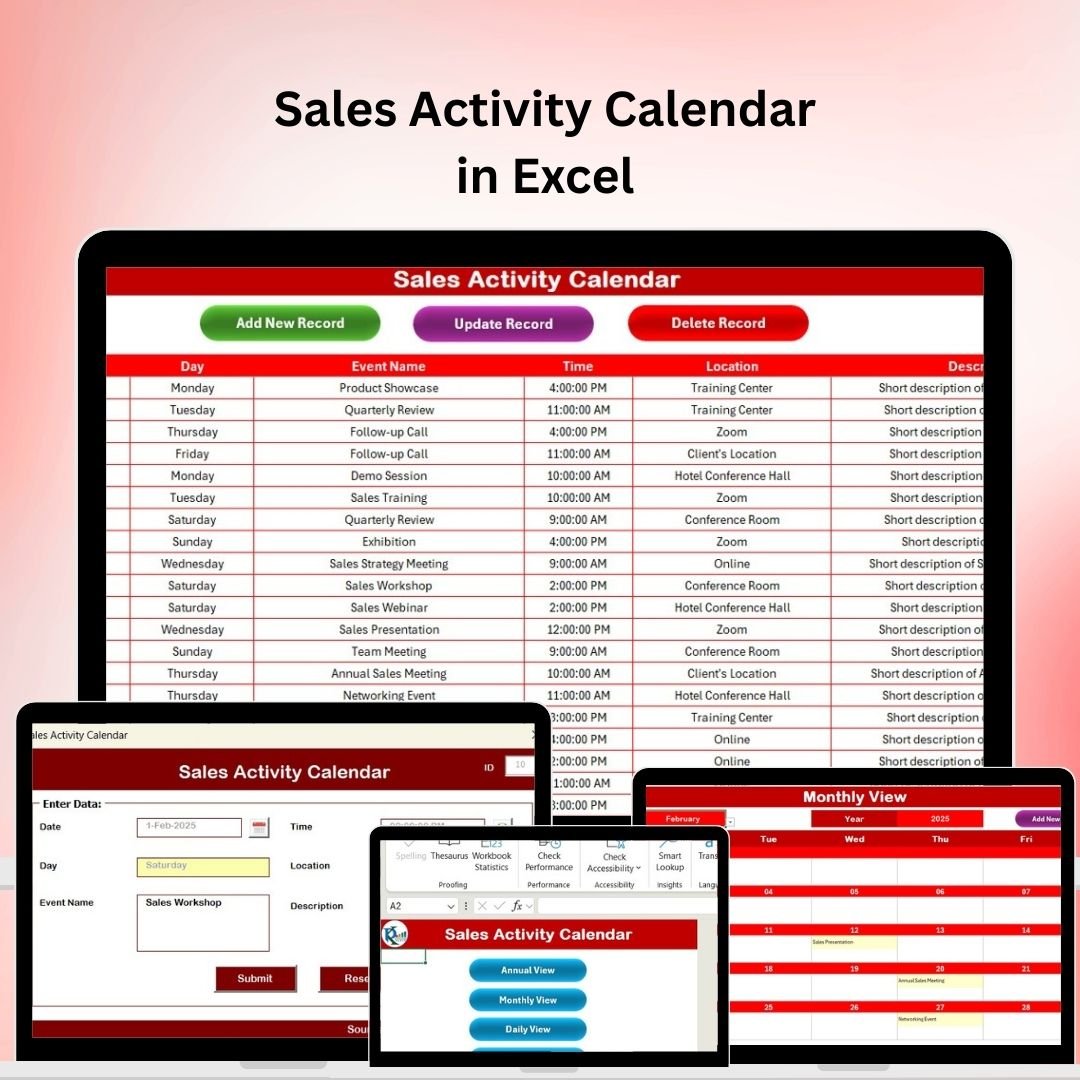
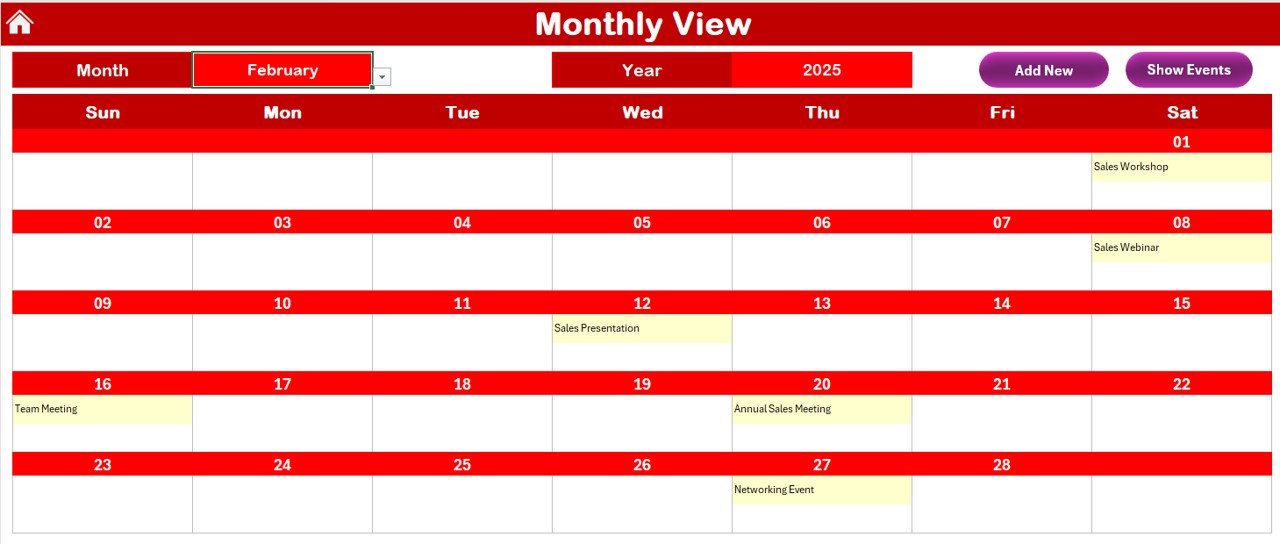

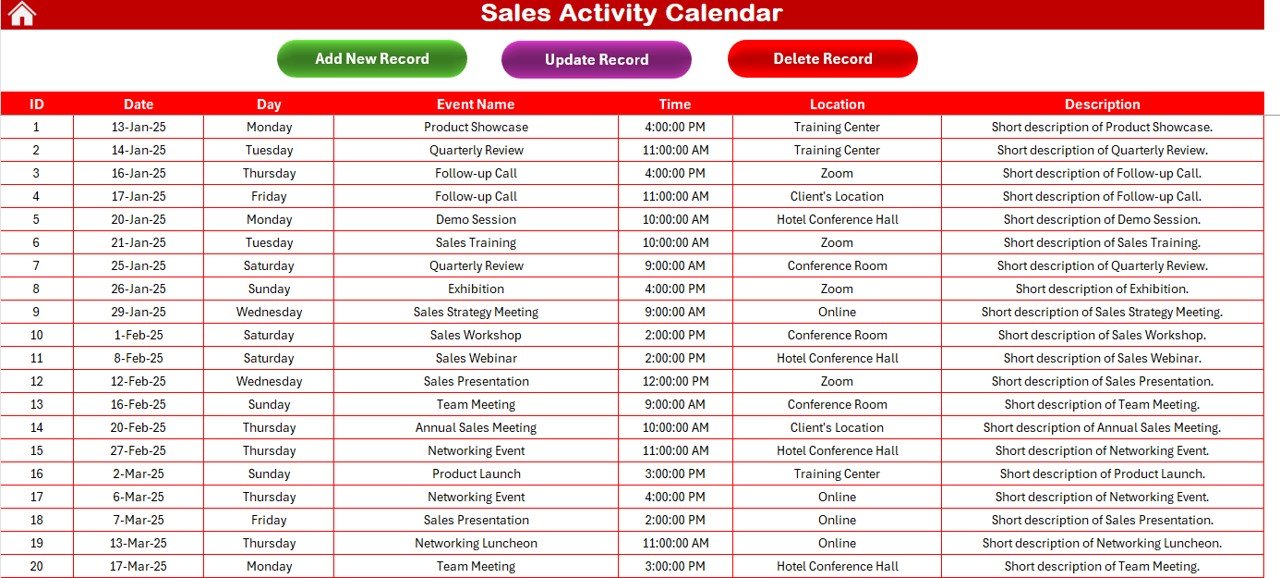
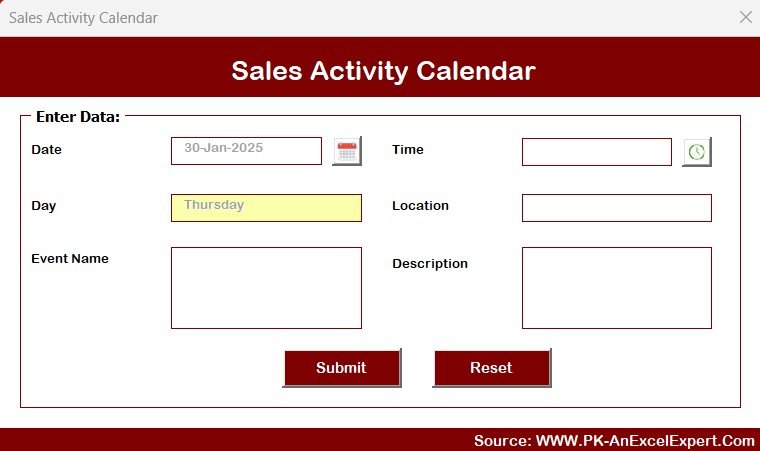
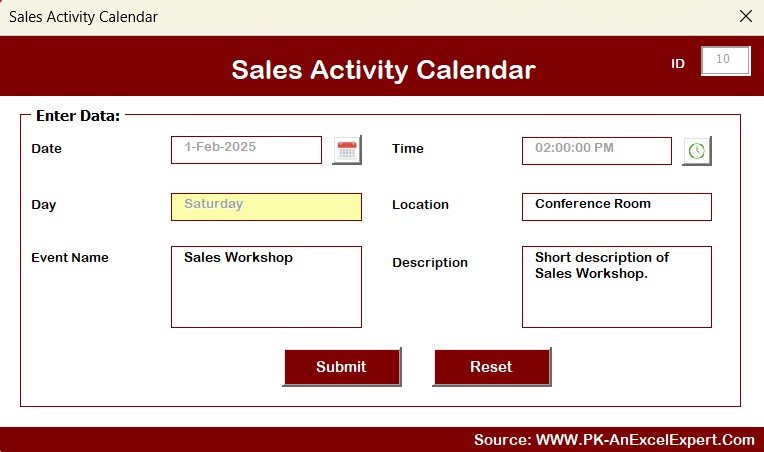

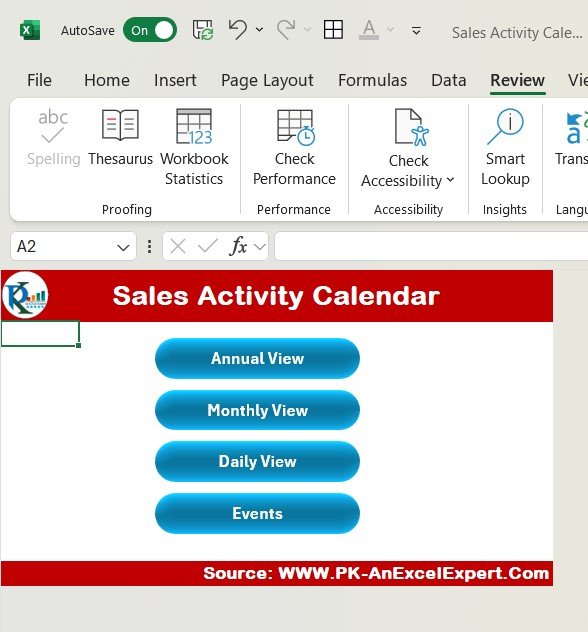
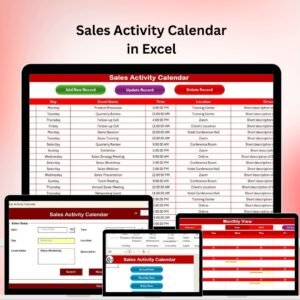
The Sales Activity Calendar in Excel is a comprehensive and easy-to-use tool designed to help sales teams and business managers plan, organize, and track their daily, weekly, and monthly sales activities. This Excel-based calendar allows you to effectively manage sales appointments, meetings, follow-ups, calls, and other essential tasks, ensuring that your sales process remains streamlined and efficient.
With a clear and simple interface, this calendar helps prioritize key activities, set reminders for important events, and provides a visual overview of your sales team’s schedules. Whether you’re an individual salesperson or managing a large sales team, this tool helps you stay organized, stay on top of deadlines, and drive results.
Key Features of the Sales Activity Calendar in Excel
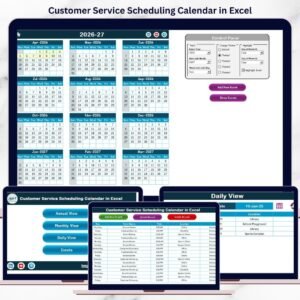
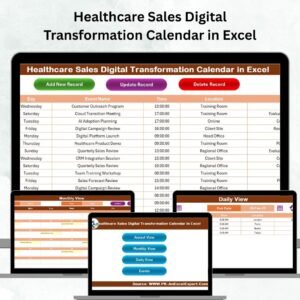
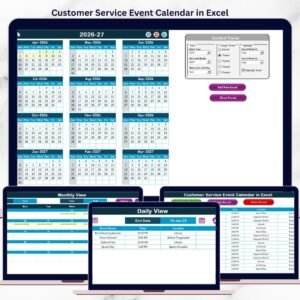
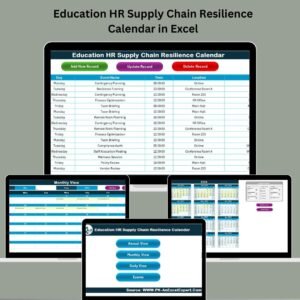
📅 Daily, Weekly, & Monthly Views
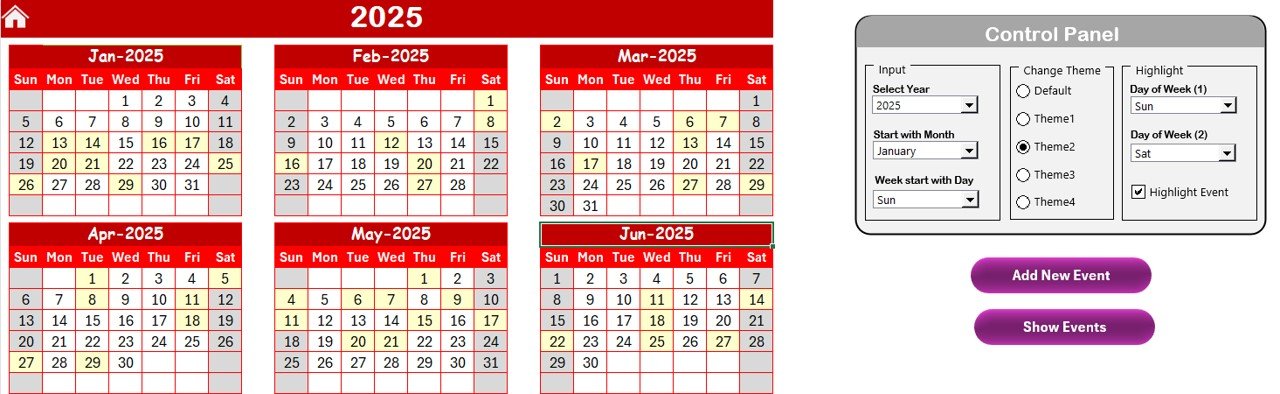
Organize and track your sales activities across daily, weekly, and monthly views. Easily see upcoming appointments, meetings, and deadlines, and ensure all tasks are completed on time.
📝 Activity Tracking
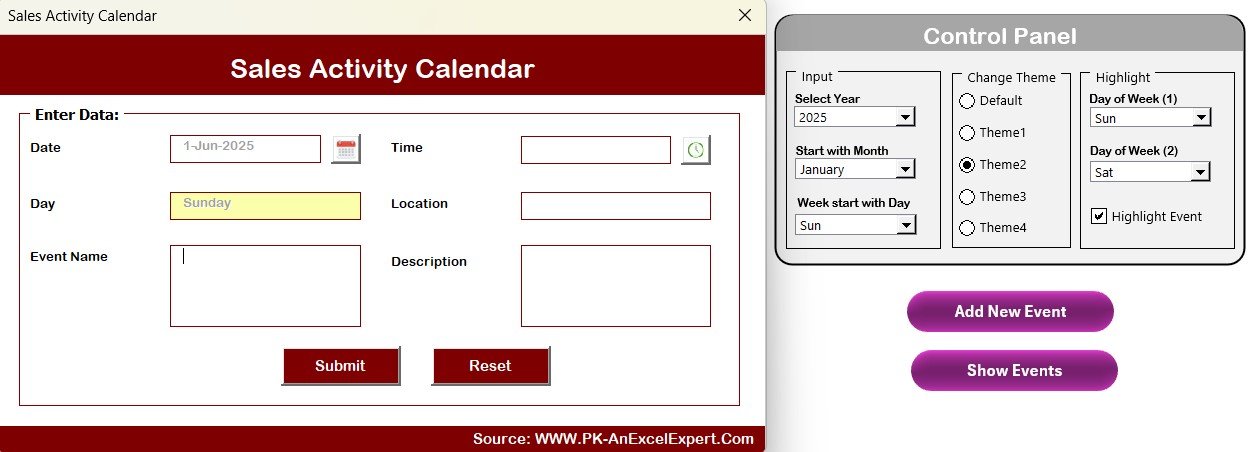
Track essential sales activities such as calls, meetings, follow-ups, proposals, and deals. Use the calendar to ensure that no task is forgotten and each activity is completed as planned.
⏰ Reminders & Notifications
Set reminders for important sales activities and follow-ups. Receive automated alerts to ensure timely responses and keep your sales cycle on track.
📈 Sales Performance Monitoring
Monitor key metrics and sales performance within the calendar. Track the number of meetings held, calls made, and deals closed over specific periods to measure the effectiveness of your sales strategy.
⚙️ Customizable Calendar
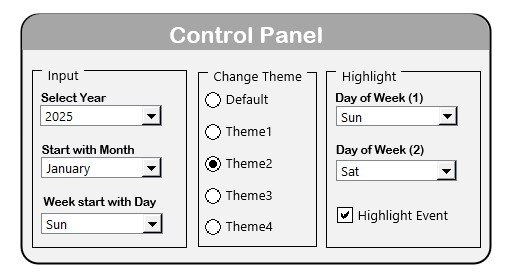
Tailor the calendar to fit your specific sales team needs. Add custom events, color-code different activities, and modify the layout to better align with your workflow.
📊 Progress Tracking
Monitor the progress of ongoing sales activities. Track deals through various stages and ensure that all tasks are being handled appropriately.
Why You’ll Love the Sales Activity Calendar in Excel
✅ Stay Organized & On Track
Keep track of all your sales activities in one place. Organize your tasks effectively to stay ahead of deadlines and ensure no important task is missed.
✅ Improve Sales Productivity
Increase productivity by staying organized and ensuring timely follow-ups. This calendar helps you manage your time better, which leads to more closed deals.
✅ Enhance Team Coordination
For team use, the calendar allows better coordination between sales team members. Everyone can stay informed about each other’s schedules, meetings, and tasks, improving teamwork and collaboration.
✅ Data-Driven Decision Making
Use the performance metrics and activity tracking features to analyze sales team efficiency. Make data-driven decisions that improve overall sales strategies.
✅ Simple & Easy to Use
With an intuitive layout and easy-to-use features, this calendar helps you stay organized without the complexity. It’s designed to be user-friendly and customizable to fit your sales needs.
What’s Inside the Sales Activity Calendar in Excel?
Daily, Weekly, & Monthly Views: Track and organize your sales activities across different time frames.
Activity Tracking: Monitor essential sales tasks like calls, meetings, and follow-ups.
Reminders & Notifications: Set automated alerts for key activities.
Sales Performance Monitoring: Track key metrics and performance.
Customizable Layout: Modify the calendar to suit your team’s needs.
Progress Tracking: Track ongoing activities and deal progress.
How to Use the Sales Activity Calendar in Excel
1️⃣ Download the Template: Get the Sales Activity Calendar in Excel instantly.
2️⃣ Customize Your Calendar: Add your activities, sales meetings, and deadlines.
3️⃣ Track Activities: Monitor your daily, weekly, and monthly sales tasks.
4️⃣ Set Reminders & Alerts: Set reminders for important follow-ups and meetings.
5️⃣ Review Performance: Use the tracking features to monitor your sales team’s progress.
Who Can Benefit from the Sales Activity Calendar in Excel?
🔹 Sales Managers & Directors
🔹 Sales Representatives & Account Executives
🔹 Business Owners & Entrepreneurs
🔹 Sales Teams & Departments
🔹 Small & Medium Enterprises (SMBs)
🔹 Large Enterprises with Sales Operations
Stay organized and optimize your sales process with the Sales Activity Calendar in Excel. Track meetings, calls, follow-ups, and other essential activities to ensure your sales team stays on top of every task.
Click here to read the Detailed blog post
Visit our YouTube channel to learn step-by-step video tutorials
Youtube.com/@PKAnExcelExpert
Compatibility and Requirements
- Works in Microsoft Excel desktop (Excel 2016 or later, or Microsoft 365).
- Activities can be color-coded. Microsoft explains color rules in Use conditional formatting to highlight information.
Frequently Asked Questions
Which sales activities can I track?
Calls, meetings, follow-ups, proposals and deals.
Is there a daily, weekly and monthly view?
Yes. You can organize activities in daily, weekly and monthly views.
Can I measure sales activity?
Yes. Track the number of meetings held, calls made and deals closed over a period.
Is there a Google Sheets version?
Yes. See the Sales Activity Calendar in Google Sheets.
Related Sales Planning Templates
- Sales Activity Calendar in Google Sheets: the Google Sheets edition
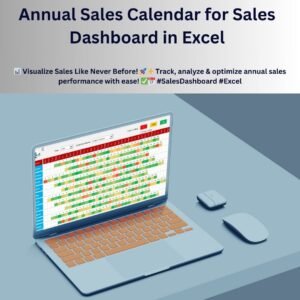
- Annual Sales Calendar for Sales Dashboard in Excel: plan the sales year
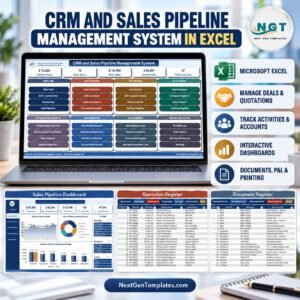
- CRM and Sales Pipeline Management System V1.0 in Excel VBA: manage leads and deals
- CRM and Sales Pipeline Management System Web App: a browser-based CRM
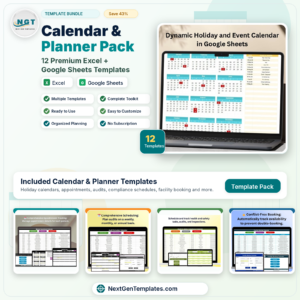
- Calendar & Planner Pack: 12 calendar and planner templates
Browse all Excel calendars or the Excel sales and marketing templates.










Reviews
There are no reviews yet.