

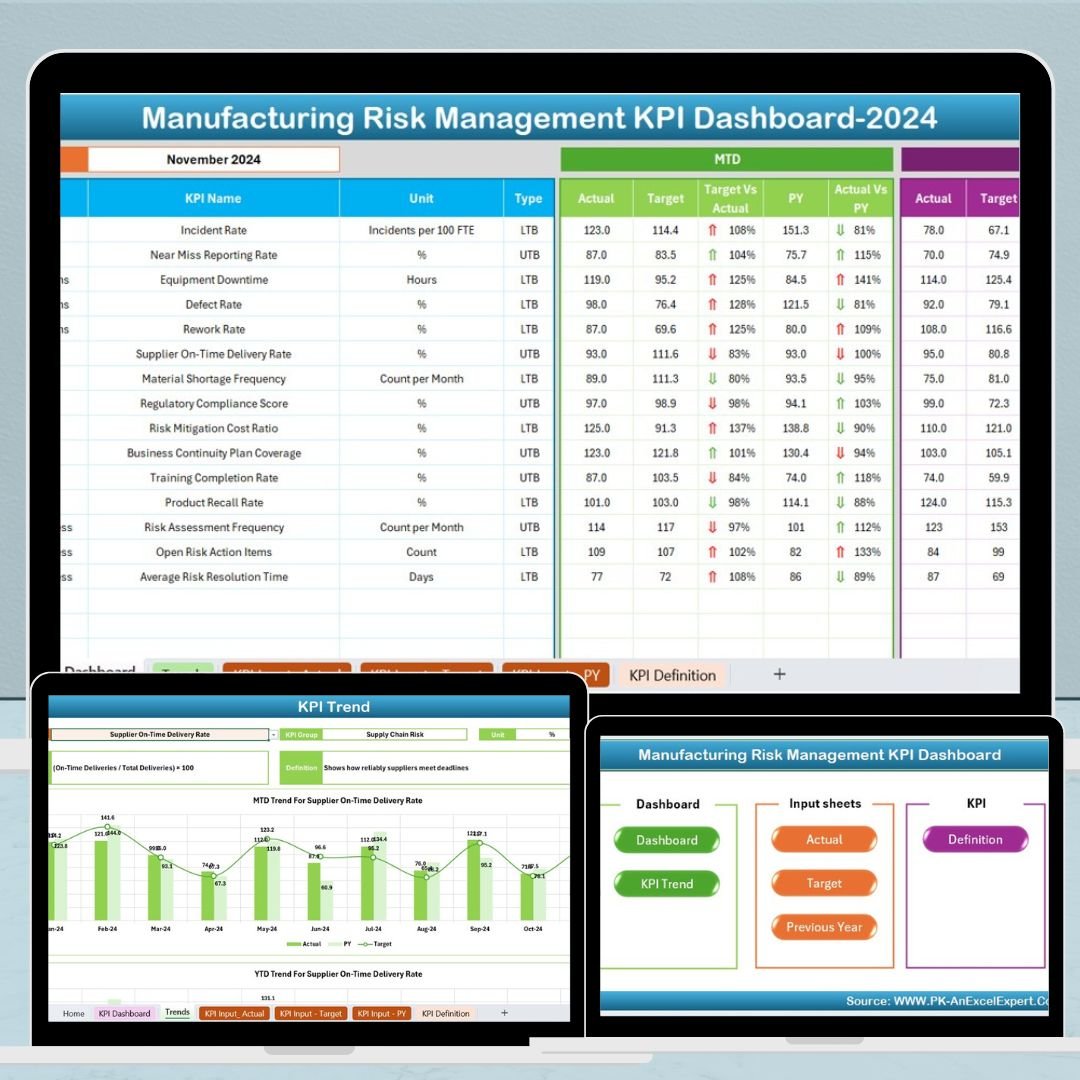
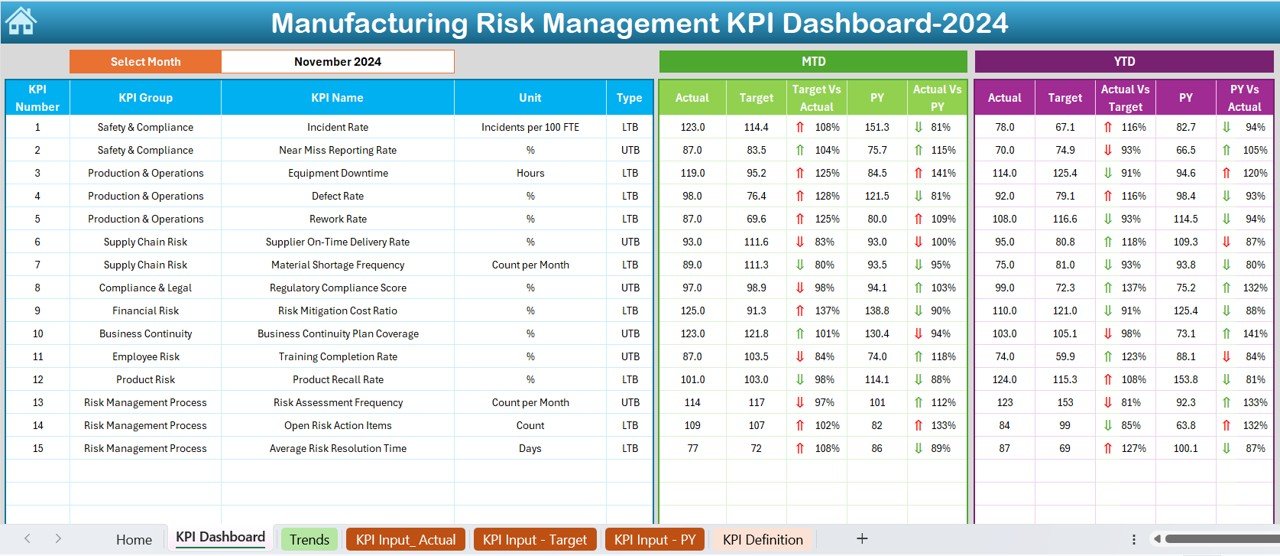

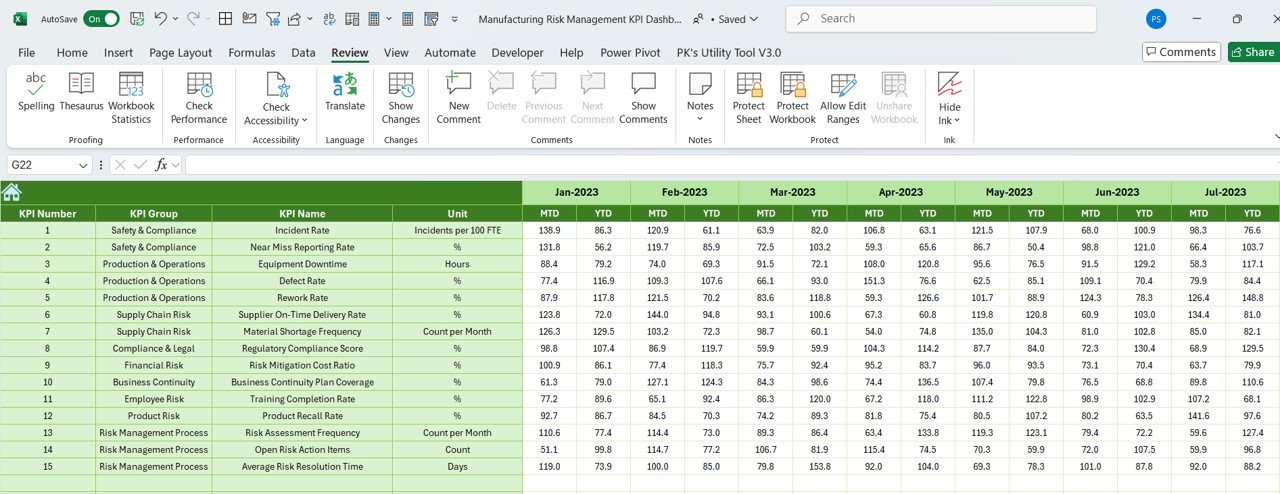

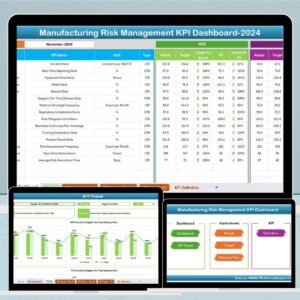
The Manufacturing Risk Management KPI Dashboard in Excel is a powerful and comprehensive tool designed to help manufacturers track, manage, and mitigate risks in their production processes. This Excel-based dashboard allows businesses to monitor critical risk factors, including operational inefficiencies, safety incidents, supply chain disruptions, and equipment failures, all in one centralized location.
By using this tool, manufacturers can gain real-time insights into risk management performance, identify vulnerabilities, and make data-driven decisions to enhance operational efficiency, minimize risks, and improve safety standards across the organization. The customizable features make it suitable for businesses of all sizes, from small manufacturers to large-scale industrial operations.
Key Features of the Manufacturing Risk Management KPI Dashboard in Excel
📊 Comprehensive Risk Monitoring
Track key risk factors that affect your manufacturing operations, including machinery breakdowns, safety incidents, supply chain delays, and production inefficiencies.
⚠️ Risk Assessment Scoring
Evaluate the severity of each identified risk with a clear scoring system. Classify risks by priority (high, medium, low) to focus resources on the most critical issues.
📅 Incident & Downtime Tracking
Monitor and record any incidents or downtime that occur in the production process. Track the duration, cause, and impact of these events to identify recurring issues.
📈 KPI Performance Monitoring
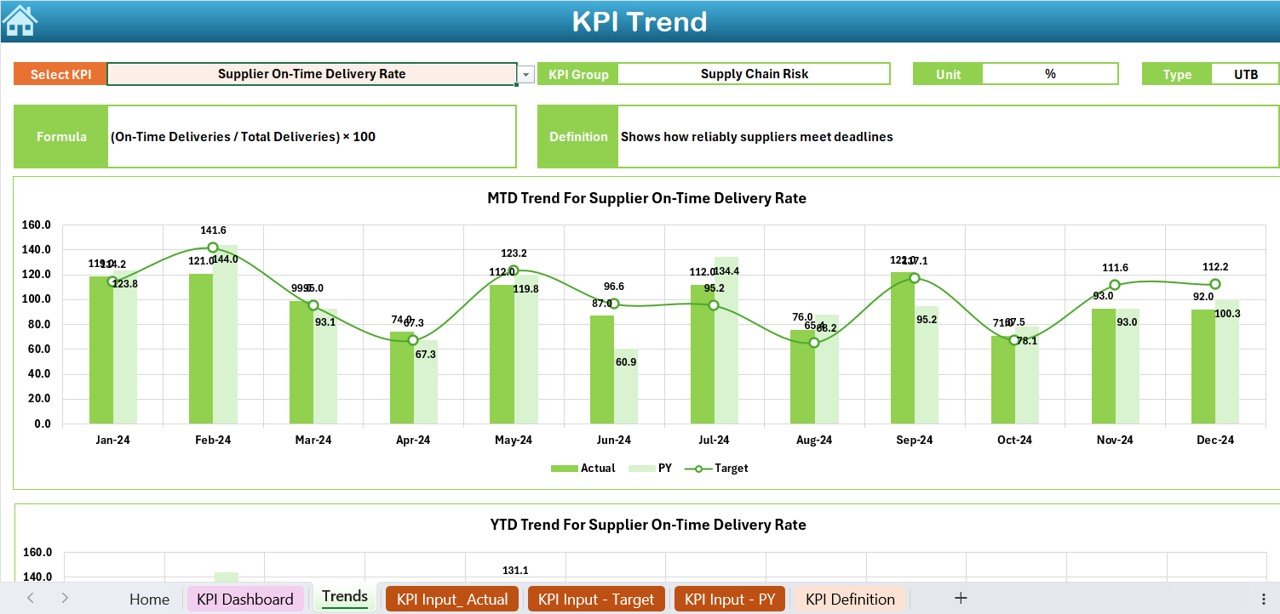
Monitor essential manufacturing KPIs such as production output, equipment efficiency, and defect rates. Track performance trends over time to identify areas for improvement.
📉 Risk Mitigation Progress
Keep track of risk mitigation efforts and monitor their effectiveness. Record the status of each mitigation plan, from initial identification to resolution, ensuring that actions are taken to reduce risks.
⚙️ Customizable & Scalable Dashboard
Tailor the dashboard to your organization’s specific risk management needs. Add or modify risk categories, KPIs, and risk mitigation actions to reflect your manufacturing environment.
Why You’ll Love the Manufacturing Risk Management KPI Dashboard in Excel
✅ Track Critical Risks in Real Time
Get a comprehensive view of the key risks affecting your manufacturing operations and monitor them in real time to ensure that you stay on top of emerging issues.
✅ Prioritize Risk Mitigation Efforts
Use the risk assessment scoring and priority system to focus your resources on the most impactful risks, helping you take swift action and minimize potential damage.
✅ Improve Operational Efficiency
Monitor performance metrics like equipment efficiency and production output to identify inefficiencies, reduce downtime, and optimize the overall manufacturing process.
✅ Enhance Safety & Compliance
Track safety-related incidents, monitor corrective actions, and ensure that safety standards are maintained, helping you create a safer work environment and stay compliant with regulations.
✅ Customizable for Any Manufacturing Business
The dashboard is adaptable to any manufacturing industry. Customize the layout, add new risk categories, and tailor KPIs to suit your specific needs and challenges.
What’s Inside the Manufacturing Risk Management KPI Dashboard in Excel?
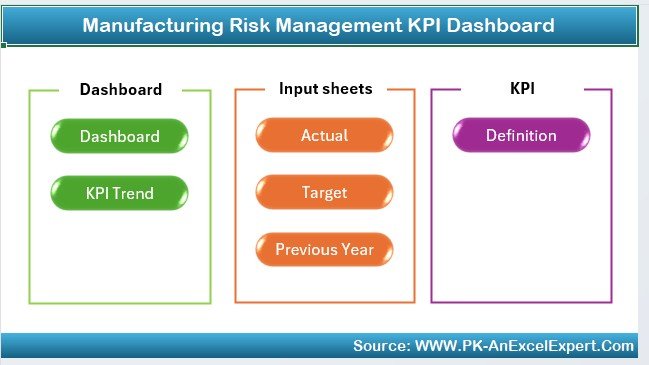
Comprehensive Risk Monitoring: Track critical risks such as downtime, equipment failure, and safety incidents.
Risk Assessment Scoring: Prioritize risks based on severity, helping you focus on the most impactful issues.
Incident & Downtime Tracking: Monitor production downtimes and identify causes for efficiency improvements.
KPI Performance Monitoring: Track performance KPIs like production output and defect rates.
Risk Mitigation Tracking: Follow the progress of risk mitigation actions and ensure timely resolution.
Customizable Dashboard: Adapt the dashboard to reflect your specific manufacturing processes.
How to Use the Manufacturing Risk Management KPI Dashboard in Excel
1️⃣ Download the Template: Get instant access to the Manufacturing Risk Management KPI Dashboard in Excel.
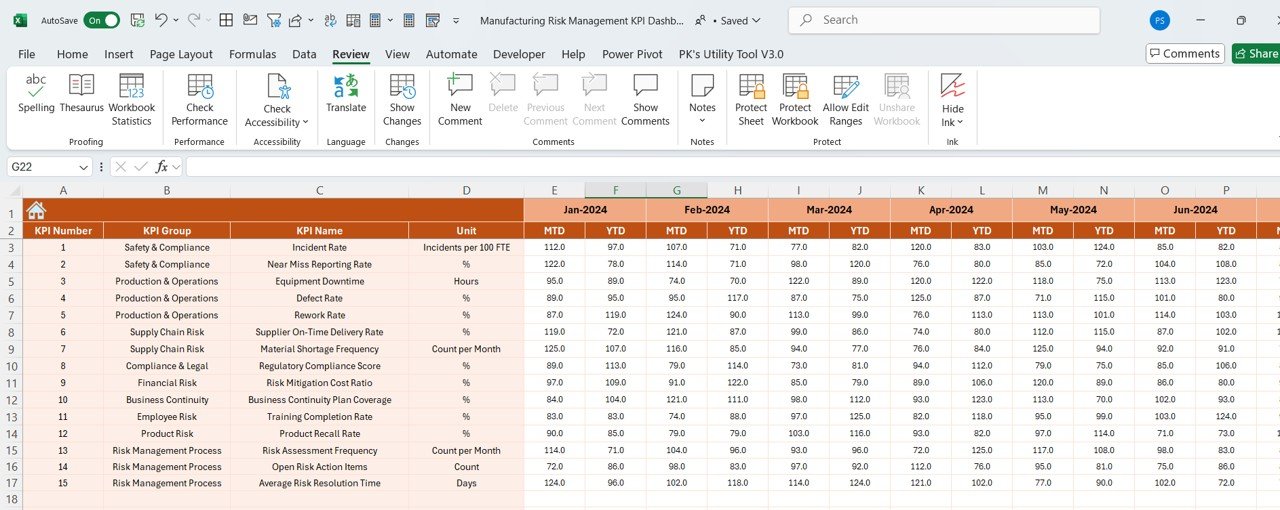
2️⃣ Input Risk Data: Enter your risk data, including production incidents, downtime, and KPIs.
3️⃣ Track Risks & Performance: Use the dashboard to monitor risk factors and assess the performance of your manufacturing operations.
4️⃣ Prioritize Risk Mitigation: Use the scoring system to identify and focus on the most critical risks.
5️⃣ Monitor Progress & Results: Track the progress of mitigation efforts and review the effectiveness of your risk management actions.
Who Can Benefit from the Manufacturing Risk Management KPI Dashboard in Excel?
🔹 Manufacturing Managers & Production Teams
🔹 Operations & Supply Chain Managers
🔹 Health & Safety Officers
🔹 Risk Management Professionals
🔹 Quality Control & Assurance Teams
🔹 Business Owners & Executives
🔹 Small & Medium Manufacturing Businesses
🔹 Large-Scale Industrial Manufacturers
Ensure your manufacturing operations run smoothly and safely with the Manufacturing Risk Management KPI Dashboard in Excel. Track risks, optimize performance, and make data-driven decisions to mitigate risks effectively.
Click here to read the Detailed blog post
Visit our YouTube channel to learn step-by-step video tutorials
Youtube.com/@PKAnExcelExpert
Watch the step-by-step video Demo:
Compatibility and Requirements
- Works in Microsoft Excel desktop (Excel 2016 or later, or Microsoft 365).
- New to Excel? Start with Microsoft’s Excel for Windows training.
Frequently Asked Questions
Which risks can I track?
Machinery breakdowns, safety incidents, supply chain delays and production inefficiencies, along with incidents and downtime.
How are risks prioritized?
A scoring system rates the severity of each risk and classifies it as high, medium or low priority.
Can I follow risk mitigation actions?
Yes. Record the status of each mitigation plan from identification to resolution.
Does it track production KPIs too?
Yes. It monitors production output, equipment efficiency and defect rates over time.
Related Manufacturing and Risk Templates
- Manufacturing Process Improvement KPI Dashboard in Excel: cycle time, downtime and yield KPIs
- Risk Management Dashboard in Excel: a general risk management dashboard
- Supply Chain and Logistics Risk Management KPI Dashboard in Excel: risk KPIs for supply chains
- Risk Management KPI Dashboard in Power BI: risk KPIs in Power BI
- Manufacturing Excellence Bundle: 8 manufacturing templates for Excel and Power BI
Browse all Excel manufacturing templates or the Excel KPI dashboards.






























Reviews
There are no reviews yet.