


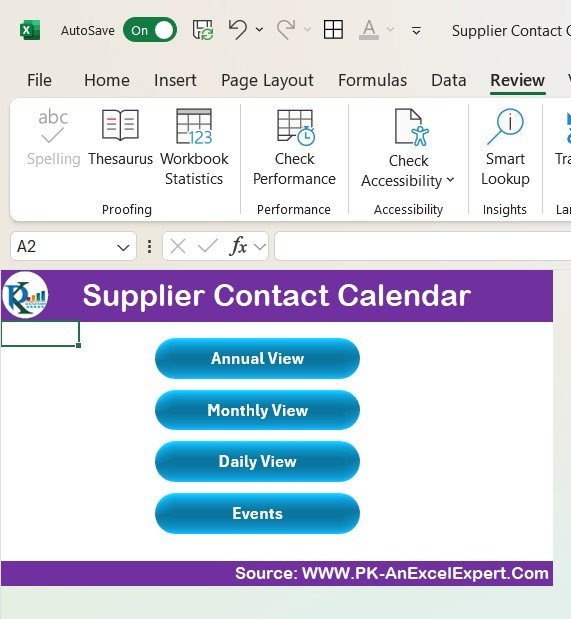


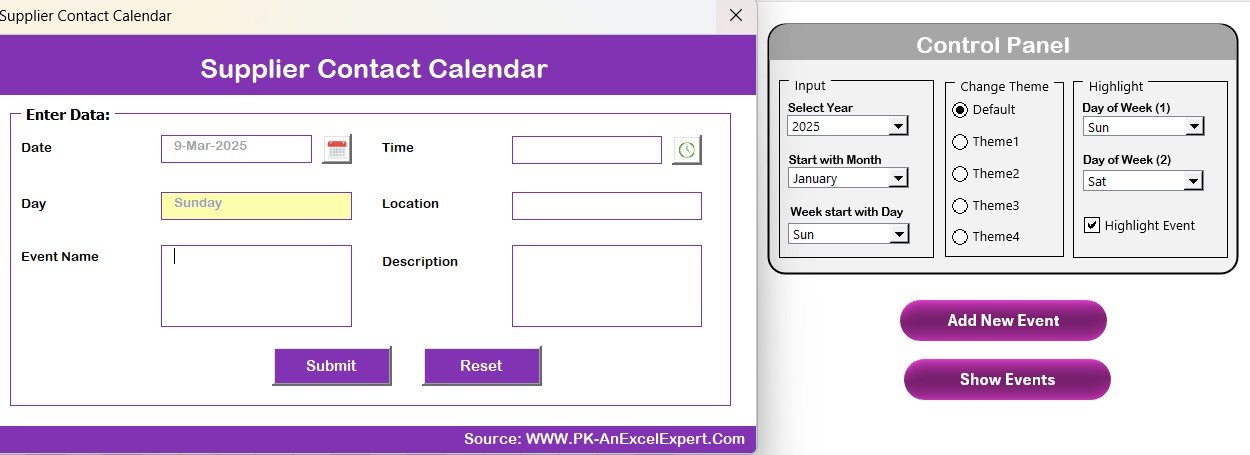
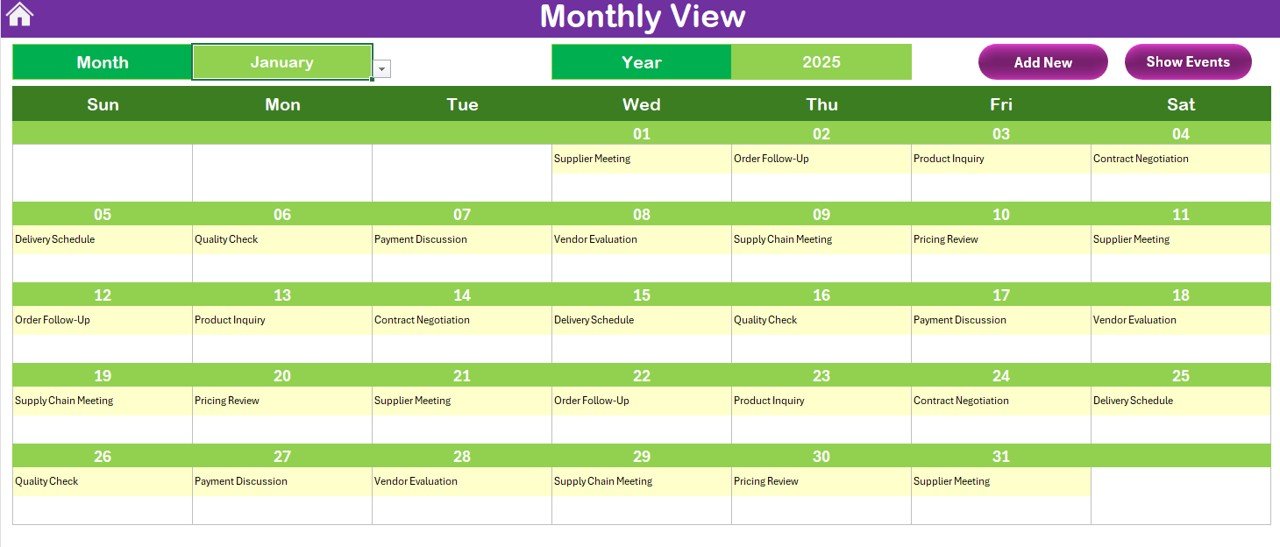

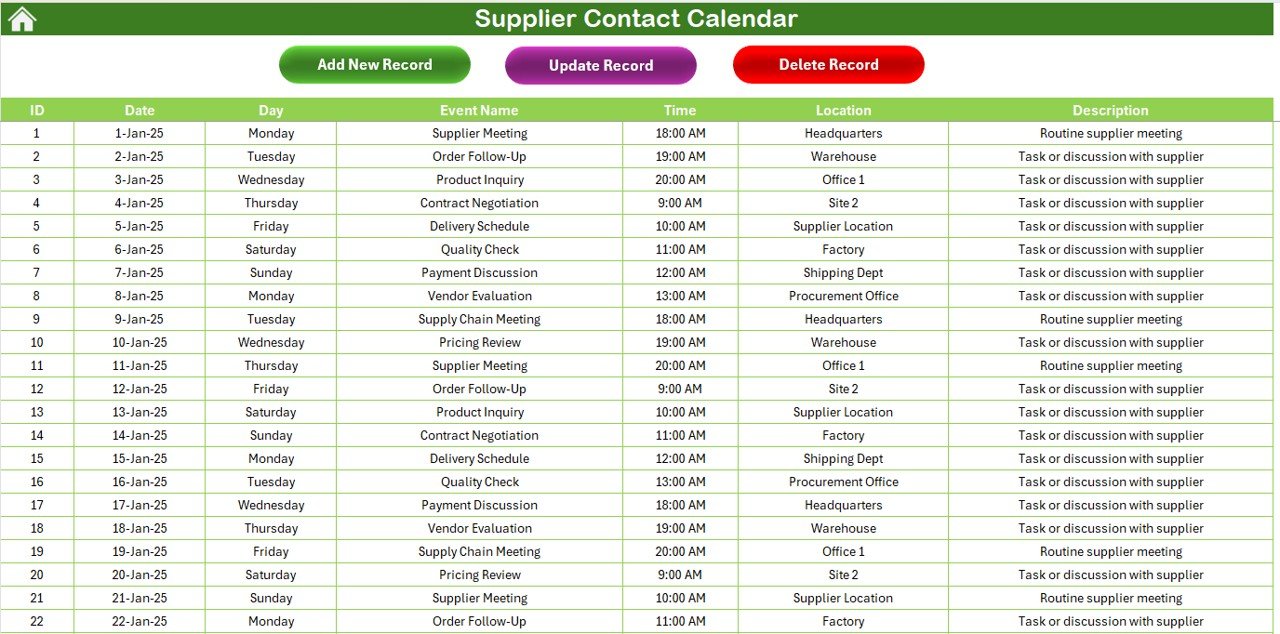



The Supplier Contact Calendar in Excel is an essential tool for businesses to manage and track their supplier communication and interactions. This Excel-based calendar helps you stay organized by recording key contact details, meeting schedules, follow-up reminders, and other critical information about your suppliers.
By using this calendar, you can streamline your supplier relationship management, ensure timely communication, and never miss an important meeting or deadline. It’s an indispensable tool for procurement managers, supply chain teams, and anyone responsible for managing vendor relations.
Key Features of the Supplier Contact Calendar in Excel
📅 Centralized Supplier Contact Information
Store all essential supplier details in one place, including names, contact information, business addresses, and more. Easily access this information whenever you need it.
📝 Meeting & Follow-Up Reminders
Keep track of scheduled meetings, calls, and follow-ups with your suppliers. The calendar helps ensure that communication stays on track and deadlines are met.
🔑 Timely Notifications & Alerts
Set alerts for upcoming supplier meetings, contract renewals, or other important dates. Stay ahead of your schedule and never miss an important task.
📈 Supplier Performance Tracking
Monitor supplier interactions and measure key performance metrics, such as order fulfillment rates, delivery timeliness, and quality of service. This feature helps you make data-driven decisions regarding supplier relationships.
⚙️ Customizable Calendar
Tailor the calendar to fit your specific supplier management needs. Add additional columns for customized information, such as payment terms, contract deadlines, or performance ratings.
📊 Data Reporting & Analysis
Track your interactions with suppliers and generate reports that analyze communication frequency, supplier performance, and relationship-building activities.
Why You’ll Love the Supplier Contact Calendar in Excel

✅ Streamline Supplier Communication
All your supplier contact information and communication schedules are stored in one easy-to-manage location, ensuring seamless coordination.
✅ Stay Organized & On Time
Track meetings, follow-ups, and important dates to ensure that nothing is overlooked. This helps you stay on top of deadlines and maintain strong supplier relationships.
✅ Improve Supplier Relationship Management
Monitor supplier performance, analyze interactions, and improve your approach to managing vendor relationships for long-term success.
✅ Enhance Productivity & Efficiency
With clear reminders, timely follow-ups, and easy access to contact details, you can enhance your efficiency and make more informed decisions about your supplier interactions.
✅ Flexible & Customizable
The calendar is customizable to your needs, allowing you to add fields and modify it according to your specific requirements and goals.
What’s Inside the Supplier Contact Calendar in Excel?
Centralized Supplier Contact Info: Store names, emails, phone numbers, and addresses.
Meeting & Follow-Up Reminders: Track meetings, calls, and follow-ups with suppliers.
Timely Alerts & Notifications: Set reminders for key dates and deadlines.
Supplier Performance Tracking: Monitor supplier performance and make data-driven decisions.
Customizable Fields: Add extra columns for specific supplier-related information.
Data Reporting & Analysis: Generate reports on supplier interactions and performance.
How to Use the Supplier Contact Calendar in Excel
1️⃣ Download the Template: Instantly access the Supplier Contact Calendar in Excel.
2️⃣ Add Supplier Information: Input supplier names, contact details, and other key information into the calendar.
3️⃣ Track Communication & Meetings: Use the calendar to schedule meetings and track follow-ups with suppliers.
4️⃣ Monitor Supplier Performance: Track key performance metrics such as delivery time, order accuracy, and quality of service.
5️⃣ Generate Reports: Use the reporting tools to analyze supplier performance and improve relationship management.
Who Can Benefit from the Supplier Contact Calendar in Excel?
🔹 Procurement Teams
🔹 Supply Chain Managers & Coordinators
🔹 Vendor Relationship Managers
🔹 Business Owners & Operations Managers
🔹 Small & Medium Enterprises (SMBs)
🔹 Enterprises with Multiple Suppliers
Ensure smooth supplier communication and management with the Supplier Contact Calendar in Excel. Keep track of supplier information, monitor performance, and improve supplier relationships with this easy-to-use tool.
Click here to read the Detailed blog post
Visit our YouTube channel to learn step-by-step video tutorials
Youtube.com/@PKAnExcelExpert
Compatibility and Requirements
- Works in Microsoft Excel desktop (Excel 2016 or later, or Microsoft 365).
- Keep the file in a shared folder so your procurement team works from the same supplier calendar.
Frequently Asked Questions
What supplier details can I store?
Supplier names, emails, phone numbers and business addresses, all kept in one place next to the meeting schedule.
Can I track meetings and follow-ups?
Yes. You record scheduled meetings, calls and follow-ups with each supplier, and set reminders for key dates such as contract renewals.
Which supplier performance measures can I record?
The calendar has room for order fulfillment rates, delivery timeliness and quality of service, so you can review each supplier over time.
Can I add my own columns?
Yes. You can add columns for details such as payment terms, contract deadlines or performance ratings.
Related Supplier and Vendor Templates
- Supplier Delivery Schedule Calendar in Excel: plan supplier deliveries by date.
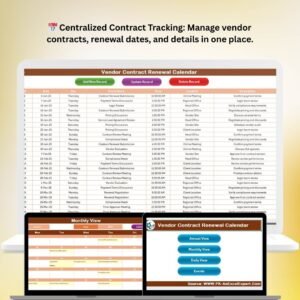
- Vendor Contract Renewal Calendar in Excel: keep contract renewal dates in view.
- Supplier Performance KPI Dashboard in Excel: measure supplier KPIs against targets.
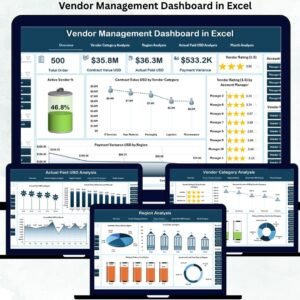
- Vendor Management Dashboard in Excel: a wider view of vendor activity and spend.
- Procurement and Vendor Management Kit: 7 procurement templates in Excel, Power BI and Google Sheets.
Browse all Excel calendar templates or the Excel operations templates.

































Reviews
There are no reviews yet.