

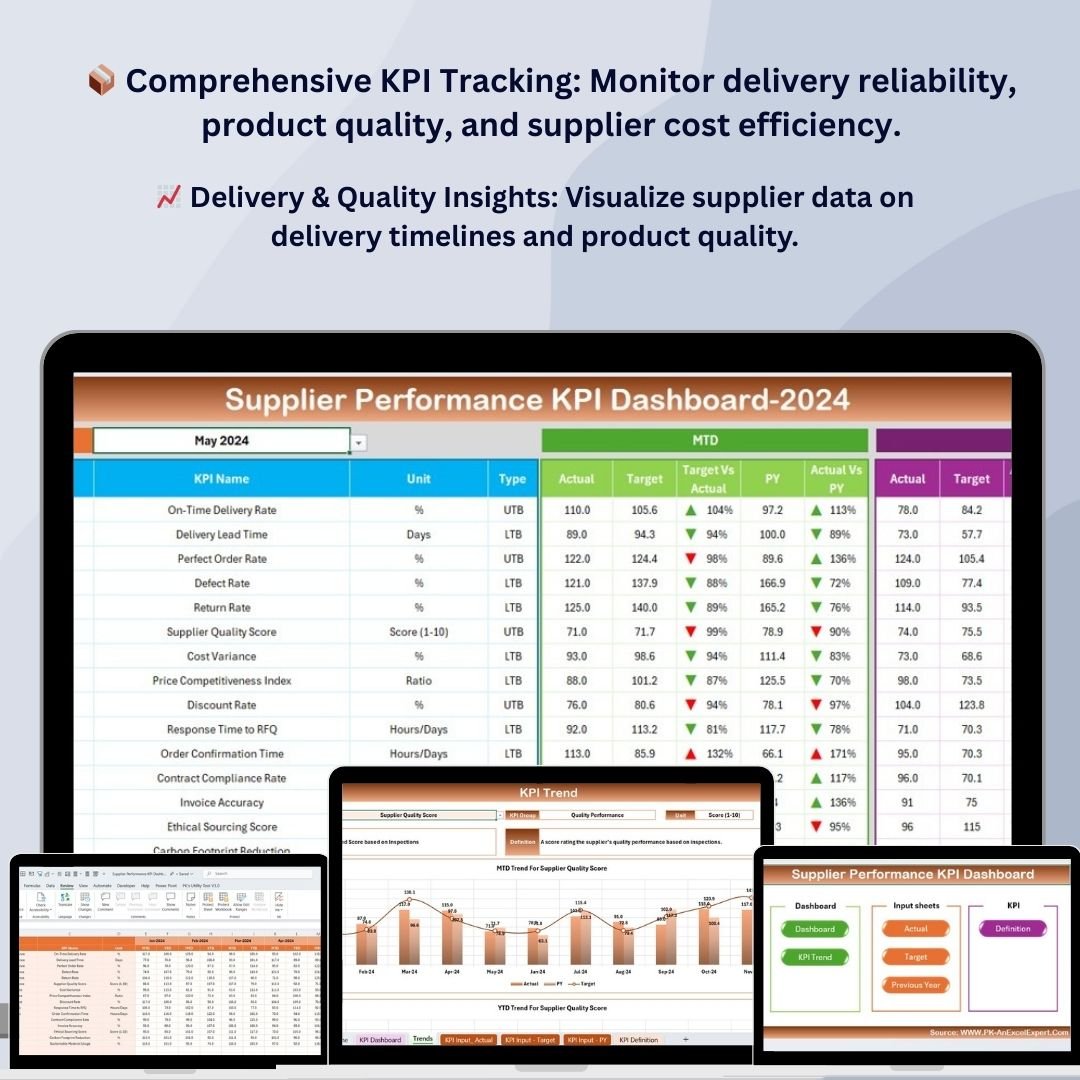



The Supplier Performance KPI Dashboard in Excel is a powerful tool designed to help businesses and supply chain managers track, evaluate, and optimize supplier performance. Whether you are managing relationships with a few suppliers or overseeing a complex supply chain, this dashboard provides a comprehensive solution to monitor key performance indicators (KPIs) like delivery reliability, quality control, cost performance, and lead times.
This customizable Excel template allows you to gain insights into your suppliers’ performance, assess their reliability, and make data-driven decisions to improve supply chain efficiency. The dashboard helps identify underperforming suppliers, optimize procurement strategies, and ensure that suppliers meet the agreed-upon standards for quality and delivery.
Key Features of the Supplier Performance KPI Dashboard
📦 Comprehensive Supplier KPI Tracking
Track critical supplier KPIs such as on-time delivery, product quality, cost efficiency, order fulfillment, and lead times. Gain an overall view of supplier performance and ensure consistency in your supply chain operations.
⚡ Real-Time Supplier Monitoring
Monitor supplier performance in real-time and compare actual data against set targets. The dashboard allows you to quickly assess any discrepancies and take immediate corrective actions.
📈 Supplier Quality & Delivery Insights
Visualize metrics related to product quality, order accuracy, and delivery timelines. Understand the impact of supplier performance on your supply chain operations and customer satisfaction.
📅 Customizable Metrics for Specific Needs
Easily customize the dashboard to track KPIs that are most relevant to your business needs, whether it’s assessing cost performance, supplier communication, or sustainability practices.
🖥️ Interactive & User-Friendly Interface
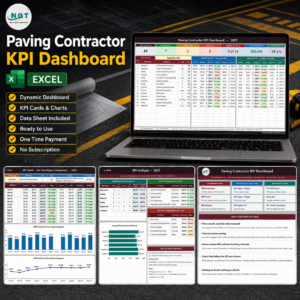
This Excel-based dashboard is designed for easy use, allowing you to quickly input supplier data and analyze performance trends. The dashboard’s visual charts and graphs make it simple to understand and act on the data.
Why You’ll Love the Supplier Performance KPI Dashboard
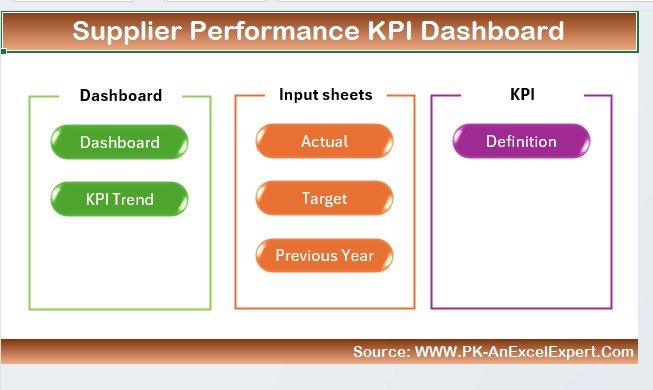
✅ Track Supplier Performance Across Key Areas
Monitor delivery accuracy, product quality, cost efficiency, and order fulfillment to evaluate supplier performance in real-time.
✅ Improve Supply Chain Efficiency
By tracking supplier performance, you can optimize procurement strategies, reduce delays, and ensure that your supply chain runs smoothly.
✅ Identify Underperforming Suppliers
Use data insights to identify underperforming suppliers and take corrective actions to avoid disruptions in your supply chain.
✅ Optimize Supplier Relationships
Build stronger supplier relationships by identifying strengths and areas for improvement, ensuring mutually beneficial partnerships.
✅ Visualize Supplier Data for Better Decision Making
With interactive charts and graphs, quickly visualize supplier performance trends and make informed decisions that enhance procurement and supply chain strategies.
What’s Inside the Supplier Performance KPI Dashboard Template?
- KPI Tracking: Monitor key performance indicators such as delivery reliability, product quality, cost performance, and lead times.
- Supplier Monitoring: Track the performance of individual suppliers based on agreed-upon KPIs.
- Delivery and Quality Insights: Visualize metrics related to on-time delivery, product quality, and supplier reliability.
- Cost & Procurement Efficiency: Track cost efficiency and optimize your procurement strategy.
- Customizable Dashboard: Tailor the dashboard to fit your specific supplier performance tracking needs.
- Interactive Reporting: Use visual charts and graphs to make data-driven decisions and easily communicate performance to stakeholders.
How to Use the Supplier Performance KPI Dashboard
1️⃣ Download the Template: Instantly access your Supplier Performance KPI Dashboard.
2️⃣ Enter Supplier Data: Input data related to delivery times, quality control, costs, and other relevant supplier performance metrics.
3️⃣ Track Supplier Performance: Use the dashboard to track and compare supplier performance against your targets.
4️⃣ Analyze & Optimize: Use insights to make data-driven decisions that optimize supplier relationships and procurement strategies.
Who Can Benefit from the Supplier Performance KPI Dashboard?
🔹 Supply Chain Managers & Procurement Teams
🔹 Operations and Logistics Coordinators
🔹 Purchasing Managers
🔹 Supplier Relationship Managers
🔹 Businesses Managing Multiple Suppliers
🔹 Any Organization Looking to Improve Supplier Performance and Supply Chain Efficiency
Track, optimize, and improve supplier performance with the Supplier Performance KPI Dashboard in Excel. Monitor critical KPIs, enhance supplier relationships, and make data-driven decisions that improve supply chain efficiency.
Click here to read the Detailed blog post
Visit our YouTube channel to learn step-by-step video tutorials
Youtube.com/@PKAnExcelExpert
Compatibility and Requirements
- Works in Microsoft Excel desktop (Excel 2016 or later, or Microsoft 365).
- Microsoft explains Excel charts in Create a chart from start to finish.
Frequently Asked Questions
Which supplier KPIs does the dashboard track?
On-time delivery, product quality, cost efficiency, order fulfillment and lead times.
Can I compare suppliers against targets?
Yes. The dashboard compares actual supplier data with the targets you set, so gaps stand out.
What data do I enter?
Delivery times, quality control results, costs and the other supplier metrics you track.
Can I add my own KPIs?
Yes. You can change the metrics to cover areas such as cost performance, supplier communication or sustainability.
Related Supplier and Procurement Templates
- Supplier Performance KPI Dashboard in Power BI: the same KPIs in Power BI
- Vendor Performance Dashboard in Excel: a full dashboard for vendor reviews
- Procurement Dashboard in Excel: track purchasing spend and orders
- Supplier Delivery Schedule Calendar in Excel: plan expected deliveries
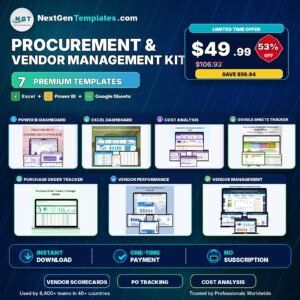
- Procurement and Vendor Management Kit: 7 procurement templates in one bundle
Browse all Excel KPI dashboards or the template bundles.











Reviews
There are no reviews yet.