

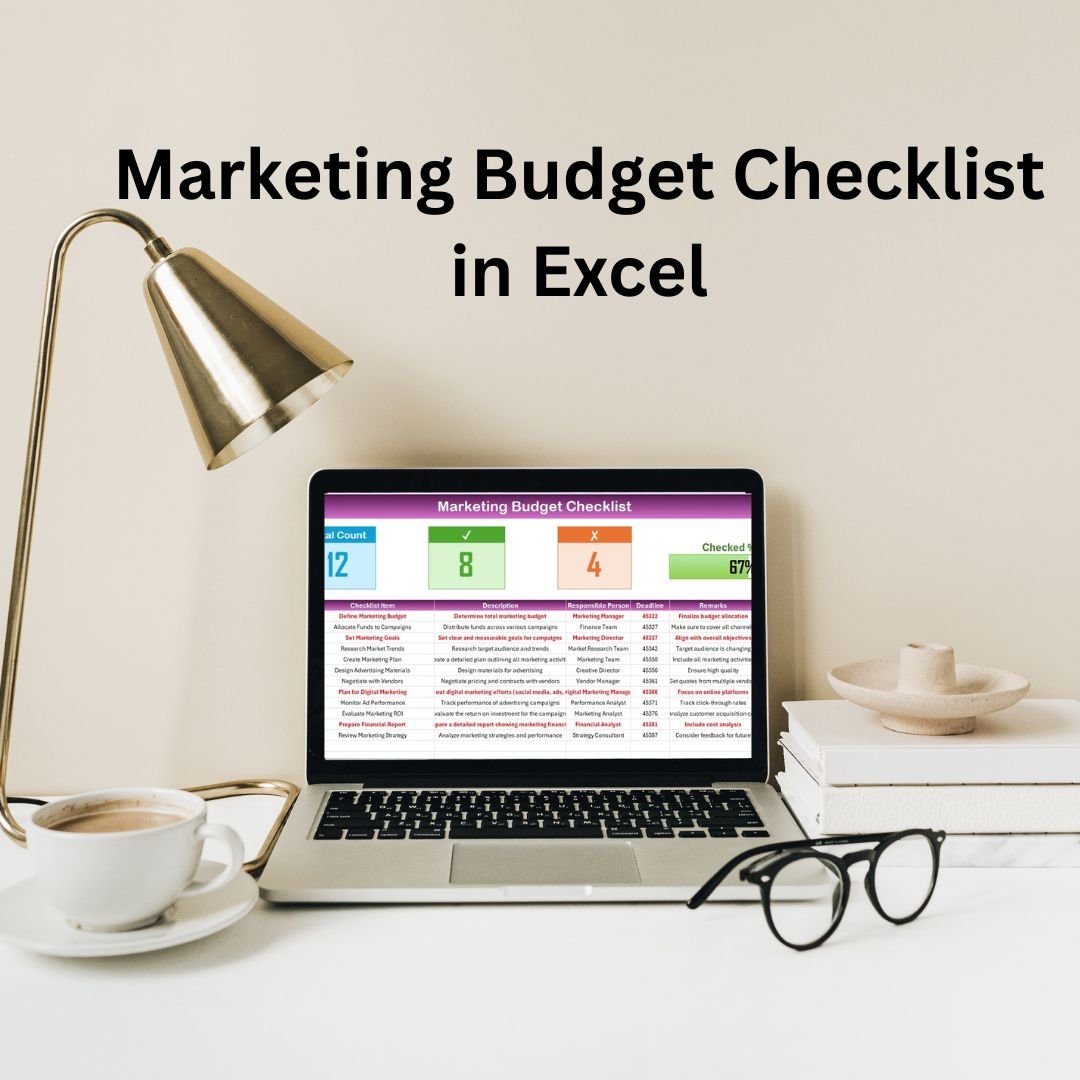


The Marketing Budget Checklist in Excel is a powerful tool designed to help businesses plan, track, and manage their marketing expenses efficiently. Whether you’re a marketing manager, business owner, or financial planner, this checklist enables you to allocate resources effectively, stay on top of marketing costs, and ensure that your campaigns stay within budget.
This Excel-based tool allows you to track all aspects of your marketing budget, including advertising, content creation, social media campaigns, and more. With its easy-to-use format, you can break down your marketing budget into various categories, set budget goals, and monitor actual spending against planned expenditures. It provides a clear, comprehensive overview that helps businesses optimize their marketing spending and achieve their goals.

Key Features of the Marketing Budget Checklist in Excel
📊 Comprehensive Budget Breakdown
Categorize and track various marketing activities, including advertising, content marketing, events, social media, and more. This breakdown ensures that you stay organized and focused on each element of your marketing strategy.
📅 Monthly & Yearly Budget Planning
Set monthly and yearly budget goals to keep track of expenses and monitor your spending across different periods. Compare actual spending against your planned budget to ensure financial control.
💰 Expense Tracking & Monitoring
Track actual expenses and compare them to your budgeted amounts in real-time. This helps identify overspending areas and allows for quick corrective actions.
📈 Campaign Performance Insights
Monitor and track the effectiveness of each marketing activity. Use the budget data to measure ROI (Return on Investment) and adjust campaigns based on performance.
⚙️ Customizable for Any Marketing Strategy
Whether you’re running a large-scale advertising campaign or managing a small content marketing budget, this checklist can be customized to suit any marketing need. Adjust the categories, add new fields, and tailor the structure to your specific goals.
📑 Clear Reporting & Analytics
Generate detailed reports on your marketing spend and performance. Get actionable insights into where your marketing budget is being allocated and optimize your efforts for maximum impact.
Why You’ll Love the Marketing Budget Checklist in Excel
✅ Streamline Marketing Spend Management
Track your marketing expenses effortlessly, from content creation to advertising campaigns, with an organized, easy-to-use checklist.
✅ Ensure Budget Adherence
Compare actual expenses against planned amounts to stay on top of your budget and avoid overspending. Prevent budget overruns and ensure financial discipline.
✅ Optimize Marketing Campaigns
Use insights from your budget and spending trends to make data-driven decisions. Measure the effectiveness of different marketing channels and adjust strategies accordingly.
✅ Maximize ROI on Marketing Spend
By tracking your spending and performance in real-time, you can optimize your marketing budget allocation and improve the ROI of your campaigns.
✅ Customizable & Scalable
Tailor the checklist to suit your marketing strategy, whether for a small business or a large corporation. It’s adaptable to any marketing needs and can scale as your business grows.
What’s Inside the Marketing Budget Checklist in Excel?
Comprehensive Budget Breakdown: Organize your marketing expenses across different categories.
Monthly & Yearly Planning: Set monthly and yearly budget goals to manage expenses effectively.
Expense Tracking: Track actual marketing expenses against planned amounts.
Campaign Performance Insights: Measure ROI and analyze campaign effectiveness.
Customizable Fields: Modify the template to suit your unique marketing needs.
Clear Reporting: Generate reports to evaluate marketing spend and ROI.
How to Use the Marketing Budget Checklist in Excel
1️⃣ Download the Template: Access the Marketing Budget Checklist in Excel instantly.
2️⃣ Set Budget Goals: Define your budget for each category, including advertising, content creation, and social media.
3️⃣ Track Expenses: Record actual expenses and compare them against your planned budget.
4️⃣ Monitor Campaigns: Track marketing campaign performance and ROI.
5️⃣ Analyze & Adjust: Use the reports and insights to make data-driven adjustments and optimize your marketing strategies.
Who Can Benefit from the Marketing Budget Checklist in Excel?
🔹 Marketing Managers
🔹 Business Owners & Entrepreneurs
🔹 Financial & Budgeting Teams
🔹 Marketing Agencies
🔹 Digital Marketers & Content Creators
🔹 E-commerce Platforms & Retailers
🔹 Large Corporations & Enterprises
Ensure your marketing campaigns stay on track and within budget with the Marketing Budget Checklist in Excel. Track your expenses, optimize your strategies, and maximize ROI.
Click here to read the Detailed blog post
Visit our YouTube channel to learn step-by-step video tutorials
Youtube.com/@PKAnExcelExpert
Compatibility and Requirements
- Works in Microsoft Excel desktop (Excel 2016 or later, or Microsoft 365).
- New to Excel? Microsoft’s Excel for Windows training covers the basics.
Frequently Asked Questions
What does the checklist cover?
It covers marketing expenses by category, monthly and yearly budget goals, actual spending against plan, campaign ROI, and reports on marketing spend.
How do I set my budget?
Define a budget for each category, such as advertising, content creation and social media. Then record actual expenses to compare them with the plan.
Can I measure campaign ROI?
Yes. It tracks campaign performance and ROI next to what you spent.
Can I change the categories?
Yes. The fields are customizable to suit your marketing needs.
Is there a Google Sheets version?
Yes. The Marketing Budget Checklist in Google Sheets covers the same budget checks on that platform.
Related Marketing and Budget Templates
- Marketing Budget Checklist in Google Sheets: the same checklist in Google Sheets
- Budget Approval Checklist in Excel: get budgets approved
- Budget Allocation Calendar in Excel: plan spending by month
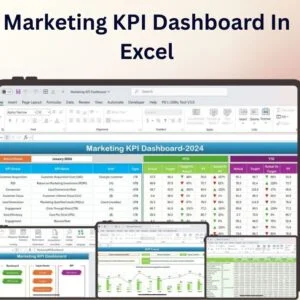
- Marketing KPI Dashboard In Excel: track marketing KPIs on a dashboard
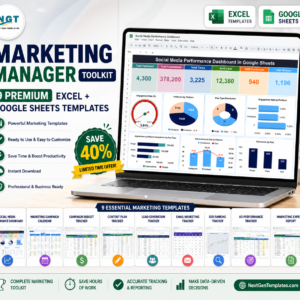
- Marketing Manager Toolkit: 9 Excel and Google Sheets marketing templates in one download
Browse all Excel checklists or the Excel sales and marketing templates.






























Reviews
There are no reviews yet.