

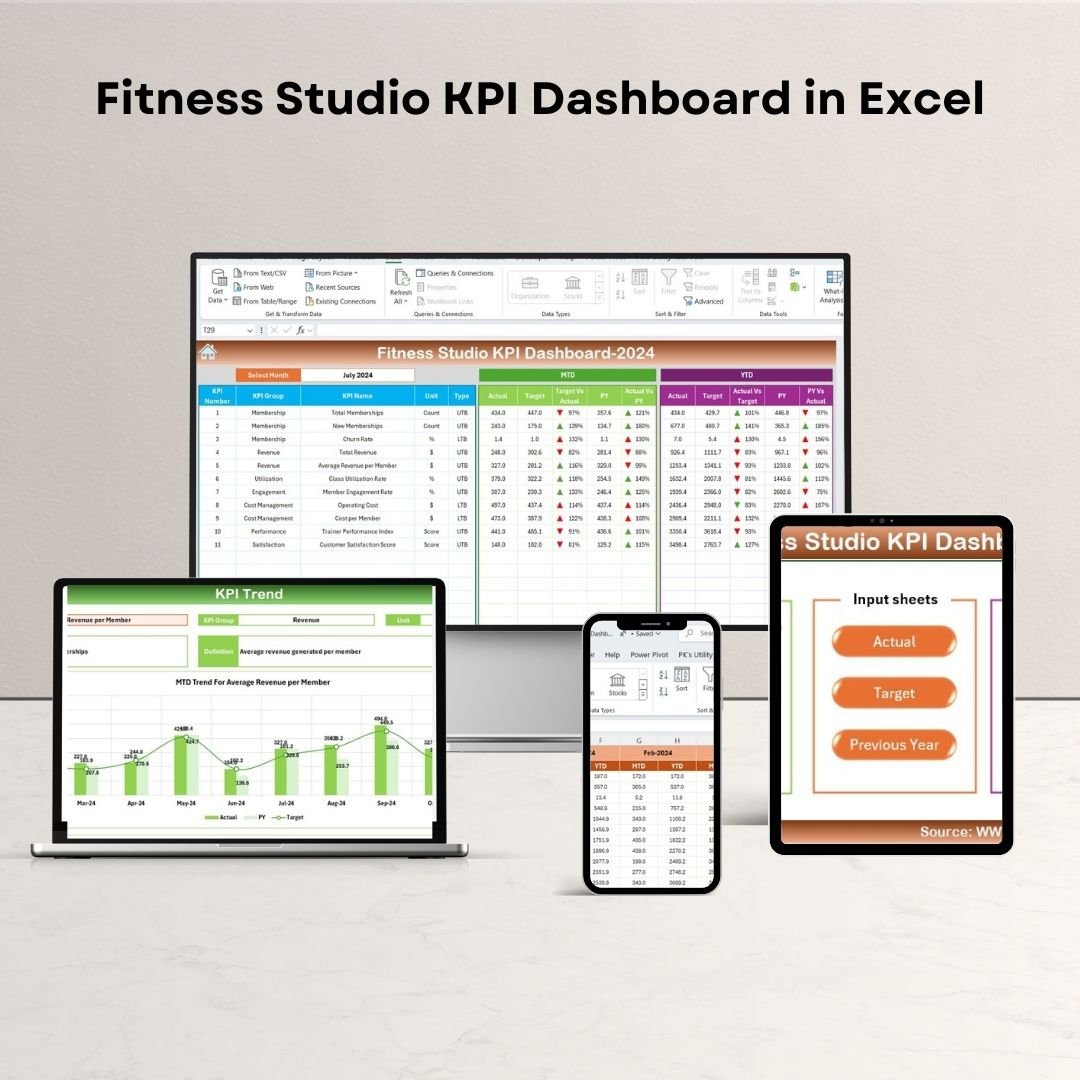


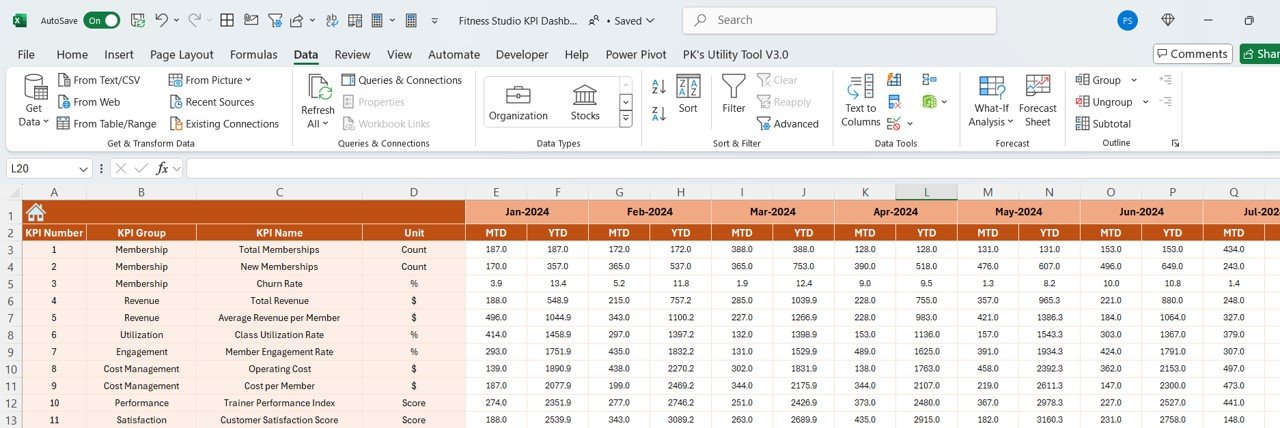



The Fitness Studio KPI Dashboard in Excel is a powerful tool designed specifically for gym and fitness studio owners, managers, and operators to track, manage, and optimize key performance indicators (KPIs). Whether you’re looking to monitor membership growth, attendance rates, revenue, or client satisfaction, this Excel-based dashboard offers valuable insights to help improve the performance of your fitness business.
This comprehensive dashboard enables you to track all critical aspects of your studio’s operations, from financial performance to customer engagement. With user-friendly visuals and real-time data integration, the Fitness Studio KPI Dashboard helps you make data-driven decisions to optimize your services, increase customer retention, and grow your fitness business.

Key Features of the Fitness Studio KPI Dashboard in Excel
📈 Membership & Attendance Tracking
Monitor the number of active members, new sign-ups, and class attendance. Track membership trends to ensure you’re meeting your growth targets and optimizing class schedules.
💵 Revenue & Financial Performance
Track monthly and annual revenue, including membership fees, class fees, and additional services like personal training. Get a clear overview of your financial performance to ensure profitability.
📊 Class & Session Metrics
Track attendance per class or session to understand which programs are most popular. Identify trends and optimize your class schedule to maximize participation and revenue.
📅 Client Retention & Satisfaction
Monitor client retention rates and gather feedback on customer satisfaction. Use this data to improve services and develop loyalty programs that boost customer engagement.
🧑🏫 Personal Training & Additional Services
Track the number of personal training sessions provided and additional services such as nutrition counseling or group activities. Measure their impact on overall revenue and member satisfaction.
⚙️ Customizable Dashboard
Customize the dashboard to include additional KPIs that are relevant to your fitness studio. Whether it’s tracking employee performance, customer feedback, or marketing campaigns, you can tailor the dashboard to your specific business needs.
Why You’ll Love the Fitness Studio KPI Dashboard in Excel
✅ Track Business Growth & Performance
Easily monitor membership numbers, attendance rates, and financial performance in real time. Identify trends and opportunities for growth with comprehensive KPI tracking.
✅ Increase Customer Retention
Track client satisfaction and retention rates to identify areas for improvement. Use insights to implement loyalty programs, improve services, and increase member engagement.
✅ Optimize Class Scheduling & Participation
Analyze class attendance to understand which programs attract the most members. Adjust schedules and offerings to boost participation and maximize studio capacity.
✅ Simplify Financial Management
Monitor revenue, expenses, and profitability with clear and concise financial tracking. Ensure that your fitness studio remains profitable by keeping track of all income streams.
✅ Data-Driven Decisions for Growth
Leverage the insights from the dashboard to make informed decisions that improve your studio’s operations, marketing strategies, and overall member experience.
What’s Inside the Fitness Studio KPI Dashboard in Excel?
Membership & Attendance Tracking: Monitor active members, sign-ups, and attendance rates.
Revenue & Financial Performance: Track monthly and annual revenue from memberships and additional services.
Class & Session Metrics: Track attendance per class to optimize scheduling.
Client Retention & Satisfaction: Measure client satisfaction and retention to improve engagement.
Personal Training & Additional Services: Track personal training sessions and additional service revenue.
Customizable KPIs: Tailor the dashboard to track your specific business metrics.
How to Use the Fitness Studio KPI Dashboard in Excel
1️⃣ Download the Template: Get access to the Fitness Studio KPI Dashboard in Excel instantly.
2️⃣ Input Your Data: Enter membership, attendance, financial, and customer satisfaction data into the dashboard.
3️⃣ Track Key Metrics: Monitor class attendance, membership growth, revenue, and client retention.
4️⃣ Analyze Trends: Use time-based data analysis to assess performance and identify trends.
5️⃣ Optimize Your Fitness Business: Make data-driven decisions to improve services, increase revenue, and boost customer satisfaction.
Who Can Benefit from the Fitness Studio KPI Dashboard in Excel?
🔹 Fitness Studio Owners & Managers
🔹 Gym Operators & Franchisees
🔹 Personal Trainers & Fitness Coaches
🔹 Marketing Teams for Fitness Businesses
🔹 Financial & Operations Teams
🔹 Small & Medium Enterprises (SMBs) in the Fitness Industry
🔹 Large Fitness Chains & Enterprises
Ensure the success of your fitness business with the Fitness Studio KPI Dashboard in Excel. Track key metrics, improve customer retention, optimize class schedules, and increase revenue to grow your business.
Click here to read the Detailed blog post
Visit our YouTube channel to learn step-by-step video tutorials
Youtube.com/@PKAnExcelExpert
Compatibility and Requirements
- Works in Microsoft Excel desktop (Excel 2016 or later, or Microsoft 365).
- If you are new to Excel, Microsoft’s Excel for Windows training covers the basics.
Frequently Asked Questions
What can I track with this dashboard?
It tracks active members, sign-ups, class attendance, monthly and annual revenue, client retention and satisfaction, and personal training sessions.
Can I see which classes are most popular?
Yes. Class and session metrics show attendance per class, so you can adjust your schedule.
Does it include revenue from extra services?
Yes. It tracks personal training and additional services such as nutrition counseling alongside membership and class fees.
Can I add my own KPIs?
Yes. You can add KPIs such as employee performance, customer feedback or marketing campaigns.
Is there a Google Sheets version?
Yes. The Fitness Studio KPI Dashboard in Google Sheets covers the same topic in a browser.
Related Fitness Business Templates
- Fitness Studio KPI Dashboard in Google Sheets: fitness studio KPIs in Google Sheets
- Fitness Studio KPI Dashboard in Power BI: fitness studio KPIs in Power BI
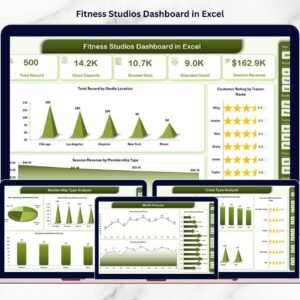
- Fitness Studios Dashboard in Excel: a full dashboard for studio data
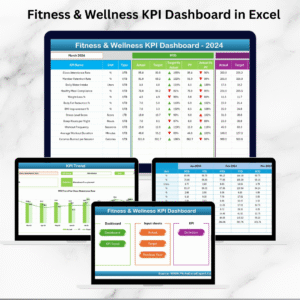
- Fitness Industry KPI Dashboard in Excel: KPIs for gyms and fitness businesses
- Yoga & Wellness Studio Dashboard in Excel: for yoga and wellness studios
Browse all Excel KPI dashboards or the Excel dashboards.






















Reviews
There are no reviews yet.