

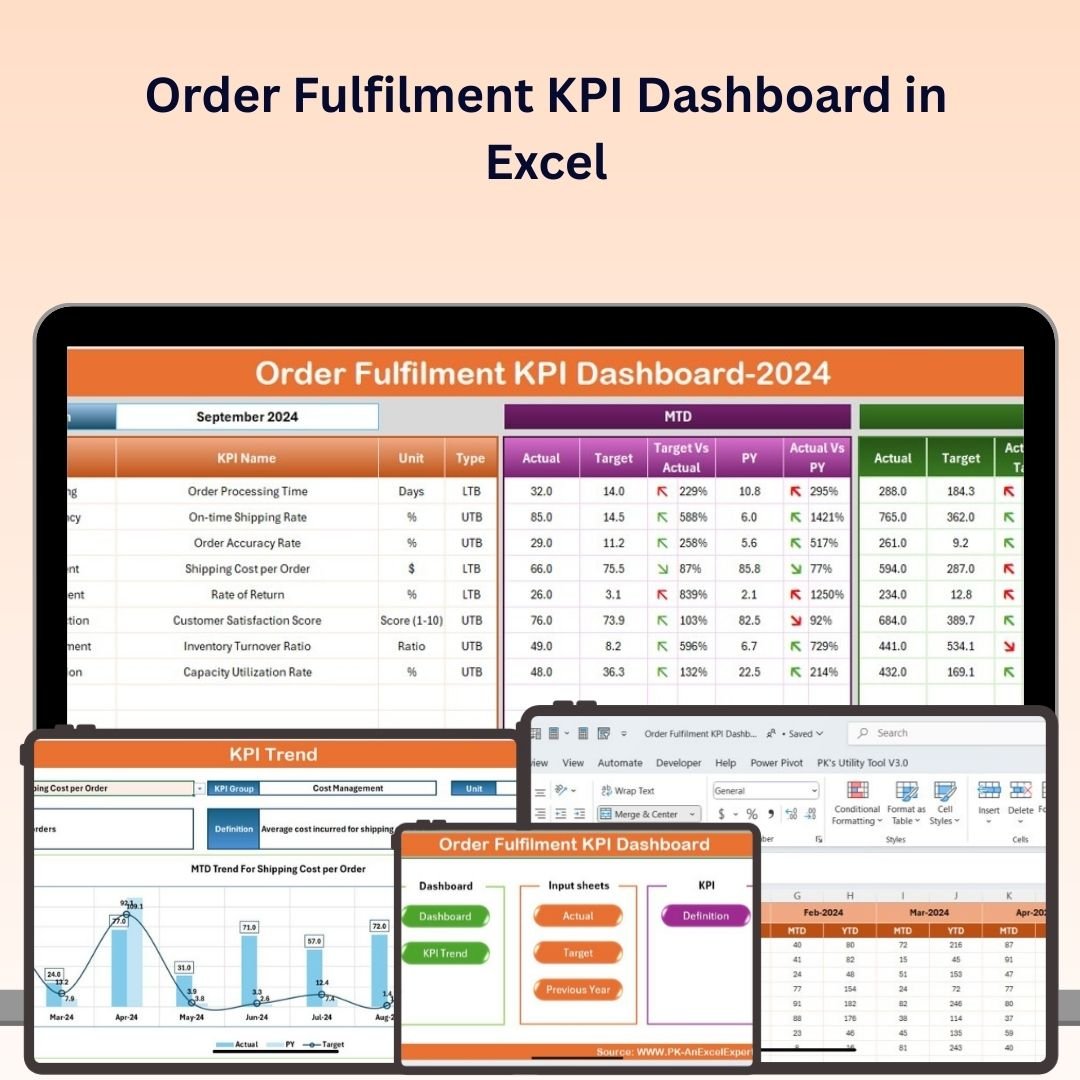
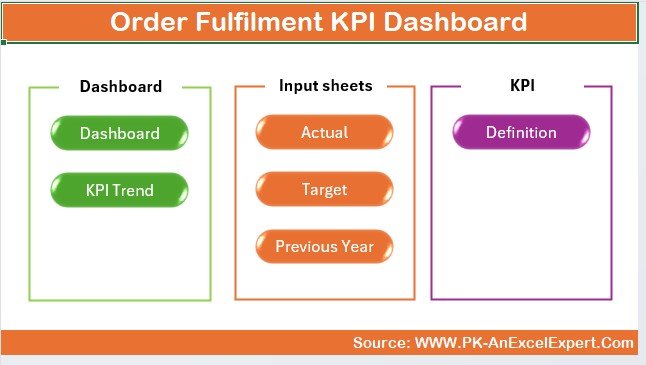
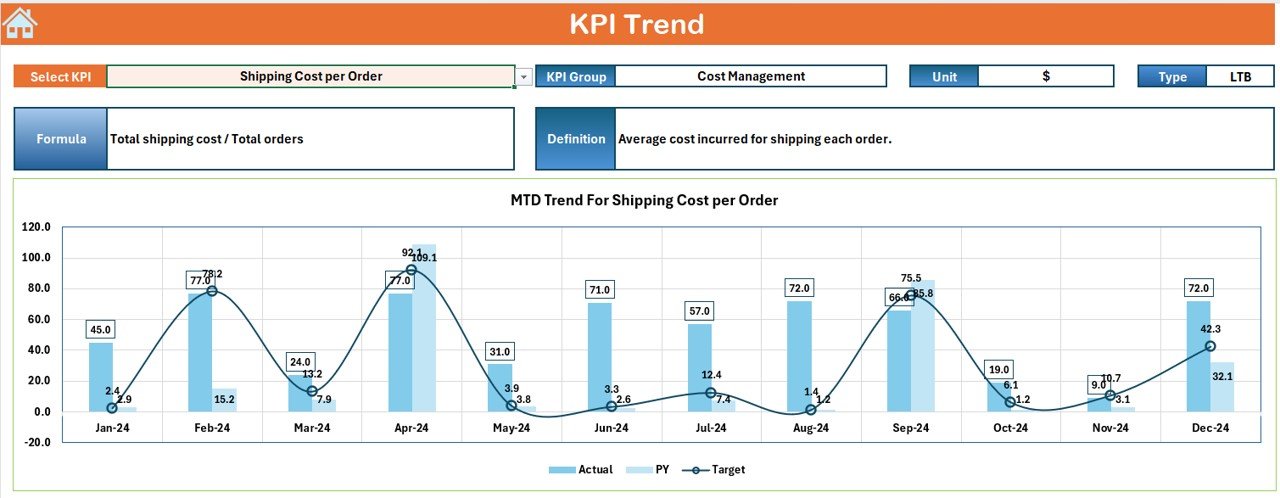
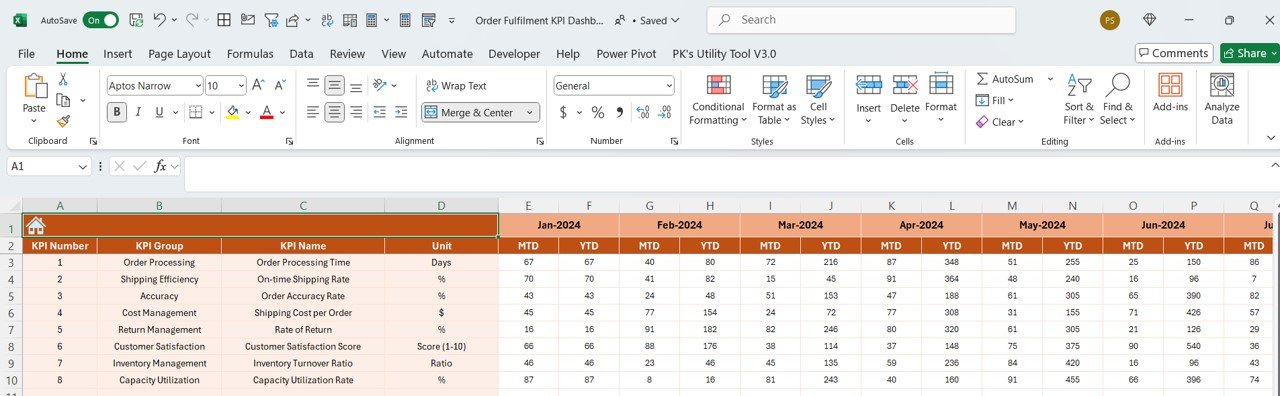
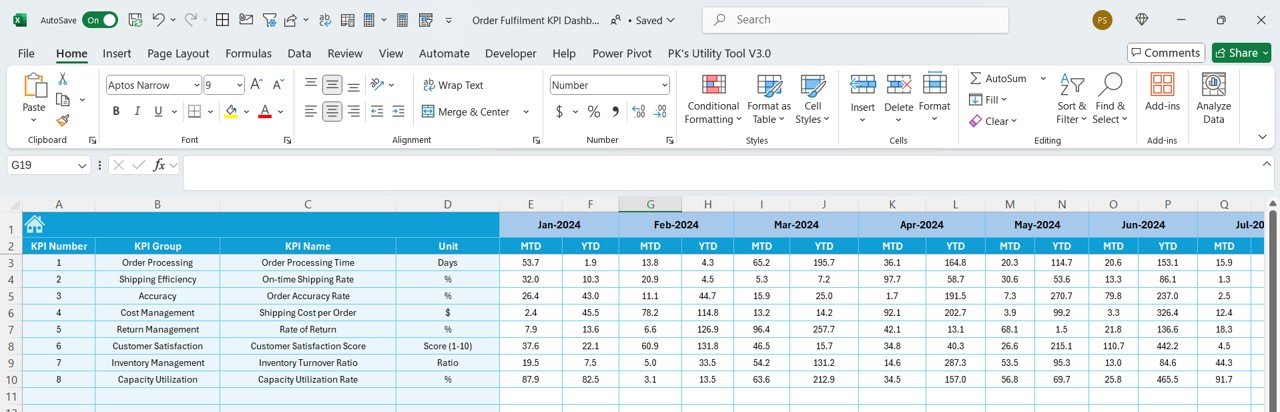
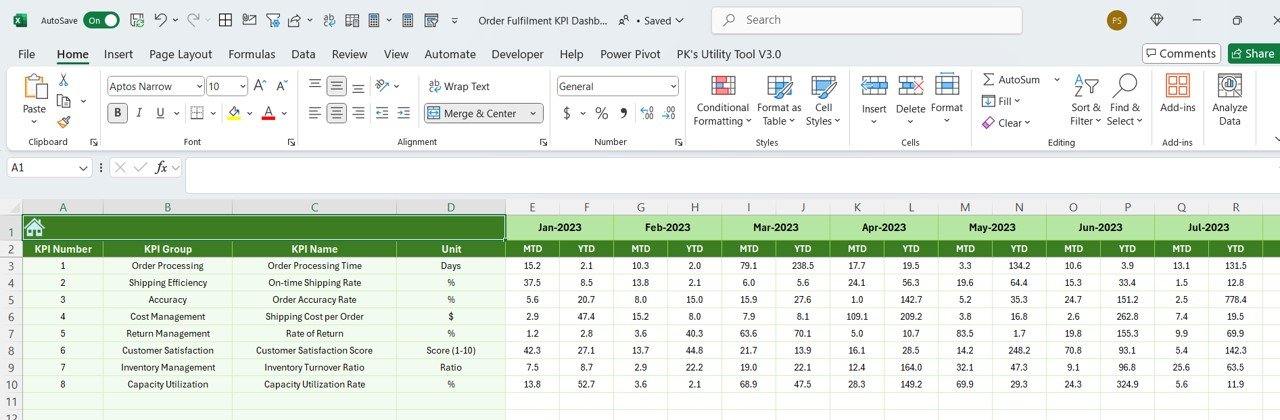
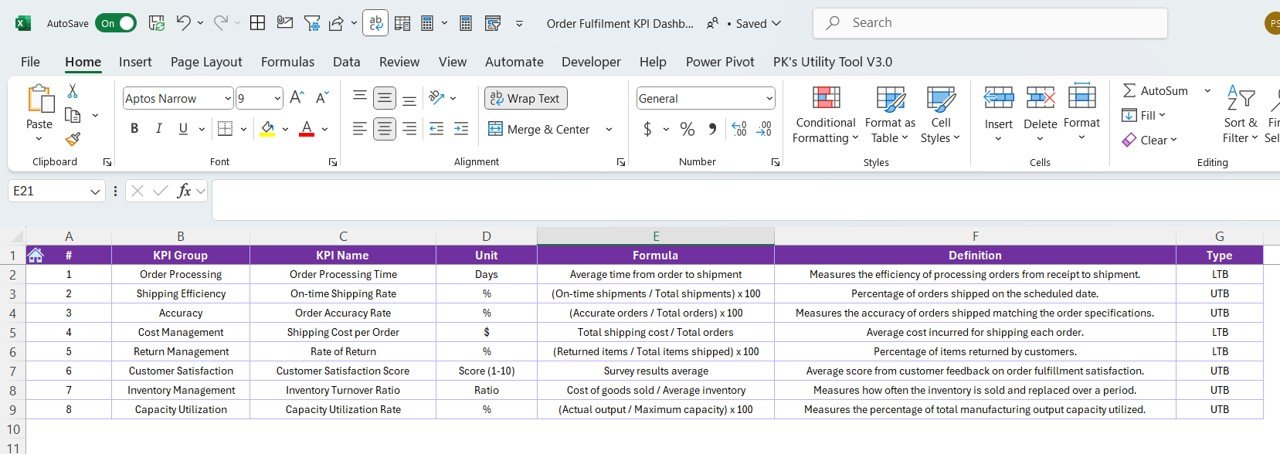

The Order Fulfilment KPI Dashboard in Excel is a must-have tool for businesses that need to efficiently track and optimize their order fulfillment processes. This Excel-based dashboard helps you monitor key performance indicators (KPIs) such as order processing time, delivery accuracy, inventory levels, order status, and customer satisfaction, ensuring that your business delivers timely and accurate orders to customers.
With real-time tracking, customizable charts, and in-depth reports, this dashboard enables you to identify bottlenecks in your order fulfillment workflow, improve operational efficiency, and enhance customer satisfaction.

Key Features of the Order Fulfillment KPI Dashboard in Excel:
📦 Order Processing Time
Track the time it takes to process and ship orders, from order creation to delivery, ensuring that you meet customer expectations for fast and efficient service.
🚚 Delivery Accuracy Tracking
Monitor the accuracy of your deliveries by tracking the number of correct versus incorrect orders, helping to reduce errors and improve customer satisfaction.
📈 Inventory Management
Track inventory levels and stock availability in real-time to ensure that orders are fulfilled promptly without delays due to stockouts.
🔄 Order Status Monitoring
Monitor the status of each order in your pipeline, including pending, in-process, and completed orders, so that you can track progress and manage expectations.
💬 Customer Satisfaction
Track customer feedback and satisfaction ratings to ensure that your order fulfillment process is meeting or exceeding customer expectations.
🚀 Why You’ll Love the Order Fulfillment KPI Dashboard in Excel:
✅ Track Order Processing Time – Monitor how long it takes to fulfill orders and identify any delays to optimize efficiency.
✅ Improve Delivery Accuracy – Track and reduce errors in deliveries to ensure customers receive the correct items on time.
✅ Optimize Inventory Management – Monitor inventory levels to prevent stockouts and overstocking, ensuring timely order fulfillment.
✅ Track Order Progress – Keep track of the status of all orders and ensure that they are processed, packed, and shipped without delay.
✅ Enhance Customer Satisfaction – Use customer feedback and satisfaction ratings to improve your order fulfillment process and increase customer loyalty.
✅ Customizable and Easy-to-Use – This Excel dashboard is fully customizable and simple to use, allowing you to tailor it to your specific business needs.
What’s Inside the Order Fulfillment KPI Dashboard in Excel:
- Order Processing Time: Track the time it takes to process and fulfill orders, from the moment an order is placed to when it’s delivered.
- Delivery Accuracy: Monitor the number of deliveries made correctly versus incorrectly, helping to reduce order fulfillment errors.
- Inventory Tracking: Track current inventory levels in real-time to ensure that stock is available to fulfill customer orders promptly.
- Order Status: Monitor the progress of each order, from order creation to shipment and delivery, and keep customers informed.
- Customer Satisfaction: Track customer feedback, satisfaction scores, and complaints to ensure your fulfillment process meets customer expectations.
- Custom Reports: Generate custom reports that summarize KPIs, performance trends, and customer feedback for stakeholders and management.
How to Use the Order Fulfillment KPI Dashboard in Excel:
1️⃣ Download the Template – Instantly access your Excel file upon purchase.
2️⃣ Input Order and Inventory Data – Enter order processing times, inventory levels, order statuses, and customer feedback into the dashboard.
3️⃣ Track Key Metrics – Monitor important KPIs like order processing time, delivery accuracy, inventory levels, and customer satisfaction in real-time.
4️⃣ Analyze Trends – Use charts and graphs to analyze order fulfillment trends, delivery errors, and inventory issues.
5️⃣ Generate Reports – Create tailored reports for management or stakeholders to review performance and identify areas for improvement.
Who Can Benefit from the Order Fulfillment KPI Dashboard in Excel:
- Supply Chain Managers
- Order Fulfillment Teams
- E-commerce Businesses
- Retail Operations Managers
- Logistics and Distribution Managers
- Warehouse Managers
- Customer Service Teams
- Data Analysts in Logistics and Retail
The Order Fulfillment KPI Dashboard in Excel is an ideal tool for businesses looking to optimize their order fulfillment processes, improve delivery accuracy, and increase customer satisfaction. By monitoring key metrics and tracking real-time data, this dashboard helps ensure that your order fulfillment process is efficient, effective, and customer-focused.
Click here to read the Detailed blog post
https://www.pk-anexcelexpert.com/order-fulfilment-kpi-dashboard-in-excel/
Visit our YouTube channel to learn step-by-step video tutorials
Youtube.com/@PKAnExcelExpert































Reviews
There are no reviews yet.