

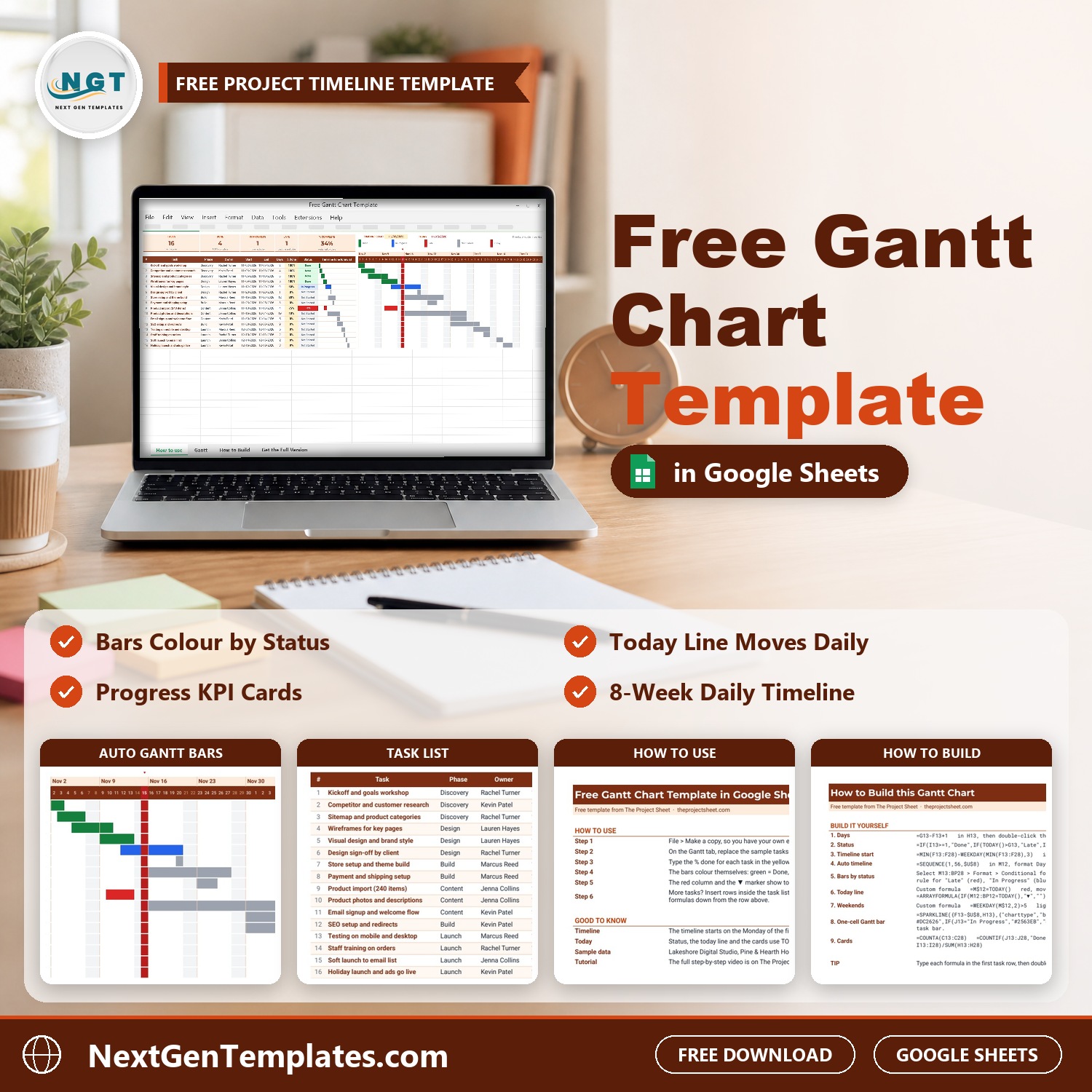
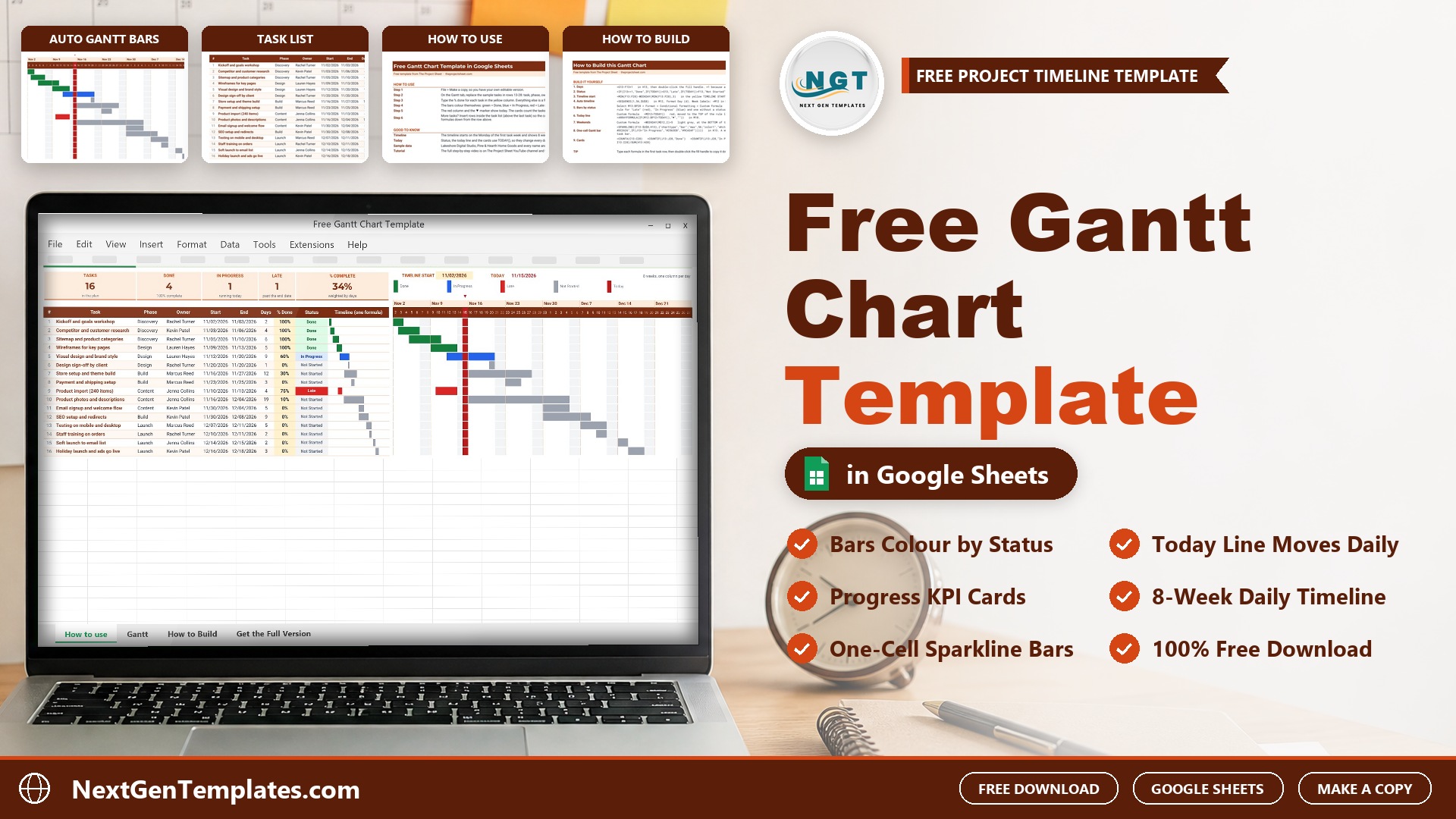
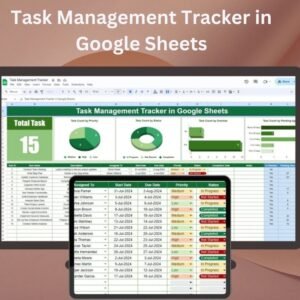

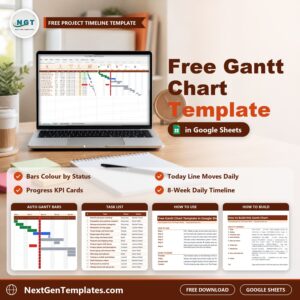
The Free Gantt Chart Template in Google Sheets turns a plain task list into a colour-coded project timeline. Type a start date, an end date and a % done for each task, and the bars, the status, the today line and the progress cards update on their own. If you searched for a gantt chart Google Sheets users can copy in one click and start using, this is it.
It is 100% free. It is the lighter version of our paid Google Sheets project planners, so you can see how a NextGenTemplates file works before you pay for anything. Setup takes about five minutes: make a copy, replace the sample tasks with yours and type the % done.
Join 10,000+ customers in 180+ countries who use NextGenTemplates spreadsheets to plan their projects and run their businesses.
Free download | Google Sheets | Make a copy in one click | No add-ons, no scripts
Key features of this free Gantt chart template
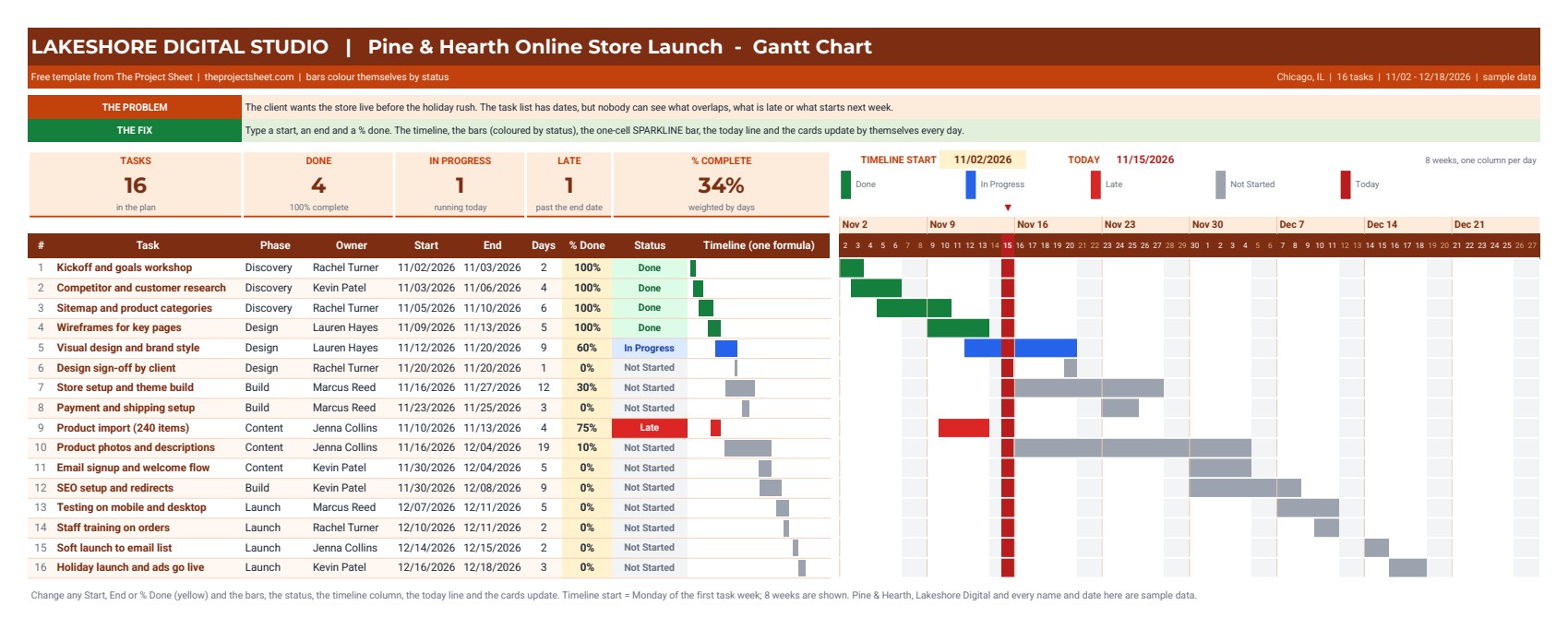
- Bars that colour themselves by status. Green for Done, blue for In Progress, red for Late (past the end date and not 100%) and grey for Not Started. All of it is conditional formatting, so there is nothing to colour by hand.
- Automatic status. The Status column reads the dates and the % done with one IF formula, so every task shows Done, In Progress, Late or Not Started.
- Today line. A red column and a small marker show today on the timeline. They move by themselves every day because they use TODAY().
- 8-week daily timeline. The timeline starts on the Monday of the first task week and shows 56 days, one column per day, with week labels on top and weekends shaded.
- One-cell SPARKLINE bar. Next to each task, a single SPARKLINE formula draws a mini Gantt bar in one cell, coloured by status.
- Progress KPI cards. Cards at the top count the tasks, how many are done, running and late, and the overall % complete weighted by task days.
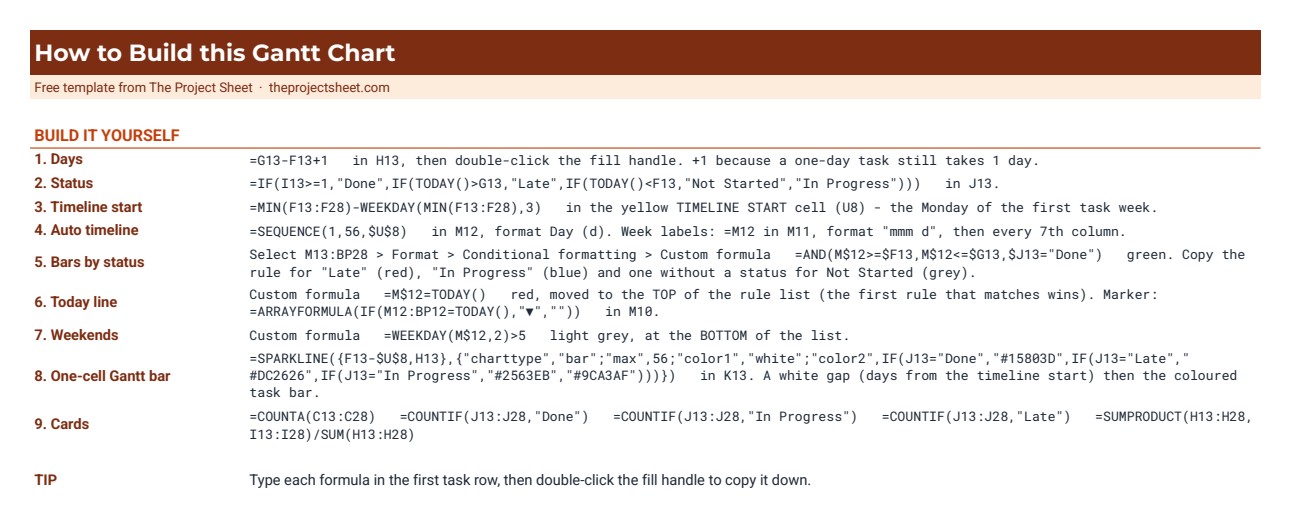
- How to Build tab. Every formula and conditional formatting rule is written out, so you can rebuild this Google Sheets gantt chart template from a blank sheet.
What is inside the file
| Tab | What it does |
|---|---|
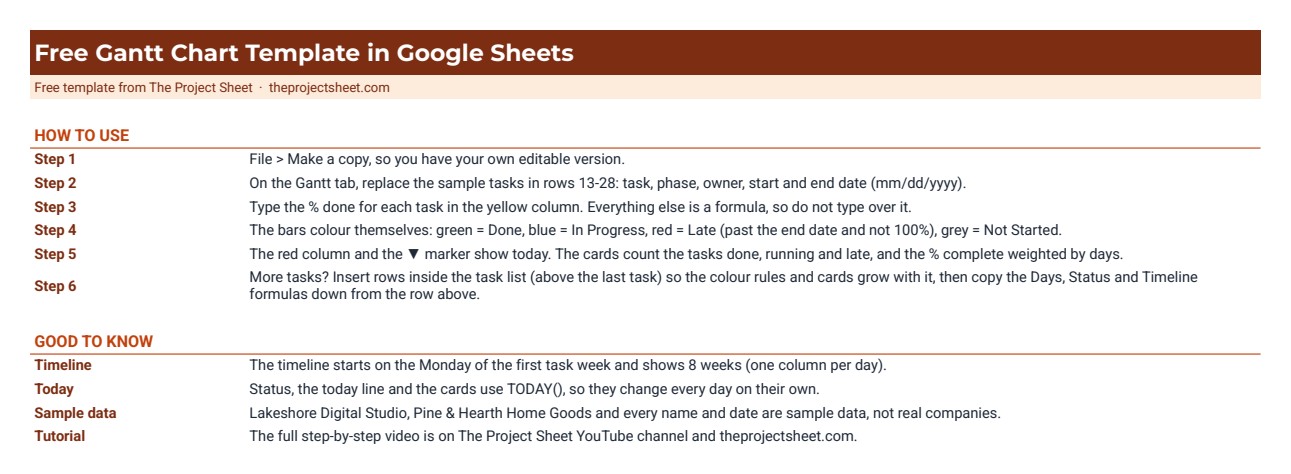
| How to use | Six short steps to set up the template and notes on the timeline and today line |
| Gantt | Task list (task, phase, owner, start, end, days, % done, status), the one-cell timeline bar, the 8-week Gantt chart and the progress cards |
| How to Build | The exact formulas and conditional formatting rules, step by step |
| Get the Full Version | Links to the paid Google Sheets project planners when you need more |
The sample data is fictional. It shows a small digital studio planning the launch of an online store: 16 tasks from early November to mid-December across Discovery, Design, Build, Content and Launch phases. Replace it with your own tasks.
How to use it in three steps
- Make a copy. Download the free PDF and click Make a copy in Google Sheets. The copy goes into your own Google Drive.
- Add your tasks. On the Gantt tab, type each task, its phase, owner, start date and end date. The days and the timeline fill in by themselves.
- Update the % done. Type the % done in the yellow column as work moves. The bars, the status, the today line and the cards update straight away.
Who this project timeline template is for
Freelancers, small agencies, team leads, students and small business owners who need a simple project timeline template in Google Sheets that the whole team can open in a browser. If you plan up to about 20 tasks over a couple of months, this free Gantt chart template is all you need.
When it makes sense to upgrade
The free template covers one project and an 8-week window. If you need more, these paid Google Sheets files go further:
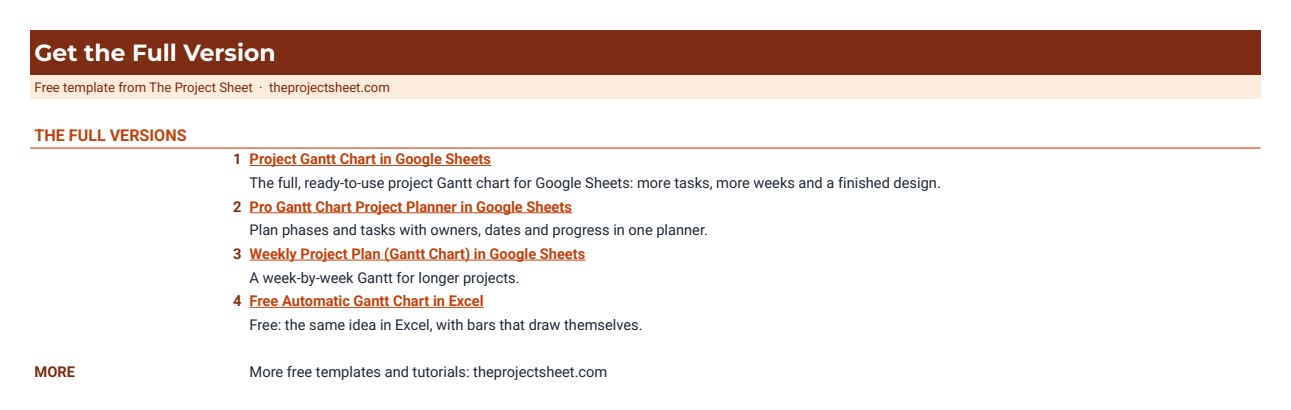
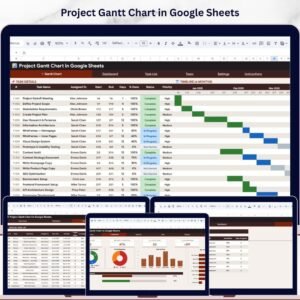
- Project Gantt Chart in Google Sheets for a full project plan with more tasks and a longer timeline.
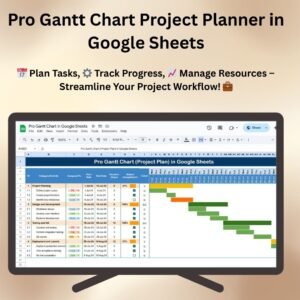
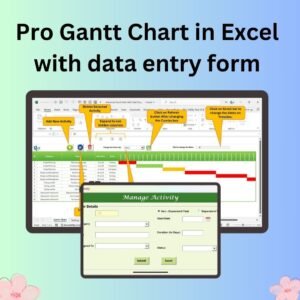
- Pro Gantt Chart Project Planner in Google Sheets for a ready-made planner with milestones and progress tracking.
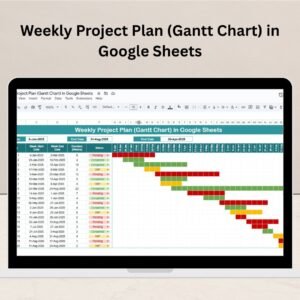
- Weekly Project Plan (Gantt Chart) in Google Sheets if you plan by week rather than by day.
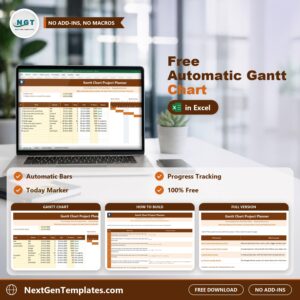
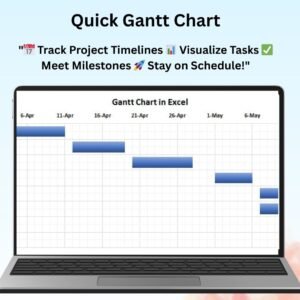
- Prefer Excel? Get the Free Automatic Gantt Chart in Excel.
Frequently asked questions
Is this Gantt chart template really free?
Yes. It costs nothing to download and you can copy it as many times as you need.
How do I get the template into my Google Drive?
The download is a short PDF with a Make a copy button. Click it while signed in to Google and Google Sheets makes your own editable copy.
Does it need add-ons or Apps Script?
No. Everything is built with normal formulas (IF, SEQUENCE, SPARKLINE, COUNTIF, SUMPRODUCT) and conditional formatting, so it works in any Google account.
Can I add more tasks?
Yes. Insert rows inside the task list, above the last task, so the colour rules and cards grow with it, then copy the Days, Status and Timeline formulas down from the row above.
Can I change the timeline start?
The timeline starts on the Monday of the first task week by formula. You can overwrite that cell with any date to move the 8-week window.








Reviews
There are no reviews yet.