

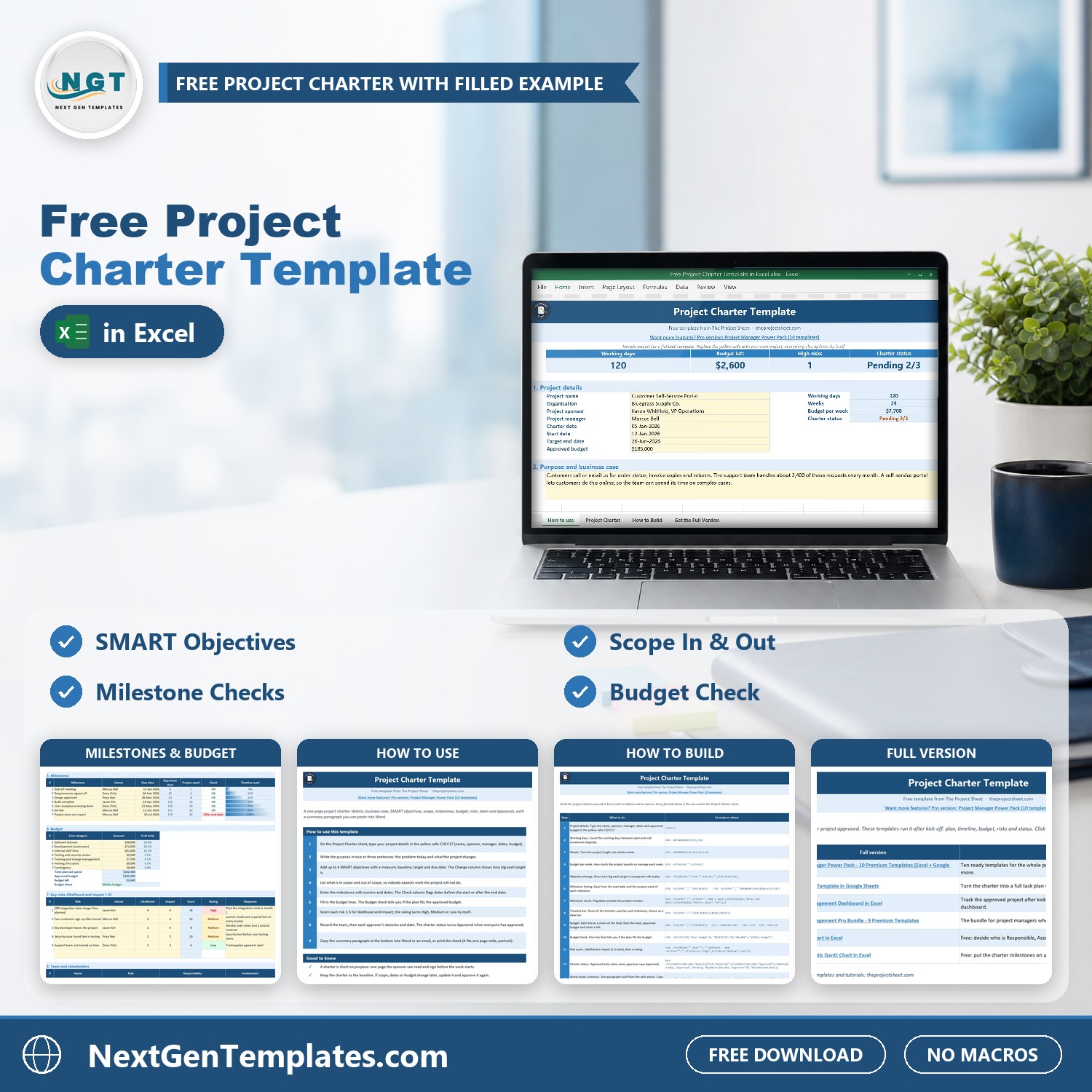
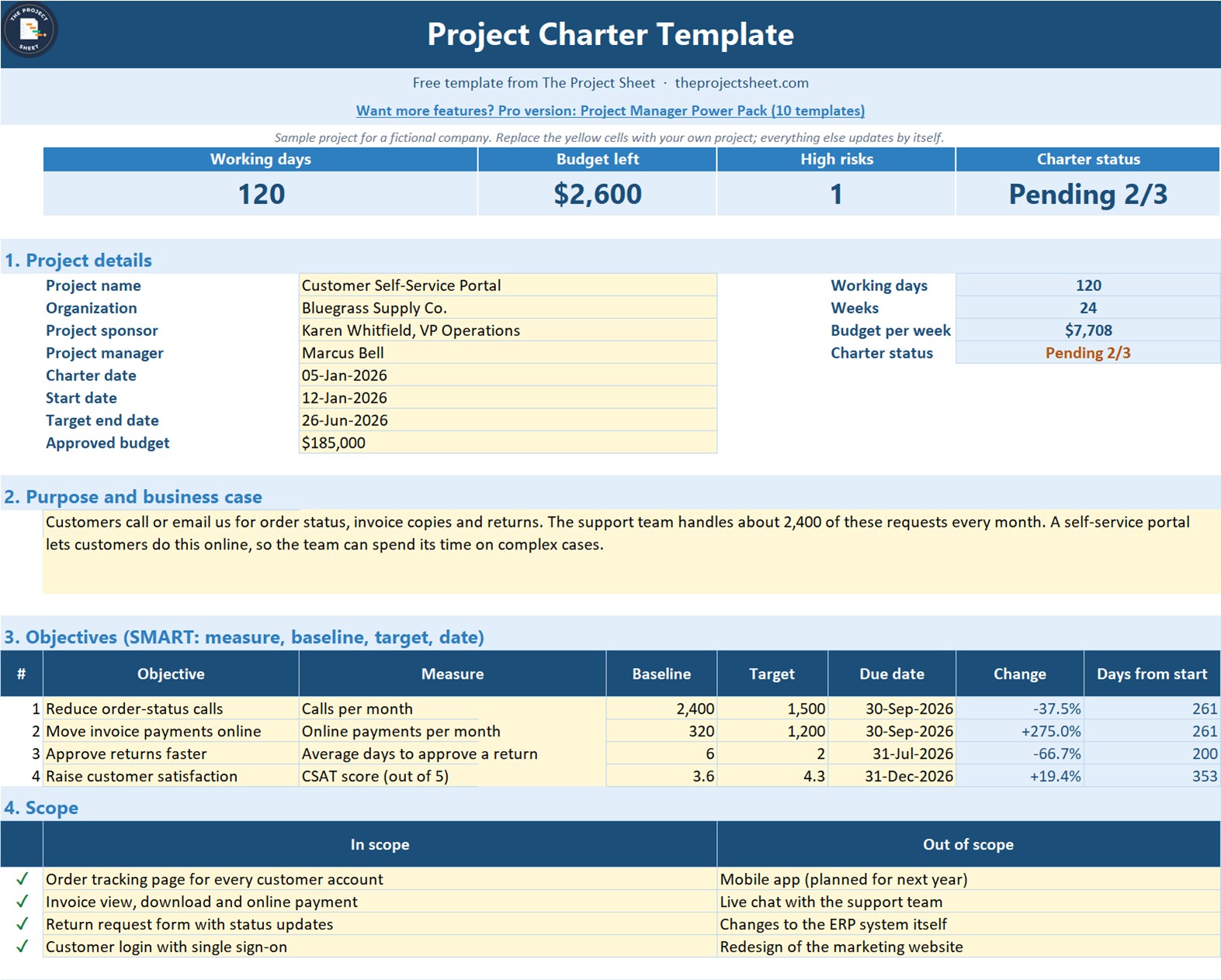
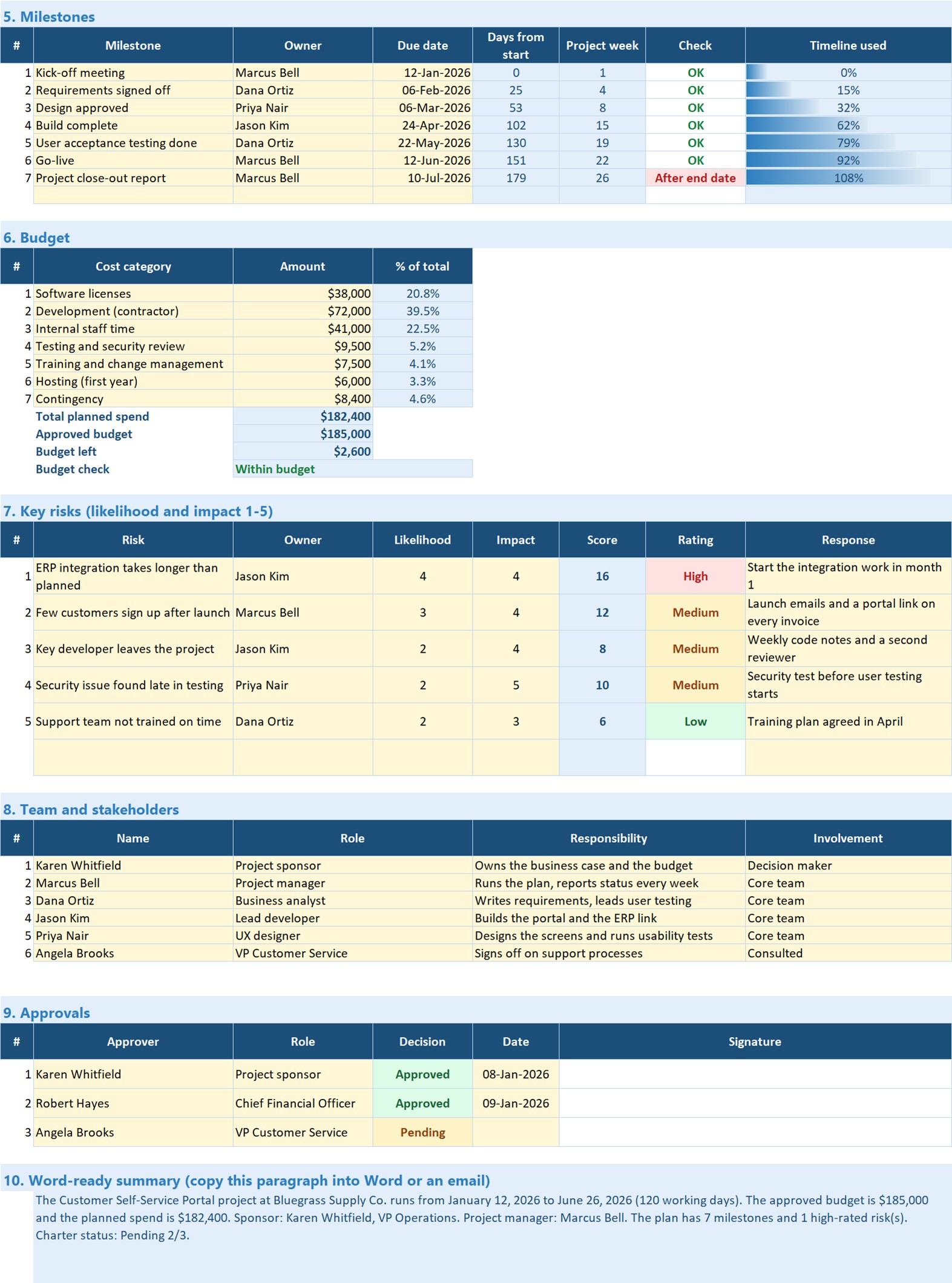

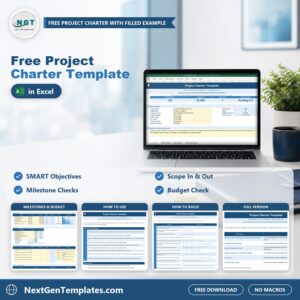
The Free Project Charter Template in Excel puts everything a sponsor needs to approve a project on one printable page: project details, the business case, SMART objectives, scope, milestones, budget, key risks, the team and the sign-off table. Type into the yellow cells and the working days, weeks, budget per week, budget left, risk scores, milestone checks and charter status calculate themselves.
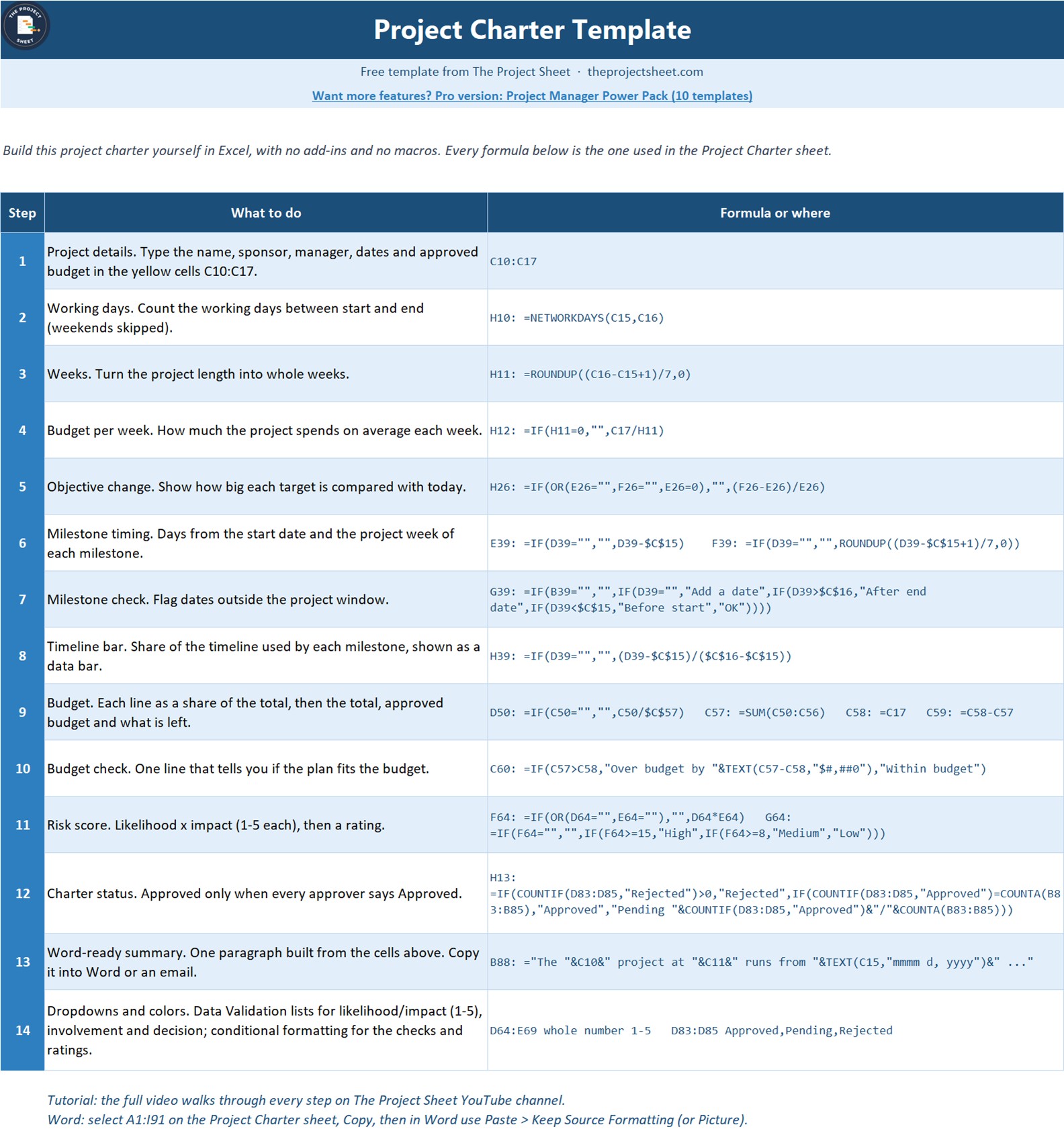
It is 100% free. The file ships as a filled project charter example for a fictional company, so you can see what good answers look like before you write your own, and it comes with a How to Build sheet that lists every formula. When the charter is ready, copy the Word-ready summary paragraph or paste the whole sheet into Word.
Free download | Works in any recent Excel | No add-ins or macros | Prints on one page wide
Key features of the project charter template
- KPI strip at the top. Working days, budget left, number of high risks and charter status (for example Pending 2/3) update as you fill in the sheet.
- SMART objectives. Each objective has a measure, baseline, target and due date; the sheet shows the change you are aiming for and how many days from the start it is due.
- Milestone checks. Days from start, project week and a check that flags any milestone before the start date or after the target end date, with a timeline bar for each one.
- Budget that checks itself. Cost lines with their share of the total, total planned spend, approved budget, budget left and a Within budget / Over budget line.
- Risk scoring. Likelihood x impact (1-5 each) gives a score and a High, Medium or Low rating with color coding.
- Approvals and a Word-ready summary. The charter only shows Approved when every approver says Approved, and one paragraph sums up the project for an email or a Word document.
What is inside the file
| Sheet | What it does |
|---|---|
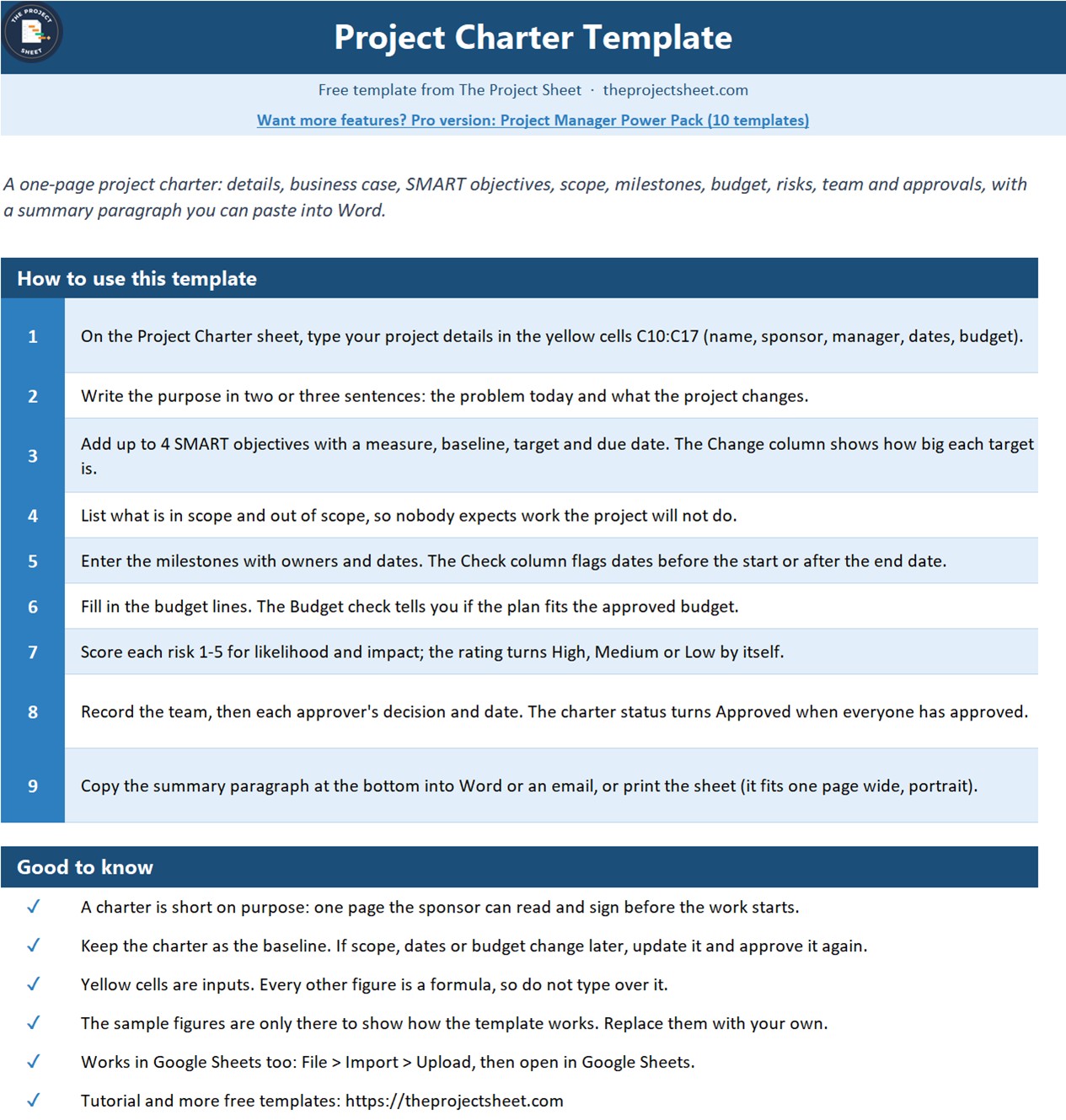
| How to use | A short guide to filling in the charter |
| Project Charter | The ten sections: details, business case, objectives, scope, milestones, budget, risks, team, approvals and the Word-ready summary |
| How to Build | The 14 steps and every formula, so you can build the project charter in Excel from a blank sheet |
| Get the Full Version | Links to the paid project management templates when you need more |
The sample is a fictional company, Bluegrass Supply Co., planning a Customer Self-Service Portal from January 12 to June 26, 2026 (120 working days) with a $185,000 approved budget and $182,400 planned spend. One milestone falls after the end date on purpose, so you can see the check working. Replace the yellow cells with your own project.
How to use it in three steps
- Fill in the details. Enter the project name, sponsor, manager, dates and approved budget, then write the purpose and business case.
- Add the plan. List the objectives, in-scope and out-of-scope items, milestones, cost lines, risks and the team.
- Get sign-off. Send the charter to the approvers, record each decision, and copy the summary into Word or an email.
Who this project charter format is for
Project managers, PMO analysts, team leads, consultants and business owners who need a clear project charter format to start a project, win sponsor approval and agree scope before any work begins. It also works for students learning project management who want a complete project charter example to study.
When it makes sense to upgrade
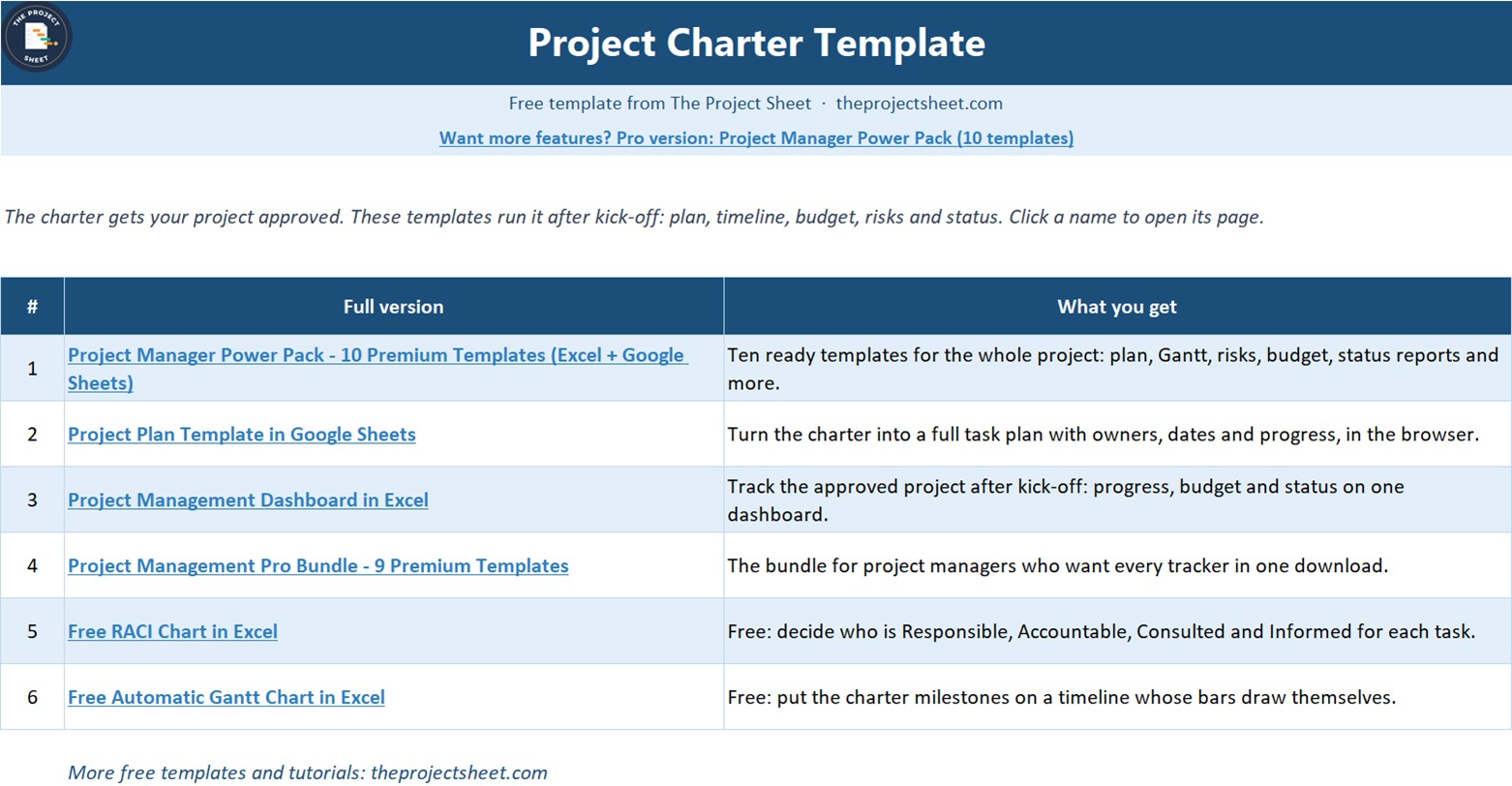
The free charter covers one project on one sheet. When you need to plan and track the work too, these paid files from NextGenTemplates go further:
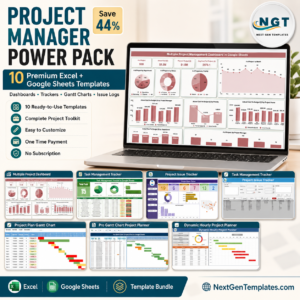
- Project Manager Power Pack for 10 premium project templates in Excel and Google Sheets.
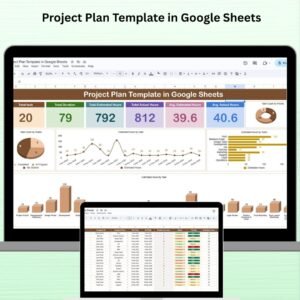
- Project Plan Template in Google Sheets for a task-level plan your team can share online.
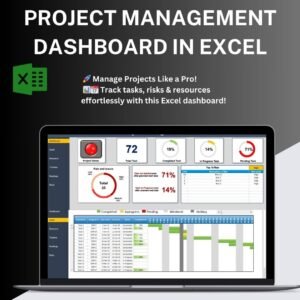
- Project Management Dashboard in Excel for status, progress and budget reporting across projects.
- Project Management Pro Bundle for 9 premium templates in one download.
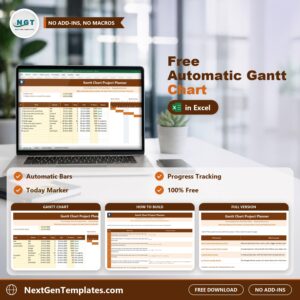
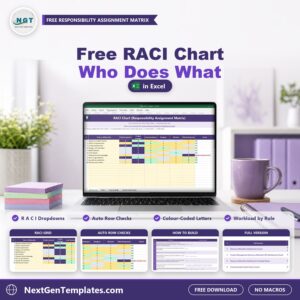
More free project files: the Free RACI Chart in Excel and the Free Automatic Gantt Chart in Excel.
Frequently asked questions
Is the project charter template really free?
Yes. It costs nothing to download and you can make a new copy for every project.
Do I need macros or add-ins?
No. It uses NETWORKDAYS, IF, SUM, COUNTIF, data validation and conditional formatting, so it works in any recent version of Excel.
Can I use it in Word?
Yes. Copy the Word-ready summary paragraph, or select the Project Charter sheet and paste it into Word with Keep Source Formatting.
Can I build it myself?
Yes. The How to Build sheet lists all 14 steps with the exact formulas, and the free video on The Project Sheet YouTube channel builds it step by step.
Join 10,000+ customers in 180+ countries who use NextGenTemplates spreadsheets to run their projects and business.






Reviews
There are no reviews yet.