

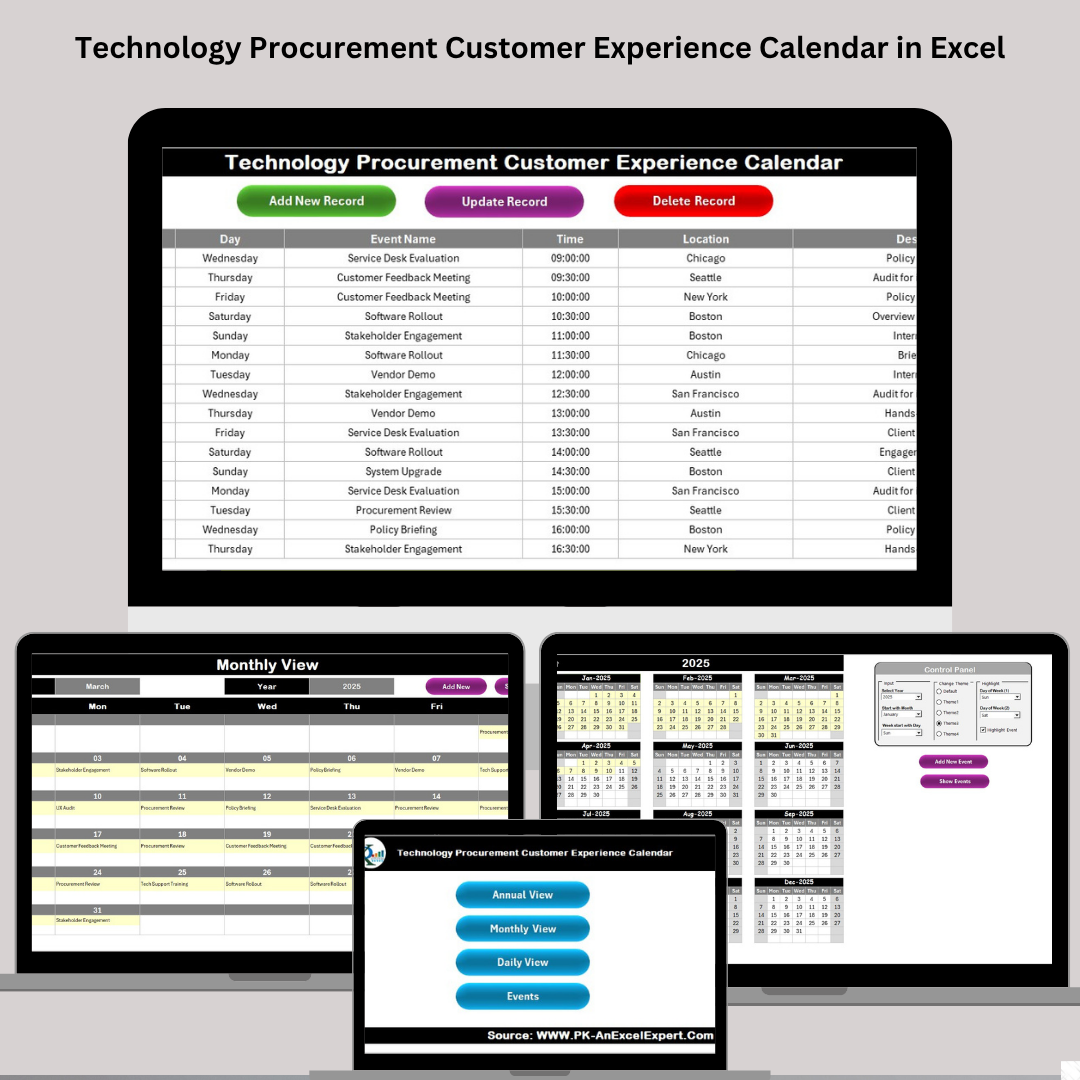

Managing procurement timelines while delivering excellent customer experience is a balancing act. Deadlines, vendor meetings, software rollouts, service events—there’s always something happening. That’s why we created the Technology Procurement Customer Experience Calendar in Excel—a robust, Excel-based solution that helps your team stay organized, deliver on time, and keep customers happy.
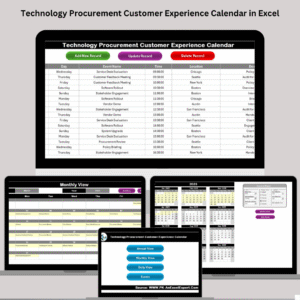
Built with usability in mind, this calendar helps tech procurement teams track key events across daily, monthly, and annual views. With built-in navigation, color themes, interactive buttons, and structured forms, it’s more than a tracker—it’s your operational command center.
Whether you’re scheduling hardware deliveries, client check-ins, or system upgrades, this tool brings structure and visibility to every step of the journey.
✨ Key Features of the Calendar Template
📅 Multi-View Navigation
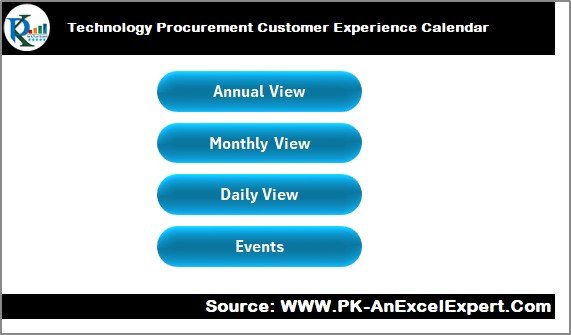
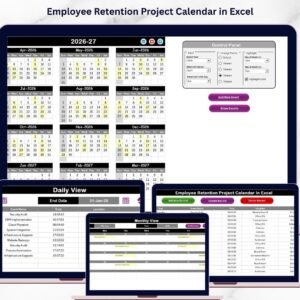
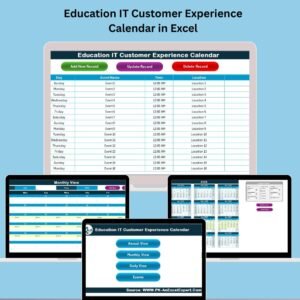
Navigate easily between Annual, Monthly, and Daily Views
Use the Home Sheet to jump between views with a single click
🎯 Event Planning Made Simple
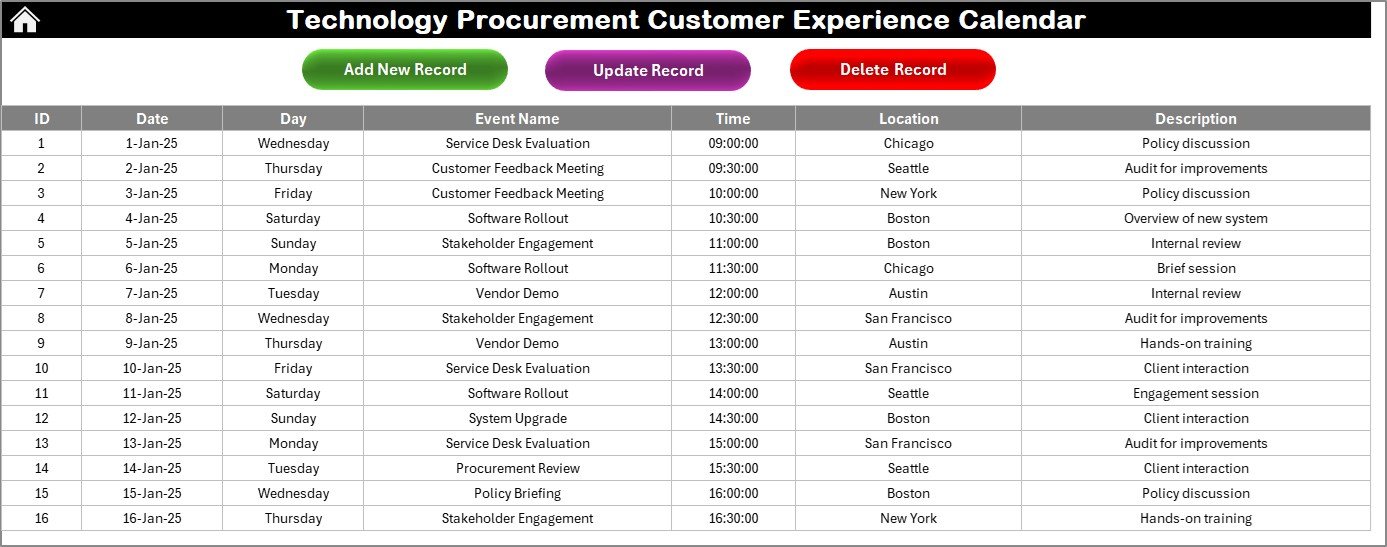
Add/View Events with just a click using built-in buttons
All events stored in a centralized Events Sheet
🎨 Fully Customizable Layout
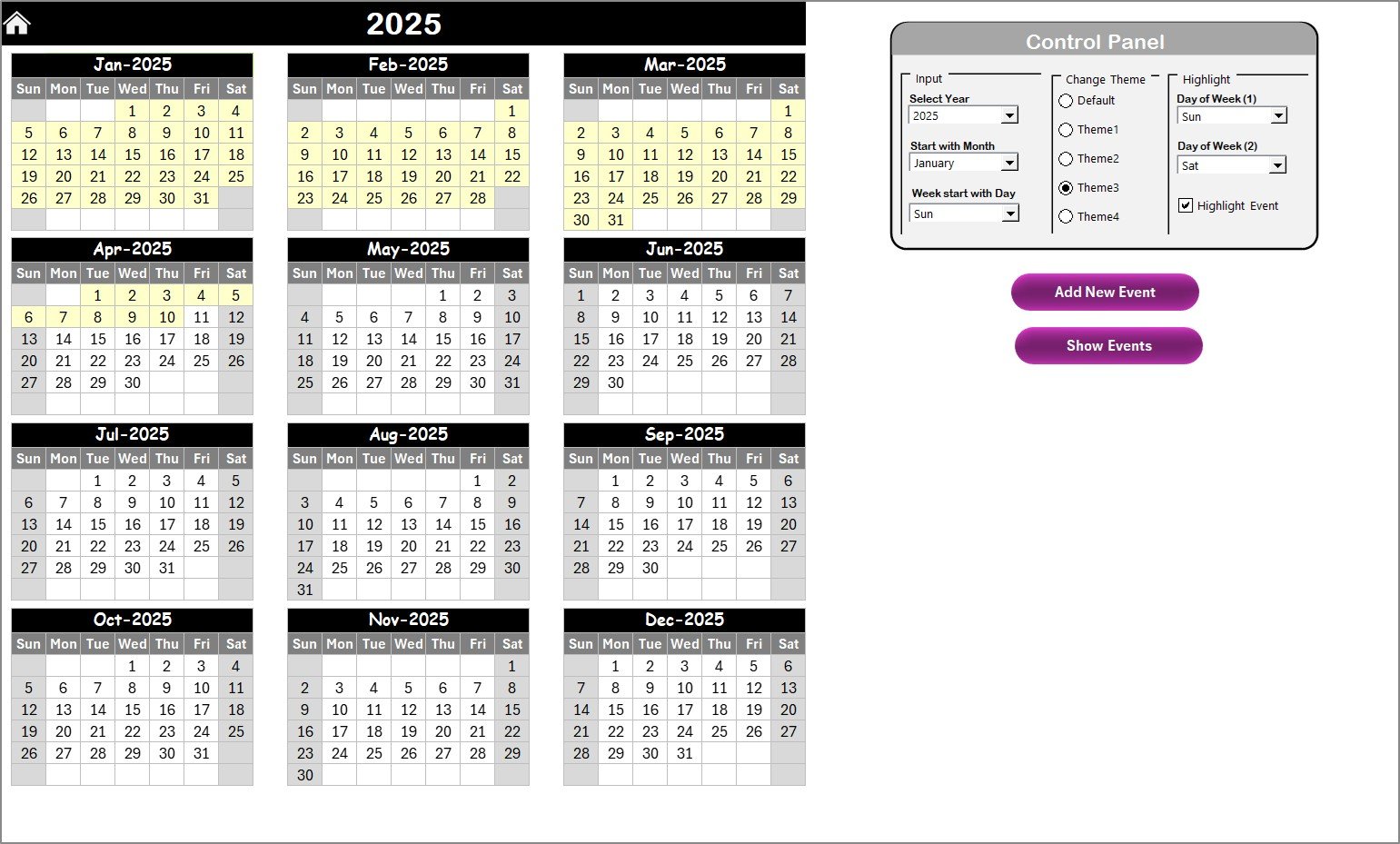
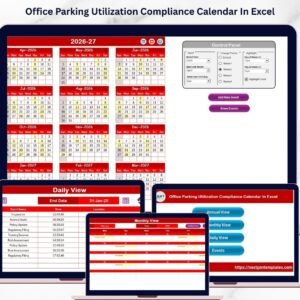
Choose from 5 color themes
Highlight specific weekdays (e.g., Sat/Sun)
Highlight event days in yellow for quick identification
🗓️ Annual View
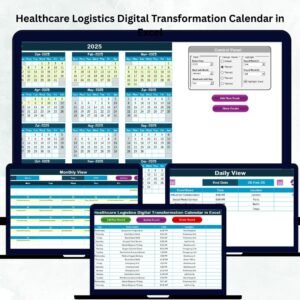
Visualize an entire year’s events on one screen
Select year, starting month, and first weekday
Review past and future events in a single glance
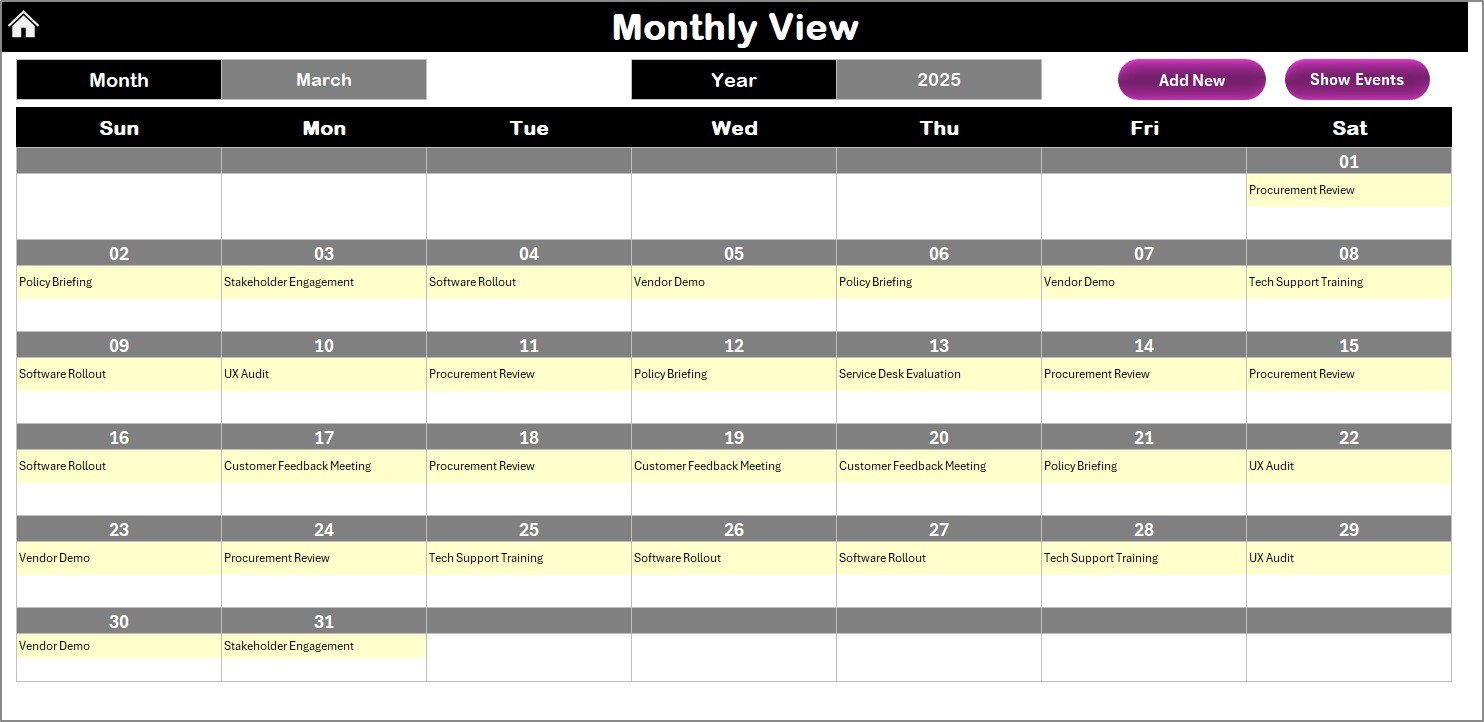
📆 Monthly View
Focus on one month at a time
See if there’s more than one event per day
Quickly view and add entries with intuitive buttons
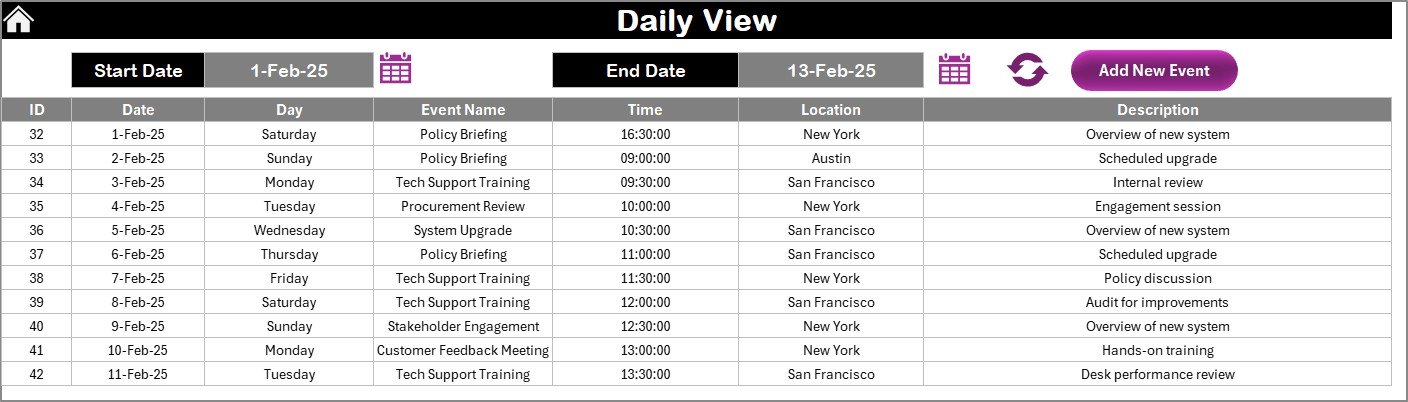
📋 Daily View
List all events within a custom date range
Use filters and quick forms to manage day-level activities
🧾 Event Entry Form
Add, edit, or delete records with ease
Includes auto-generated ID, date, time, location, and description
📦 What’s Inside the Download?
✅ Excel File with:
5 interactive tabs: Home, Annual View, Monthly View, Daily View, Events Sheet
Navigation buttons and dropdowns
Customizable themes and highlights
Built-in action buttons for adding, viewing, and managing events
Structured Event Form with auto-generated fields
💼 Who Should Use This Calendar?
🔧 IT Procurement Professionals – Track rollouts, service renewals, and vendor schedules
🤝 Customer Success Teams – Schedule training, onboarding, and demos
🚚 Operations Teams – Align procurement with logistics, inventory, and deployment
🗂️ Project Managers – Coordinate timelines and key milestones across departments
🏢 Cross-Functional Teams – Ensure transparency and communication across divisions
🔥 Advantages of This Excel Calendar
📊 Centralized Planning – All views in one file (Annual, Monthly, Daily)
✅ No Macros Needed – 100% Excel-based; no add-ins required
🎨 Theme Customization – Personalize layout with color schemes
🚀 Action-Oriented UI – Built-in buttons and forms for easy use
🔁 Real-Time Coordination – Ensure timely delivery and smooth customer experience
📂 Smart Data Storage – Auto-structured event records for clarity and tracking
🛠️ How to Use the Calendar
Open the Home Tab and select your desired view
Set up the year, month, and weekdays using the Control Panel
Use the Add New Event button to enter details
Check Annual/Monthly Views for scheduling at a glance
Use Daily View for focused event logs and date filtering
Manage all event records in the Events Sheet
Share a read-only version with your team for visibility
📖 Click here to read the Detailed blog post
▶️ Watch Our Step-by-Step Video Tutorials
👉 youtube.com/@PKAnExcelExpert
Watch the step-by-step video tutorial:
Compatibility and Requirements
- Works in Microsoft Excel desktop (Excel 2016 or later, or Microsoft 365).
- Navigation uses buttons and dropdowns. Microsoft explains dropdown lists in Create a drop-down list.
Frequently Asked Questions
Which sheets are included?
Five sheets: Home, Annual View, Monthly View, Daily View and Events Sheet.
How do I add an event?
Use the Add New Event button. The form has an auto-generated ID plus fields for date, time, location and description. You can also edit or delete records from the form.
Can I see a whole year at once?
Yes. The Annual View shows the full year on one screen. You choose the year, the starting month and the first weekday.
Can I change the colors?
Yes. There are 5 color themes. You can also highlight chosen weekdays, such as Saturday and Sunday. Event days show in yellow.
Is there a calendar for general procurement?
Yes. See the Procurement Customer Experience Calendar in Excel.
Related Customer Experience Templates
- Procurement Customer Experience Calendar in Excel: the same calendar for general procurement teams
- Technology IT Customer Experience Calendar in Excel: for IT teams in technology companies
- Technology Logistics Customer Experience Calendar in Excel: for delivery and logistics schedules
- Customer Experience KPI Dashboard in Excel: track customer experience metrics
- Calendar & Planner Pack: 12 calendar and planner templates in one download
Browse all Excel calendar templates.























Reviews
There are no reviews yet.