


Managing tasks efficiently is the key to staying productive and achieving goals on time. Whether you are a project manager, team leader, educator, freelancer, or part of a growing business, keeping track of tasks and deadlines can often feel overwhelming. That’s where the Task Management Documentation Checklist in Excel comes in — a ready-to-use, structured, and powerful template designed to bring order, accountability, and clarity to your daily operations. ✅
This Excel-based checklist eliminates the chaos of scattered notes, sticky reminders, and complicated project management tools. Instead, it gives you a simple, customizable, and cost-effective solution right inside Microsoft Excel. With built-in formulas, progress tracking, and status indicators, you’ll always know exactly where your tasks stand and who’s responsible. Let’s explore why this template is the perfect productivity partner for you.
✨ Key Features of Task Management Documentation Checklist in Excel
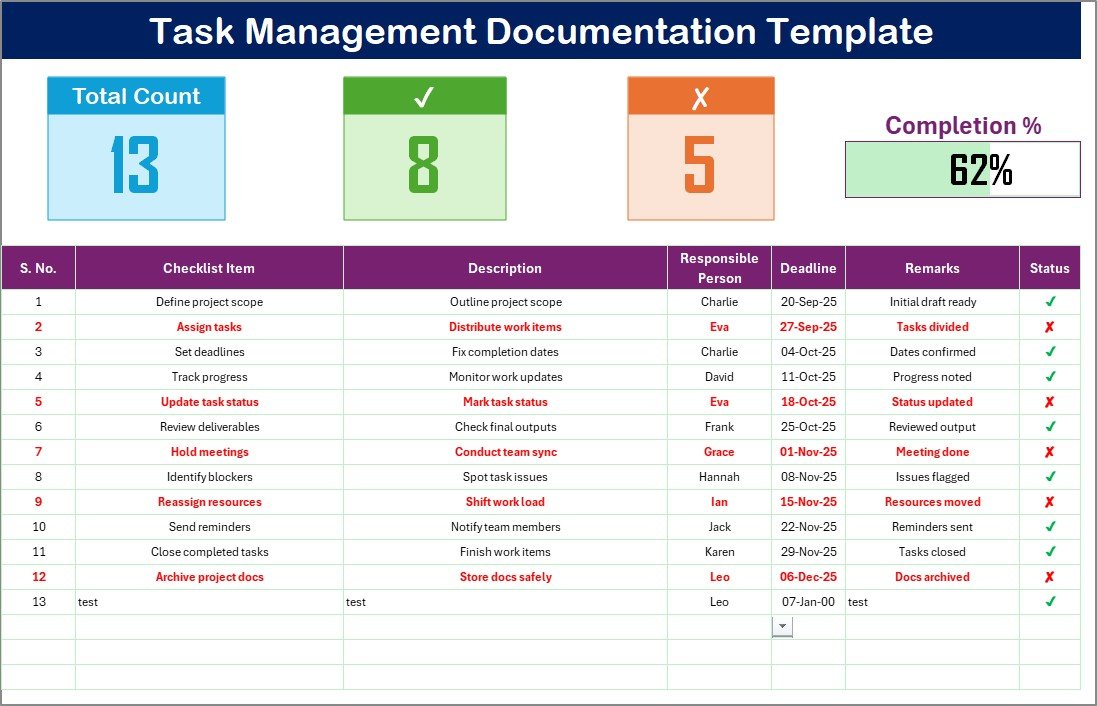
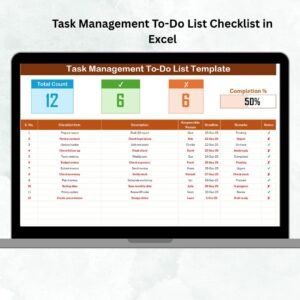
📊 Automatic Progress Tracking – Built-in formulas update counts for total, completed, and pending tasks along with a dynamic progress bar.
👥 Responsibility Assignment – Assign tasks seamlessly using drop-down menus for responsible persons.
⏰ Deadline Monitoring – Stay ahead of due dates with clear task deadlines.
🖊 Status Updates – Mark tasks with ✔ (completed) or ✘ (pending) for real-time tracking.
📂 Organized Structure – Separate sheets for tasks and responsible persons to minimize manual errors.
⚡ Scalable & Flexible – Add unlimited rows, expand columns, and customize it for your team’s unique needs.
💻 Beginner-Friendly – No complex setup required, works smoothly for anyone with basic Excel skills.
📦 What’s Inside the Task Management Documentation Checklist in Excel
When you download this product, you get a professionally designed Excel file with two main worksheets:
Task Management Documentation Checklist Sheet
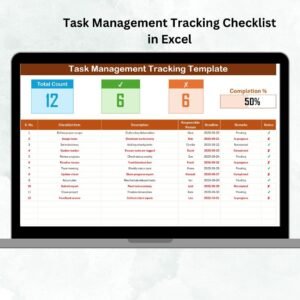
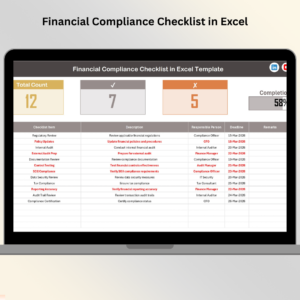
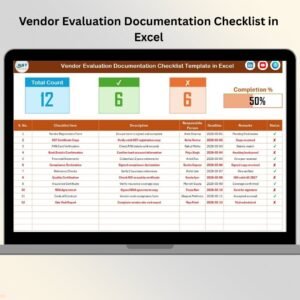
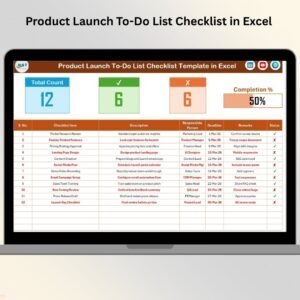
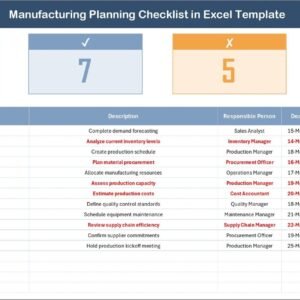
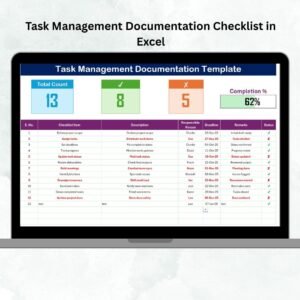
Top section with automated cards: Total Tasks, Completed, Pending, and a Progress Bar.
Checklist table with columns for Serial No., Task Name, Description, Responsible Person, Deadline, Remarks, and Status.
List Sheet Tab
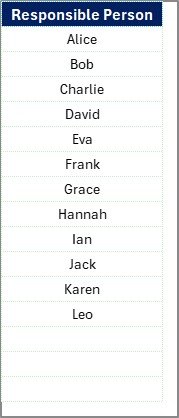
A dedicated sheet to store the list of responsible persons.
Integrated with the main checklist for easy dropdown assignment.
Together, these two sheets create a robust yet simple task management system — perfect for personal use or team collaboration.
🛠 How to Use the Task Management Documentation Checklist in Excel
Using this template is super easy:
Open the file in Microsoft Excel.
Enter tasks in the checklist table with task descriptions, responsible persons, and deadlines.
Assign tasks using the drop-down menu linked to the List Sheet.
Update the Status column with ✔ or ✘ as progress changes.
Track your progress using the automated counts and progress bar.
Review and update daily or weekly to stay on track.
Within minutes, you’ll have a complete system to manage tasks efficiently without needing any expensive software.
👤 Who Can Benefit from This Task Management Documentation Checklist?
This template is versatile and suits multiple industries and roles, such as:
📌 Project Managers – Track tasks across different projects with accountability.
📌 HR Teams – Manage onboarding, recruitment, and compliance processes.
📌 Finance Teams – Stay on top of reporting, audits, and follow-ups.
📌 Educators – Organize lesson plans, assignments, and student tasks.
📌 Freelancers – Keep deliverables and client deadlines organized.
📌 Small Businesses – Streamline everyday operations without costly tools.
Whether you’re managing a personal to-do list or leading a team project, this Excel checklist ensures that nothing slips through the cracks.
🔗 Click here to read the Detailed blog post
Watch the step-by-step video tutorial:




















Reviews
There are no reviews yet.