


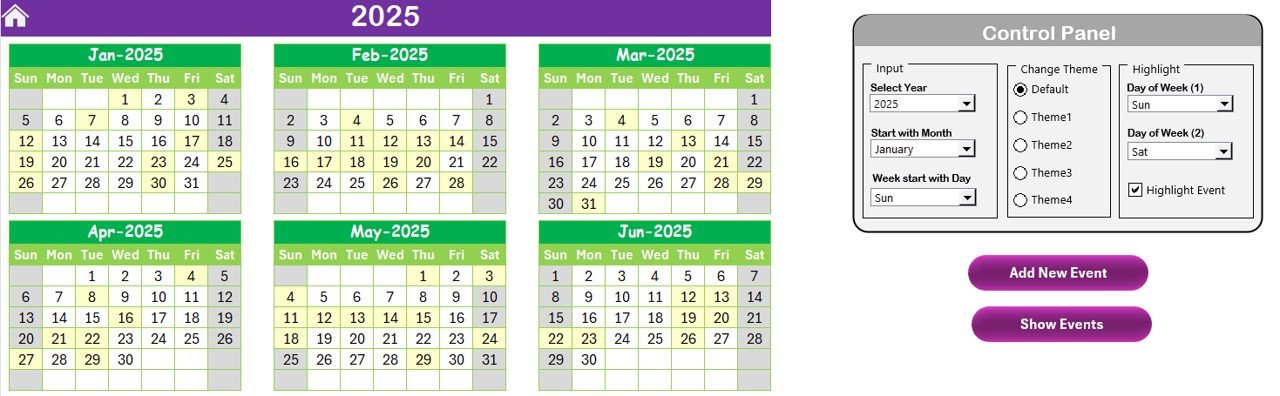
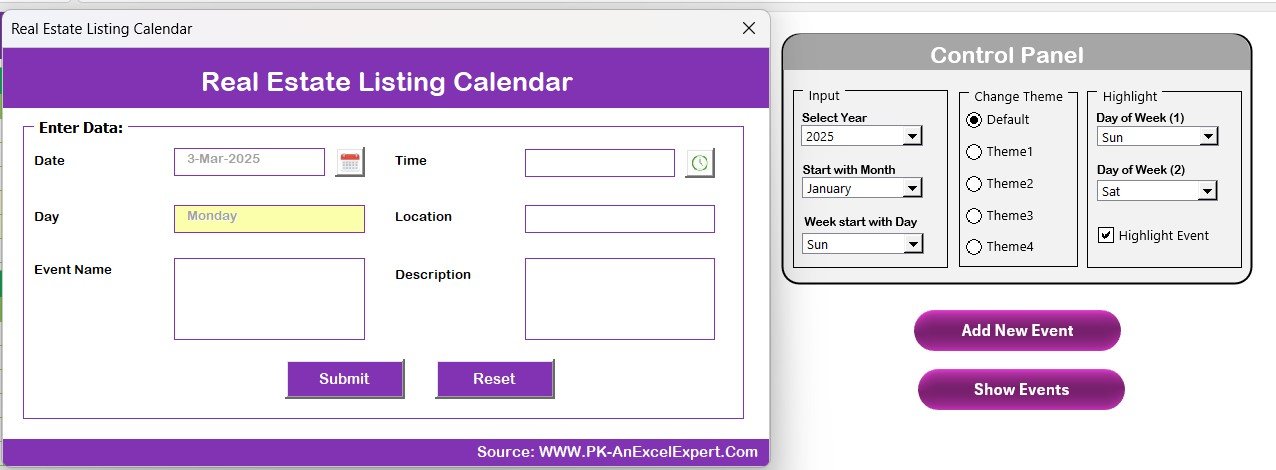
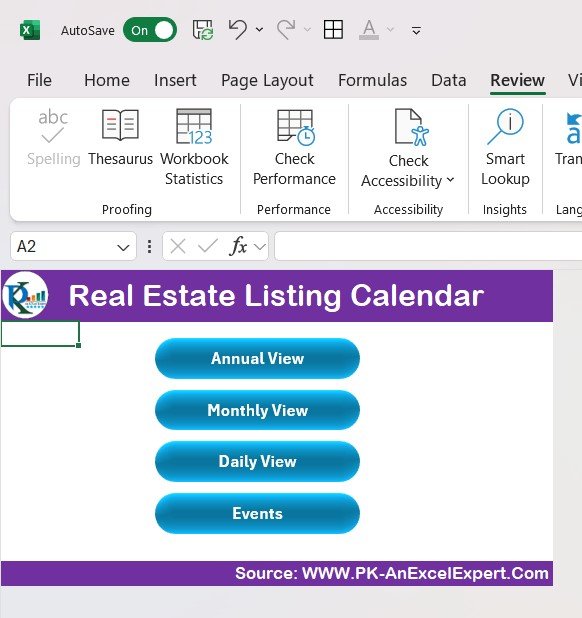
The Real Estate Listing Calendar in Excel is a comprehensive and easy-to-use tool designed specifically for real estate agents, property managers, and sellers to keep track of property listings and related tasks. This Excel-based calendar helps streamline the process of listing properties, managing showings, and tracking important dates for each listing. Whether you’re managing multiple properties or a single listing, this calendar ensures that all critical deadlines and activities are clearly organized.
This tool provides a detailed overview of listing dates, open house schedules, contract deadlines, and more. The customizable layout allows you to adapt it to your specific needs and easily update key details as properties are listed, shown, or sold.
Key Features of the Real Estate Listing Calendar in Excel
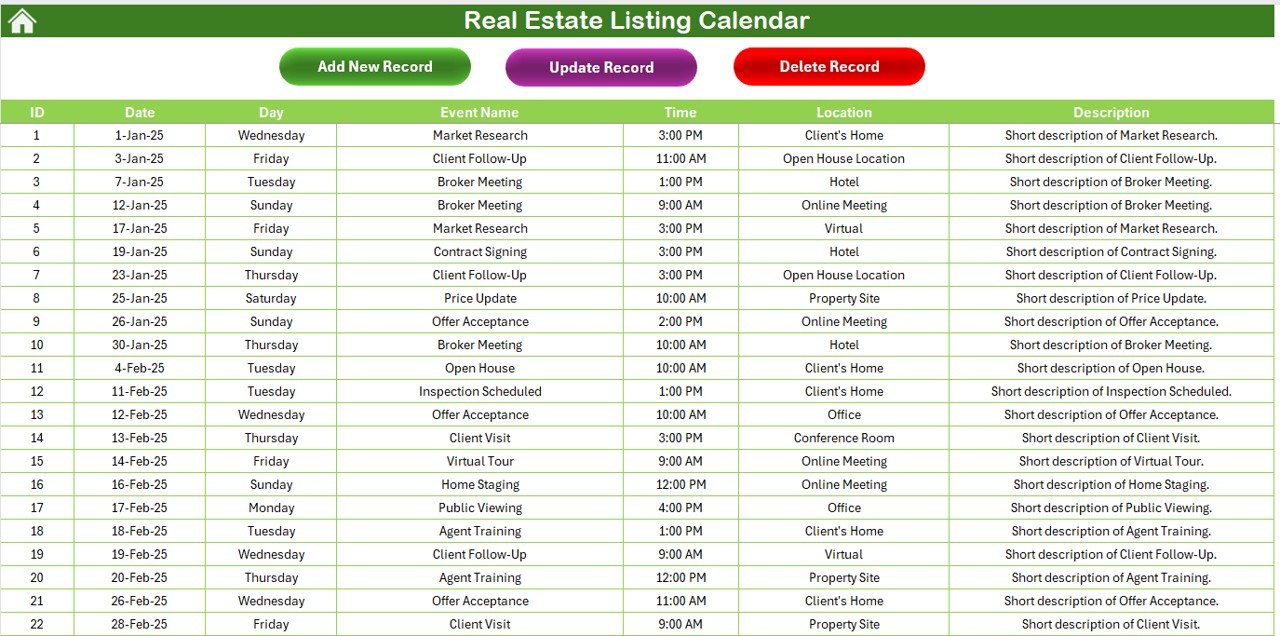
📅 Property Listing Management
Keep track of all your real estate listings with dates, addresses, and important details in one organized place. Easily view which properties are listed, in contract, or sold.
🏠 Open House Scheduling
Efficiently plan and manage open house events for each property. Track dates, times, and contact details to ensure smooth operations and avoid double-bookings.
📝 Contract & Deadline Tracking
Track contract dates, including offer submission deadlines, inspection dates, and closing dates. Stay organized and ensure that no important deadlines are missed.
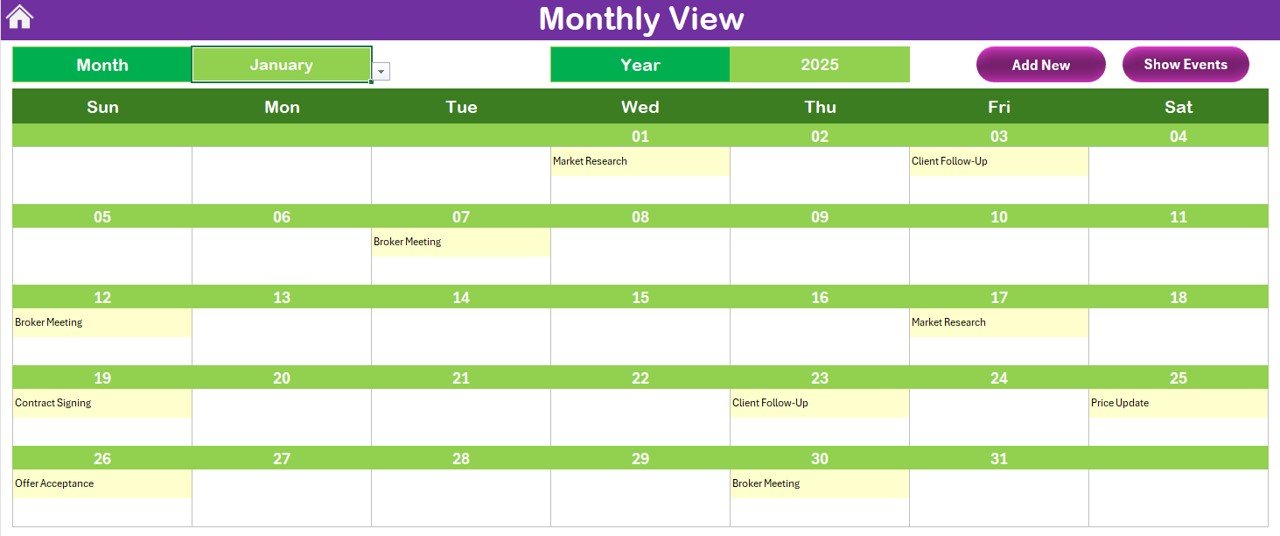
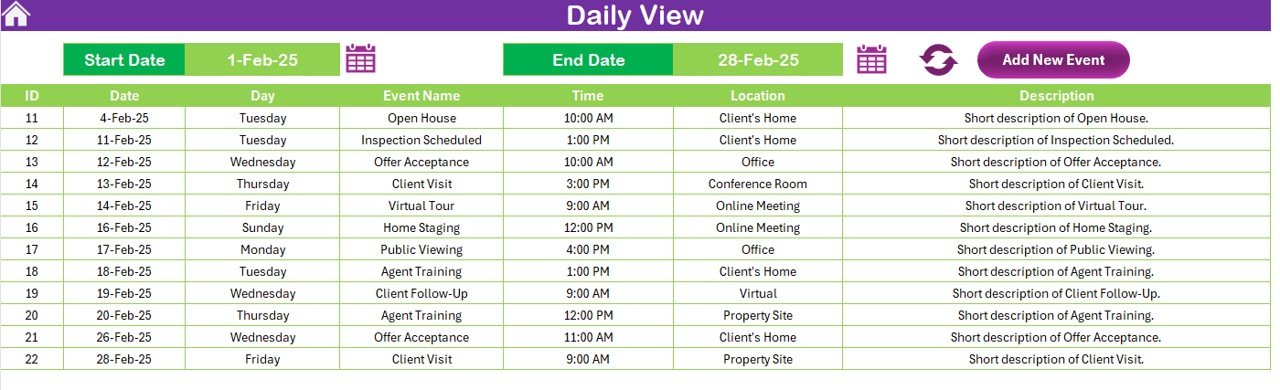
📊 Weekly & Monthly Views
Get an overview of your real estate activities with weekly and monthly views. Plan your showings, meetings, and other important tasks in advance to stay ahead.
💡 Reminders & Alerts
Set reminders for important tasks, meetings, and open houses. Automated alerts help ensure that you never miss a deadline or an important task related to your listings.
⚙️ Customizable Layout
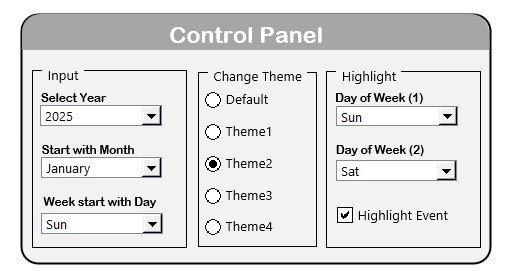
Customize the calendar to fit your specific real estate needs. Add extra fields, adjust task categories, or modify color codes to fit your style and preferences.
Why You’ll Love the Real Estate Listing Calendar in Excel
✅ Organized & Efficient Listing Management
Keep all your property listings, appointments, and deadlines in one place. This helps reduce confusion and prevents double-booking or missing critical appointments.
✅ Streamline Open House & Showings Scheduling
Easily track and organize open house events and property showings. Ensure that your events are well-planned and on time, providing the best service to potential buyers.
✅ Track Deadlines & Contracts
Stay on top of important contract dates and deadlines with ease. The calendar helps prevent missed deadlines and improves your efficiency throughout the listing process.
✅ Easily Customizable
Adapt the calendar to fit your needs. Whether you’re a solo agent or working in a team, the calendar can be customized to match your real estate business’s workflow.
✅ Enhance Productivity
With the calendar’s simple layout and reminders, you can stay organized and avoid last-minute rushes. Plan your activities ahead of time for a more productive workday.
What’s Inside the Real Estate Listing Calendar in Excel?
Property Listing Management: Track listing dates, addresses, and key details.
Open House & Showing Scheduling: Organize open houses and viewings efficiently.
Contract & Deadline Tracking: Stay on top of important dates and contracts.
Weekly & Monthly Views: Plan ahead with easy-to-read weekly and monthly calendars.
Reminders & Alerts: Get notified of important events, tasks, and deadlines.
Customizable Layout: Personalize the calendar to suit your needs.
How to Use the Real Estate Listing Calendar in Excel
1️⃣ Download the Template: Get immediate access to the Real Estate Listing Calendar in Excel.
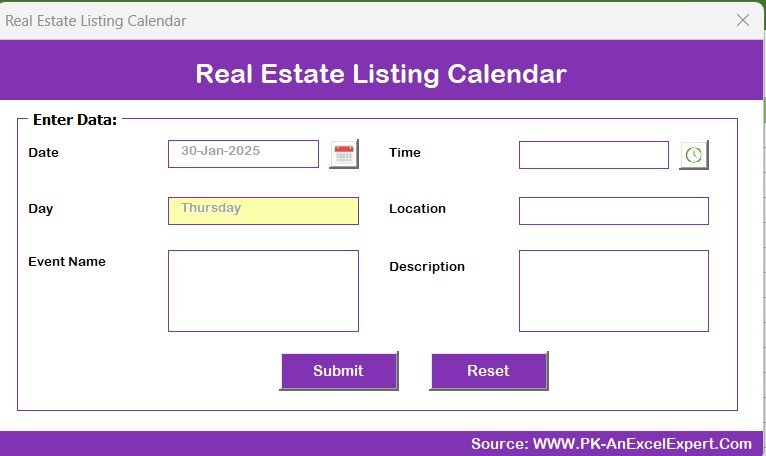
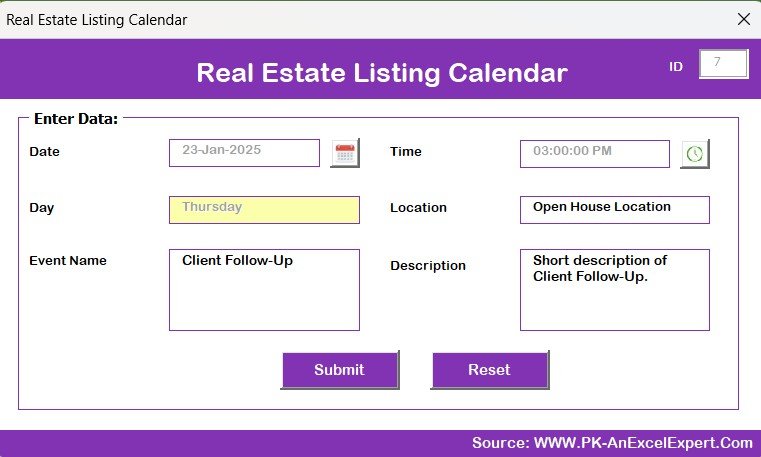
2️⃣ Add Your Property Listings: Input property details including addresses, listing dates, and key dates such as offer deadlines.
3️⃣ Plan Open Houses & Showings: Schedule open houses, showings, and related activities, ensuring no double-bookings.
4️⃣ Track Deadlines & Contracts: Stay on top of important contract dates and deadlines to ensure timely processing.
5️⃣ Set Reminders & Alerts: Enable reminders to never miss an important task or event.
Who Can Benefit from the Real Estate Listing Calendar in Excel?
🔹 Real Estate Agents
🔹 Property Managers
🔹 Real Estate Teams
🔹 Buyers & Sellers
🔹 Real Estate Brokers
🔹 Real Estate Investors
🔹 Property Listing Services
Ensure that all your real estate listings are managed efficiently and professionally with the Real Estate Listing Calendar in Excel. Stay organized, meet deadlines, and streamline your scheduling for a smooth and successful property listing process.
Click here to read the Detailed blog post
Visit our YouTube channel to learn step-by-step video tutorials
Youtube.com/@PKAnExcelExpert






























Reviews
There are no reviews yet.