

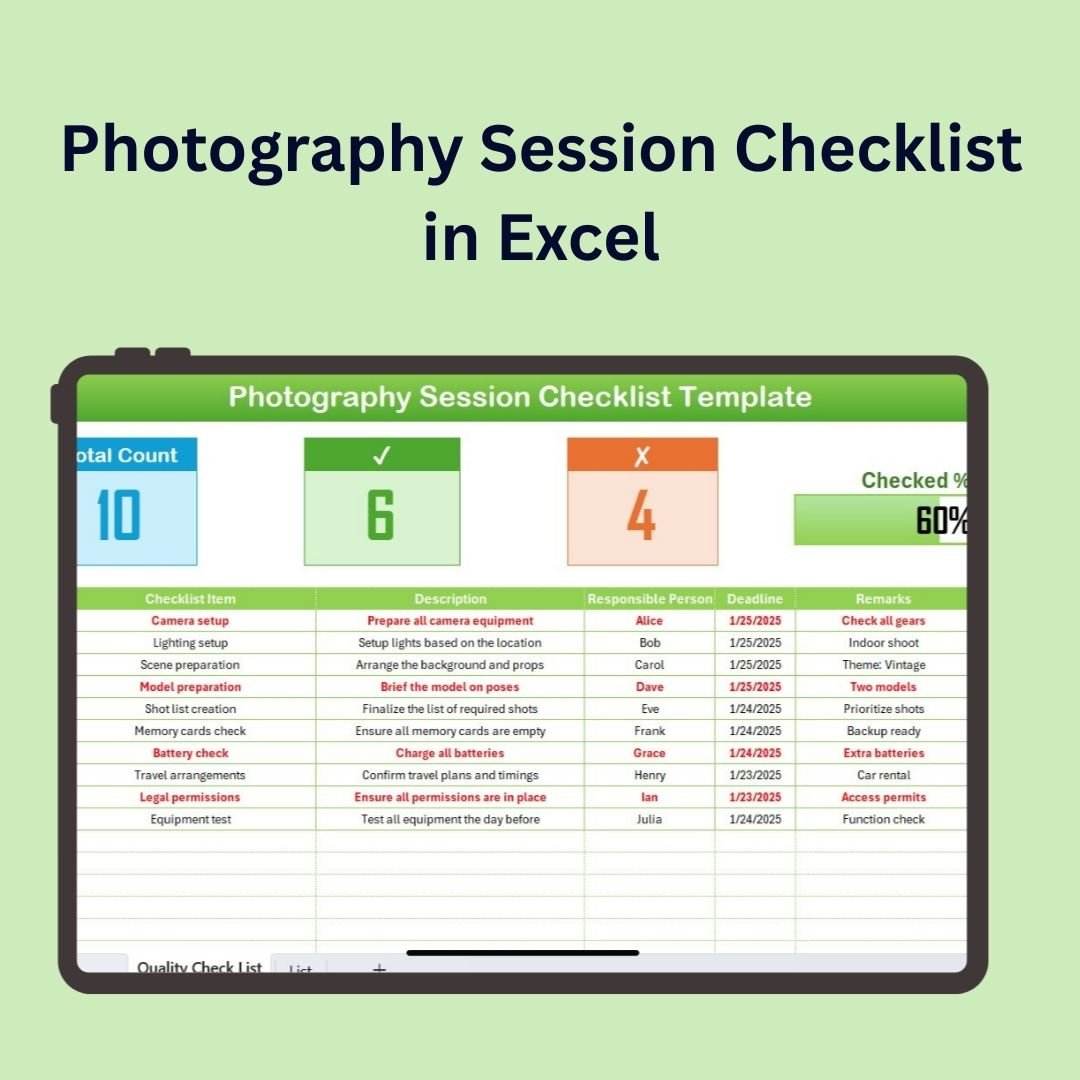
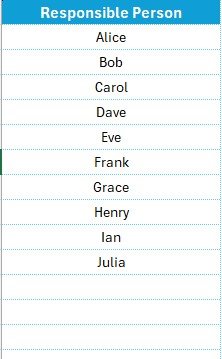

The Photography Session Checklist in Excel is a must-have tool for professional photographers, photography studios, and hobbyists to stay organized and ensure every photography session is seamless. Whether you are preparing for a portrait session, wedding shoot, or a commercial photoshoot, this checklist allows you to track every detail of the session, from pre-shoot planning to post-shoot follow-up.
With customizable features, this checklist helps you prepare for each photography session, manage client requirements, check equipment, organize schedules, and track deliverables. It ensures that you’re always prepared and never miss any important steps before, during, or after the shoot.

Key Features of the Photography Session Checklist in Excel:
📅 Session Planning and Scheduling
Track important dates and times, and ensure all the necessary preparations are made for each photography session.
📸 Client and Shoot Requirements
Organize client preferences, special requests, and specific details for the shoot, such as themes, outfits, and props, to ensure everything runs smoothly.
🔧 Equipment Checklist
Ensure that you have all the required equipment, including cameras, lenses, lighting, and accessories, with a checklist to make sure nothing is forgotten.
📝 Shoot Logistics
Organize logistics such as location details, shooting permits, crew coordination, and timelines to keep everything on track during the session.
📦 Post-Shoot Deliverables and Follow-up
Track post-session deliverables, such as editing, file backups, and client deliveries, ensuring timely and efficient follow-up.
🚀 Why You’ll Love the Photography Session Checklist in Excel:
✅ Stay Organized – Track all aspects of the photography session, from scheduling to post-shoot follow-up, in one easy-to-manage checklist.
✅ Ensure Client Satisfaction – Monitor client requests and specific session details to ensure you meet or exceed client expectations.
✅ Never Forget Equipment – Use the equipment checklist to ensure you have all your tools, from cameras to lighting gear, prepared and ready for the session.
✅ Manage Logistics Efficiently – Organize session logistics, including location, crew, and timeline, to make sure the shoot runs smoothly.
✅ Efficient Post-Shoot Management – Track editing tasks, file backups, and client delivery dates to ensure timely follow-up and satisfied clients.
✅ Fully Customizable and Interactive – Tailor the checklist to your specific photography style, session types, and business needs.
What’s Inside the Photography Session Checklist in Excel:
Session Planning and Scheduling: Organize the dates, times, and overall schedule for each session to ensure everything runs smoothly.
Client Requirements: Track client preferences, specific requests, and session goals to ensure their vision is realized.
Equipment Checklist: Track all the equipment required for the shoot, such as cameras, lenses, tripods, lighting, and accessories.
Logistics and Coordination: Monitor session logistics, including location, permits, and crew coordination, to ensure a seamless shoot.
Post-Shoot Deliverables: Track the progress of editing, file backups, and client deliveries, ensuring nothing is overlooked after the session.
Customizable Fields: Easily add specific details for each session, from makeup artists to additional props, based on the client or type of shoot.
How to Use the Photography Session Checklist in Excel:
1️⃣ Download the Template – Instantly access your Excel file upon purchase.
2️⃣ Input Session Details – Enter session dates, client preferences, and specific requirements for each photography session.
3️⃣ Track Equipment – Use the checklist to ensure you have all necessary equipment and accessories before the shoot.
4️⃣ Organize Session Logistics – Coordinate with the client, crew, and location to ensure everything is set up for a successful shoot.
5️⃣ Follow-up and Deliverables – Track post-session deliverables such as editing, backups, and delivery timelines to ensure timely and professional follow-up.
Who Can Benefit from the Photography Session Checklist in Excel:
Professional Photographers
Photography Studios
Wedding and Event Photographers
Portrait and Commercial Photographers
Freelance Photographers
Photography Assistants and Crew
Photography Enthusiasts and Hobbyists
The Photography Session Checklist in Excel is the perfect organizational tool for photographers looking to streamline their workflow, manage client expectations, and ensure that every shoot is a success. By keeping everything organized, this checklist helps you stay focused on capturing stunning images without worrying about the small details.
Click here to read the Detailed blog post
https://www.pk-anexcelexpert.com/photography-session-checklist-in-excel/
Visit our YouTube channel to learn step-by-step video tutorials
Youtube.com/@PKAnExcelExpert






























Reviews
There are no reviews yet.