

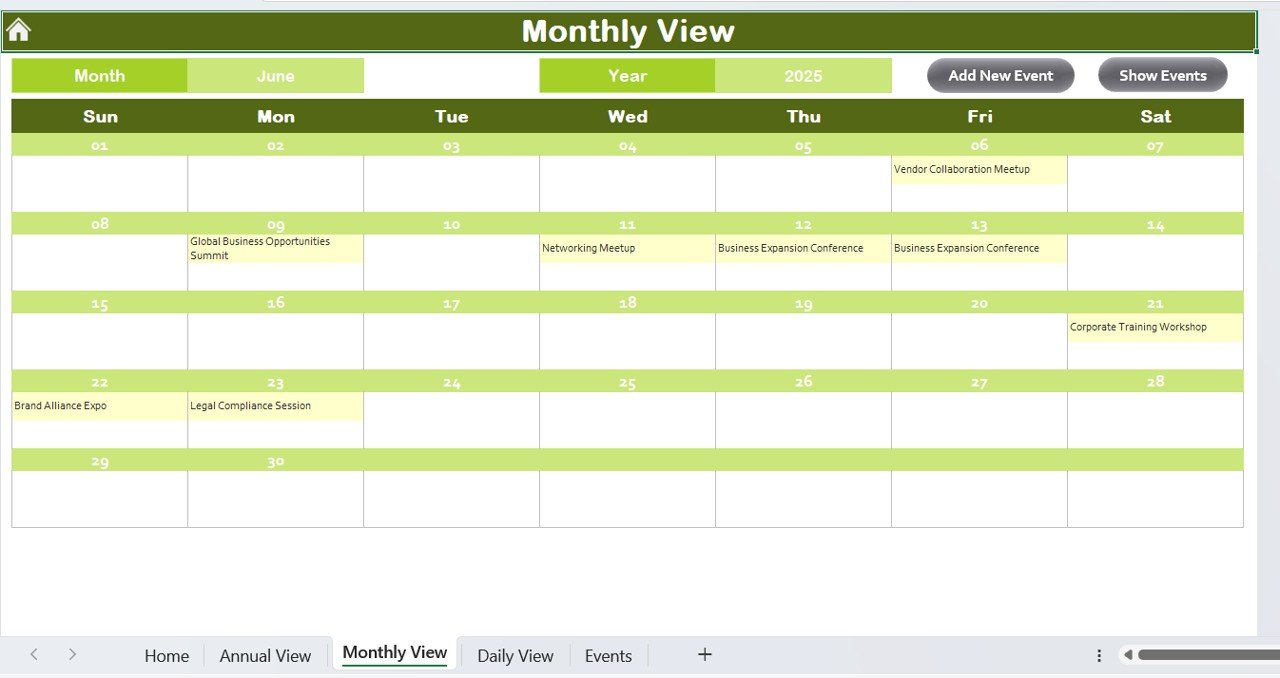
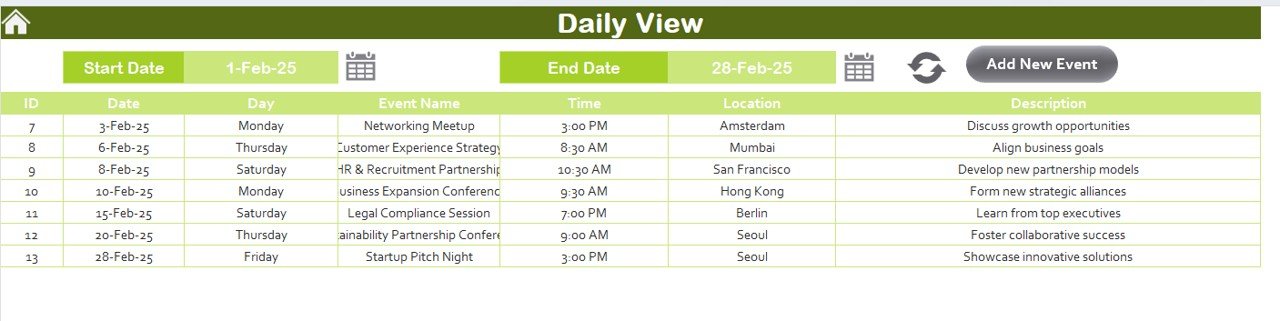
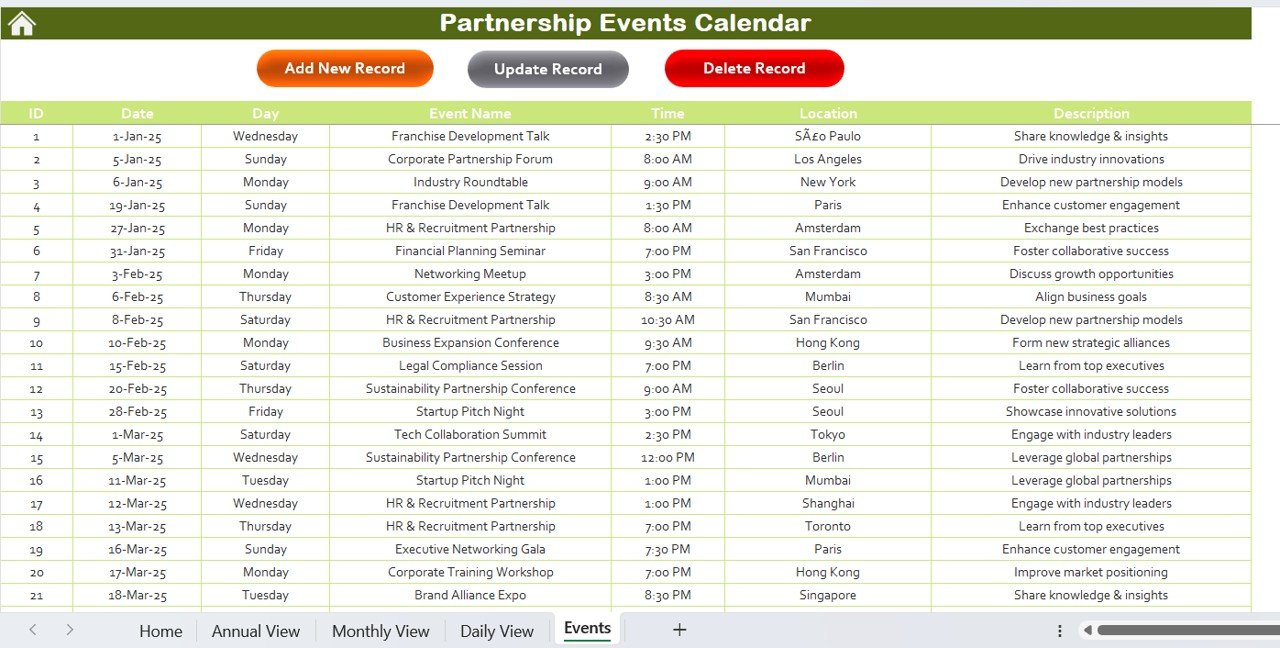
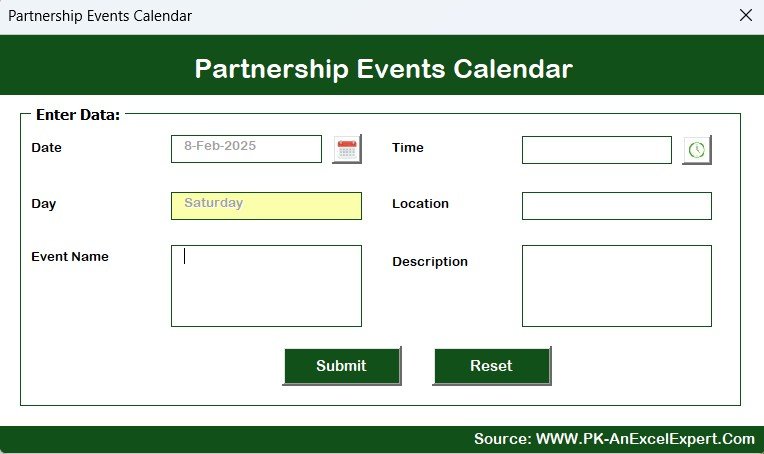
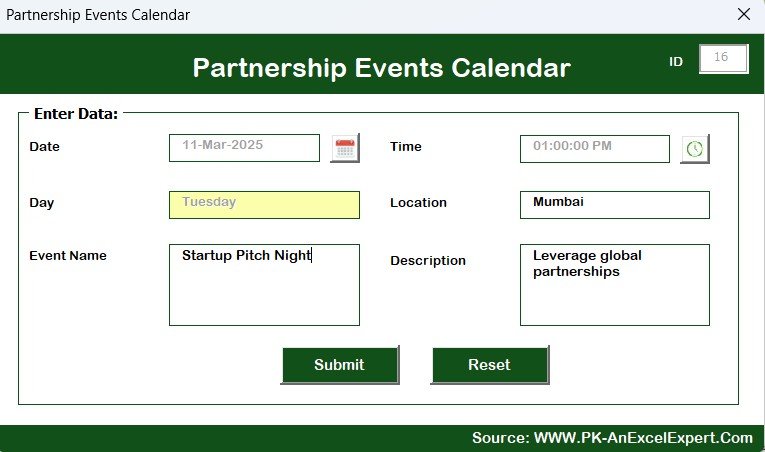

The Partnership Events Calendar in Excel is an organized and easy-to-use tool designed to help businesses and organizations plan, manage, and track their partnership-related events. Whether you are working with clients, vendors, or other business partners, this Excel-based calendar ensures that you stay on top of all important meetings, events, and milestones.
By using this calendar, you can easily coordinate event schedules, monitor progress, and ensure that nothing falls through the cracks. With its customizable features and intuitive layout, it is the perfect solution for companies looking to streamline their event planning process and strengthen their business partnerships.
Key Features of the Partnership Events Calendar in Excel
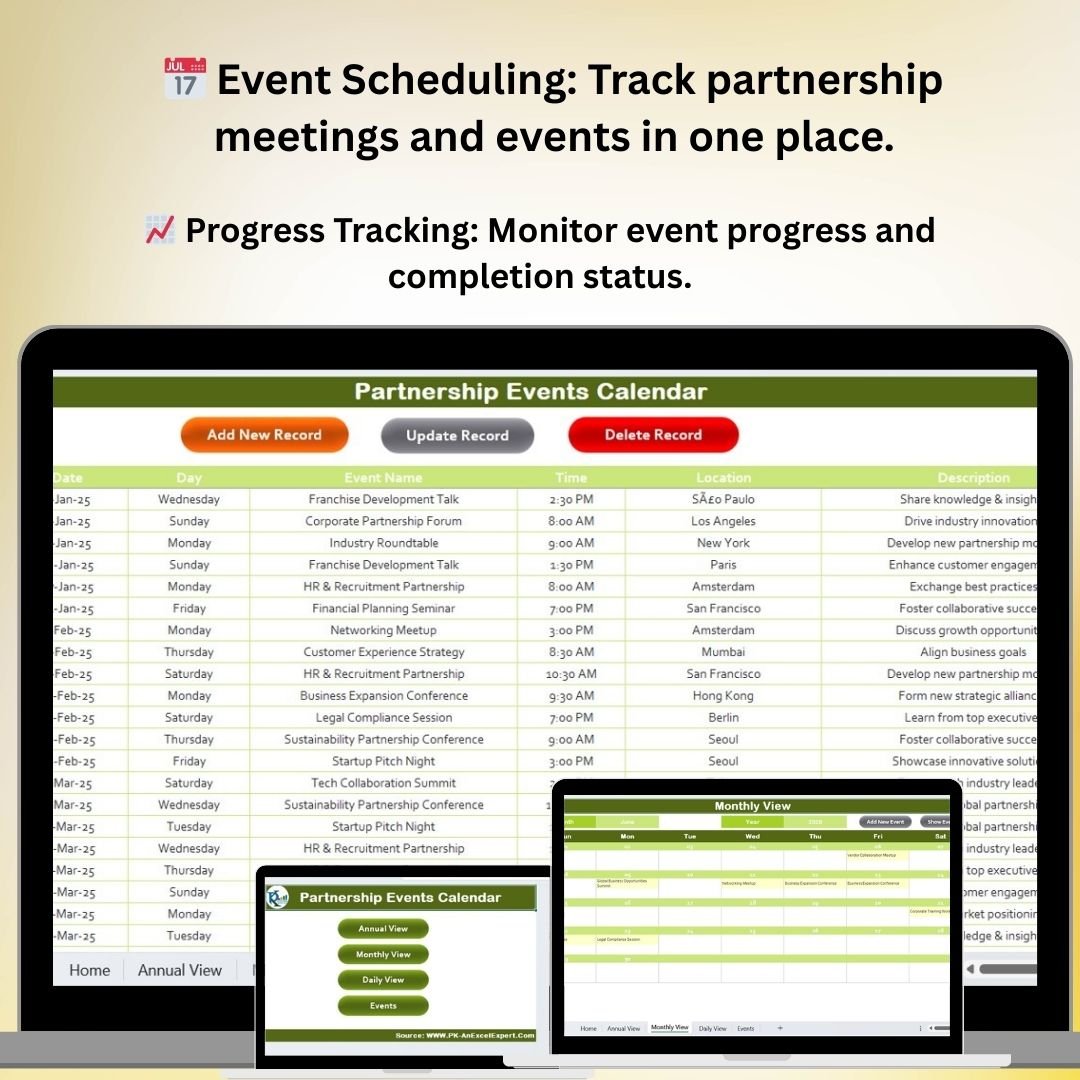
📅 Event Scheduling & Management
Keep track of important partnership events, meetings, and deadlines. Organize your calendar by dates, event types, and participants to make coordination easy and efficient.
📈 Event Progress Tracking
Monitor the progress of each event, from initial planning to completion. Ensure that each event is on track and meets deadlines by using the progress tracking feature.
📝 Customizable Fields & Categories
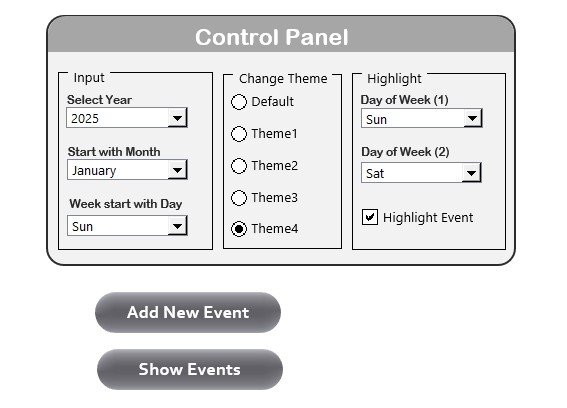
Tailor the calendar to suit your unique partnership needs. Add custom fields, adjust event categories, and modify the layout as necessary to fit your organization’s goals.
🔄 Collaborative Planning
Enable multiple users to collaborate on the event calendar. Share the calendar with your team members, partners, or stakeholders to streamline communication and ensure everyone is on the same page.
⚙️ Time-Based Event Analysis
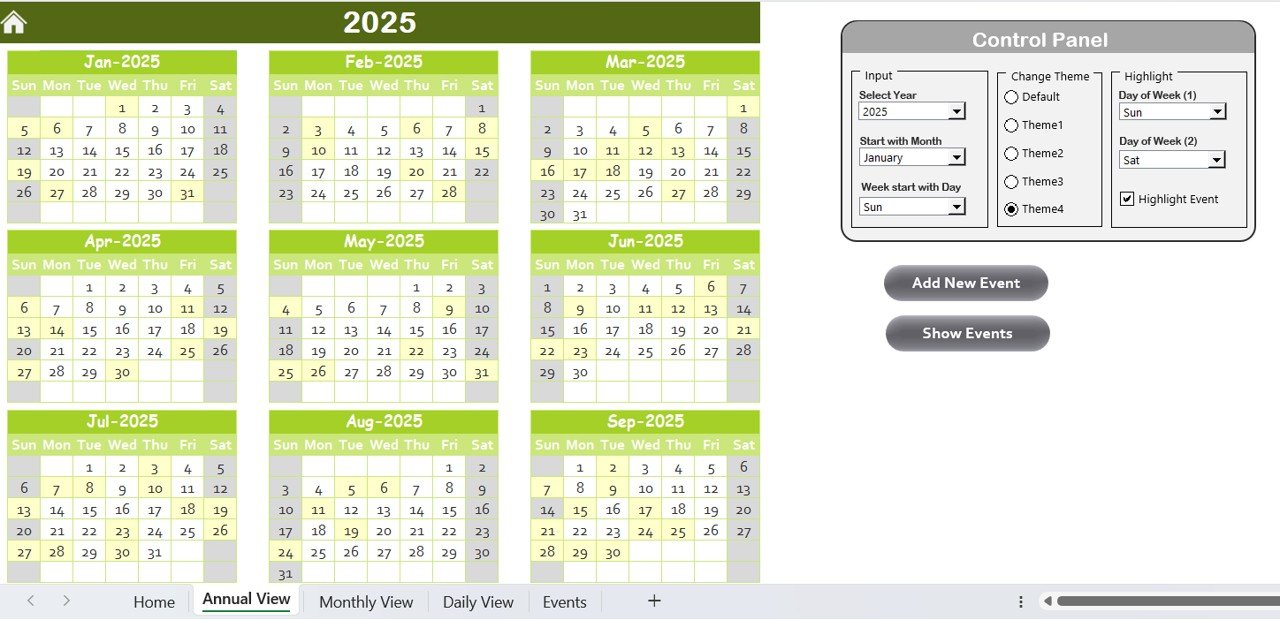
View and analyze events over time to track patterns, identify peak periods, and ensure that there are no scheduling conflicts or overlaps.
📊 Reporting & Insights
Generate reports on event progress, deadlines, and attendance to help with decision-making and performance analysis. Use the insights to optimize future event planning.
Why You’ll Love the Partnership Events Calendar in Excel

✅ Stay Organized & On Track
Easily track and manage all of your partnership events, meetings, and milestones in one organized location.
✅ Improve Event Planning Efficiency
Quickly identify upcoming events and important dates. Plan in advance and ensure that all stakeholders are informed and prepared.
✅ Customizable & Scalable
The calendar is fully customizable to suit your business’s needs. Whether you are organizing a few events or managing a large number of partnership meetings, the calendar can scale to fit your requirements.
✅ Collaborate Seamlessly
Collaborate effortlessly with team members, partners, and stakeholders. Share the calendar, track progress, and update tasks as you go.
✅ Track Event Performance
Monitor the success of each event by tracking completion statuses and analyzing progress over time. Use this data to improve your event planning strategies.
What’s Inside the Partnership Events Calendar in Excel?
- Event Scheduling & Management: Track all partnership events and meetings in a centralized location.
- Progress Tracking: Monitor each event’s progress and ensure everything is on track.
- Customizable Features: Tailor the calendar to suit your organization’s needs.
- Collaborative Planning: Share the calendar and work together with stakeholders.
- Time-Based Analysis: Analyze the event schedule over different time periods.
- Reports & Insights: Generate reports to optimize future event planning.
How to Use the Partnership Events Calendar in Excel
1️⃣ Download the Template: Get instant access to the Partnership Events Calendar in Excel.
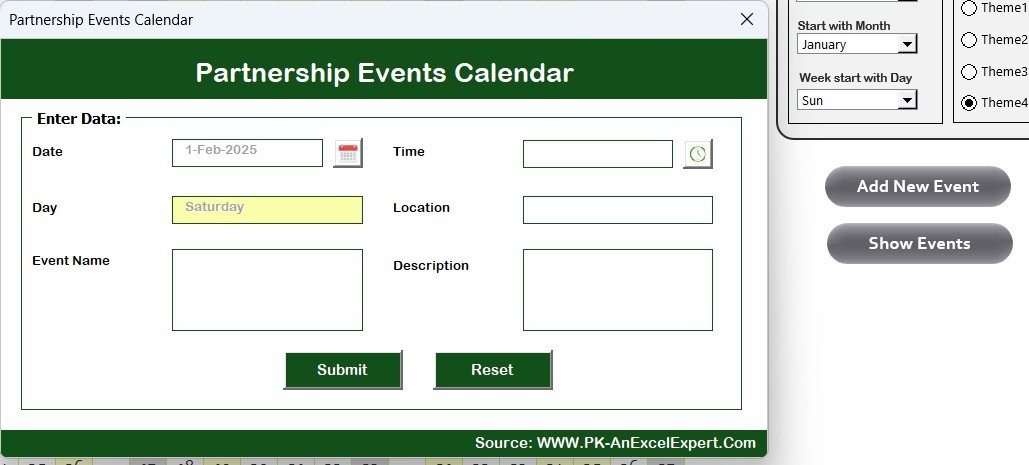
2️⃣ Customize the Calendar: Add your event details, including dates, participants, and event categories.
3️⃣ Track Event Progress: Use the progress tracking features to monitor the status of each event.
4️⃣ Collaborate with Team Members: Share the calendar and update it collaboratively with your partners or team.
5️⃣ Analyze & Improve: Generate reports on event performance and use insights to improve future events.
Who Can Benefit from the Partnership Events Calendar in Excel?
🔹 Business Development Teams
🔹 Event Coordinators & Managers
🔹 Marketing & Partnership Managers
🔹 Small & Medium Enterprises (SMBs)
🔹 Large Corporations with Partner Networks
🔹 Project Managers & Stakeholders
🔹 Non-Profit Organizations & Community Leaders
Stay organized and efficient when managing your partnership events with the Partnership Events Calendar in Excel. Track progress, streamline communication, and ensure that every event is a success.
Click here to read the Detailed blog post
Visit our YouTube channel to learn step-by-step video tutorials
Youtube.com/@PKAnExcelExpert
Compatibility and Requirements
- Works in Microsoft Excel desktop (Excel 2016 or later, or Microsoft 365).
- New to Excel? Microsoft has a free guide: Excel for Windows training.
Frequently Asked Questions
What can I plan with the Partnership Events Calendar?
Partnership events, meetings and deadlines, organized by date, event type and participants.
Can I follow each event from planning to completion?
Yes. Progress tracking shows whether each event is on track and meeting its deadlines.
Can I add my own fields and categories?
Yes. You can add custom fields, adjust event categories and change the layout to fit your organization.
Can I share it with partners?
Yes. The calendar can be shared with team members, partners or stakeholders for collaborative planning.
Is there a Google Sheets version?
Yes. The Partnership Events Calendar in Google Sheets covers the same topic.
Related Partnership and Event Templates
- Partnership Events Calendar in Google Sheets: the same calendar in Google Sheets
- Business Networking Events Calendar in Excel: plan networking events in Excel
- Event Planning Calendar in Excel: plan any event on an Excel calendar
- Corporate Partnership Request Tracker in Google Sheets: track corporate partnership requests in Google Sheets
- Calendar & Planner Pack: 12 calendar and planner templates in one download
Browse all Excel calendars.

































Reviews
There are no reviews yet.