

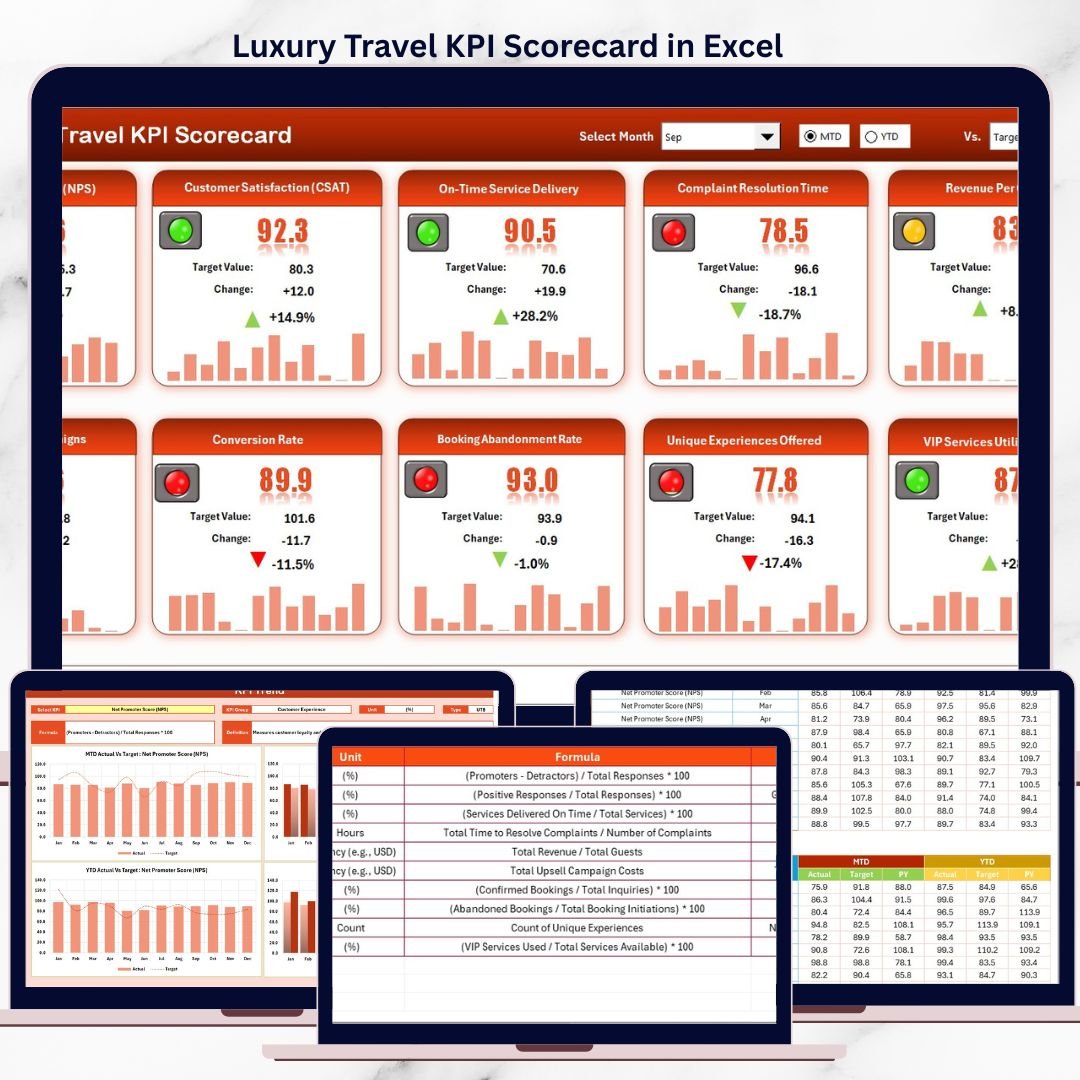



Luxury travel businesses operate in an environment where expectations are exceptionally high. Guests demand personalized experiences, flawless execution, and consistent service quality across every touchpoint. In such a premium market, relying on gut feeling or scattered reports can quickly damage brand reputation and profitability.
That is exactly where the Luxury Travel KPI Scorecard in Excel becomes a powerful performance management solution.
This ready-to-use Excel KPI scorecard helps luxury travel agencies, tour operators, and premium hospitality businesses track performance with precision. Instead of juggling multiple spreadsheets or static reports, you get a single, structured dashboard that clearly shows how your business is performing against targets—month after month and year after year.
Designed for clarity, control, and confidence, this Excel scorecard turns raw data into actionable insights so leadership teams can maintain service excellence while improving operational and financial performance.
✅ Key Features of Luxury Travel KPI Scorecard in Excel
📊 Centralized KPI Performance Tracking – Monitor all luxury travel KPIs in one professional Excel scorecard
🎯 Actual vs Target Comparison – Instantly identify gaps between planned and achieved performance
📅 MTD & YTD Analysis – Track short-term results and long-term trends effortlessly
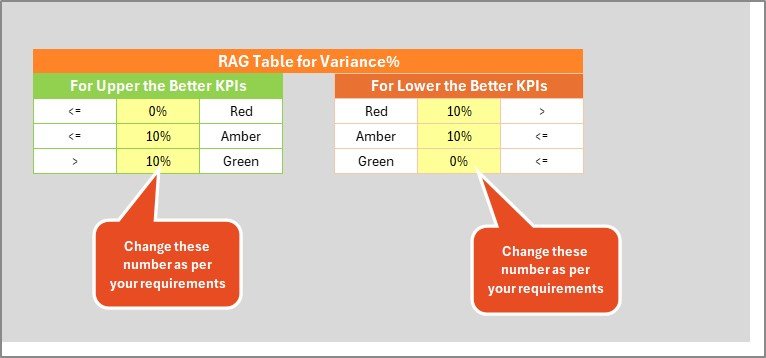
📈 Visual Performance Indicators – Conditional formatting highlights underperforming KPIs instantly
🔽 Dynamic Dropdown Controls – Switch months and views without manual calculations
📘 Built-In KPI Definitions – Maintain clarity and consistency across teams
💎 Luxury-Ready Layout – Clean, executive-friendly design ideal for leadership reviews
📦 What’s Inside the Luxury Travel KPI Scorecard in Excel
This ready-to-use KPI scorecard includes four structured worksheets, each designed to support effective performance tracking:
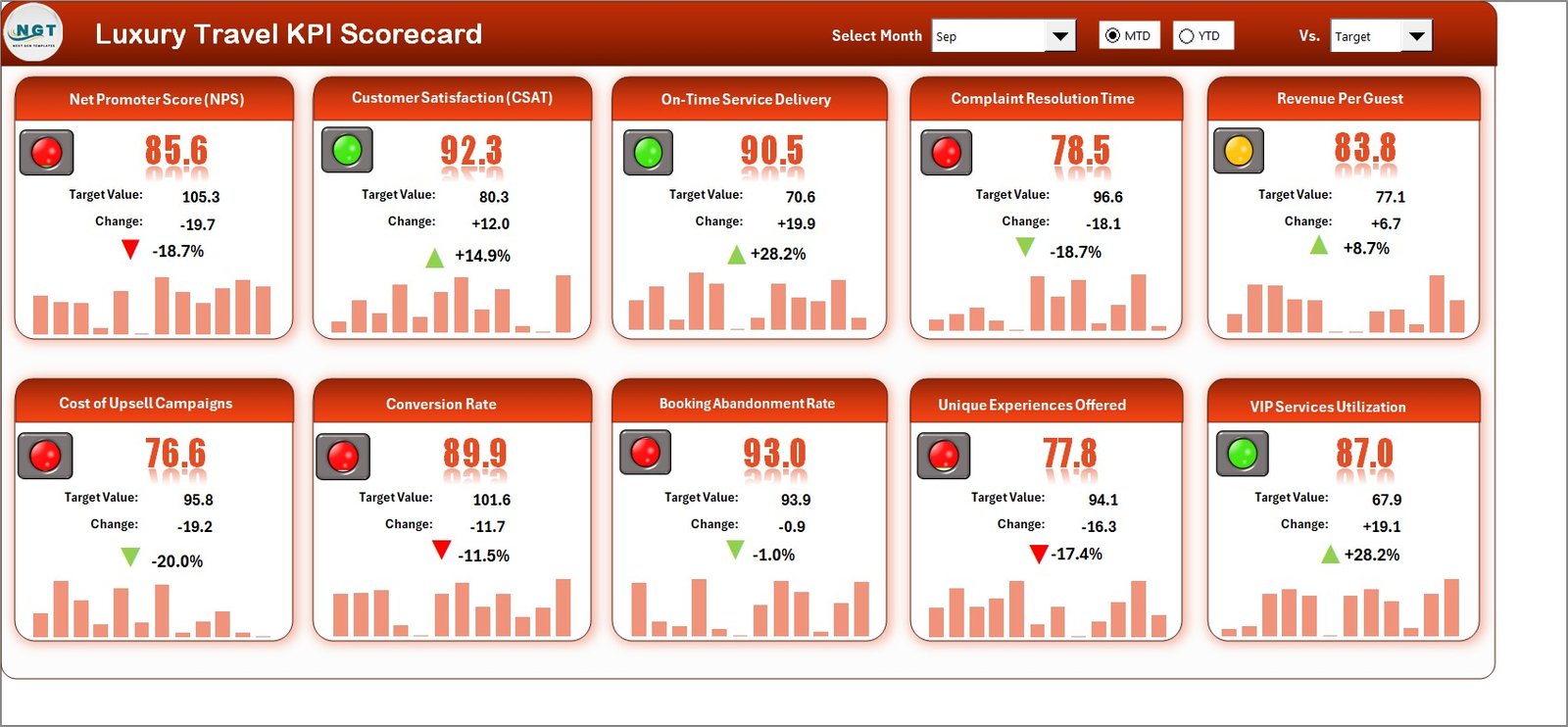
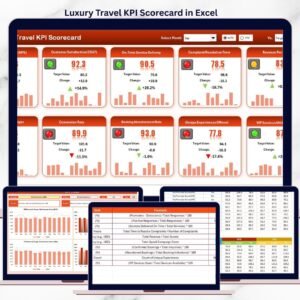
🧭 Scorecard Sheet
The main dashboard that provides an instant overview of all KPIs.
It displays KPI group, unit, MTD actual, MTD target, YTD actual, YTD target, and performance status—on a single screen.
📈 KPI Trend Sheet
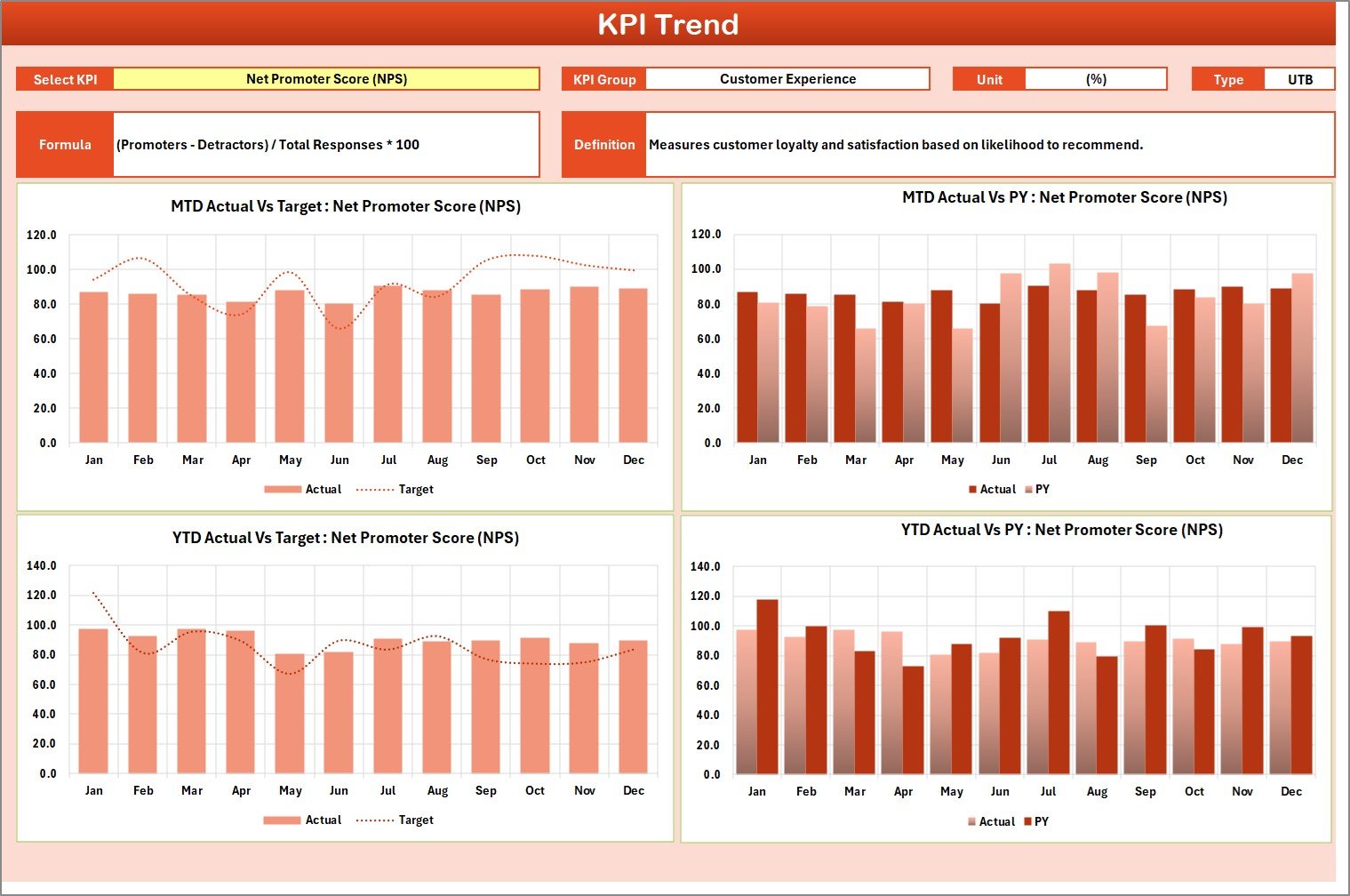
This sheet allows detailed KPI-level analysis.
Users select a KPI from a dropdown and view:
KPI group and unit
KPI type (Lower the Better / Upper the Better)
KPI formula and definition
MTD and YTD trend charts for Actual, Target, and Previous Year
This helps identify patterns, seasonality, and performance shifts.
✍️ Input Data Sheet
The backbone of the scorecard where users enter:
Actual KPI values
Target values
Period-wise data
All calculations and visuals update automatically based on this input.
📘 KPI Definition Sheet
A reference sheet that documents:
KPI name
KPI group
Unit
Formula
Definition
This ensures standardized understanding and governance across the organization.
🛠️ How to Use the Luxury Travel KPI Scorecard in Excel
Using this KPI scorecard is simple and intuitive:
1️⃣ Define your luxury travel KPIs and targets
2️⃣ Enter actual performance data in the Input Data sheet
3️⃣ Select the required month using dropdowns
4️⃣ Switch between MTD and YTD views
5️⃣ Review Actual vs Target performance instantly
6️⃣ Analyze trends and take corrective actions
No advanced Excel skills are required—basic Excel knowledge is enough.
👥 Who Can Benefit from This Luxury Travel KPI Scorecard?
This Excel KPI scorecard is ideal for:
✨ Luxury Travel Agencies
🧳 Premium Tour Operators
🏨 High-End Hospitality & Travel Brands
📊 Revenue & Performance Managers
🧠 Business Owners & Leadership Teams
Whether you manage a boutique luxury agency or a large premium travel operation, this scorecard adapts easily to your business needs.
📖 Click here to read the Detailed blog post
🎥 Visit our YouTube channel to learn step-by-step video tutorials
👉 https://youtube.com/@PKAnExcelExpert
Watch the step-by-step video tutorial:
Compatibility and Requirements
- Works in Microsoft Excel desktop (Excel 2016 or later, or Microsoft 365).
- The scorecard uses dropdowns to switch months and KPIs, and conditional formatting to flag KPIs that miss their targets. Microsoft explains the first in Create a drop-down list.
Frequently Asked Questions
Which sheets are included?
Four sheets: Scorecard, KPI Trend, Input Data and KPI Definition.
How do I update the scorecard?
Enter your actual values and targets in the Input Data sheet. Then select the month with the dropdown and the Scorecard sheet updates.
Can I see both MTD and YTD results?
Yes. The Scorecard sheet shows MTD actual, MTD target, YTD actual and YTD target for each KPI, and you can switch between the MTD and YTD views.
How do I see the trend for one KPI?
Open the KPI Trend sheet and pick a KPI from the dropdown. It shows the KPI group, unit, type (Lower the Better or Upper the Better), formula and definition, plus MTD and YTD trend charts for Actual, Target and Previous Year.
Is there a dashboard version of this template?
Yes. See the Luxury Travel KPI Dashboard in Excel, the Luxury Travel KPI Dashboard in Power BI and the Luxury Travel KPI Dashboard in Google Sheets.
Related Luxury Travel Templates
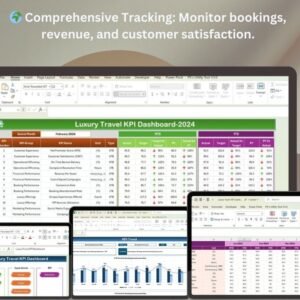
- Luxury Travel KPI Dashboard in Excel: a dashboard view of luxury travel KPIs
- Luxury Travel KPI Dashboard in Power BI: the Power BI edition
- Luxury Travel KPI Dashboard in Google Sheets: the Google Sheets edition
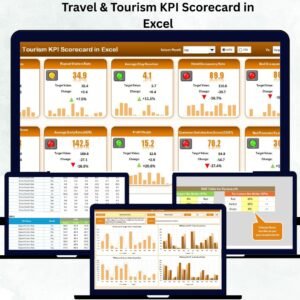
- Travel & Tourism KPI Scorecard in Excel: a scorecard for wider travel businesses
- Hospitality KPI Scorecard in Excel: a scorecard for hospitality teams
Browse all Excel KPI dashboards.































Reviews
There are no reviews yet.