


Managing a luxury travel brand means delivering exceptional service—every time. But behind each unforgettable stay, there’s data. The Luxury Travel KPI Dashboard in Power BI is your plug-and-play solution for tracking what truly matters: performance, service excellence, and strategic growth.
Whether you’re running a boutique resort, yacht charter, or global concierge network, this dashboard helps you monitor KPIs, spot trends, and hit your goals—with no coding or complex setup required.
✨ Key Features of the Luxury Travel KPI Dashboard
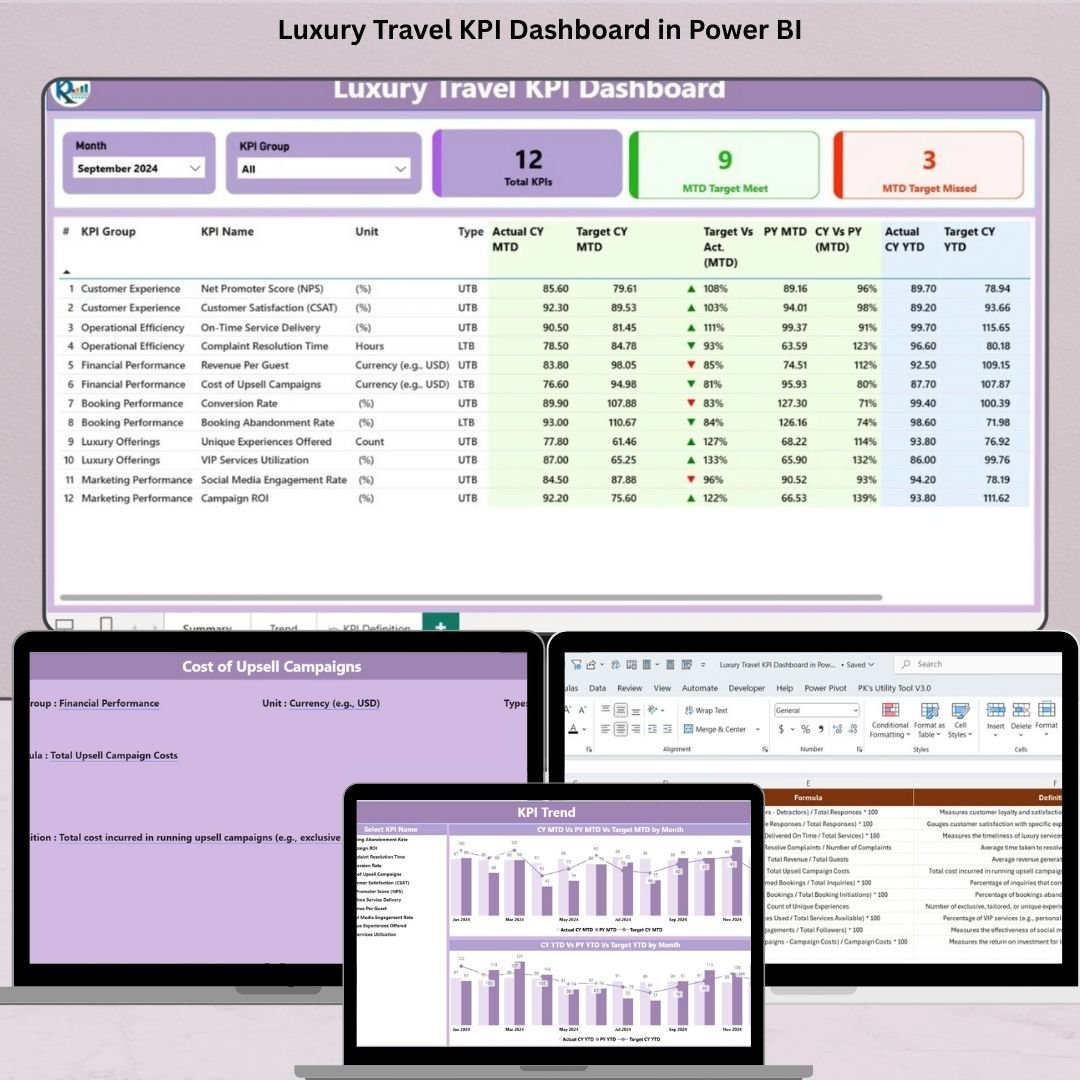
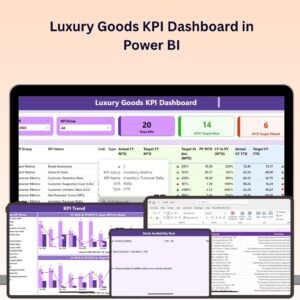
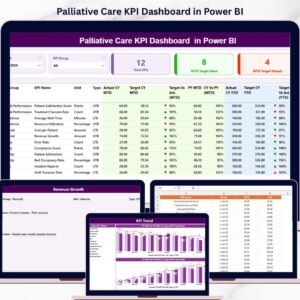
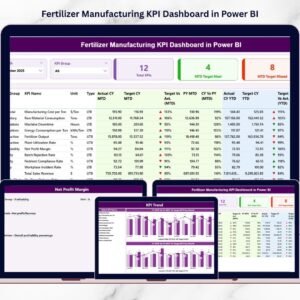
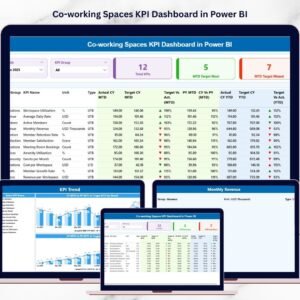
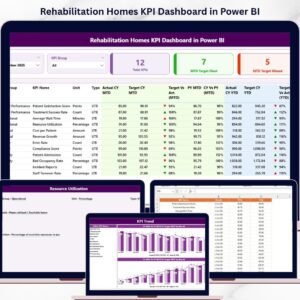
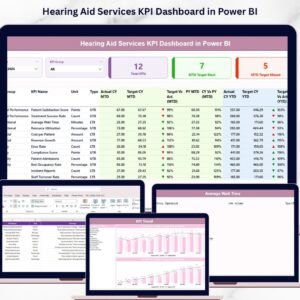
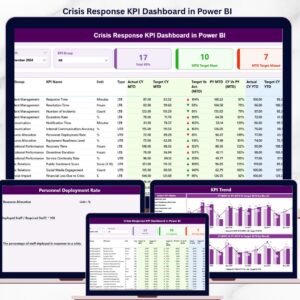
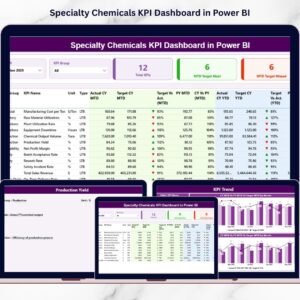
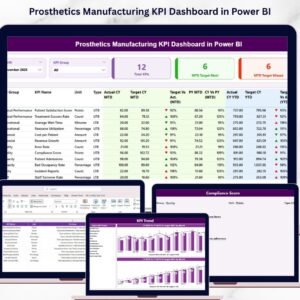
📊 Summary Page – Your Performance Command Center
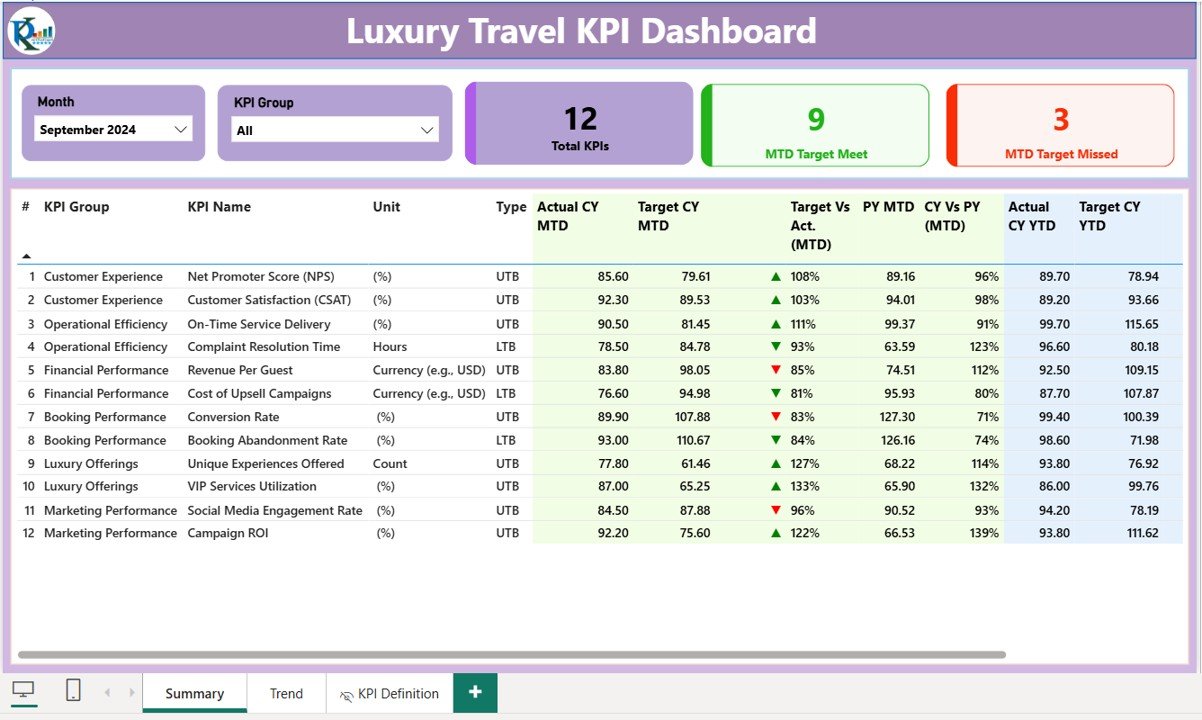
Track live business performance with:
Month & KPI Group slicers for quick filtering
KPI Cards for Total KPIs, Target Met, and Missed
Real-time data tables showing:
KPI Group, KPI Name, Unit, Type (UTB/LTB)
MTD and YTD Actuals vs Targets
Green/Red ▲▼ icons showing performance trends
% comparisons to Target and Previous Year
Drill-through enabled to view KPI definitions
This snapshot helps you make fast, informed decisions.
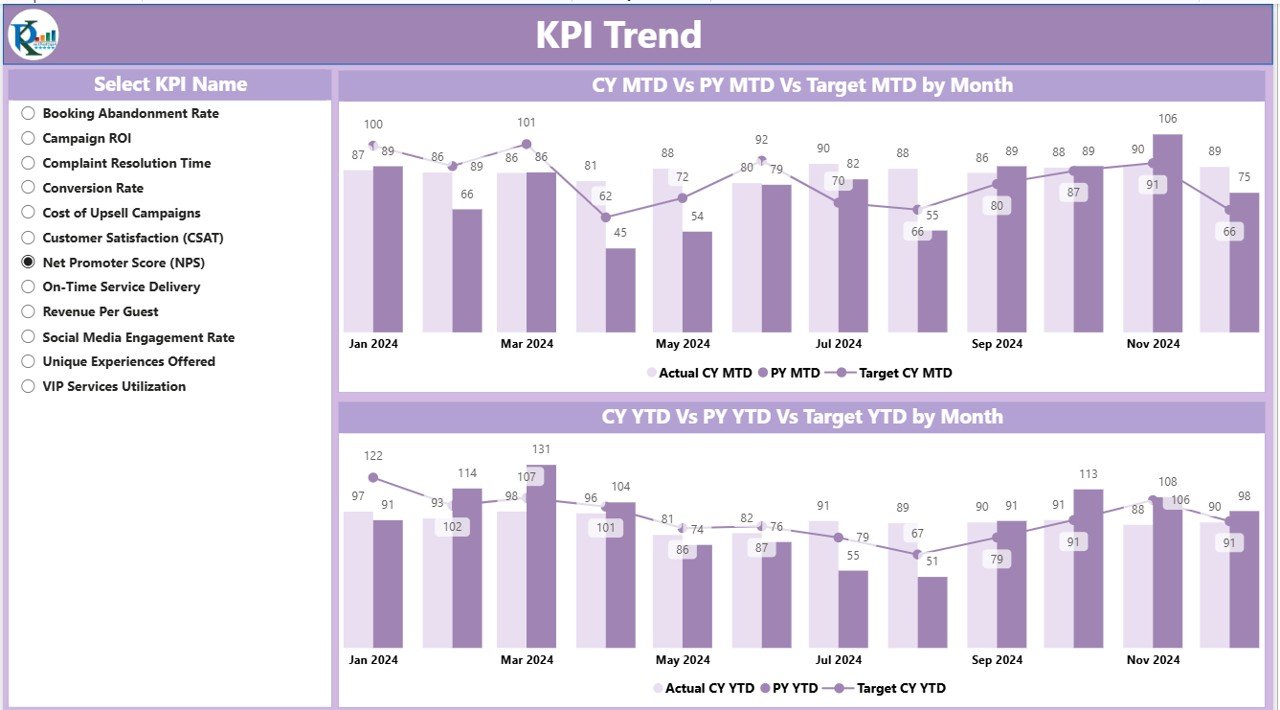
📈 KPI Trend Page – Uncover What the Numbers Say
Visualize growth or concerns using:
MTD Trend Chart: Compare Actuals, Targets, and Previous Year
YTD Trend Chart: Detect year-long patterns in performance
KPI Name slicer: Drill into specific KPIs and track progress over time
Perfect for monthly reviews and stakeholder meetings.
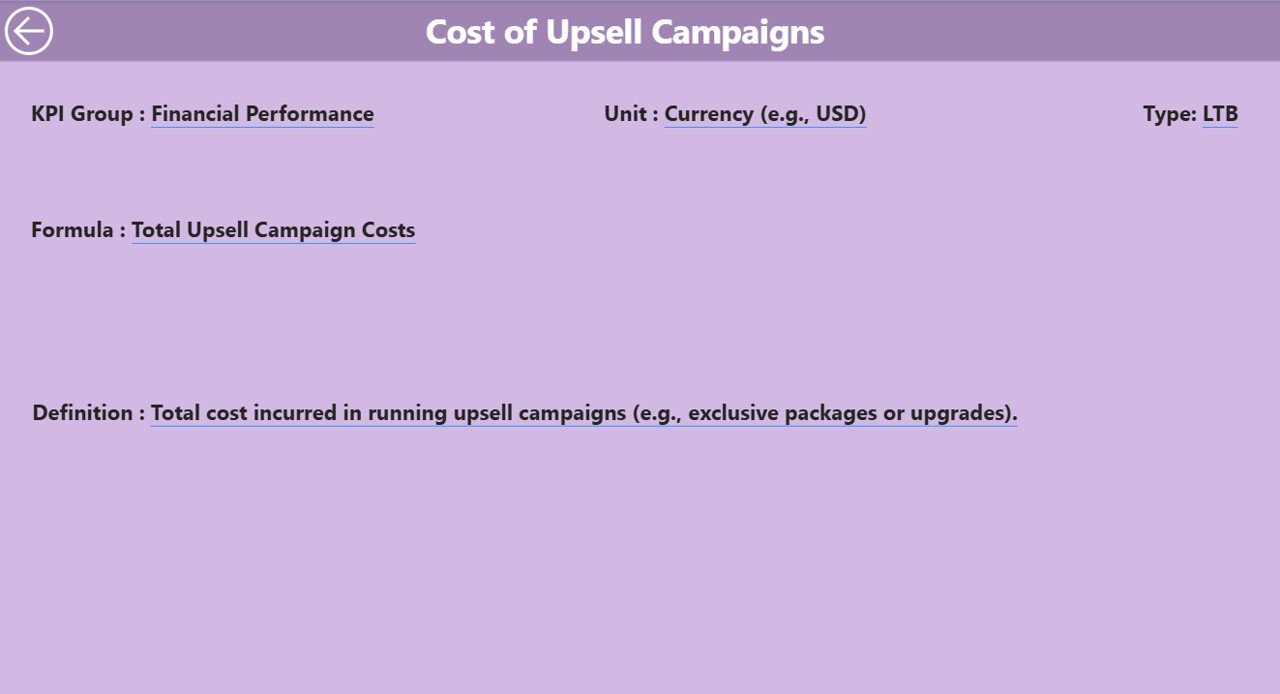
📘 KPI Definition Page – Understand the Why Behind the Numbers
Right-click on any KPI in the Summary to drill into:
KPI Formula
KPI Description
Click “Back” to return—simple, clean, and insightful for all team levels.
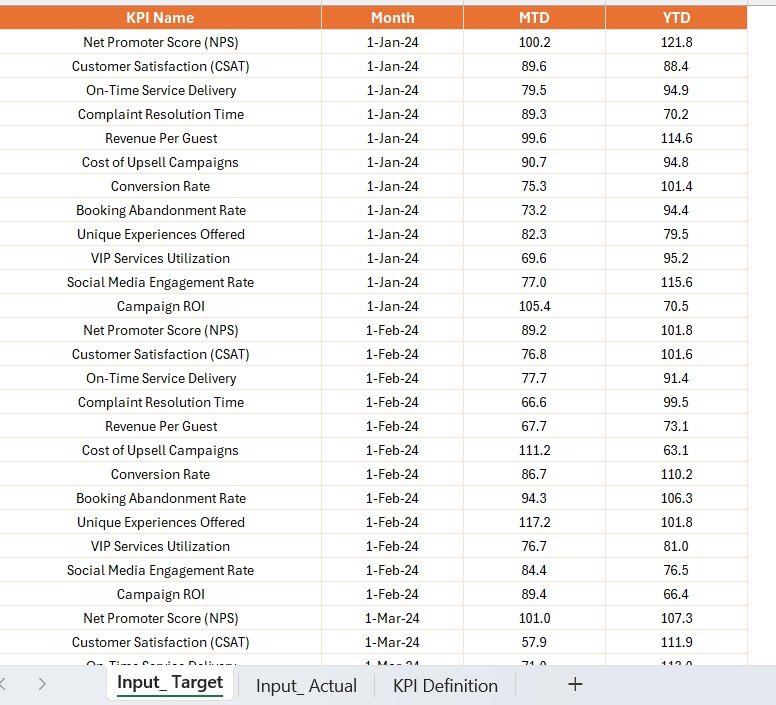
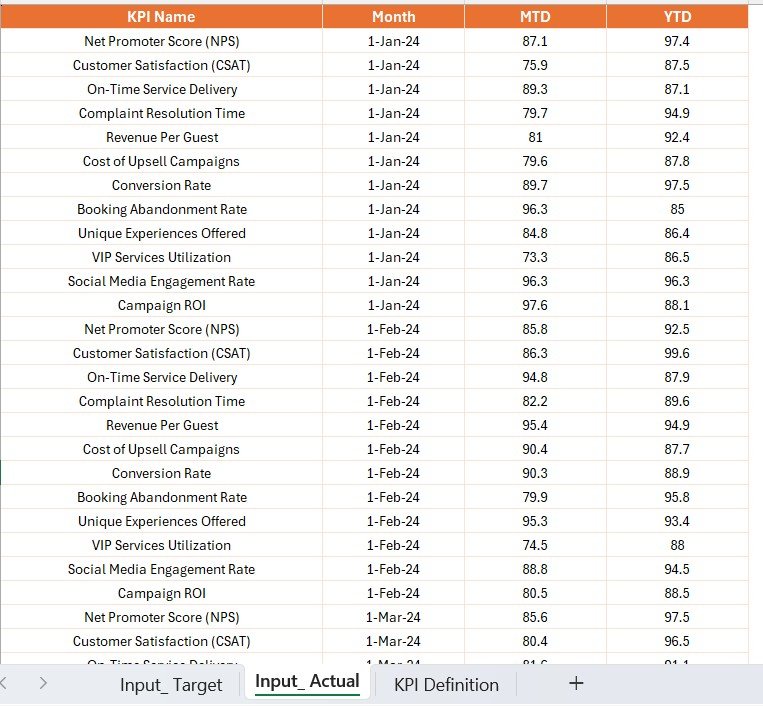
📥 Powered by Excel – Easy Data Management
✅ Input Actual Sheet
KPI Name
First day of the month
Actual MTD and YTD performance
✅ Input Target Sheet
Month
KPI-specific MTD and YTD Targets
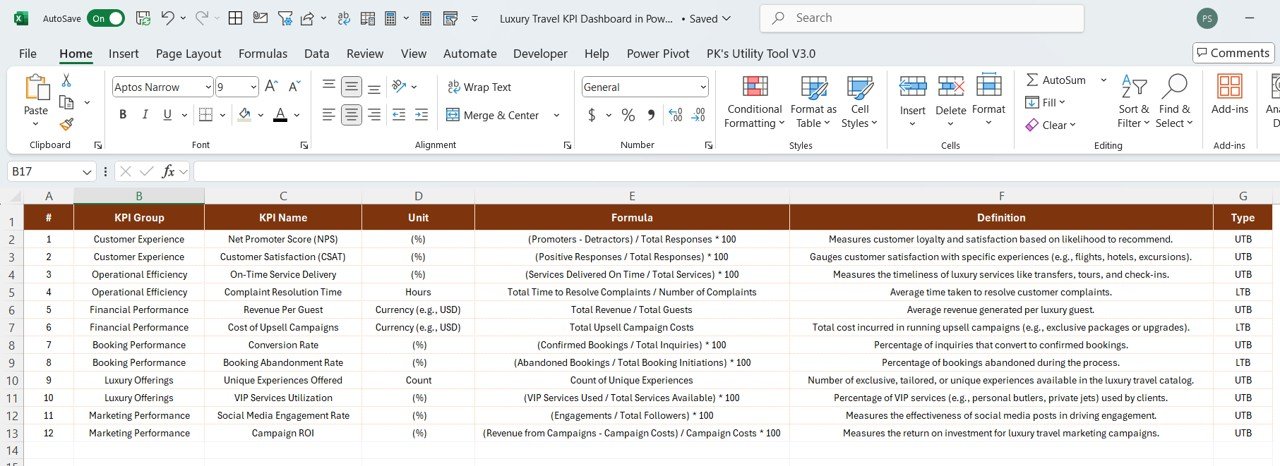
✅ KPI Definition Sheet
KPI Group, Name, Unit, Formula
Definition
Type: UTB (Upper the Better) or LTB (Lower the Better)
Just update your Excel sheet monthly, refresh Power BI, and you’re done.
🌟 Advantages of Using This Dashboard
📌 Instant Visibility – Live view of MTD & YTD performance
📈 Trend Detection – Track progress or identify slumps early
🔍 Client Experience KPIs – Focus on metrics that elevate luxury standards
✅ No Coding Required – Modify KPIs via Excel only
🧠 Strategic Alignment – Tie metrics directly to your luxury service goals
🕒 Time-Saving Setup – Quick onboarding for any team
🛠 Best Practices for Use
🔄 Update Excel Monthly – Stay current for accurate reporting
📉 Watch for Red Flags – Use icons to spot declining KPIs
📊 Use Drill-Through Wisely – Get full KPI definitions before acting
🗓️ Set Clear Review Cycles – Use weekly or monthly trend reviews
🎯 Align KPIs to Impact – Focus only on what drives experience and revenue
👥 Who Should Use This Dashboard?
✅ Operations Managers – Monitor performance across locations
✅ Sales & Marketing Teams – Align guest experience with revenue goals
✅ Travel Planners & Advisors – Track booking-to-satisfaction journey
✅ Strategy Teams – Align KPIs with long-term objectives
✅ Luxury Resort Directors & GMs – Visualize what’s working and what’s not
No matter your luxury travel niche, this dashboard adapts seamlessly to your workflows.
📘 Click here to read the Detailed blog post
🎥 Visit our YouTube channel to learn step-by-step video tutorials
Watch the step-by-step video tutorial:
Compatibility and Requirements
- Works in Power BI Desktop, which is free to download. Microsoft explains the install in Get Power BI Desktop.
- You enter your data in the included Excel input sheets, then refresh the report in Power BI.
Frequently Asked Questions
What pages does the dashboard have?
Three pages: Summary, KPI Trend and KPI Definition.
Where do I enter my numbers?
In the Excel file. The Input Actual sheet takes the KPI name, the first day of the month and the actual MTD and YTD values. The Input Target sheet takes the month and the MTD and YTD targets for each KPI.
Do I need to write code to change the KPIs?
No. You edit KPI names, groups, units, formulas, definitions and type (UTB or LTB) in the KPI Definition sheet in Excel, then refresh Power BI.
How do I see a KPI’s formula and definition?
Right-click a KPI on the Summary page and drill through to the KPI Definition page. Use the Back button to return.
Is there an Excel or Google Sheets version?
Yes. See the Luxury Travel KPI Dashboard in Excel and the Luxury Travel KPI Dashboard in Google Sheets.
Related Luxury and Travel Templates
- Luxury Travel KPI Dashboard in Excel: the same KPIs in Excel
- Luxury Travel KPI Dashboard in Google Sheets: the Google Sheets edition
- Luxury Travel KPI Scorecard in Excel: a scorecard view of travel metrics
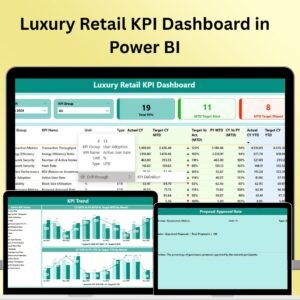
- Luxury Retail KPI Dashboard in Power BI: a Power BI dashboard for luxury retail
- Power BI Dashboard Mega Collection: 15 Power BI dashboard templates in one download
Browse all Power BI KPI dashboards.








Reviews
There are no reviews yet.