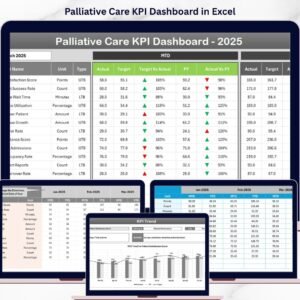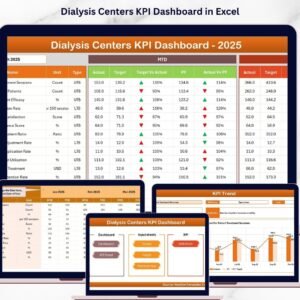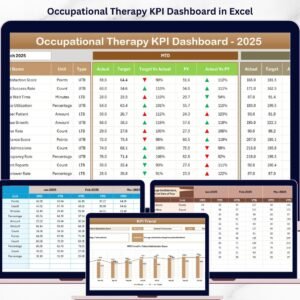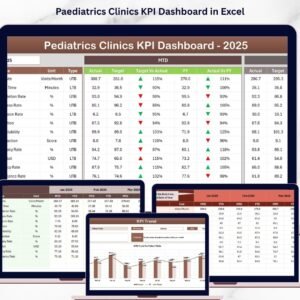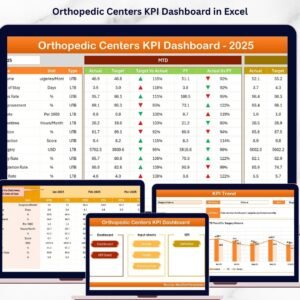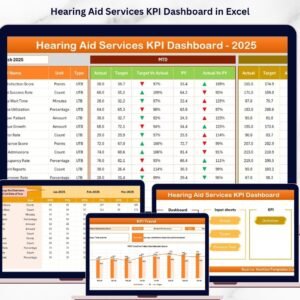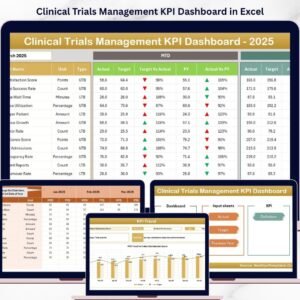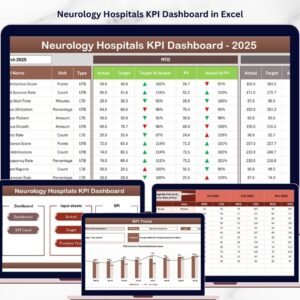


Hospitals KPI Dashboard in Excel

MS Excel - instant download

Original price was: ₹1,999.00.Current price is: ₹1,499.00.
Details, requirements and demo below
Sale!

Hospitals KPI Dashboard in Excel

Original price was: ₹1,999.00.Current price is: ₹1,499.00.

🏥 Complete Hospital Dashboard – Monitor clinical, financial, and operational KPIs easily.
📊 Interactive Visuals – Track MTD & YTD metrics with auto-updating charts.
🎯 Actual vs Target Analysis – See where performance stands instantly.
📈 Year-over-Year Insights – Compare results with previous periods.
⚙️ Automated & Dynamic – All sheets connected for seamless updates.
🧩 Customizable KPIs – Add or edit metrics for your specific hospital.
🎨 Color Indicators – Green for success, red for review — at a glance.
💻 Excel-Based & Easy-to-Use – No add-ins or coding required.
👩‍⚕️ Ideal for Healthcare Teams – Administrators, finance, HR, and QA.
🚀 Data-Driven Decisions – Improve care quality and operational outcomes.

- +

💡 Buy any 2 templates and save 20% automatically at checkout.

Pricing country
Prices follow your selected country; checkout uses your billing country.
Excel Pivot Tables & Dashboards: Basic to Advanced courseLaunch offer
🎓 NEXTGENTEMPLATES ACADEMY
Like this dashboard? Learn to build your own.
Excel Pivot Tables & Dashboards: Basic to Advanced

From your first Pivot Table to the Data Model, DAX, Power Query and a one-page KPI dashboard. 11h 51m of video by PK, with practice files, quizzes and a capstone.

Managing a hospital efficiently requires more than dedication — it demands data-driven insights that ensure better patient care, operational efficiency, and financial control. 💉 The Hospitals KPI Dashboard in Excel is a ready-to-use, interactive performance-tracking tool designed specifically for healthcare organizations.

This Excel-based solution helps hospital administrators, finance teams, and department heads track all essential Key Performance Indicators (KPIs) — from patient satisfaction to staff utilization — in one place. With automated visuals, monthly trends, and goal tracking, this dashboard transforms complex hospital data into clear, actionable insights. 📊


⚙️ Key Features of Hospitals KPI Dashboard in Excel

✨ Automated Calculations: All metrics update instantly once data is entered — no manual formulas needed.
📈 Dynamic Dashboards: View real-time visuals for both Month-to-Date (MTD) and Year-to-Date (YTD) metrics.
🎯 Actual vs Target Tracking: Instantly identify where performance meets or misses expectations.
📉 Previous Year Comparison: Evaluate year-over-year improvements with just one click.
🎨 Color-Coded Indicators: Arrows and colors highlight trends for easy interpretation.
🧩 Customizable KPIs: Add, edit, or remove hospital-specific metrics effortlessly.
📊 Comprehensive Analytics: Covers clinical, financial, HR, and administrative performance.
💻 100% Excel-Based: No additional software — everything works within Microsoft Excel.


📦 What’s Inside the Hospitals KPI Dashboard

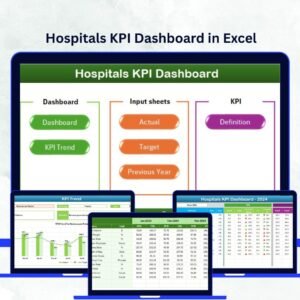
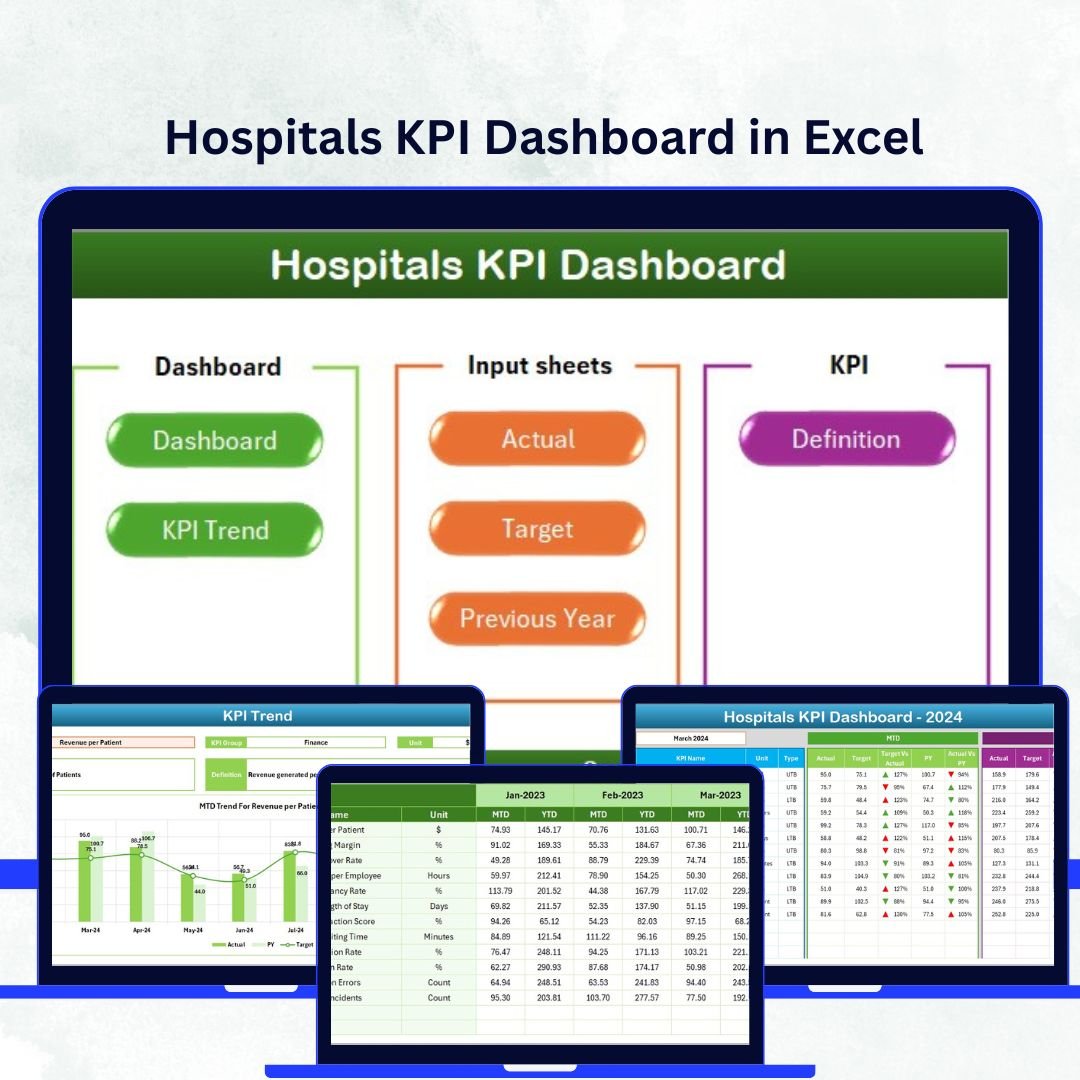
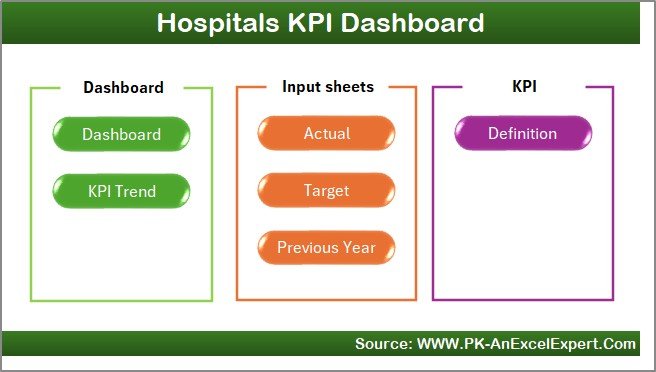
This advanced Excel template is organized into seven interconnected worksheets that streamline hospital performance tracking:
Hospitals KPI Dashboard in Excel

1️⃣ Home Sheet: Acts as your navigation hub, allowing quick access to all other sheets.
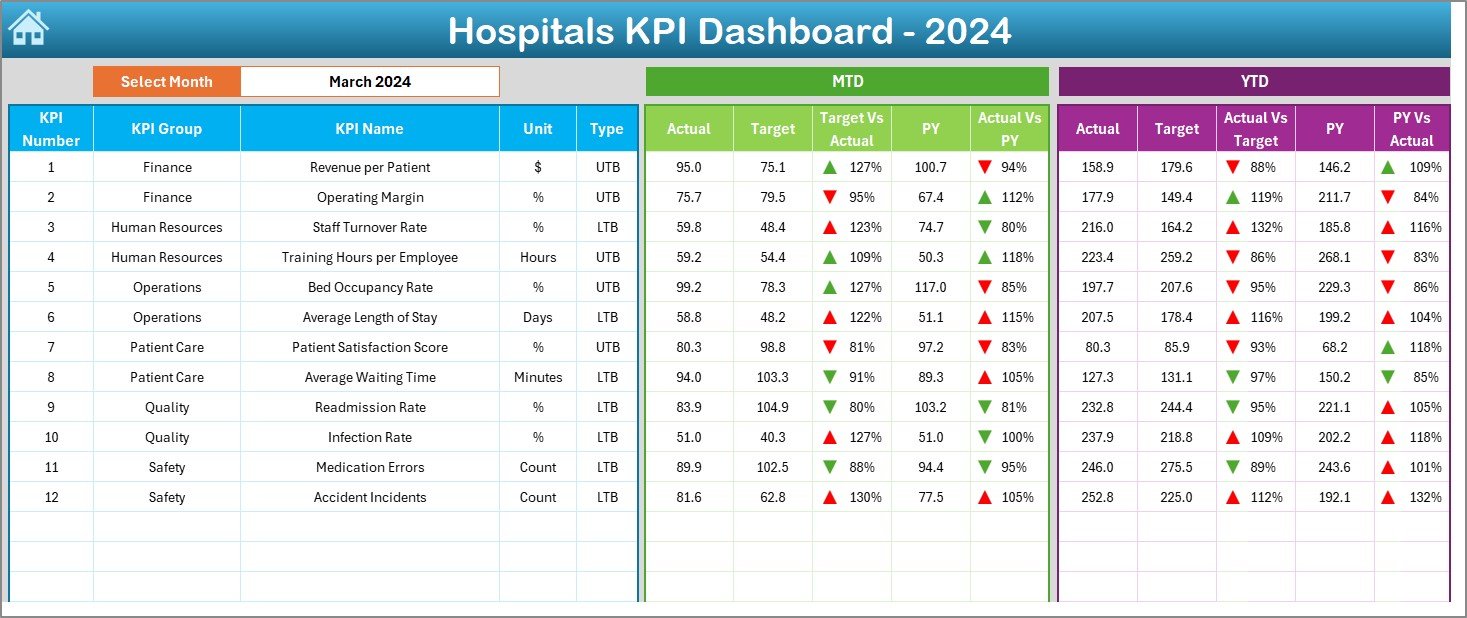
2️⃣ Dashboard Sheet: Displays all major KPIs with dynamic visuals, MTD/YTD toggles, and conditional formatting.
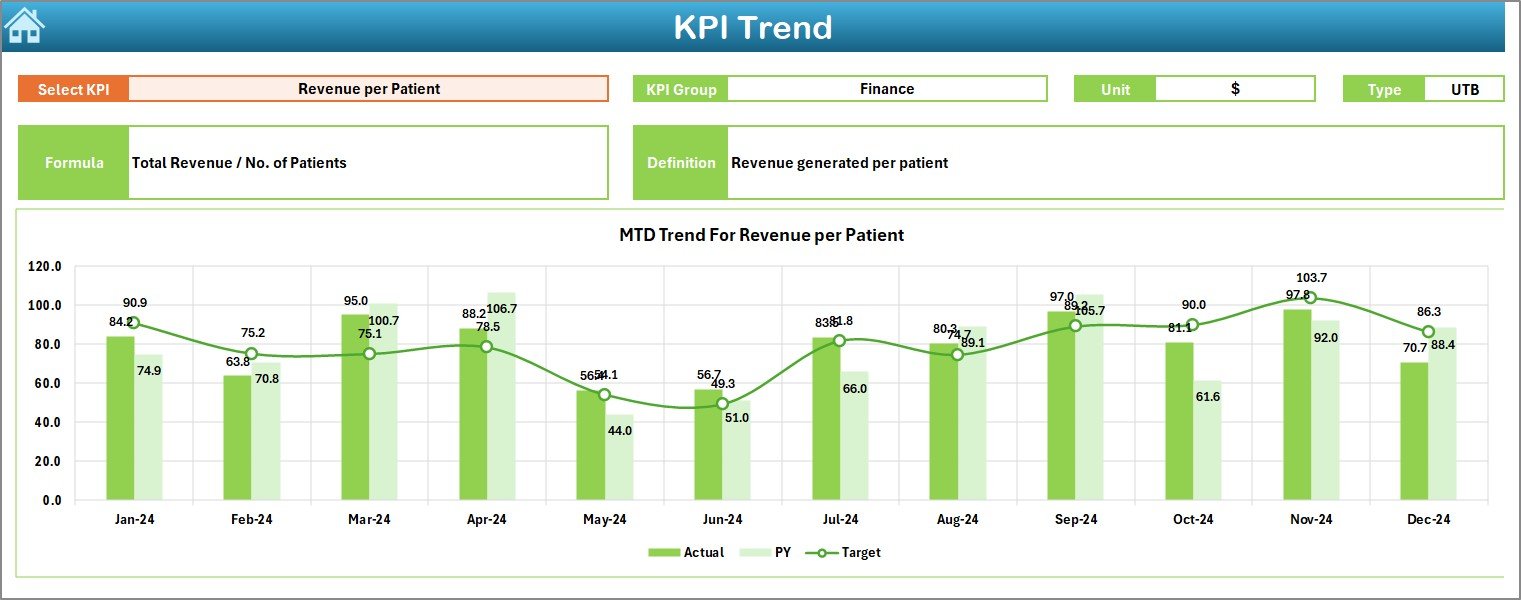
3️⃣ KPI Trend Sheet: Analyze each KPI’s progress across months with line charts and target comparisons.
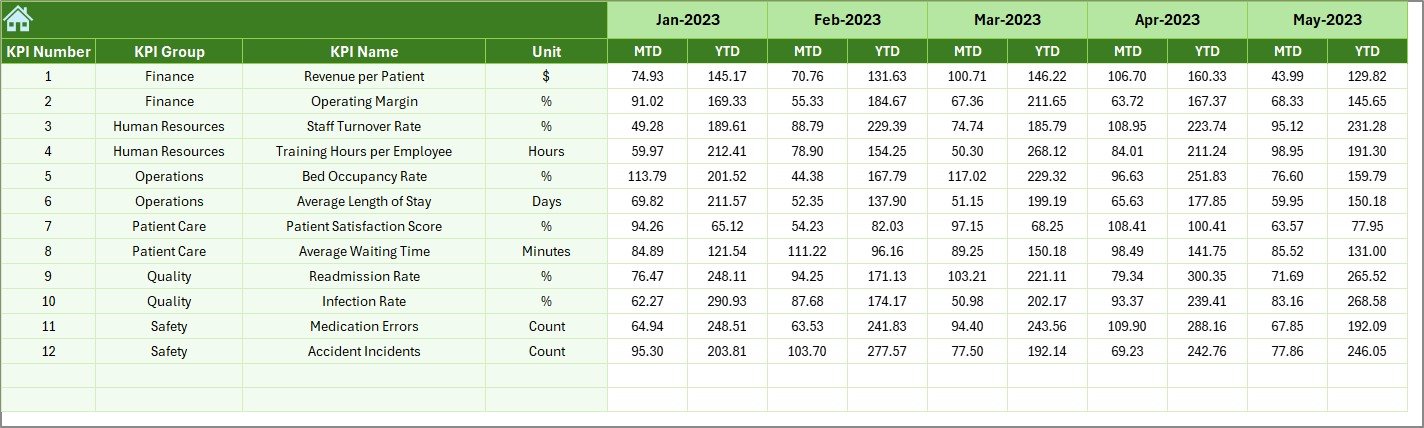
4️⃣ Actual Numbers Input Sheet: Enter current data once — the entire workbook updates automatically.
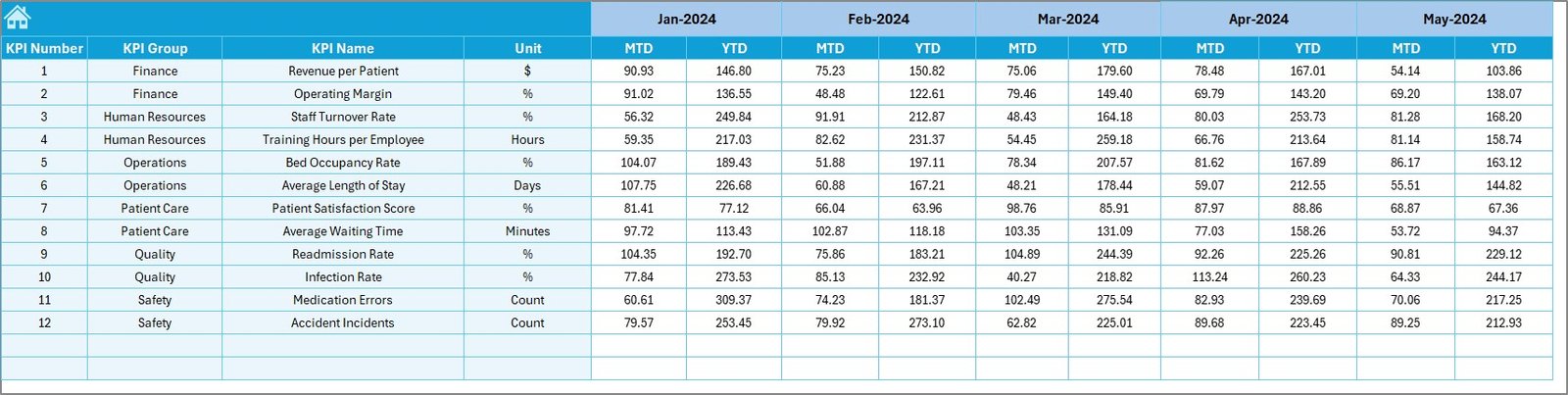
5️⃣ Target Sheet: Set measurable goals for each KPI to ensure consistent tracking and accountability.
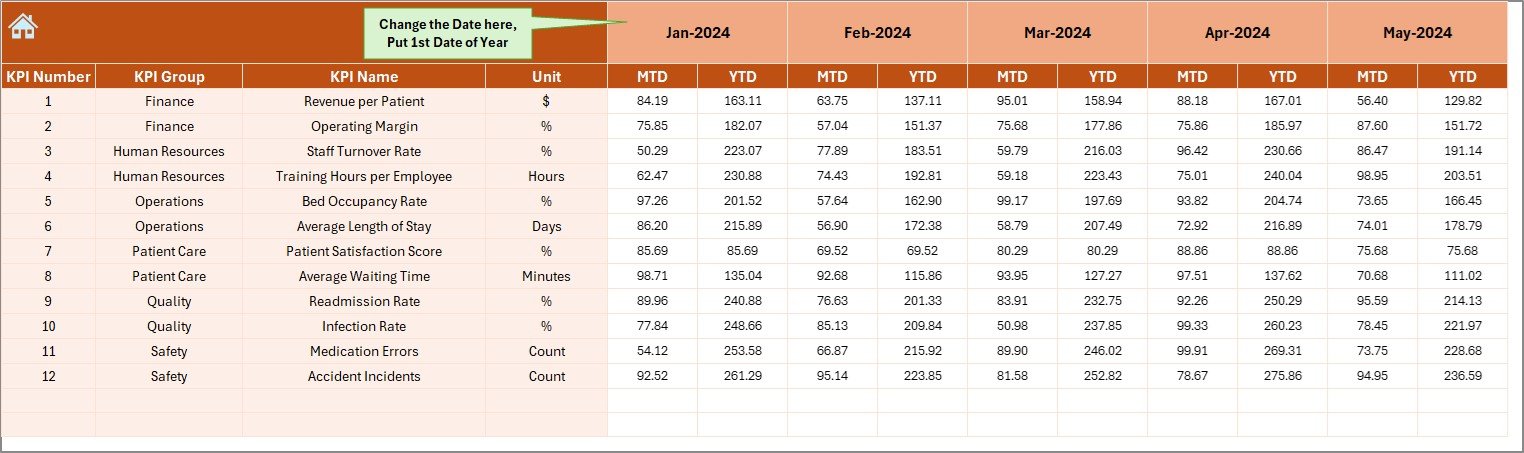
6️⃣ Previous Year Sheet: Compare present performance against last year’s data to track growth.
7️⃣ KPI Definition Sheet: Lists KPI names, formulas, and definitions for transparency and consistency.

Every sheet is fully linked, ensuring seamless data flow and zero redundancy — ideal for hospitals seeking clarity, control, and precision.


🧭 How to Use the Hospitals KPI Dashboard

🪄 Step 1: Begin on the Home Sheet and use navigation buttons to explore the workbook.
📊 Step 2: Input monthly data into the Actual Numbers sheet and define your fiscal start month.
🎯 Step 3: Enter monthly targets in the Target Sheet to establish clear performance goals.
📈 Step 4: View interactive charts and KPI summaries in the Dashboard Sheet.
📉 Step 5: Dive into specific metrics in the KPI Trend Sheet to identify improvement areas.
📋 Step 6: Refer to the KPI Definition Sheet whenever you need clarity on formulas or definitions.

With these simple steps, even users with basic Excel knowledge can monitor hospital KPIs efficiently and confidently. 🚀


👥 Who Can Benefit from This Hospitals KPI Dashboard

🏥 Hospital Administrators: Gain a complete picture of hospital efficiency, patient care, and costs.
💰 Finance Teams: Track expenses, revenues, and operational budgets in one dashboard.
👩‍⚕️ Clinical Directors: Measure patient outcomes, service quality, and compliance KPIs.
🧑‍💼 HR Managers: Monitor staff productivity, absenteeism, and training compliance.
🧾 Quality Assurance Teams: Evaluate safety, satisfaction, and performance adherence.
🩺 Healthcare Consultants: Provide actionable insights to clients using real-time analytics.

From small clinics to multi-branch hospital chains, this dashboard ensures better decision-making, transparency, and control.


🔗 Click here to read the Detailed Blog Post

🎥 Visit our YouTube channel to learn step-by-step video tutorials

Watch the step-by-step video tutorial:

 

Frequently asked questions

Which Excel version do I need?
Microsoft Excel 2016 or later on desktop (Microsoft 365 recommended). Many of our formula templates also open in Excel 2013 and Excel for the web - the exact requirement is listed in this product's description.
Does it work on Mac?
Yes. Formula-based Excel templates (no macros) work in Excel for Mac 2016 or later.
Does it work on mobile or Excel Online?
You can view it in the Excel mobile app and Excel for the web, but for entering data, using slicers and refreshing pivots we recommend desktop Excel.
How do I add my own data?
Replace the sample rows on the data sheet with your own (keep the column headers), then click Data > Refresh All so every chart and pivot updates.
Some sheets are protected - how do I edit them or change the logo?
A few of our trackers, data entry systems and dashboards protect sheets so formulas are not overwritten by mistake. Go to Review > Unprotect Sheet - most have no password. If Excel asks for one, message us with your order number and we will share it straight away.
How many records can it handle?
It has been tested with several thousand rows and suits normal small-business volumes. Excel itself handles over 1 million rows.
Is it a one-time payment or a subscription?
One-time payment. No subscription, no per-user fees and nothing to renew - the file is yours to keep.
How do I get the file after payment?
Instantly. The download link appears on screen after checkout, is emailed to you, and stays under My Account > Downloads on our website. If the email does not arrive within a few minutes, check your spam or promotions folder.
Is a user manual included?
Most of our newer products include a PDF user manual in the download. If yours does not have one, message us with your order number and we will send it.
Do I get free updates?
Bug fixes are always free - if something does not work as described, we fix it and send you the corrected file. New versions with new features are not included in the price, unless this product's description says otherwise.
Can you customise it for me?
Yes. Small changes to this template (your columns, categories, logo, colours, minor layout) cost the template price plus $40-80 (Rs 3,000-6,000 + GST), quoted once you send your list. A fully custom build is usually $100-200 (Rs 8,000-18,000 + GST) with two revision rounds. Email your requirements to [email protected] or message us on WhatsApp.
Can I use it for my business or my clients?
Yes, for your own personal or internal business use, for as long as you like. Reselling or redistributing the template is not allowed.
What is your refund policy?
Because these are digital downloads, they are non-refundable once delivered - except when the product does not match its description (report it within 48 hours of purchase) or there is a technical problem our team cannot fix within 72 hours. Email [email protected] with your order number.
How do I get help?
Email [email protected] (Mon-Fri, 10 AM-7 PM IST) or message us on WhatsApp +91 80770 90260 (chat only, no calls). Please include your order number.

Still have a question? Click Need help? at the bottom-left to ask our assistant, or message us on WhatsApp.

Application

MS Excel

Template Type

KPI Dashboard

Price

Paid

Business Or Department

Healthcare and Medical Services

Reviews

There are no reviews yet.

Only logged in customers who have purchased this product may leave a review.

Hospitals KPI Dashboard in ExcelHospitals KPI Dashboard in Excel
Original price was: ₹1,999.00.Current price is: ₹1,499.00.
- +
Scroll to Top