
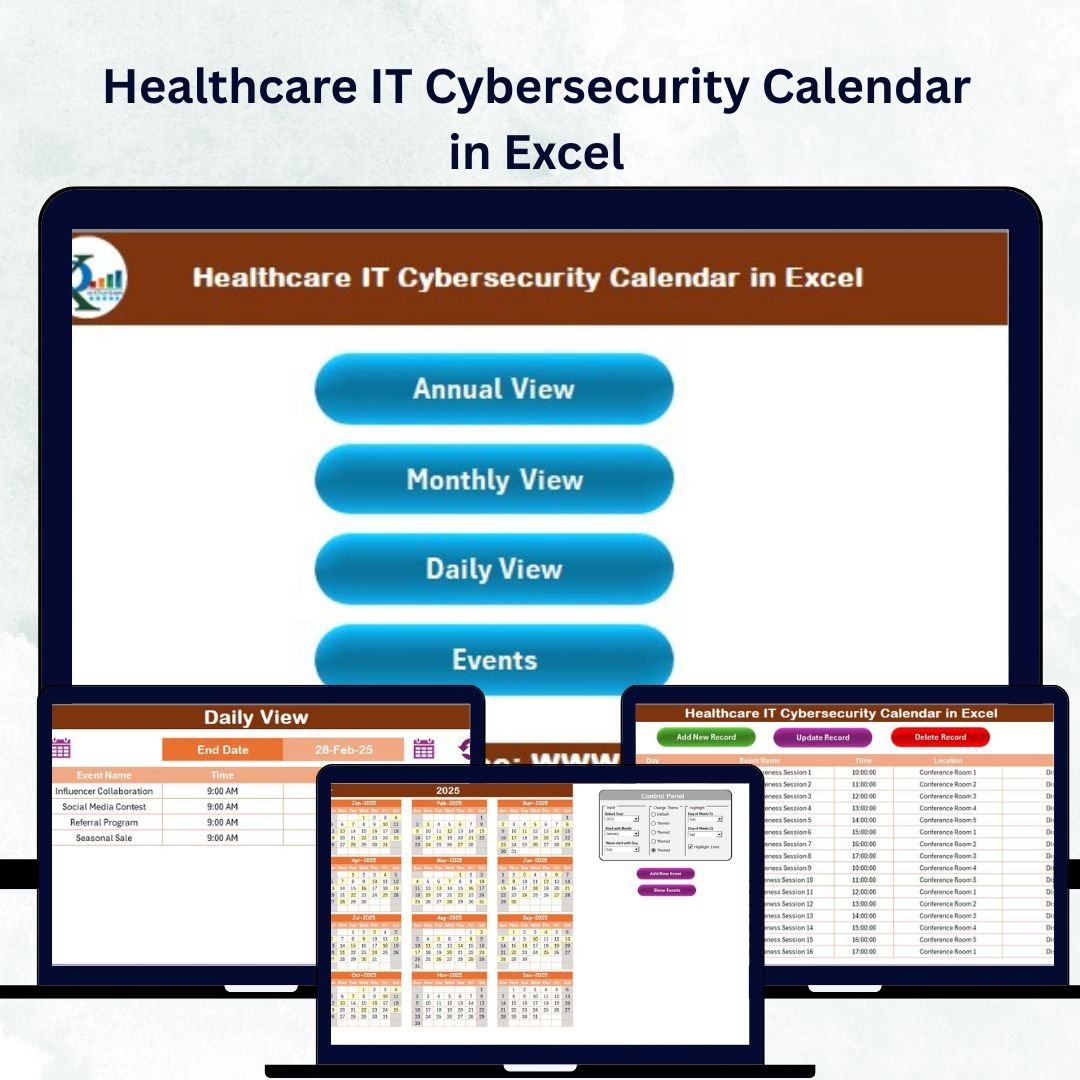
In the fast-moving digital world of healthcare, protecting patient data is no longer optional — it’s a necessity. The Healthcare IT Cybersecurity Calendar in Excel is a powerful, ready-to-use Excel-based solution that helps hospitals, clinics, and IT teams efficiently plan, monitor, and manage their cybersecurity activities throughout the year.
Built entirely in Excel, this smart calendar eliminates confusion and ensures that no security task, audit, or training goes unnoticed. Whether you’re tracking compliance deadlines, scheduling vulnerability tests, or planning awareness sessions, this template provides full visibility and control — all without needing expensive software.
⚙️ Key Features of the Healthcare IT Cybersecurity Calendar in Excel
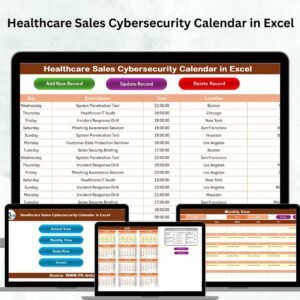
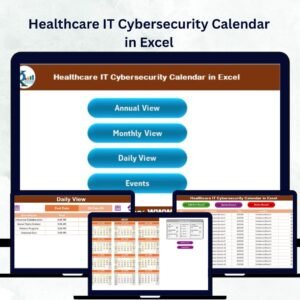
✨ Five Smartly Designed Worksheets – Navigate seamlessly through Home, Annual View, Monthly View, Daily View, and Events sheets for comprehensive cybersecurity scheduling.
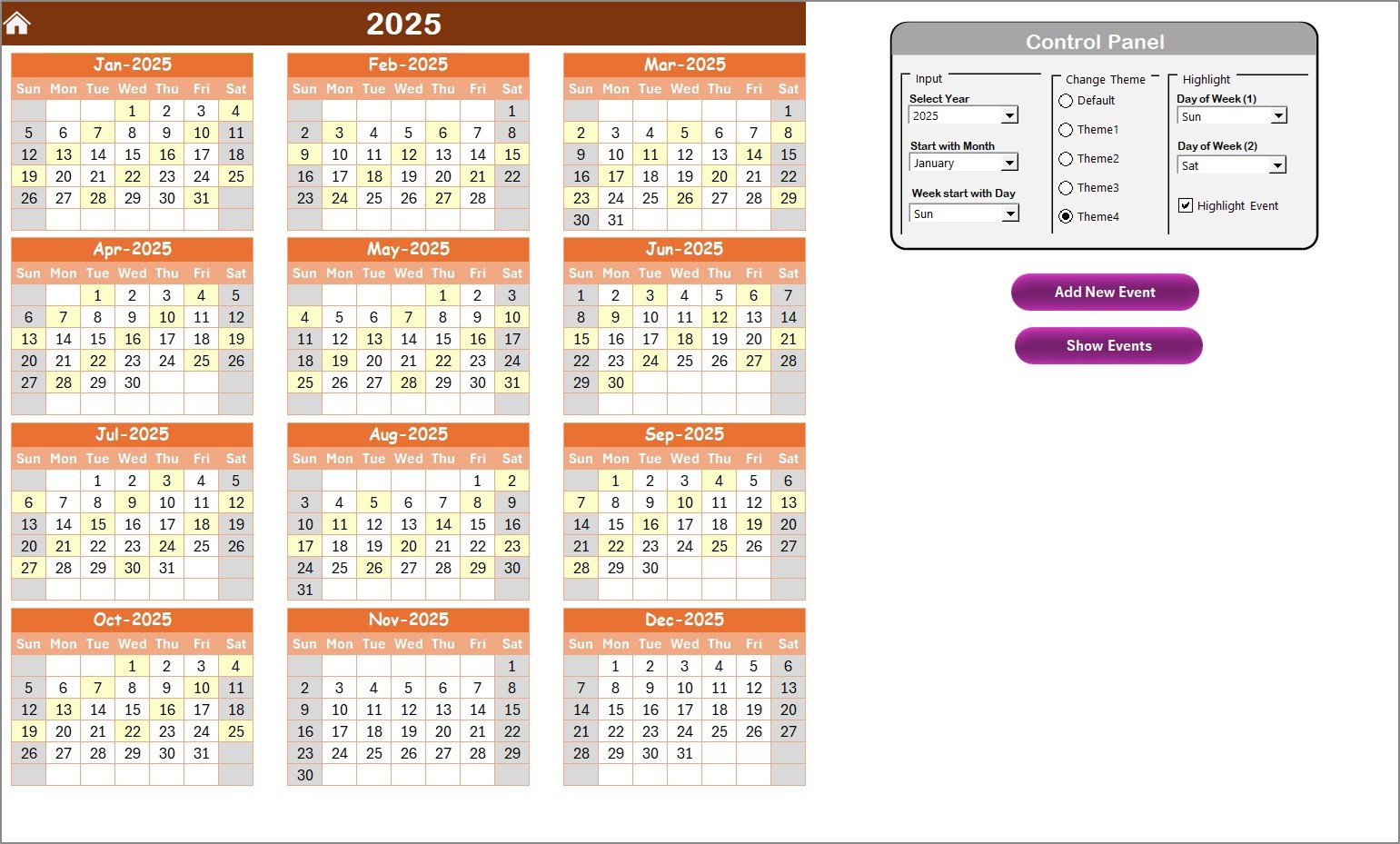
📅 Annual, Monthly & Daily Views – Plan yearly cybersecurity audits, track monthly vulnerability tests, or view daily log checks — all in one organized layout.
🎨 Dynamic Control Panel – Choose your year, month, start day, and theme with just a few clicks. Customize colors, highlight weekends, and mark key events for better clarity.
🧠 Automation Buttons – Add, update, or delete cybersecurity events directly from the sheets using prebuilt buttons and forms — no coding required.
💾 Data Security & Offline Access – Keep sensitive data stored locally with full control. No internet dependency, no external tools — pure Excel simplicity.
🎯 Compliance Tracking – Ensure adherence to frameworks like HIPAA and ISO 27001 with consistent, structured scheduling.
📘 What’s Inside the Healthcare IT Cybersecurity Calendar in Excel
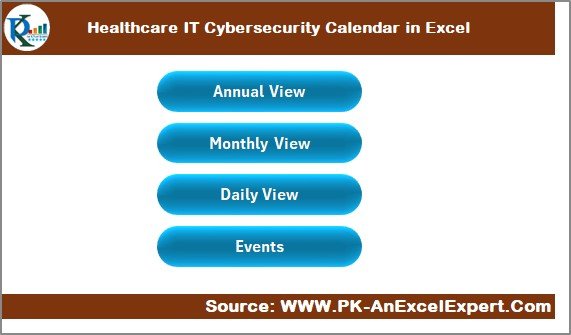
🧭 Home Sheet – Your control center with quick navigation buttons for Annual, Monthly, Daily, and Events views.
📆 Annual View – A 12-month overview for scheduling audits, awareness campaigns, and compliance checks.
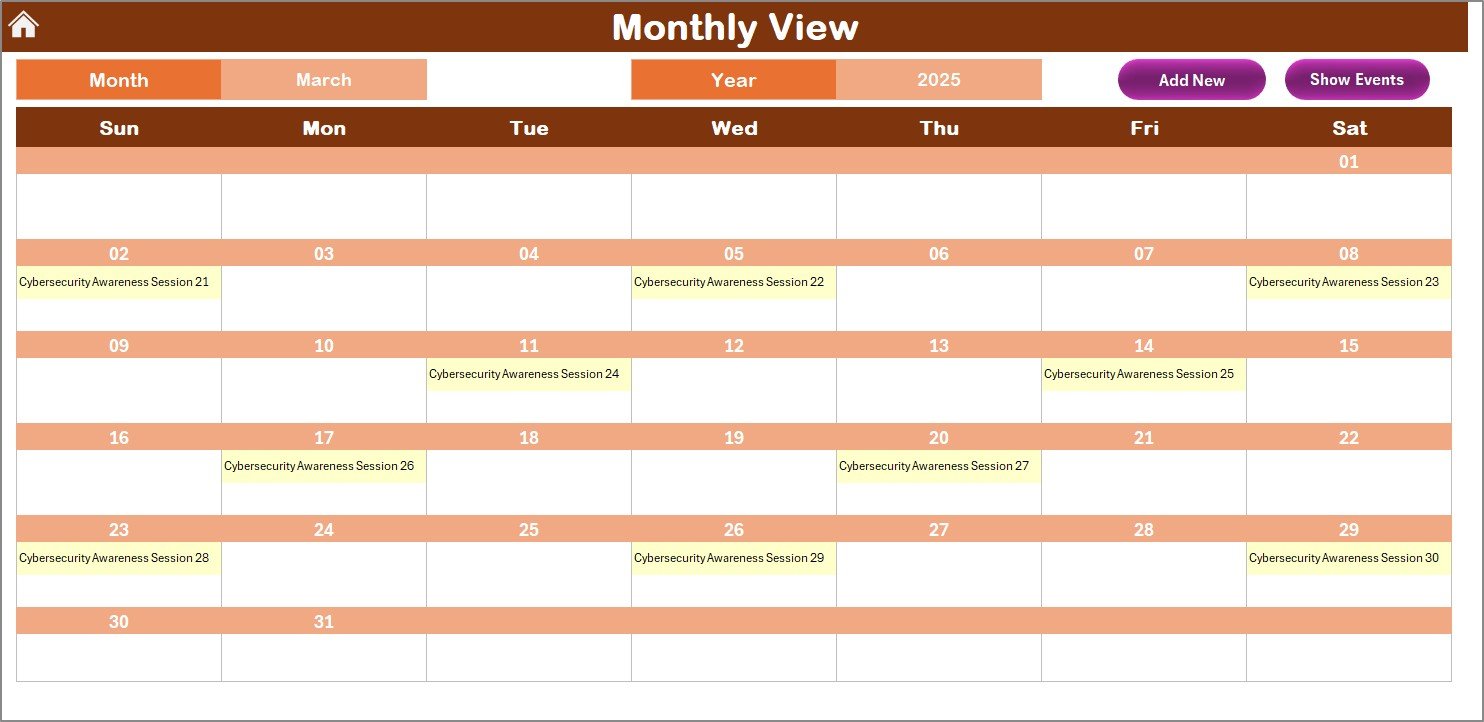
🗓️ Monthly View – A detailed monthly planner with dropdown selections for month and year, perfect for mid-level planning and tracking multiple cybersecurity activities per date.
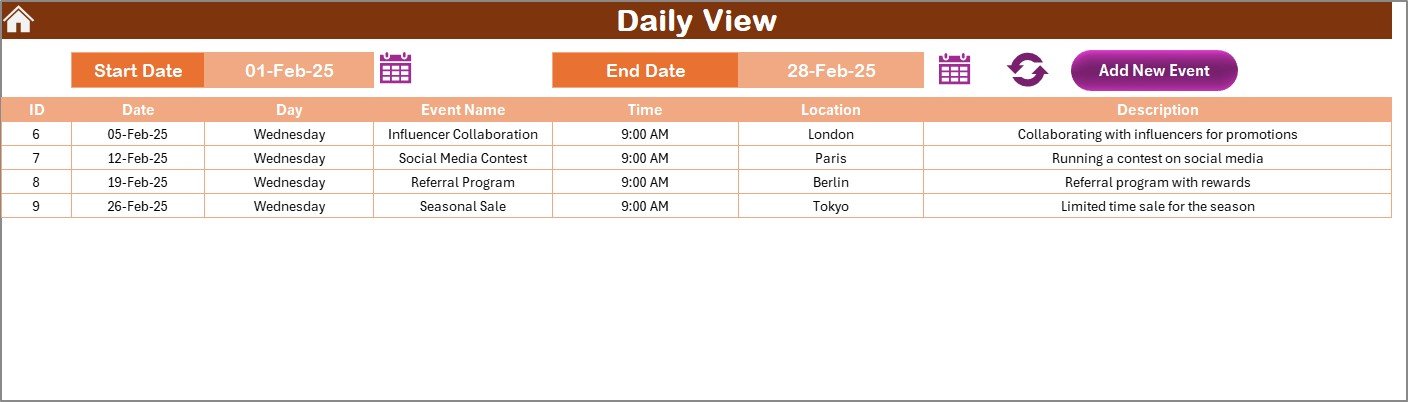
📋 Daily View – Monitor events between any two dates with calendar pickers — great for managing daily firewall reviews, backups, or endpoint tests.Healthcare IT Cybersecurity Calendar in Excel
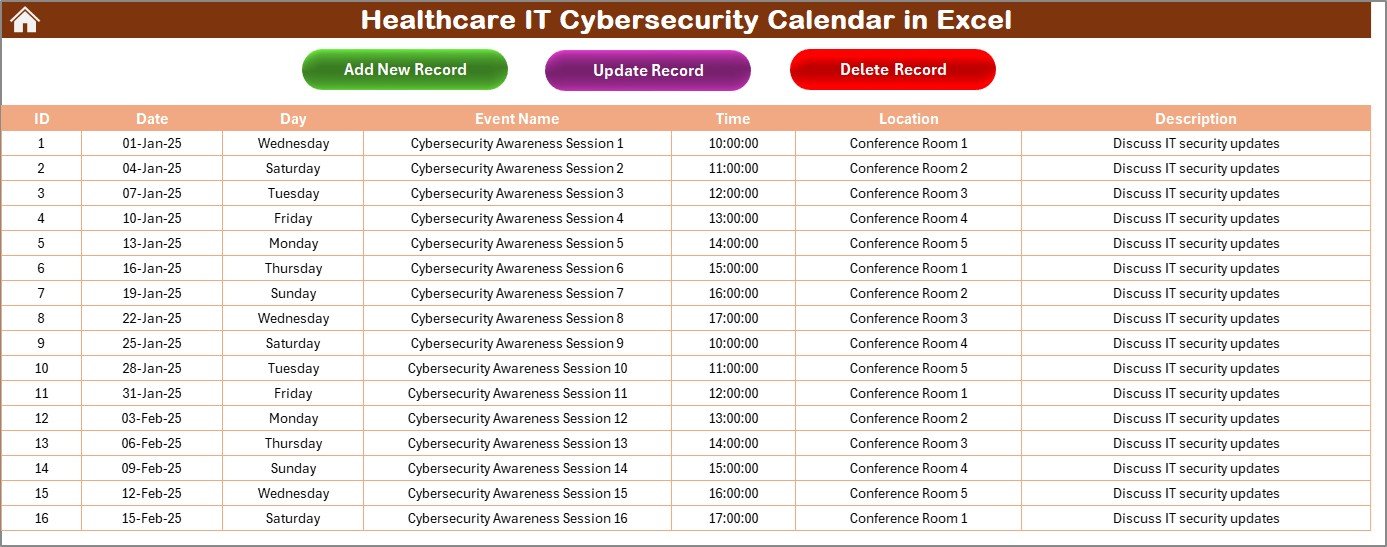
📊 Events Sheet – The master data hub storing all cybersecurity records, including event IDs, names, time, location, and descriptions, along with buttons to add, update, or delete entries.
This structured design ensures that all cybersecurity operations — from planning to reporting — remain accessible and manageable in one organized file.
🧩 How to Use the Healthcare IT Cybersecurity Calendar in Excel
1️⃣ Open the Excel file and go to the Home Sheet for quick navigation.
2️⃣ Select your Year and Month to auto-refresh the calendar view.
3️⃣ Click Add New Event to log any activity — such as an audit, training, or vulnerability test.
4️⃣ Use Show Event to review all activities scheduled for a given day.
5️⃣ Access the Events Sheet to update or delete records easily.
6️⃣ Highlight important cybersecurity activities with the Highlight Events option.
7️⃣ Review progress in the Daily View Sheet for up-to-date tracking of critical operations.
Within minutes, your cybersecurity planning becomes structured, visual, and completely automated — helping IT and compliance teams stay ahead of risks.Healthcare IT Cybersecurity Calendar in Excel
👥 Who Can Benefit from This Healthcare IT Cybersecurity Calendar
🏥 Hospitals & Clinics – Maintain audit schedules, awareness programs, and patch cycles.
💼 Healthcare IT Teams – Manage security tasks, training, and daily event tracking.
📊 Compliance & Risk Officers – Ensure timely reviews, HIPAA compliance, and data protection initiatives.
⚙️ Consultants & Healthcare Vendors – Demonstrate proactive cybersecurity management for clients.
🧑🏫 Training & Awareness Teams – Plan and monitor educational sessions that build cybersecurity culture.
This calendar is a must-have tool for any healthcare organization serious about protecting data, managing cyber risks, and maintaining patient trust.Healthcare IT Cybersecurity Calendar in Excel
Click here to read the Detailed Blog Post
















Reviews
There are no reviews yet.