

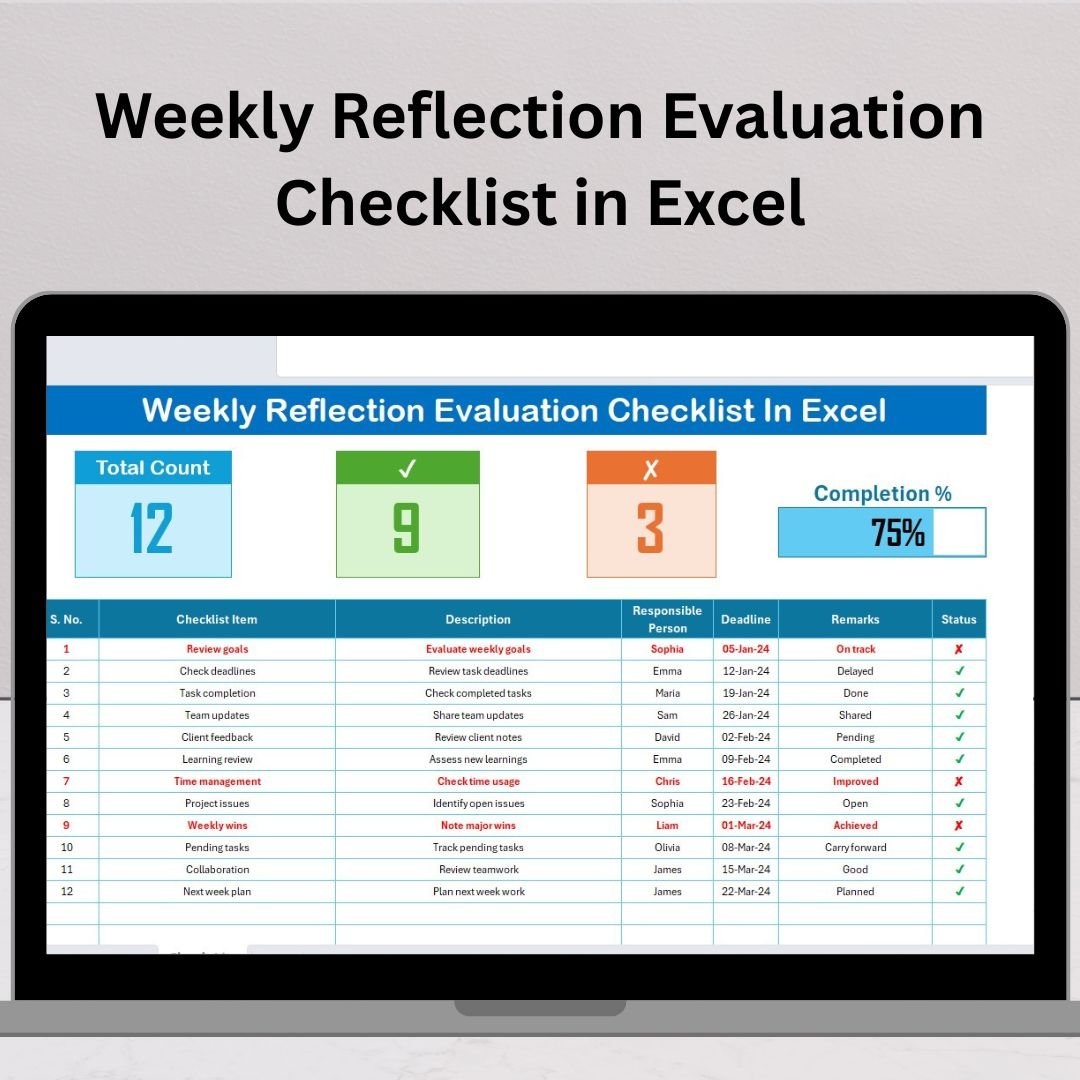
Weekly Reflection Evaluation Checklist in Excel is more than just a productivity tool—it’s your personal guide to consistent growth, better planning, and accountability. In today’s busy world, we often rush through tasks without taking the time to pause and reflect. This Excel-based template changes that by giving you a structured way to analyze your week, celebrate your wins, and identify areas that need improvement. 🚀
✨ Key Features of Weekly Reflection Evaluation Checklist in Excel
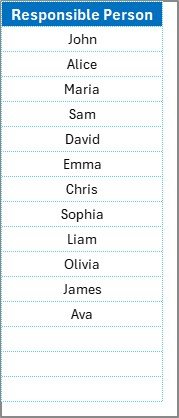
✅ Dual-Sheet Structure – Includes a main checklist sheet for tracking and a list sheet for assigning responsibilities via dropdowns.
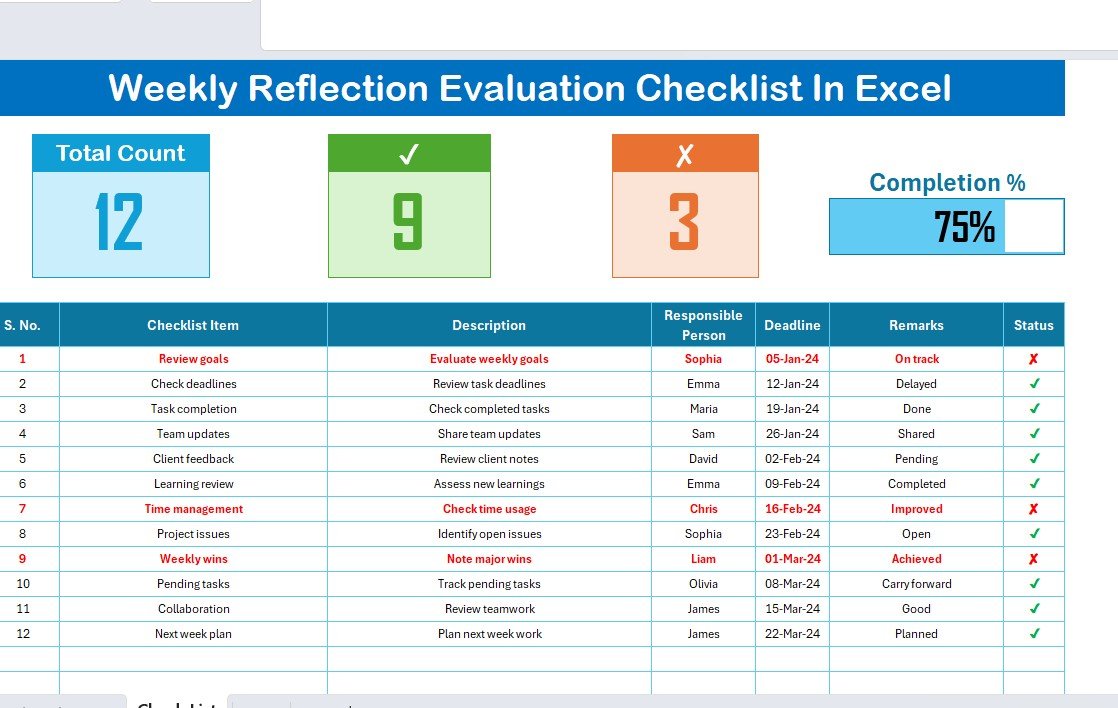
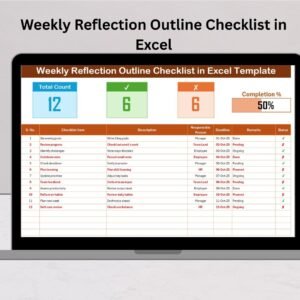
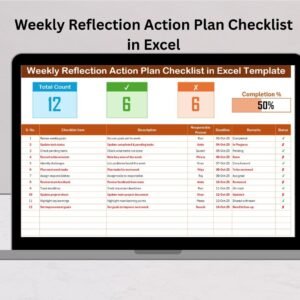
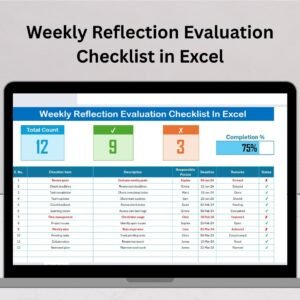
✅ Performance Cards – Instantly view Total Count, Completed Count, and Pending Count for the week.
✅ Progress Bar – A visual completion tracker that keeps you motivated.
✅ Task-Specific Fields – Capture details like Serial No., Checklist Item, Description, Responsible Person, Deadline, Remarks, and Status.
✅ User-Friendly Design – Built in Excel, easy to customize without advanced skills.
✅ Clarity & Accountability – Assign tasks, set deadlines, and review progress in a clear, structured way.
📂 What’s Inside the Weekly Reflection Evaluation Checklist
When you download this template, you get:
Main Checklist Sheet: Track all weekly items with clear columns and checkboxes.
List Sheet: Maintain a unique list of responsible persons to assign tasks effortlessly.
Built-In Visuals: Cards and progress bars to reflect real-time progress.
Editable Fields: Adjust the template to suit personal, academic, or professional needs.
Status Options: Mark ✔ for completed and ✘ for pending, ensuring quick visual clarity.
🛠 How to Use the Weekly Reflection Evaluation Checklist
List Weekly Tasks – Enter your goals, tasks, or responsibilities.
Assign Responsibilities – Select a name from the dropdown in the Responsible Person column.
Set Deadlines – Enter realistic due dates for each task.
Track Progress – Use the ✔ or ✘ status to mark tasks as complete or pending.
Review Results – Instantly see Completed vs. Pending counts and your weekly progress percentage.
Reflect & Improve – Use the Remarks column to jot down lessons learned and changes needed for the next week.
This repeatable weekly cycle builds discipline and transforms your routine into measurable success.
👥 Who Can Benefit from This Checklist?
🎓 Students – Track assignments, study goals, and projects effectively.
💼 Employees – Reflect on deadlines, daily tasks, and workplace productivity.
👨💼 Managers – Review team performance, distribute work, and monitor accountability.
👩💻 Freelancers – Track multiple client projects and personal objectives.
🏢 Small Businesses – Monitor weekly operations, goals, and outcomes.
Whether you are managing personal goals or leading a team, this tool adapts to your needs.
Why Choose This Template?
Unlike random notes or apps, the Weekly Reflection Evaluation Checklist in Excel provides structure, simplicity, and measurable progress. By reflecting weekly, you can:
Stay consistent with your goals.
Be accountable for your actions.
Gain clarity on strengths and weaknesses.
Improve productivity by identifying gaps early.
Stay motivated with visual indicators of progress.
This template ensures that your reflection habit is easy, practical, and effective.

























Reviews
There are no reviews yet.