


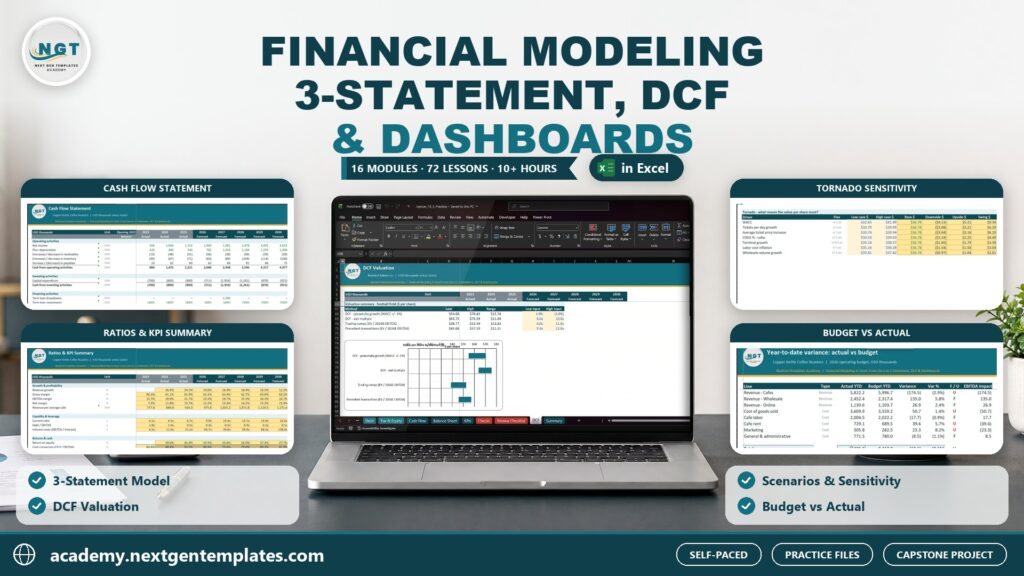
The Annual Financial Review Checklist Template is an essential tool for individuals and businesses looking to assess their financial health at the end of each year. This customizable Excel checklist helps you organize and evaluate your financial position, track your expenses and income, and make informed decisions about savings, investments, and future goals.
With a simple and easy-to-use format, this checklist ensures that you stay on top of your finances and identify areas for improvement. By following the checklist, you’ll be able to review key financial metrics, set new goals, and create a solid plan for the upcoming year.
Key Features of the Annual Financial Review Checklist Template
📊 Comprehensive Financial Assessment
Evaluate all aspects of your financial situation, from income and expenses to savings, investments, debts, and more. Get a complete picture of your financial health.
⚡ Real-Time Financial Monitoring
Track your income, expenses, savings, and investments throughout the year. Regularly update the checklist to stay on top of your finances and make adjustments as needed.
📈 Expense and Income Categorization
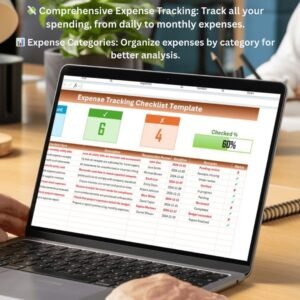
Categorize your income and expenses to get a better understanding of where your money is coming from and where it’s going. This will help you identify areas to cut costs or increase savings.
📅 Customizable Financial Goals
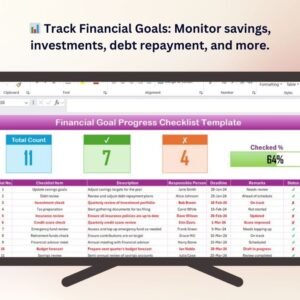
Set financial goals for the upcoming year, including savings targets, debt reduction plans, and investment goals. Tailor the checklist to your unique financial situation.
🖥️ User-Friendly Interface
The intuitive design makes it easy to log, track, and analyze your financial data. Whether you’re tracking personal finances or managing a business, this checklist is easy to use and accessible for everyone.
Why You’ll Love the Annual Financial Review Checklist Template

✅ Stay Organized and Informed
Track and manage your finances with ease. Stay organized by reviewing your financial health, setting goals, and creating a plan for the upcoming year.
✅ Monitor Your Progress
Regularly track your financial activities, income, and expenses. Stay updated on your progress and adjust your financial strategies as needed.
✅ Categorize Expenses and Income
Organize your finances into categories to better understand your cash flow and identify areas for improvement.
✅ Set Financial Goals for the New Year
Create realistic financial goals for the upcoming year and track your progress toward achieving them.
✅ Simplify Financial Planning
With everything organized in one place, you can easily review and adjust your financial strategies, helping you make better financial decisions.
What’s Inside the Annual Financial Review Checklist Template?
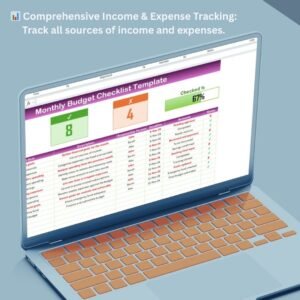
- Income & Expense Tracker: Track all income and expenses throughout the year and categorize them for better insights.
- Savings & Investment Review: Monitor your savings goals and investment progress, ensuring you’re on track for future financial success.
- Debt Management: Track your debts, including balances, interest rates, and payment schedules, to make a plan for debt reduction.
- Financial Goals Setting: Set new financial goals for the upcoming year, including savings targets, debt reduction, and investment goals.
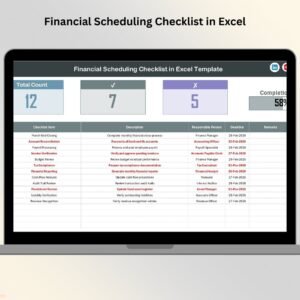
- Annual Progress Dashboard: A visual dashboard summarizing your income, expenses, savings, and investments for the year.
- Customizable Sections: Modify the checklist to fit your unique financial needs, whether personal or business-related.
How to Use the Annual Financial Review Checklist Template
1️⃣ Download the Template: Instantly access your annual financial review checklist.
2️⃣ Input Your Financial Data: Add your income, expenses, savings, and debts to get an overview of your financial health.
3️⃣ Set Financial Goals: Establish new financial goals for the upcoming year based on your current situation.
4️⃣ Track Progress: Use the dashboard to track your progress toward your financial goals and make adjustments as necessary.
Who Can Benefit from the Annual Financial Review Checklist Template?
🔹 Individuals Managing Personal Finances
🔹 Small Business Owners & Entrepreneurs
🔹 Financial Advisors Assisting Clients with Year-End Reviews
🔹 People Looking to Set Financial Goals for the Upcoming Year
🔹 Anyone Interested in Reviewing and Improving Their Financial Health
Take control of your finances and plan for a successful future with the Annual Financial Review Checklist Template. Stay organized, track your progress, and set achievable financial goals for the upcoming year.
Click here to read the Detailed blog post
Visit our YouTube channel to learn step-by-step video tutorials
Youtube.com/@PKAnExcelExpert
Compatibility and Requirements
- Works in Microsoft Excel desktop (Excel 2016 or later, or Microsoft 365).
- If you want to restyle the annual progress dashboard, Microsoft explains Excel charts in Create a chart from start to finish.
Frequently Asked Questions
What does the checklist cover?
Income, expenses, savings, investments, debts and your goals for the next year.
Can I track my debts in it?
Yes. The debt section records balances, interest rates and payment schedules so you can plan debt reduction.
Is there a summary of the year?
Yes. An annual progress dashboard sums up your income, expenses, savings and investments for the year.
Is it for personal or business finances?
Both. You can use it for household money or for a small business review.
Can I change the sections?
Yes. You can edit the sections to fit your own finances.
Related Financial Planning Templates
- Annual Financial Review Checklist in Google Sheets: the same checklist in Google Sheets
- Personal Finance Tracker in Excel: tracks money in and out through the year
- Monthly Budget Tracker in Microsoft Excel: a month by month budget
- Monthly Budget Planner Template in Excel: plans spending before the month starts
- Checklist & SOP Pack: 12 premium Excel and Google Sheets checklists in one bundle
Browse all Excel checklists or the Excel financial tools.















Reviews
There are no reviews yet.